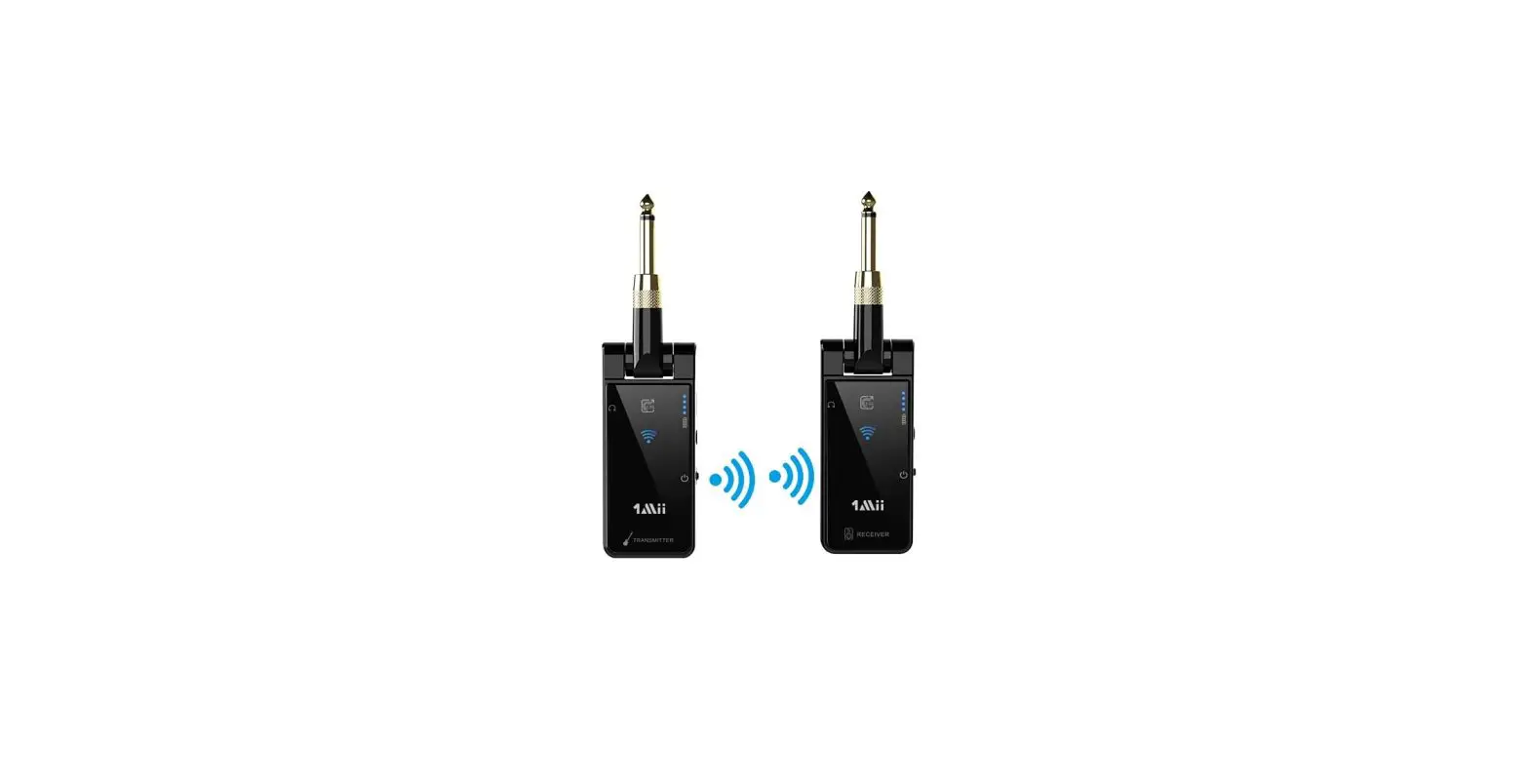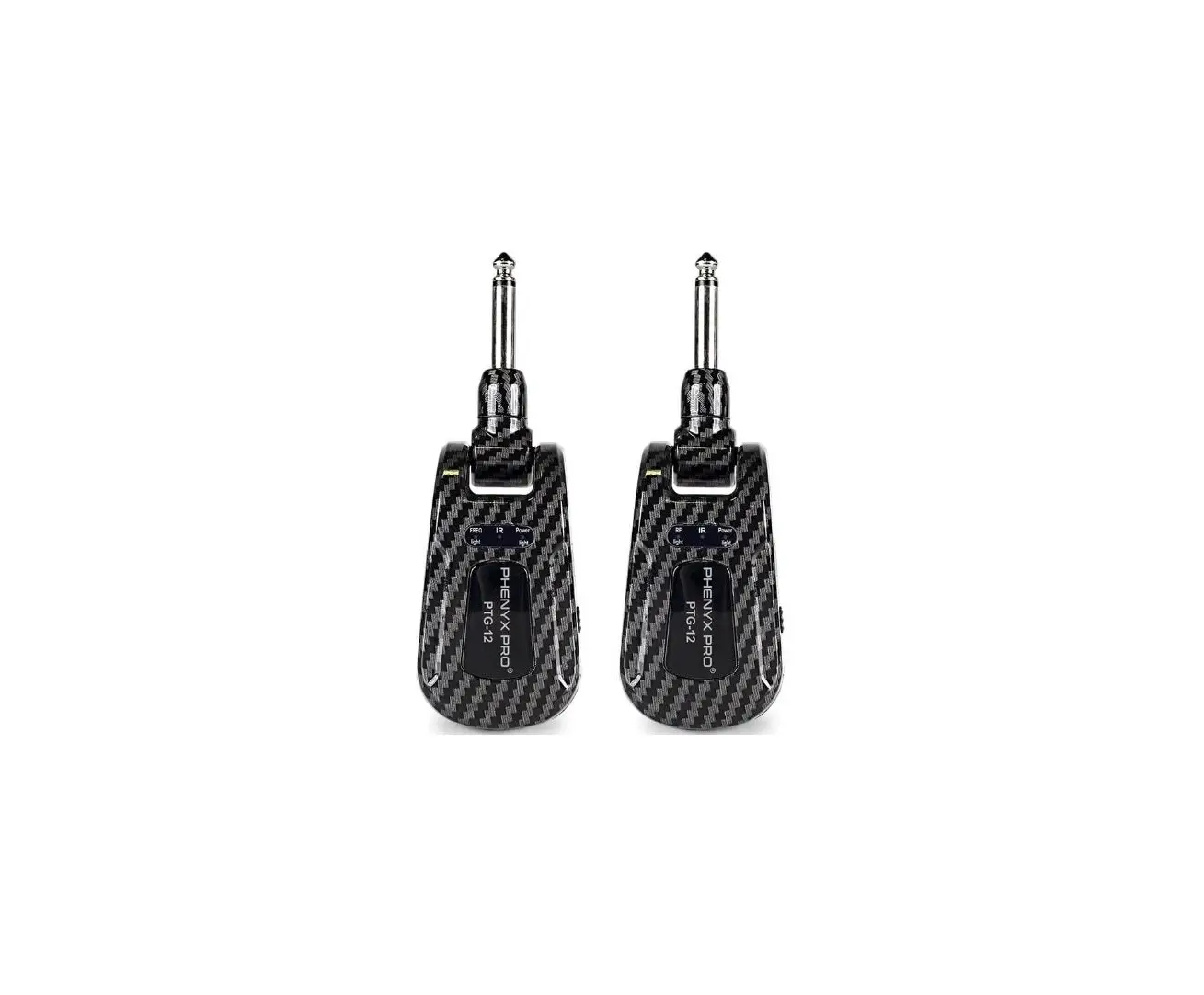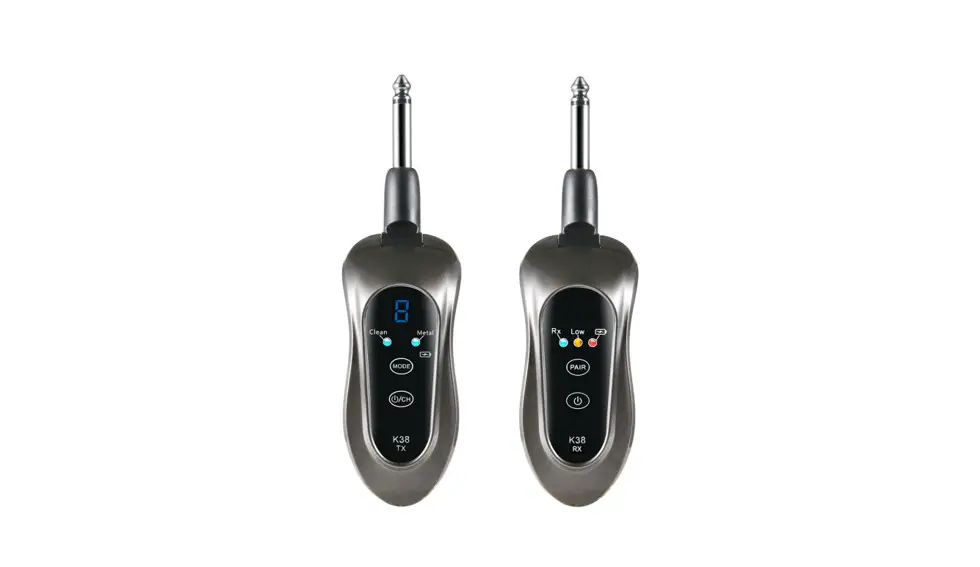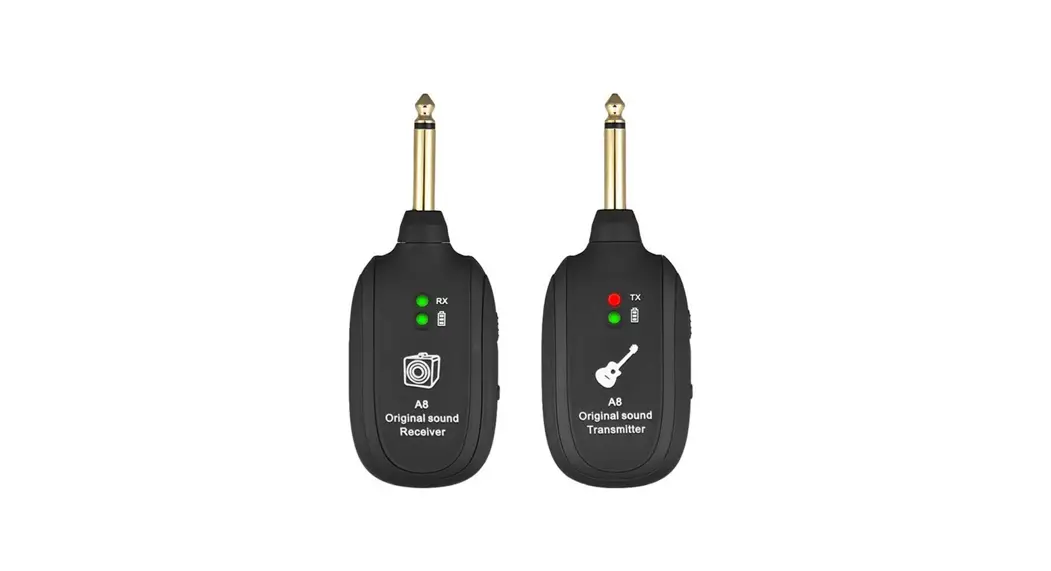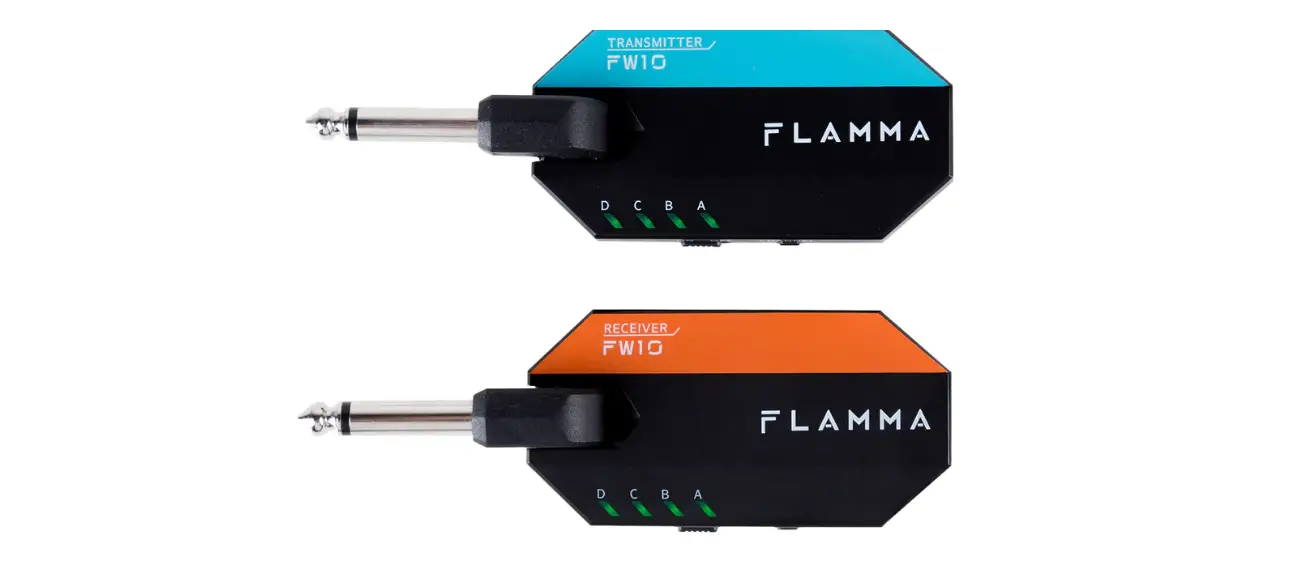

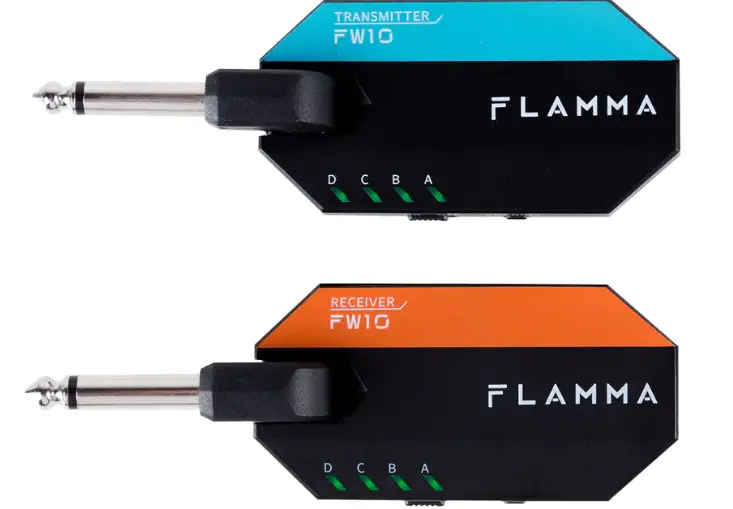
FLAMMA FW10 Digital Wireless Guitar System
PRECAUTION
Power Supply
720mah chargeable lithium battery for power supply. Please utilize the USB cable comes with the unit for charging.
Location
To avoid deformation, discoloration, or other serious damage, do not expose this unit to the following conditions:
- Direct sunlight
- Heat sources
- Magnetic fields
- Extreme temperature or humidity
- Excessive dusty or dirty location
- High humidity or moisture
- Strong vibrations or shocks
Radio Frequency Interference
FW10 is based on 2.4 GHz radio frequency data transmitting. Similar devices with this technology can interfere when close. Please keep receiver at least 3 meters away from other devices, such as a WIFI router, to avoid signal interference.
Cleaning
Clean only with a soft, dry cloth. If necessary, slightly moisten the cloth.
Do not use abrasive cleanser, cleaning alcohol, paint thinners, wax, solvents, cleaning fluids, or chemical-impregnated wiping cloths.
MAIN FEATURES
- Complete wireless guitar system with 4 different channels.
- Less than 5ms signal latency
- Signal transfer distance up to 45 feet
- 5-hour long battery life with power saving design
- Easy plug and play design with support for electric guitar and acoustic instruments with piezo-electric pickups.
- Lightweight, portable and compact size.
LAYOUT
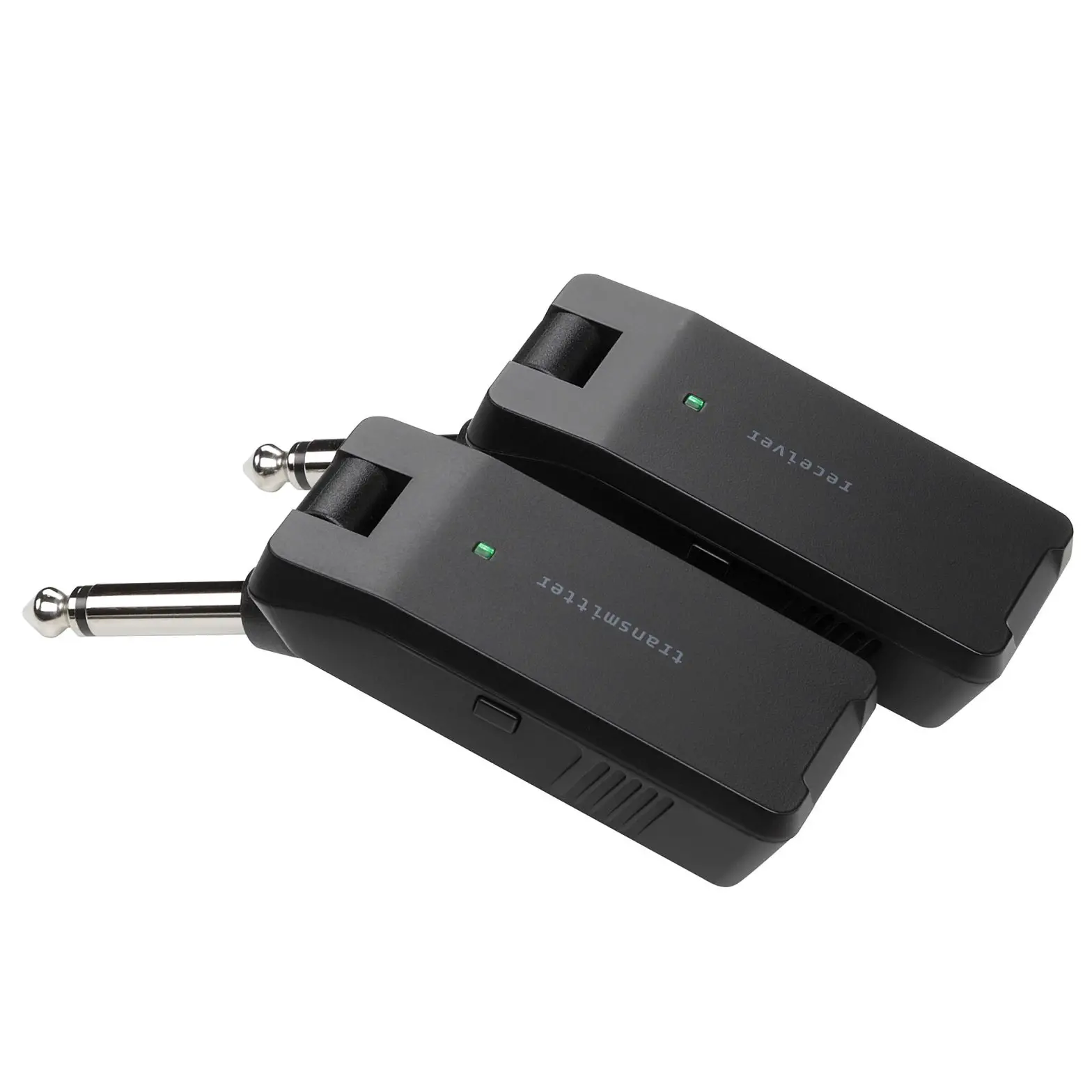
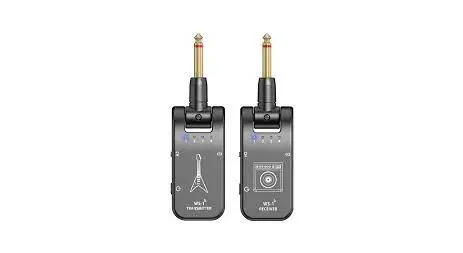
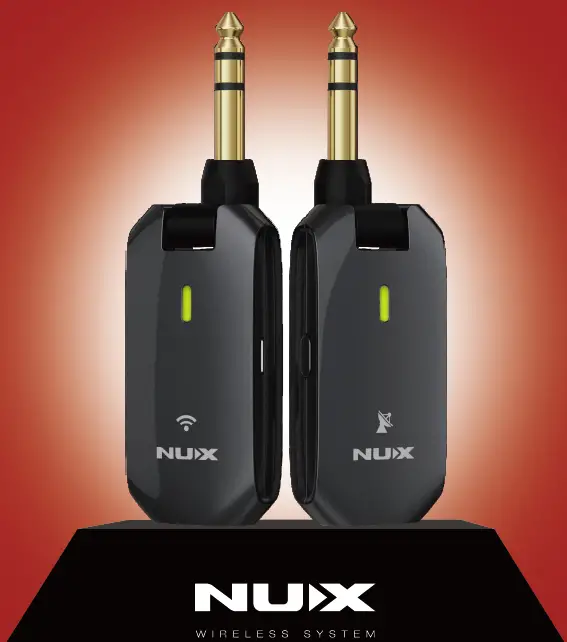
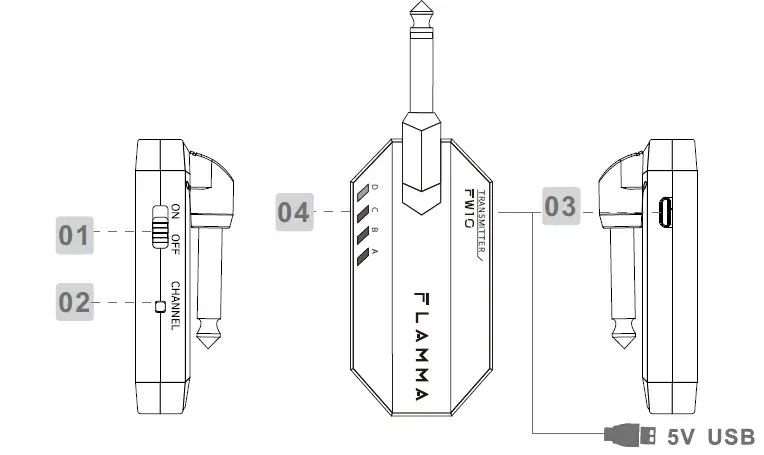
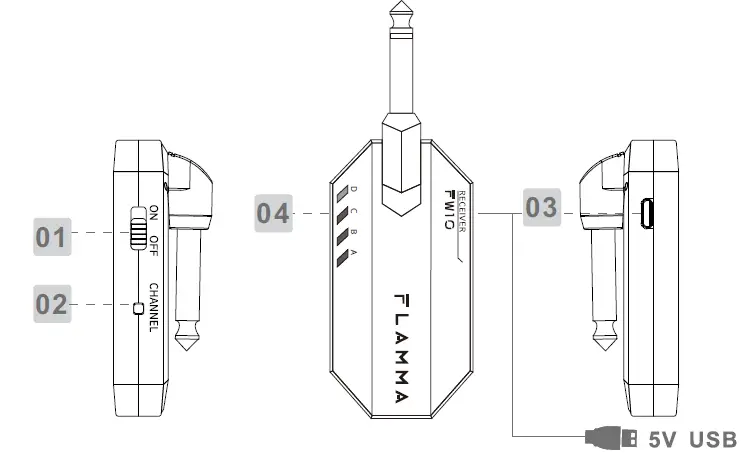
- Power Switch: Slide to power on/off
- Channel Switch: Select between 4 channels.
- USB Port: For USB power supply, please utilize the USB cable that comes with the unit to charge.
- Channel LED: Indicates the currently activated channel. The LED light will show the current battery life when it is powered on.


QUICK GUIDE
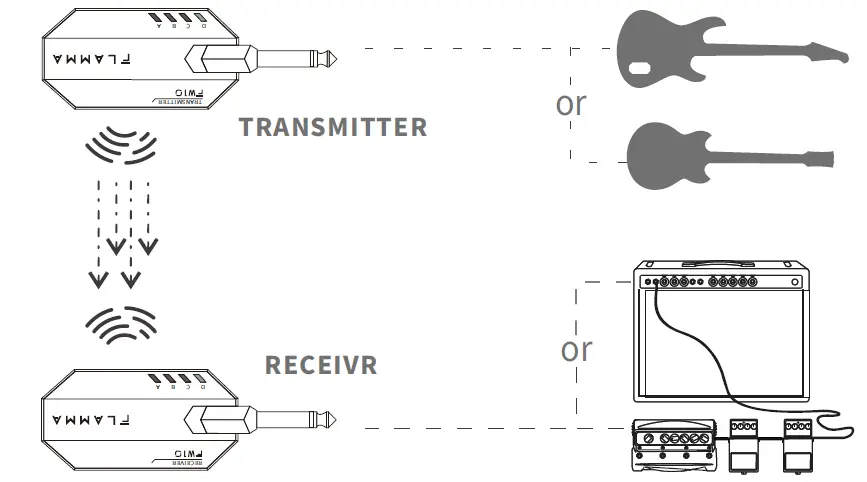
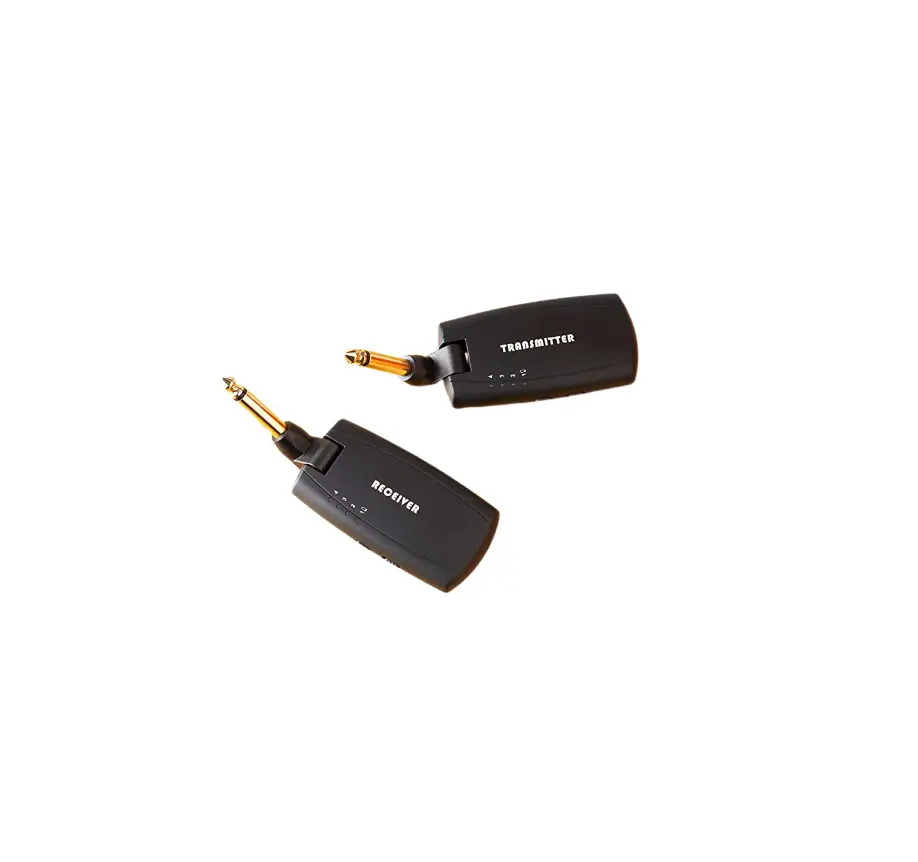
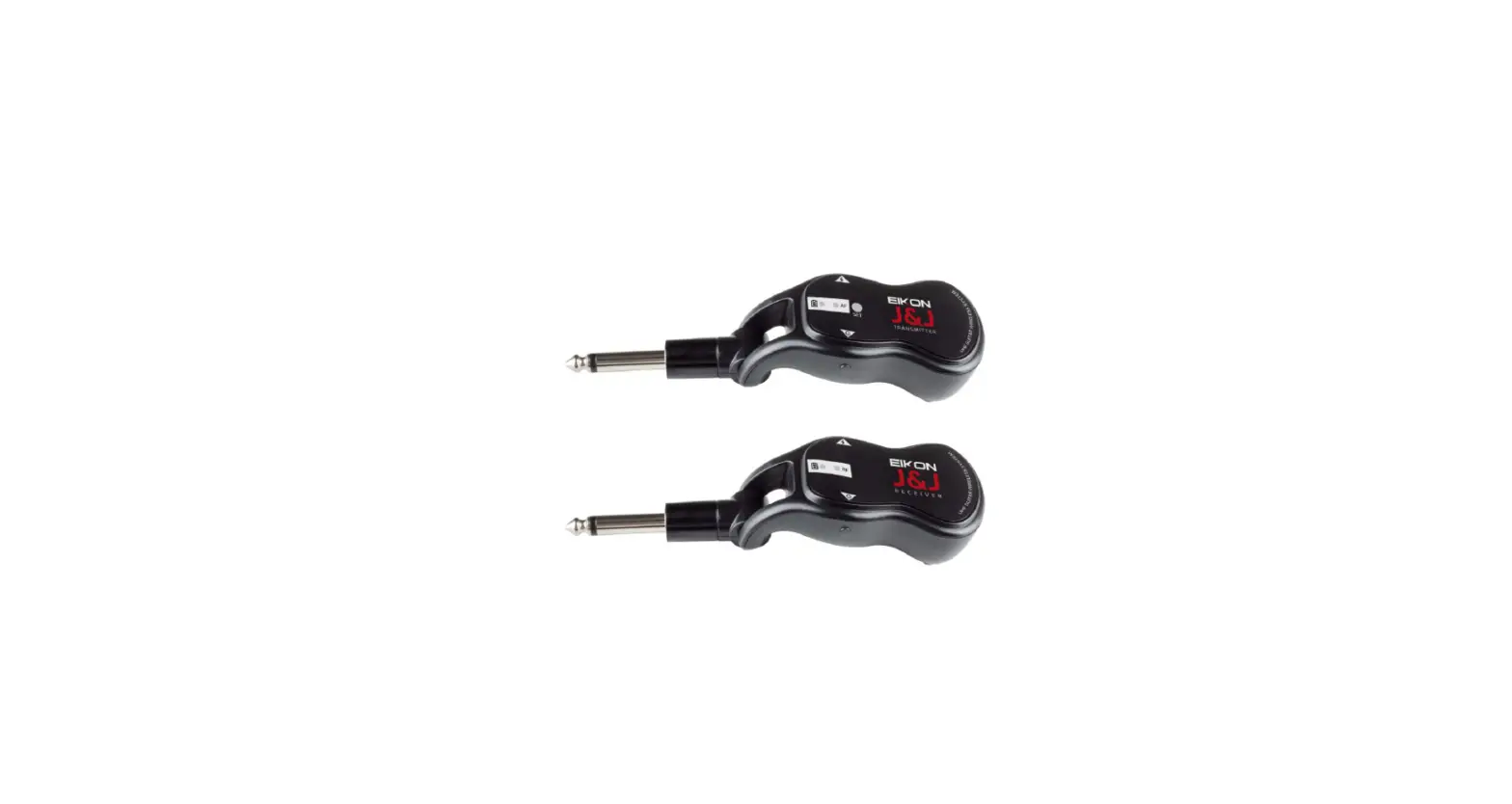
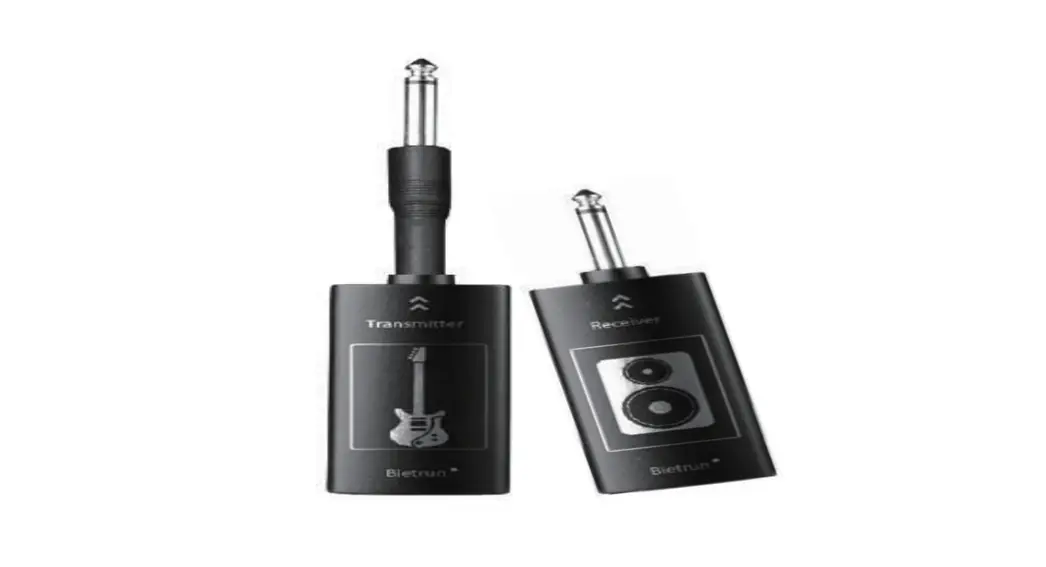
- Plug FW10 TRANSMITTER into your instrument. Plug RECEIVER into the input of the amplifier or stomp box.
- Turn on TRANSMITTER and RECEIVER.
- The default channel is Channel 1. Please set the TRANSMITTER and RECEIVER to the same channel.
- LED light will stay green when the connection is stable. LED light blinks when the connection is weak. Please change the current channel or check for electromagnetic interference to prevent from signal interruption.
- Please utilize the USB cable that comes with the unit to charge.
TIPS
- Change channel to avoid interference
FW10 has 4 individual signal channels, allow 4 pairs of Transmitter and Receiver to work simultaneously. Multi-channel design allows users to change to alternative channels when the connection becomes weak or affected by electromagnetic interference. - Plug-and-Play
Users can simply power on the unit, plug in, and enjoy. - Multi-Receiver
FW10 allows pairs of receivers to share one single transmitter. For example, Users could utilize FW10 to build real stereo amplifier set up with one Transmitter and two Receivers plugged into two amplifier, they should be all in the same channel. - Power Saving Mode
FW10 will automatically change to Power Saving Mode after being 10 seconds without receiving any signal, to saving power and cut the background noise. FW10 will exit Power Saving Mode as soon as it receives signal again. - Charge
FW10 allows being charging by a USB power supply. The cable included with the unit can be used to charge two devices simultaneously with the USB ports on your computer or through a wall charger. Low-quality third-party cables may cause charge issues - Position
FW10 can be adjusted the angel of the Transmitter and Receiver to achieve the best result. - Antenna
The Antenna is located at the bottom of FW10. For best results, we recommend not covering the bottom of the unit
SPECIFICATIONS
- Effective Distance:15 meters
- Latency: Less than 5ms
- Frequency Response:20-20K Hz,+1dB/-3dB
- Total Harmonic Distortion:<0.05%(1K Hz @-10dbFS)
- Input Dynamic:>103dB
- Frequency Band :2.4G Hz ISM Worldwide
- Working Temperature:-10 C to 50 C
- Bit Deep:24bit Sample Rate: 48KHz
- Dimension: 117mm(D)*40mm(W)*25mm(H)
- Weight:0.1005kg
- Accessories: USB cable, Safety Instruction & Warranty Card, Sticker, quick guide