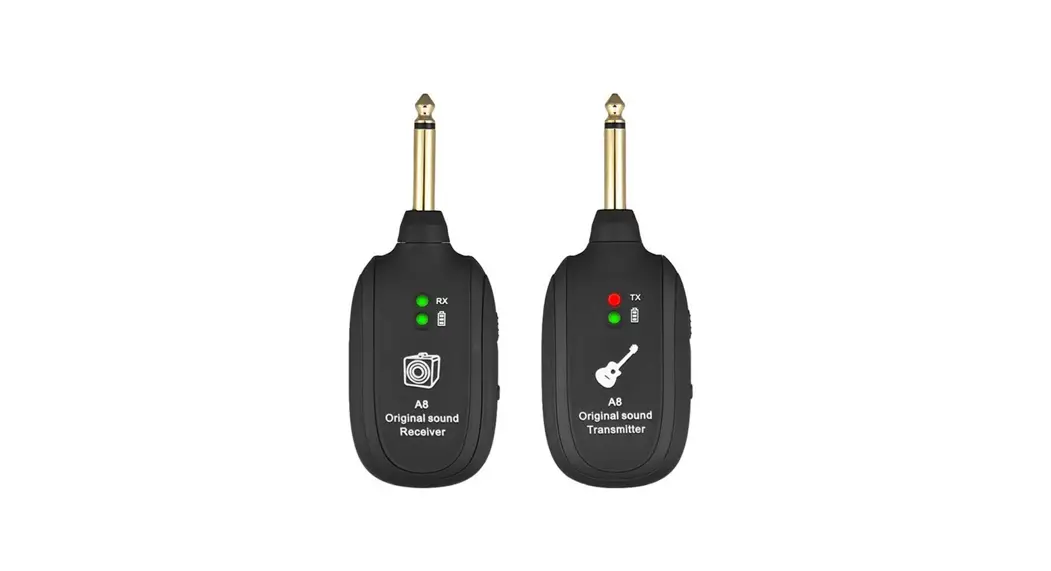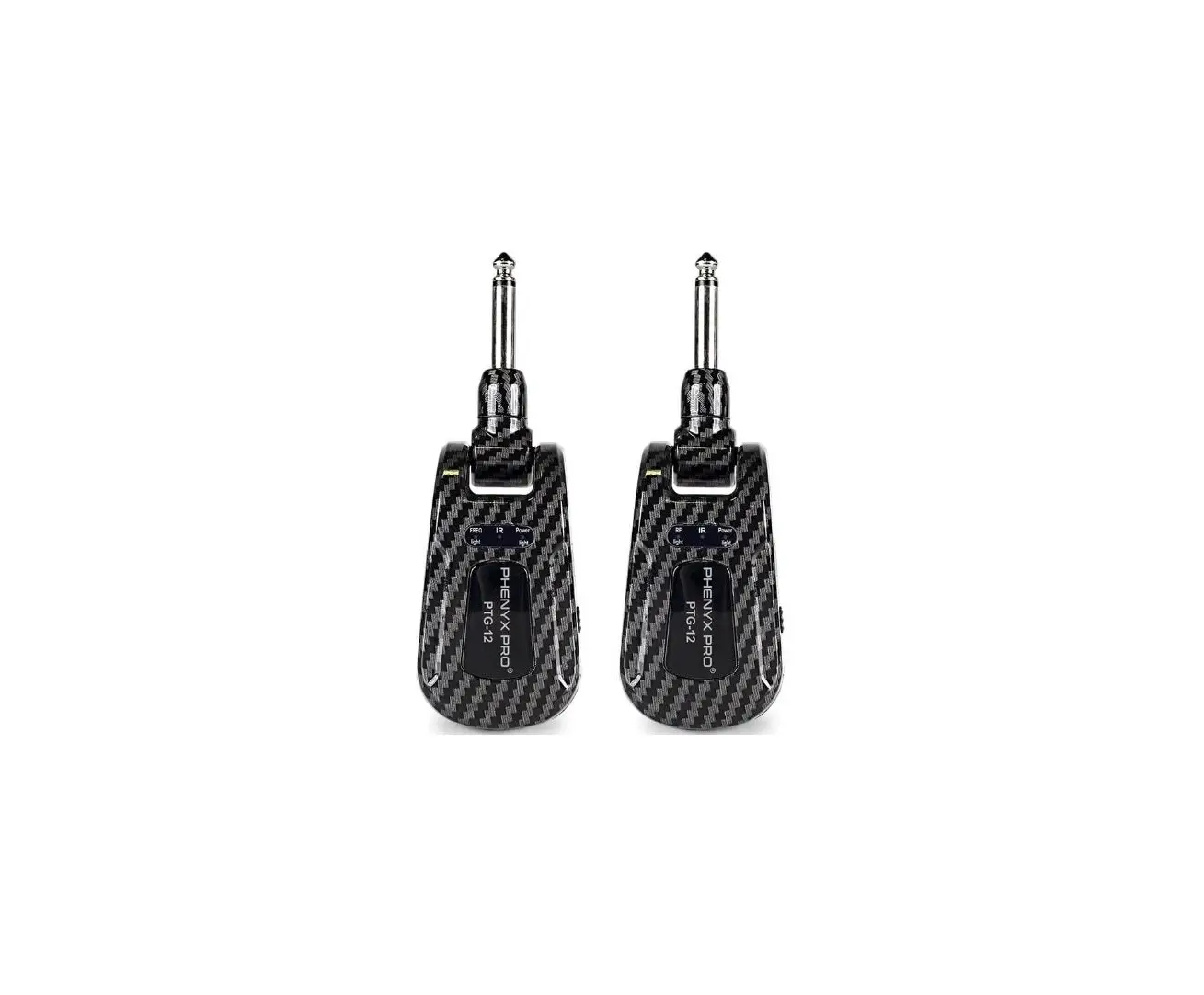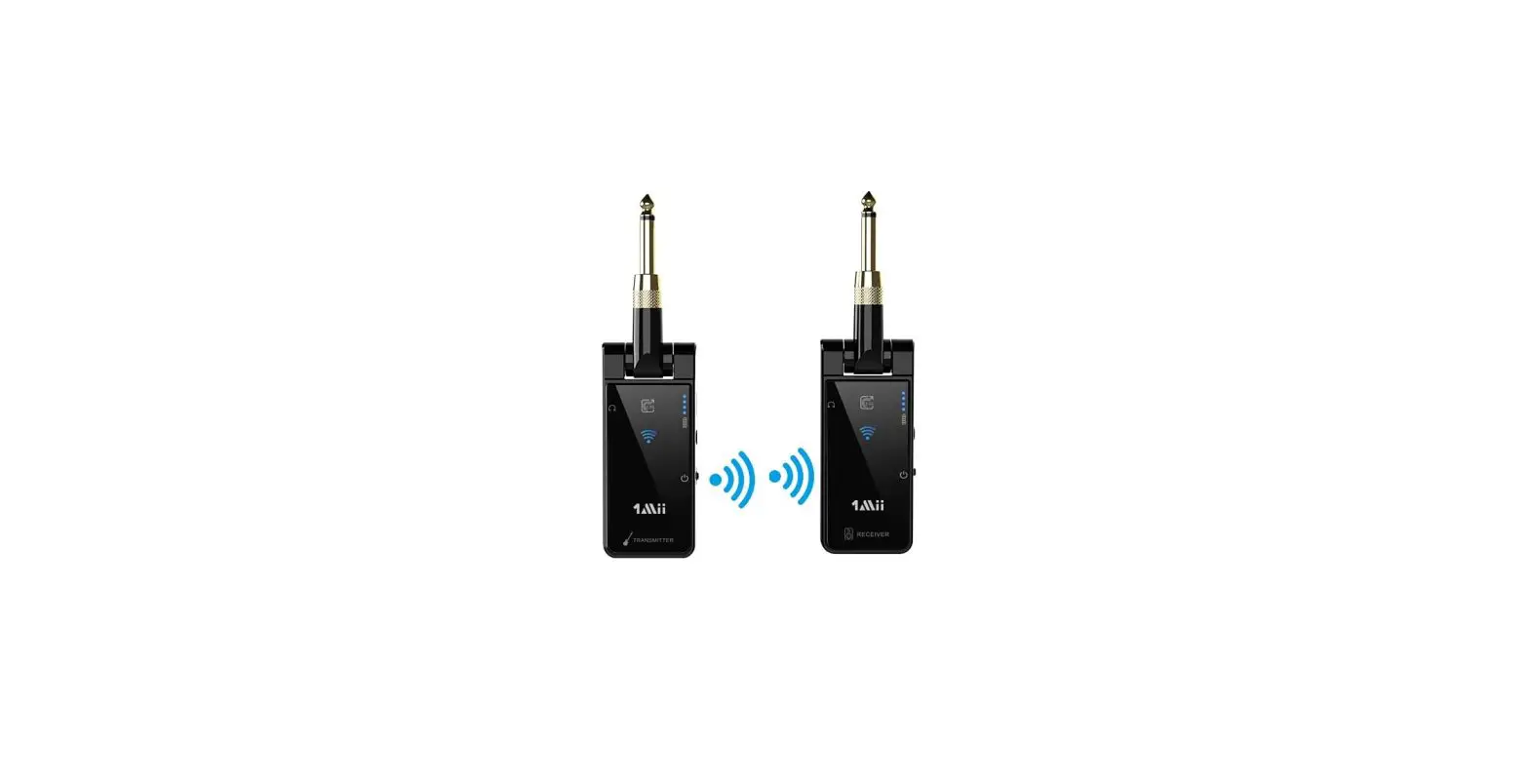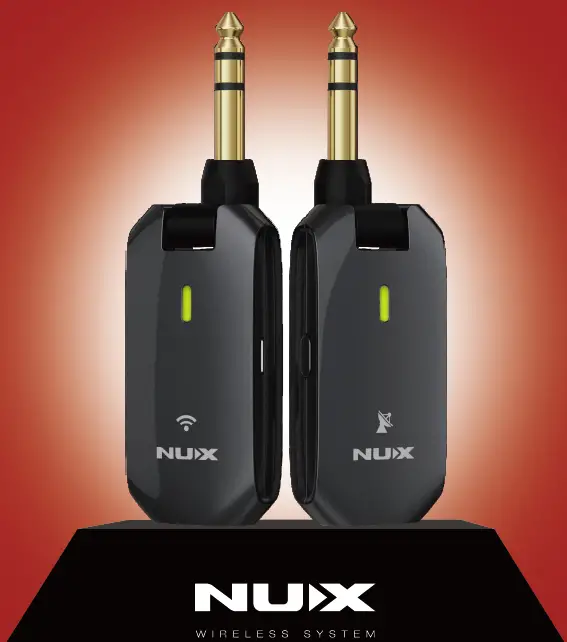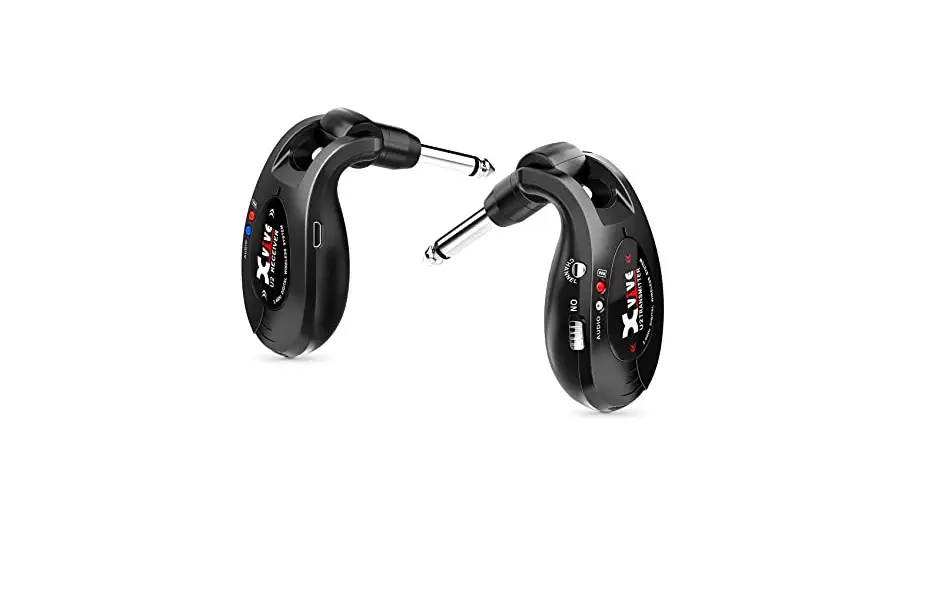
Portable wireless Guitar effector
K38
Features
- UHF wireless ID pairing technology, support 10 channels, and support multiple sets using in a band simultaneously.
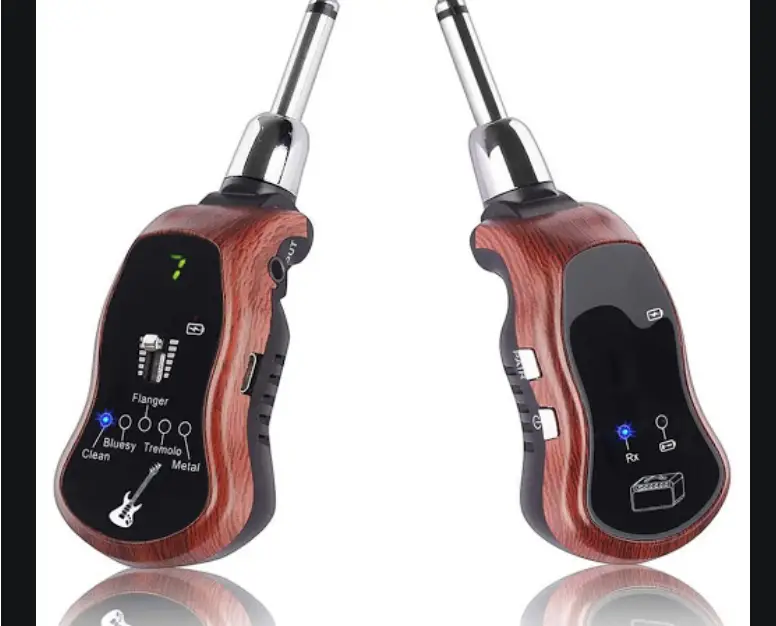
- Professional guitar effects: original clean, metal.
- The TX supports power saving function. It will be turned off automatically if do not play guitar more than 5 minutes.
- Applicable field: picnic party, stage performance, warm-up exercises before show, etc.
Introduction
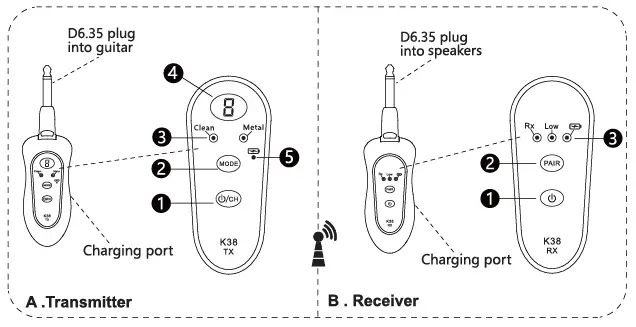
A.Transmitter
- “
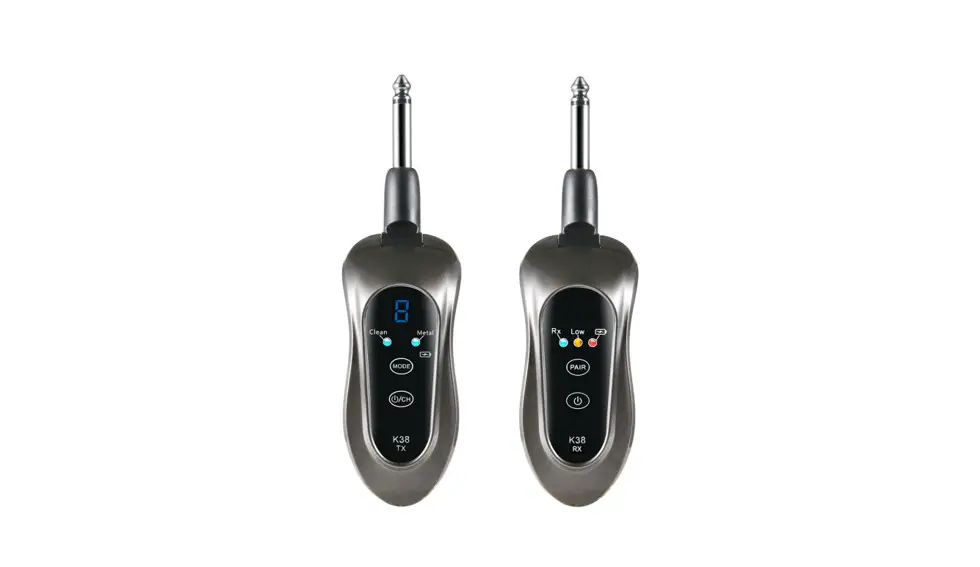
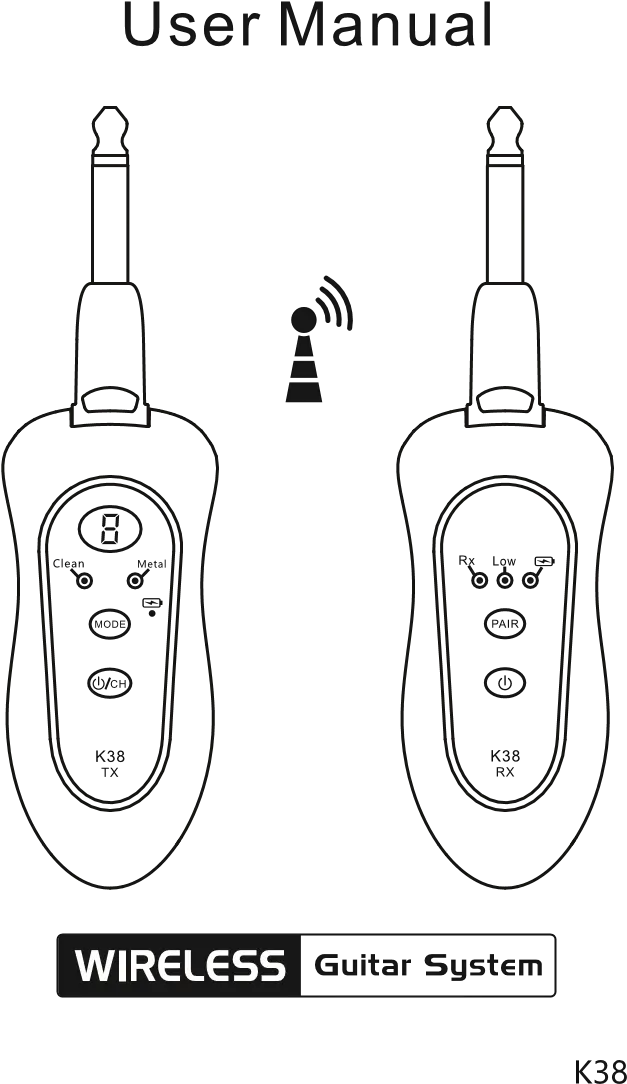
 /CH”: Long press it to turn on or off. After a short press, the channel will be changed between 0 to 9 , the channel of RX will follow it automatically.
 - MODE: Effect MODE key, short press it, the guitar sound effects will be changed circularly as below: clean-metal. And the corresponding effect LED will be lit.
- Effect mode LED : clean—metal. It supports memory function after power off.
Note: Please turn down the volume of guitar or speakers appropriately if the “metal” effect or others cause noise. - Work channel: It means TX low battery when the LED screen is flashing. Please charge it in time.
- Charging LED : The red charging LED will light up when it’s charging, it will go out after charging finished.
 /CH”: Long press it to turn on or off. After a short press, the channel will be changed between 0 to 9 , the channel of RX will follow it automatically.
B. Receiver
- “” : Long Press it to turn on or off.
- “PAIR”: Hold press “PAIR” key firstly when RX is turned off, then long press power button for 3 to 5 seconds, RX cancel ID pairing is finished.
- Indicator LED:
Rx: Receiving LED;
Low: The orange light flashes means it is low battery;
“ “: The red LED will light up when it’s charging. Then LED will go out after charging finished.
 ” : Long Press it to turn on or off.
 “: The red LED will light up when it’s charging. Then LED will go out after charging finished.
Using steps
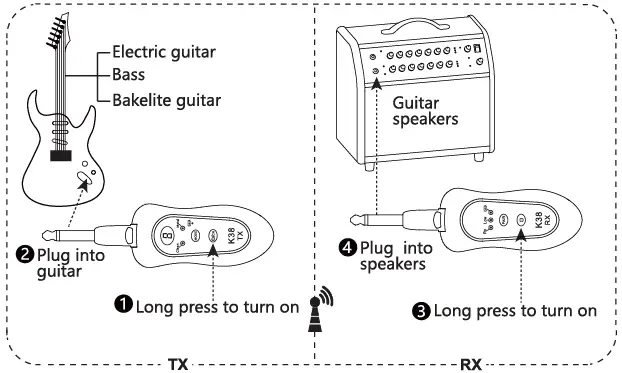
Pairing operation
ID pairing:
A. Hold press TX’  /CH ” and MODE keys at the same time in shutdown state. Release it when LED screen flashes and shown “P”, it means TX entering the ID pairing state;
B. Long press ‘‘ button of then “RX” to turn on, the “RX” LED would flash 3 times and then go out;
C. Short press ’ /CH ‘ button of the ‘TX’ again for confirmation, and the LEDs of both TX and RX are lit, ID pairing is finished.
The function of pairing:
Both TX and RX are identified uniquely for each other. Support multiple sets using in a band simultaneously.
D. Cancel ID pairing :
TX: when it is needed to cancel ID pairing, hold press TX “CH” and “MODE” buttons at the same time. When the LED screen shows “ ” and flashes 3 times, then recover to normal display, TX cancel ID pairing is finished.
RX: Hold press ” PAIR ” key firstly when RX is turned off, then long press ‘O ‘ button for 3 to 5 seconds, RX cancel ID pairing is finished.
Tips:
please stagger the channels on each transmitter to ensure the sound quality of wireless transmission when several sets of ’ K38′ work simultaneously.
Key parameters
Work channels: 10
Power supply: built-in Li battery
Wireless distance: about 50 feet
(Please note that environmental and external interference may cause some diffe Fences.)
Pack list
K38 transmitter————- 1
K38 receiver—————– 1
USB charging cables——- 1
User Manual—————-1
PU leather bag———— -1
Wireless Guitar System K38 User Manual – Download [optimized]
Wireless Guitar System K38 User Manual – Download