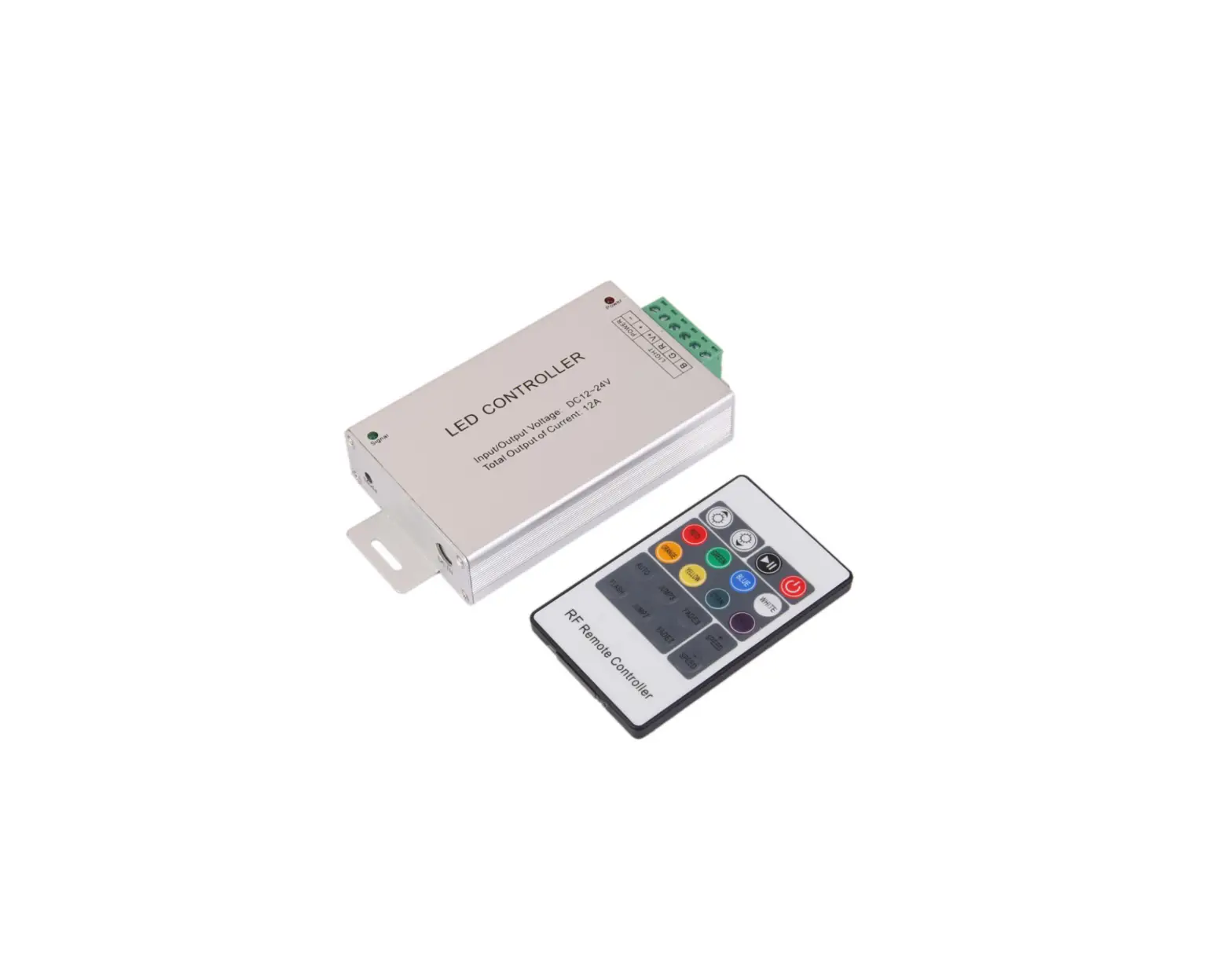
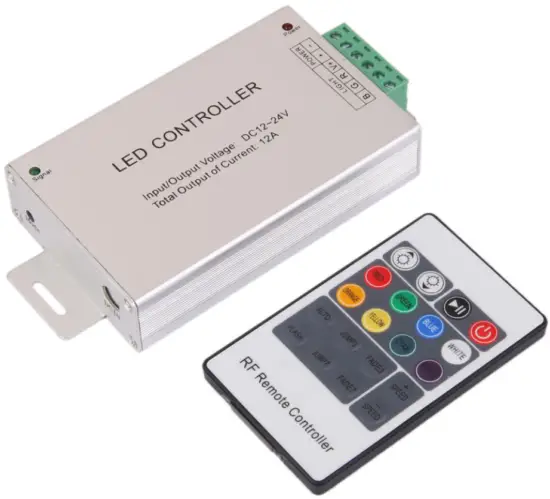
IDS 20-Key Wireless RF Remote Controller
Product Specifications
Summarization
The wireless 20-key controller adopts a control chip to control various lamps with LED as the light source, Is used to control a variety of led lamps as the light source, For instance, point source of light, flexible light strip, wall washer lamp, glass curtain wall light and so on; With competitive price, easy wiring, simple to use etc.
Technical parameters
- Working temperature:-20-60℃
- Supply voltage:3V
- Output:1channels
- Connection method: Common anode
- Net weight:50g
- Gross weight:70g
- Static power consumption:<1W
- Output curren:<2A
Interface Specifications
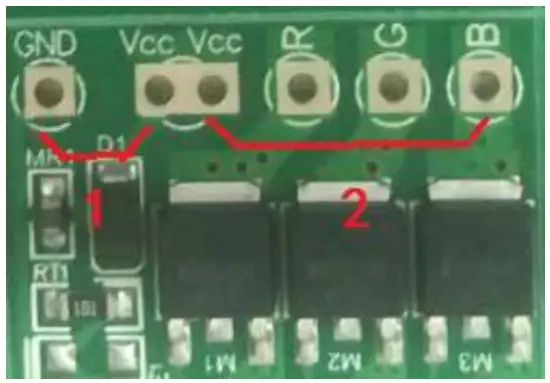
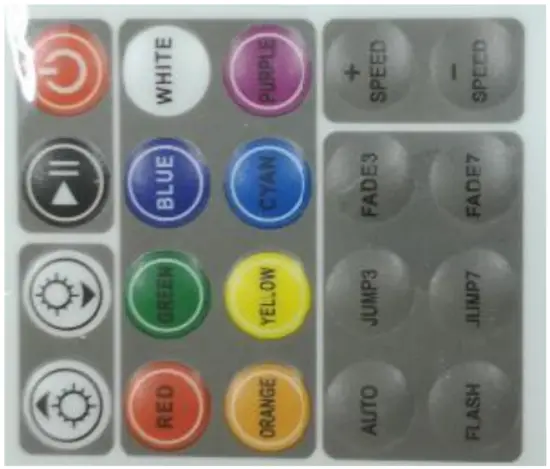
- INPUT: DC Power supplyVcc is positive electrode GND is negative electrode
- OUTPUT: Load light stripVccis positive electrode R,G,B is negative electrode
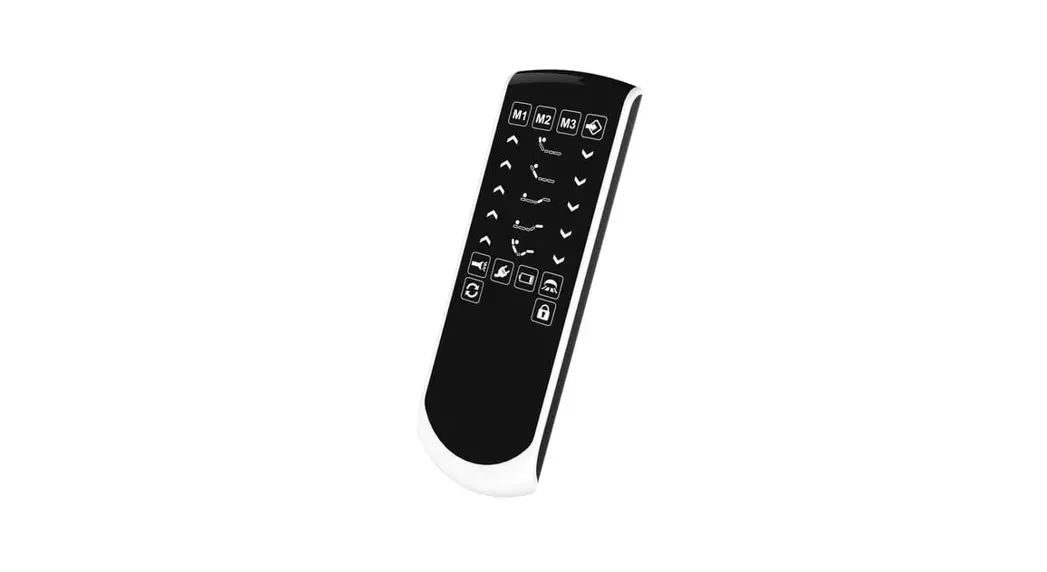
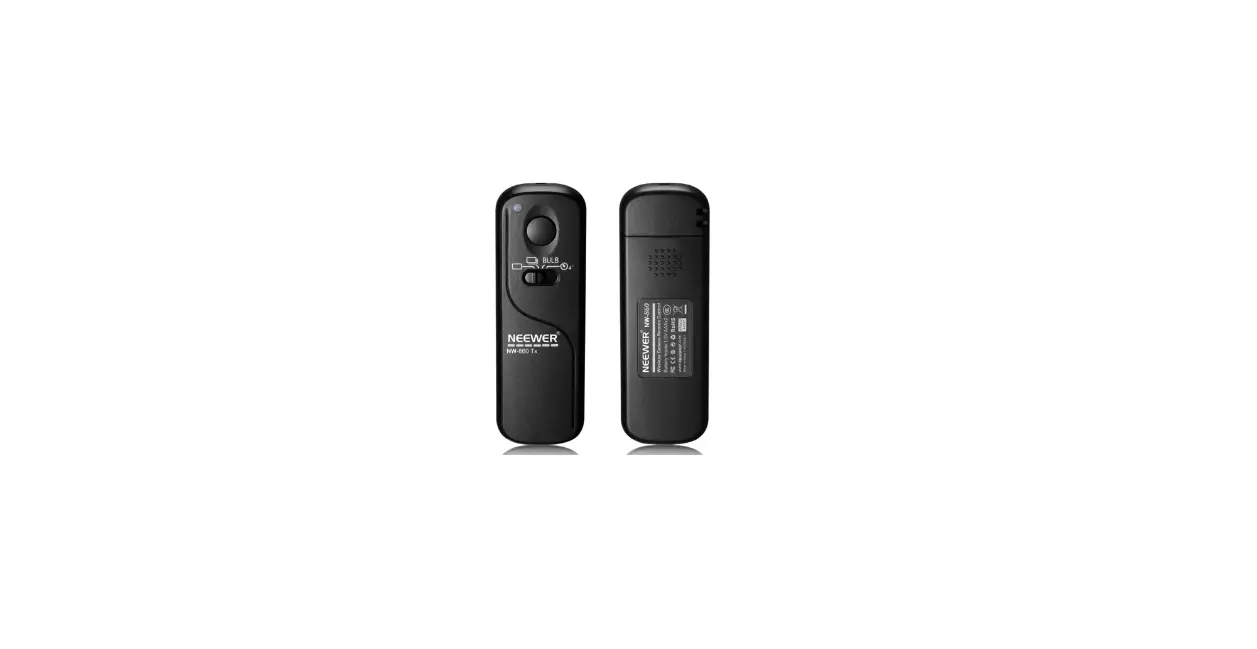
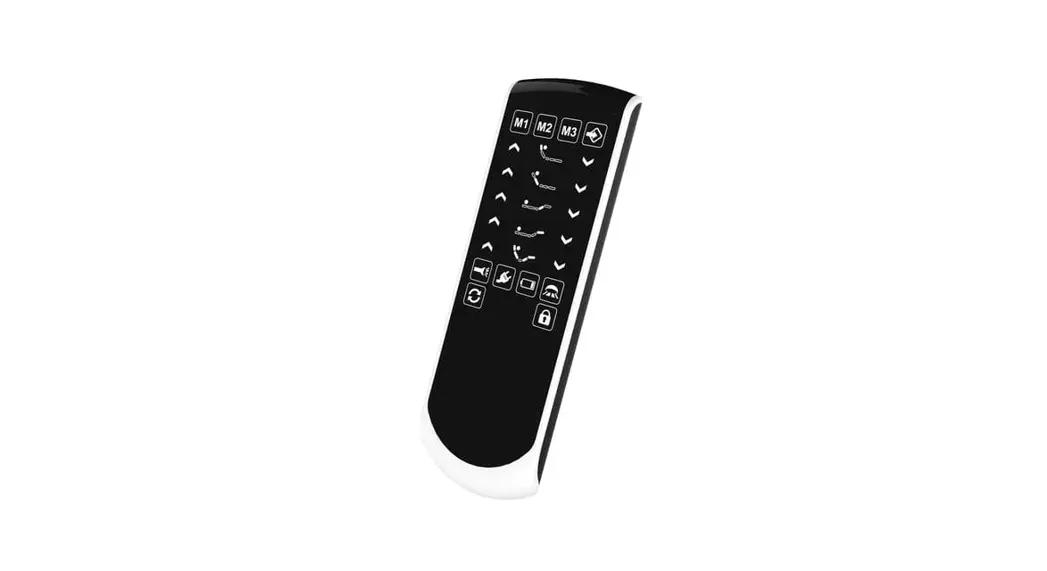
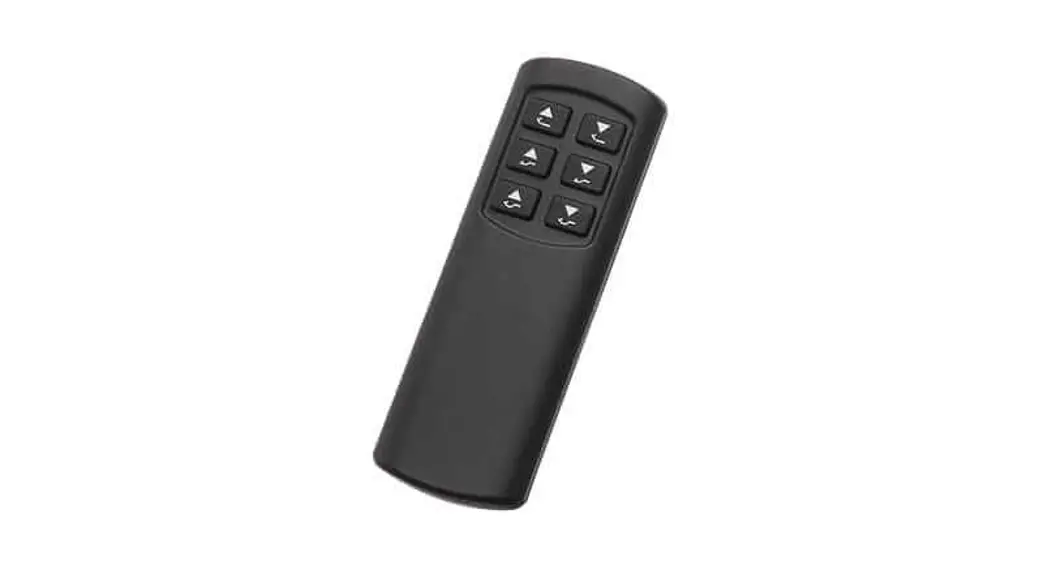
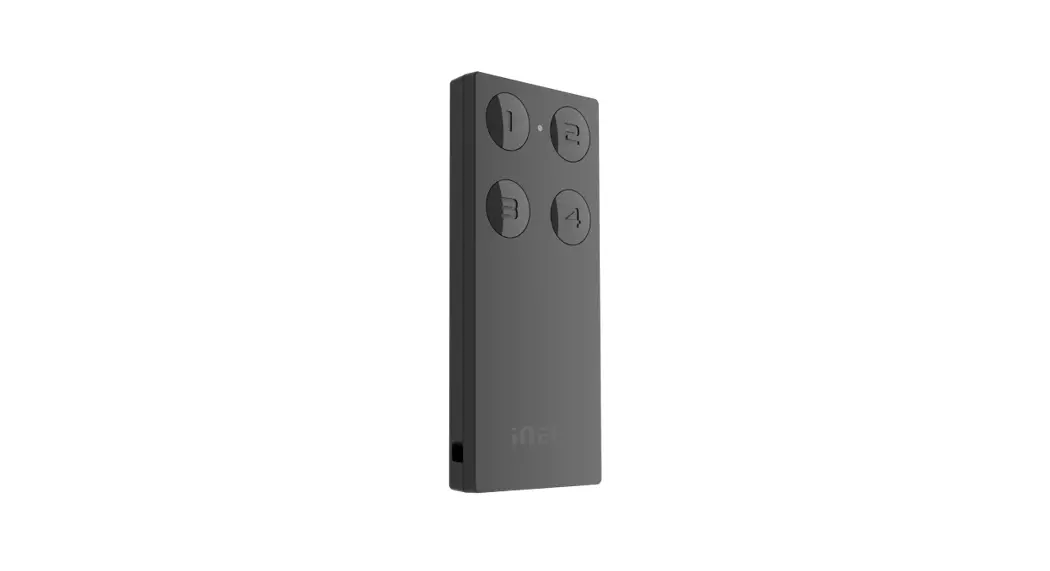
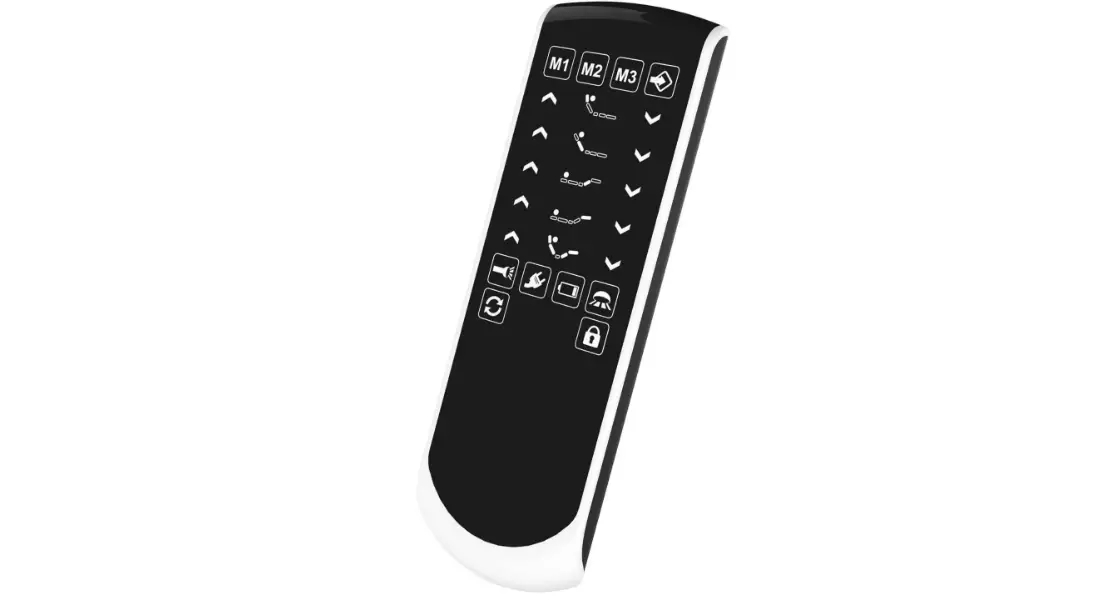
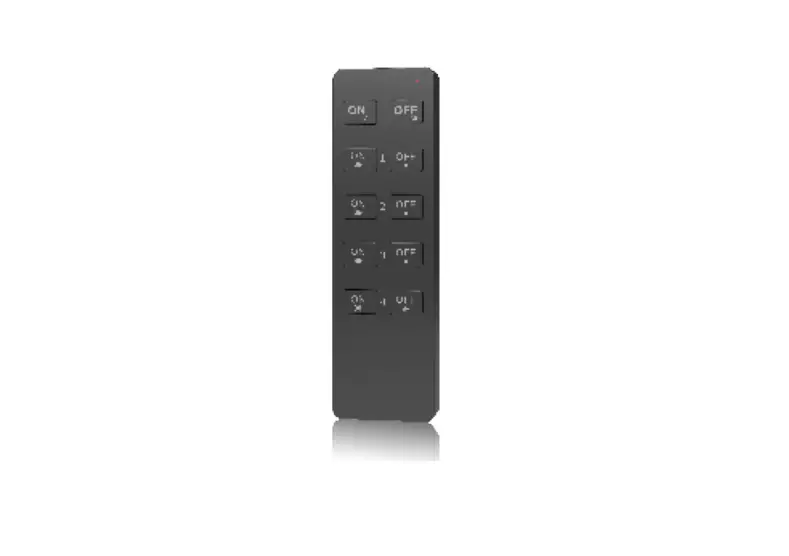
- The picture on the right is the remote control panel
Direction for use
- Connect the load wire at first, following by the power wire; Please ensure short circuit cannot occur between connecting wire before you turn on the power;
- The function of each key is shown in the table below (arranged according to the position of the key):
- When the controller is powered on, press and hold the red switch key for 3 seconds, the remote control and the controller are paired.
Static colors (8 in total) Dynamic mode (6 in total) Turn off the load output Dimming and speed control keys Static red, Green, Blue Automatic mode Red on/off White and black brightness plus and minus keys Static white, orange yellow Three-color jumpy changing , three-color gradual changing Black pause button SPEED speed plus and minus keys Static cyan, purple Seven-color jump, 7-color gradual changing Static yellow Static light blue Static pink Colorful gradual changing Static light yellow Static light blue Static purple Red, green and blue three-color jumpy changing
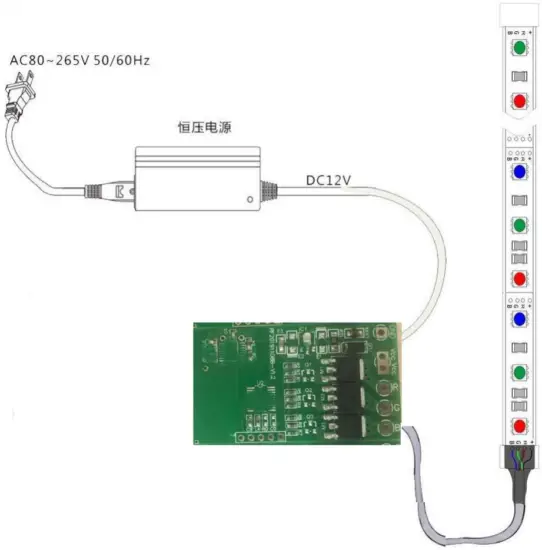
Typical application
FCC STATEMENT:
This device complies with Part 15 of the FCC Rules. Operation is subject to the following two conditions:
This device may not cause harmful interference, and This device must accept any interference received, including interference that may cause undesired operation.
Warning: Changes or modifications not expressly approved by the party responsible for compliance could void the user’s authority to operate the equipment.
NOTE: This equipment has been tested and found to comply with the limits for a Class B digital device, pursuant to Part 15 of the FCC Rules. These limits are designed to provide reasonable protection against harmful interference in a residential installation. This equipment generates uses and can radiate radio frequency energy and, if not installed and used in accordance with the instructions, may cause harmful interference to radio communications. However, there is no guarantee that interference will not occur in a particular installation. If this equipment does cause harmful interference to radio or television reception, which can be determined by turning the equipment off and on, the user is encouraged to try to correct the interference by one or more of the following measures:
— Reorient or relocate the receiving antenna.
— Increase the separation between the equipment and receiver.
— Connect the equipment into an outlet on a circuit different from that to which the receiver is connected.
— Consult the dealer or an experienced radio/TV technician for help.
RF warning statement:
The device has been evaluated to meet general RF exposure requirement. The device can be used in portable exposure condition without restriction.