Wireless RF Keypad
Product Information:
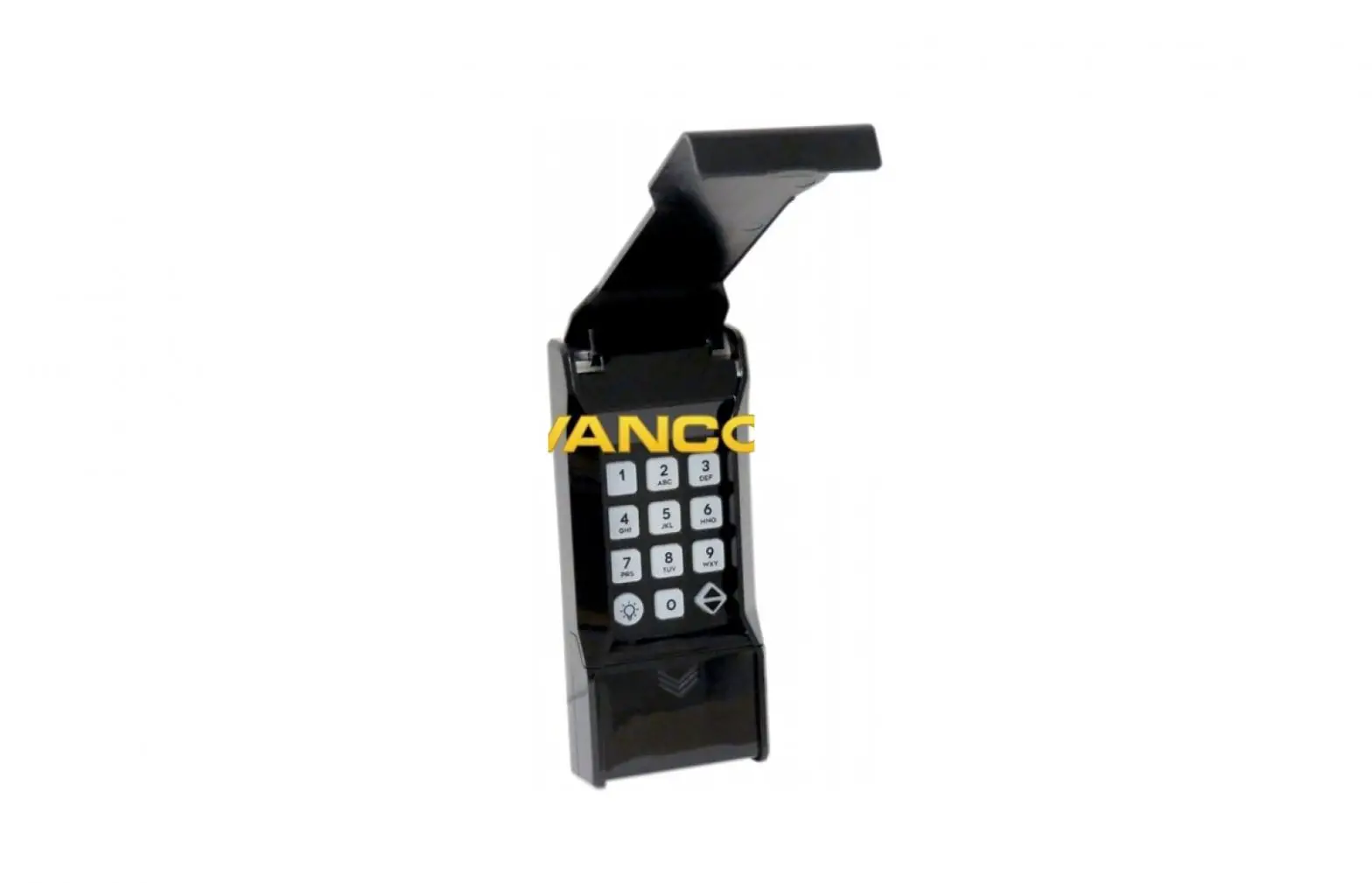
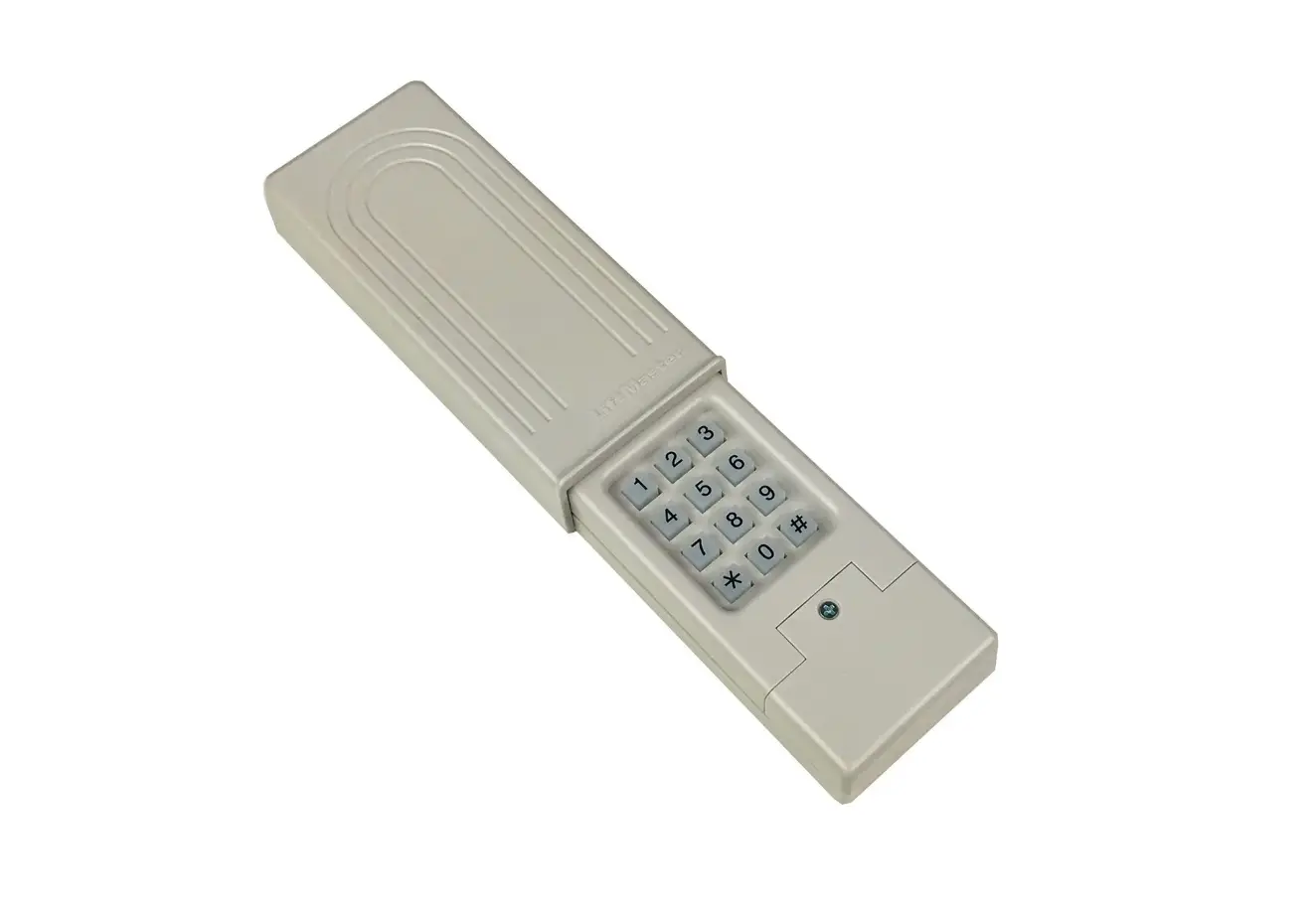
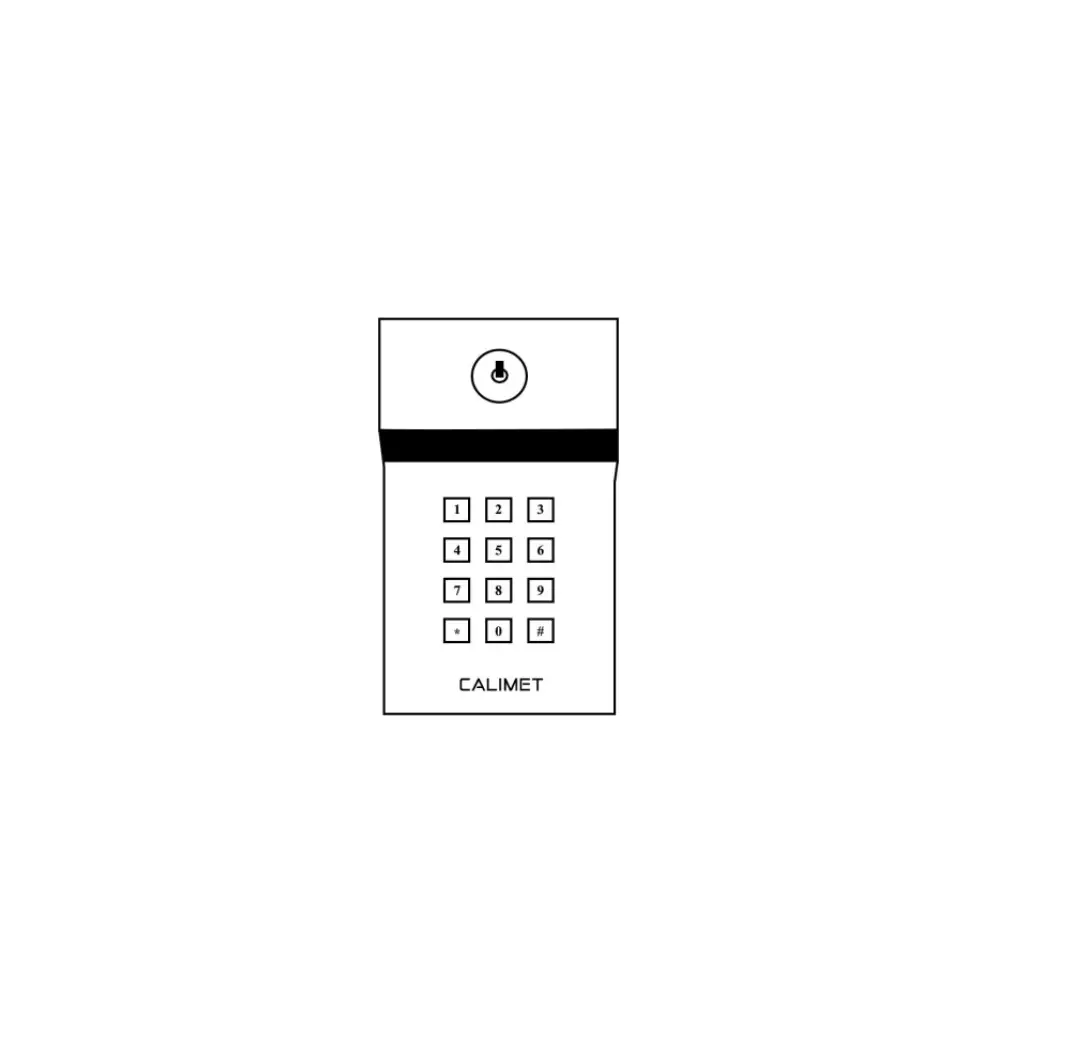
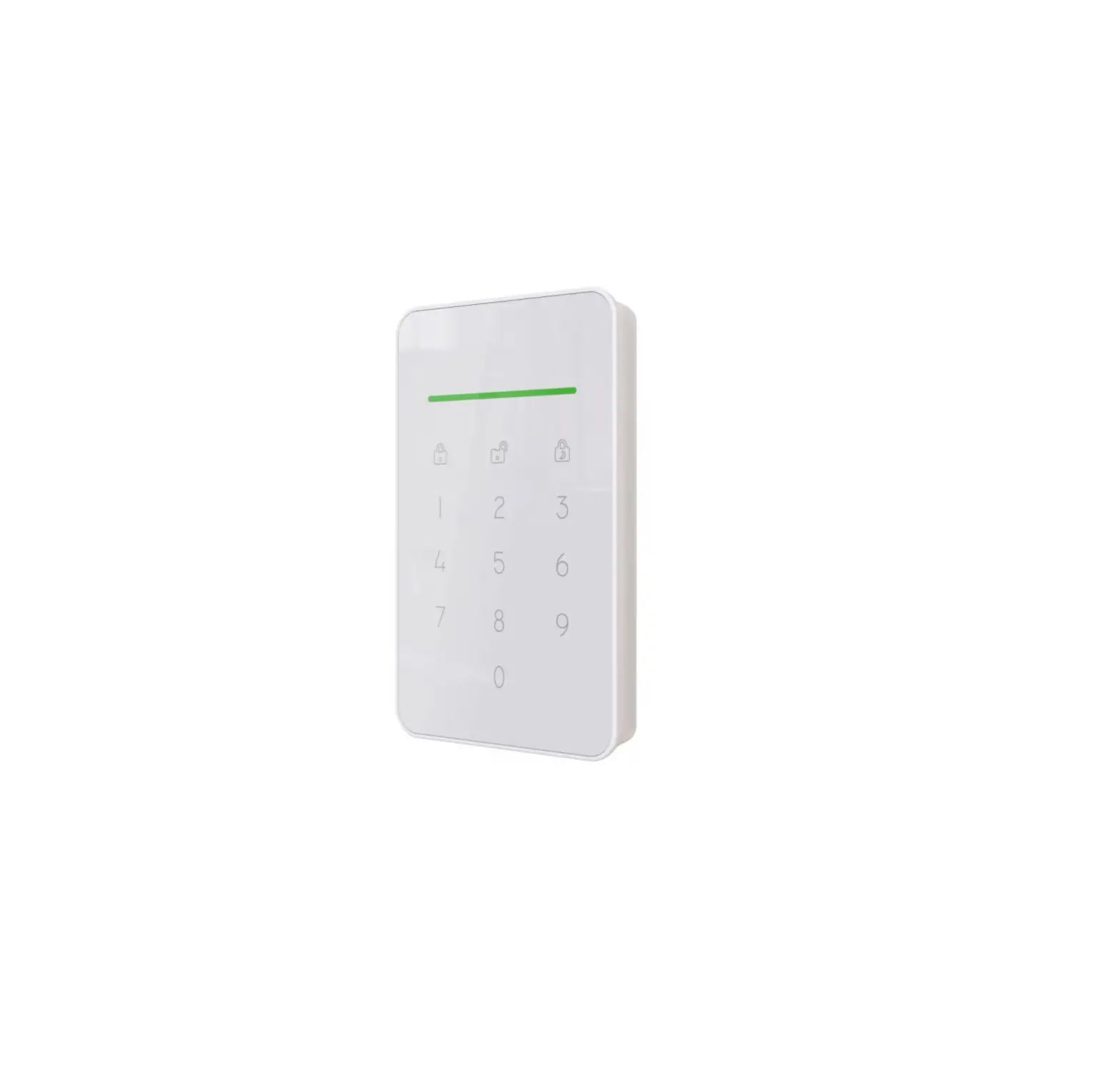
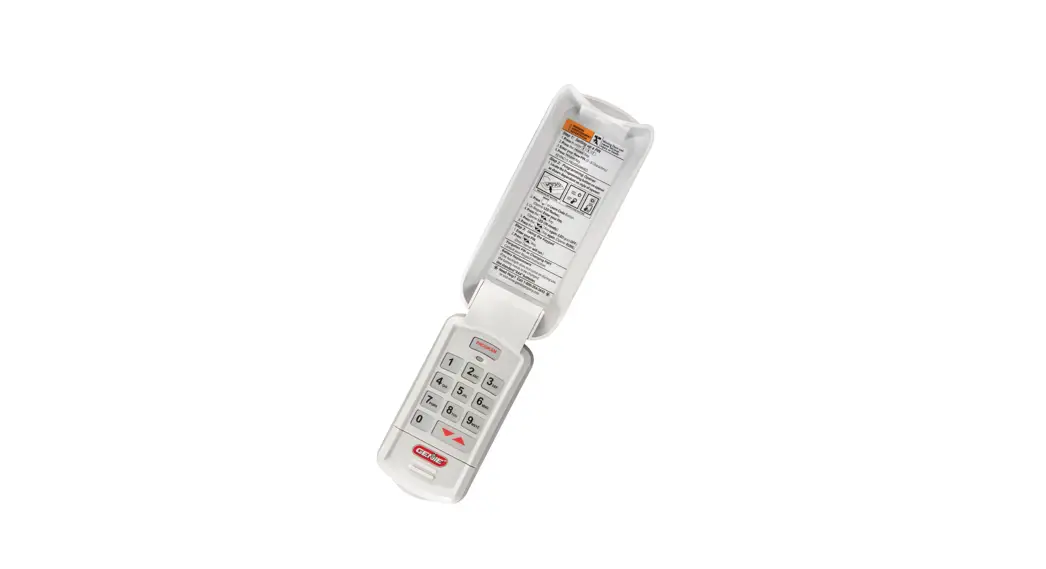
The Wireless RF Keypad is an accessory that performs most
functions associated with a Factory Ford entry keypad using the
wireless remote keyless entry receiver. It supports two unique
communication protocols for programming to a vehicle architecture.
Please note that it is not compatible with 2018MY and prior model
vehicles using Type 1 Communication Protocol factory optioned with
Intelligent Access (IA) key (PEPS-no key). The RF Keypad can be
programmed to any vehicle that uses Communication Type 2, and the
factory remote start (button on the key FOB) determines which of
the two RF Keypad parts is required.
The wireless RF keypad can perform the following functions:
- Keypad does not illuminate – Pinpoint Test A
- No response from vehicle – Pinpoint Test B
- Keypad will not unlock vehicle – Pinpoint Test C
- Keypad illuminates for 5 seconds when each button is pressed
(may require darkened area to see illumination) - Does the vehicle unlock and lock using the production FOB?
- The master code for the wireless RF keypad can be retrieved
from www.fmcdealer.com. Access to this site is granted to DPES
authorized users. Once accessed, the master code retrieval process
is given. Please note that the master code cannot be retrieved from
the body module with a diagnostic tool.
Product Usage Instructions:
- To retrieve the master code, follow these steps:
- Go to www.fmcdealer.com
- Login and go to Parts and Service > Parts Product Line
Information > Keys/Entry Devices > Aftermarket Keyless Entry
Keypad Code Access - Follow the provided process to retrieve the master code
- General Information:
- Press and hold the 1/2 and 3/4 buttons on the keypad
- While pressing the 1/2 and 3/4 buttons, press and hold the 7/8
button until the 9/0 button (or LED) flashes, then release - Test if the master code obtained unlocks the vehicle
Rev 5 (5 April 2022)
Wireless RF Keypad Diagnosis
1 of 3
WIRELESS RF KEYPAD
PRINCIPLES OF OPERATION
The wireless RF keypad Accessory performs most functions associated with a Factory Ford entry keypad using the wireless remote
keyless entry receiver. The wireless RF keypad supports two unique communication protocols for programming to a vehicle
architecture. Each protocol has uniquely different programming procedure. Keypad is NOT compatible with 2018MY and prior model
vehicles using Type 1 Communication Protocol factory optioned with Intelligent Access (IA) key (PEPS-no key). The RF Keypad can be
programmed to any vehicle that uses Communication Type 2, factory remote start (button on the key FOB) determines which of the two
RF Keypad parts is required.
PEPS
Flip Key
IKT (Integrated Keyhead Transmitter)
Reference Key Images
The wireless RF keypad can perform the following:
· Lock all the doors Using the 5 digit master code or a personal 5 digit user programmed code
· Unlock the driver door · Open the trunk or rear hatch · Open the passenger sliding door · Open the driver sliding door
FAILURE DESCRIPTIONS COVERED
1. KEYPAD DOES NOT ILLUMINATE PINPOINT TEST A
2. NO RESPONSE FROM VEHICLE
PINPOINT TEST B
3. KEYPAD WILL NOT UNLOCK VEHICLE PINPOINT TEST C
Warranty Claim · A warranty claim must include the pinpoint test step that failed in the technician comments section.
PINPOINT TEST A KEYPAD DOES NOT ILLUMINATE Possible Causes
· Keypad logic failure · Depleted battery
A1 VERIFY ILLUMINATION Test the keypad illumination of all 5 buttons by pressing each button and waiting 5 seconds for the illumination to turn off. Does the
keypad illuminate for 5 seconds when each button is pressed (may require darkened area to see illumination)?
· YES – Battery is not depleted, logic is operating, GO TO PINPOINT TEST B. · NO – Depleted battery or logic failure.
PINPOINT TEST B NO RESPONSE FROM VEHICLE Possible Causes
· Remote Keyless Entry (RKE) failure · Keypad not programmed to vehicle · Keypad transmitter failure · Battery low B1 VERIFY RKE RECEIVER OPERATION
Page 1 of 3
© Copyright Ford 2022 FoMoCo
Rev 5 (5 April 2022)
Wireless RF Keypad Diagnosis
2 of 3
WIRELESS RF KEYPAD
Does the vehicle unlock and lock using the production FOB?
· YES Vehicle receiver functioning, GO TO B2. · NO Vehicle receiver malfunctioning, GO TO RKE Receiver Pinpoint Tests (refer to Factory Workshop Manual)
B2 VERIFY WIRELESS RF KEYPAD COMMUNICATION Does the vehicle lock when the 7/8 and 9/0 buttons are pressed at the same time?
· YES Wireless RF keypad transmitter functioning and programmed to vehicle, GO TO C1. · NO Keypad transmitter failure or keypad not programmed, GO TO B3.
B3 CHECK FOR KEYPAD OUT OF SYNC1 Does vehicle lock when the 7/8 and 9/0 buttons are pressed at the same time 3 times within 5 seconds?
· YES Passive re-sync done, GO TO C1. · NO Passive re-sync failed, GO TO B4.
B4 CHECK FOR KEYPAD OUT OF SYNC2 Using a programmed FOB, lock the vehicle and then press the 7/8 and 9/0 buttons at the same time within 5 seconds. Does the vehicle lock?
· YES Active re-sync done, GO TO C1. · NO Active re-sync failed, GO TO B5.
B5 CHECK FOR KEYPAD NOT PROGRAMMED Follow the installation instructions for the vehicle the wireless RF keypad is being installed. Does the vehicle lock when pressing the 7/8 and 9/0 buttons at the same time?
· YES Wireless RF keypad transmitter functioning and programmed to vehicle, GO TO C1. · NO Keypad programming failed, GO TO B6.
B6 CHECK FOR KEYPAD ATTACHED TO DOOR EXTERIOR The process of programming the keypad to the vehicle requires additional transmissions from the keypad to make sure the process completes successfully. Do not attach the keypad to the door’s exterior until after it has been programmed to the vehicle. If the keypad is attached to the door, remove it and follow installation instructions for the vehicle the wireless RF keypad is being installed.
Does the vehicle lock when pressing the 7/8 and 9/0 button at the same time? · YES Wireless RF keypad transmitter functioning properly and programmed to the vehicle, GO TO C1. · NO Transmitter failure, replace keypad.
PINPOINT TEST C KEYPAD WILL NOT UNLOCK VEHICLE Possible Causes
· Wrong master code · Keypad button failure · Logic failure · Depleted battery
Page 2 of 3
© Copyright Ford 2022 FoMoCo
Rev 5 (5 April 2022)
Wireless RF Keypad Diagnosis
WIRELESS RF KEYPAD
3 of 3
C1 UNLOCK USING MASTER CODE FROM CODE CARD. Enter the master code printed on the master code card. Does the vehicle unlock? · YES Complete. · NO Possible master code card mismatch, GO TO C2.
C2 LOOK UP MASTER CODE THROUGH ONLINE APPLICATION Keypad is NOT compatible with 2018MY and prior model vehicles using Type 1 Communication Protocol factory optioned with Intelligent Access (IA) key (PEPS-no key). The RF Keypad can be programmed to any vehicle that uses Communication Type 2, factory remote start (button on the key FOB) determines which of the two RF Keypad parts is required.
The master code can be retrieved from www.fmcdealer.com Login goto > Parts and Service> Parts Product Line Information> Keys/Entry Devices>Aftermarket Keyless Entry Keypad Code Access
Access to this site is granted to DPES authorized users. Once accessed, the master code retrieval process is given. The master code for the wireless RF keypad cannot be retrieved from the body module with a diagnostic tool.
General Information
· You will only see the key code link if your user ID has been granted access by the dealer. · The wireless RF keypad is an accessory. These are the adhesive adhered pads. · Key codes are available for all wireless RF keypads versions:
· 7L2Z-14A626BA superseded ES7Z-14A626A superseded · KB3Z-14A626-A (Prior to 2019MY) may require FDRS on some models transitioned prior to 2020MY · KB3Z-14A626-A (2020MY to CMY) without Factory Remote Entry Requires FDRS programming · KB3Z-14A626-B (2020MY to CMY) with Factory Remote Entry Requires FDRS programming
· The system will provide the master key code once the flash code has been entered. · To get the flash code from the wireless RF keypad (read all steps prior to performing code retrieval):
1. Press and hold the 1/2 and 3/4 buttons on the keypad. 2. While pressing the 1/2 and 3/4 buttons, press and hold the 7/8 button until the 9/0 button (or LED) flashes, then release
the buttons. Count and record each flash (including the first one) The 9/0 (or LED) button will flash each digit with a series of flashes at a one flash per second rate. There will be a 3 second pause between each digit. The flash code has 5 digits, each digit can be 1-5 (that is, a 1 will flash once followed by a 3 second pause, a 4 will flash four times followed by a 3 second pause, then the next digit will flash, followed by a 3 second pause until all 5 digits have been sent). 3. These five digits are the flash code necessary to retrieve the master code. · When the Aftermarket Keyless Entry Keypad Code Access site is reached: 4. Enter the 5 digit flash code and press submit to get the master code.
Does the master code you obtained unlock the vehicle?
· YES Complete. · NO Include keypad flash code and retrieved master code in warranty claim.
Page 3 of 3
© Copyright Ford 2022 FoMoCo
 POST data