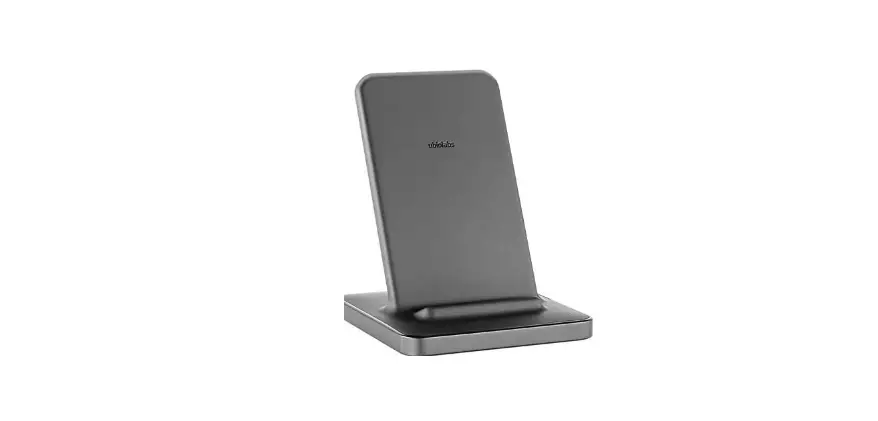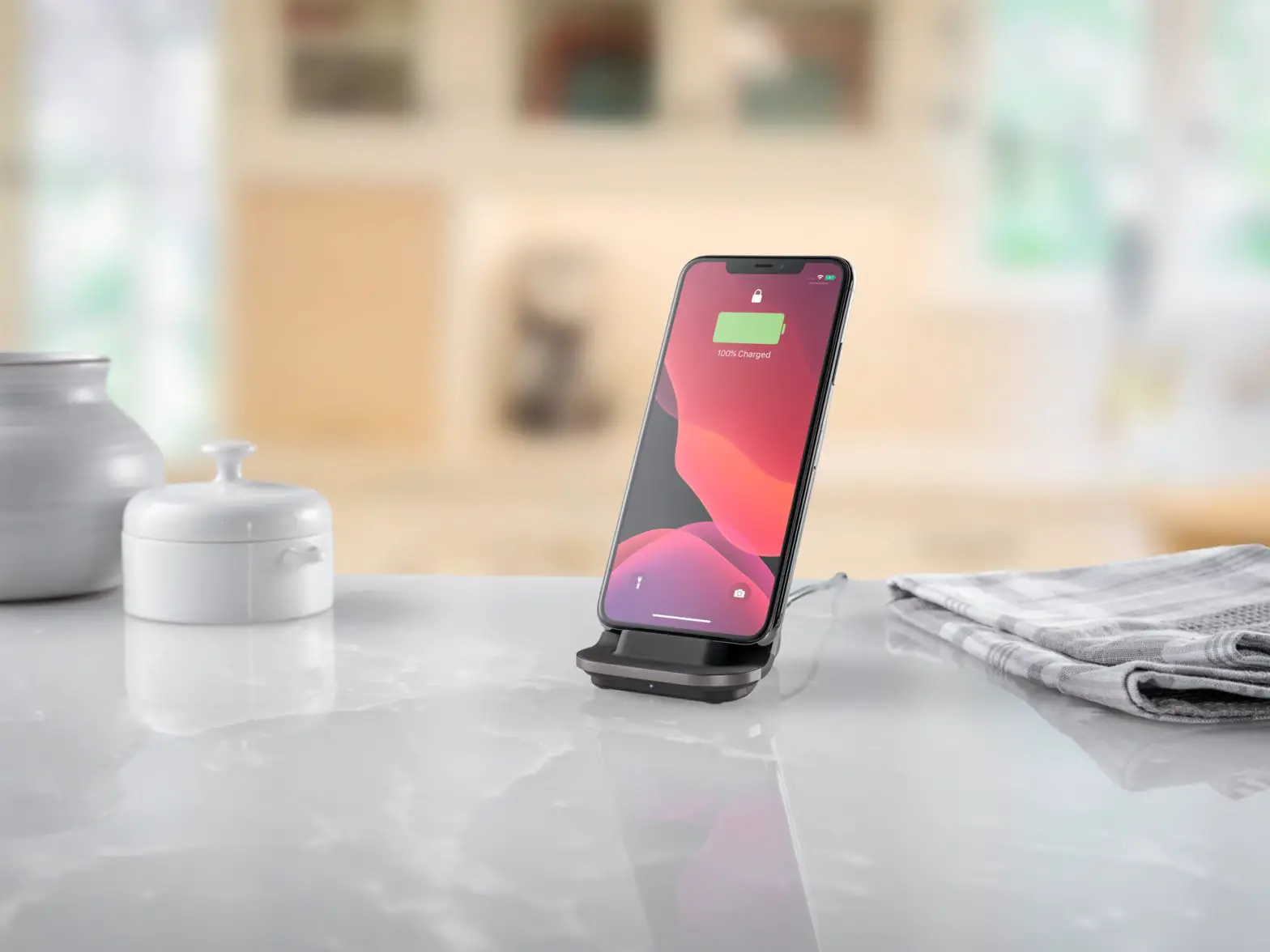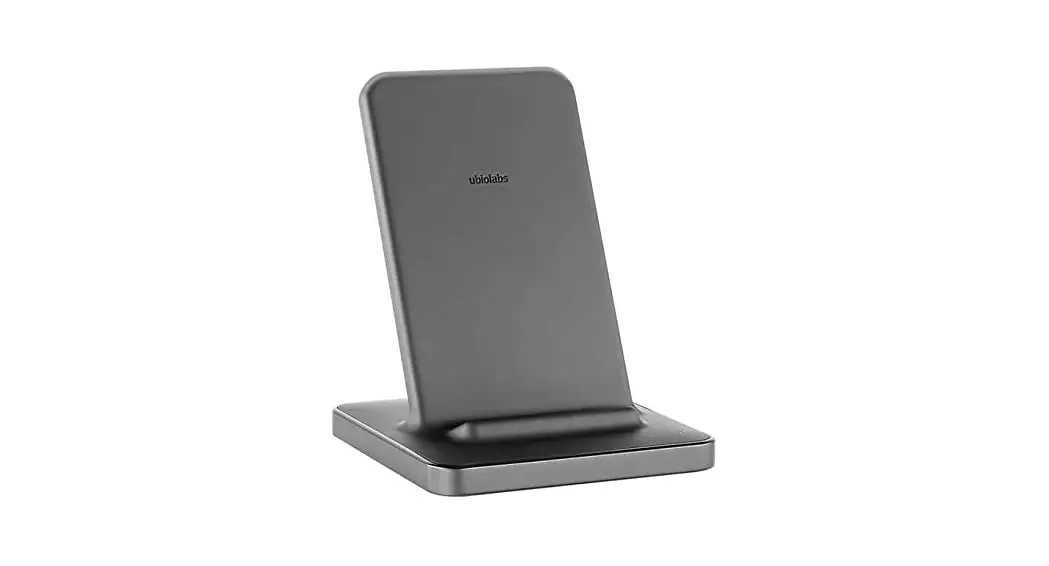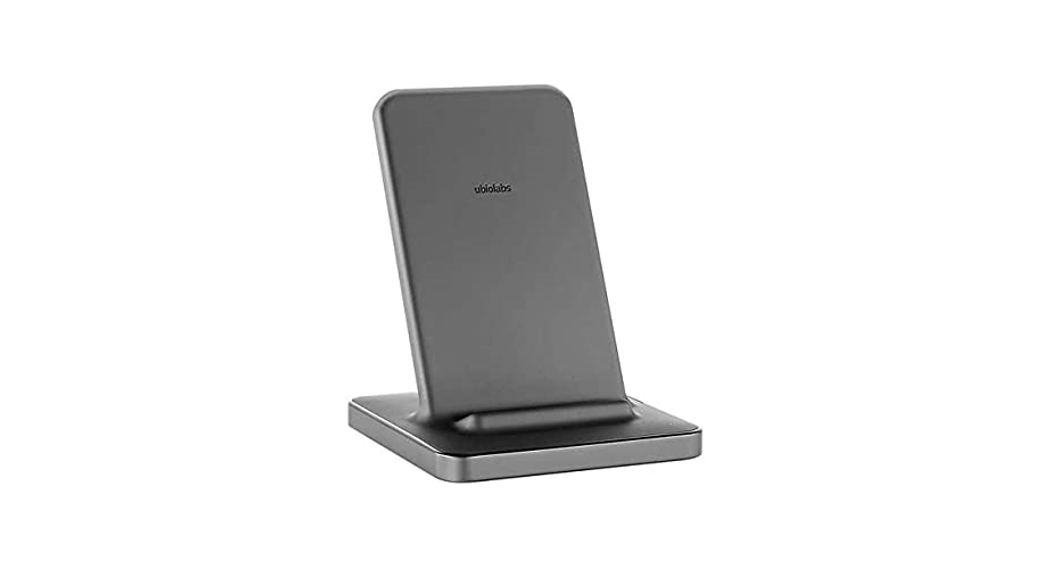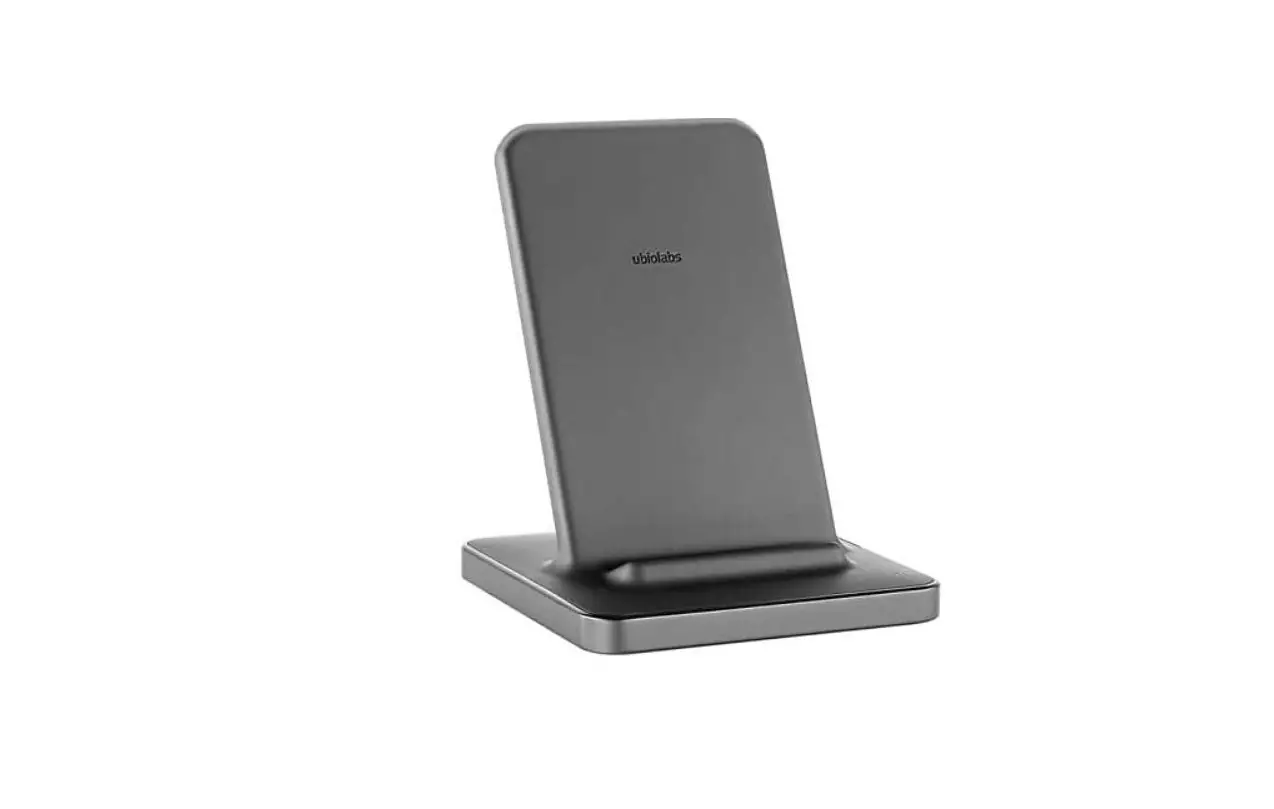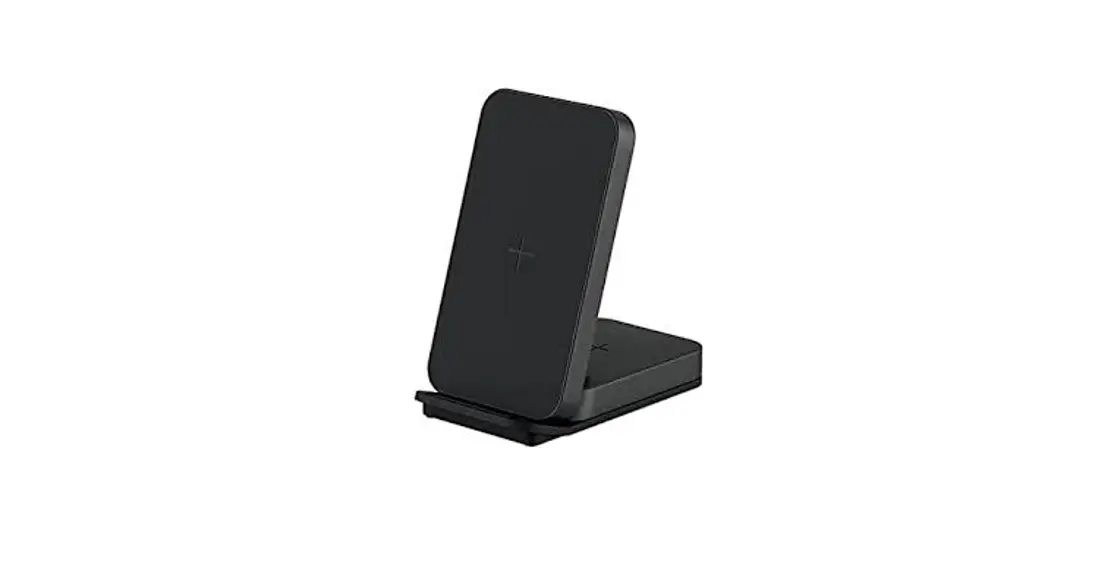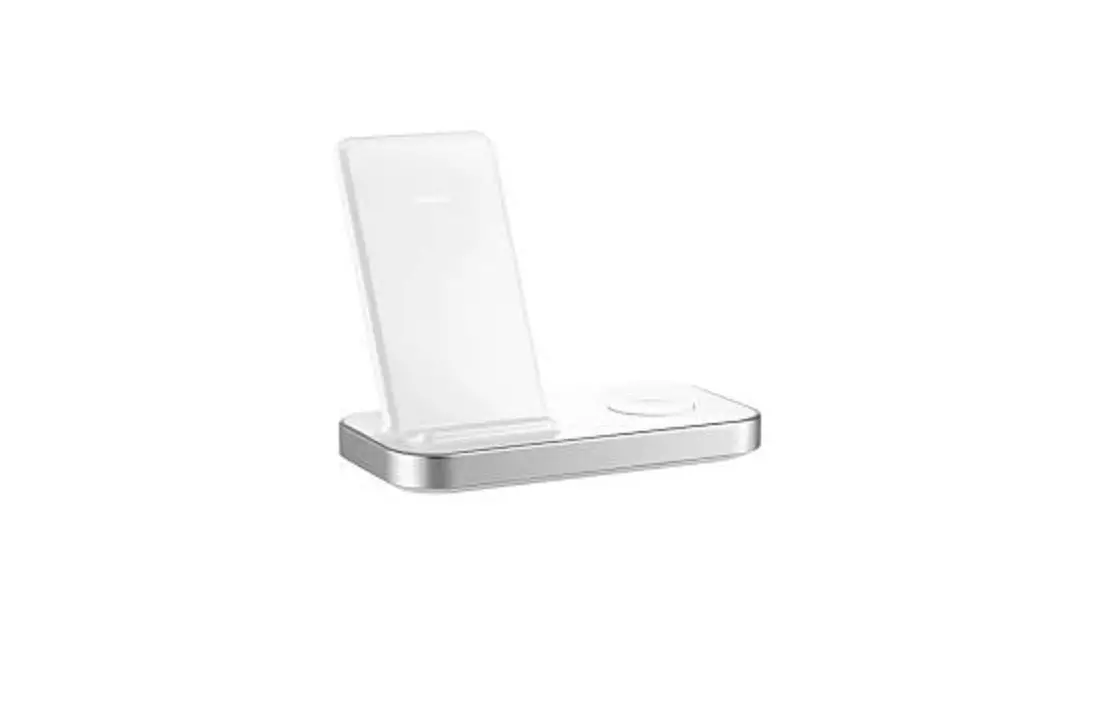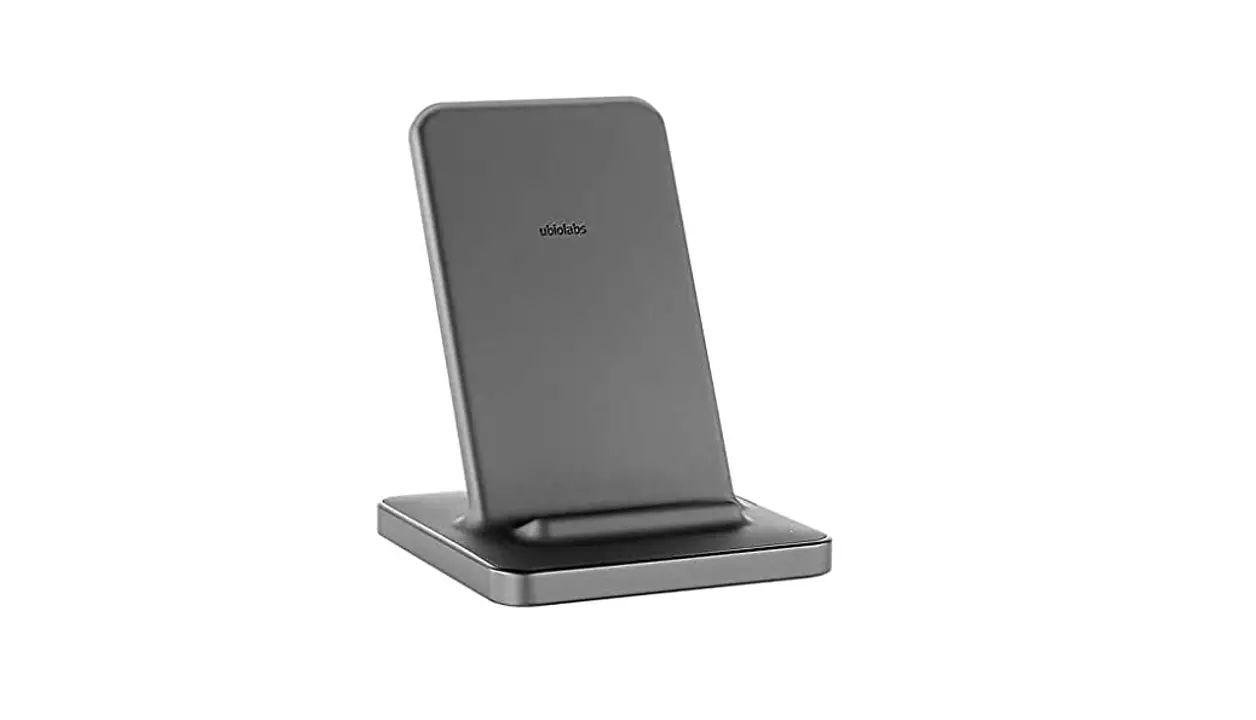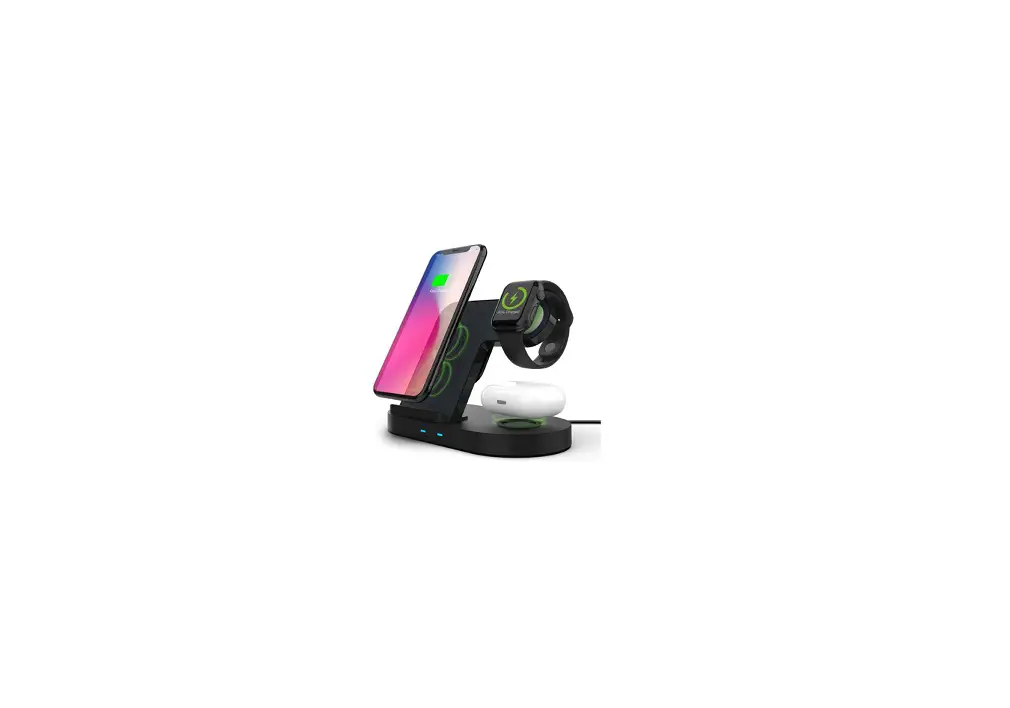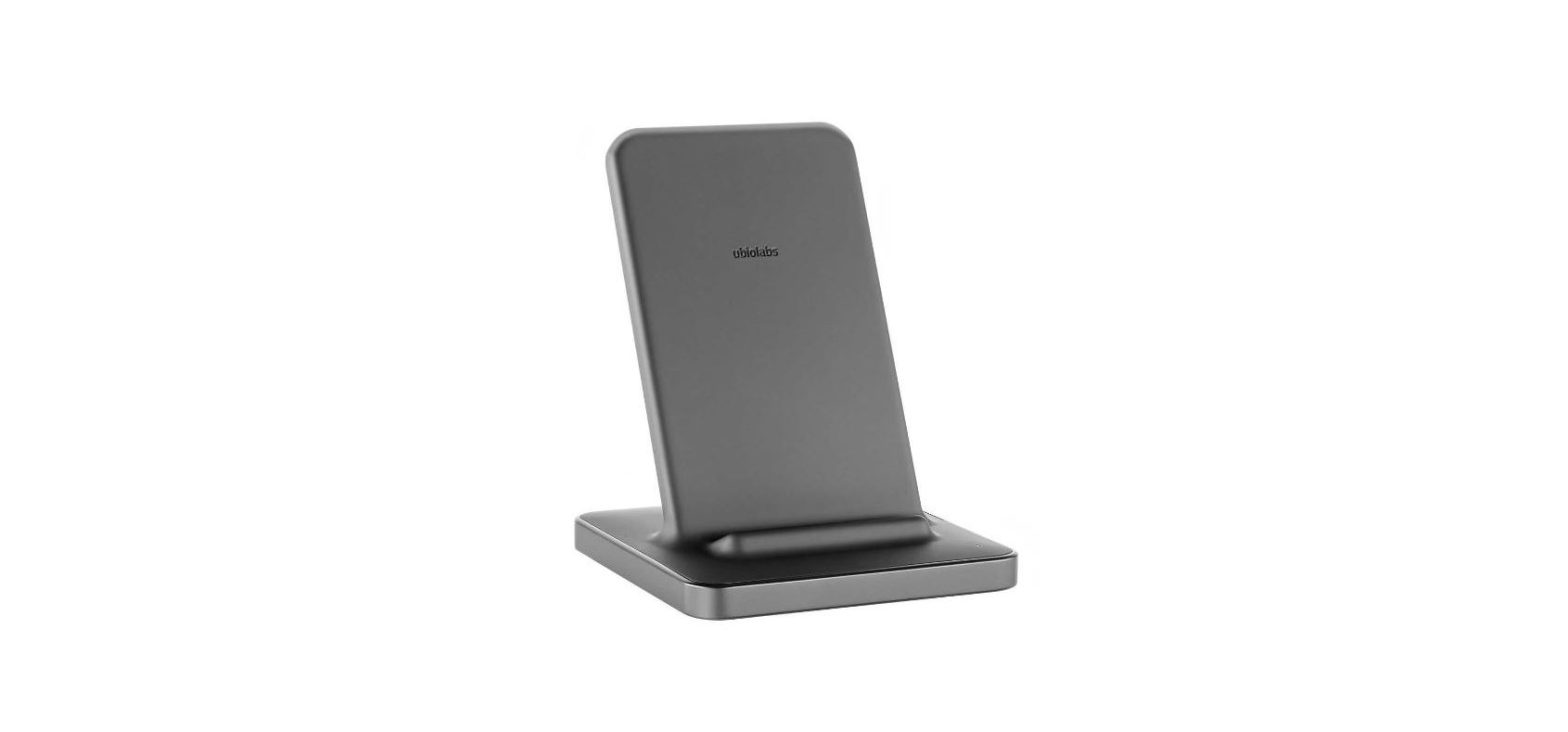

ubiolabs WCB263 Wireless Charging Stand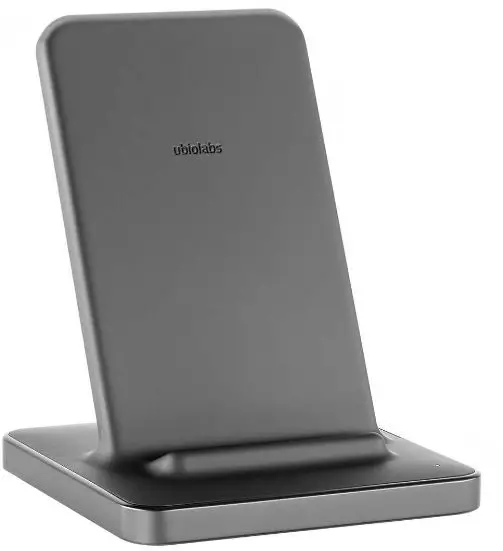
Wireless Charging Stand
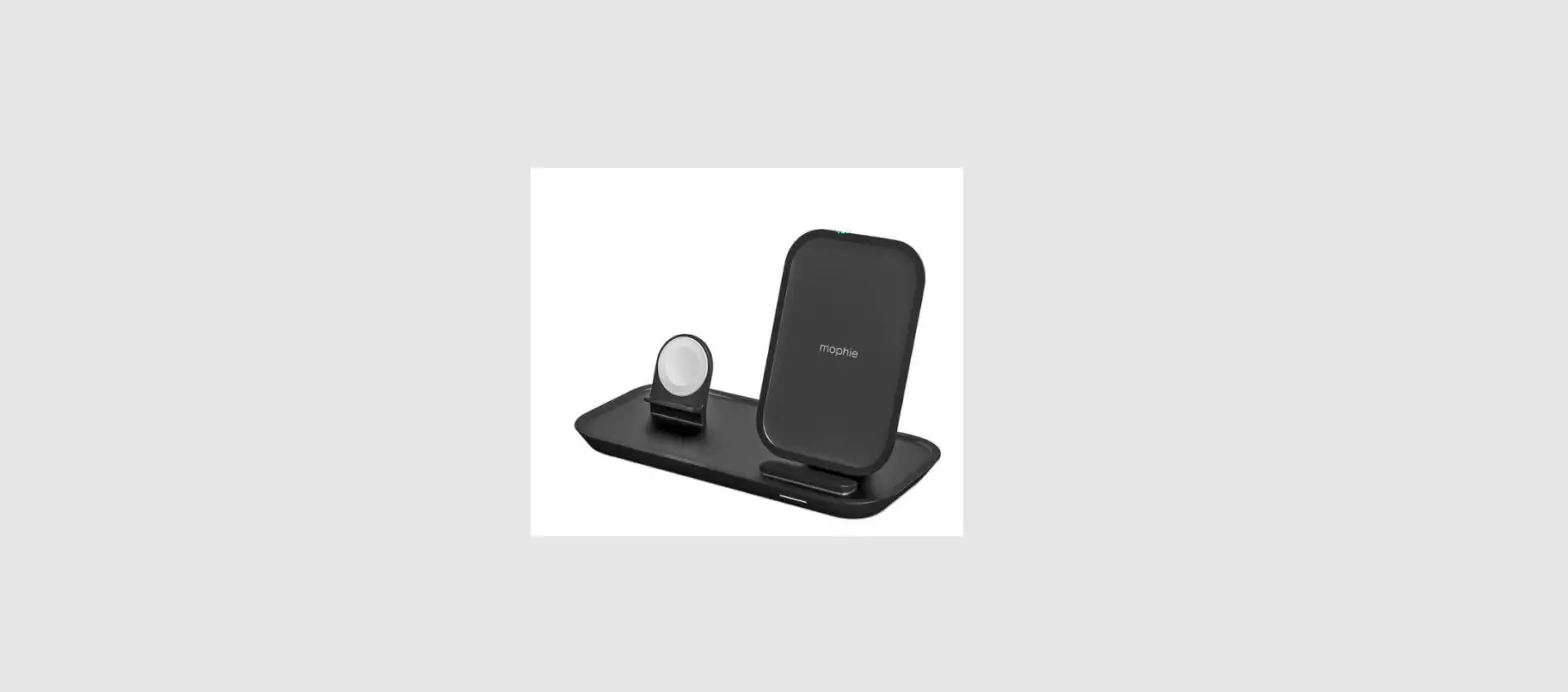
For iPhone®, Apple Watch®, and AirPods®
INSTRUCTION
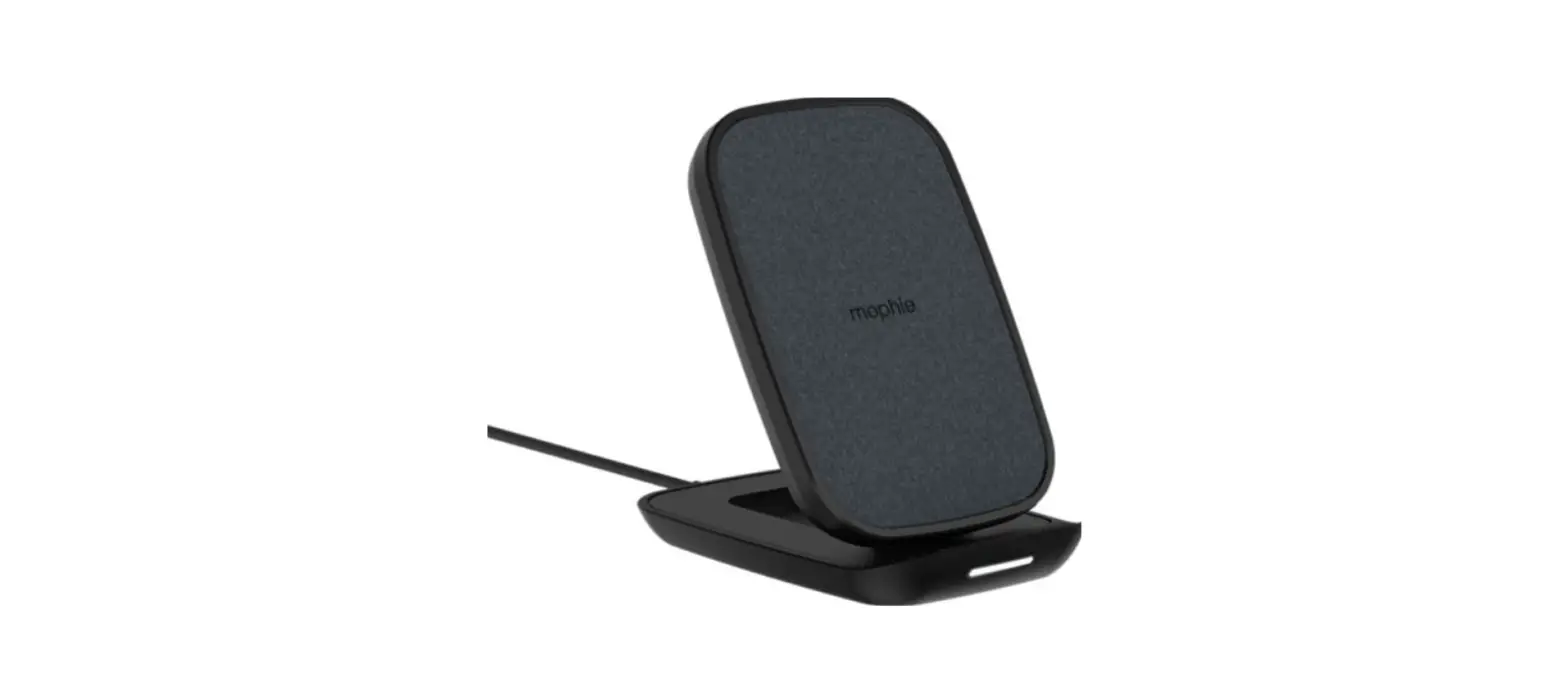
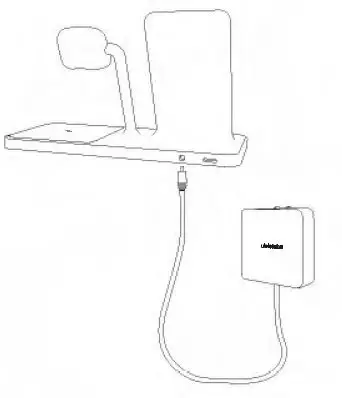
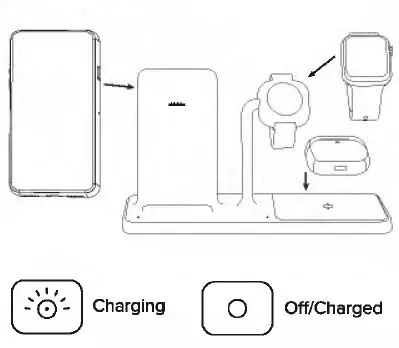
- Plug-in wireless stand

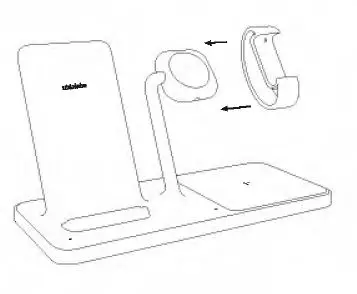
- Attach optionally watch bracket

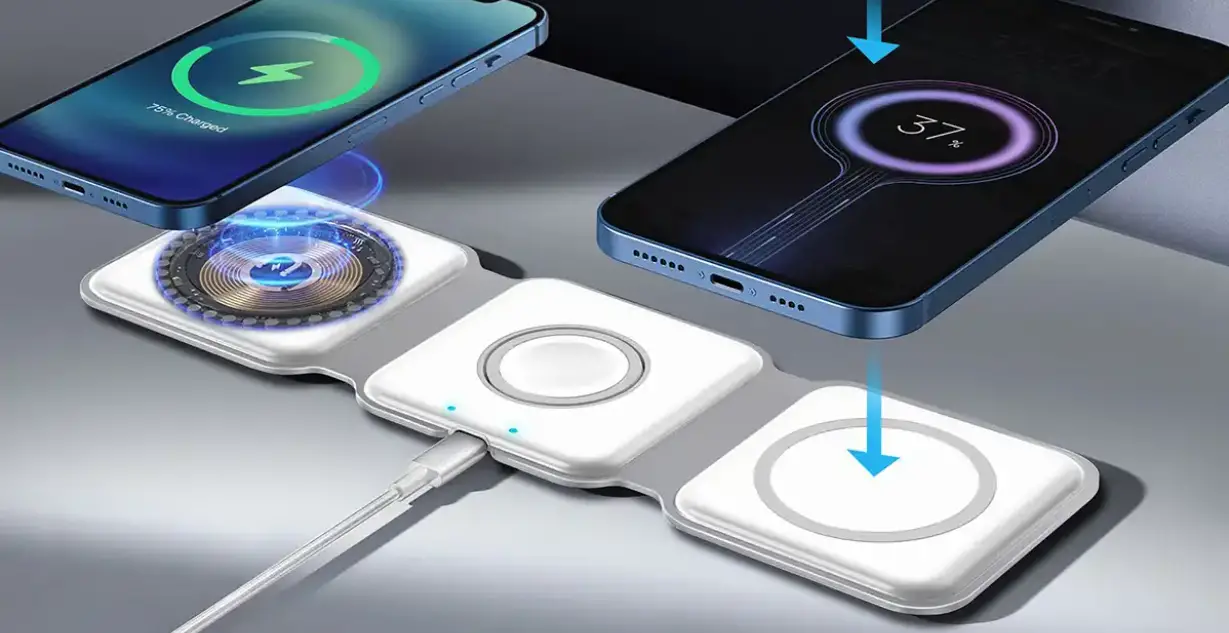
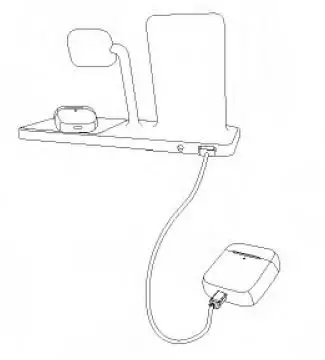
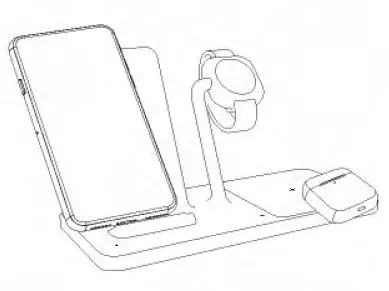
- Charge multiple devices

- Charge multiple devices

- Align devices

- Devices must align

- Foreign object detection

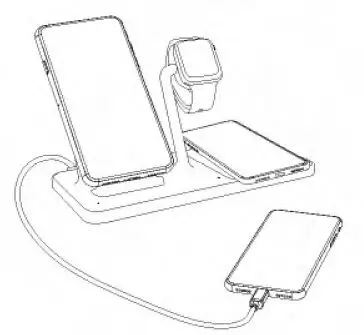
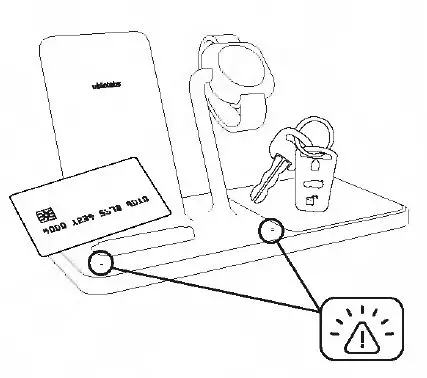
A blinking amber LED indicates a foreign object has been detected (metal objects like keys, coins, magnets, etc.) and the device is automatically turned off to ensure safety. Removal of foreign objects and proper alignment of the phone will result in normal operation.
iPhone, Apple Watch, and AirPods are trademarks of Apple Inc., registered in the U.S. and in other countries.
We are Here to Help
Model: WCB263 / WCB263E
- www.ubiolabs.com
- [email protected]
- 1-866-642-4428
- (Monday – Friday 9am – 4:30pm PST) 2821 Northup Way, Suite 250 Bellevue, WA 98004