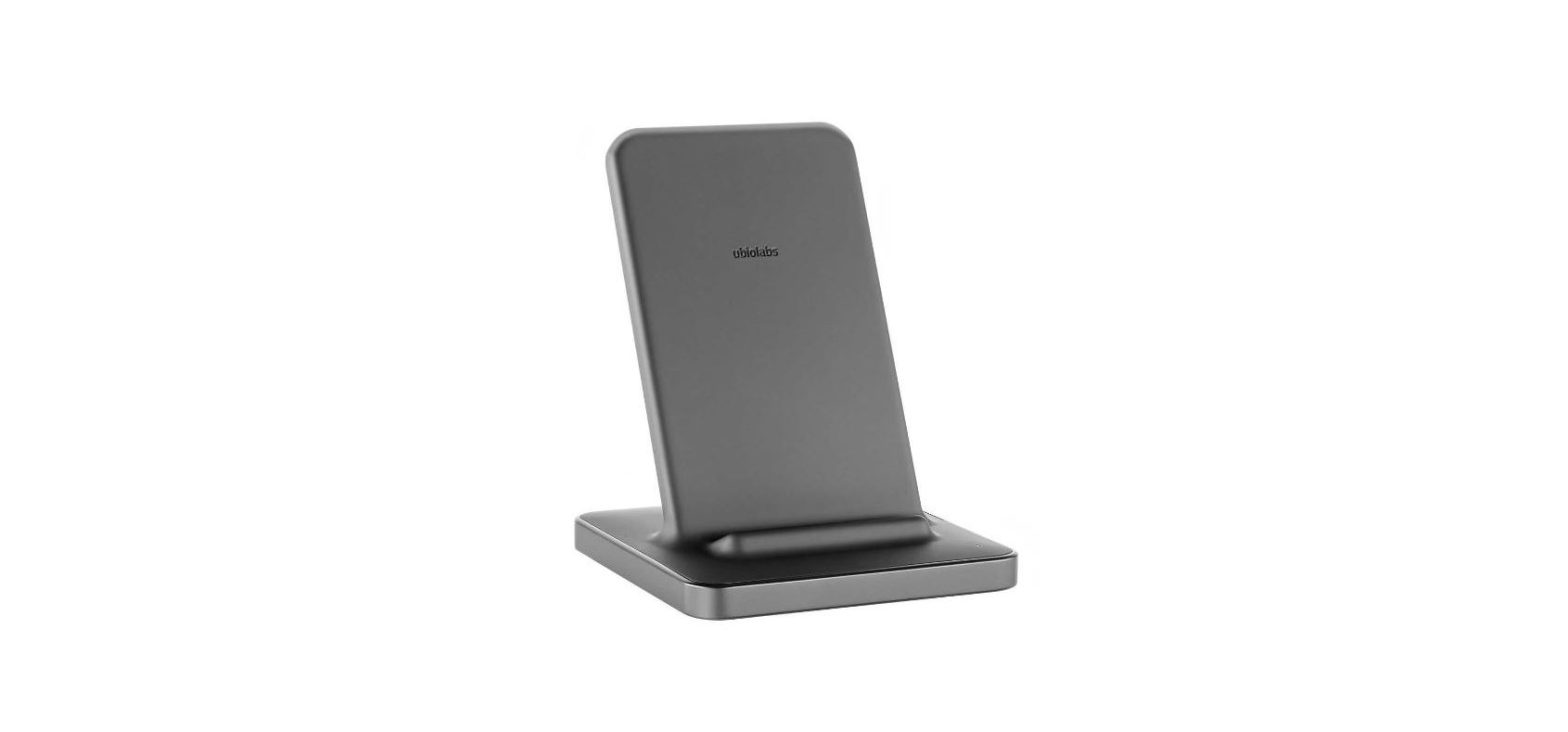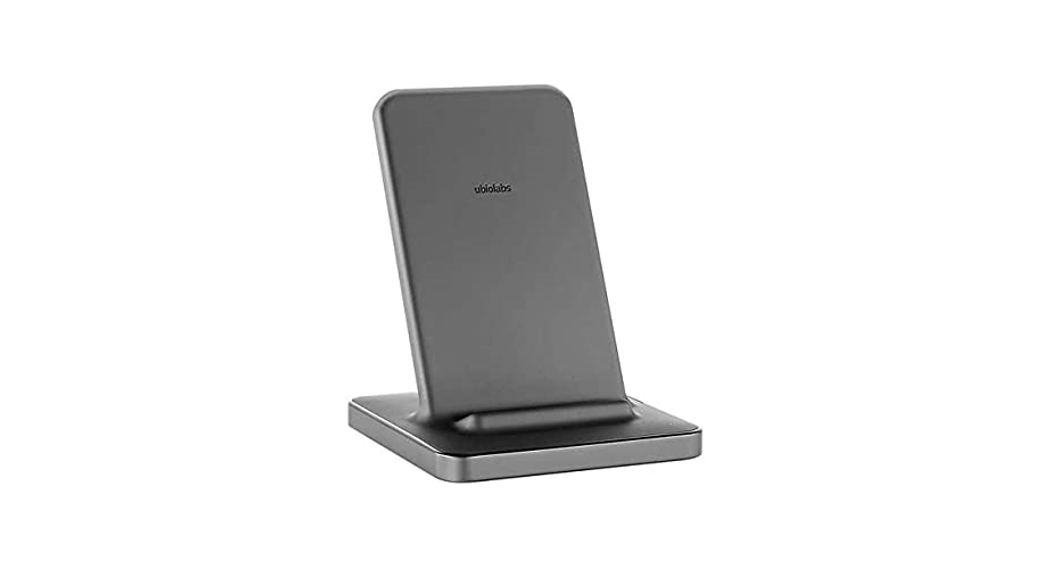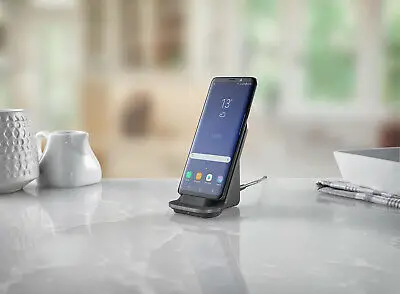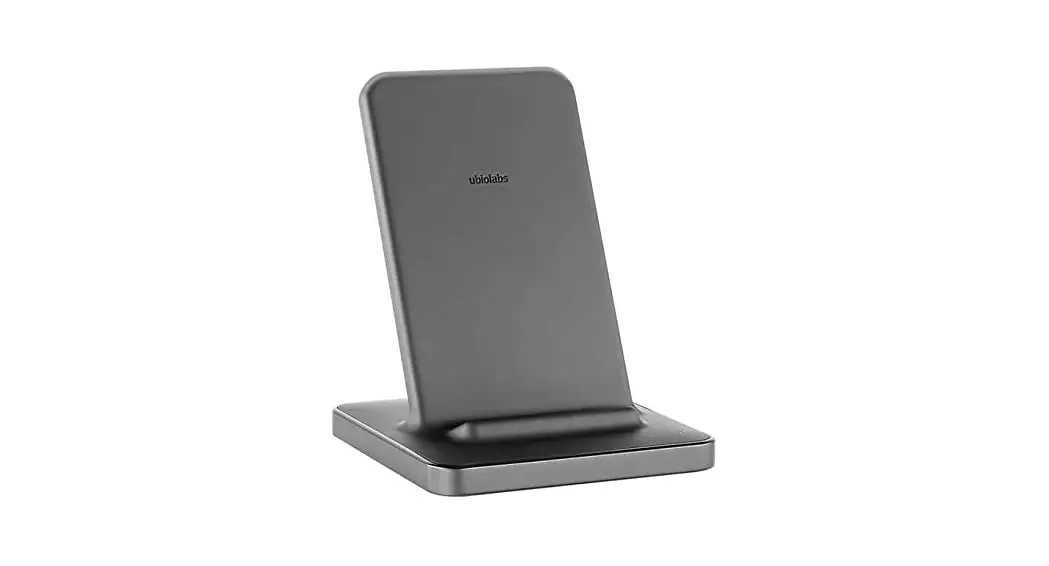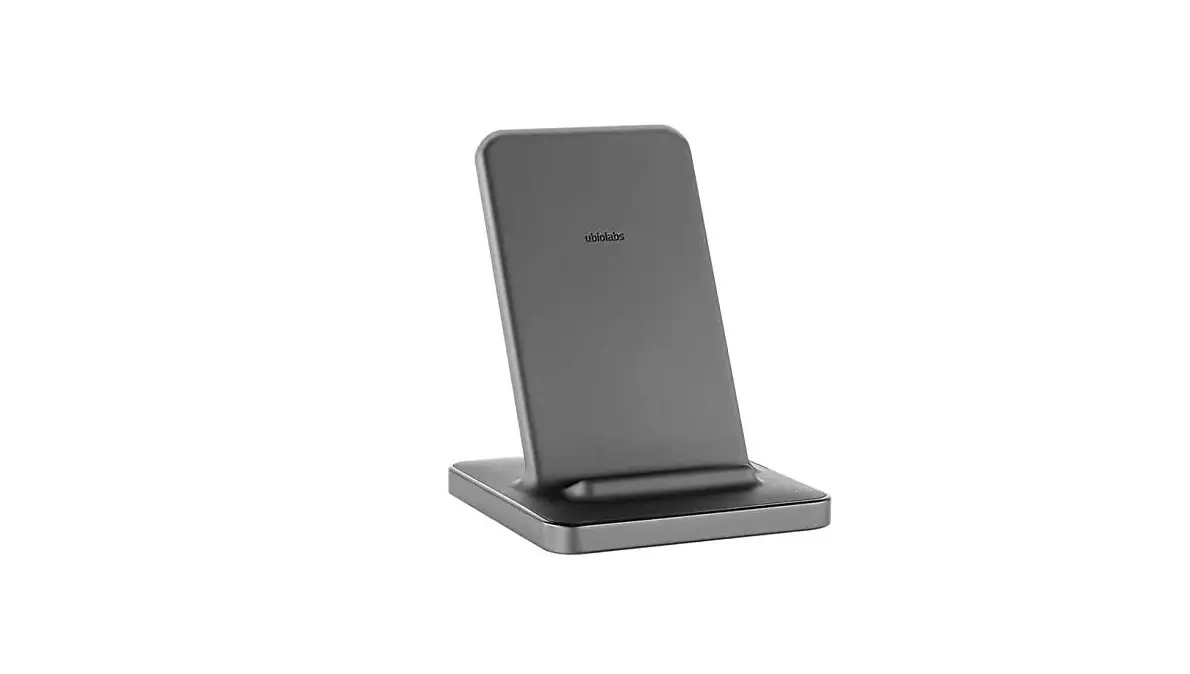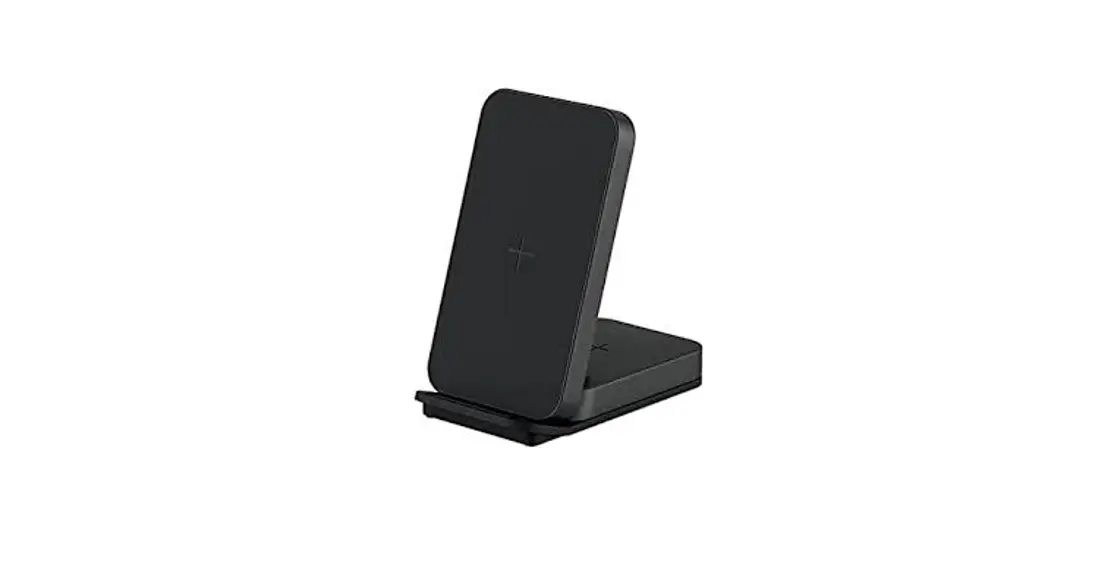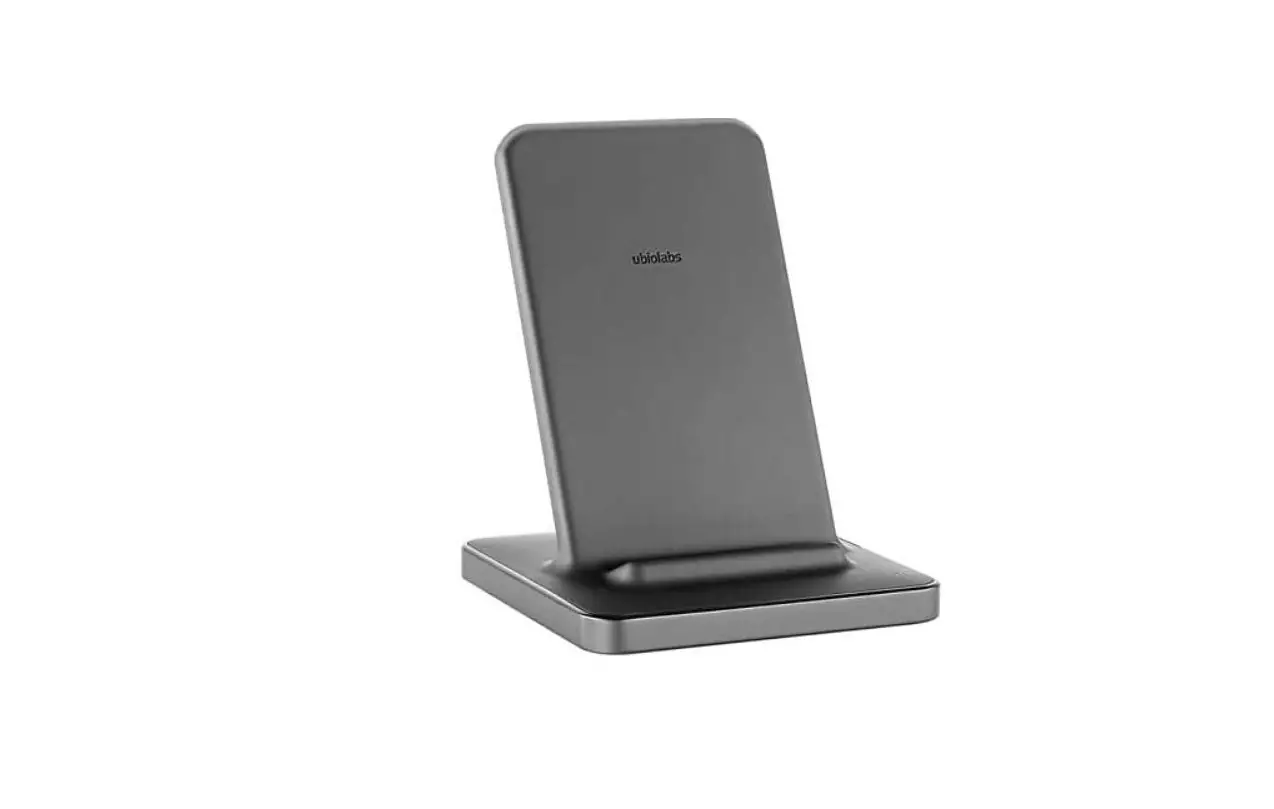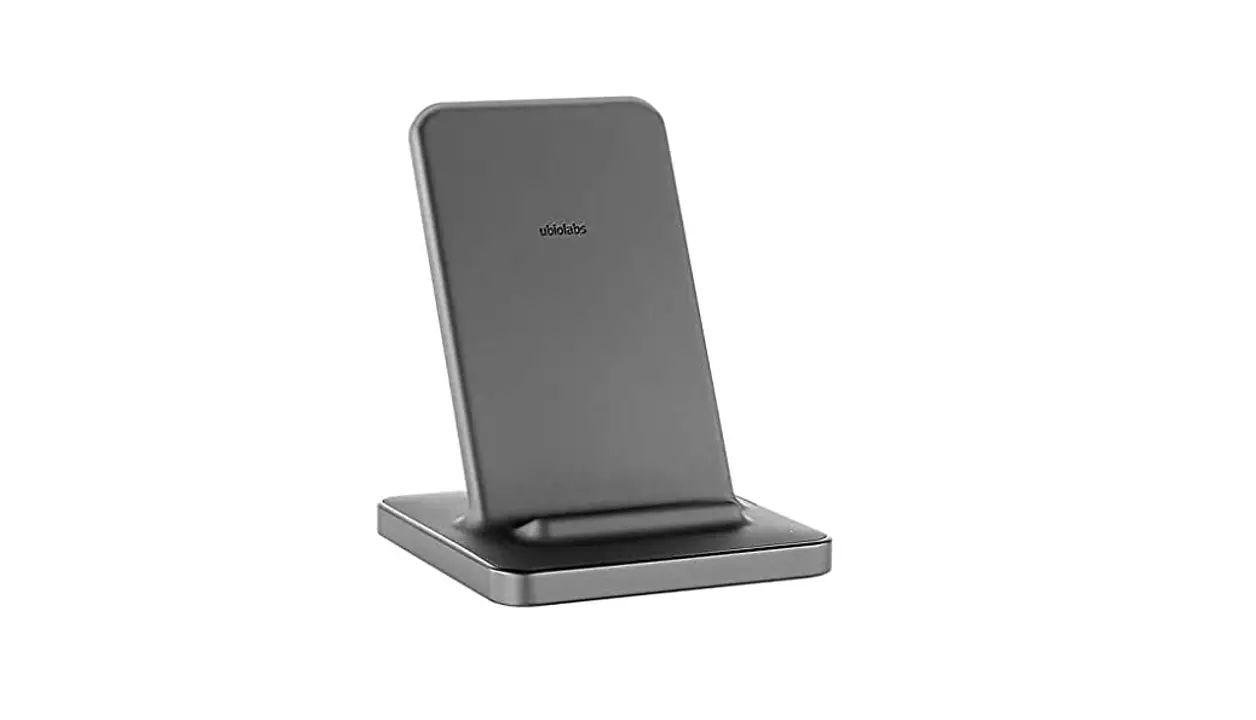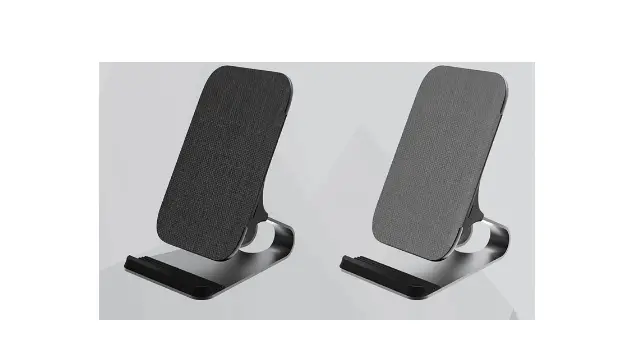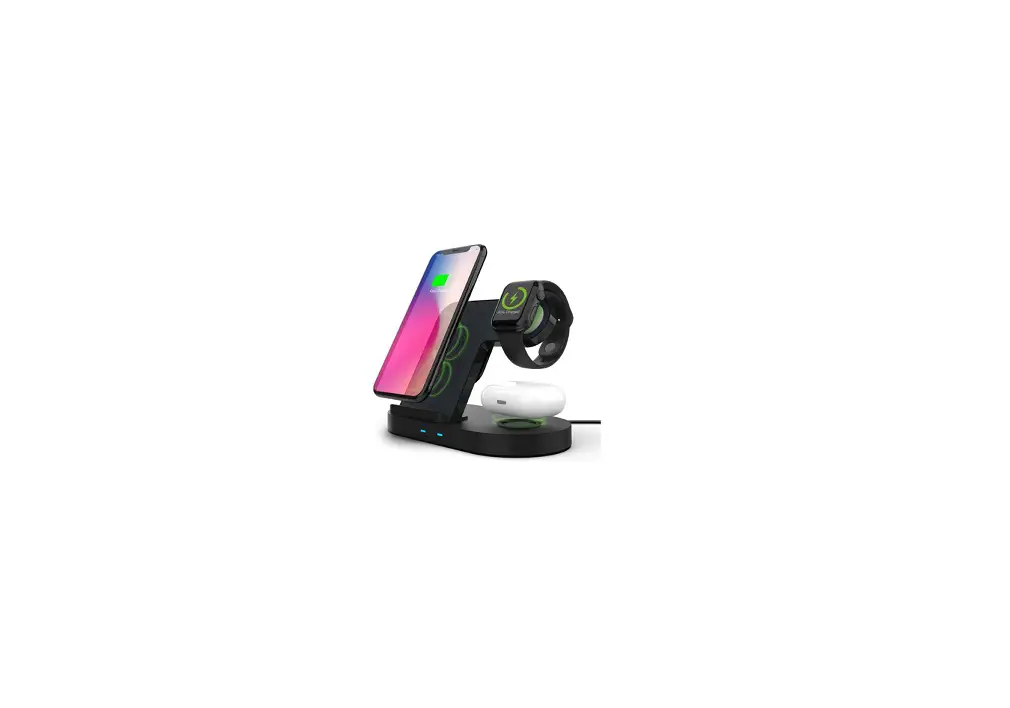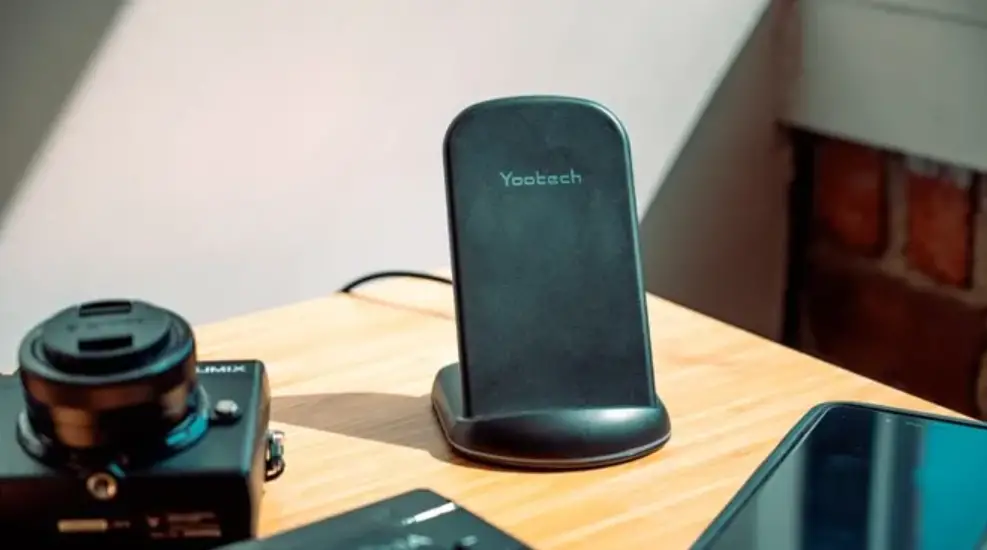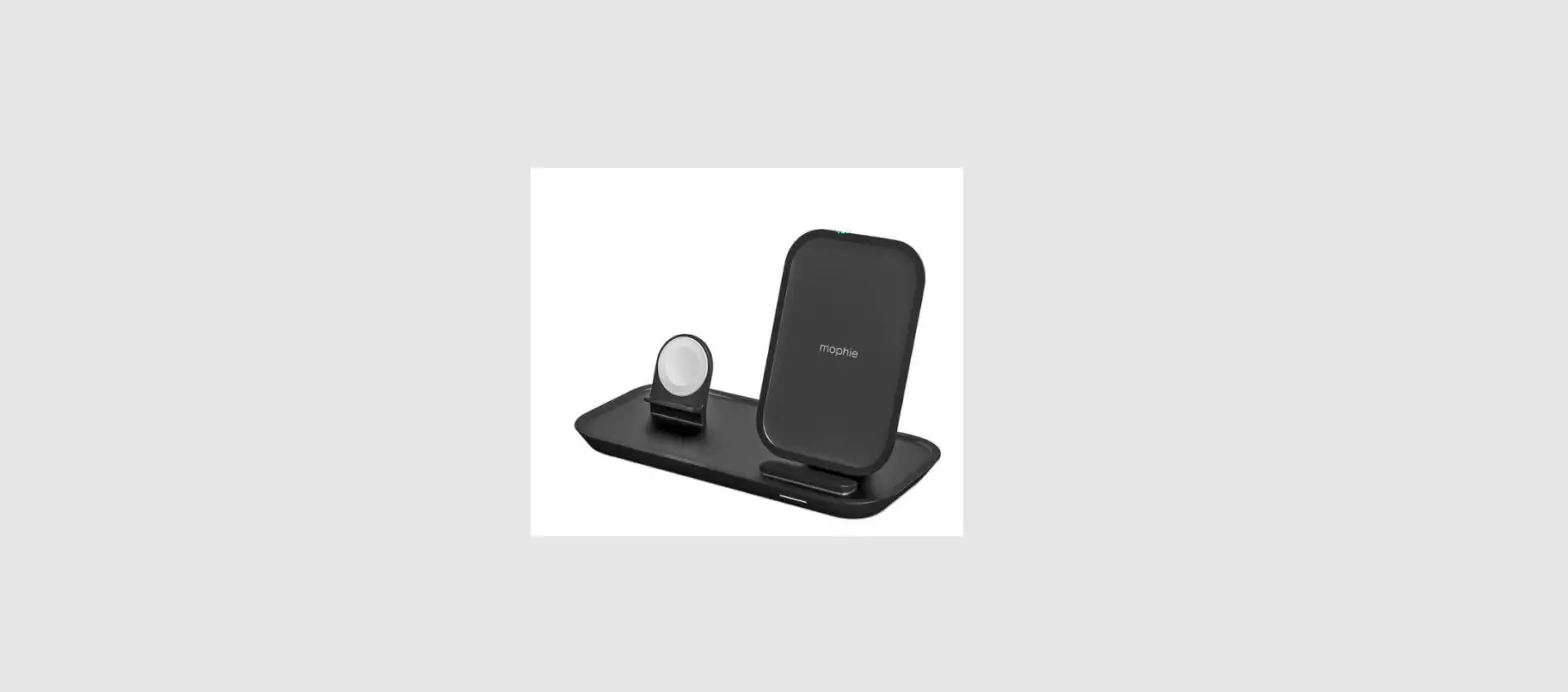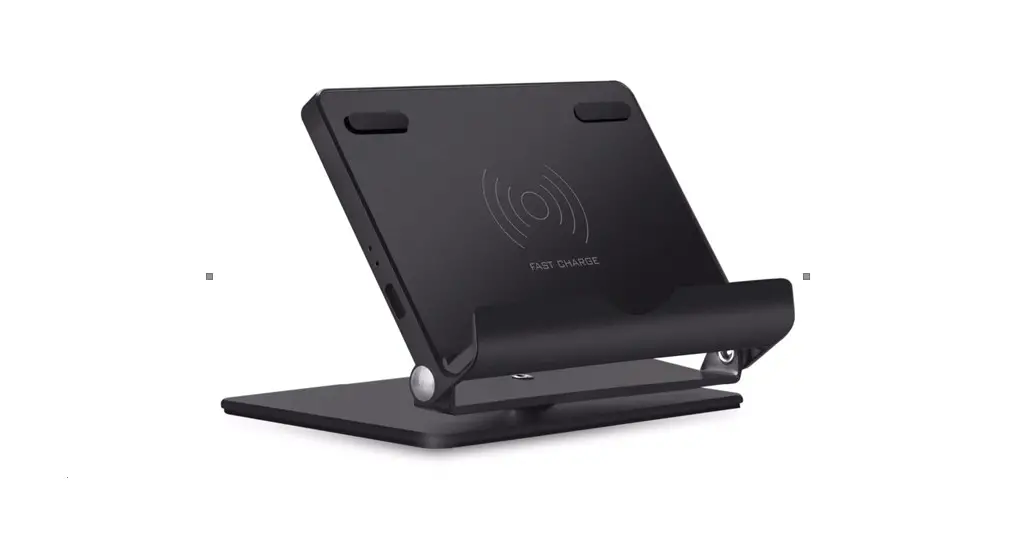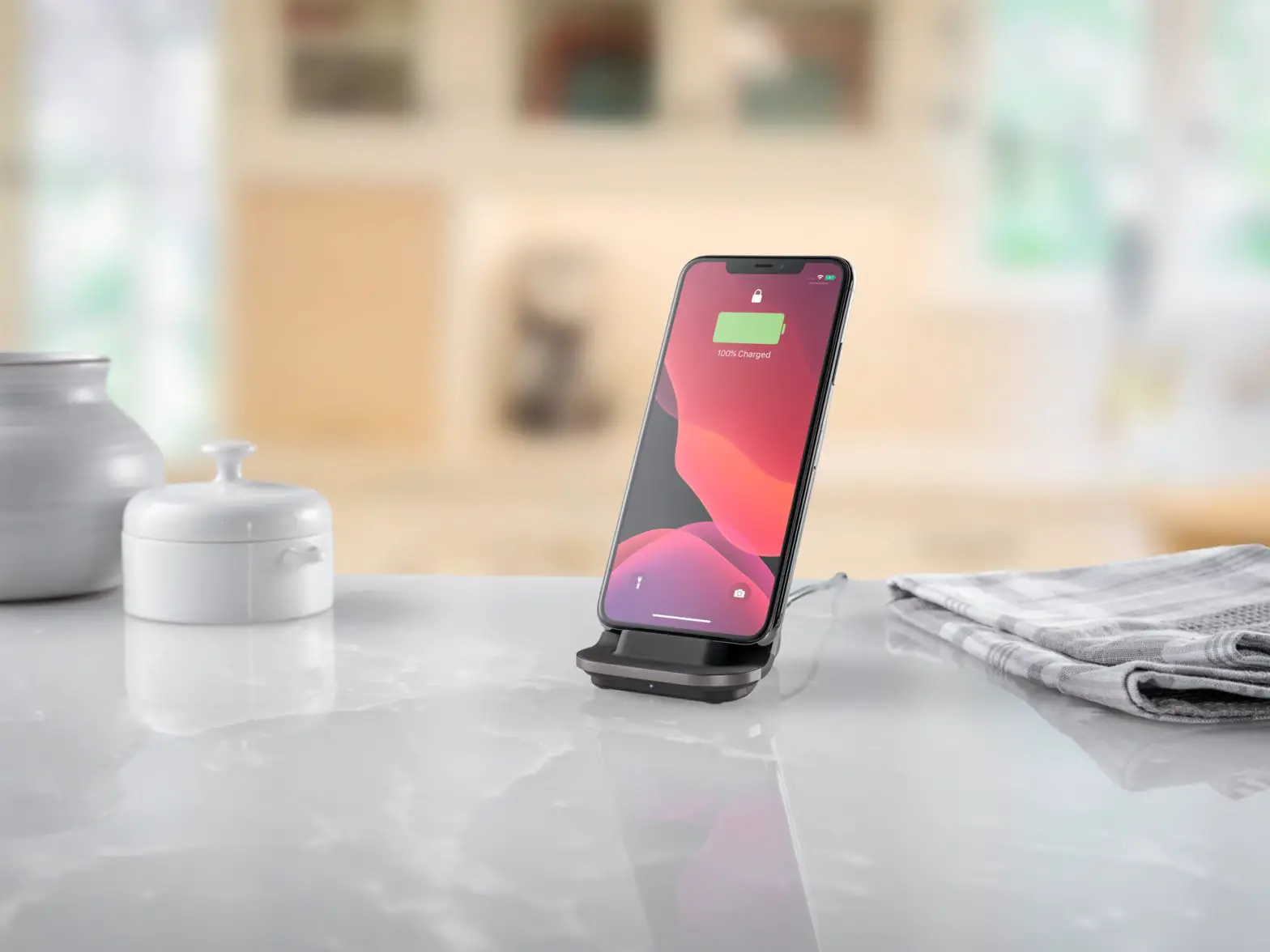
Ubio Labs WCB216 Wireless Charging Stand
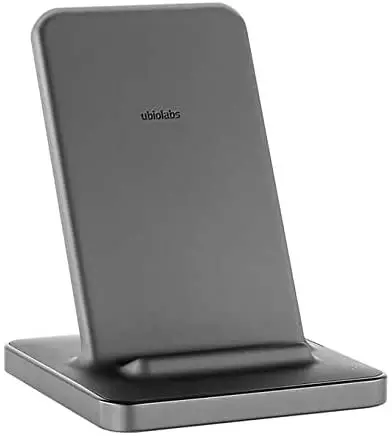
Plug in wireless stand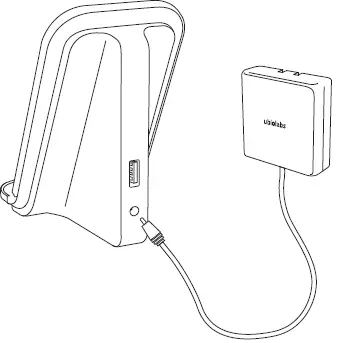
Charge device in portrait mode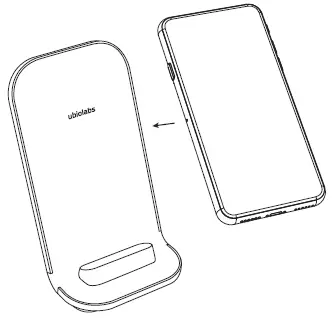
Charge device in landscape mode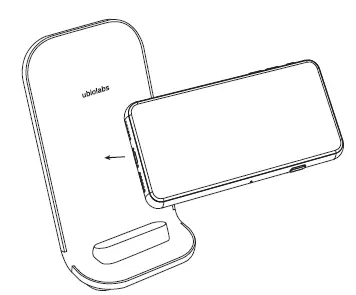
Charge additional device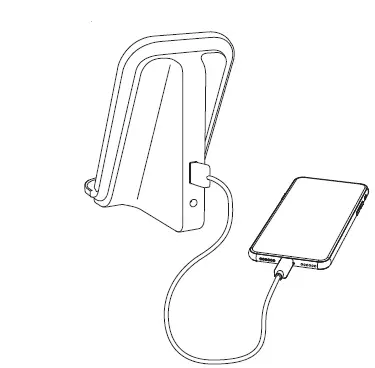
LED charge indicator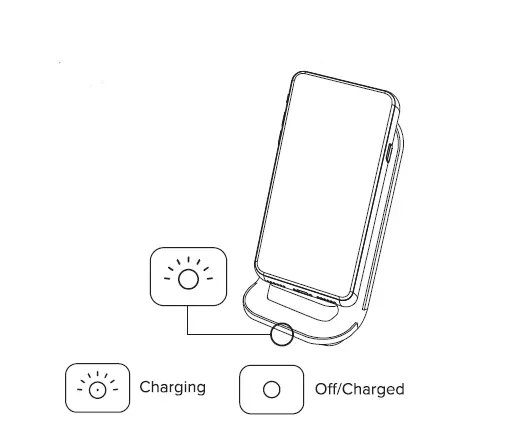
Devices must Align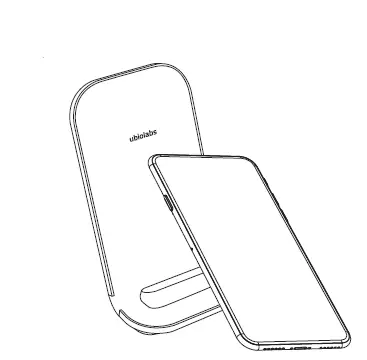
Foreign Object Detection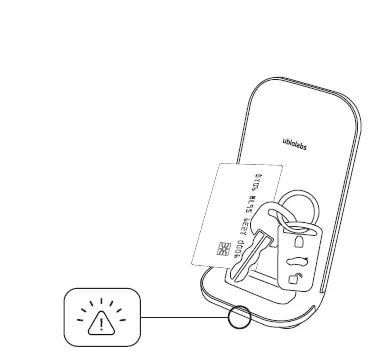
A blinking amber LED indicates a foreign object has been detected (metal objects like keys, coins, magnets, etc.) and the device is automatically turned off to ensure safety. Removal of foreign object and proper alignment of phone will result in normal operation.
WE ARE HERE TO HELP
Model: WCB216
www.ubiolabs.com
[email protected]
1-866-642-4428