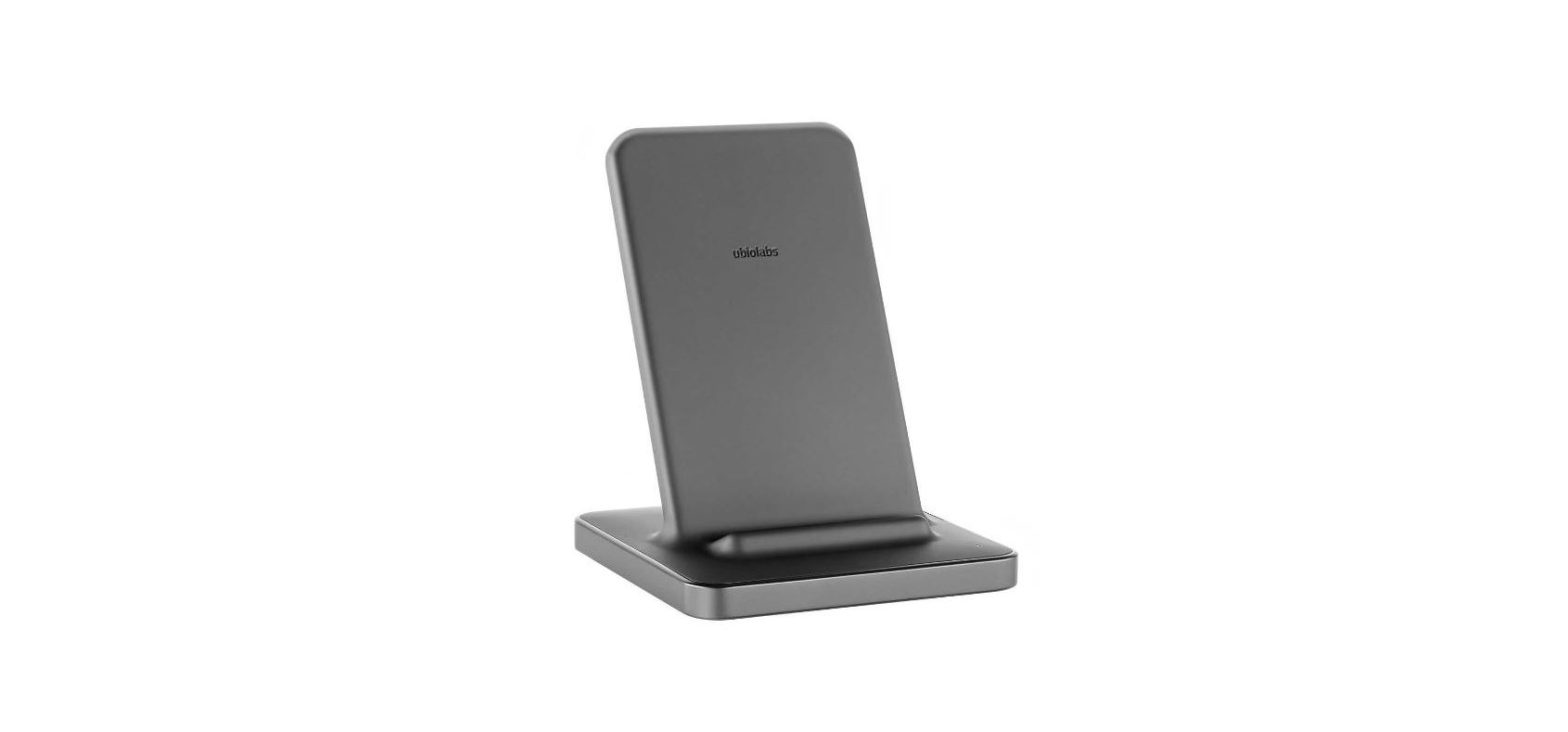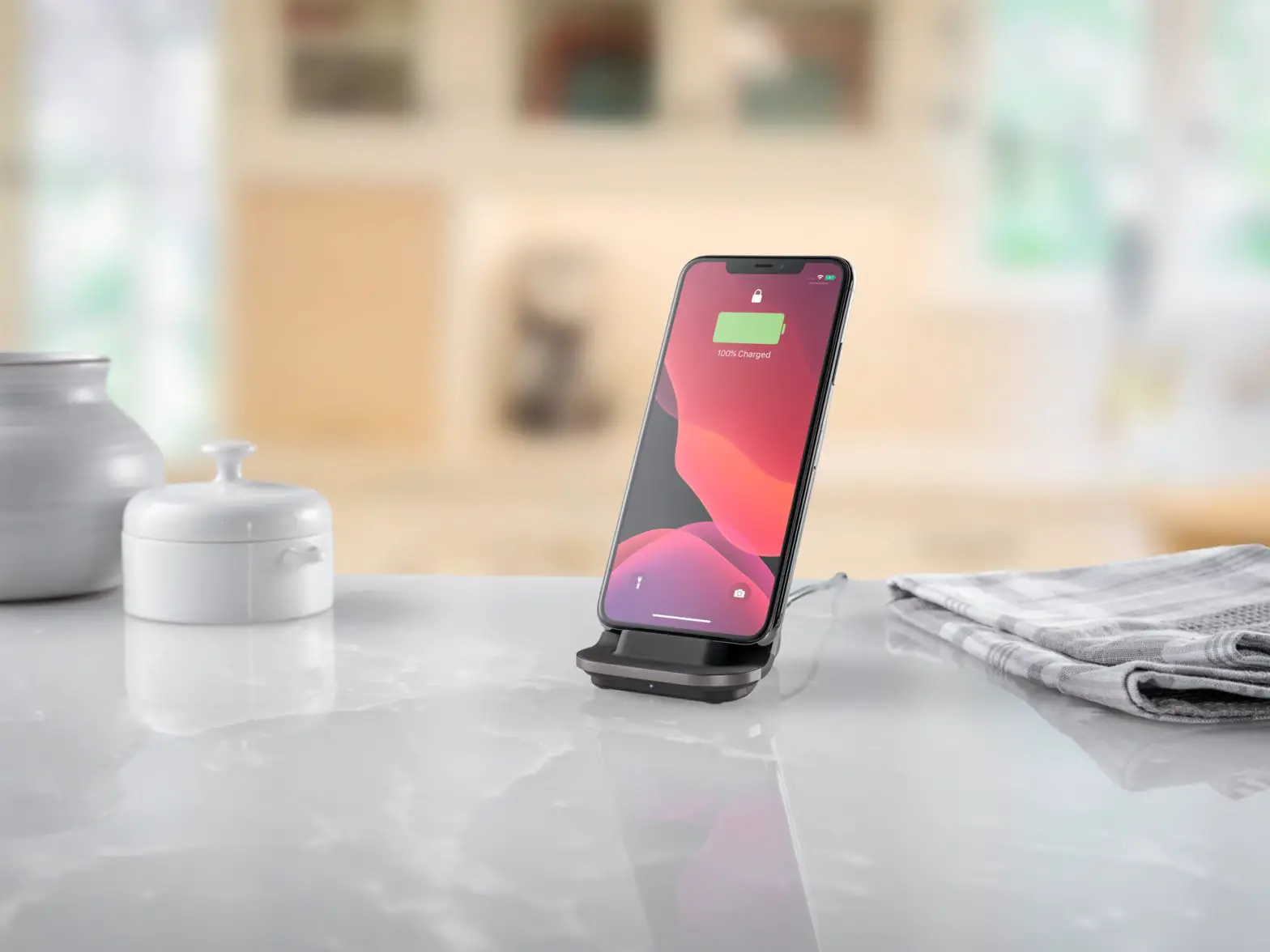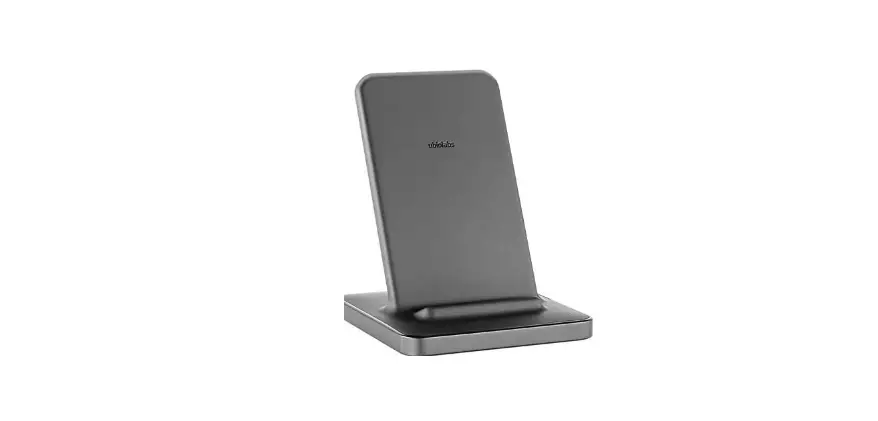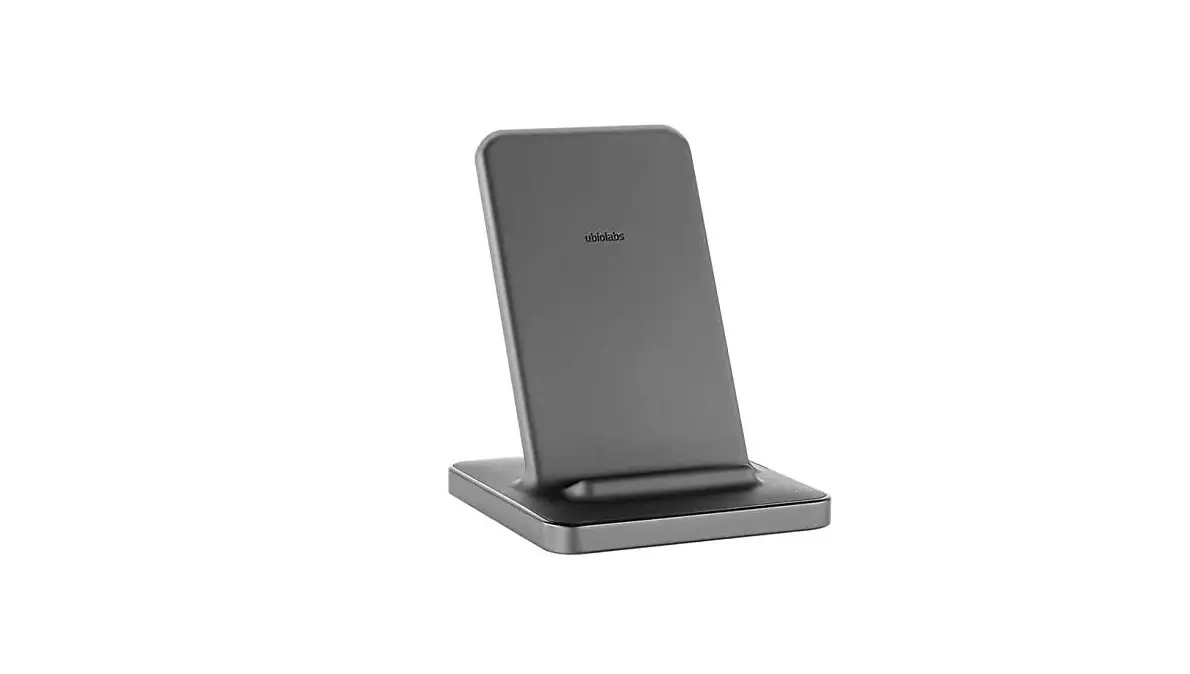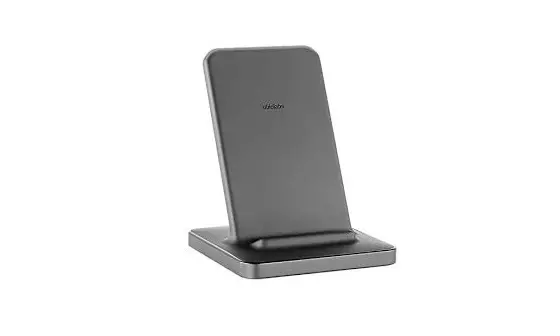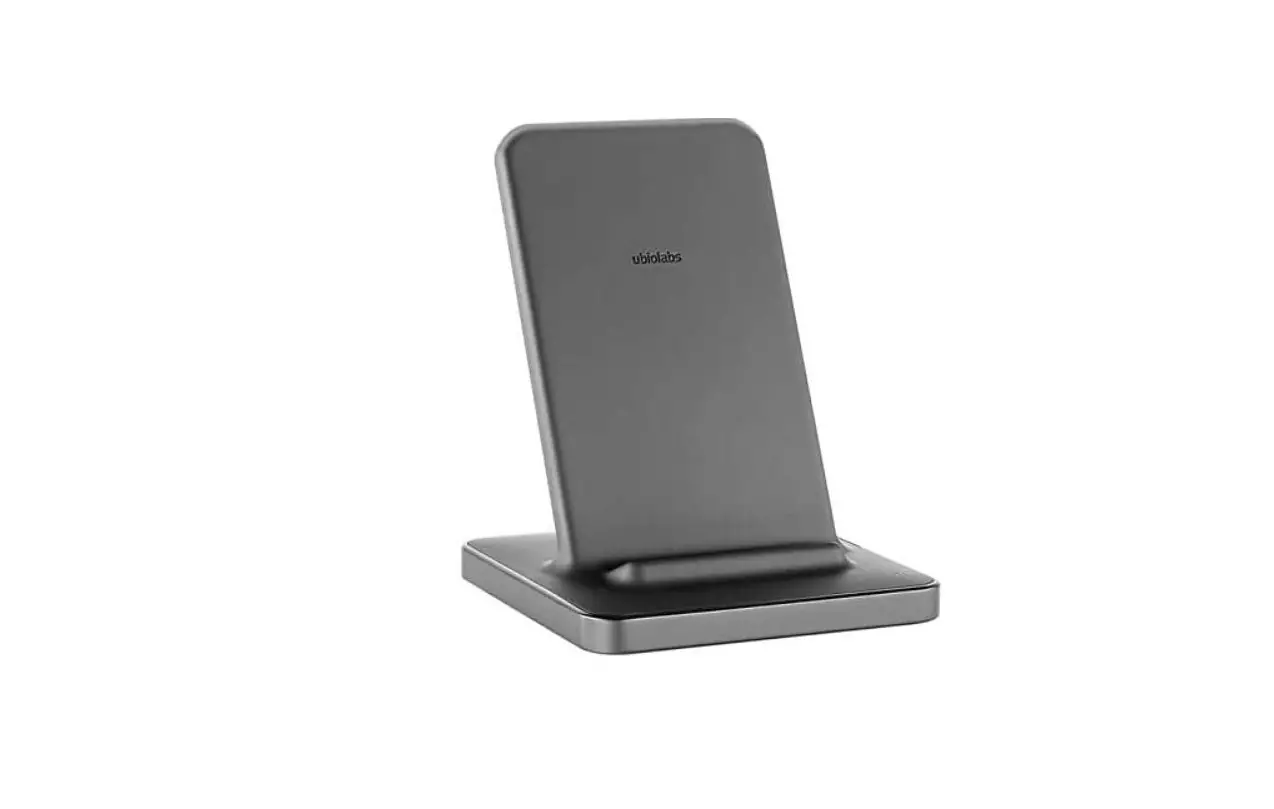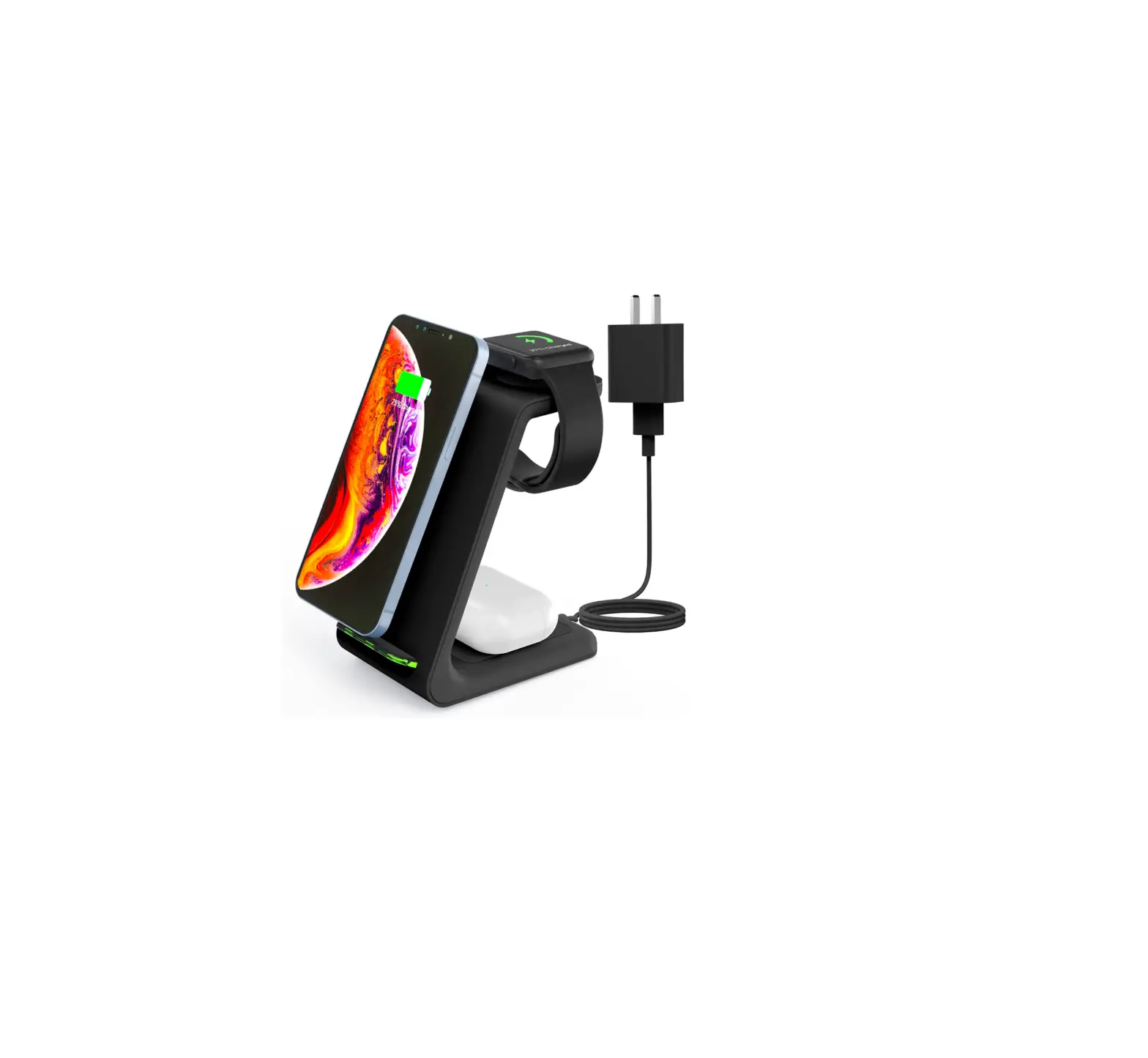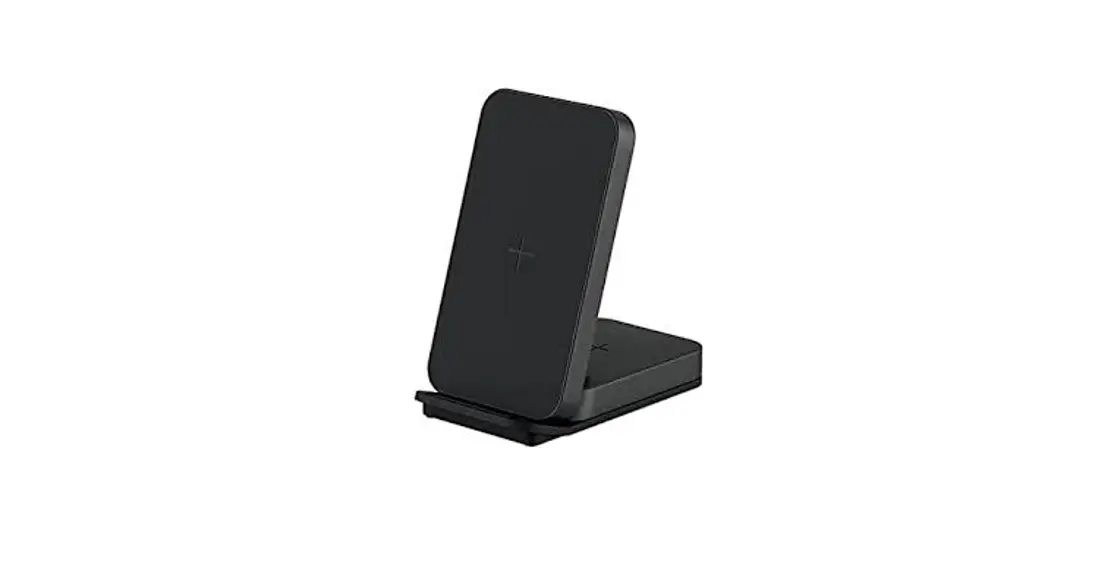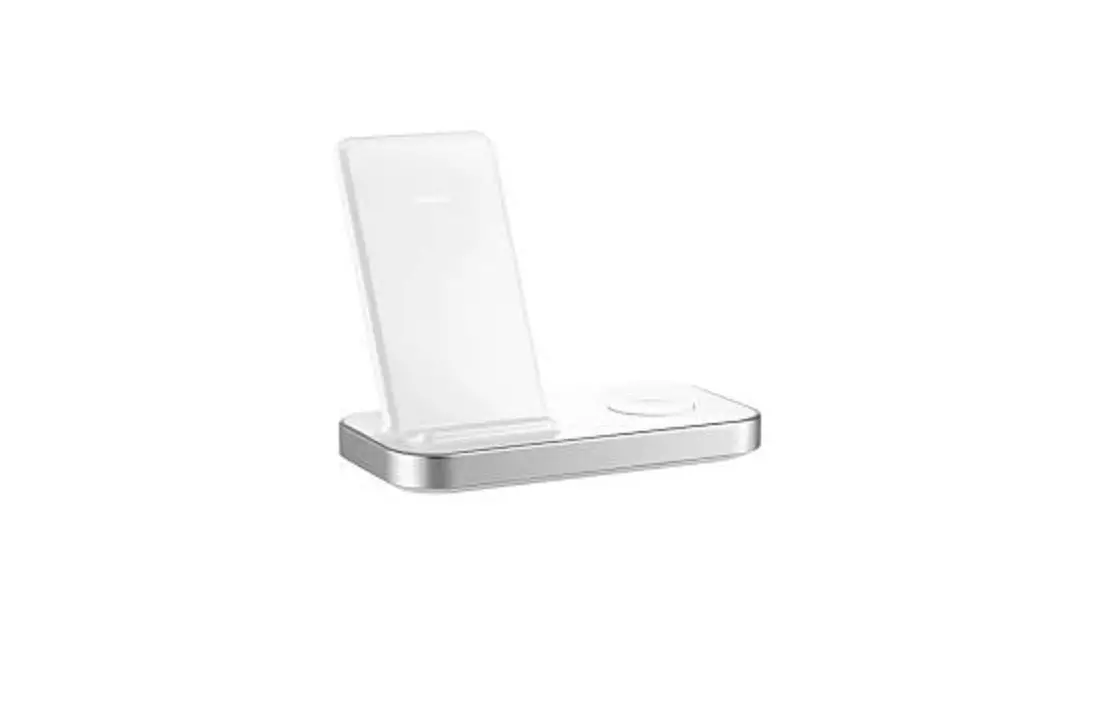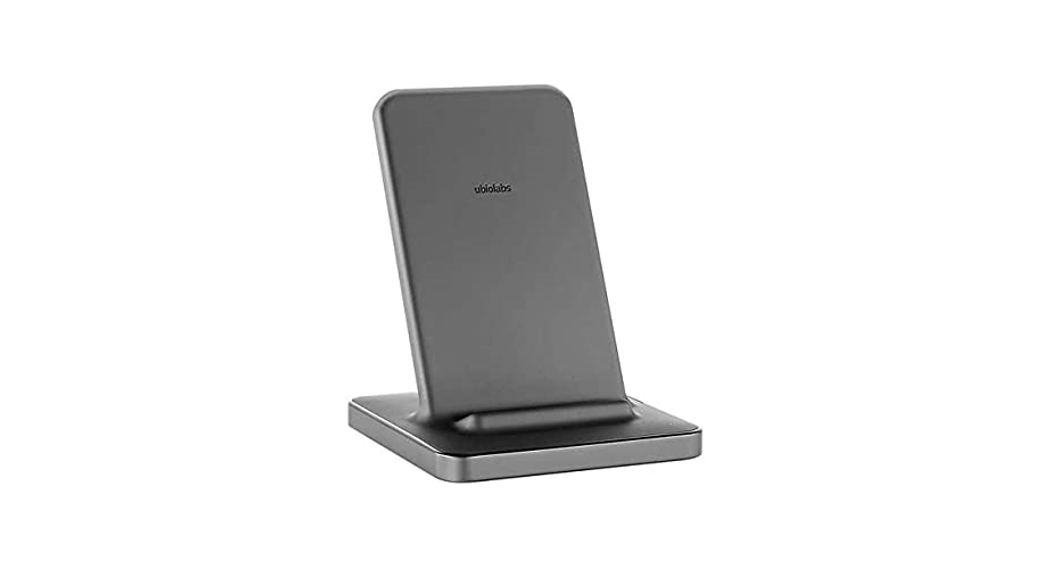

Ubiolabs Wcb262-262e 2-in-1 Wireless Charging Stand User Guide

Ubiolabs Wcb262-262e 2-in-1 Wireless Charging Stand User Guide

ubiolabs logo

WCB262/262E Quick Start Guide
Material 157g C2S
Process: 1C/1Cicon
2-in-1 Wireless
Charging Stand for Mobile Phones and Earbuds
Quick Start Guide
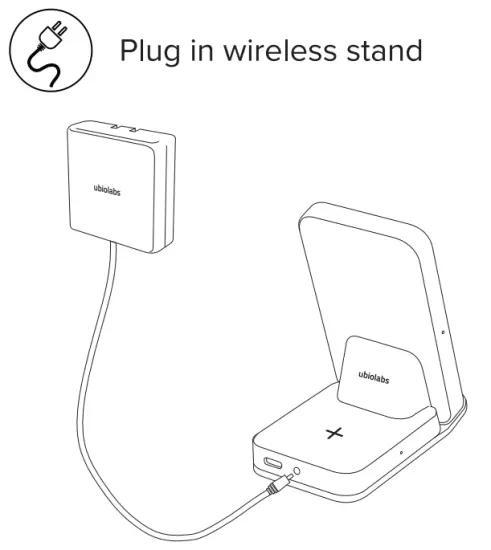
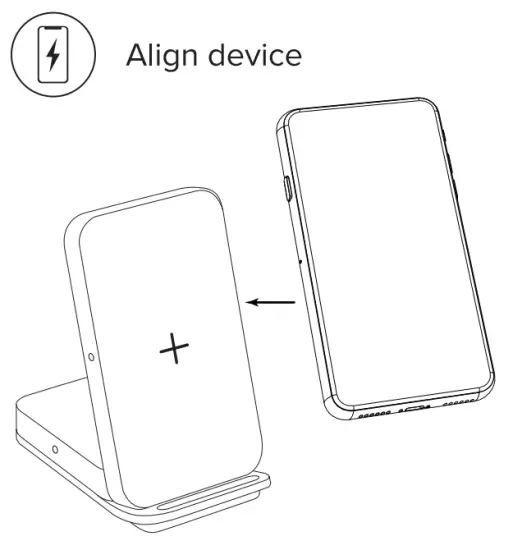
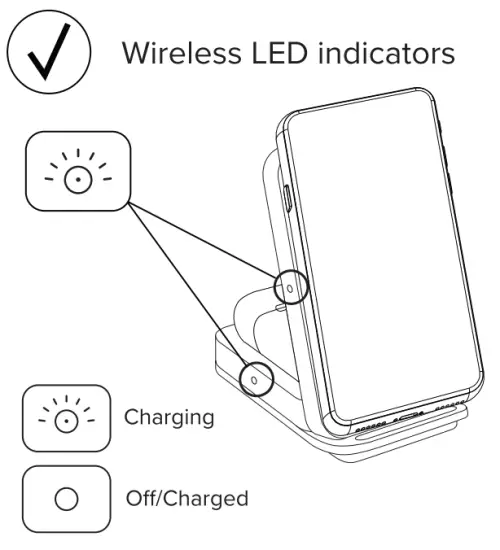
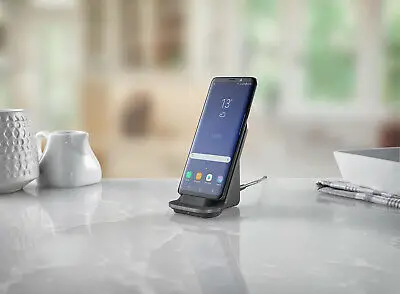
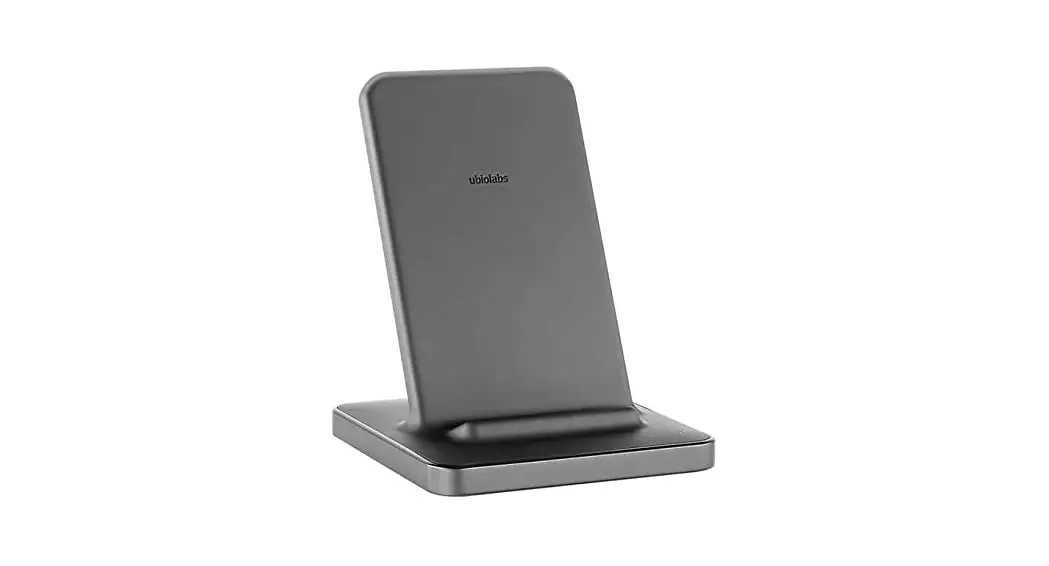
ubiolabs WCB262 262E 2 in 1 Wireless Charging Stand - fig1ubiolabs WCB262 262E 2 in 1 Wireless Charging Stand - fig2
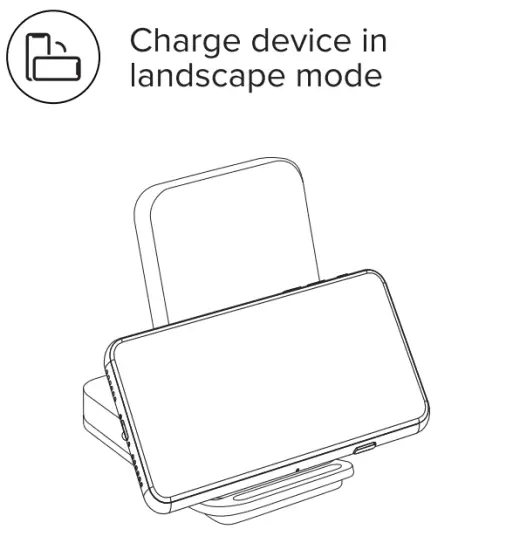
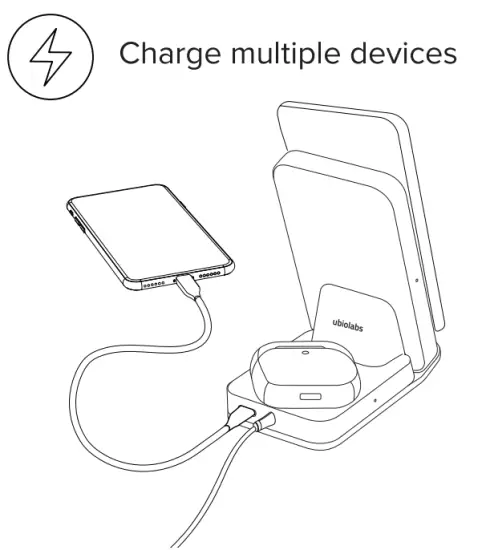
ubiolabs WCB262 262E 2 in 1 Wireless Charging Stand - fig3ubiolabs WCB262 262E 2 in 1 Wireless Charging Stand - fig4
ubiolabs WCB262 262E 2 in 1 Wireless Charging Stand - fig5ubiolabs WCB262 262E 2 in 1 Wireless Charging Stand - fig7
ubiolabs WCB262 262E 2 in 1 Wireless Charging Stand - fig8

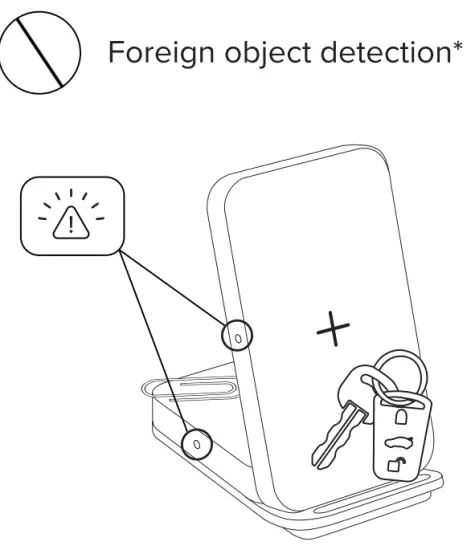
* A blinking amber LED indicates a foreign object has been detected (metal objects like keys, coins, magnets, etc.) and the device is automatically turned off to ensure safety. Removal of foreign objects and proper alignment of the phone will result in normal operation.

Are Here To Help
Model: WCB262 / WCB262E
www.ubiolabs.com
[email protected]
1-866-642-4428
(Monday – Friday 9am – 4:30pm PST)
2821 Northup Way, Suite 250
Bellevue, WA 98004
Documents / Resouces

Download manual
Here you can download full pdf version of manual, it may contain additional safety instructions, warranty information, FCC rules, etc.


Related Manuals