 User Manual
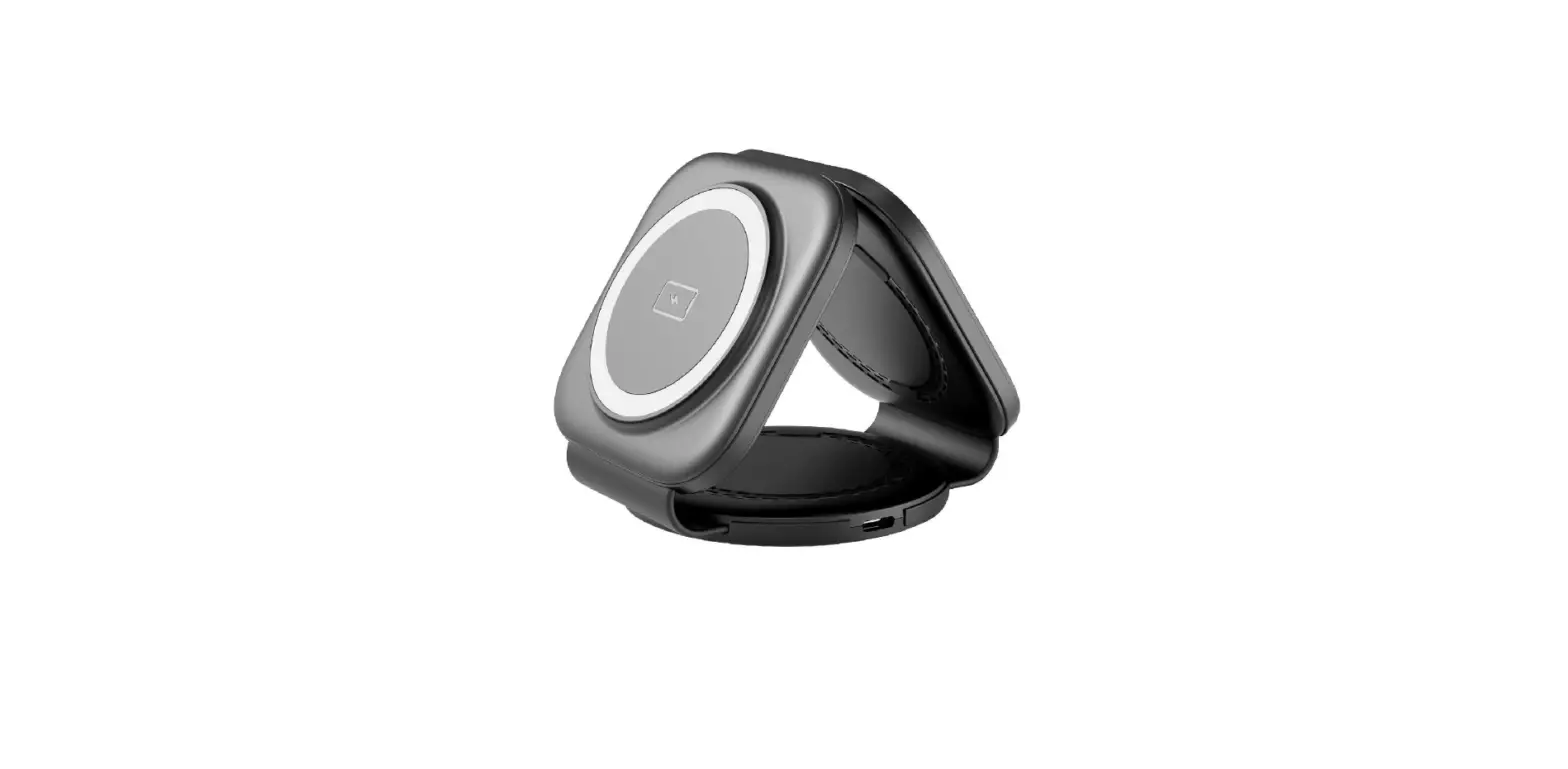
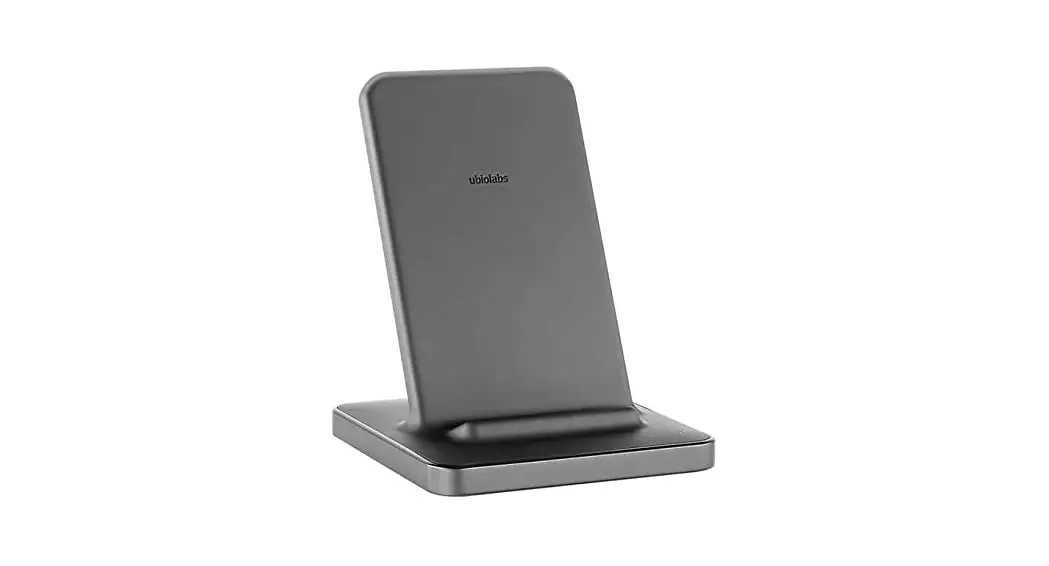
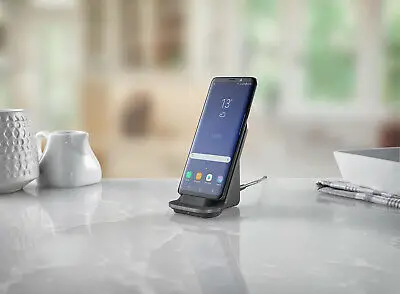
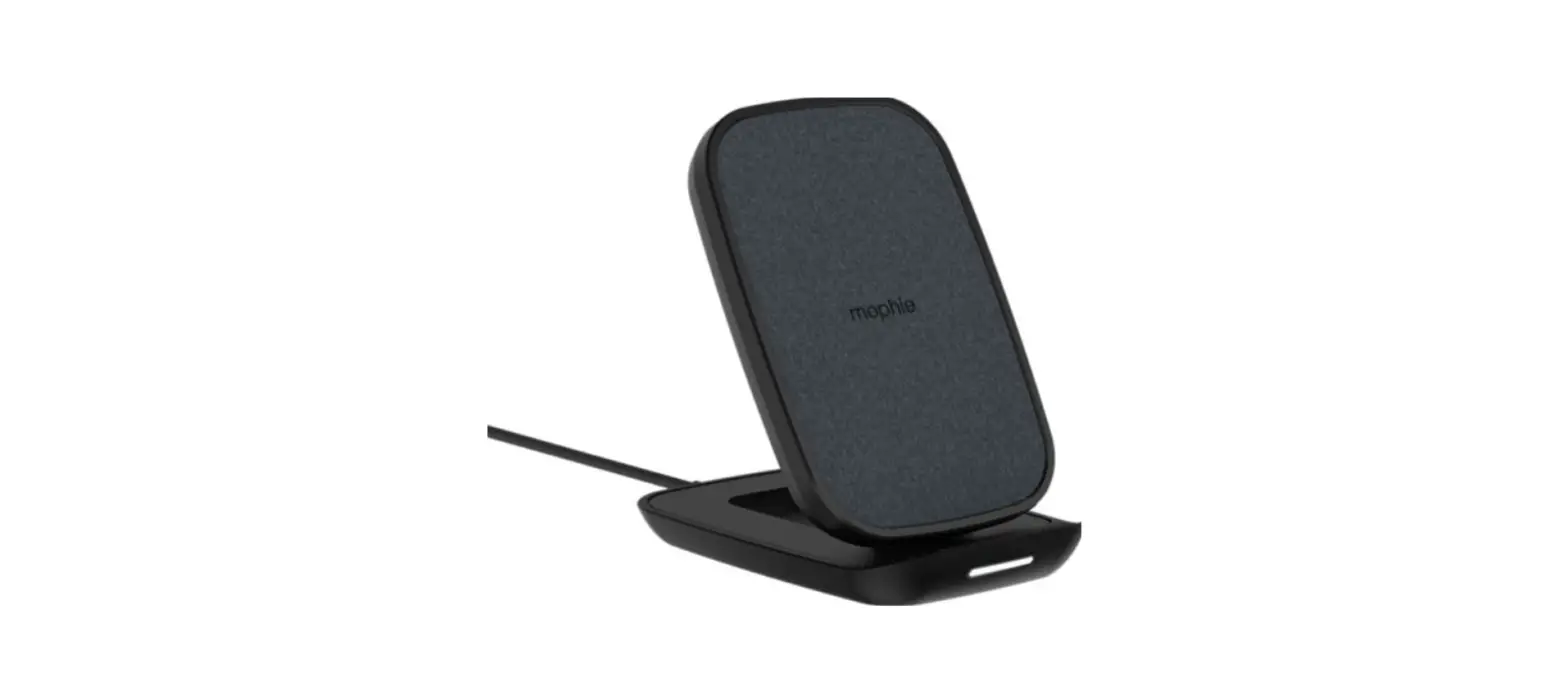
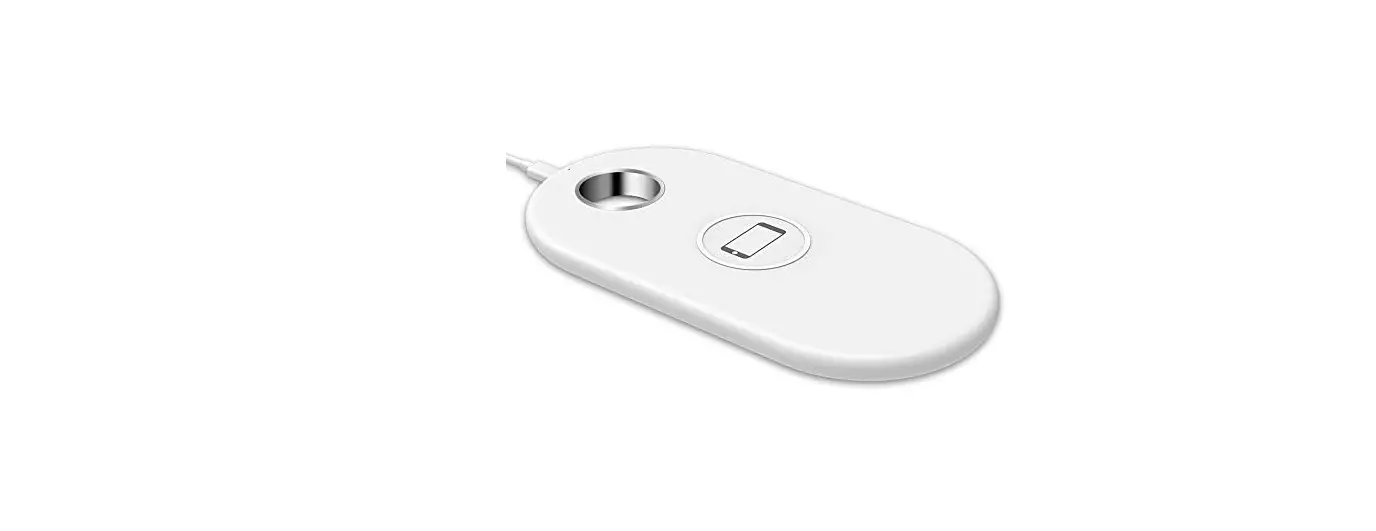
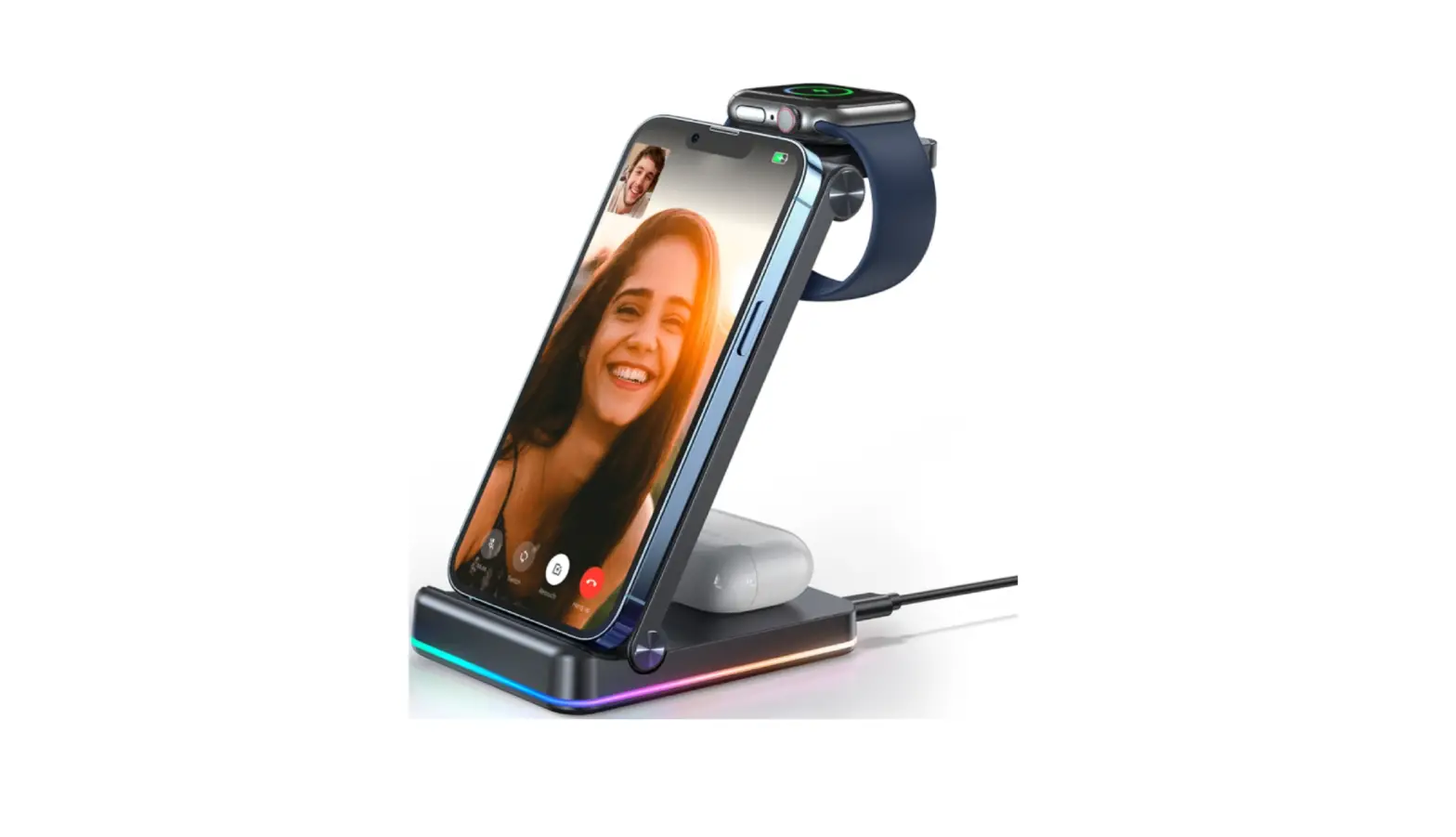
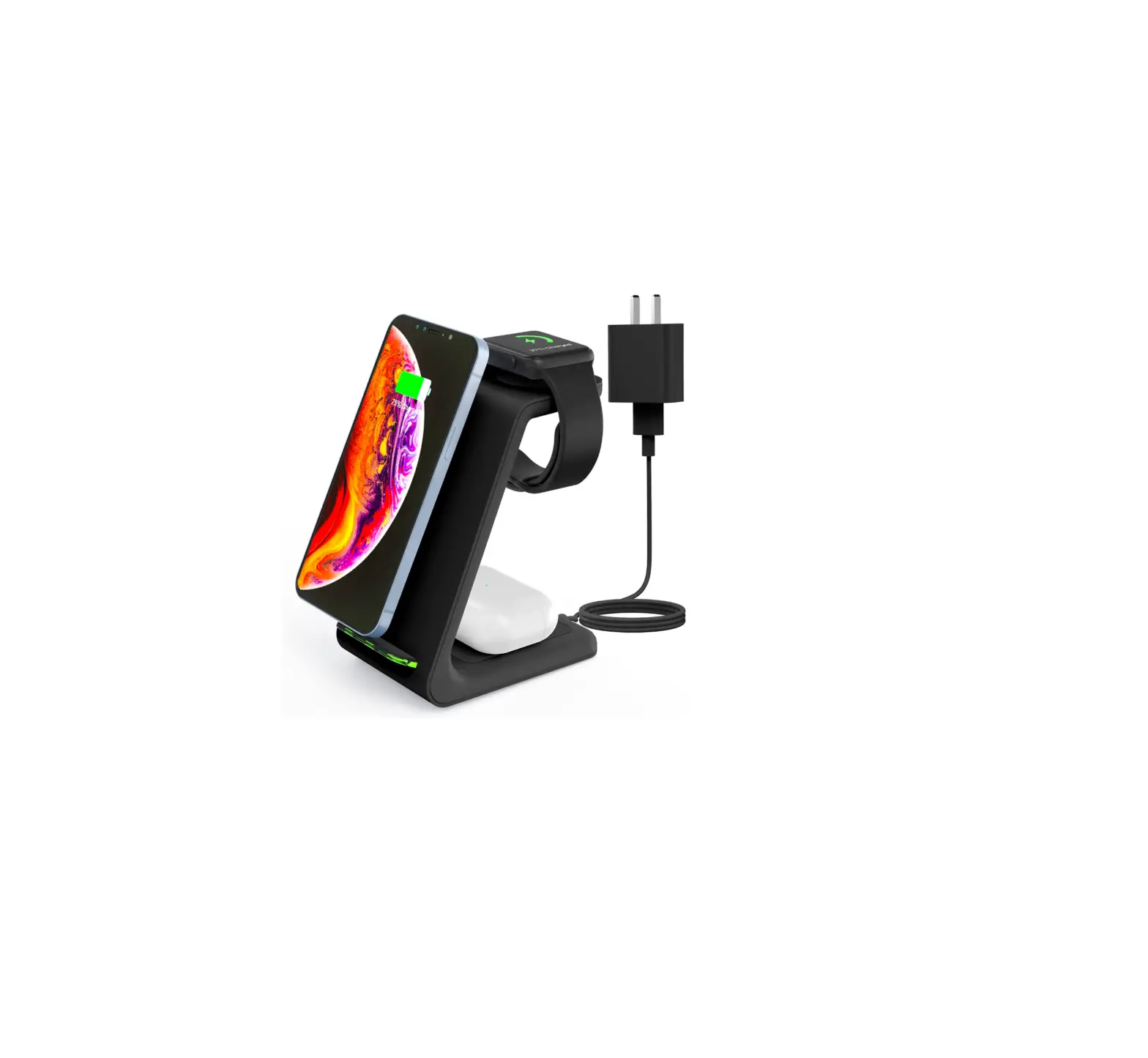
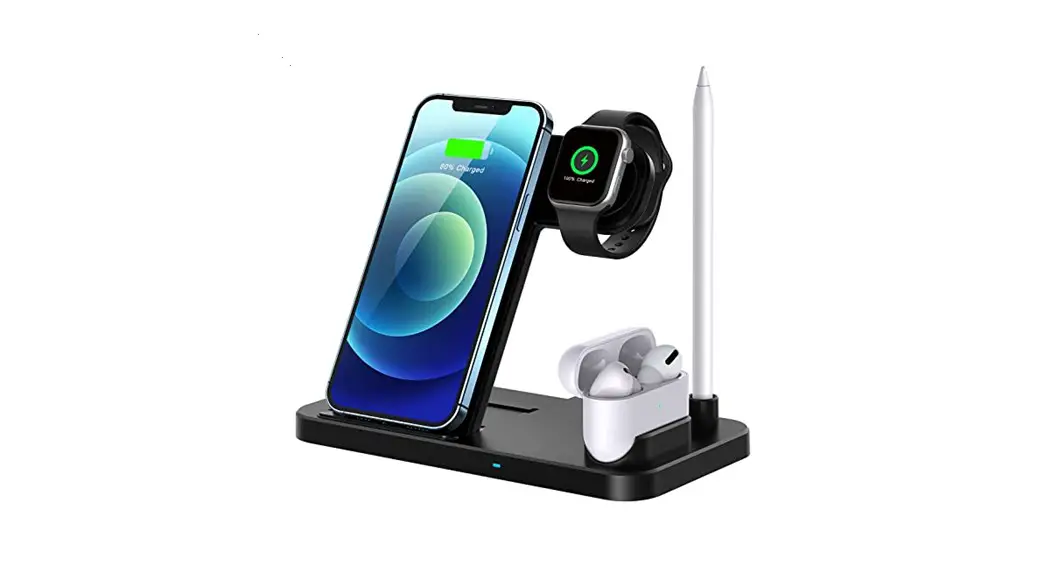
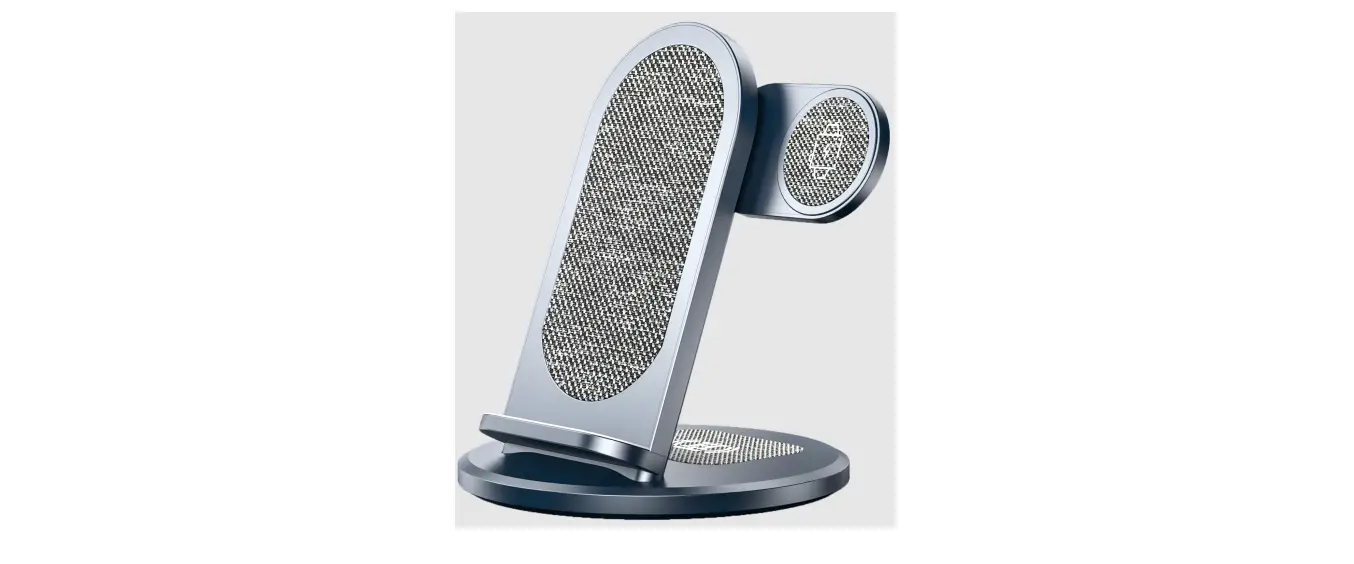
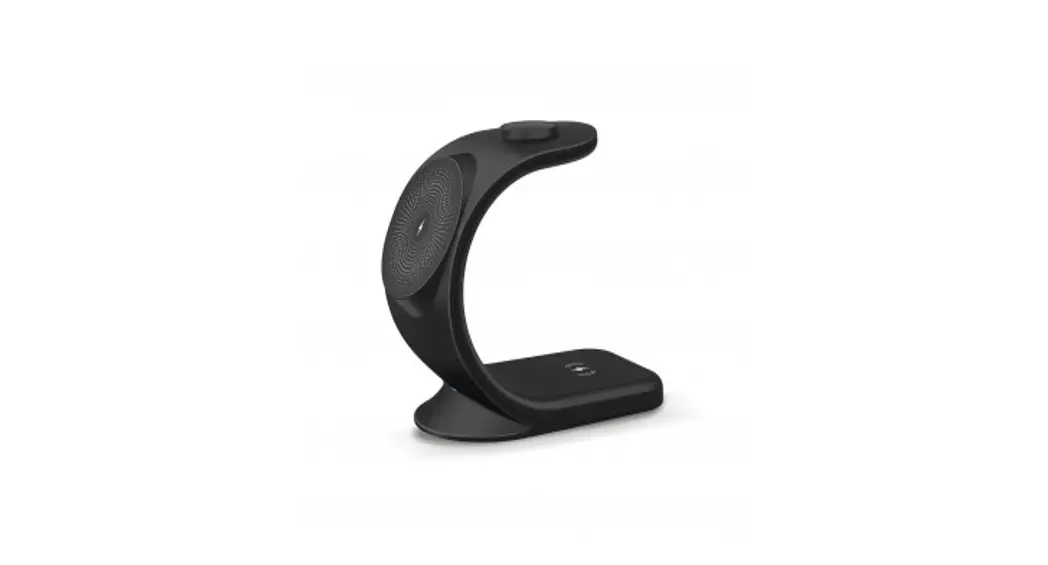
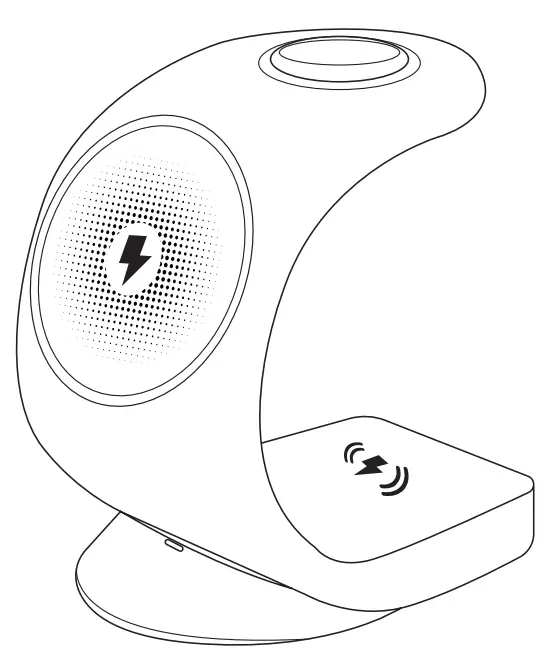 Charge Core 3-IN-1 Wireless Charging Stand
WLC-ON20B-917 & WLC-OM20W-924
WLC-ON20B-917, WLC-OM20W-924 3 in 1 Wireless Charging Stand
Thank you for your purchase!
Laser Corporation is 100% Australian owned & operated. To get the most out of your product please read the user manual carefully and keep for future use.
For specific information relating to your product such as Spare Parts, FAQs, Warranty claims, and more, please scan the following QR code:
WHAT’S IN THE BOX
- 3-IN-1 Wireless Charging Station
- 20W PD Charger
- Charging Cable
- User Manual
SPECIFICATIONS
3-IN-1 WIRELESS CHARGING STATION
| Wireless Charging Standard: | Qi |
| Input: | 9V/2A, 12V/1.5A |
| Output (Phone Area): | 15W (Max) |
| Output (Watch Area): | 2W max |
| Output (Earbuds Area): | 3W (Max) |
| Input Port: | Type-C |
| Dimension: | 127 x 117 x 71 |
| Weight: | 182.5g |
| 20W PD CHARGER | |
| Input: | 100-240V, 50/60Hz,0.5A |
| USB-C Output: | 5V/3A, 9V/2.2A, 12V/1.67A |
| PD (Power Delivery): | 20W |
| Weight: | 41g |
PRODUCT DIAGRAM
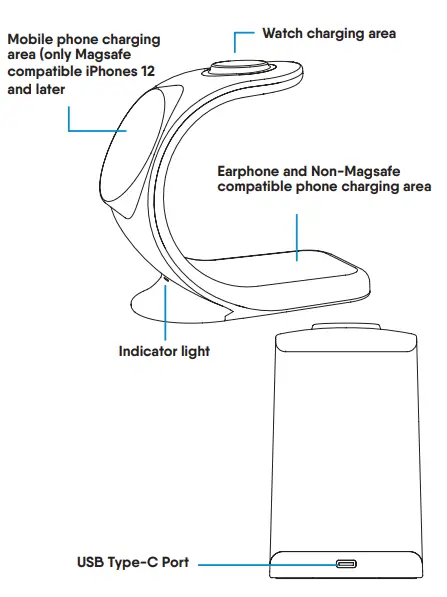
LED LIGHT INDICATOR
| State | LED Indicator |
| Power connected | Blue & Green light turns on for 1 second then turns off |
| Standby | N/A |
| Mobile phone charging | Blue light |
| Earphone charging | Green light |
| Mobile phone & earphone charging at the same time | Blue & Green light |
| Watch charging | N/A |
| Foreign object detected – mobile phone | Blue light flashing |
| Foreign object detected – earphone | Green light flashing |
| Foreign object detected – mobile phone & earphone | Blue & Green light flashing |
TIPS FOR SAFE CHARGING
- AVOID OVERCHARGING.
Disconnect chargers and devices after the battery reaches a full charge. Leaving devices on a charger too long can cause them to overheat and can reduce battery life. - PICK THE RIGHT CHARGER.
Only use the charger and cable that came with your device. If using an alternative charger, always follow the manufacturer’s recommend charger requirements. Take special care to match the correct voltage and amp values your device requires when picking a charger. Chargers are designed for specific battery types; mixing chargers and batteries could result in unexpected problems. - CHARGE ONLY ON NON-FLAMMABLE SURFACES. Devices and chargers can get warm or sometimes even hot during charging. Make sure to always place the device and charger on a non-flammable surface when charging. Do not place on beds, pillows, paper, or near any fabric such as curtains or clothing under any circumstances.
- AVOID EXTREME ENVIRONMENTS.
Do not recharge your devices in environments where extreme temperatures can occur. On particularly hot days do not charge in places such as the inside of a car, or an unairconditioned room. If it’s possible, try and wait till the evening when temperatures are a bit cooler. - MONITOR CHARGING. Recharge your devices while you are nearby, preferably in the same room or another room close by. This way when there is a defective battery or charger, you are able to take it off the power supply immediately.
COMPATIBILITY LIST
| Phone: | iPhone 12 and later models with Magsafe charging |
| Watch: | Apple Watch Series 8, 7, 6, 5, 4, 3, 2, SE (I & II) |
| Earbuds: | AirPods (2nd and 3rd Generation), AirPods Pro, and other Qi-enabled earbuds iPhone 8 and later and other Qi-enabled phones with wireless charging |
TROUBLESHOOTING
SLOW CHARGING:
- Check there are no obstructions on the back of your device such as credit cards or metal objects.
- Put the device on the centre of the charging surface.
- Phone cases cannot be thicker than 5mm.
- Check you are only using the supplied Power Adapter and Charging Cable.
DEVICE NOT CHARGING:
- Power off/on your device and try charging again.
- Try another charging cable from the adapter to the 3-IN-1 Charger.
- Check you are only using the supplied Power Adapter and Charging Cable.
- Check if your phone supports Qi Wireless Charging.
- Check if the 3-IN-1 Charger has a light then check the LED Indicator Light function description in this manual.
DEVICE OR CHARGER GETS VERY HOT DURING CHARGING:
- It is normal for the charging coil to generate heat during wireless charging. If you feel the charger is too hot, then take the device off the charging surface and wait till it has cooled down.
- Check you are only using the supplied Power Adapter and Charging Cable.
- LED Indicator Light function description in this manual.
Visit our website
www.laserco.com.au
 https://www.laserco.com.au/support
Check us out at
www.youtube.com/lasercoau
 https://www.youtube.com/channel/UCQOuBKnSya0x9zCjPfYzklg

 Laser Co | Technology for everyone