iPolar 3339R-SGP SkyGuider Pro Installation Guide
Tool needed:
A set of metric hex key wrench
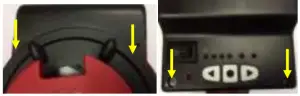
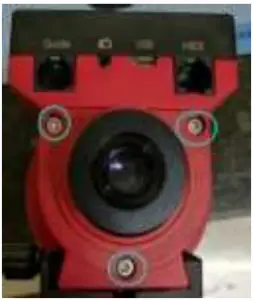
- Loosen two screws at the front of the mount and two others on the top of a SkyGuider Pro main board cover and remove the black cover.

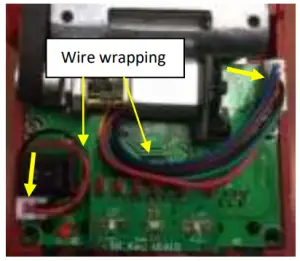
- Unplug the 6-wire motor driver cable and DC power cable. Remember how wires wrapped.

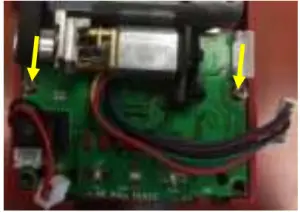
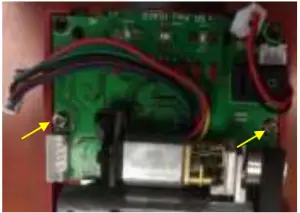
- Remove two mounting screws.

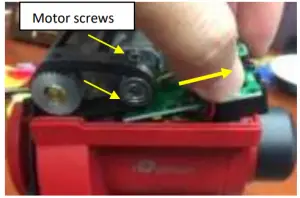
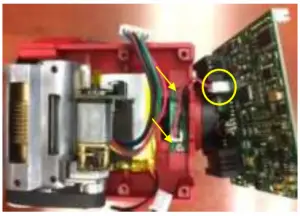
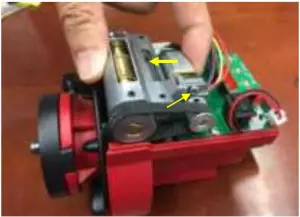
- Gently pull the circuit board with sockets end up and slide the circuit board out. If the board is stuck by the motor, loosen two Phillips screws hold the motor.

- Unscrew and remove the polar scope LED board and disconnect wire harness from the main board.

- Remove polar scope cover and base.

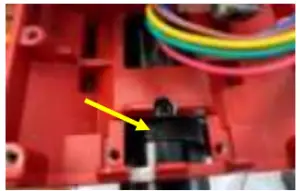
- Rotate the RA axis to find TWO set screws 90 degree apart next to the LED board, which are used to secure the polar scope in place. Use a 1.5mm hex key to release the set screws.

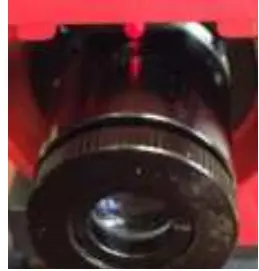
- Pull the polar scope out of the RA axis.

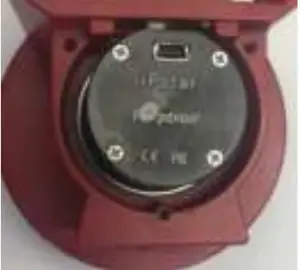
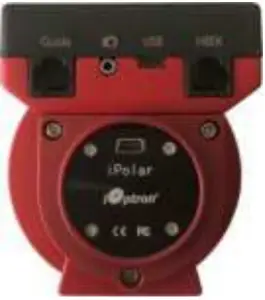
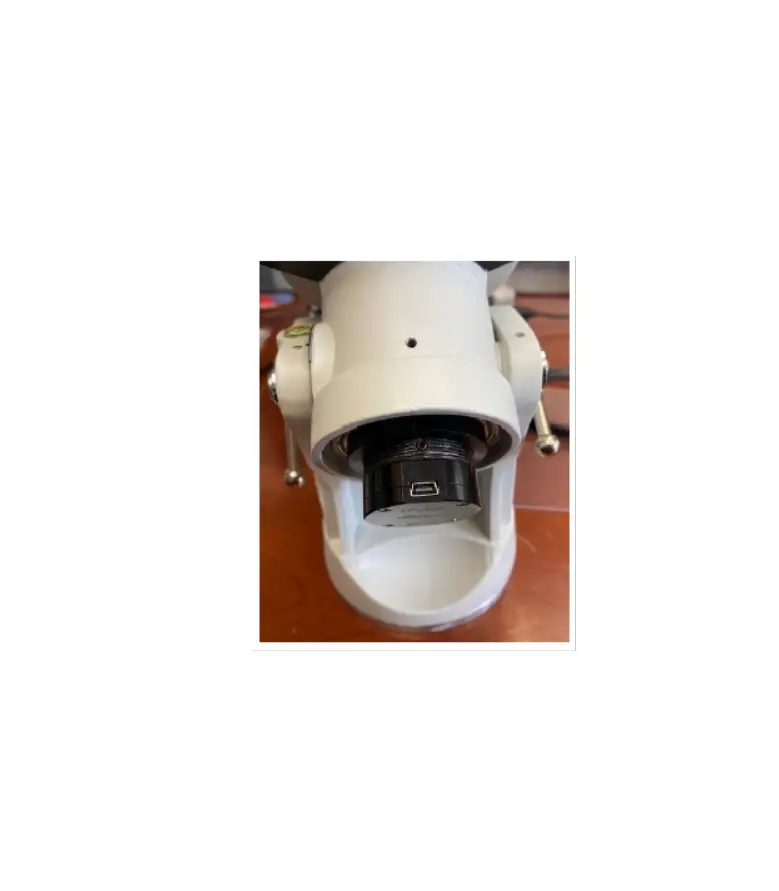
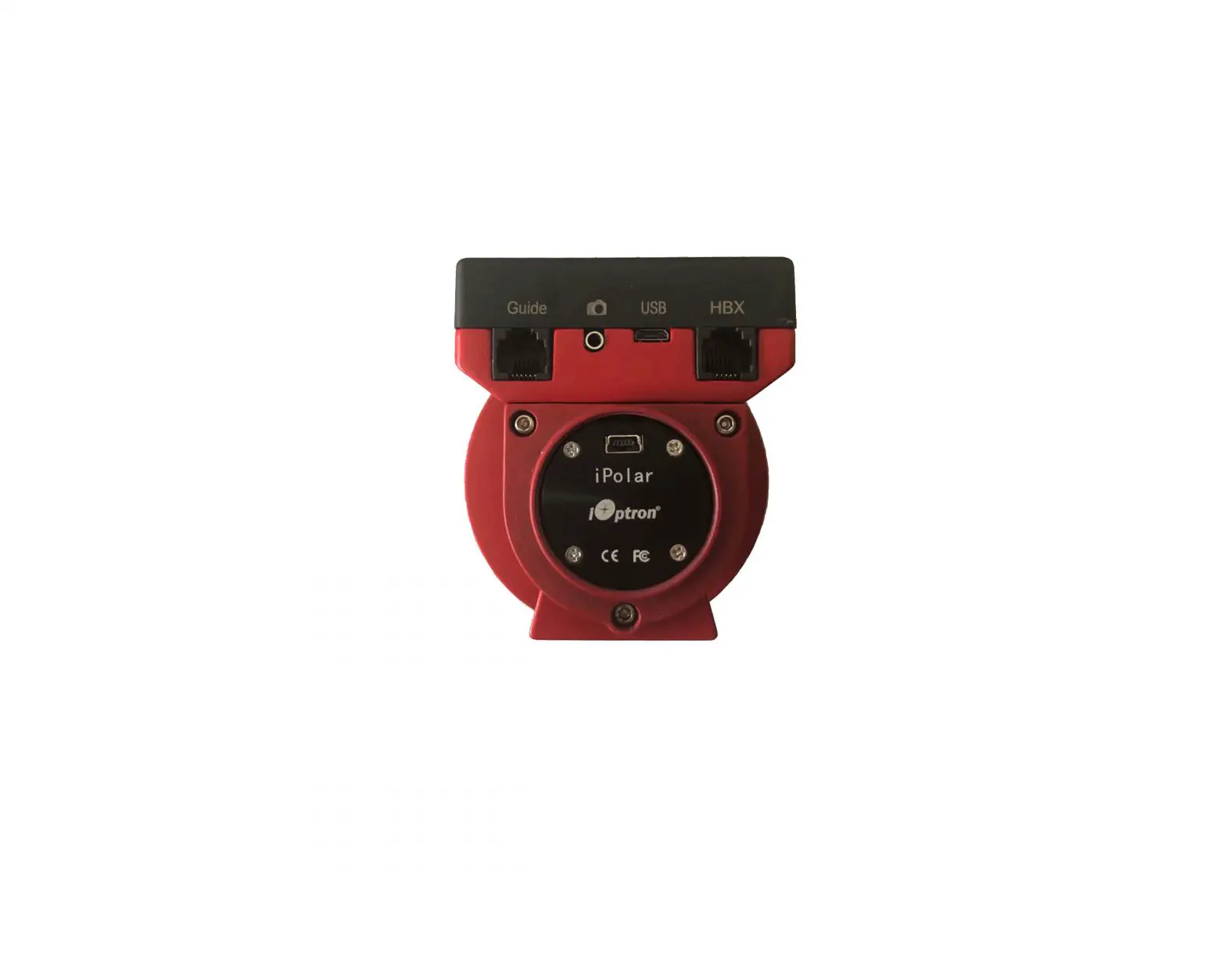
- Insert the iPolar into the RA axis. Rotate it to align the USB port to the DEC bracket. Lock the set screw gently to secure the iPolar.

- Replace the Polar Scope base plate with a new one with larger opening, if your SkyGudier Pro is an earlier version.

- Sliding the front end of the control board in.

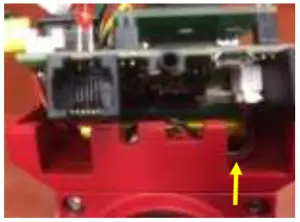
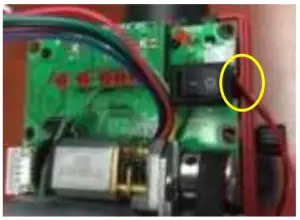
- Gently push the board in when the power cable goes through the small cut on the board.

- If you release the motor to gain more space while remove the board, tighten motor locking screws while push the motor against worm assembly to tension the belt properly.

- When securing the board with two screws, make sure that the battery and wires underneath are properly seated. Fully tighten the screws.

- . Plug in the battery wire and motor cable. Refer to step 2 to wrap the wire properly. Put the cover and screws on.
- Follow iPolar Operation Manual to perform the polar alignment. Use quick slew button to rotate the SkyGuider Pro RA axis during camera center calibration.