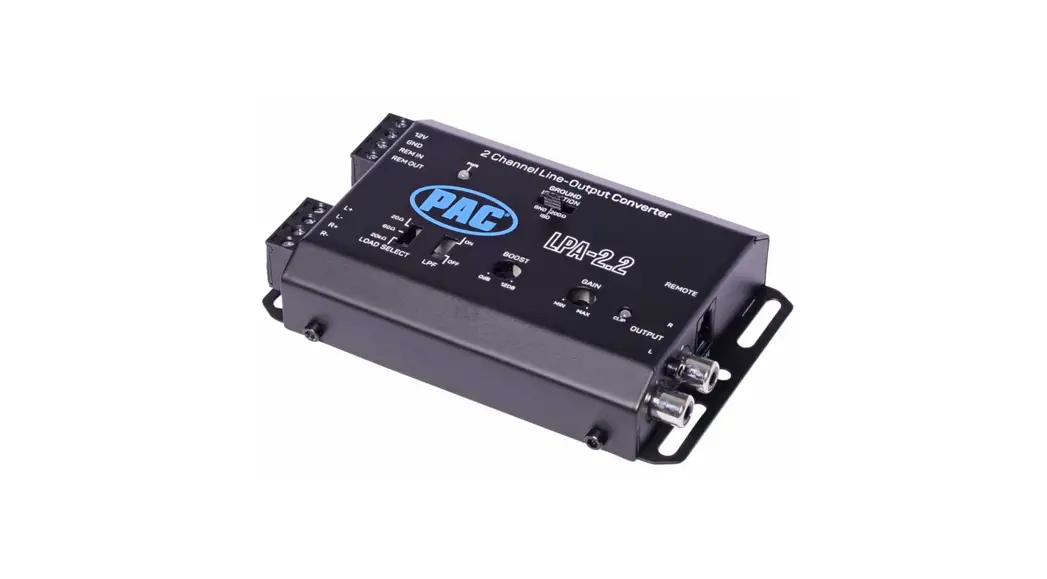
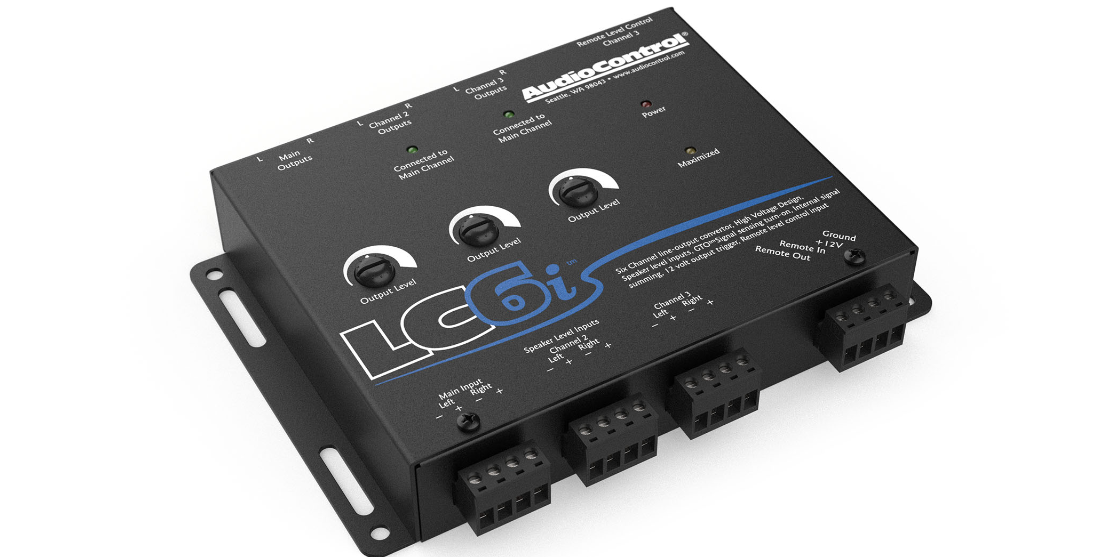
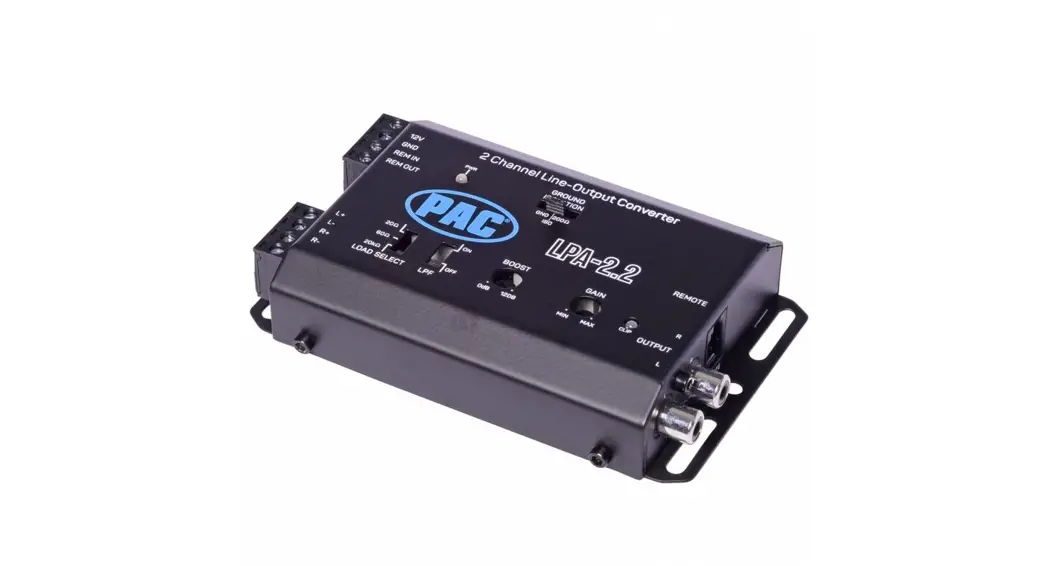
LC1i 2 Channel Active Line Output Converter and Line Driver
Product Information
The Factory System Upgrade is a two-channel line output
converter and line driver with impedance matching designed to
improve the audio quality of your car’s sound system. The unit is
equipped with integrated mounting brackets, a ground isolation
switch, and three different ways to turn it on: GTO Signal Sense,
Audio Sense, and Remote Input. The LC1i requires constant +12V
power and ground to function.
Product Usage Instructions
- Ensure that the LC1i is active and requires constant +12V
power. - Choose a suitable mounting location that provides access to the
controls and connections, and protect the LC1i from heat, moisture,
and dirt. - Use the integrated mounting brackets to mount the LC1i.
- Before drilling holes, take precautions to prevent damage to
fuel lines, power and other electrical wiring, hydraulic brake
lines, and other systems that might compromise vehicle safety. - When making connections, designate red RCA plugs as right and
designate white, black, or gray plugs as left. - Connect the +12V input terminal of the unit to the +12V
terminal on the vehicle battery (or distribution block) using 16 to
14 AWG wire. - Connect the Ground terminal of the unit to the Ground/Negative
terminal of the battery (or distribution block) using the same
gauge wire as the +12V power wire. - If you want to use +12V remote turn on, set the Trigger Mode
switch to Rmt In. Connect the Remote In (Rmt In) terminal of the
unit to a remote turn-on switch. Alternatively, use GTO Signal
Sense or Audio Sense to trigger the unit on without a remote
wire. - Connect the Speaker Level Inputs to the output of your factory
head unit or amplifier. Alternatively, connect the Line Level
inputs to the output of your aftermarket source. - Adjust the input gain using the Output Level knob.
- Connect the Output RCAs to your aftermarket amplifier.
- Enjoy the drive!
Note: The LC1i requires constant +12V power and ground to
function. Use GTO Signal Sense mode when your factory sound system
outputs a DC offset when it is on. When Audio Sense mode is
selected, the LC1i will ONLY turn on when you start playing a
source from the head unit. Finally, use the Ground Isolation Switch
to change how the LC1i is grounded, depending on whether you
experience ground buzz or alternator whine in your audio path.
There are three positions: GND, ISO, and 200 ohms. The unit ships
from the factory in the ISO position.
FACTO RY SYSTE M U P G R A DE
TWO CHANNEL LINE OUTPUT CONVERTER & LINE DRIVER WITH IMPEDANCE MATCHING
TWO CHANNEL LINE OUTPUT CONVERTER & LINE DRIVER WITH IMPEDANCE MATCHING
Quick Start
1. LC1i is active and REQUIRES CONSTANT +12V POWER
2. Pick a suitable mounting location that will provide access to the controls and connections. Protect the LC1i from heat, moisture, and dirt.
3. Use the integrated mounting brackets to mount the LC1i.
4. Before drilling holes, take every precaution to prevent damage to fuel lines, power and other electrical wiring, hydraulic brake lines, and other systems that might compromise vehicle safety.
5. When making connections, designate red RCA plugs as right, and designate white, black, or gray plugs as left.
6. Connect the +12V input terminal of the unit to the +12V terminal on the vehicle battery (or distribution block) using 16 to 14 AWG.
7. Connect the Ground terminal of the unit to the Ground/ Negative terminal of the battery (or distribution block) using the same gauge wire as the +12V power wire.
8. For +12V remote turn on the Trigger Mode switch must be set to “Rmt In”. Connect the Remote In (Rmt In) terminal of the unit to a remote turn-on switch. Alternately, use GTOTM Signal Sense or Audio Sense to trigger the unit on without a remote wire.
9. Connect the Speaker Level Inputs to the output of your factory head unit or amplifier. Alternately, connect the Line Level inputs to the output of your aftermarket source.
10. Adjust the input gain using the Output Level knob.
11. Connect the Output RCAs to your aftermarket amplifier.
12. Enjoy the drive!
Power
As awesome as it is that the LC1i can be turned on 3 different ways, you still very much need to connect the LC1i to constant +12V power and ground.
Maybe one day science will invent a way to electrically power devices via the sweet guitar solo of Jimi Hendrix, but until then, we need +12V power and ground.
GTO Signal Sense
DC offset is a high falutin technical term that means the LC1i can sense when the head unit is on, not necessarily when audio is being sent to the LC1i. Use GTO Signal Sense mode when your factory sound system outputs a DC offset when it is on.
Audio Sense
When this mode is selected, the LC1i will ONLY turn on when you start playing a source from the head unit. Whether it be the radio, CD player or streaming via Bluetooth from a mobile device. If you turn the head unit on, but DON’T play audio, the LC1i will not turn on.
Remote Input
This is the traditional way to turn on the LC1i and gives you more control of exactly when the unit will turn on. Most common places to connect the remote input are from the ignition of the vehicle, fuse box, or some other 12V source (such as a cigarette lighter).
Ground Isolation Switch
This handy switch allows the user to change how the LC1i is grounded. Sometimes when installing car audio equipment, “ground buzz” or “alternator whine” will creep into the audio path, wreaking havoc on your listening experience. There are 3 positions. GND, ISO, and 200 ohms. The unit ships from the factory in the ISO position.
GND – Power ground and audio ground are tied together.
ISO – Power ground and audio ground are separate.
200 – There is 200 ohms of resistance between power ground and audio ground.
Load Selection Switch
The LC1i is designed to present NO load to the output of the factory amp, which can make some factory amps upset and stop passing audio. The Load Selection feature tricks the factory amp in to detecting a speaker load so it will continue to pass audio. Set the Load Selection Switch set to 20 k if you are using the Line Level Inputs.
20 – Best suited for late model Dodge/Chrysler/Jeep/Ram/Fiat vehicles equipped with OEM base sound system. (no separate factory amplifier)
60 – Best suited for late model Dodge/Chrysler/Jeep/Ram/Fiat vehicles equipped with a separately amplified OEM “premium” sound system.
20 k – Best suited for all other applications. Required setting for Line Level Inputs.
Line Level Inputs
To use the LC1i as a line driver, connect the Line Level inputs to the outputs of your after market source and set the Load Selection Switch to 20 k. Signal from the Speaker Level and Line Level inputs will be mixed when used concurrently.
Setting Levels
Use the Output Level knob to adjust the output level. We would say more here, but it doesn’t get much simpler than that.
Maximized Light
The Maximized Light can be used to help achieve optimal output level and will let you know if you are getting close to clipping the output of the LC1i.
With the factory system set to its maximum undistorted volume, match the output level of the LC1i to the input maximum of your after market amplifier. If the Maximized Light turns on, the LC1i output is distorting. Turn the output level down until the Maximized Light turns off. IF THE MAXIMIZED LIGHT NEVER TURNS ON, don’t panic. This just means the output of the LC1i is not clipping/distorting.
Remote Output
Use the Remote Output (Rmt Out) to trigger on your aftermarket amplifier. When the LC1i turns on (regardless of method) the Remote Output will always be active. Do not connect more than two amplifiers to the LC1i Remote Output. Connecting more than two amplifiers may damage the LC1i.
q
1)
w
o
er t y ui
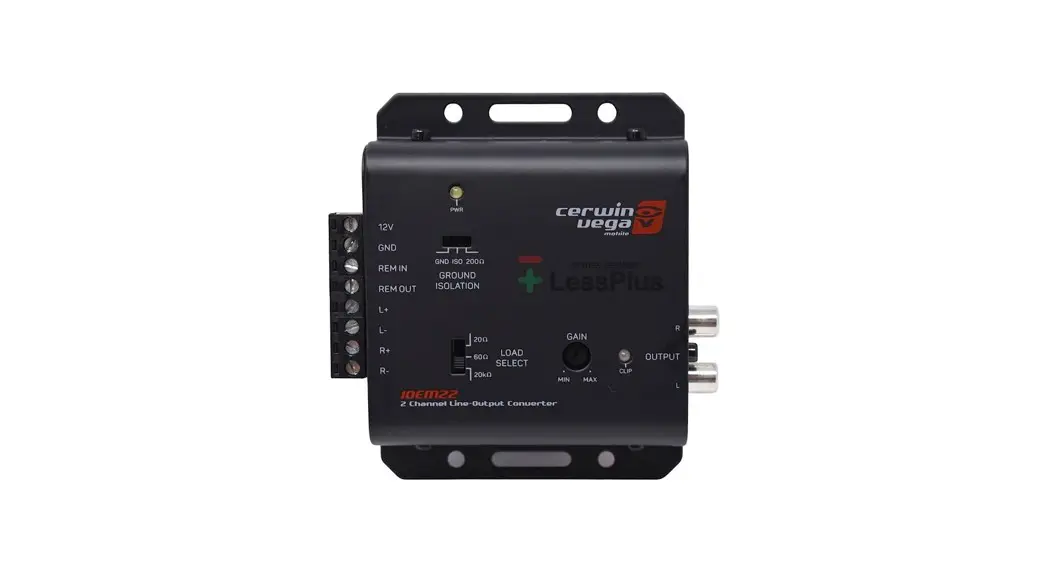
q Speaker Level Inputs (40V / 400W INPUT MAX AT 20 K) w Line Level Inputs e Power Status LED r Load Select Switch t Trigger Mode Switch y Ground Isolation Switch u Output Level Knob i Maximized LED o Line Level Outputs 1) Power Connector (LC1i REQUIRES CONSTANT +12V POWER)
Specifications Max Input Handling . . . . . . . . . . . . . . . . . . 40V / 400W (20 k setting) Max Output Level . . . . . . . . . . . . . . . . . . . . . . . . . . . . . . . . . . . . . . 9.5 Vrms Output Gain . . . . . . . . . . . . . . . . . . . . . . . . . . . . . . . . . . . . . . . . . . +/- 18 dB Frequency Response . . . . . . . . . . . . . . . . . . . . . . . . . . . . 20 Hz to 50 kHz Total Harmonic Distortion . . . . . . . . . . . . . . . . . . . . . . . . . . . . . . . . 0.01% Signal to Noise. . . . . . . . . . . . . . . . . . . . . . . . . . . . . . . . . . . . . . . . . >110 dB Input Impedance (Speaker Level) . . Selectable (20 , 60 , 20 k) Input Impedance (Line Level). . . . . . . . . . . . . . . . . . . . . . . . . . . . . . . 7 k Output Impedance. . . . . . . . . . . . . . . . . . . . . . . . . . . . . . . . . . . . . . . .150 Power Draw. . . . . . . . . . . . . . . . . . . . . . . . . . . . . . . . . . . . . . . . . . . . . 120 mA Recommended Fuse Rating . . . . . . . . . . . . . . . . . . . . . . . . . . . . . . 1 Amp Weight & Dims (with connectors) . . . . 0.55 lbs. / 4.8″L x 3″W x 1″H Warranty . . . . . . . . . . . . 5 Years (www.audiocontrol.com/warranty/)
22410 70th Ave West, Mountlake Terrace, WA 98043 USA Phone 425-775-8461
8 51523 00779 9
©2020 AudioControl. All rights reserved. P/N 912-066-0
 Terms and Privacy - AudioControl