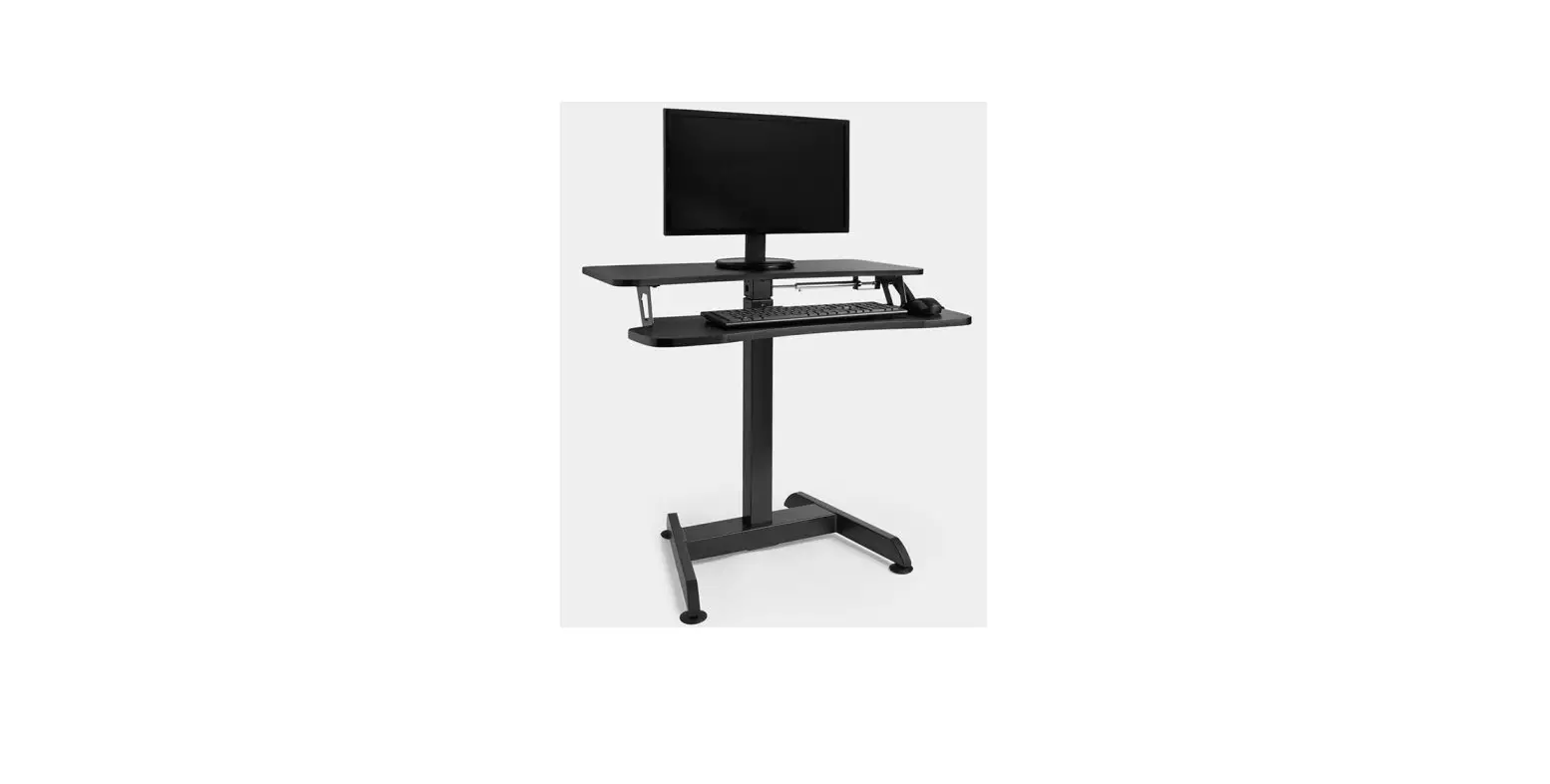
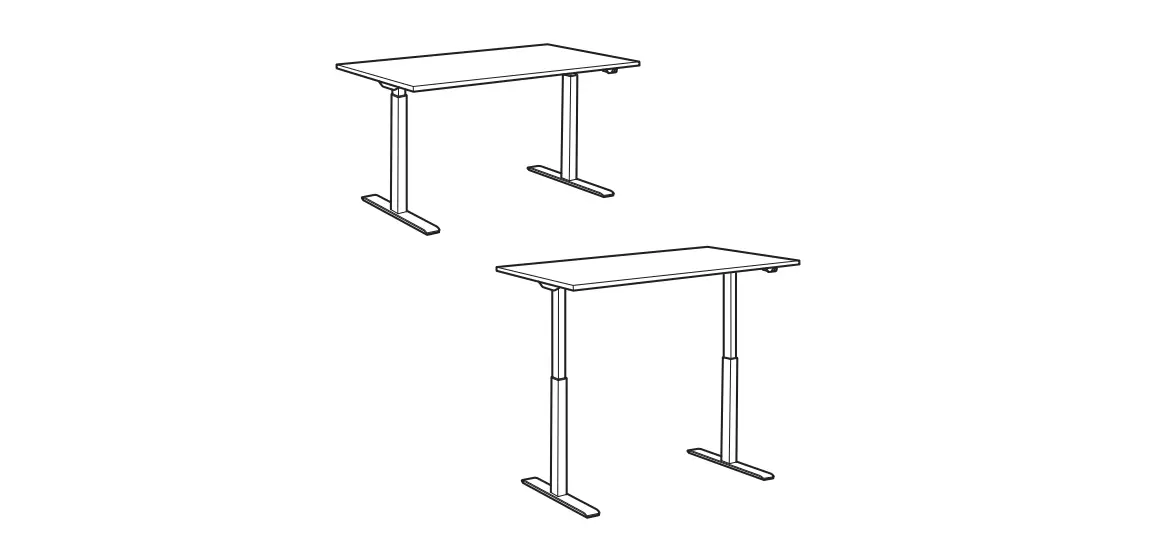
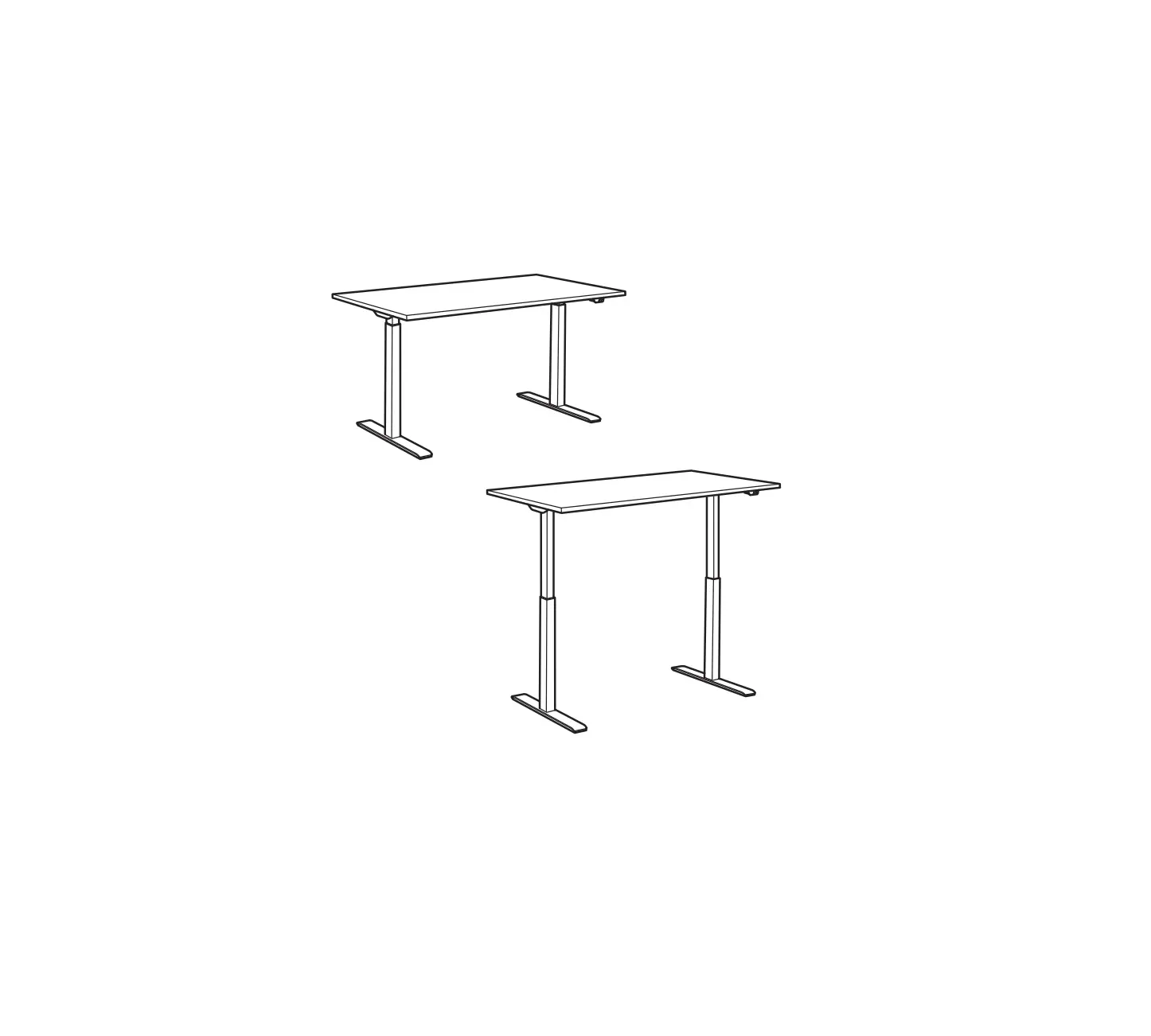
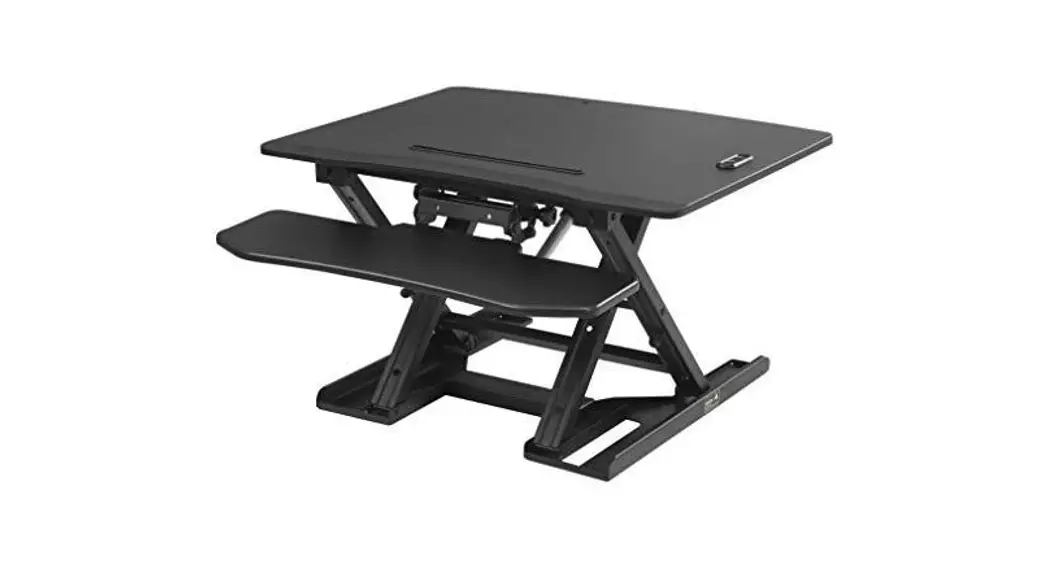
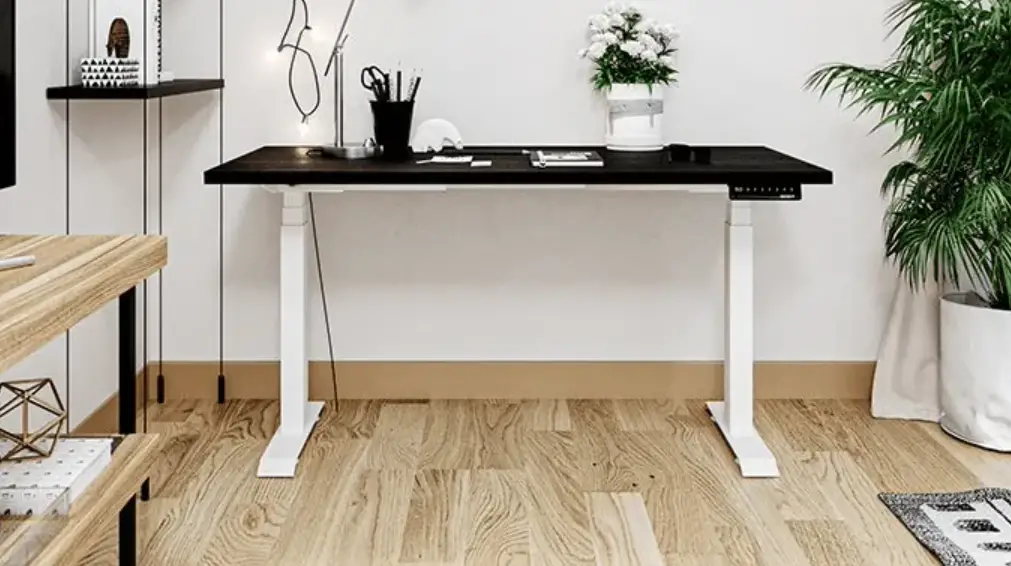
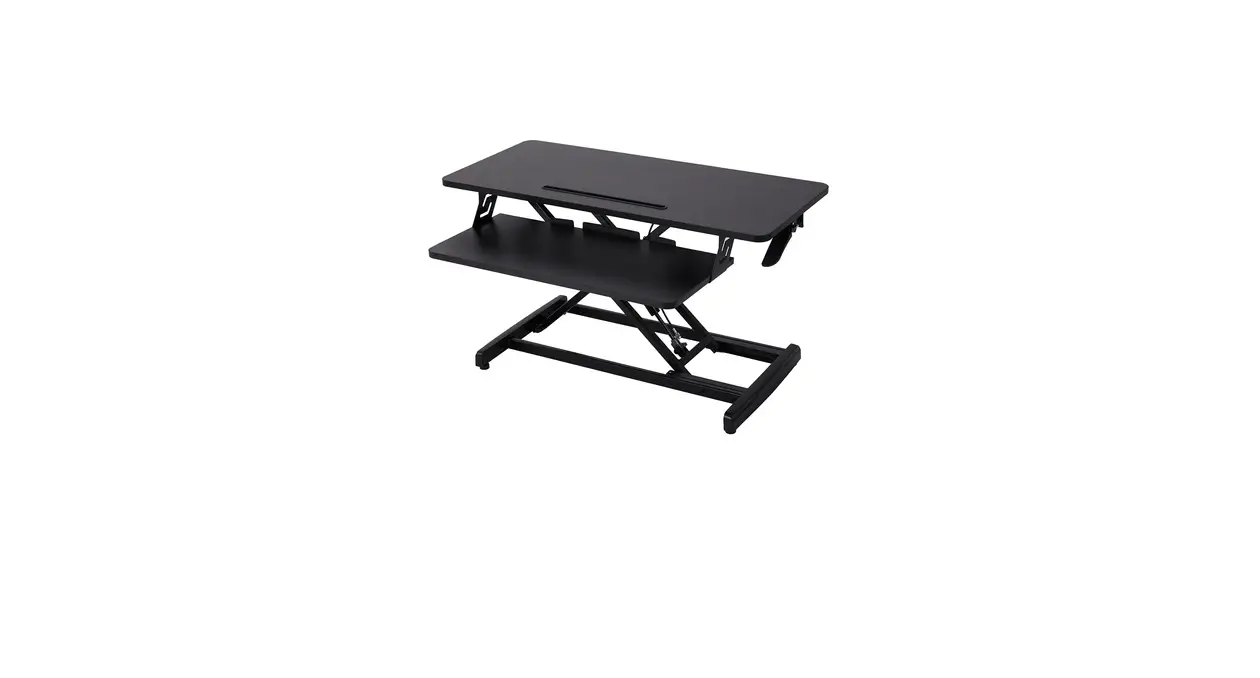
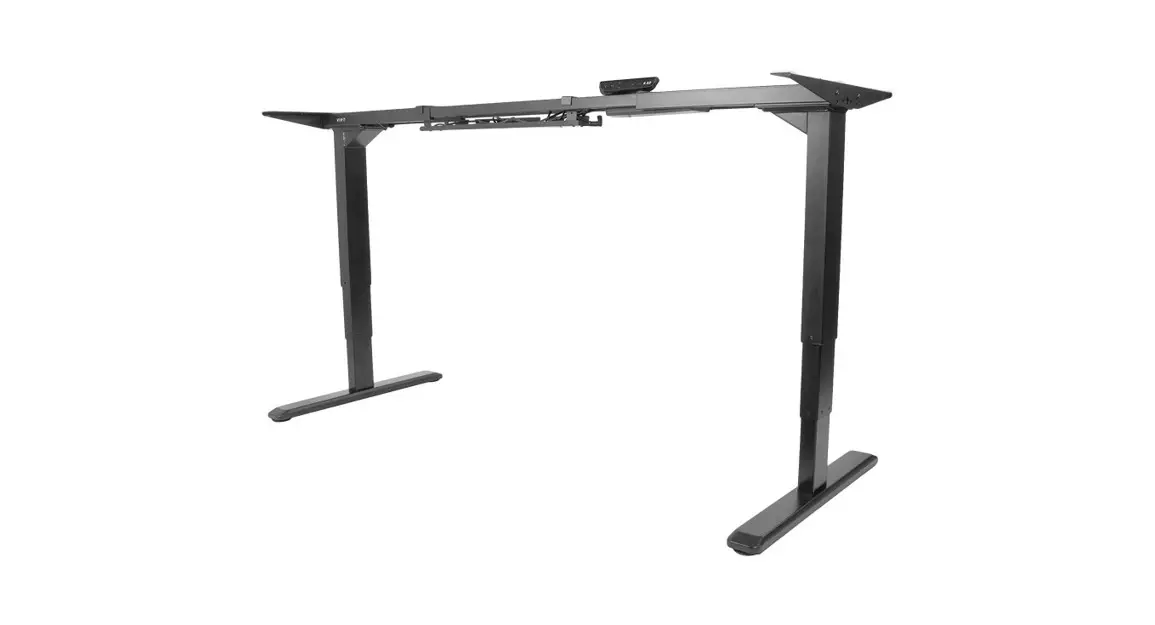
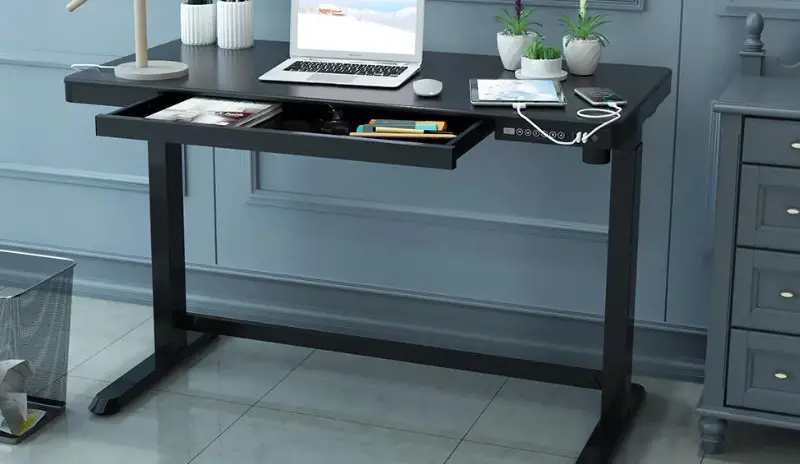
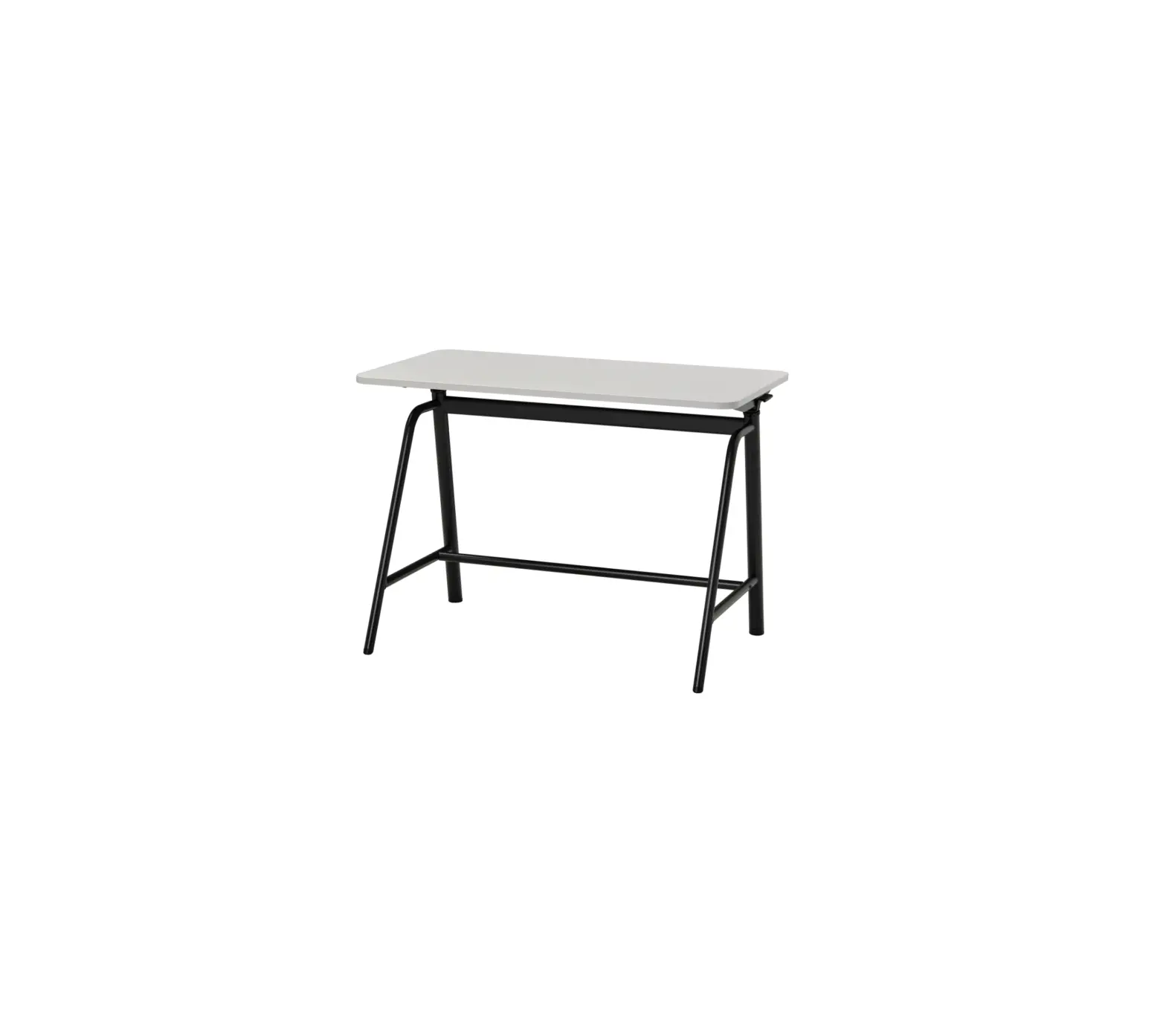
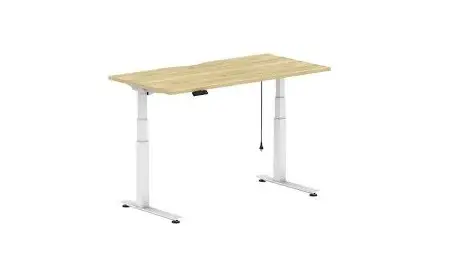
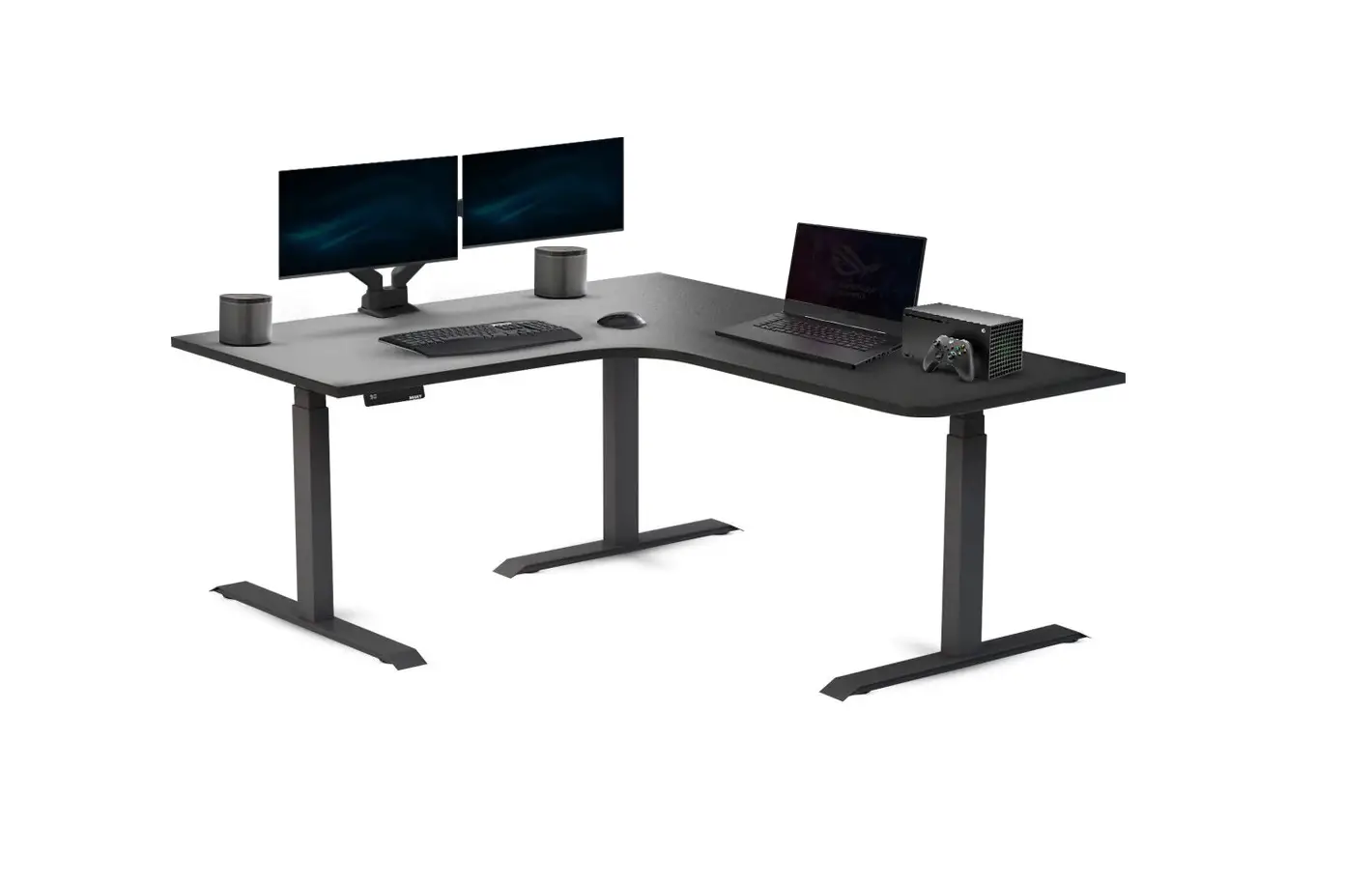
537366 Combo 61 Sit Stand
Product Information:
– Product Name: Combo 61 Sit Stand – Manufacturer: Zaor – Assembly
Manual: Included
Product Usage Instructions:
1. Before starting the assembly process, ensure that you have all
the necessary tools and components listed in the “PACKING LIST”
section of the manual. 2. Read through the assembly instructions
carefully and familiarize yourself with the different components
and their names. 3. Follow the general technique provided by Zaor
for putting together their desks: – Assemble the desk using the
special kits provided. – Note that the system bolt may have a
little slack, which is normal. 4. To attach two pieces together
using the system bolt: – Ensure that the hole in the bolt aligns
with the opening in the other piece. – Insert a cone-shaped safety
screw into each hole in the second piece. – Tighten the safety
screws with a cross screwdriver without forcing. – This will
securely attach the two parts together. 5. If you need to
disassemble the slider (L) or (R), refer to the specific
instructions provided in the manual. 6. Follow the step-by-step
assembly process outlined in the manual: – Each step is numbered,
and you should follow the instructions in sequential order. – Use
the provided screws and tools specified for each step. 7. In Step
10, connect all cables to the adaptor and ensure they are securely
connected. 8. If you don’t need the rack units, skip fixing the
rack rails and use the pieces numbered 11 to close the holes. 9.
Once you have completed all the steps, ensure that all screws are
tightened properly to ensure stability and safety. 10. Enjoy using
your newly assembled Combo 61 Sit Stand furniture from Zaor! Note:
If you encounter any issues or have any doubts during the assembly
process, you can contact Zaor for assistance or refer to their
Youtube channel for assembly videos.
Combo 61 Sit Stand Assembly Manual
11 11
8 7
6
5
2
3 1
4 9 10
Thanks for choosing a piece of furniture from Zaor. Before you can enjoy the use of it you need to build it. We tried to put all the explanations
necessary for a safe build, when in doubt please get in touch or check out our Youtube channel where we are putting more and more assembly videos to help you with this important task. Enjoy!
General technique for putting together Zaor desks
The assembly of your desk uses special kits. Please note that the system bolt may have a little slack in this position, which is fine!
Here’s how to use them
1) On the piece with the threaded insert(s) , put in the system bolt(s) and tighten making sure to align the hole in the system bolt at a 90º angle.
2) Ensure that the hole in the bolt aligns with the opening in the other piece to be able to put in the safety screw.
3) In each hole in the second piece, put in a cone shaped safety screw and tighten with a cross screw driver without forcing. The 2 parts will now be safely attached.
How to disassemble the slider (L) Left
How to disassemble the slider (R) Right
Slider 1 (L)
Slider 2 (L)
Slider 2 (R)
Slider 1 (R)
STEP 1
1
2
Type W Plastic Insert Slider 1 (R) / (L)
Type S2
h
h
l
1st 90 mm l min 540
l
1st
2nd 110 mm l max 1040
2nd 3rd
3rd 130 mm
4th
4th 150 mm
3 7
6 5
10
Type S3 Slider 2 (R+L)
STEP 2
1 3
2
STEP 3
1 3 2
4
STEP 4 Use screws Type F (Legs Box)
F x15
ST4.2
STEP 5 Fix Rack Rail
with screws Type RS
7
6
5
8 7
6
5
STEP 6 Use screws Type E
STEP 7
8
STEP 8 Use screws Type A
Use screws Type D
A D
A D
A D
D
A
STEP 9 Use screws Type E
Use screws Type S2
12
Handset
14
Control Box
10
9
STEP 10
7 Adapter
11
Adaptor holder
10
Step 7 Legs Manual Connect all cables to the adaptor
If you don’t need the rack units don’t fix the rack rails and use the pieces number 11 to close the holes
11 11
PACKING LIST:
x23
W Type
x6
x3
A x3
Type
D Type
35 mm
Wooden dowels
x24
I Type
Assembly Kits
x7
E Type
m6x30 mm
Rs x8
Type
m6x100 mm
Ru x24 Type
Plastic insert
S2 x10 Type
Euro Screws
S3 x6 Type
Rack rail screws
x4
R Type
Rack units screws
x2
Sl Type
3.5×20 mm
x1
H Type
3.5×30 mm
Rack rail
Slider 300mm
Hex wrench
TOOLS: