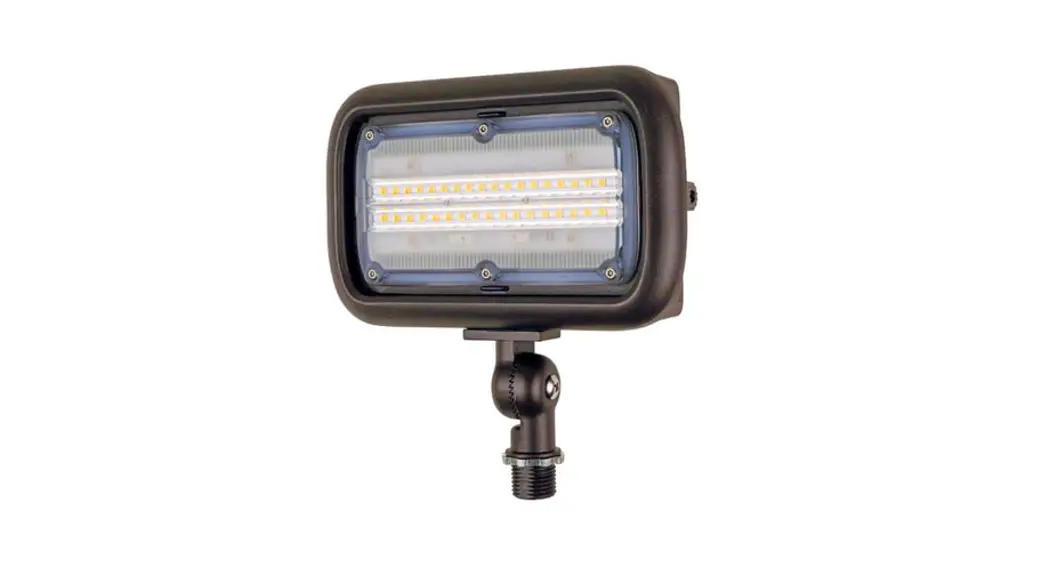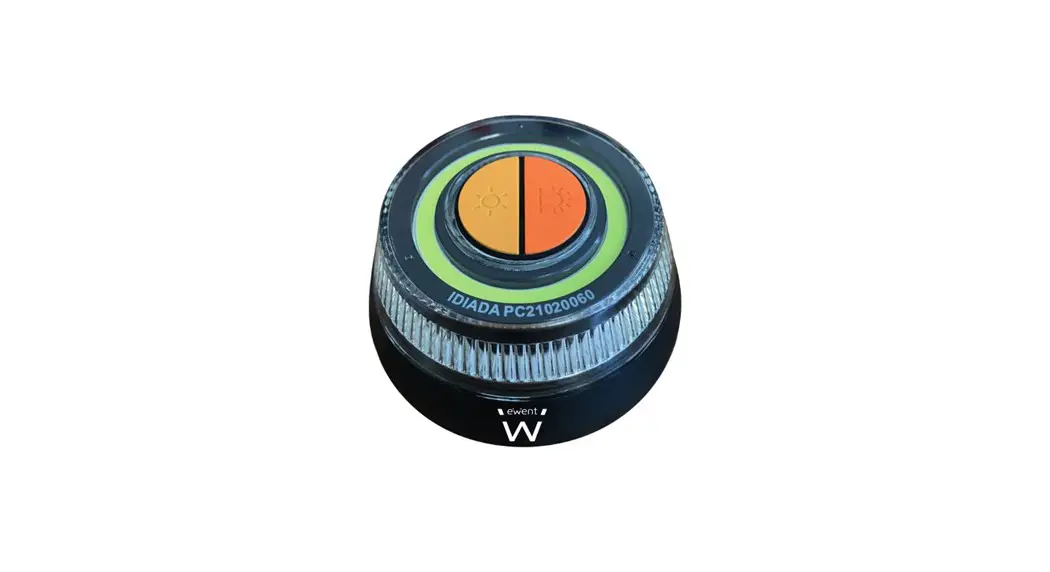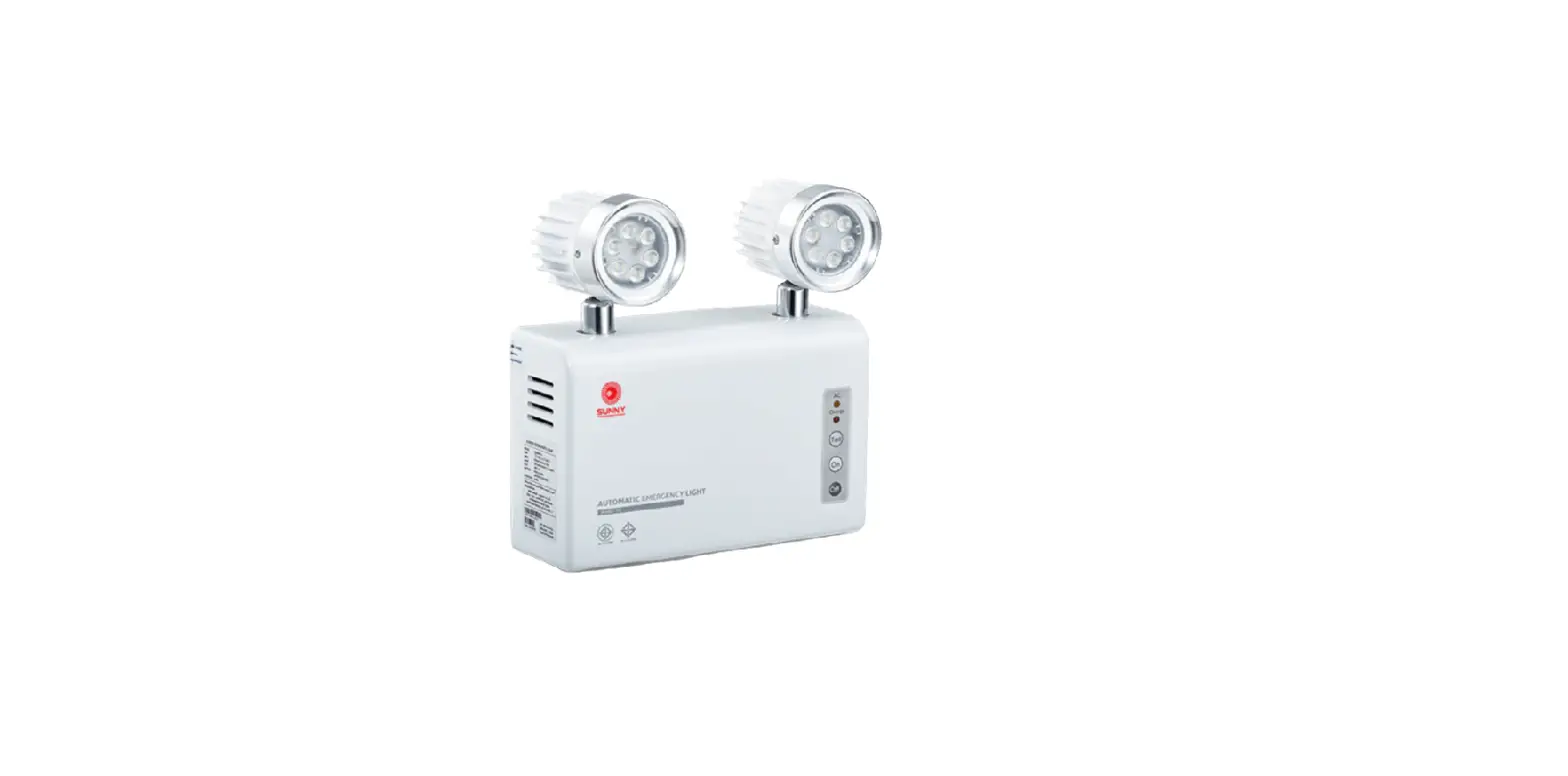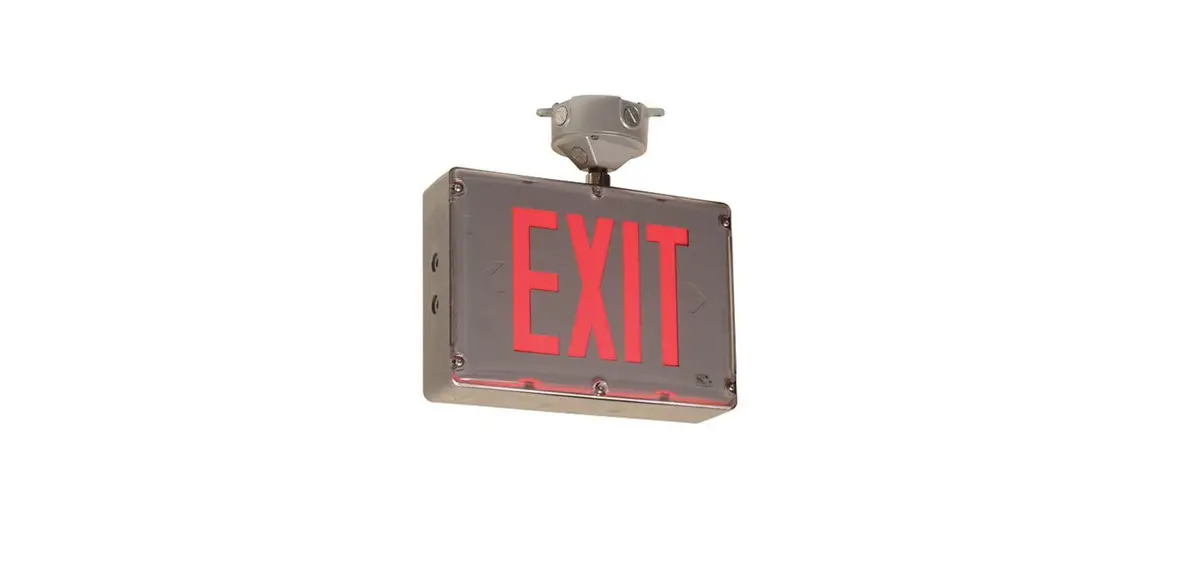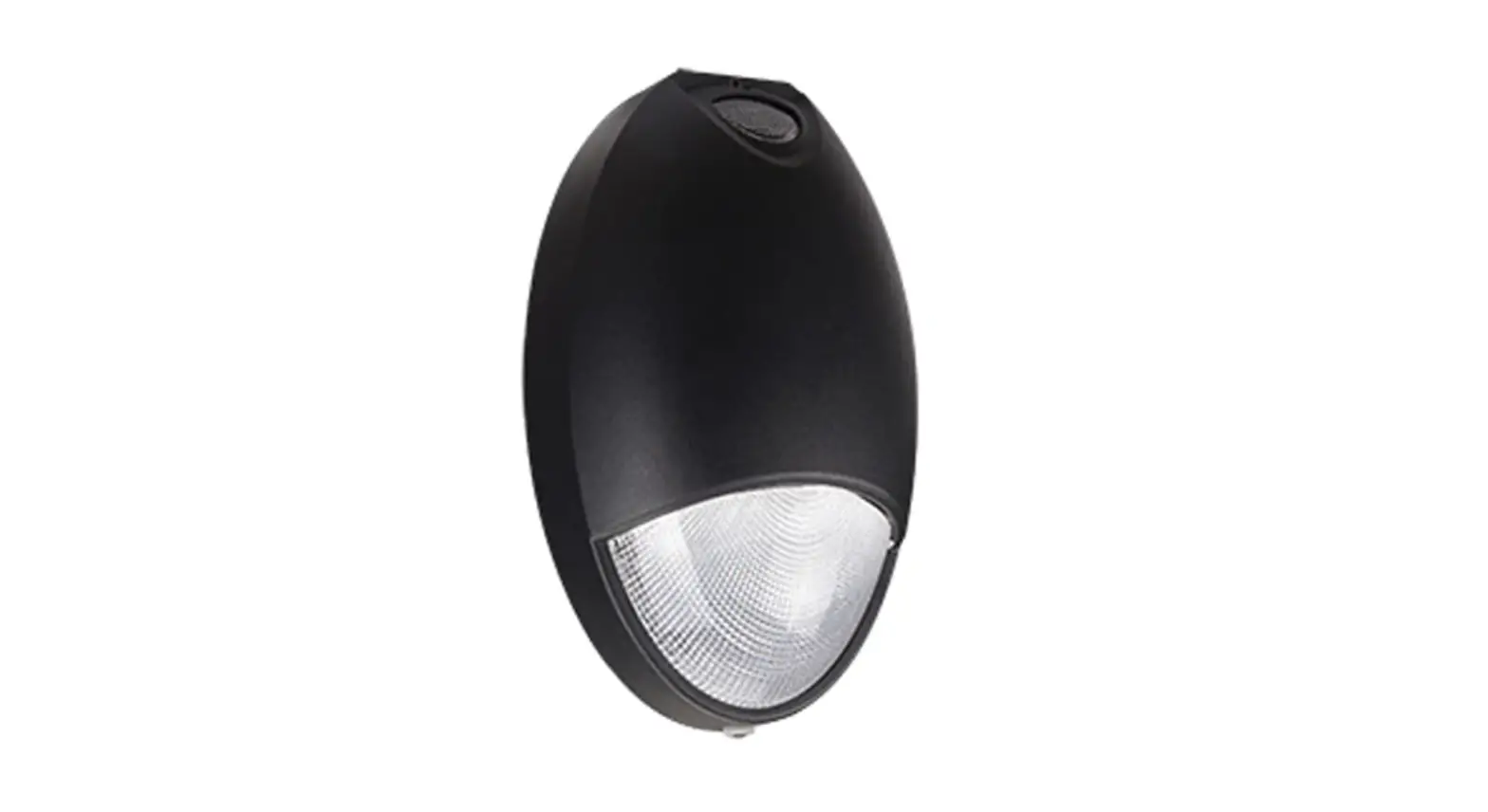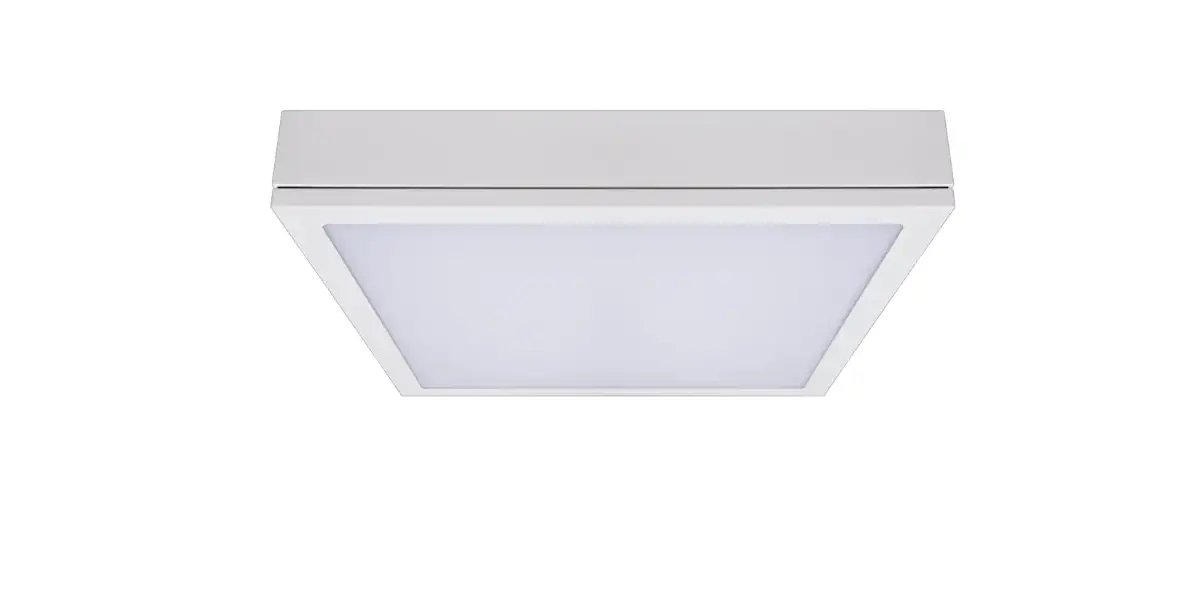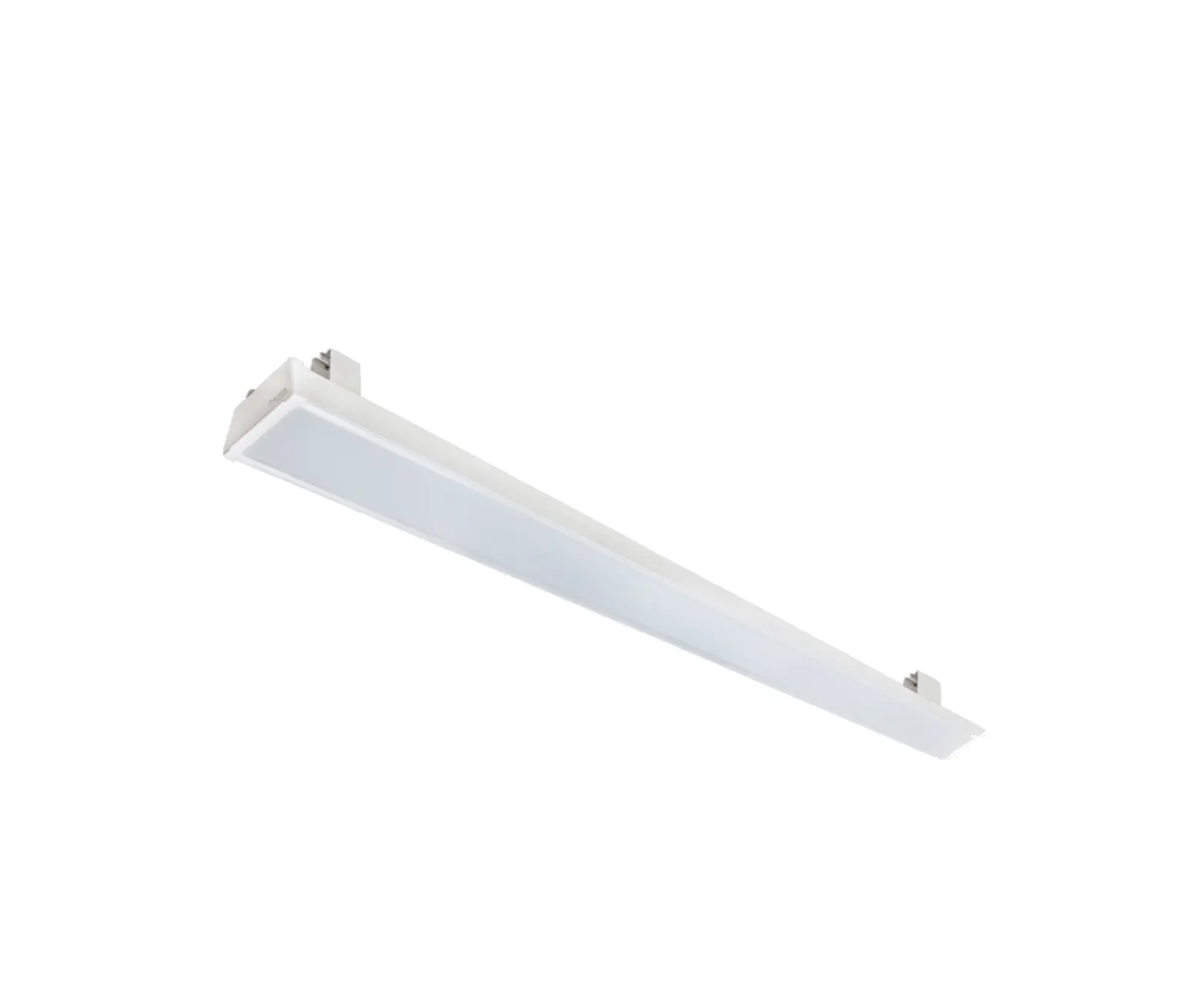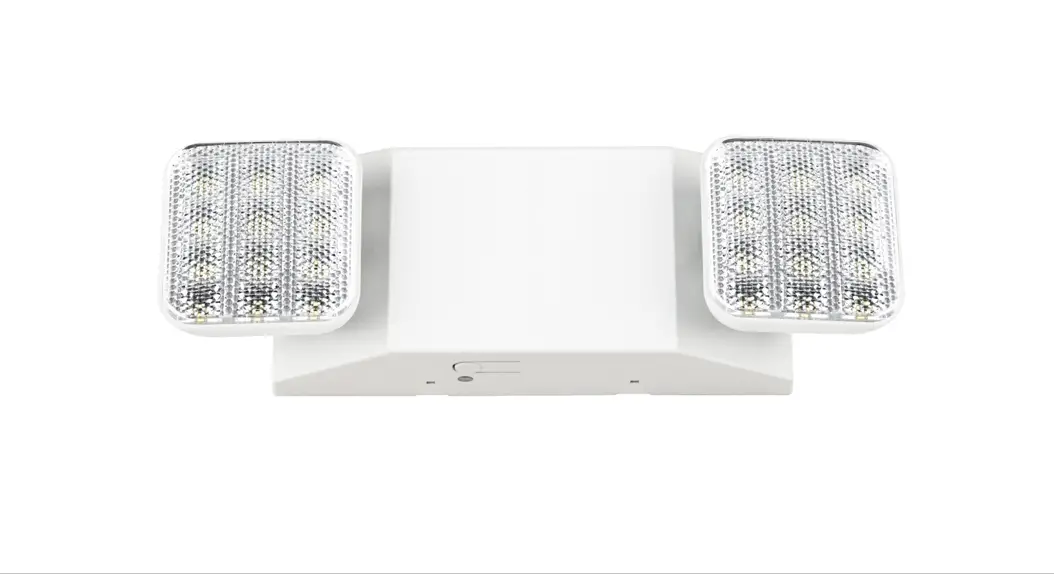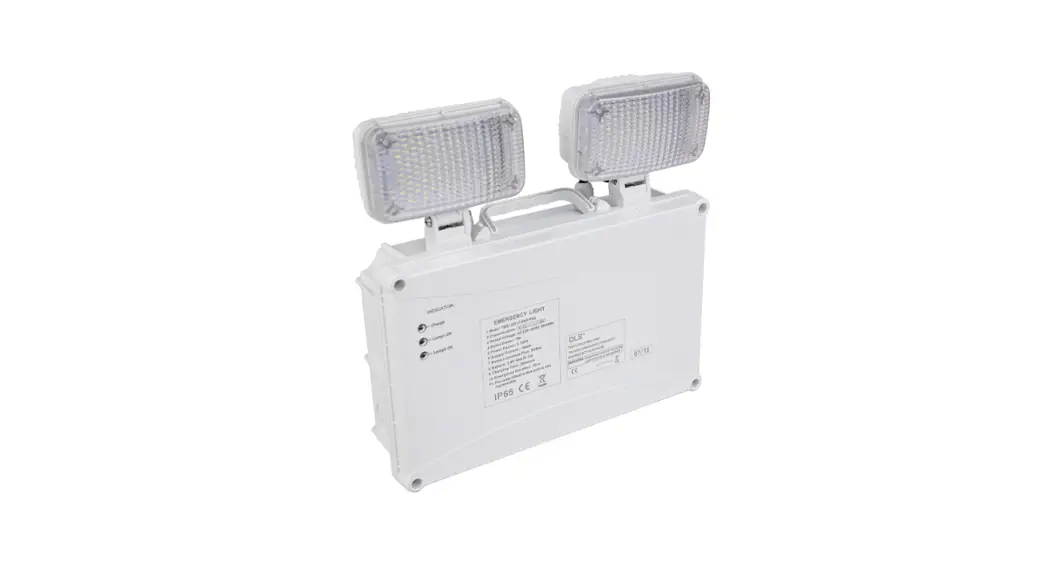
 TWS IP65 L7 Flexible Emergency Light
Installation Guide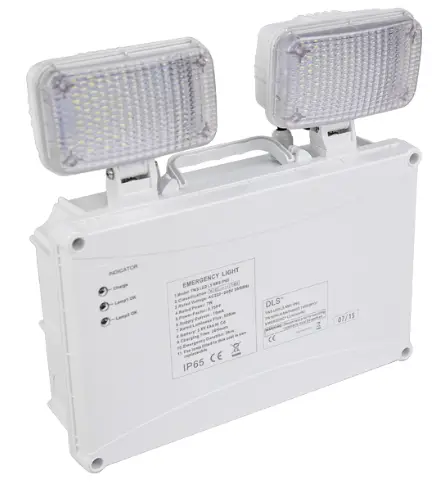
TWS IP65 L7 NM3 LE3/LS3 Installation
Voltage: 220-240V / 50-60Hz
LED Power: 3W
Output: 350 lm
Battery: Li-FeP04 32650 3.2V 5500mAh
Operating Temperature: 0°C – 40°C  WARNING – THIS LUMINAIRE MUST BE EARTHED
This luminaire has been tested and is manufactured to comply with BS EN 60598 : specification for general requirements and tests. It should be installed by a suitably qualified person in accordance with IEE.
CAUTION: there is a potential risk of electric shock from the LED boards when the product is operational with the cover removed.
NOTE: INSTALLATION AND OPERATION OF THE LUMINAIRE BEYOND ITS SCOPE OF SUPPLY WILL INVALIDATE THE WARRANTY.
BEFORE installation, the electrical supply and battery pack MUST be disconnected.
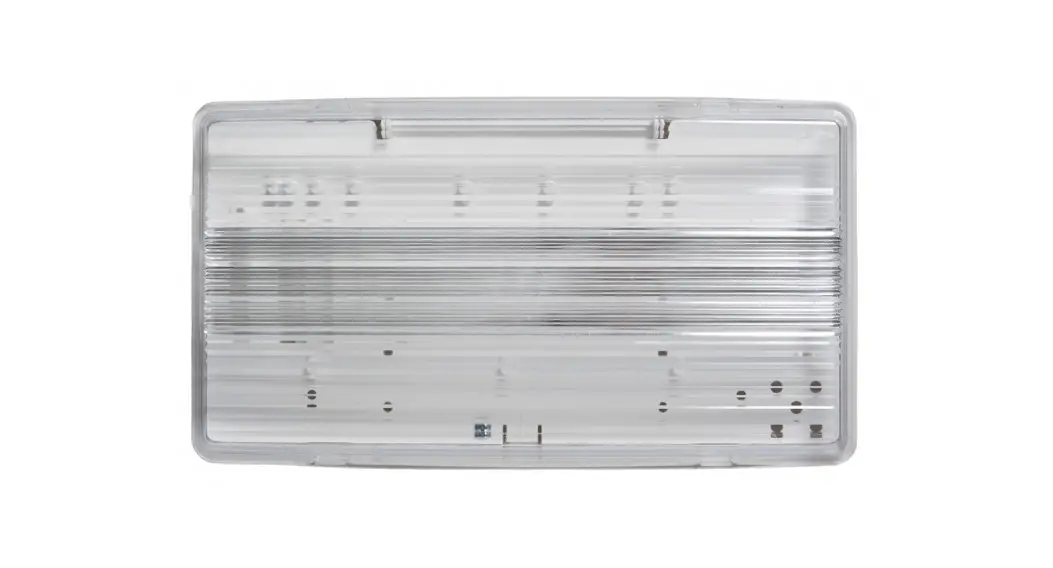
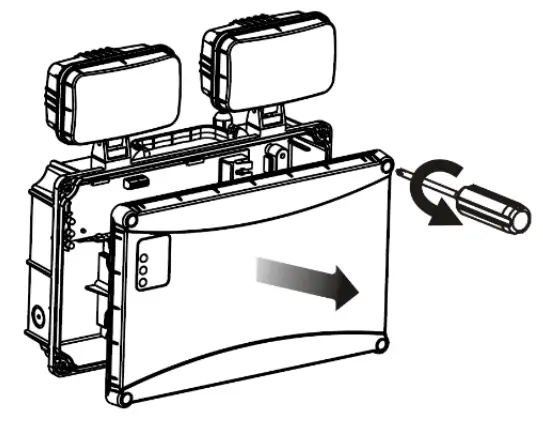
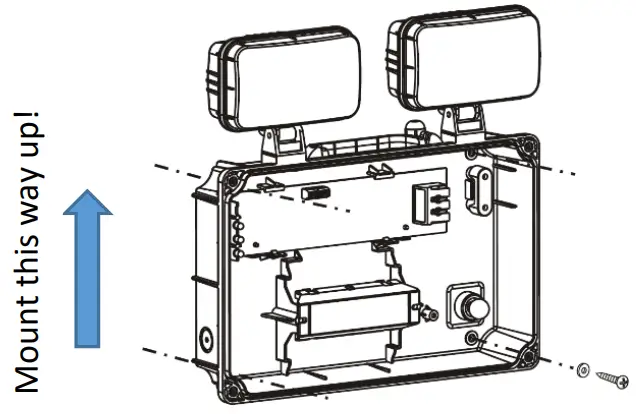
- Remove the front cover by loosening the four screws.

- Drill out the four fixing points on the back face. Ensure the fixings are adequately sealed in order to maintain the IP65 rating. Secure the luminaire with four screws.

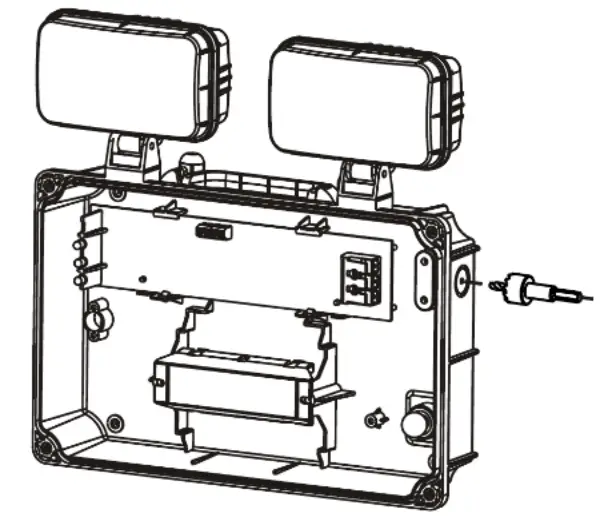
- Drill the cable entry point on the side wall. Ensure the provided cable gland is fitted, to maintain the IP65 rating.

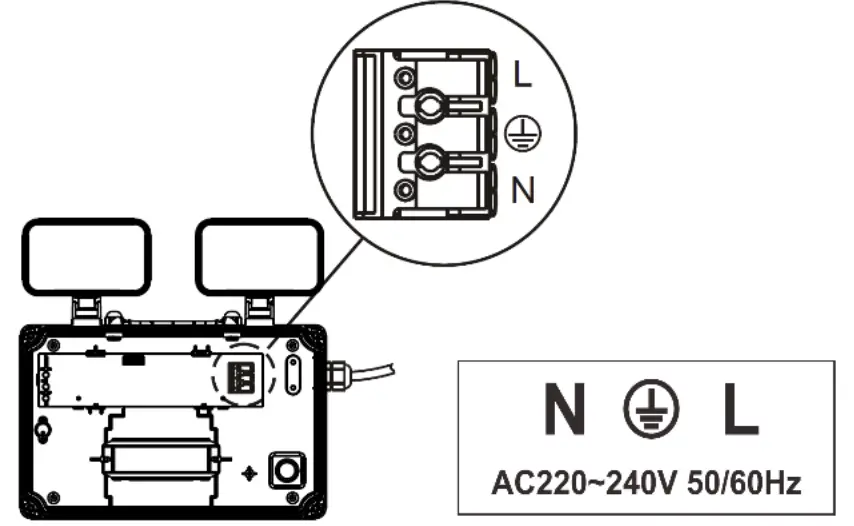
- Pass the cable through the cable gland, and wire directly into the terminal block. Secure the mains cable using the internal cable clamp and connect the battery.

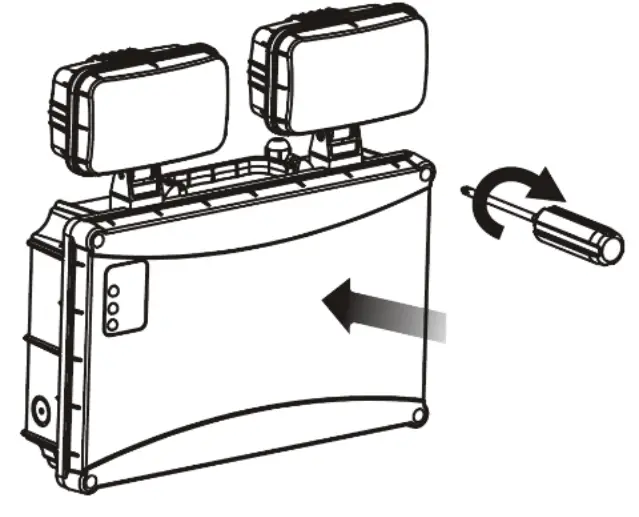
- Refit the cover to the body, and secure in place using the four screws.

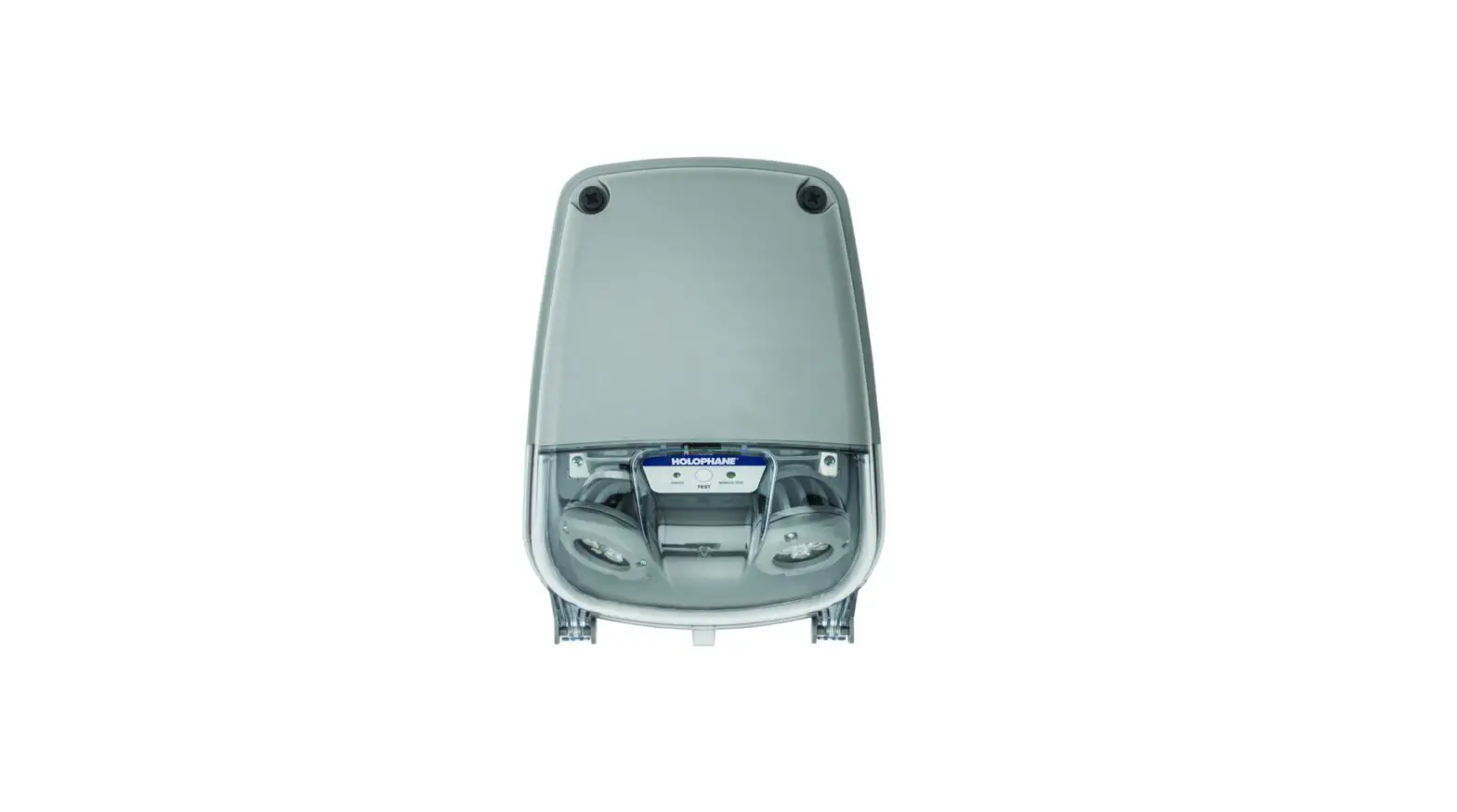
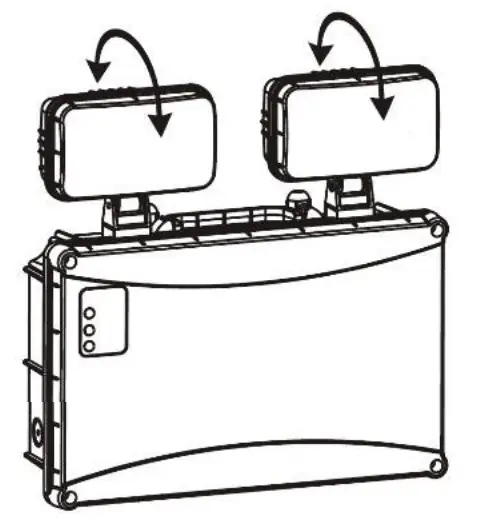
- Rotate the heads to the desired position by loosening the screws accordingly. Be sure to tighten the screws once positioned, to hold them in place.

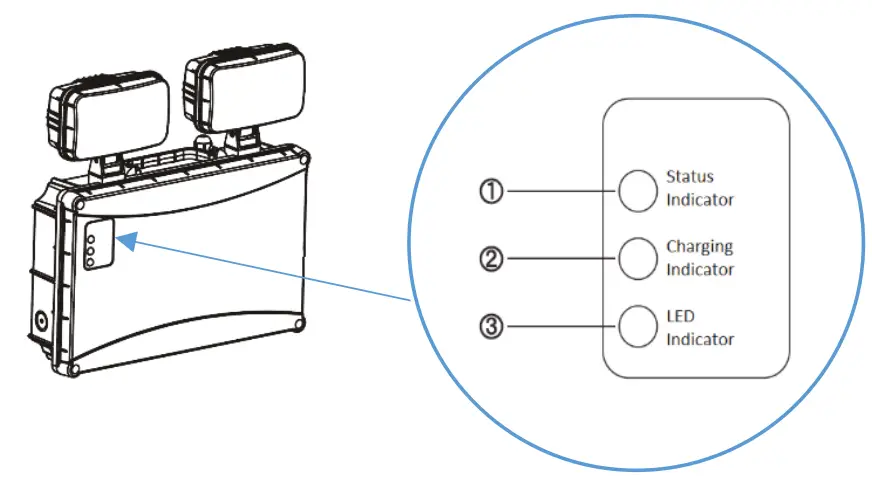
- Once the power supply has been reconnected, the green LED indicators on the front of the luminaire should now be illuminated. These green indicators show the battery is charging and there are no faults. Any faults with the luminaire will be displayed by a flashing red indicator.

Normal operation – Green indicator
Battery failure – Red indicator, once every 3 seconds
Lighting source failure – Red indicator, twice every 3 seconds
Less than rated duration time – Red indicator, three times every 3 seconds - Self-Test (LS3 only):
Every month, the luminaire will undergo an automatic test which lasts for 10 minutes. An annual duration test will also occur for a total of 3 hours. The luminaire will return to normal operation once the test has finished.
During testing, the battery is not charging and the red LED indicator will flash continuously. - Do NOT cover the luminaire in any way and provide sufficient ventilation.
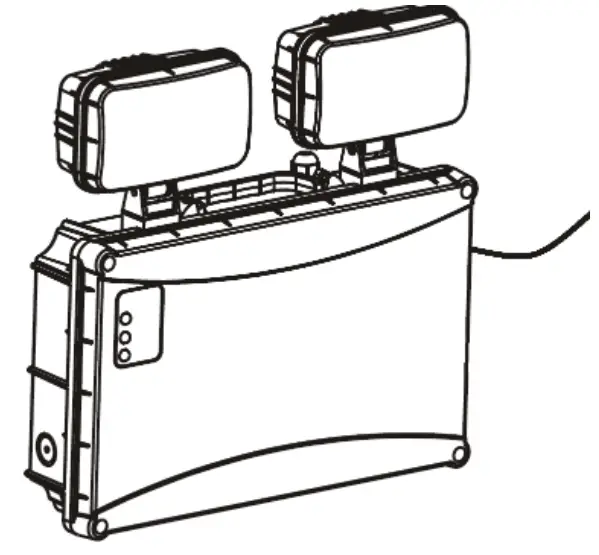
Installation is now complete.
| EMERGENCY LIGHTING TEST RECORD CARD | ||||||||||||
| LOCATION…. | I Date Installed… | I Installed by… | ||||||||||
| TEST | MONTH | YEAR 1knj | YEAR 2 | YEAR 3 | YEAR 4 | YEAR 5 | ||||||
| Signed | Date | Signed | Date | Signed | Date | Signed | Date | Signed | Date | |||
| 1 | FUNCT | |||||||||||
| 2 | FUNCT | |||||||||||
| 3 | FUNCT | |||||||||||
| 4 | FUNCT | |||||||||||
| 5 | FUNCT | |||||||||||
| 6 | FUNCT | |||||||||||
| 7 | FUNCT | |||||||||||
| 8 | FUNCT | |||||||||||
| 9 | FUNCT | |||||||||||
| 10 | FUNCT | |||||||||||
| 11 | FUNCT | |||||||||||
| 12 | 3110UR | |||||||||||