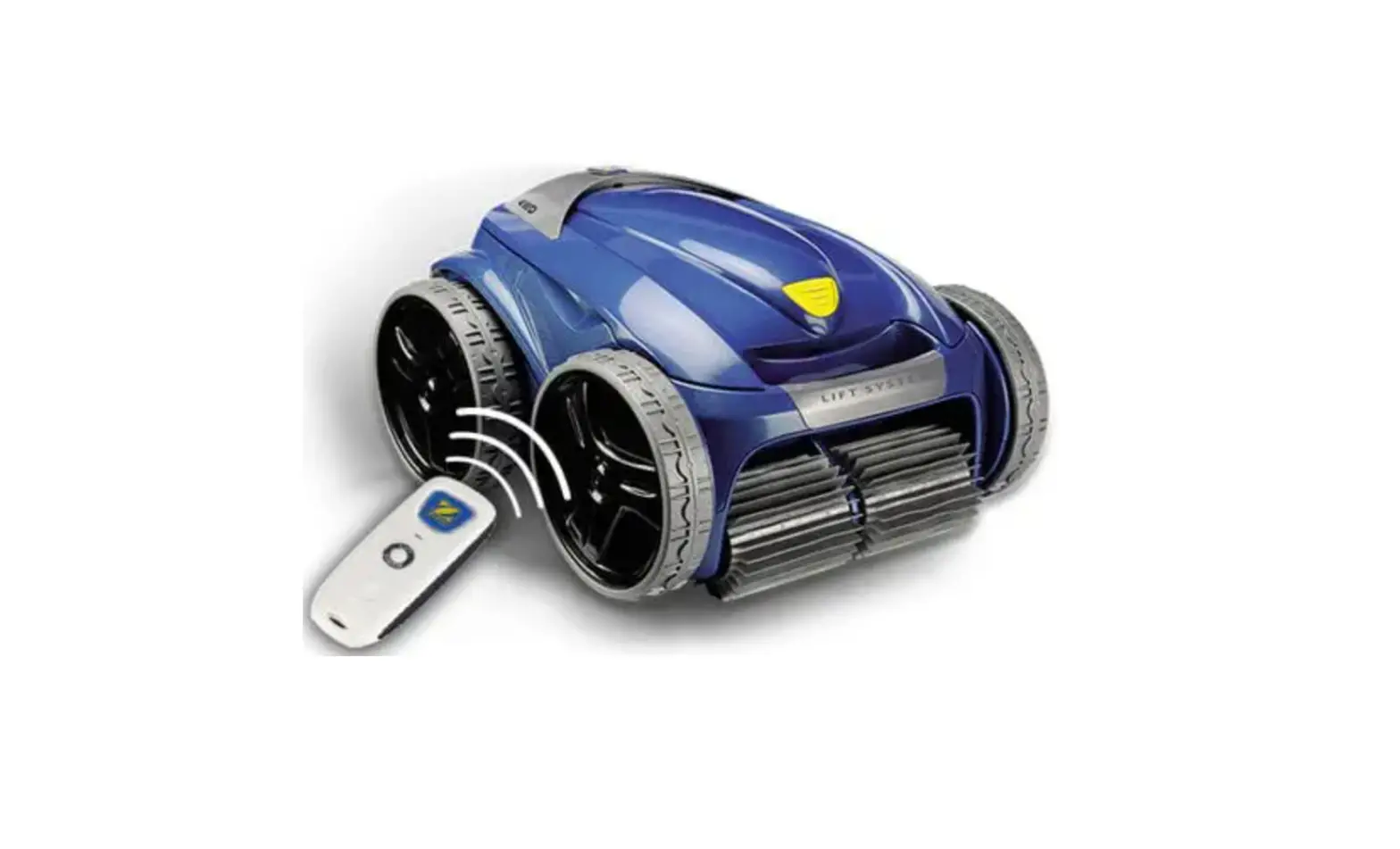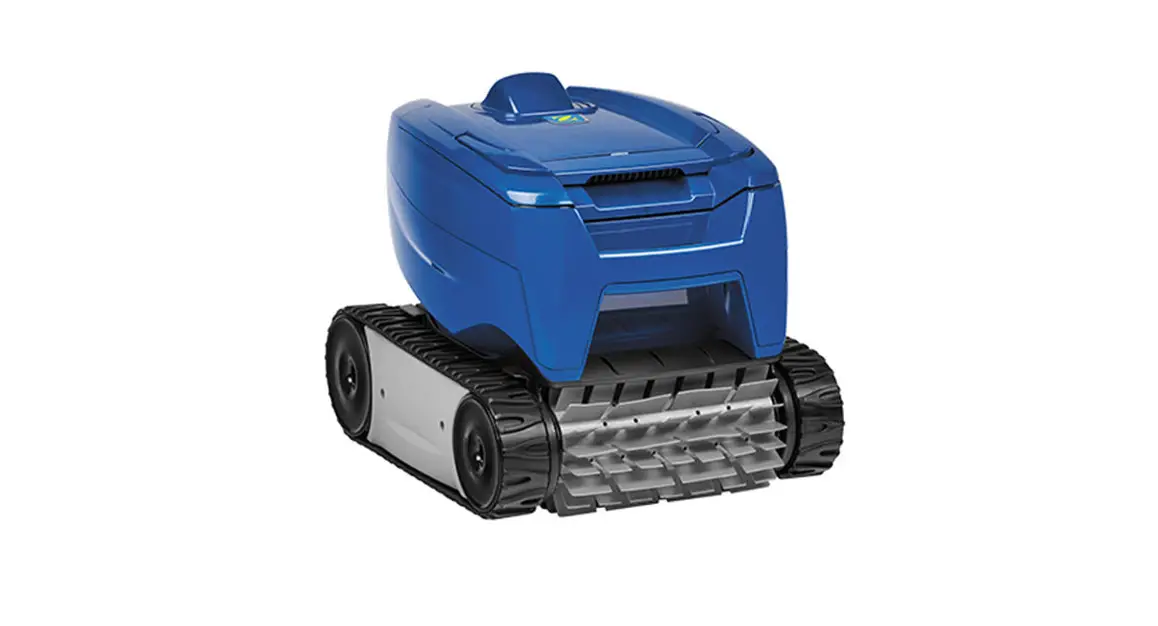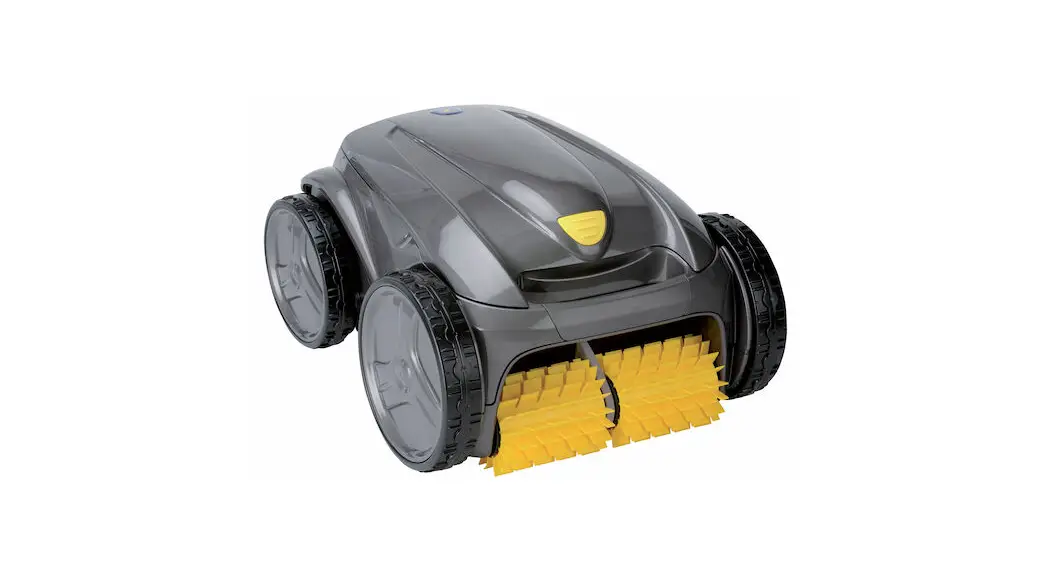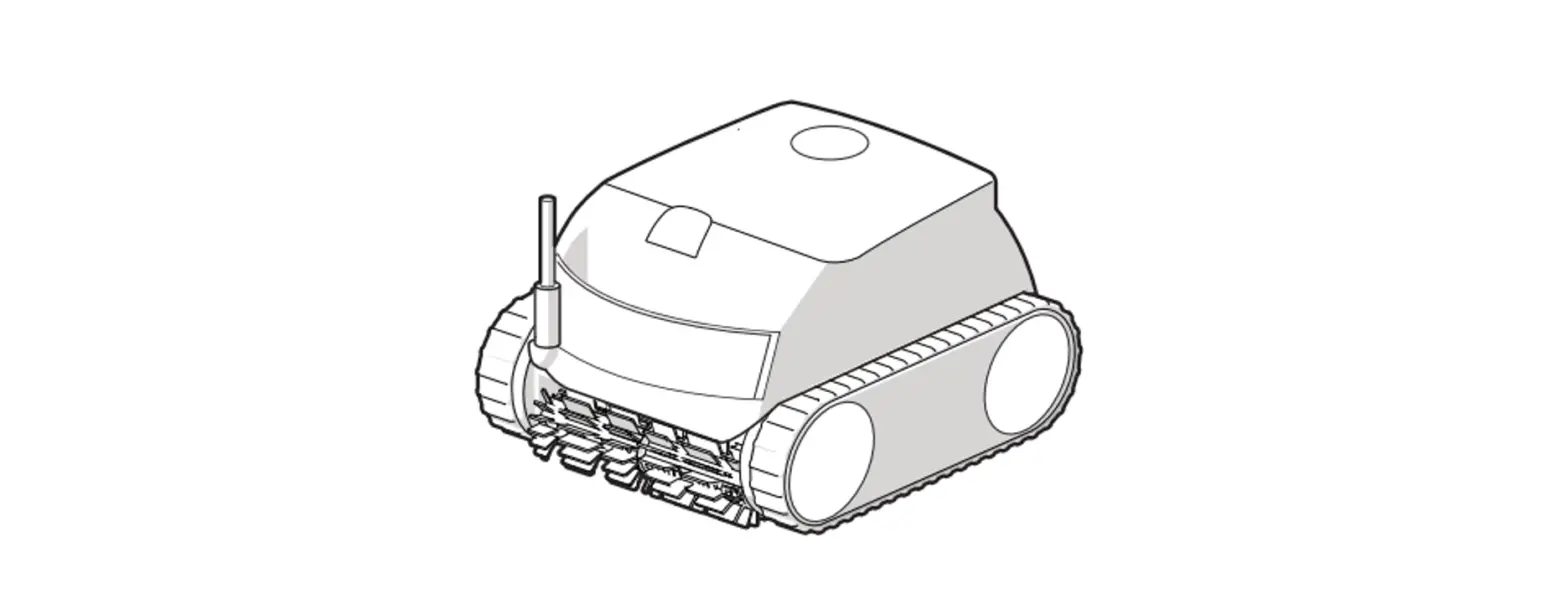

ZODIAC RE 4200 Residential Robotic Cleaners
 Important instruction
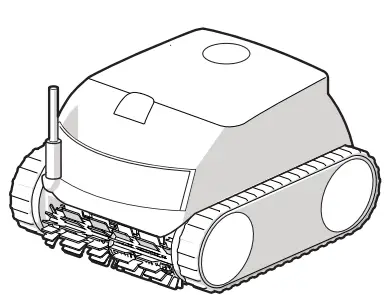 Important instruction
WARNING
For anything other than the routine cleaning and maintenance described in this guide, this product must be serviced by a qualified professional with sufficient experience in pool equipment installation and maintenance so that all of the instructions in the product’s complete installation and operations manual can be followed exactly. All safety instructions must be followed explicitly in order to prevent injury hazards. Improper installation and/or operation will void the warranty. Never turn the cleaner on unless it is fully submerged in the water. Doing so will void the warranty and may cause severe damage to the cleaner motors.
WHAT IS IN BOX 
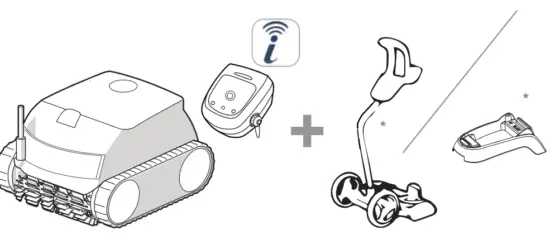
HOW TO USE 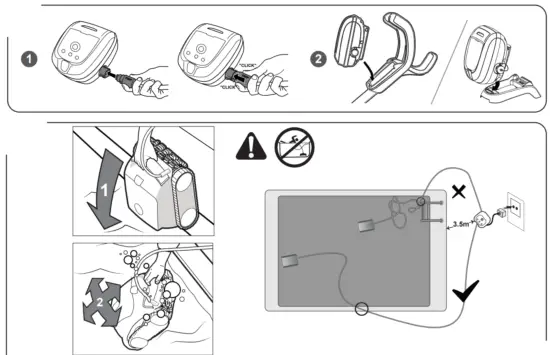
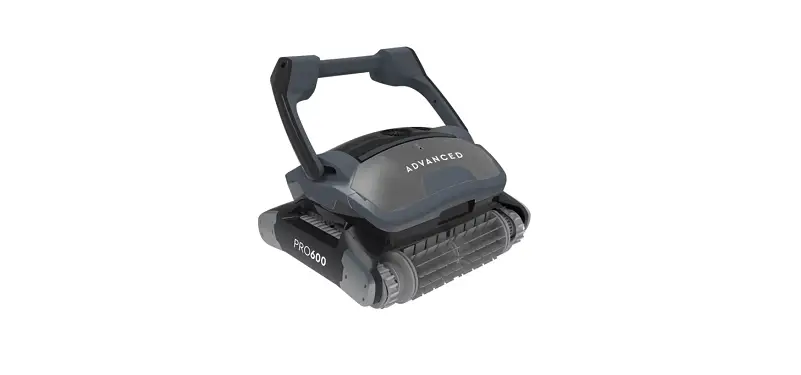
Submerge the cleaner in the pool. Wait for bubbles to stop completely, then let the čleaner sink to the bottom or the pool. Submerge all of the cable in the pool to ensure the cleaner has enough range to turn and cover the entire pool area.
Set Up iAqualink” control

- Download the iAquaLink app.
- Open the app, then Sign Up or Log In.
- Follow the steps in the App to pair your robot.
START CLEANING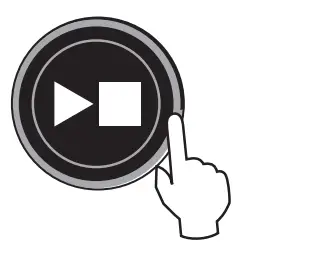
Lift System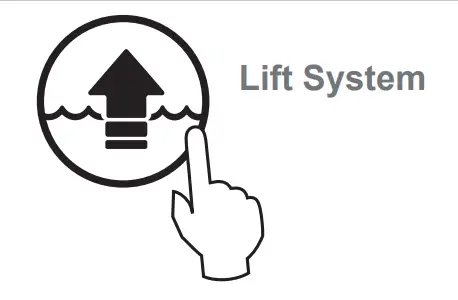
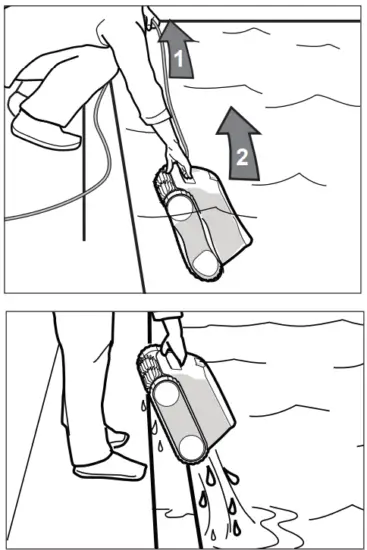
Take the cleaner out of the water using Lift System (long button press to choose the wall, then short press to climb and wait for at the waterline). Never lift the cleaner out of the pool by the floating cable, use the handle.
HOW TO CONNECT
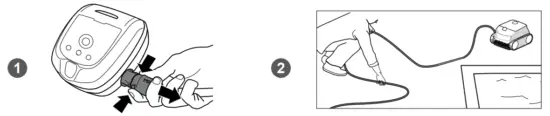
CLEAN THE FILTER 
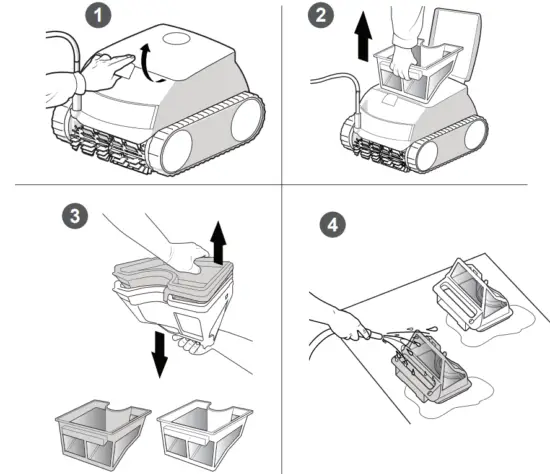
Troubleshooting instructions.
This manual contains essential installation and startup instructions. Read the online manual and all safety warnings before commencing installation. Visit www.zodiac.com for additional operating and troubleshooting instructions.