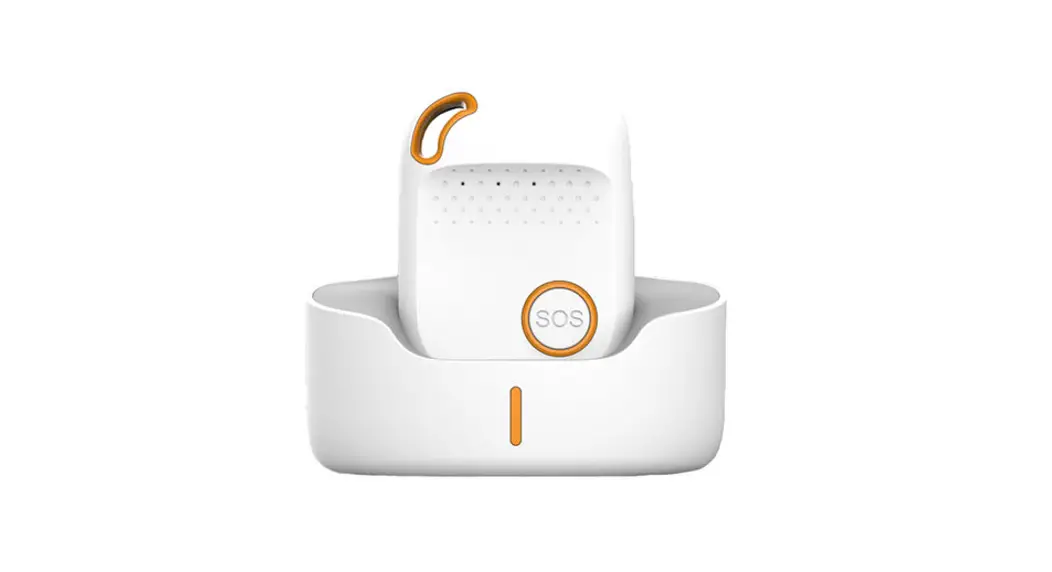
 User Guide
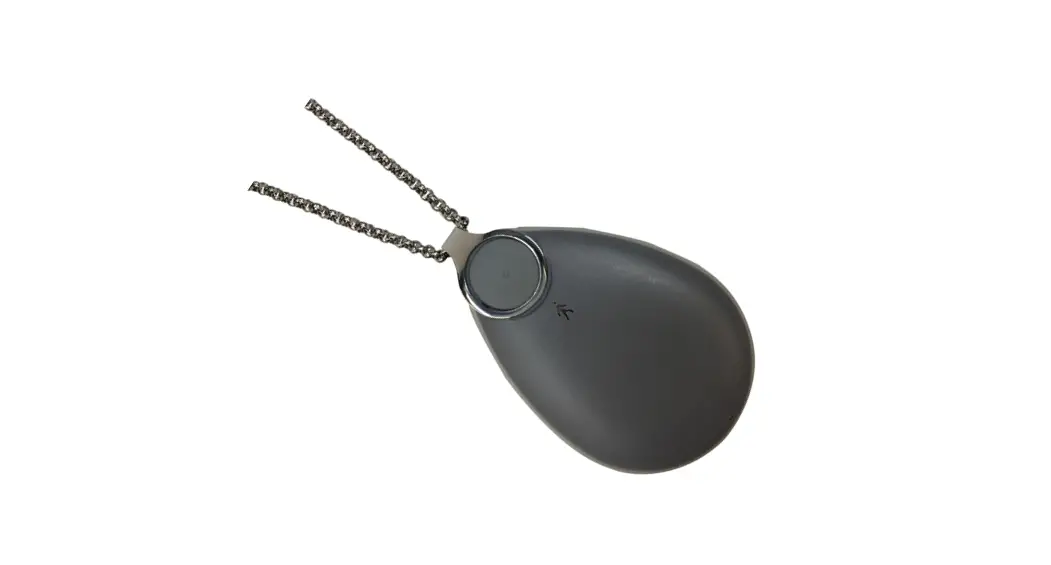
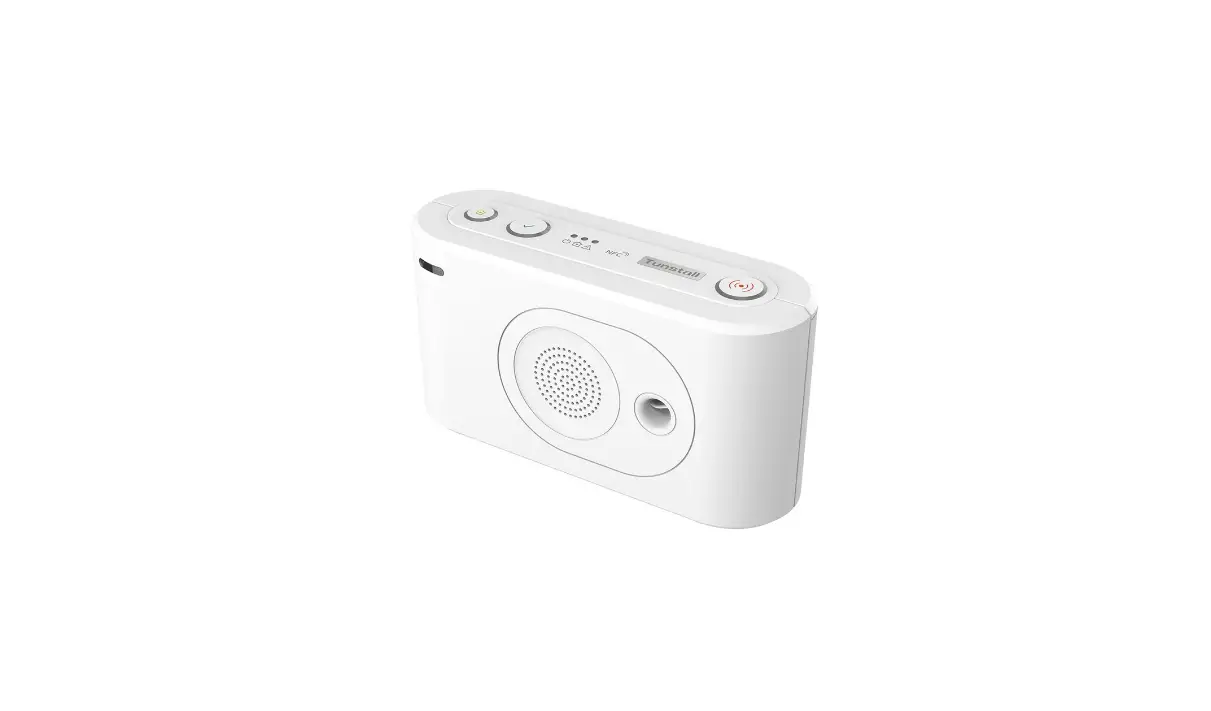
Getting to know your device
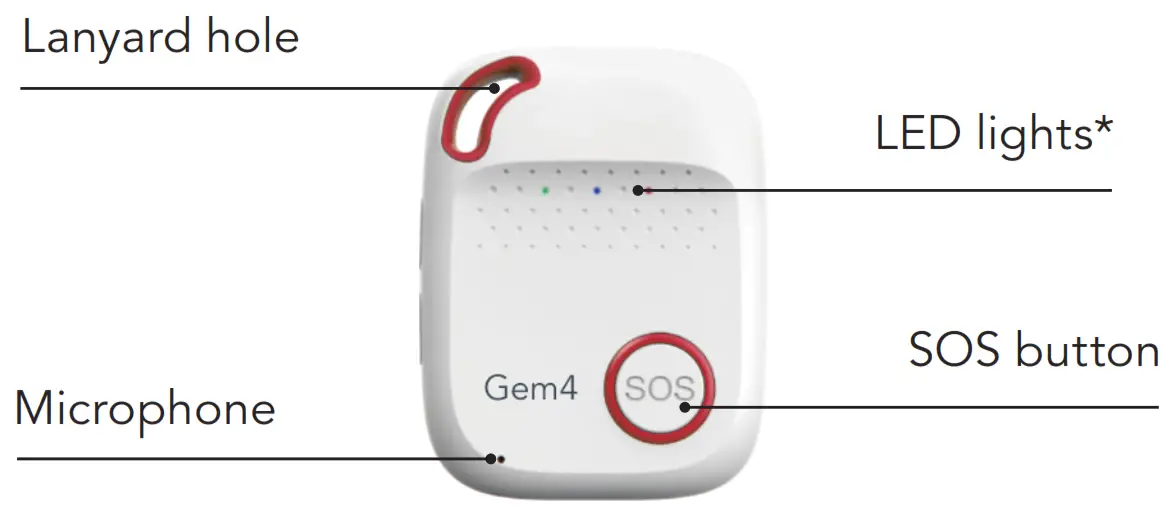
* Green = cellular
Blue = location
Red = power
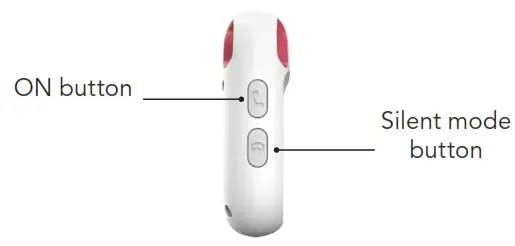 | 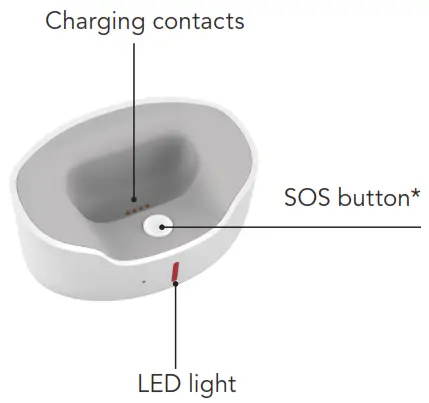 |
* push & hold to activate the pendant if in Bluetooth range
Charging your device
To charge your device:
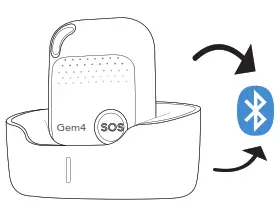
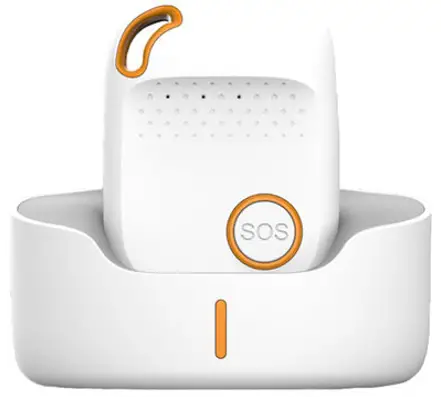
- Place the device on the charging base.
- Connect the USB cable from the charging base to the AC adaptor.
- The device will announce “your alarm is now charging.”
The charging base light will glow when charging and turn solid when fully charged.
Note: The device will automatically pair with the charging base via Bluetooth while charging. * For first-time use, please fully charge the battery for around 2~3 hours. When the battery level falls below 20%, your Gem4 will prompt you to charge it.
We recommend that you charge your Gem4 every night after activating an SOS Alarm.
Turning your device on
There are two ways to turn on your device.
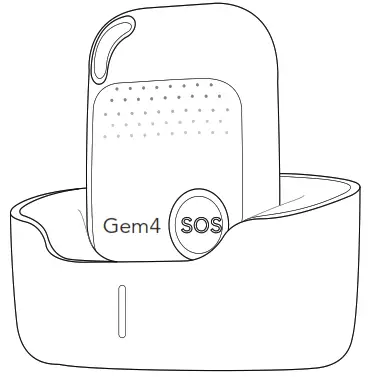
- Place the device on the charging base. The device will begin the power-on process, which takes approx. 2 mins. When the device is powered up, it will vibrate to indicate that it is ready to use.
- Press the ON button for 1 second, all the LEDs will flash rapidly. When the device is powered up, it will vibrate to indicate that it’s ready to use.
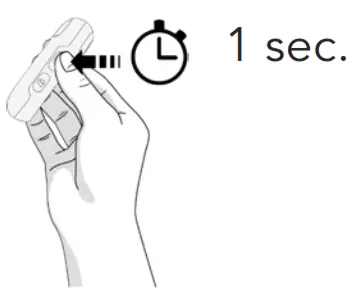
Turning your device off
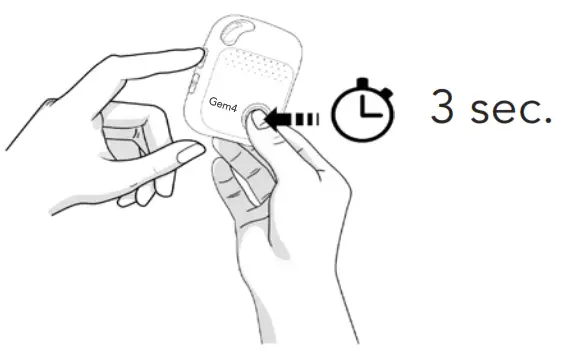
Press and hold the ON button and SOS button at the same time for 3 seconds until the LEDs turn off.
What do the lights mean?
Green = cellular
Blue = location
Red = power
| Green | Single or double flash every 3 seconds means the device has a stable cellular connection. | The green light always blinks/flashes. |
| Blue | Double flash every 3 seconds means the the device has the latest location. | A single flash every 3 seconds or no light flashing means the device is unable to find your location. |
| Red | Double flashing light means BLE is connected. | Blinking quickly means battery power is lower than 20%. |
| Blinking slowly or off means the device is charging. | A solid light means the device is fully charged. |
Activating an SOS Alarm
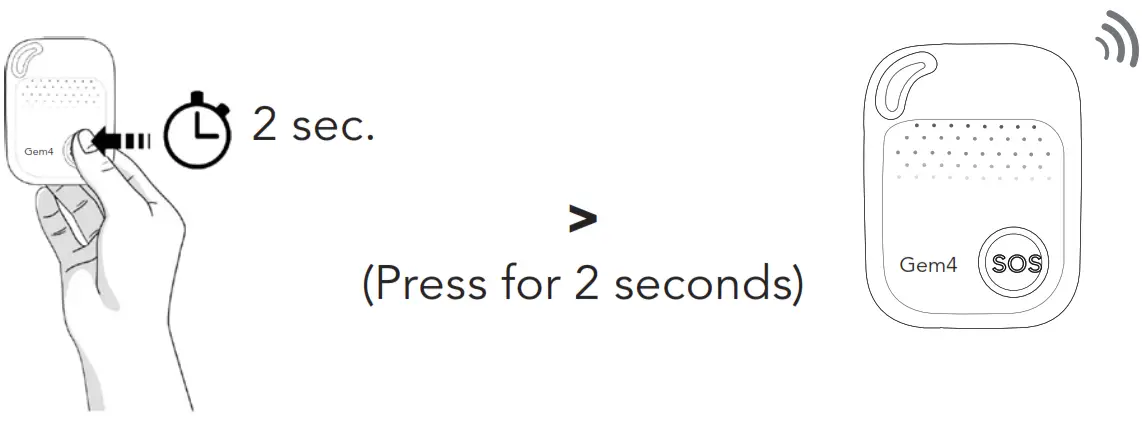
When you need help, press the SOS button on the device or the button on the charging base for 2 seconds until you hear “SOS alert has been activated”.
This will place a call to the Tunstall Customer Care Centre with your current location.
The device will continue to ring until a connection is made.
Getting your initial GPS location
- To get your initial location for the GPS features, test outdoors by pressing the SOS button and speaking with a Tunstall Care Consultant.
NOTE: Tunstall recommends that you do not put your device into Silent Mode as it will turn off all voice prompts including when your battery is low.
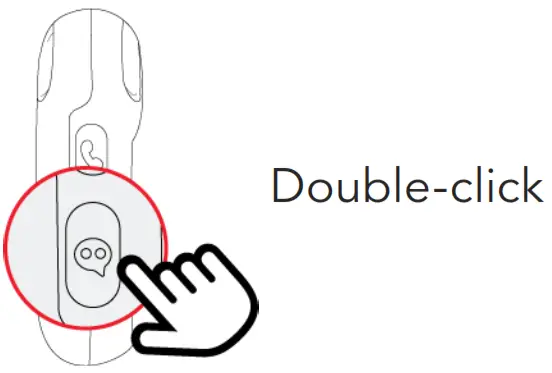
Double-click this button to turn off voice prompts, and double-click the button again to turn on voice prompts.
Specification
- Dimensions: 62mm*47mm*17mm
- Weight: 53g
- Battery: Rechargeable, 3.7V, 1000mAh
- Charging voltage: 5V DC
- Water Resistant: IP67
- 4 locating technologies: GPS, BLE, WIFI, LBS
Important
- Keep this device at least 25cm away from a pacemaker.
- Place the device on the charger immediately after activation.
- The device cannot be taken overseas.
- Don’t use & store the unit in dusty places.
- Don’t put the unit in overheated or over-cooled places.
- Clean the unit with a piece of dry cloth. Don’t clean with chemicals or detergent.
- Don’t disassemble or refit the unit.
Contact Details
Australia
Tunstall Australasia Pty Ltd
ABN 44 059 121 863
Locked Bag 1,
985 Kingsford Smith Drive
Eagle Farm QLD 4009
T: 1800 603 377
E: [email protected]
New Zealand
Tunstall New Zealand Ltd
Business No. 3502431
PO Box 13153
Tauranga 3110
T: 0800 488 678
E: [email protected]
 Tunstall Healthcare