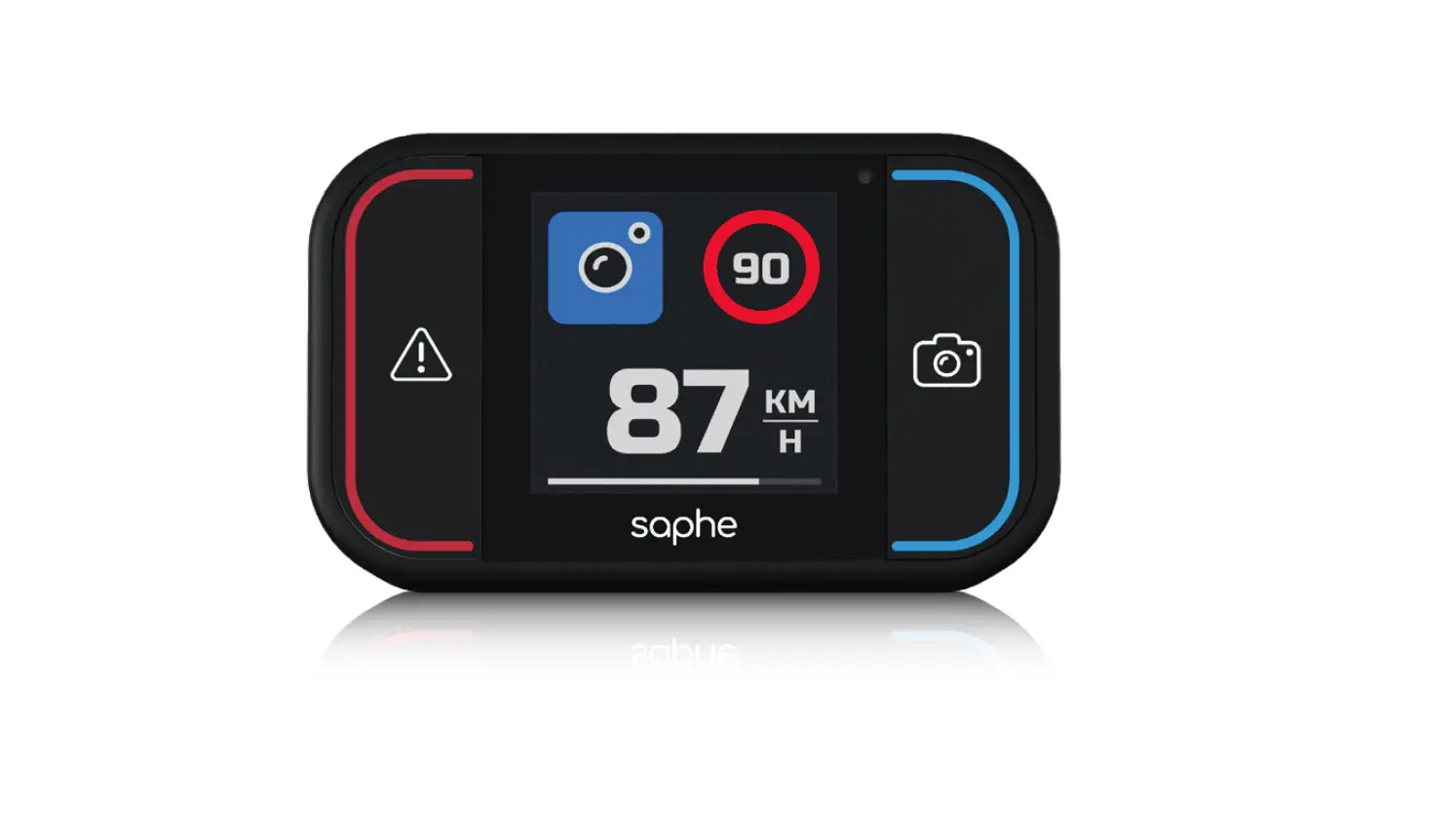

4988 Saphe Drive Pro
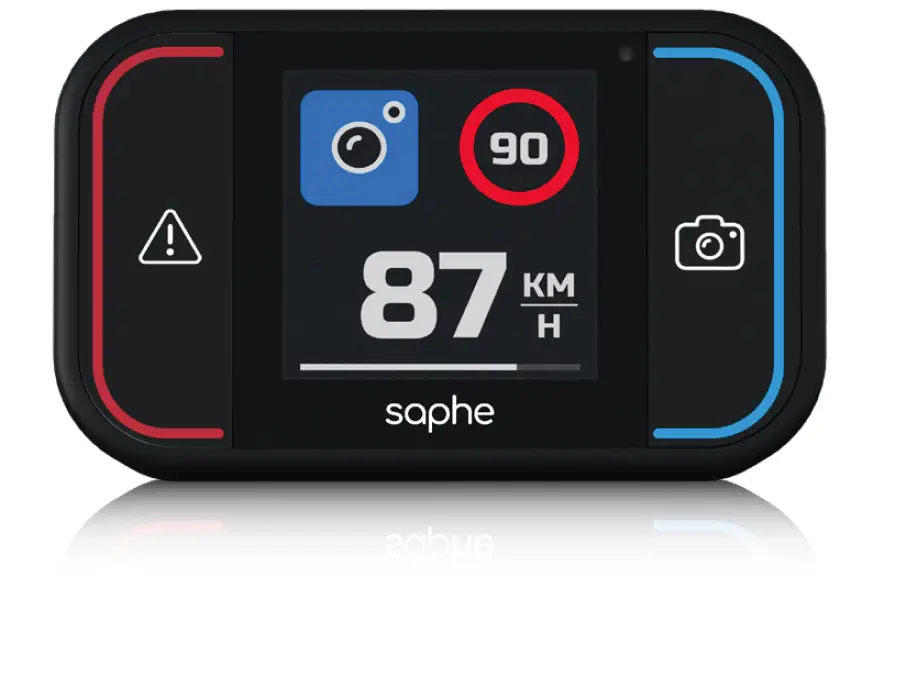
Saphe Quick Guide
Together we improve traffic safety
Getting Started
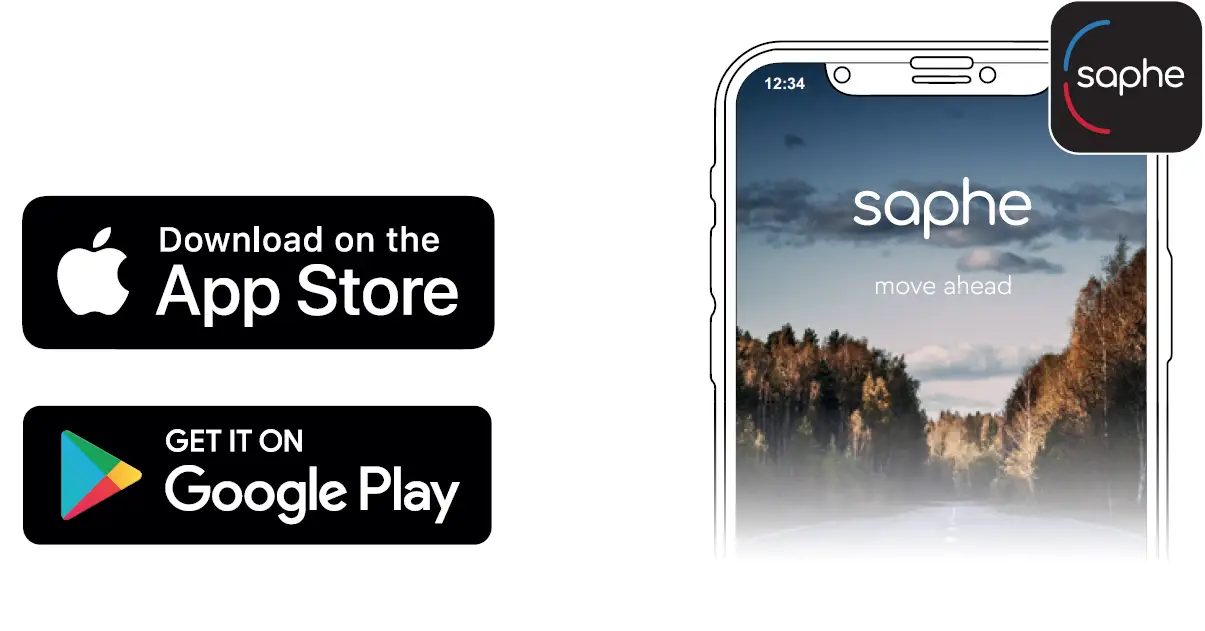
- Download the Saphe Link app.

- This product requires user registration. Sign up at www.club.saphe.com or in the Saphe Link app.
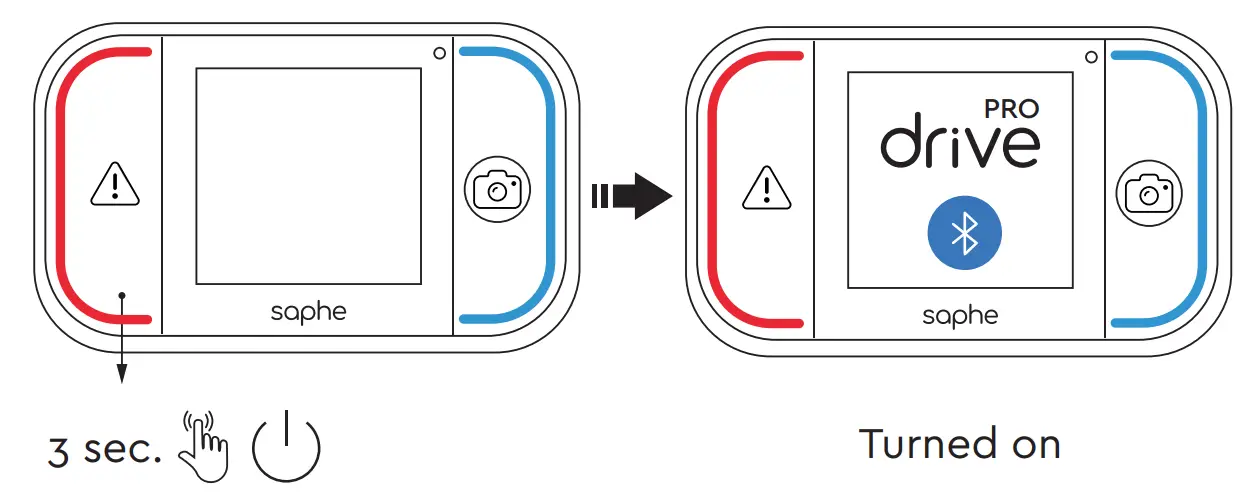
- Turn on by pressing the red button for 3 seconds.

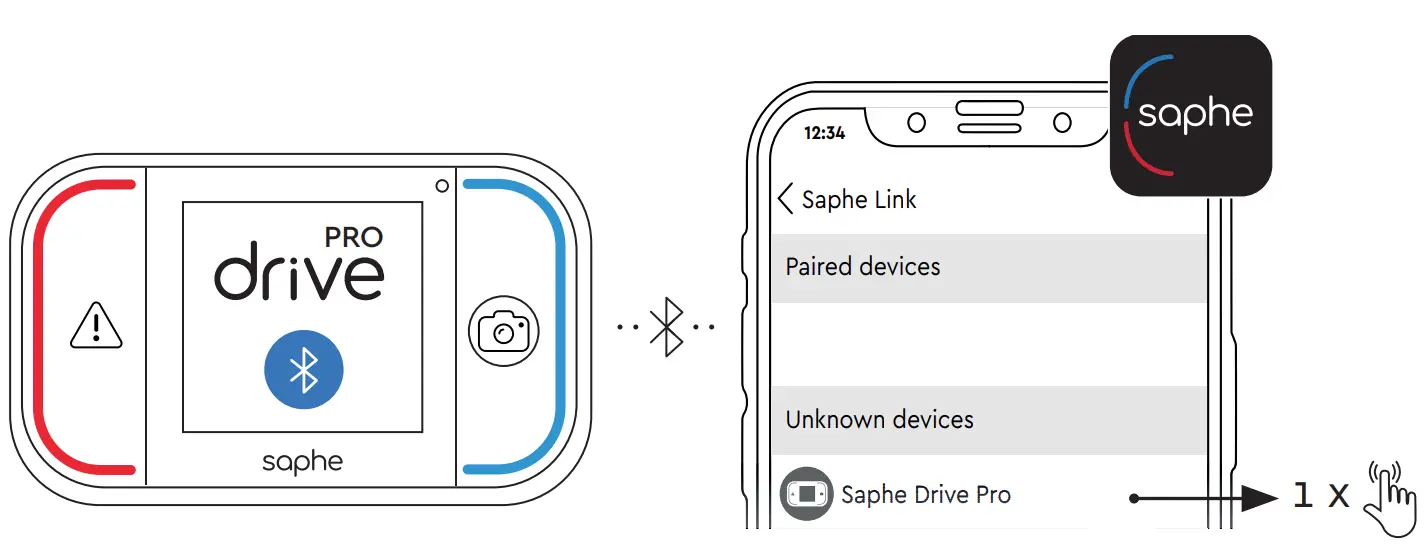
- air your device in the Saphe Link app and not from the phones Bluetooth settings. Go to: ’Menu’ > ’Devices’ > ’Unknown device’ and select your ’Saphe Drive Pro’

- Due to environmental reasons we have decided not to include a micro USB cable as this is common in most households.
Support
You can find a full manual and more help at: support.saphe.dk and the Saphe Link app.
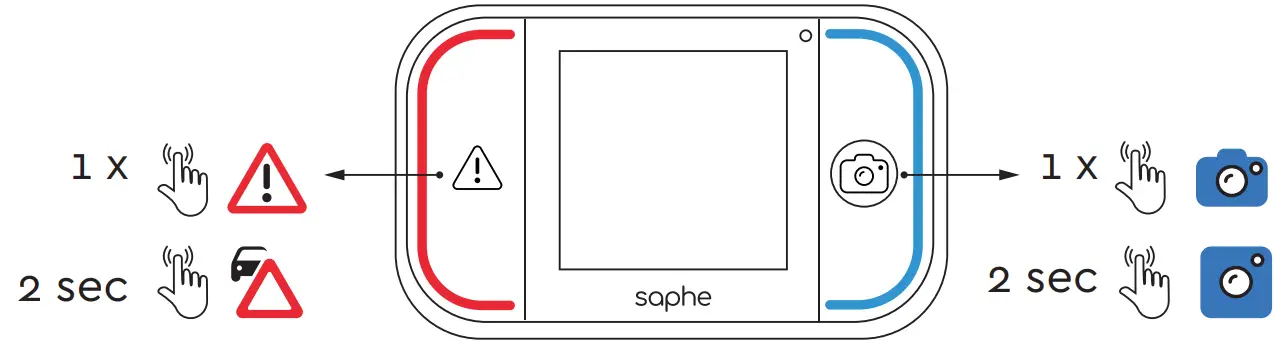
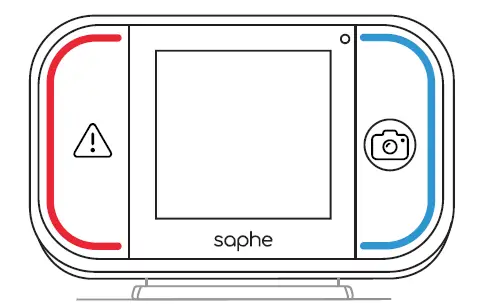
Reporting Alarms - Press the red button to report a danger and the blue button to report a mobile speed camera. Seconday reports are available by holding one of the buttons, until the display changes after 2 sec. The seconday report may be different depending on country of purchase.

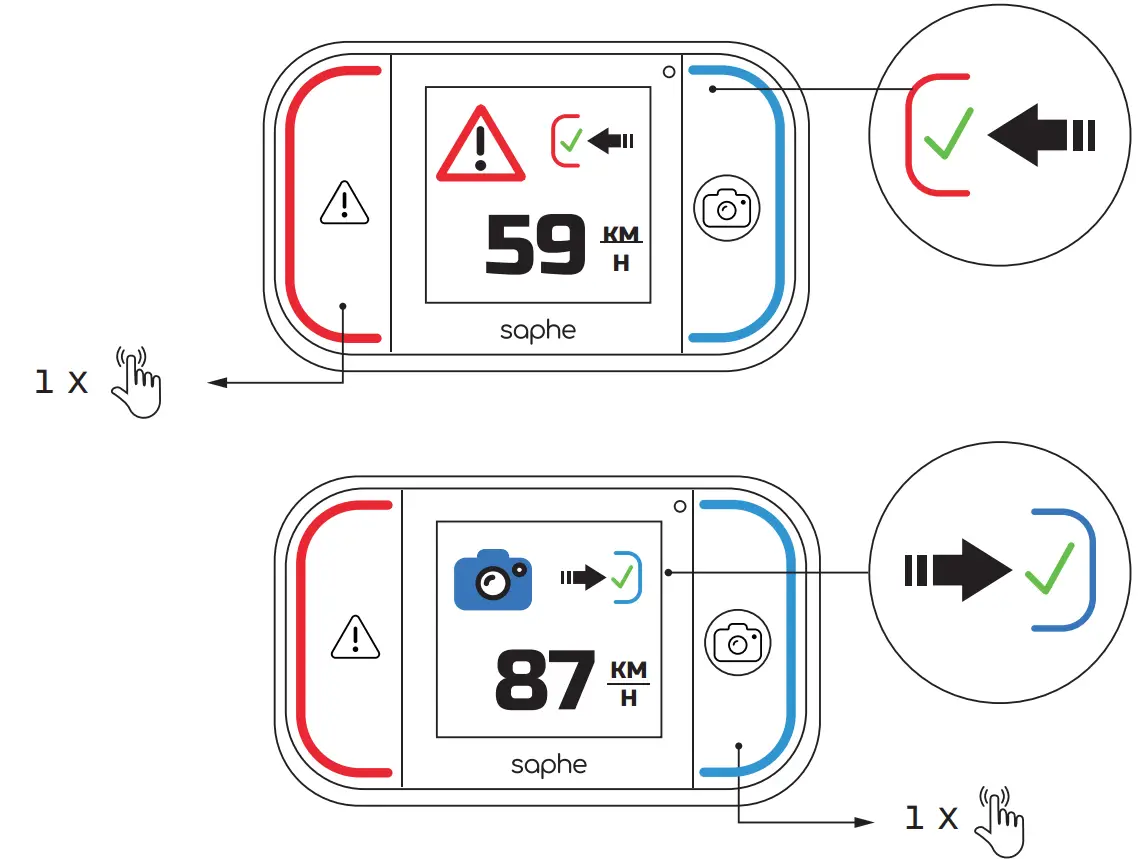
Confirming Alarms - When an alarm can be confirmed , a miniature red/ blue button + check-mark, will be displayed below the alarm icon. Confirm the alarm by pressing either the red or blue button depending on the alarm typeM

Installation
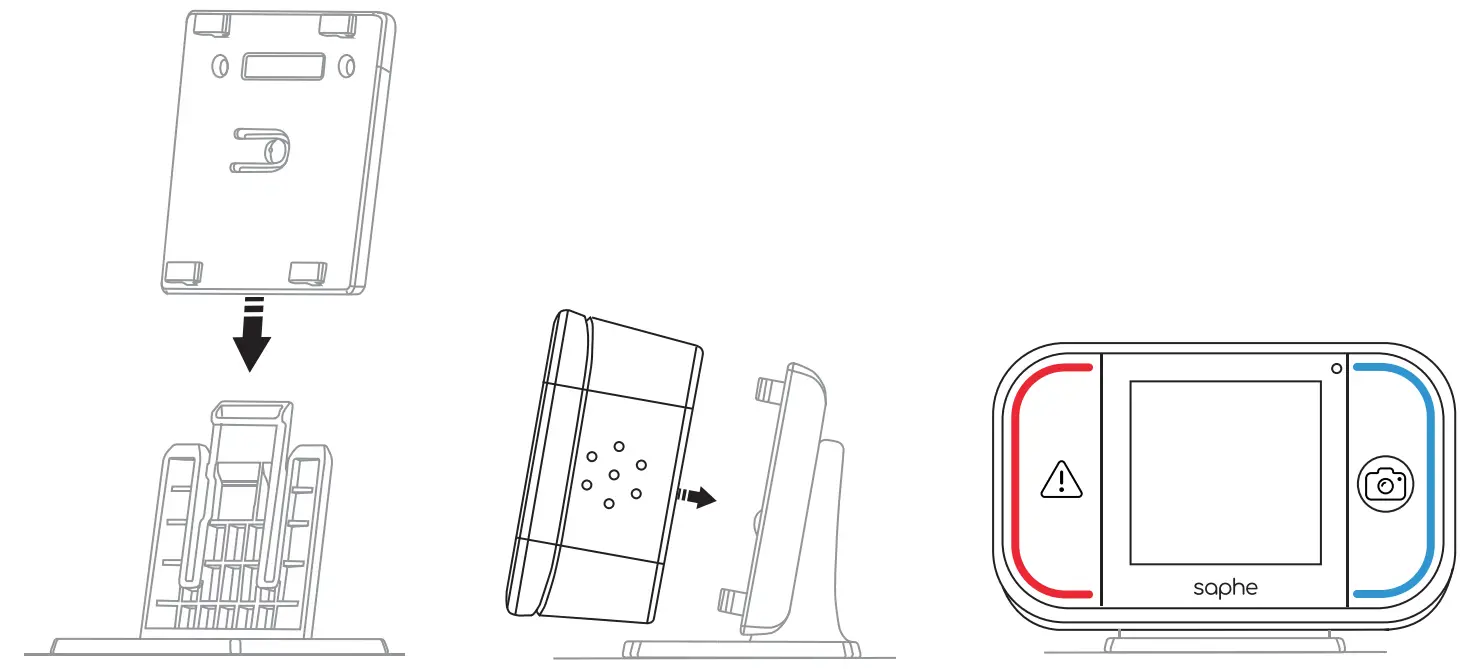
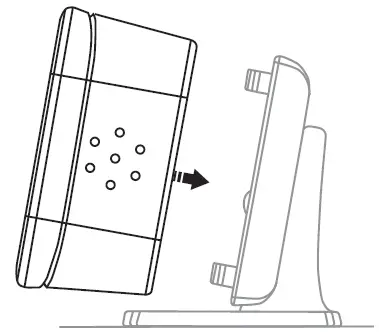
- Slide holder onto one of the mounts.

- Place the device on the mount.

- Move the device to the side until it locks and is fastened.

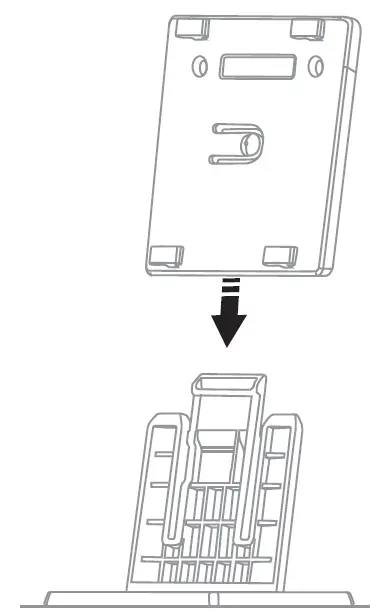
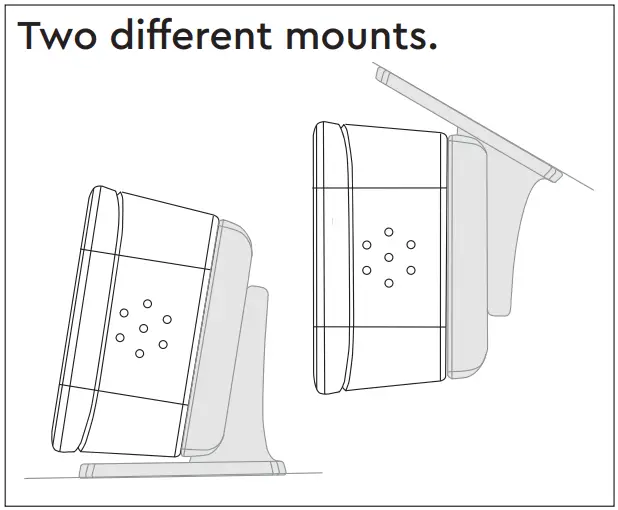
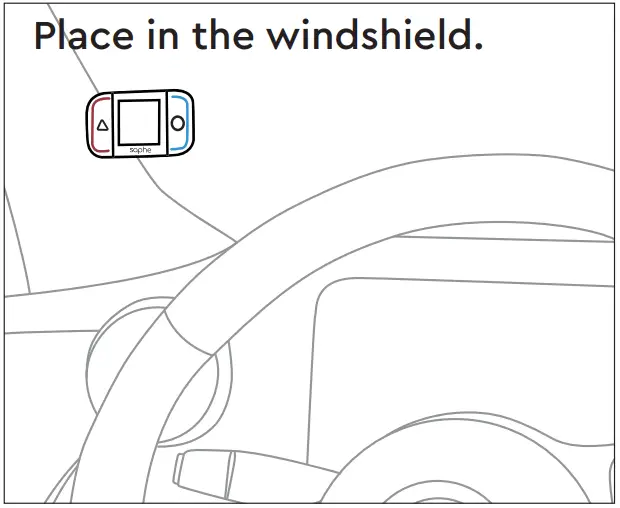
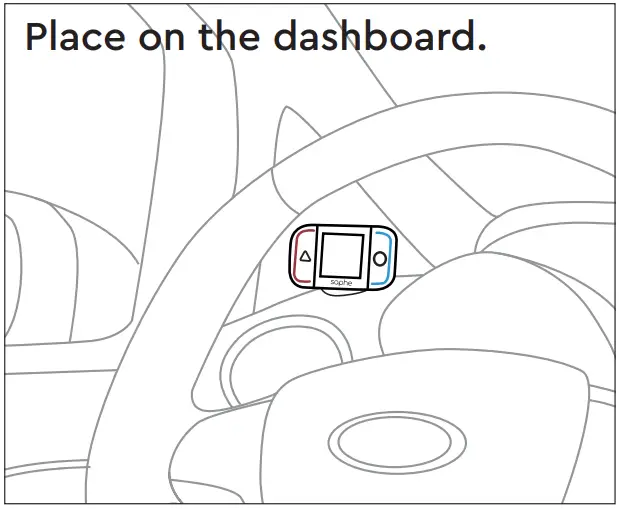
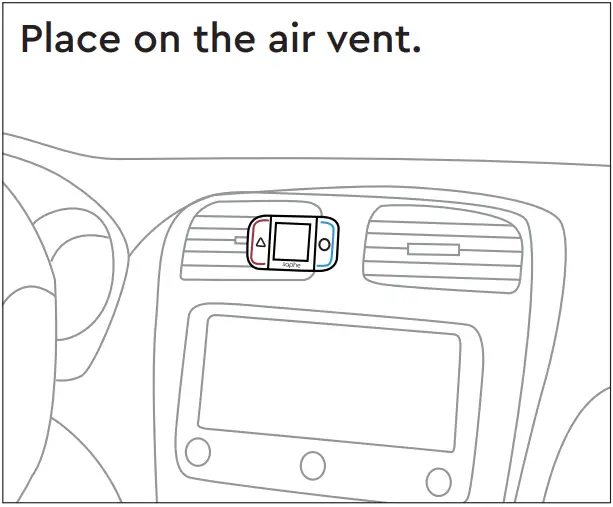
Note: The air vent mount must be purchased separately.
Alarm Types
- EN Average speed camera
- DE Streckenradar
- FR Radar de vitesse moyenne
- IT Tutor
- ES Radar de tramo
- EN Danger
- DE Gefahr
- FR Danger
- IT Pericolo
- ES Peligro
Mobile speed camera
Fixed speed camera
Average speed camera
Traffic light camera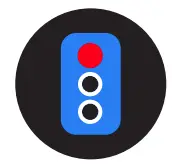
Danger
Car on shoulder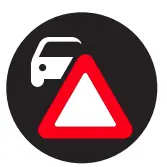
 Support : Support
 Saphe Traffic Alarms
![Seagate Barracuda [st5000lm000-2u8170, St4000lm024-2u817v] User Manual](https://static-data1.manualsee.com/1/img/37/16952/2020/12/ST5000LM000-2U8170-1568x1568.jpg "Seagate Barracuda [st5000lm000-2u8170, St4000lm024-2u817v] User Manual")