5059 Drive Pro Traffic Alarm
Product Information
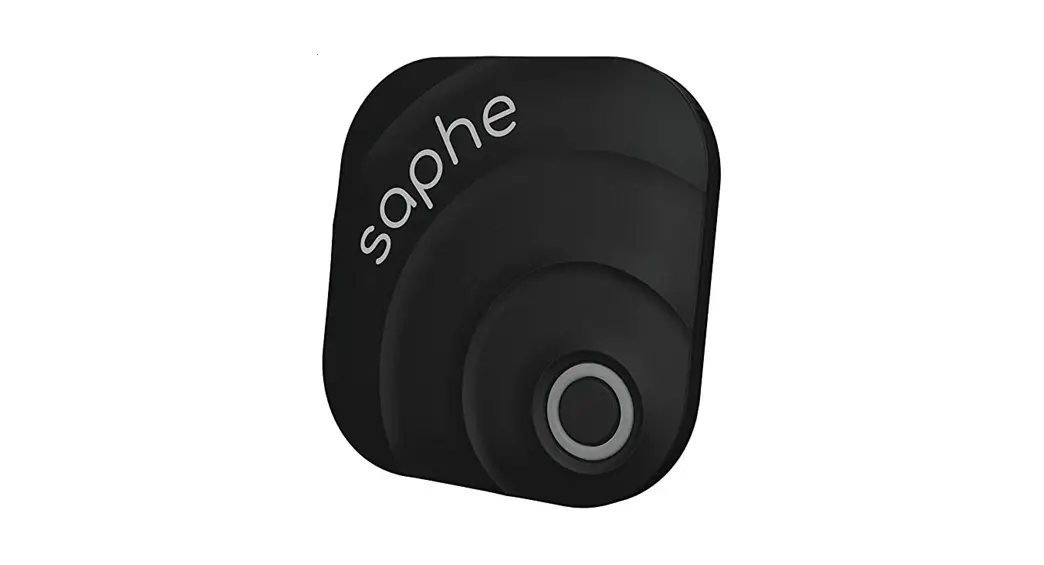
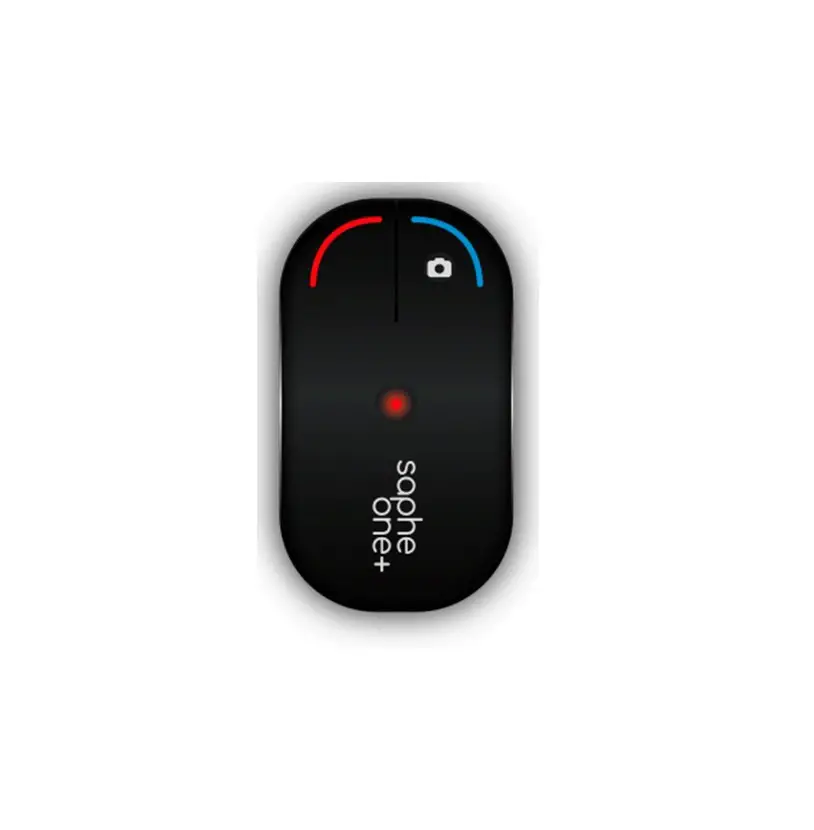
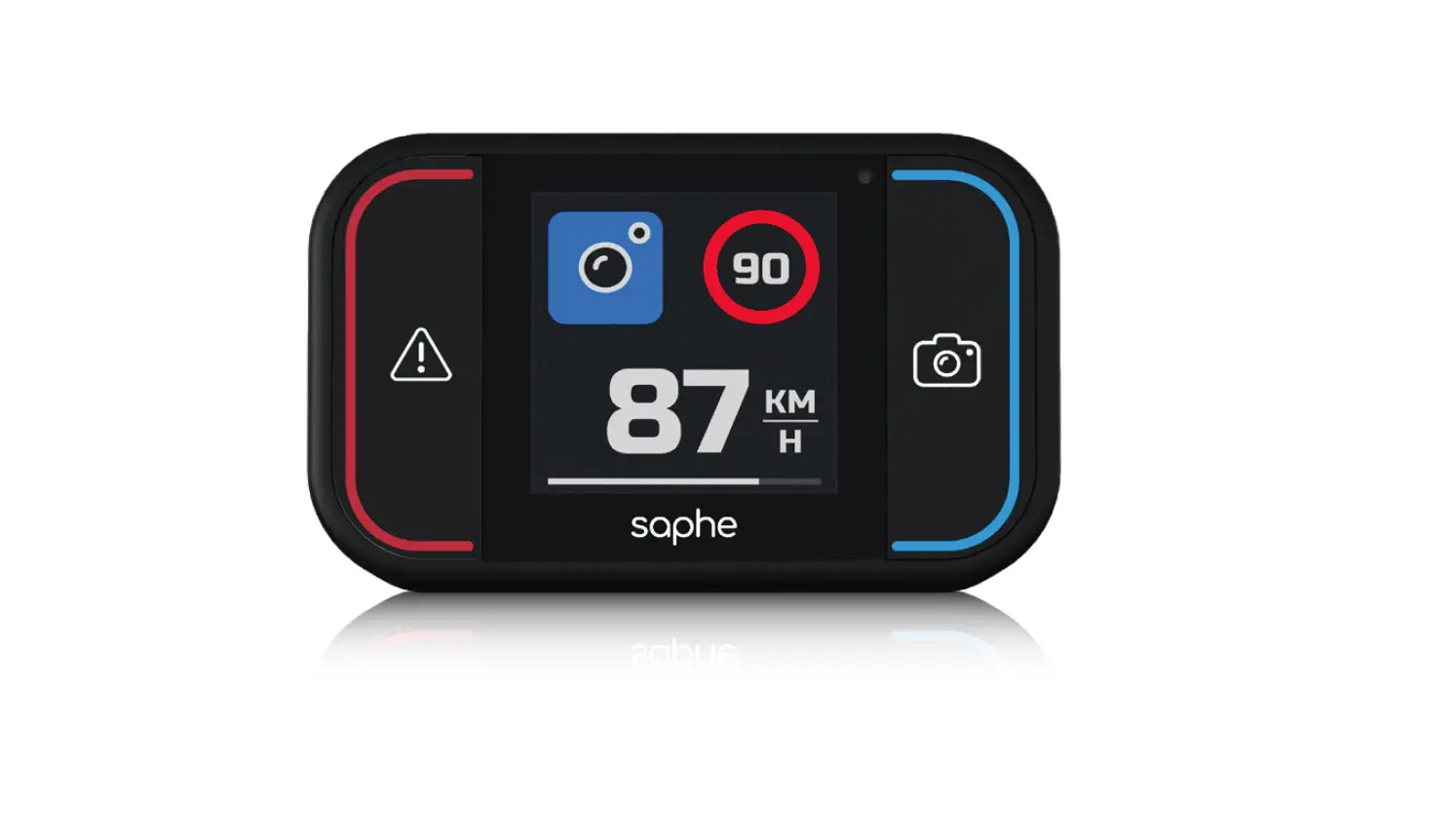
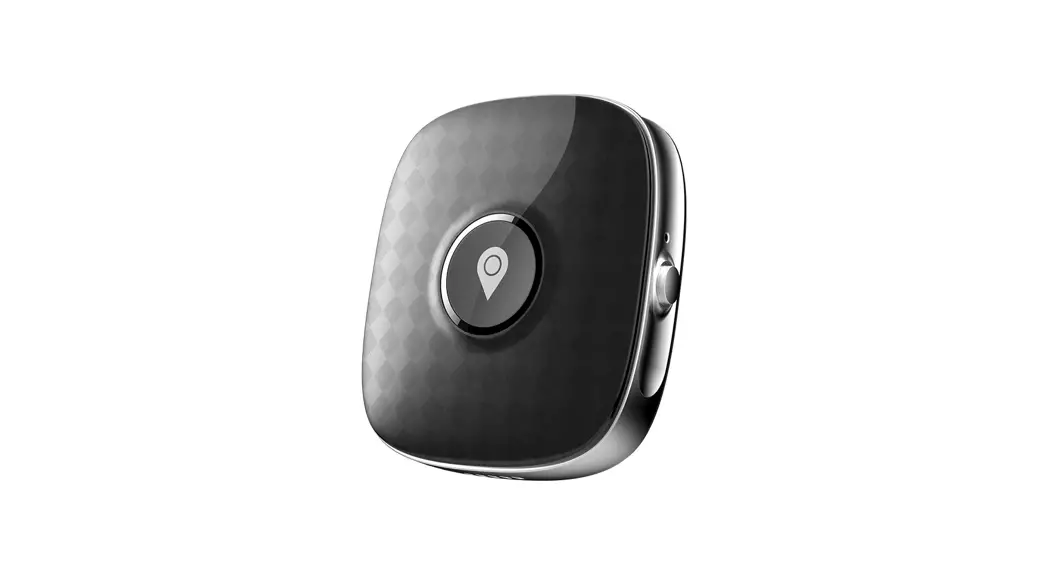
The Saphe is a device designed to improve traffic safety by
providing real-time alerts for dangers and mobile speed cameras. It
requires the Saphe Link app and user registration for full
functionality. The device can be easily installed in different
locations in your vehicle, such as the windshield, dashboard, or
air vent. It comes with two different mounts and a holder.
Product Usage Instructions
- Download the Saphe Link app from your app store.
- Register as a user at www.club.saphe.com or in the Saphe
Link app. - To turn on the device, press and hold the red button for 3
seconds. - Pair your device with the Saphe Link app by going to ‘Menu’
> ‘Devices’ > ‘Unknown device’ and selecting your ‘Saphe
Drive Pro’. Do not pair it from your phone’s Bluetooth
settings. - Choose the appropriate mount and install the device by sliding
the holder onto one of the mounts and placing the device on it.
Make sure it locks and is securely fastened. - Note that the air vent mount needs to be purchased
separately. - To report a danger, press the red button. To report a mobile
speed camera, press the blue button. Secondary reports can be
accessed by holding one of the buttons until the display changes
after 2 seconds. - To confirm an alarm, look for a miniature red/blue button with
a check-mark below the alarm icon. Press either the red or blue
button depending on the alarm type. - For more detailed instructions and support, visit support.saphe.dk or refer to the
Saphe Link app.
Please note that the available features and secondary reports
may vary depending on your country of purchase.
saphe
quick guide
Together we improve traffic safety
GETTING STARTED
1 EN Download the Saphe Link app.
DE Saphe Link App herunterladen. FR Téléchargez l’application Saphe Link. IT Scaricare l’app Saphe Link. ES Descargue la aplicación Saphe Link. 12:34
| 2
4G
2 EN This product requires an user registration. Sign up at www.club.saphe.com or in the Saphe Link app.
DE Für dieses Produkt ist eine Benutzerregistrierung erforderlich. Registrieren Sie sich auf www.saphe.com/de/clubsaphe/ oder in der Saphe Link App.
FR Ce produit nécessite l’enregistrement de l’utilisateur. Inscrivez-vous sur www.club.saphe.com ou dans l’application Saphe Link.
IT Questo prodotto richiede la registrazione dell’utente. Iscriviti su www.club.saphe.com oppure nell’app Saphe Link.
ES Este producto requiere un registro de usuario. Inscríbase en www.club.saphe.com o en la aplicación Saphe Link.
3 EN Turn on by pressing the red button for 3 seconds.
DE Schalten Sie ein, indem Sie die rote Taste drei Sekunden lang drücken.
FR Allumez en appuyant sur le bouton rouge pendant 3 secondes.
IT Accendere tenendo premuto il pulsante centrale per 3 secondi.
ES Encienda el dispositivo manteniendo pulsado el botón rojo durante 3 segundos.
| 3
PRO
3 sec.
Turned on
4 EN Pair your device in the Saphe Link app and not from the
phones Bluetooth settings. Go to: ‘Menu’ > ‘Devices’ >
‘Unknown device’ and select your ‘Saphe Drive Pro’.
DE Koppeln Sie Ihr Gerät in der Saphe Link-App und nicht über die Bluetooth-Einstellungen des Telefons Gehen Sie zu: Menü” > “Geräte” > “Unbekanntes Gerät” und wählen Sie Ihr “Saphe Drive Pro”.
FR Appairez votre appareil dans l’application Saphe Link et non à partir des paramètres Bluetooth du téléphone. Allez sur : « Menu » > « Appareils » > « Appareil inconnu » et sélectionnez votre « Saphe Drive Pro ».
IT Accoppiare il dispositivo nell’app Saphe Link app e non dalle impostazioni Bluetooth del telefono. Andare a: ‘Menu’ > ‘Dispositivi’ > ‘Dispositivo sconosciuto’ e selezionare il ‘Saphe Drive Pro’.
ES Empareje su dispositivo usando la aplicación Saphe Link, nunca desde los ajustes de Bluetooth de su móvil. Navegue de esta forma: ‘Menú’ > ‘Dispositivos’ > ‘Dispositivo desconocido’ y seleccione ‘Saphe Drive Pro’.
PRO
12:34
4G
Saphe Link
Paired devices
Unknown devices Saphe Drive Pro
1 x
INSTALLATION
| 4
1. Slide holder onto one of the mounts.
2. Place device on the mount.
3. Move device to the side, until it locks and it is fastened.
Two different mounts.
Place in the windshield.
Place on the dashboard.
Place on the air vent.
NOTE. The air vent mount must be purchased seperately.
| 5
5 EN Due to environmental reasons we have decided not to include a micro USB cable as this is common in most households.
DE Mit Hinblick auf Nachhaltigkeit enthält die Verpackung kein Ladekabel, da ein Micro USB-Kabel bereits in den meisten Haushalten vorzufinden ist.
FR Ce produit nécessite l’enregistrement de l’utilisateur. Inscrivez-vous sur www.club.saphe.com ou dans l’application Saphe Link.
IT Per motivi ambientali abbiamo deciso di non includere un cavo micro USB poiché la maggior parte delle persone ne possiede uno in casa.
ES Por razones medioambientales hemos decidido no incluir un cable micro USB, ya que es habitual en la mayoría de los hogares.
SUPPORT
You can find a full manual and more help at: support.saphe.dk and the Saphe Link app.
REPORTING ALARMS
| 6
6 EN Press the red button to report a danger and the blue button
to report a mobile speed camera. Seconday reports are
available by holding one of the buttons, until the display
changes after 2 sec. The seconday report may be different
depending on country of purchase.
DE Drücken Sie die rote Taste, um eine Gefahr zu melden, und die blaue Taste, um einen mobilen Blitzer zu melden. Sekundärberichte sind verfügbar, indem Sie eine der Tasten gedrückt halten, bis sich die Anzeige nach 2 Sekunden ändert. Der Sekundärbericht kann je nach Land, in dem das Gerät erworben wurde, unterschiedlich sein.
FR Appuyez sur le bouton rouge pour signaler un danger et sur le bouton bleu pour signaler un radar mobile. Des rapports secondaires sont disponibles en maintenant l’un des boutons appuyé jusqu’à ce que l’affichage change au bout de 2 s. Le rapport secondaire peut être différent selon le
IT pays d’achat. Premere il pulsante rosso per segnalare un pericolo e il pulsante blu per segnalare un’autovelox mobile. Sono disponibili segnalazioni secondarie tenendo premuto uno dei pulsanti fino a che il display cambia dopo 2 sec. La segnalazione secondaria potrebbe essere diversa a seconda del
ES Paese di acquisto. Presione el botón rojo para informar de un peligro y/o el botón azul para informar de una cámara móvil de velocidad. Es posible obtener informes secundarios manteniendo pulsado uno de los botones hasta que la pantalla cambie pasados 2 segundos. Los informes secundarios pueden variar en su diseño según el país de adquisición del dispositivo.
1 x 2 sec
1 x 2 sec
CONFIRMING ALARMS
| 7
7 EN When an alarm can be confirmed , a miniature red/ blue
button + check-mark, will be displayed below the alarm
icon. Confirm the alarm by pressing either the red or
blue button depending on the alarm type.
DE Wenn ein Alarm bestätigt werden kann, wird unter dem Alarmsymbol eine rote/blaue Miniaturtaste mit einem Häkchen angezeigt. Bestätigen Sie den Alarm, indem Sie je nach Alarmtyp entweder die rote oder die blaue Taste drücken.
FR Lorsqu’une alarme peut être confirmée, un bouton rouge/ bleu miniature + une coche s’affichent sous l’icône d’alarme. Confirmez l’alarme en appuyant sur le bouton rouge ou bleu selon le type d’alarme.
IT Quando è possibile confermare un allarme, sotto l’icona dell’allarme compare un pulsante di colore rosso/blu in miniatura + un segno di spunta. Confermare l’allarme premendo il pulsante rosso o blu a seconda del tipo di allarme.
ES Cuando se puede confirmar una alarma, aparecerá una marca de confirmación + miniaturizada en el botón rojo/azul por debajo del icono de la alarma. Confirme entonces la alarma pulsando respectivamente el botón azul o rojo dependiendo del tipo de alarma.
59 KM H
1 x
87 KM H 1 x
ALARM TYPES
| 8
EN Mobile speed camera DE Mobile Blitzer FR Radars mobiles IT Autovelox mobile ES Radar móvil
EN Fixed speed camera DE Stationäre Blitzer FR Radar fixe IT Autovelox fisso ES Radar fijo
EN Average speed camera DE Streckenradar FR Radar de vitesse moyenne IT Tutor ES Radar de tramo
EN Traffic light camera DE Ampelblitzer FR Caméra de feux de circulation IT Trafikljuskamera ES Liikennevalokamera
EN Danger DE Gefahr FR Danger IT Pericolo ES Peligro
EN Car on shoulder DE Wagen auf Standspur FR Voiture sur l’épaule IT Auto in panne ES Coches en arcén
www.saphe.com
 Support : Support
 Saphe Traffic Alarms