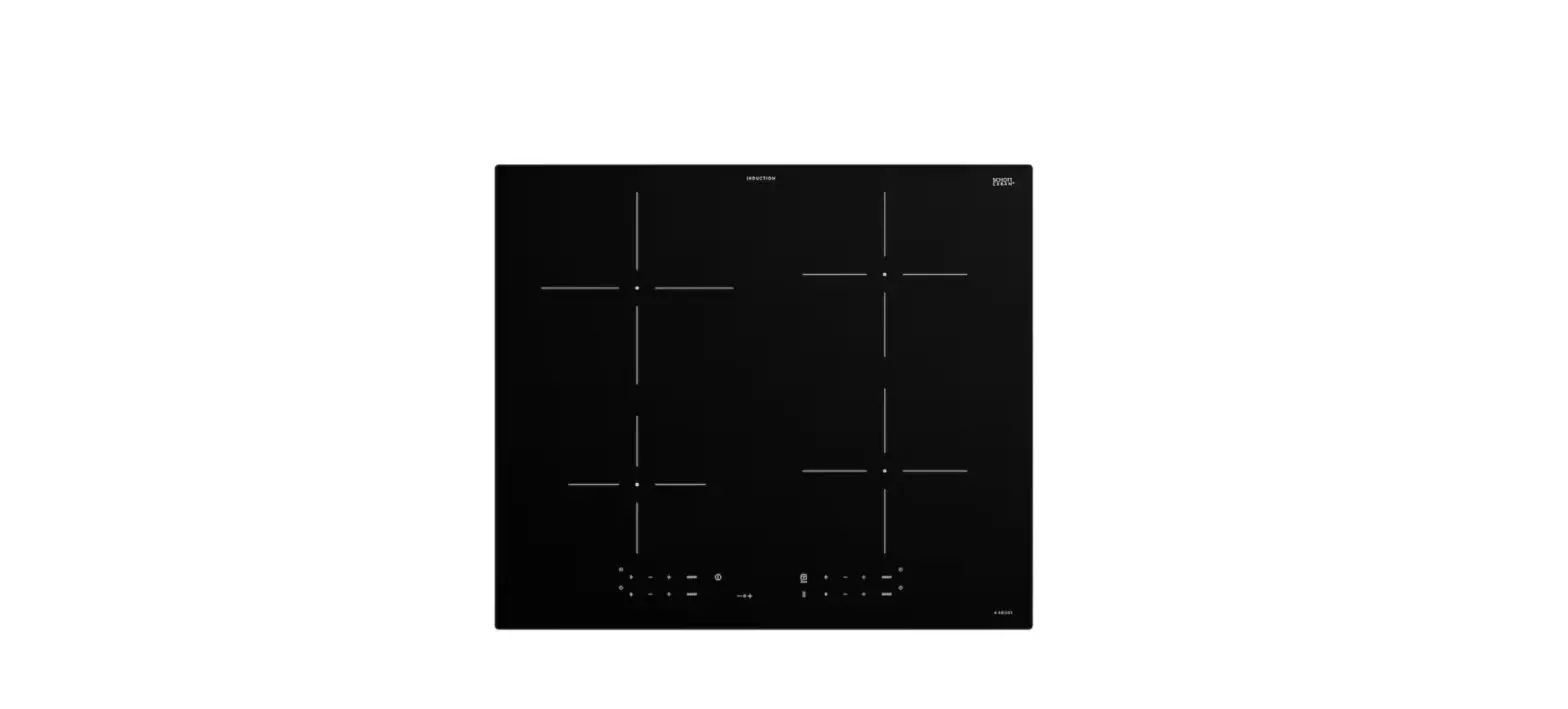
IKEA 604.678.30 Blixtsnabb 78cm Induction Hob
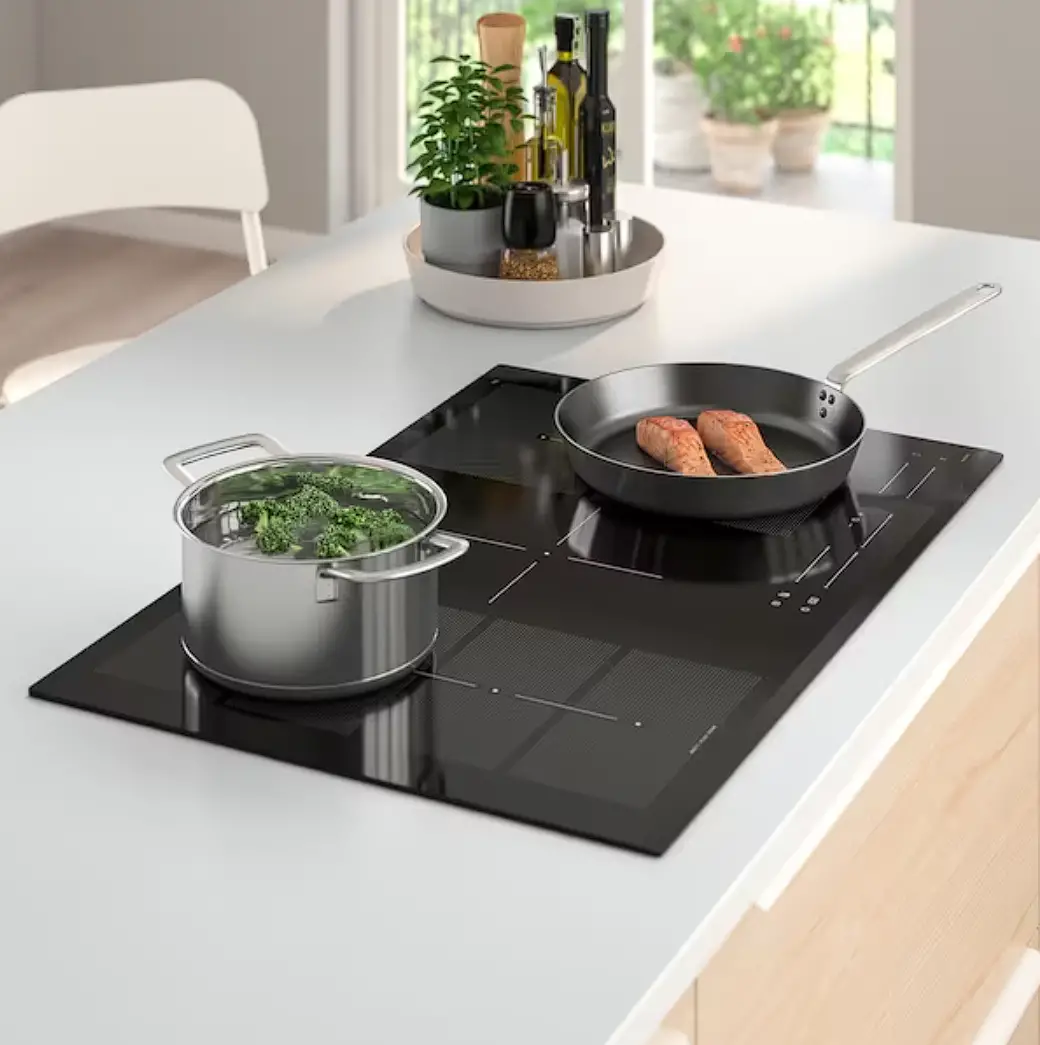
Pictures illustration
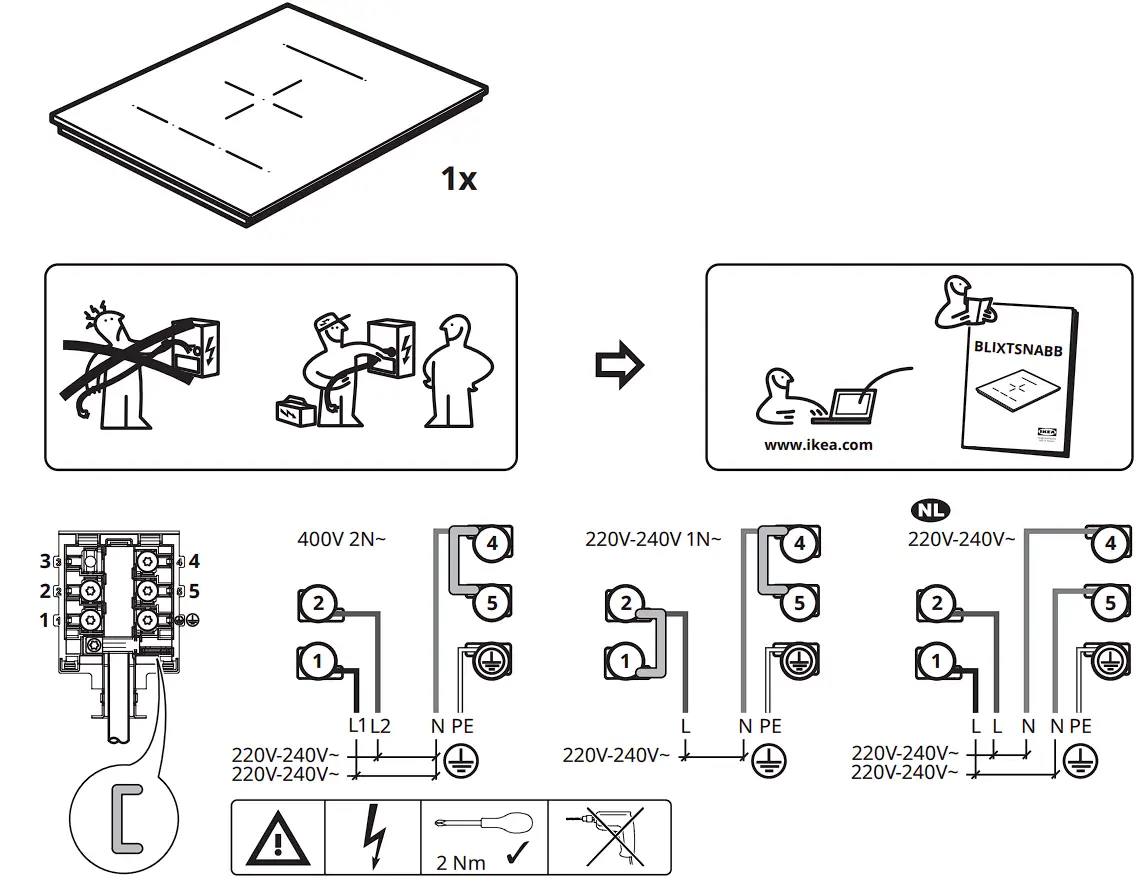
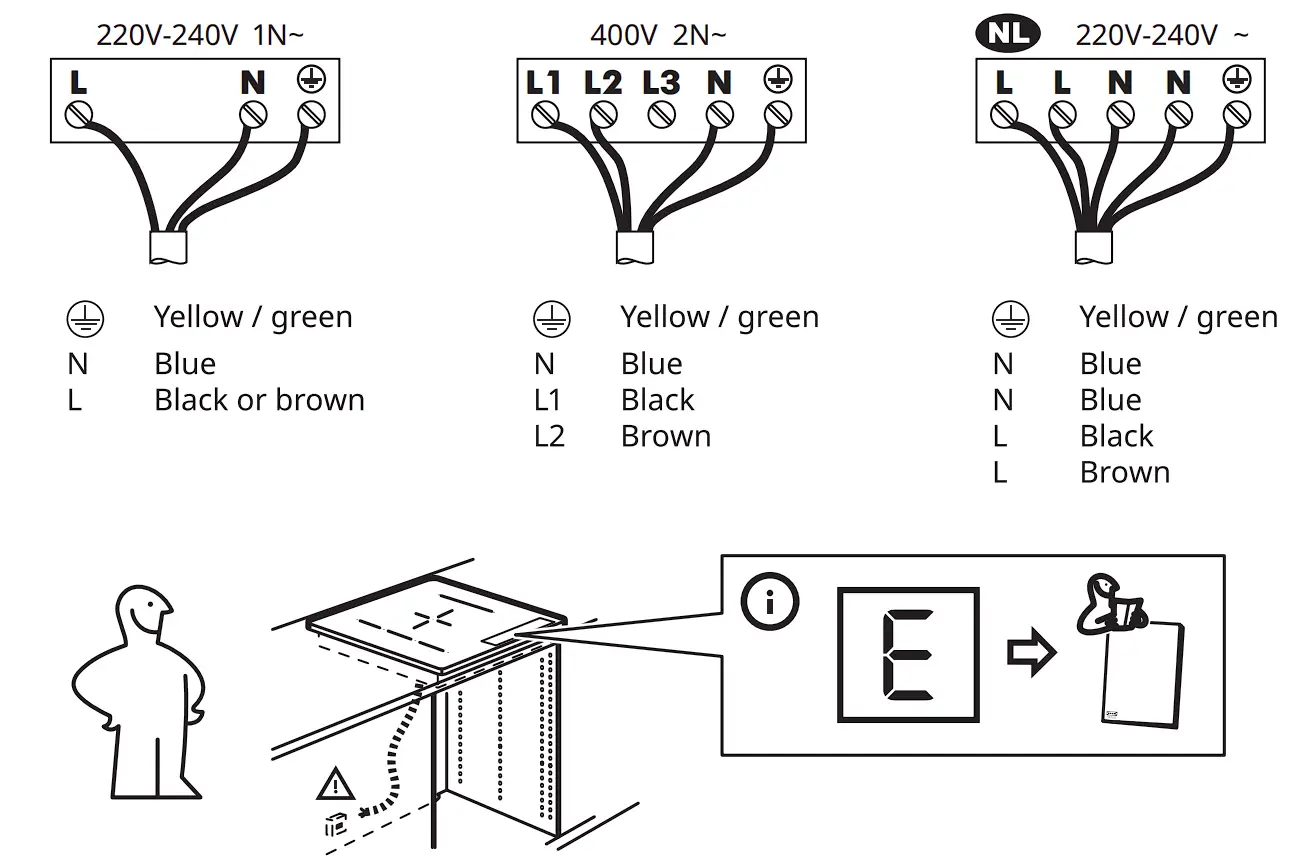
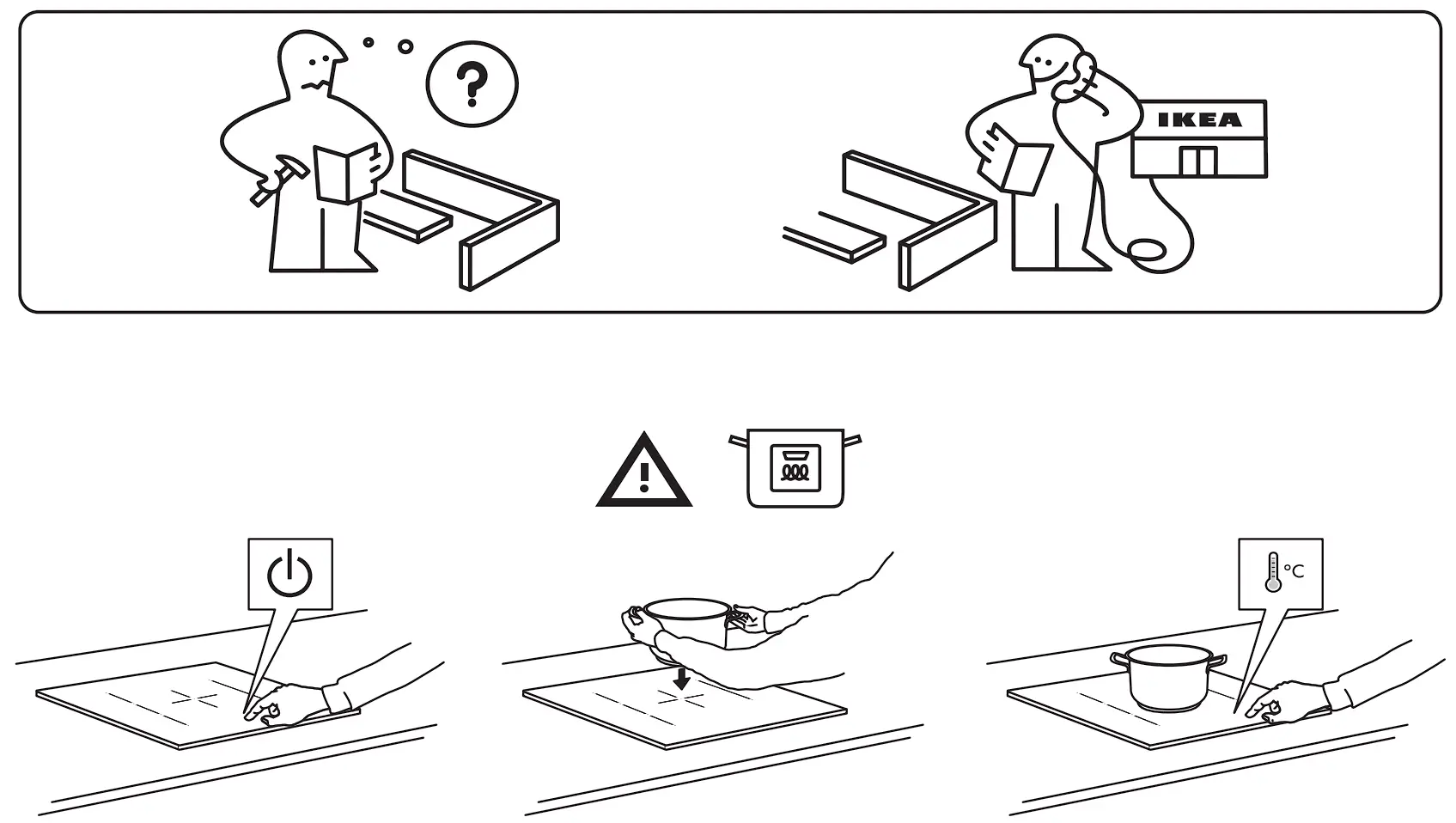
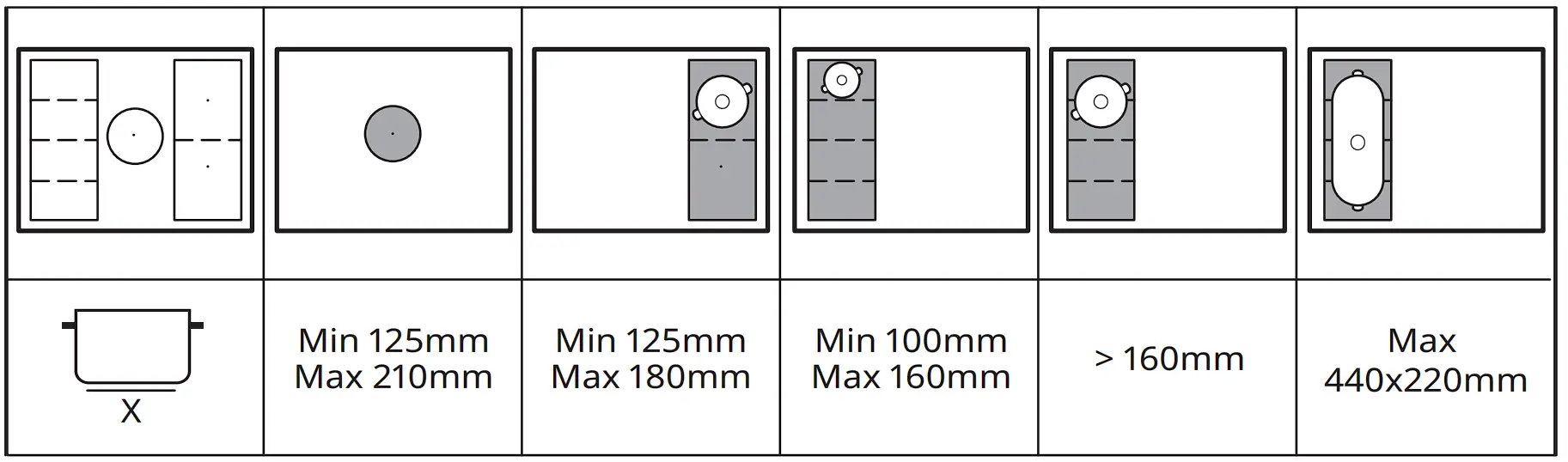
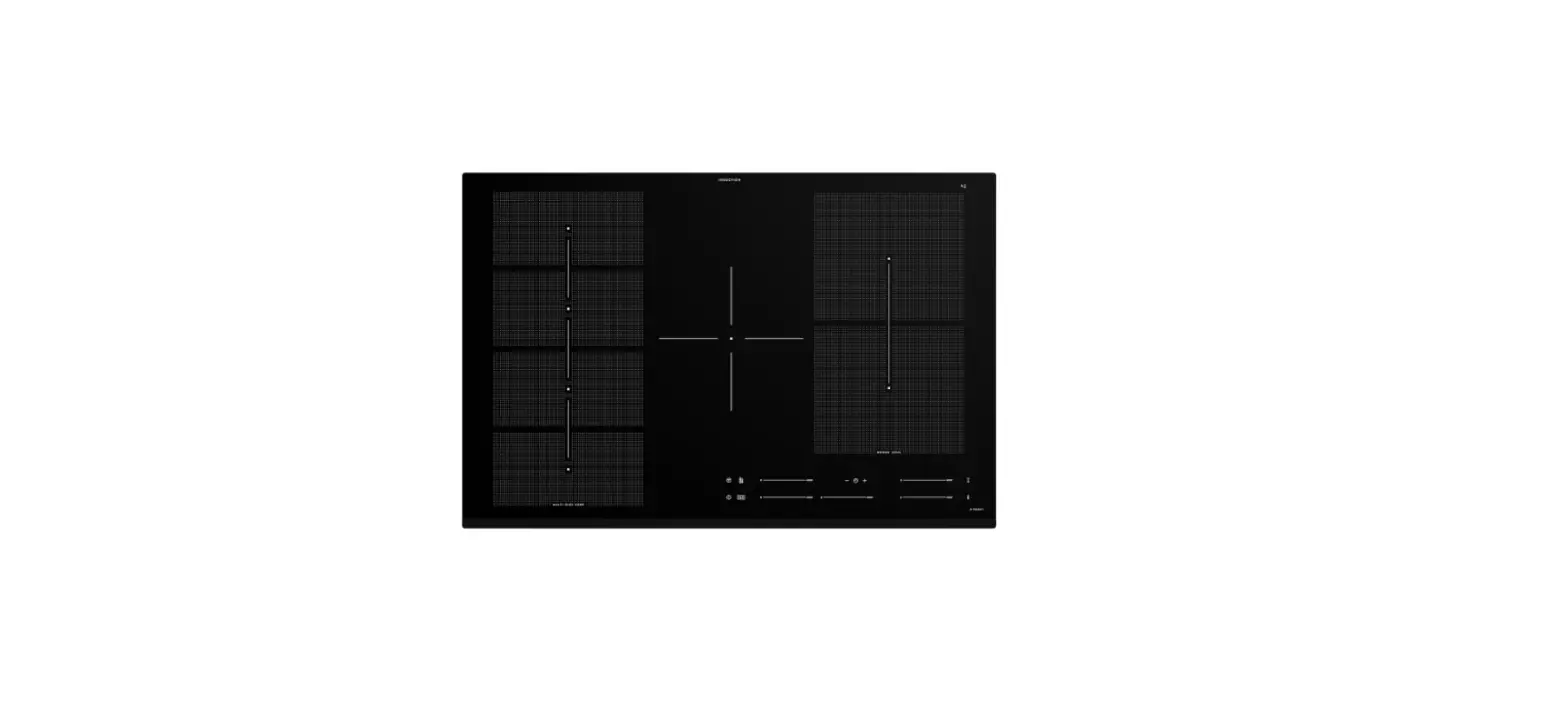
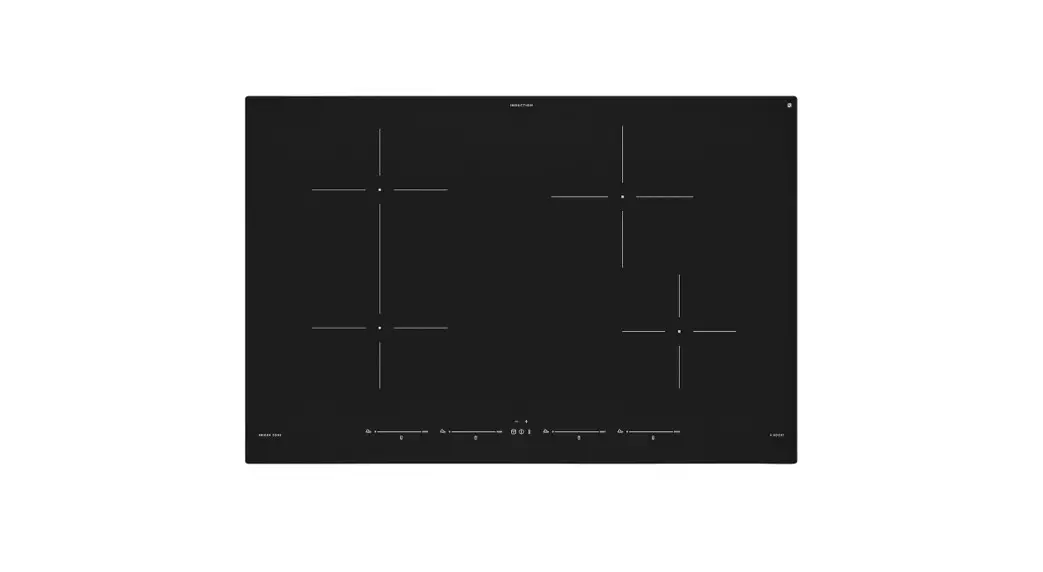
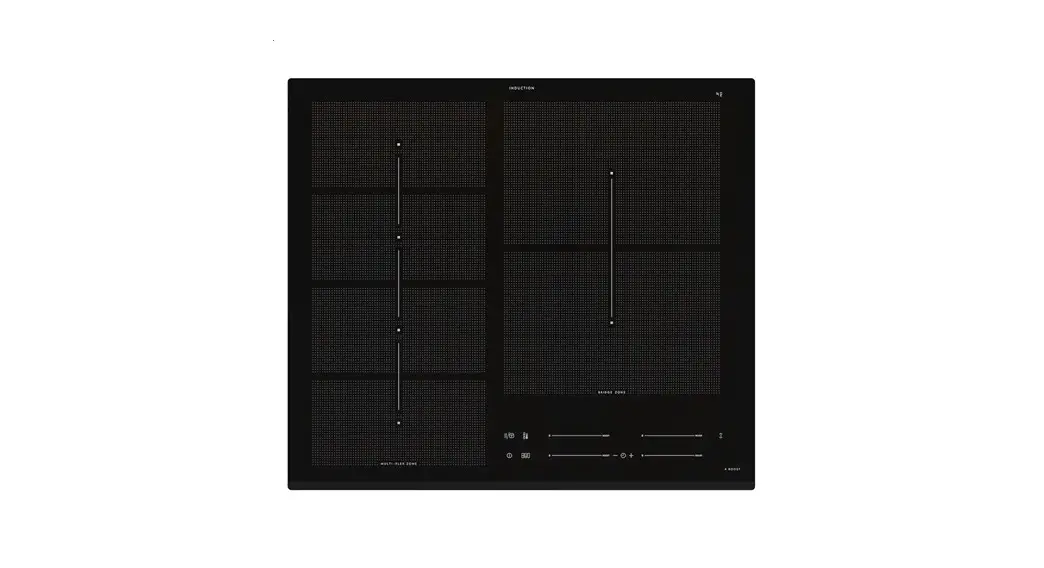
Product description
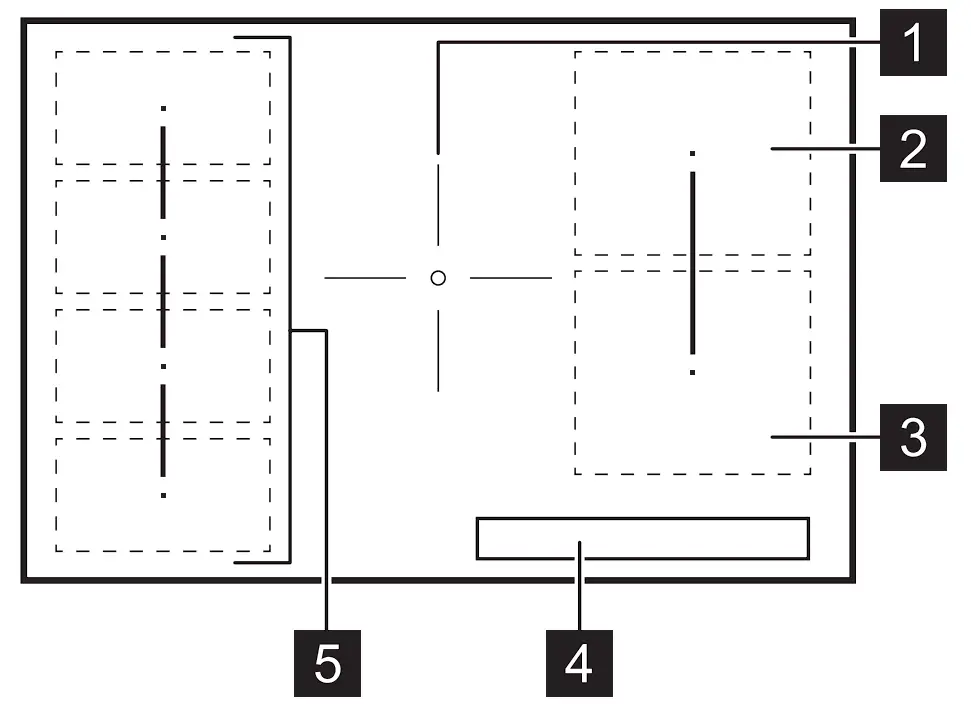
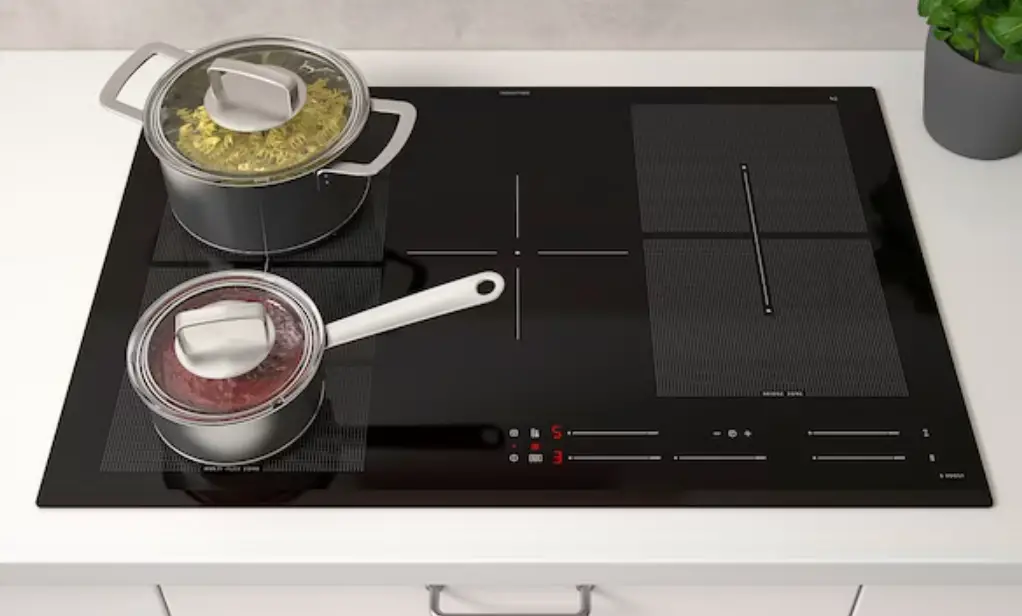
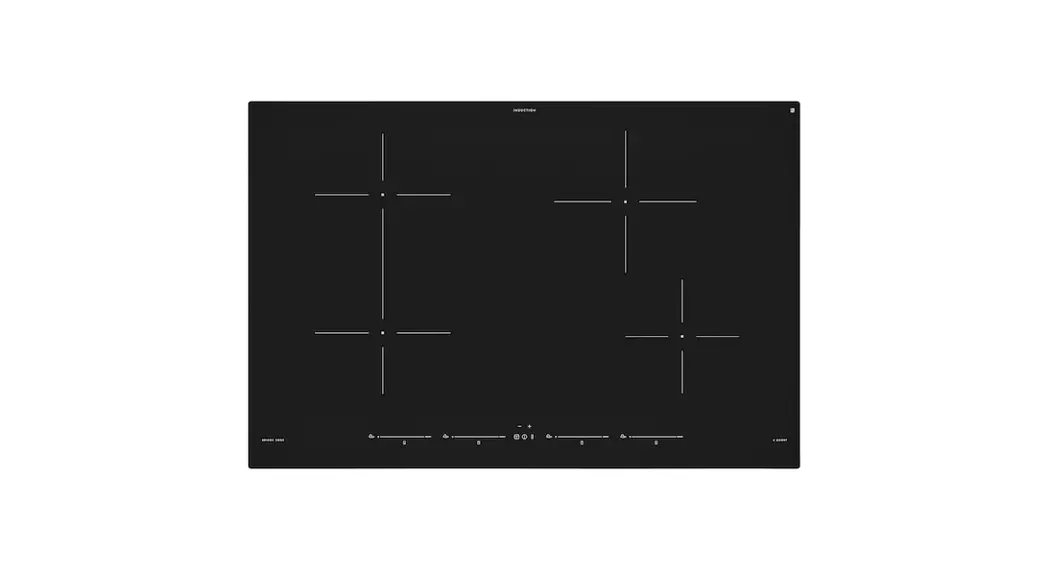
 Cooking zone
 Cooking zone
 Cooking zone
 Control panel
 Flexible induction cooking area
 Residual heat
The indicator signals that a cooking zone is still hot. After you switch off the appliance, the cooking zones need some time to cool down.
 Cookware indicator
The indicator signals that the cookware is incorrect or too small, or there is no cookware on the cooking zone.
Control panel
On / 0ff. Lock / Child Lock / Cleaning mode. Pre-Set Cooking. Multi-Flexi modes. The current power setting. Timer indicators of cooking zones.
 Timer display: 00 – 99 minutes.
 Bridge mode.
 Pause.
 Booster.
 To set a power setting: 0 – 9.
 To select Timer functions.
 To increase or decrease the time.
 The current power setting for the fleYible induction cooking area.
Functions
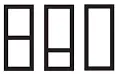 Multi-Flexi
The function combines two cooking zones into segments or one large cooking area.
Press the symbol to switch between the three available modes: Standard / Big Bridge / Max Bridge.
 Pre-Set Cooking
The function creates 3 pre-defined temperature zones on the fleYible induction cooking area. The default settings are: boil / simmer / keep warm.
 Bridge
The function connects two cooking zones so that they operate as one.
BOOST Booster
The function activates and deactivates the maximum heat setting.
 Pause
Pause
The function sets all cooking zones that operate to the lowest heat setting.
 Lock / Child Lock / Cleaning mode
The function locks / unlocks the control panel.
 Timer
Timer
The function specifies how long a cooking zone should operate.
Automatic Switch 0ff
The function switches off the appliance automatically in certain conditions (e.g. when all cooking zones are deactivated).
0ff4ound Control
The function deactivates and activates the sounds.
Power exchange function
The function divides the available power between the cooking zones to protect the fuses of the house installation.
Troubleshooting
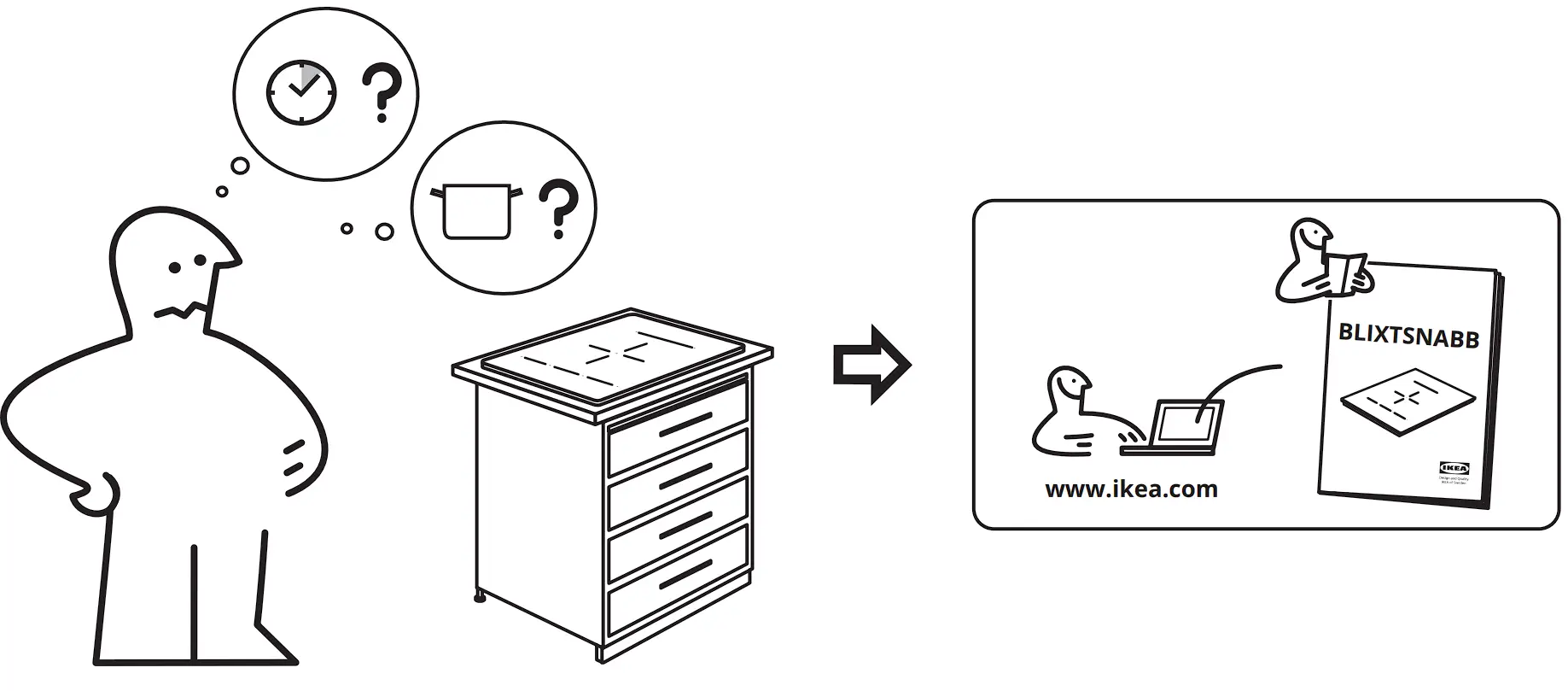
If you encounter an issue with your appliance, check “Troubleshooting” chapter in the full version of the User Manual available on: www.ikea.com.
Technical data
Product Information Sheet according to Ecodesign Regulation
| Model identification | BLIXTSNABB 604.678.30 204.678.32 004.678.33 804.678.34 | |
| Type of hob | Built-In Hob | |
| Number of cooking zones | 1 | |
| Number of cooking areas | 2 | |
| Heating technology | Induction | |
| Diameter of circular cooking zones (Ø) | Middle front | 21.0 cm |
| Length (L) and width (W) of the cooking area | Left | L 45.6 cm W 21.6 cm |
| Length (L) and width (W) of the cooking area | Right | L 37.8 cm W 21.6 cm |
| Energy consumption per cooking zone (EC electric cooking) | Middle front | 190.8 Wh/kg |
| Energy consumption of the cooking area (EC electric cooking) | Left | 187.0 Wh/kg |
| Energy consumption of the cooking area (EC electric cooking) | Right | 194.9 Wh/kg |
| Energy consumption of the hob (EC electric hob) | 190.9 Wh/kg | |
| IEC / EN 60350-2, BS EN 60350-2 – Household electric cooking appliances – Part 2: Hobs – Methods for measuring perform‐ ance. | ||
| The energy measurements referring to the cooking area are identified by the markings of the respective cooking zones. | ||
To download the full version visit www.ikea.com
 Hej! Welcome to IKEA Global