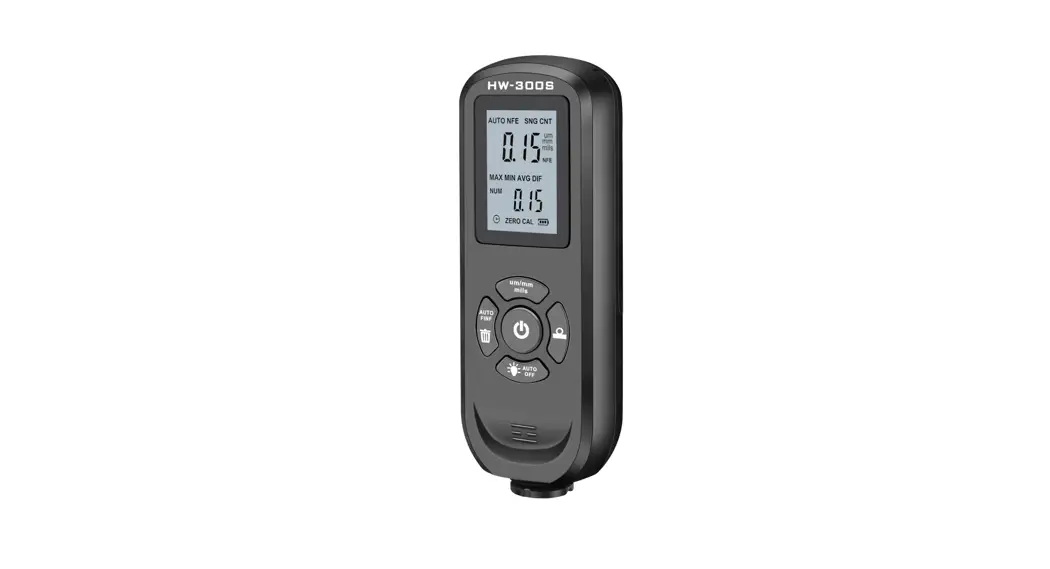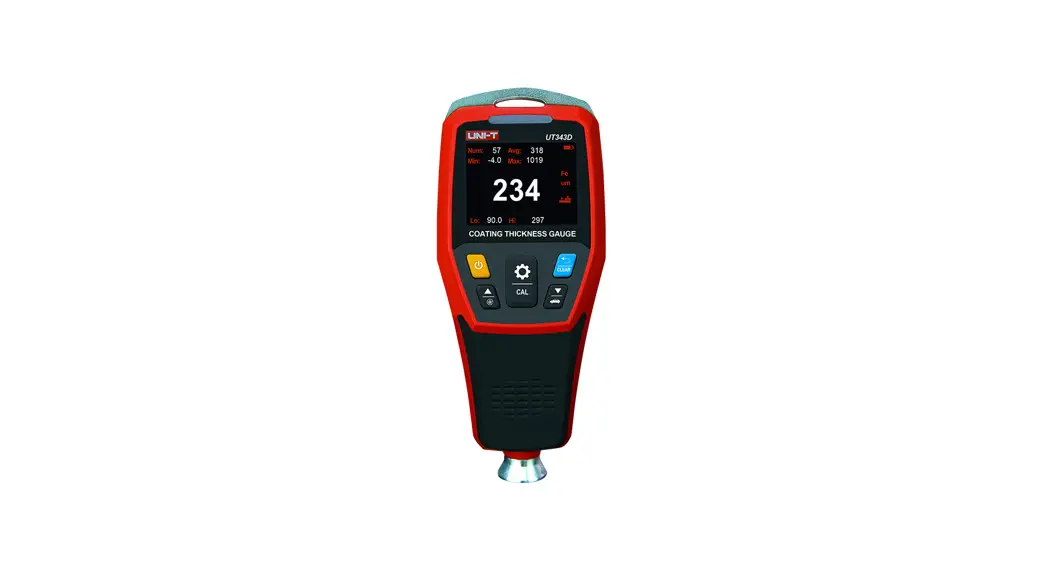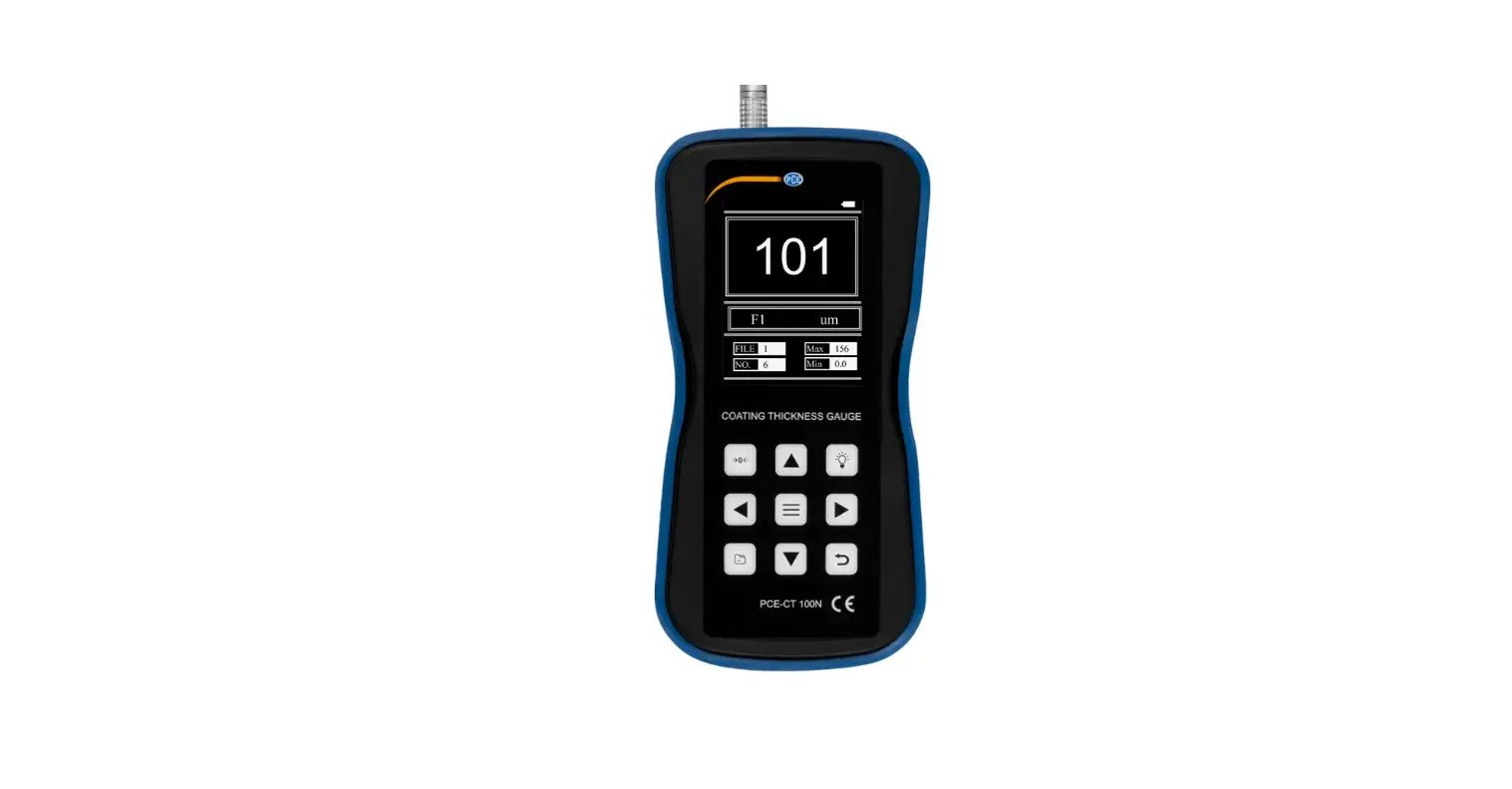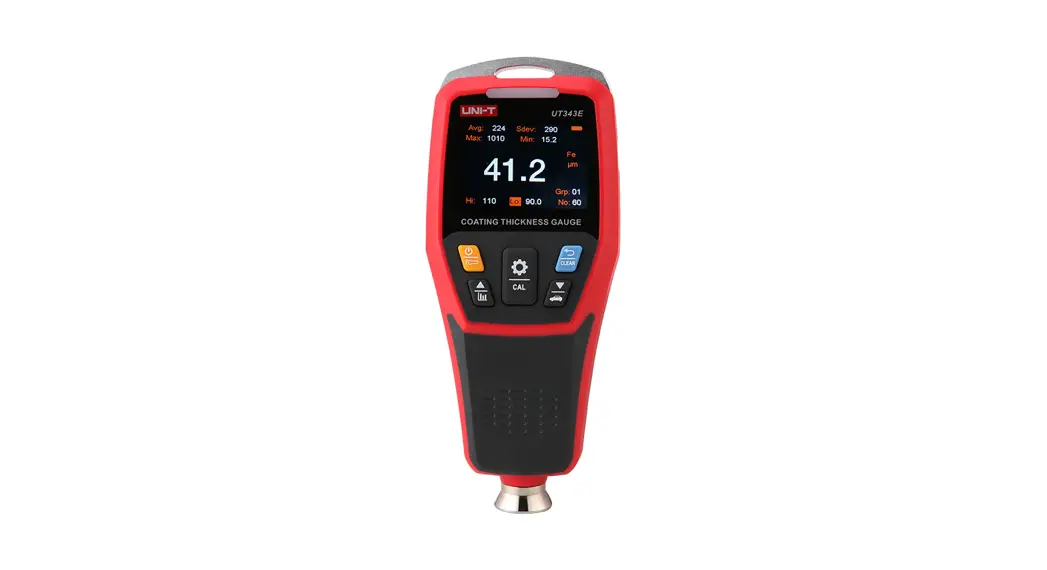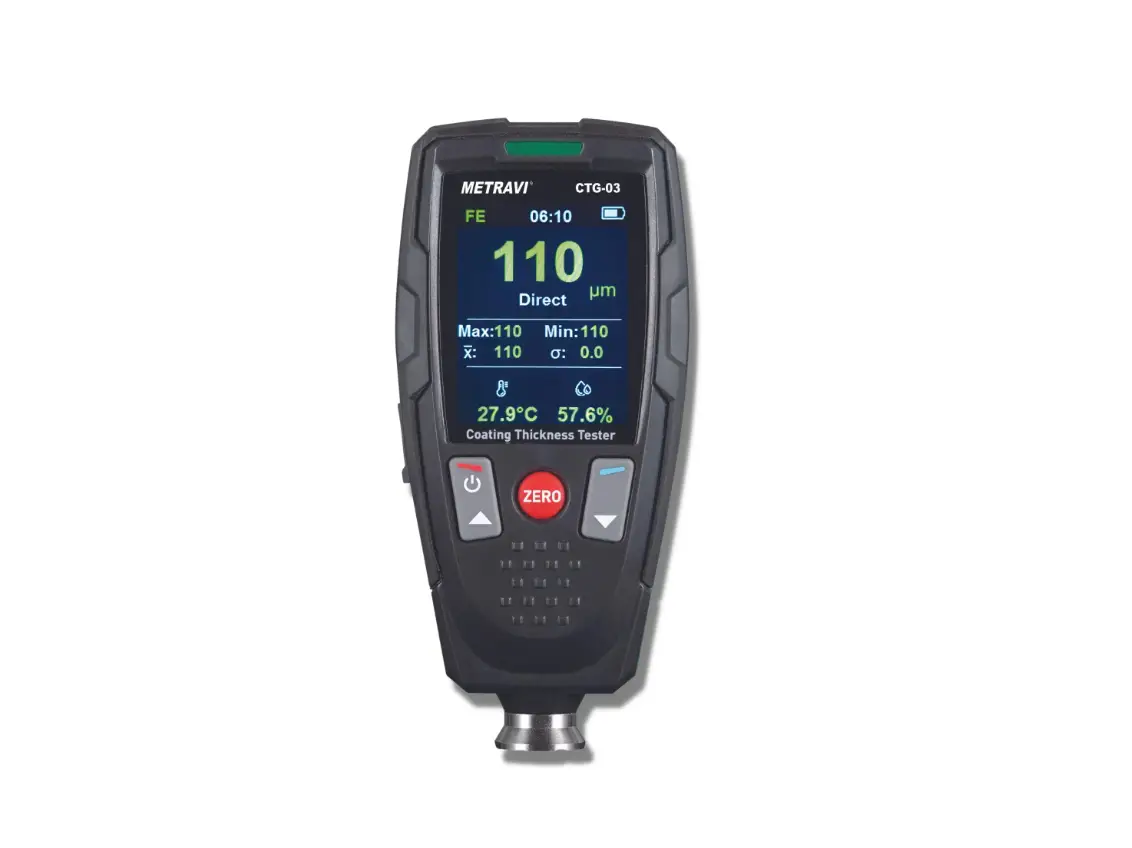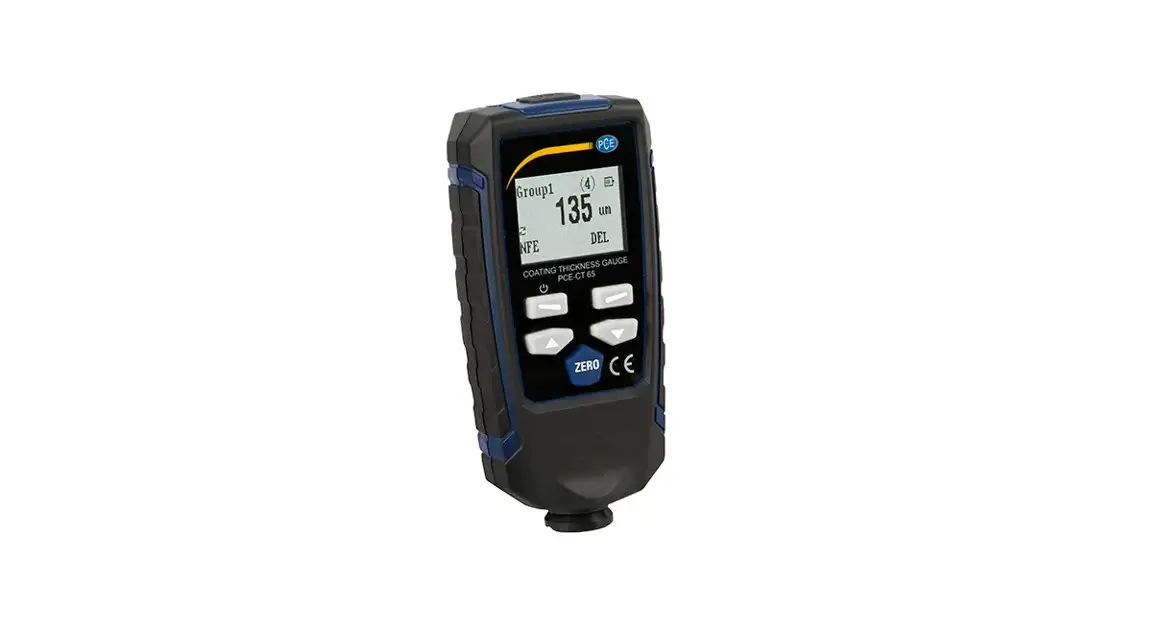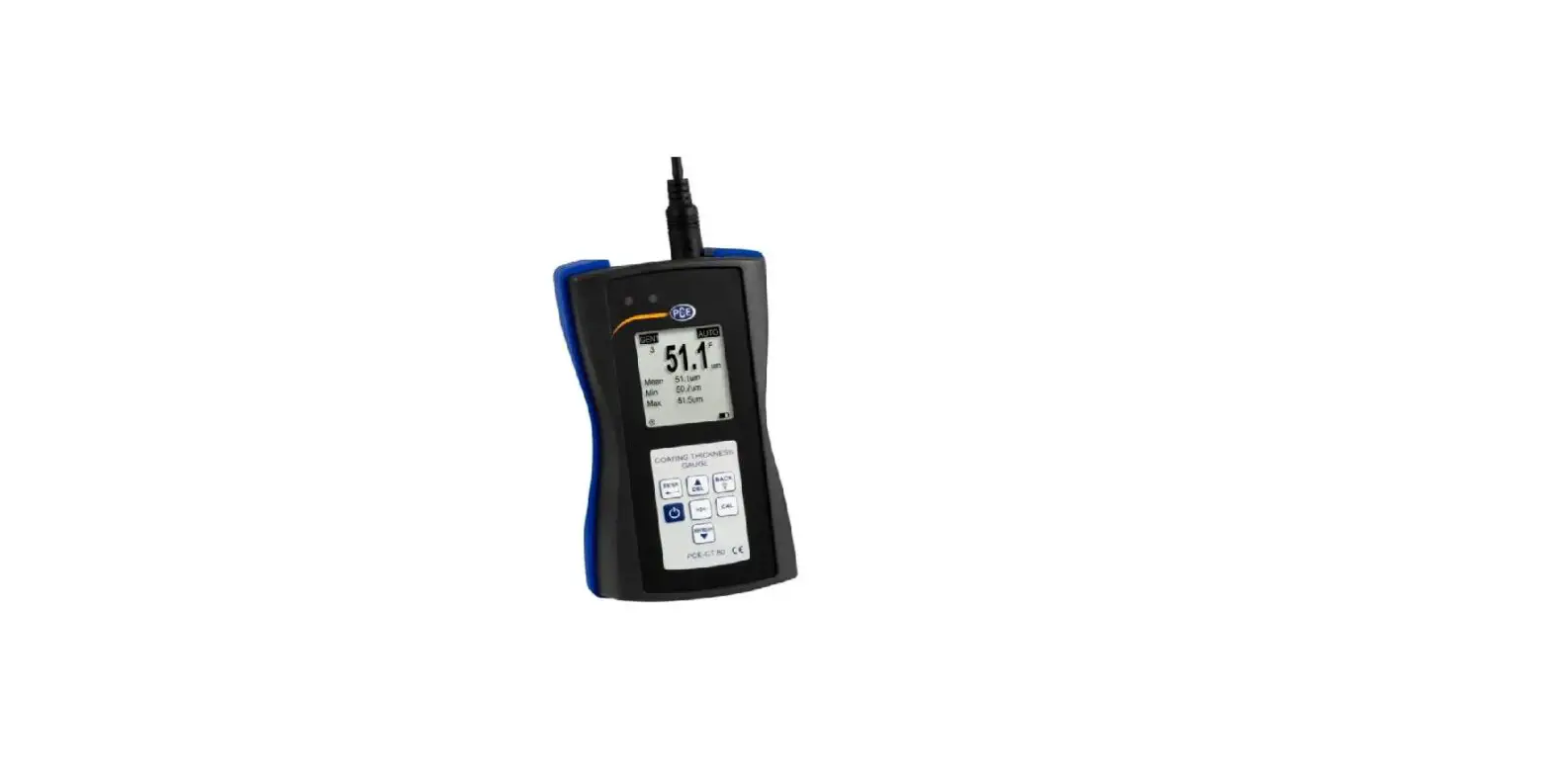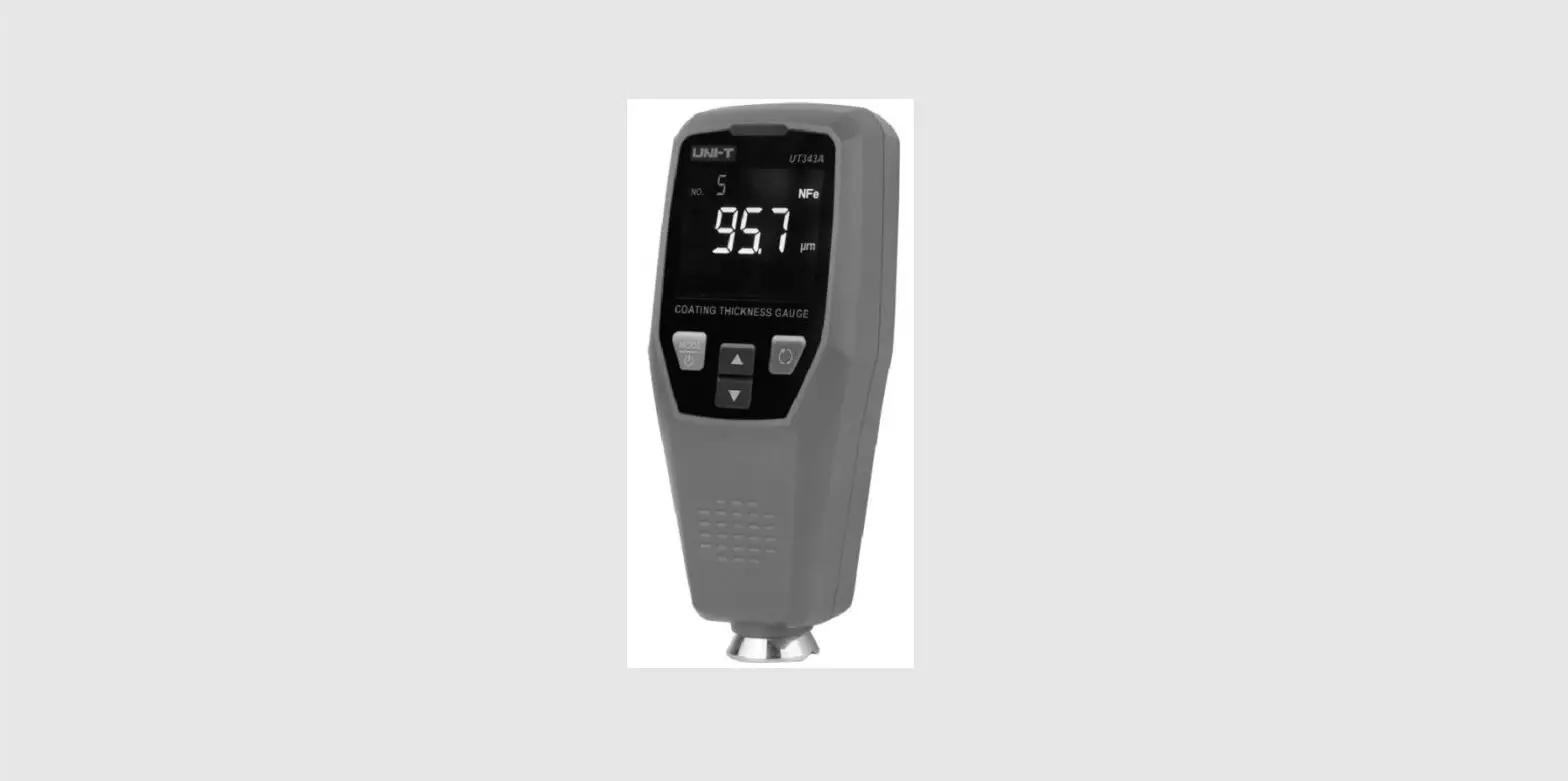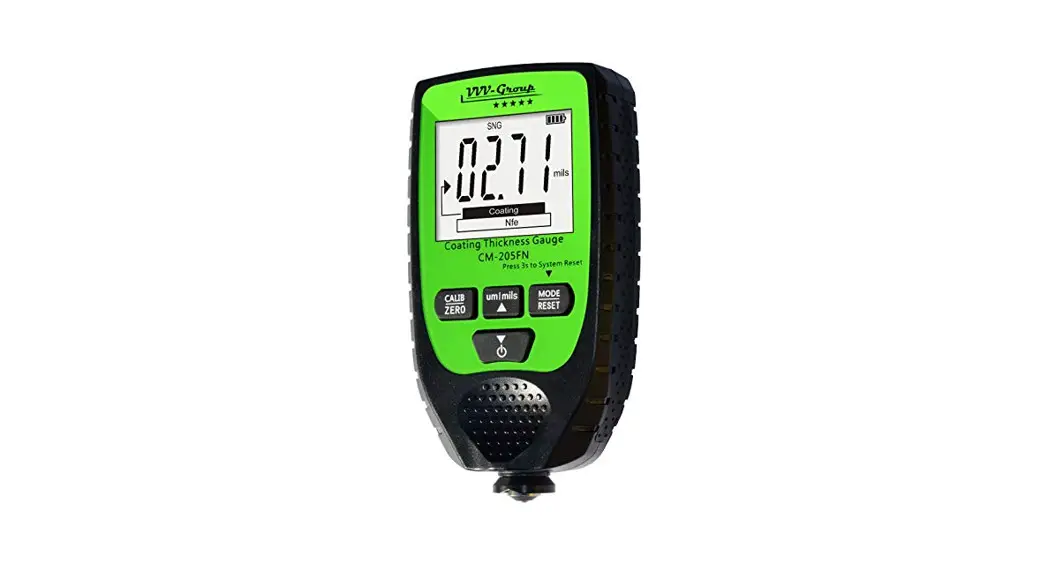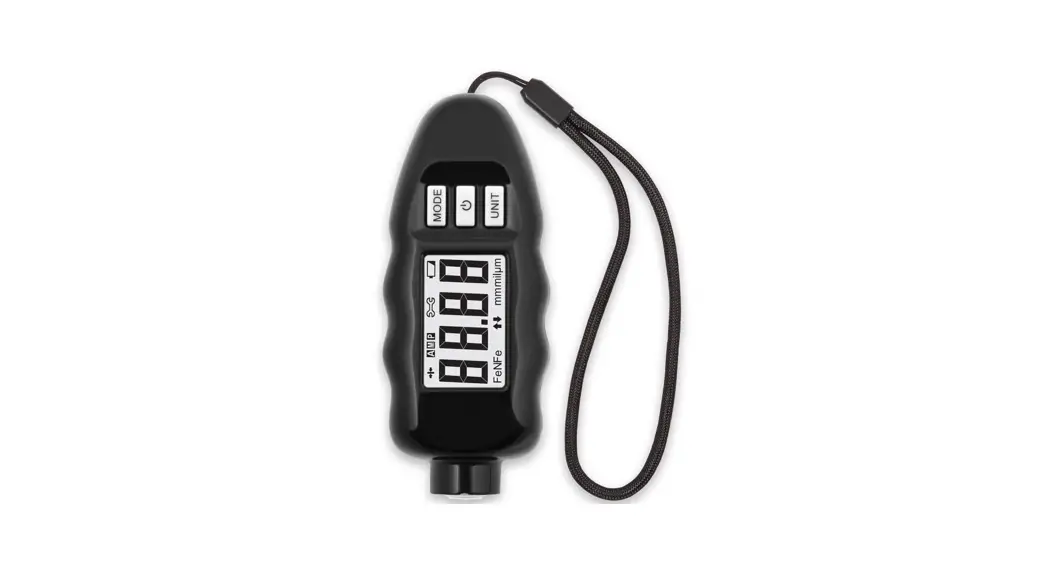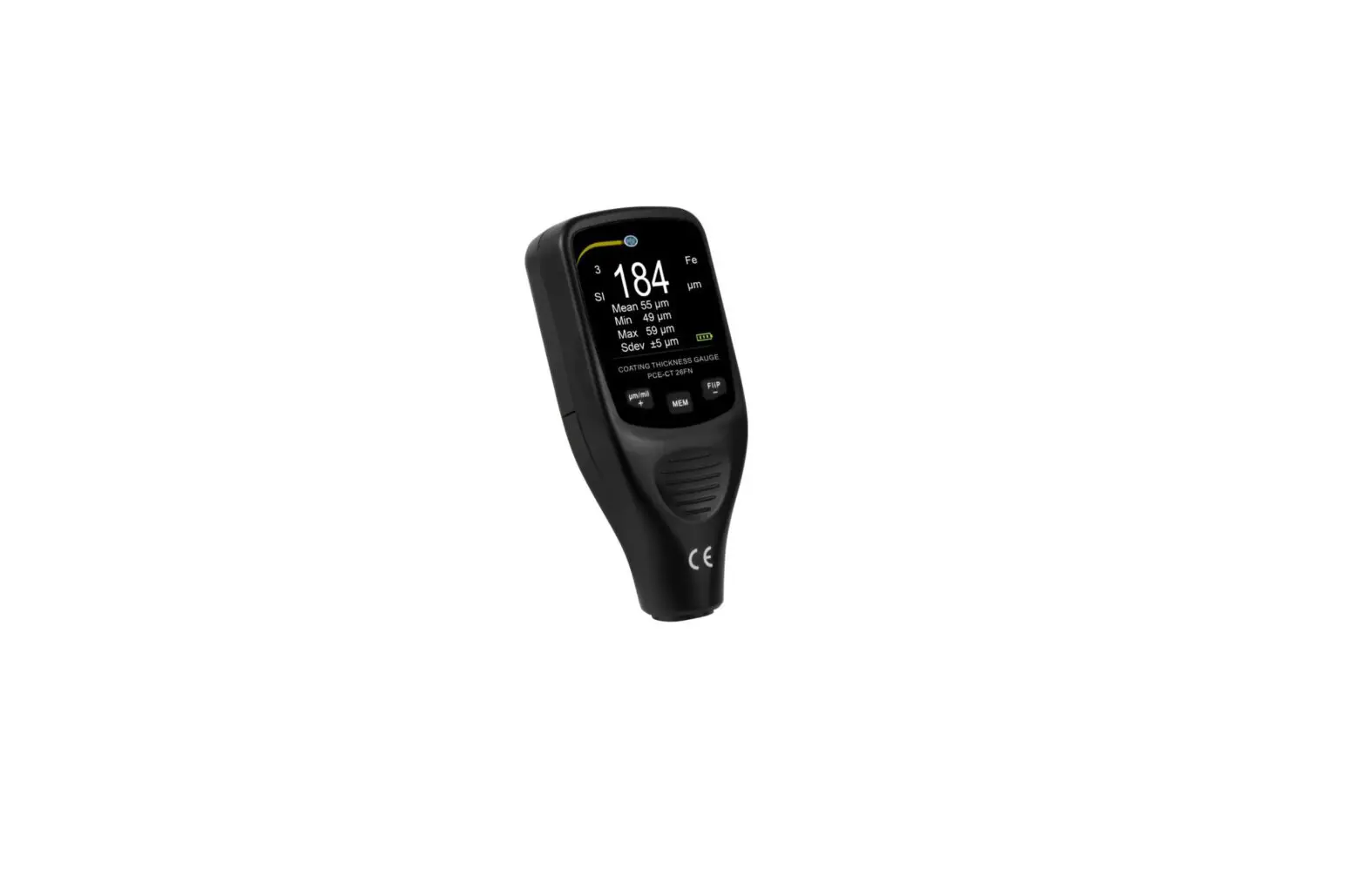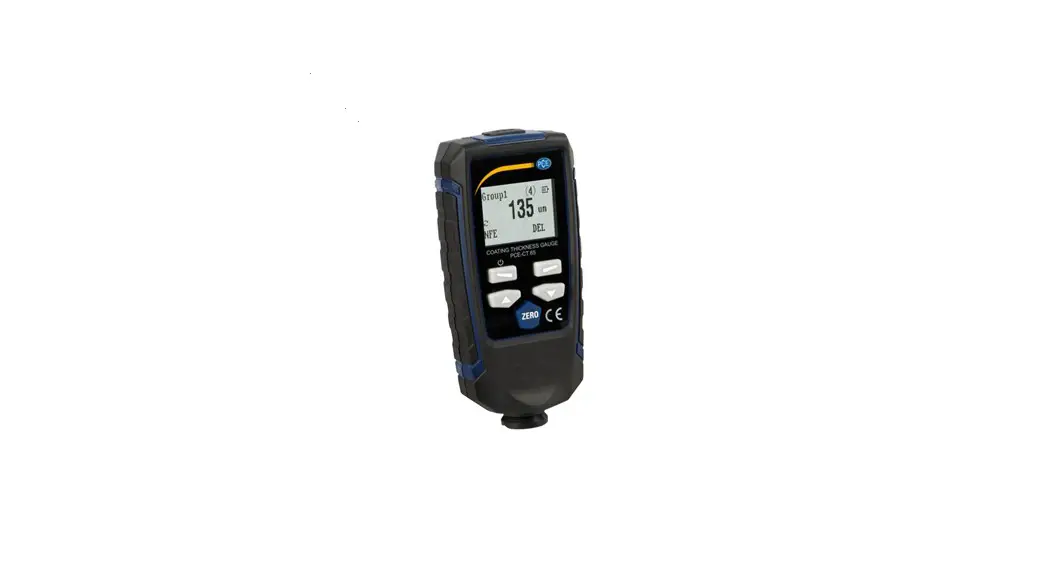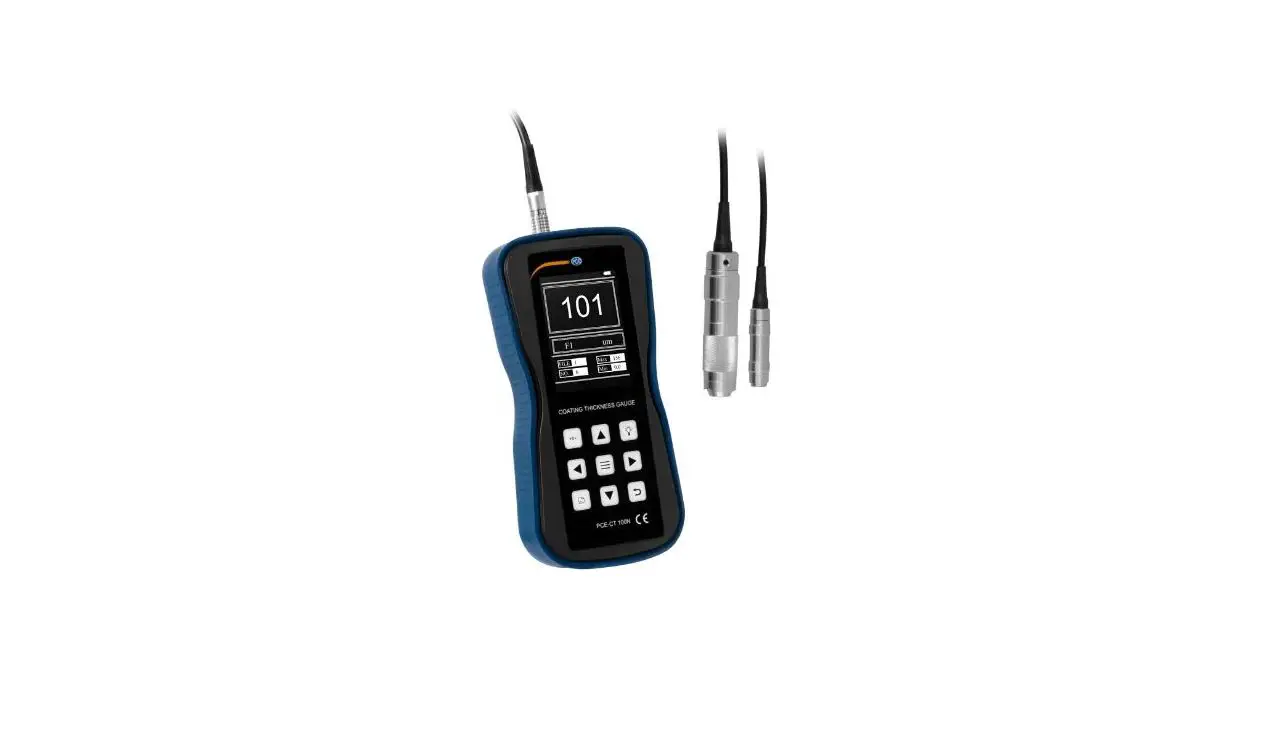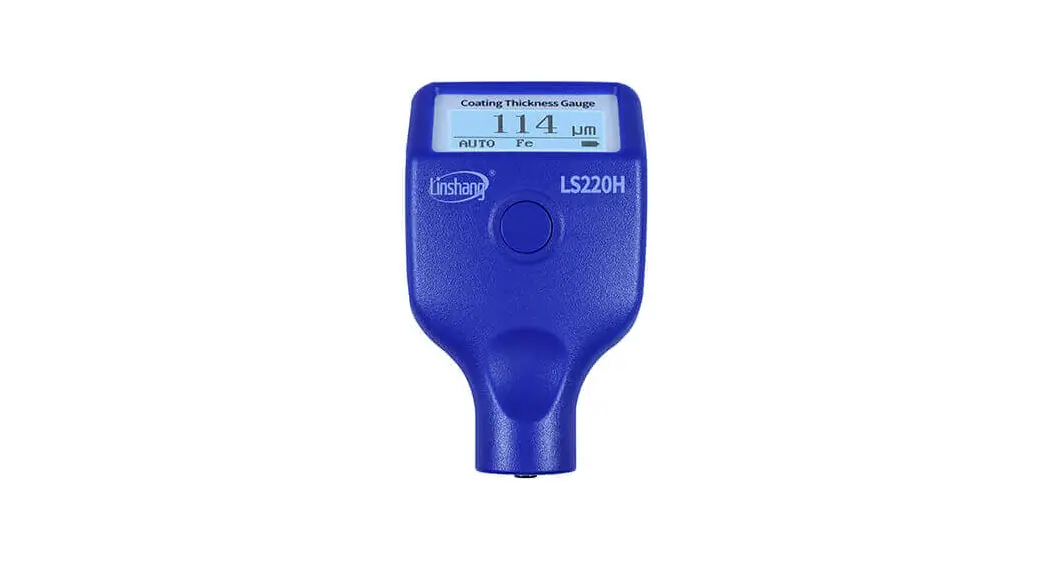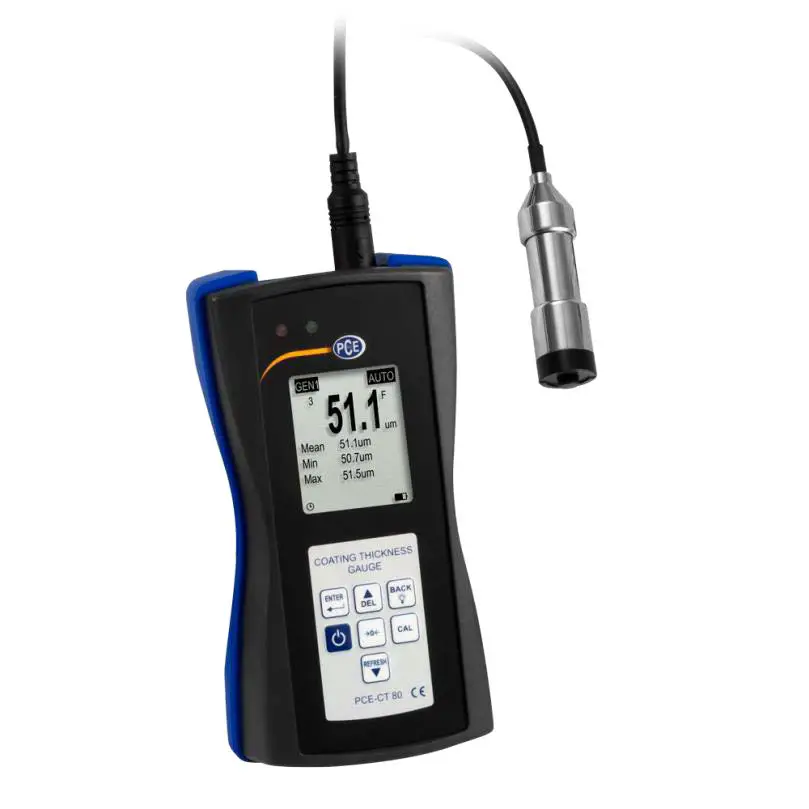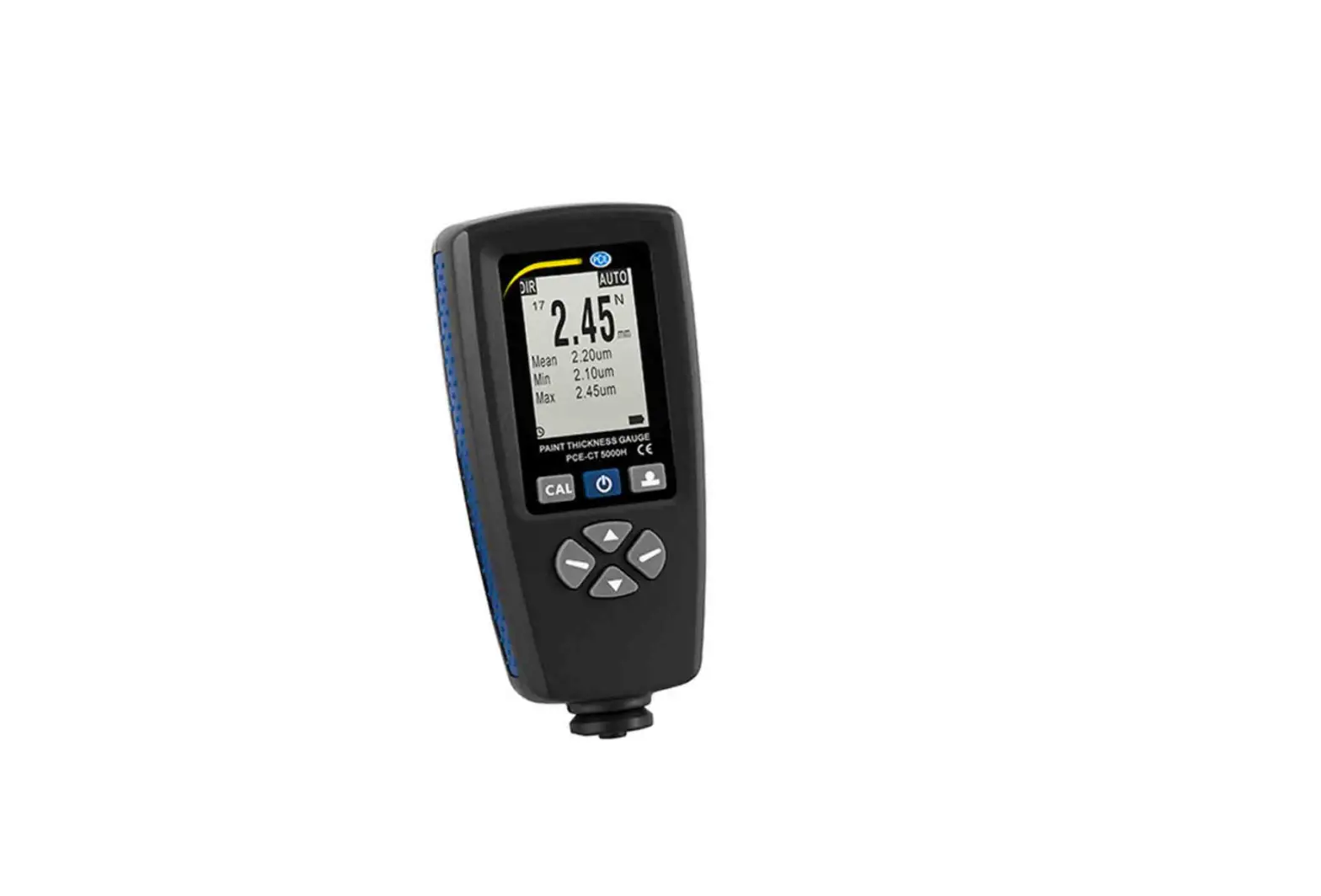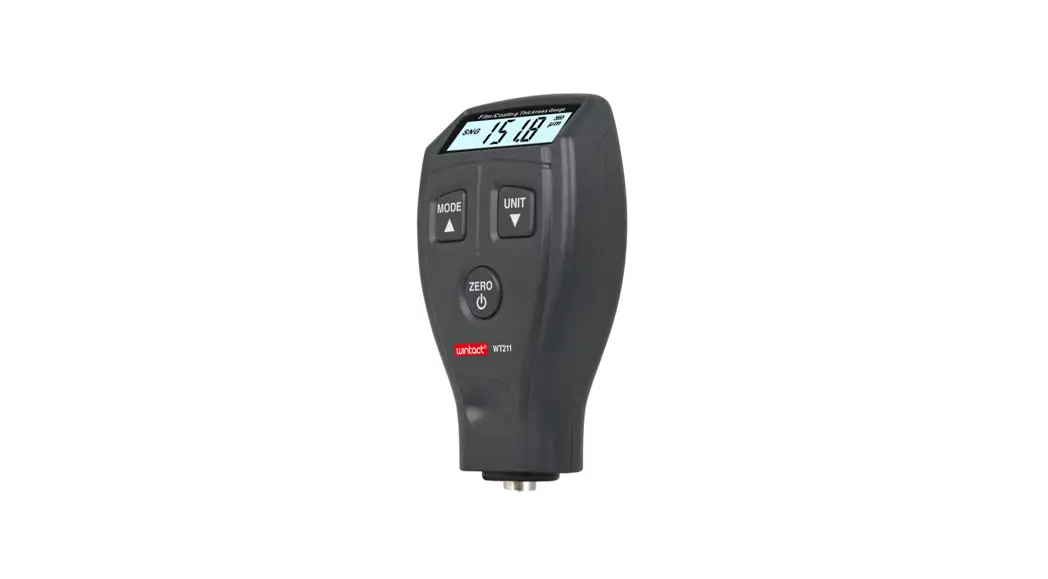
 WT210 Film or Coating Thickness Gauge
Instruction Manual
Product Description
This product is a portable coating thickness gauge for fast, accurate and nondestructive measurement of the thickness of non-magnetic coatings (such as paint, electroplated coating and film) on magnetic metal substrates. This product has seen wide application in manufacture, metal working, chemical industry, commodity inspection and other fields
Product Specifications:
| Measurement ranges | 0 ∼ 1800 pm/0 ∼ 70.9 mil |
| Resolution | 0.1 μm/1μm/0.1mil |
| Measurement error | ± (3%H+1μm) |
| Min. diameter of substrate | Φ 12 mm |
| Min. thickness of substrate | 0. 5mm |
| Min. curvature radius of convex substrate | 2mm |
| Min. curvature radius of concave substrate | 11 mm |
| Power supply | 2*1. 5V AAA batteries |
| Operating temperature range | 0 – 40IC |
| Operating humidity range | 10-95% RH |
| Overall dimensions | 61.98*30.57*107.99 rnm |
| Weight | 63 98g( excluding of batteries) |
Product Functions
- Thickness measurement of non-magnetic surface coatings on magnetic metal substrates
- Single measurement, continuous measurement and differential measurement available
- Zero-point calibration, 2-point calibration and basic calibration available
- Metric and imperial units of measurement optional
- LCD backlight
- Automatic shutdown
 Key: Power on/off, zero-point calibration and backlight control
 Key: Measurement mode switching and calibration data increment
 Key: Measurement unit switching and calibration data decrement
 Key: Power on/off, zero-point calibration and backlight control
 Key: Measurement mode switching and calibration data increment
 Key: Measurement unit switching and calibration data decrement
Measurement of Coating Thickness
- Press the power-on button in the air to activate the LCD screen.You can hear a “61” sound, indicating that the gauge is ready for measurement. Upon each power-on, the gauge is under single measurement mode by default.
- Place the probe lightly onto the coating of a metal substrate. The gauge beeps twice. The LCD displays the measured coating thickness value while on its top left corner is a “Fe” symbol.
- You can press MODE to select measurement mode. Single measurement, continuous measurement and differential measurement are selectable.
- Single measurement means only one data is measured in each measurement. Under the mode of continuous measurement, the gauge measures thickness incessantly until the probe leaves the substrate surface. In differential measurement, the difference between current measurement and the last measurement is measured.
- Press UNIT to select the units of measurement. pm. mil can be selected.
- If you turn on power with the thickness gauge placed on the ferrous substrate, then the LCD will display ERR and the gauge will shut down automatically. This is an indication for incorrect power-on.
- LCD backlight: LCD backlight lights up by default after power-on.You can press the power-on button to turn on or off the backlight.
Calibration Procedures
This thickness gauge has three ways of calibration:
- Basic calibration: Basic calibration is required upon initial use or long-time non use of the thickness gauge, or when the substrate material is replaced. There are 7 calibration points and the unit is pm.
a. Prepare 6 standards with respectively 45-55, 95-105, 220-280, 450-550, 900-1050 and 1900-1999 in thickness(pm).
b. Press and hold MODE and press the power-on key to activate the LCD screen. You will hear a “BI” sound. The LCD screen displays 0.0 and at its lower right corner is a ” C. ” symbol, indicating that it enters the calibration screen.
c. Lightly press the probe onto the ferrous substrate surface without coating. The LCD displays 0.0 and then beeps twice.Carry out 0.0 calibrations.
d. Remove the probe from the surface. The LCD displays a value about 50pm. Carry out the second calibration by adjust the value displayed on the LCD via the increment or decrement key until it is same to the thickness of the calibration film. Then lightly press the probe onto the ferrous substrate where the calibration film locates. Beeping twice indicates that calibration of the second point finishes.
e. The third data is displayed on LCD. Calibrate in turns as per the preceding methods until the last calibration film is calibrated. Then the LCD displays OVER, beeps twice and shuts down. Calibration is finished.
f. After completion of basic calibration, the gauge can be used to measure the thickness of coatings on any materials same to that of the substrates used for calibration. - Zero-point calibration: Turn on power of the gauge in the air, lightly press the probe onto the substrate surface and press the ZERO key. The LCD displays 0.0. Then carry out zero-point calibration.
- Two-point calibration:
a. First carry out zero-point calibration.
b. Take a calibration film (1000 pm)and get a measured value of 1005 pm. Without loosening the probe, press the calibration data increment or decrement key until the LCD displays 1000 pm. Then loosen the probe. Zero-point calibration finishes.
- LCD full screen: See Fig1.
(1). N: Not used.
(2). Fe: Ferrous symbol
(3). SNG: Single measurement
(4). CTN: Continuous measurement
(5). DIF : Differential measurement
(6). Indicates the measured value
(7). : Remaining battery power
(8). : A metric unit (1mm=1000pm)
(9). Mil : An imperial unit (1 mil= 0.0254 mm=25.4 pm)
(10). C. : Under calibration status
(11). MM : Not used
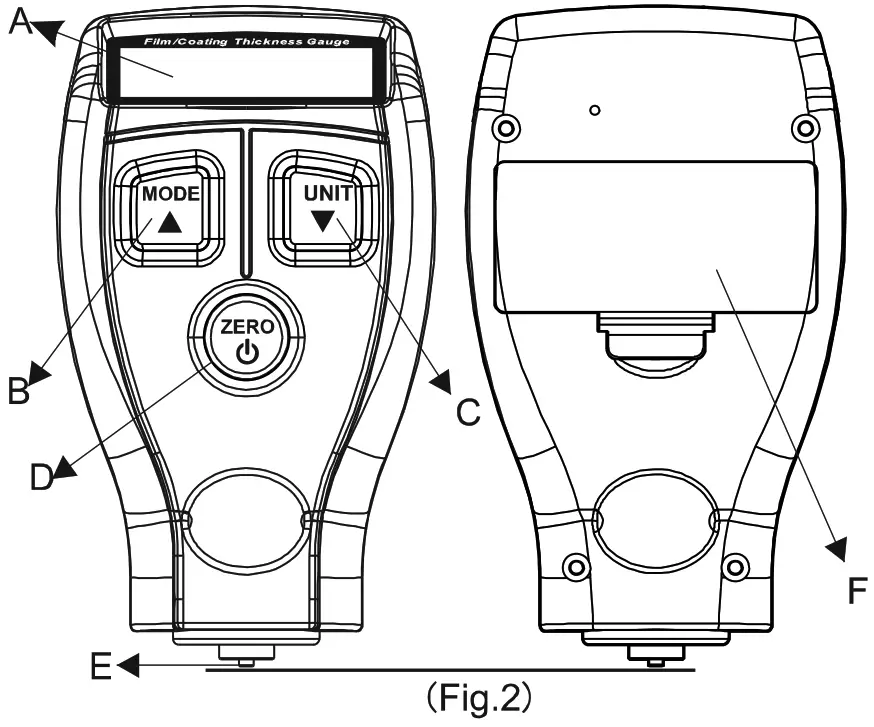
- .Components: See Fig.2.
A. LCD screen
B. : Used to switch between measurement modes, or for data increment under calibration status
C. :Used to switch between units of measurement, or for data decrement under calibration status.
D. :Power on/off, zero-point calibration and backlight control
E. Probe
F. Battery door
 : Remaining battery power
 : A metric unit (1mm=1000pm)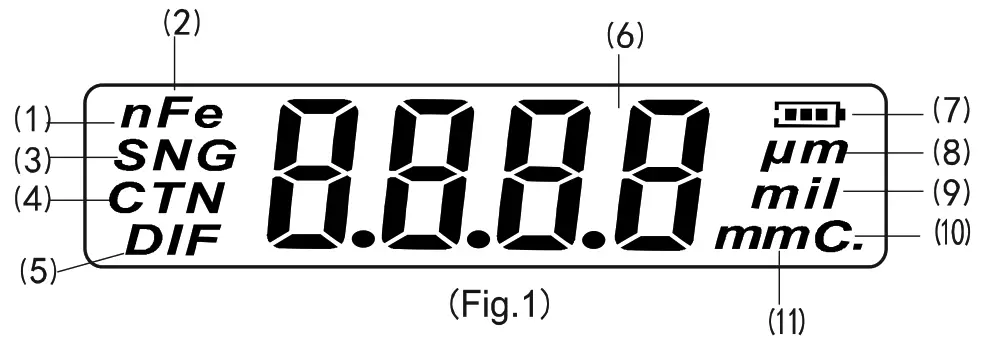
Other Precautions
 Precautions:
- Factors affecting measuring accuracy and their description:
a. Magnetic property of substrate metal: Thickness measurement by magnetic method is affected by magnetic variation of the substrate metal (magnetic variation of low-carbon steel may be considered as minor in actual application.). To avoid effect from thermal treatment and cold working, ferrous substrates made of a material identical to the substrate metal to be measured should be used for calibration of the thickness gauge, or the metal to be applied with coatings can be used for calibration.
b. Thickness of substrate metal: Each type of thickness gauge has a permissible critical thickness of substrate metal. Measurement is not affected by any thickness of substrate metal that is greater than this critical thickness. See Product Specification for the critical substrate thickness required (≥0.5 mm) for this thickness gauge.
c. Edge effect: This gauge is sensitive to abrupt change of surface shape on the measured substrate. Therefore, measurement near the edge or inner corner of the measured substrate is unreliable.
d. Curvature: Curvature of the measured substrate has an effect on measurement. This effect always increases with the decrease of the radius of curvature.
e. Surface roughness: The surfaces of both the substrate metal and its coating have an effect on measurement. This effect rises with the increase of the roughness. Surface roughness will lead to system errors and occasional errors. Therefore in each measurement, it is needed to increase the number of measurements at each position so as to overcome these occasional errors. If the substrate metal is rough, zero-point calibration of the gauge must be carried out at several positions on the substrate metal with similar roughness which has not been coated, or a solvent without corrosion to the substrate metal should be used to dissolve the coating before zero-point calibration of the gauge.
f. Magnetic field: Strong magnetic field of various adjoining electrical equipment will seriously interfere with magnetism based thickness measurement.
g. Surface cleanliness: Prior to measurement, clear away any substances on the surface, such as dust, grease and corrosive substances, hold do not responsibility rehabilitating from substance output from this product as an direct or indirect evidence.
We reserves the right to modify product design and specification. We reserves the right to modify product design and specification without notice.