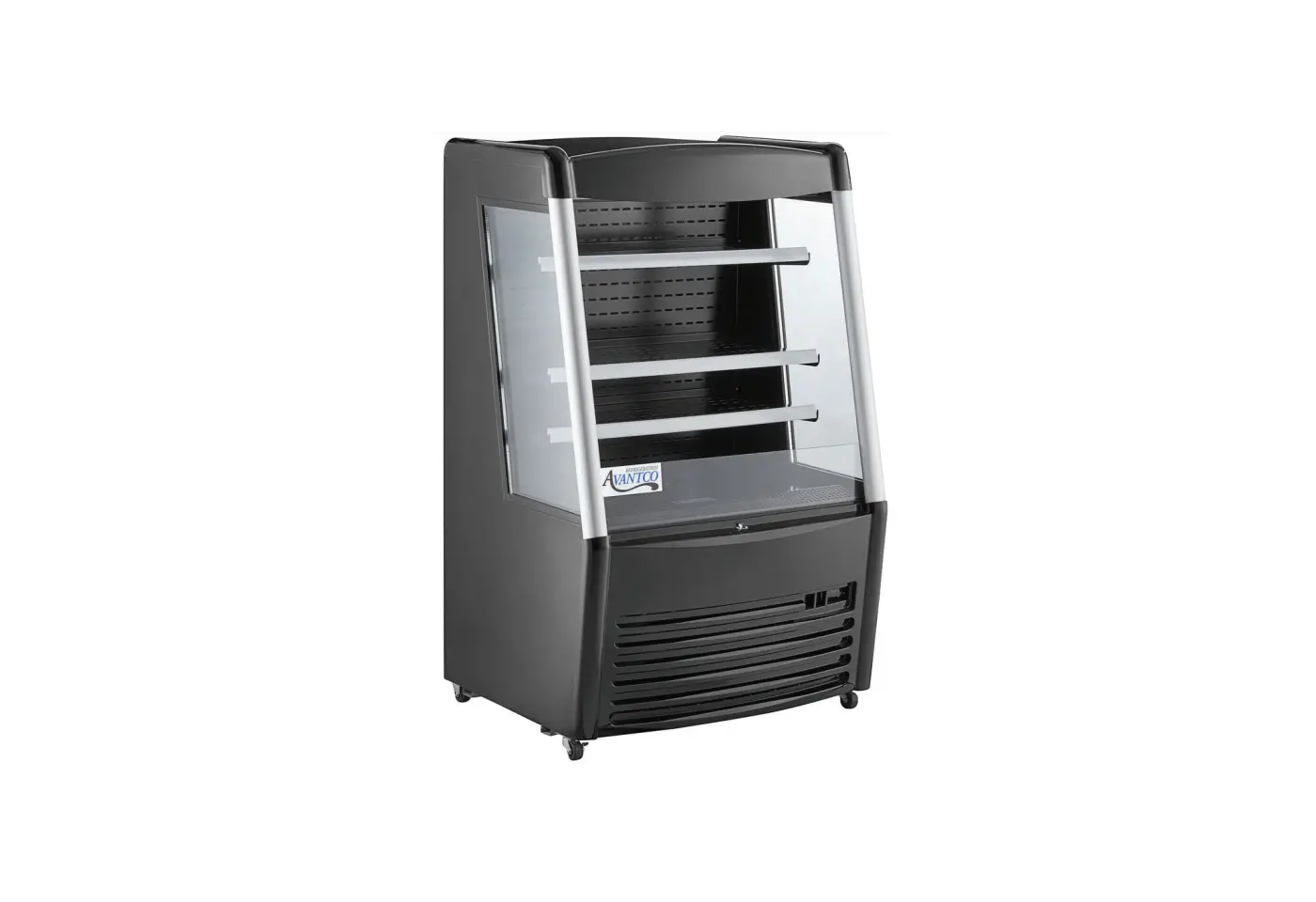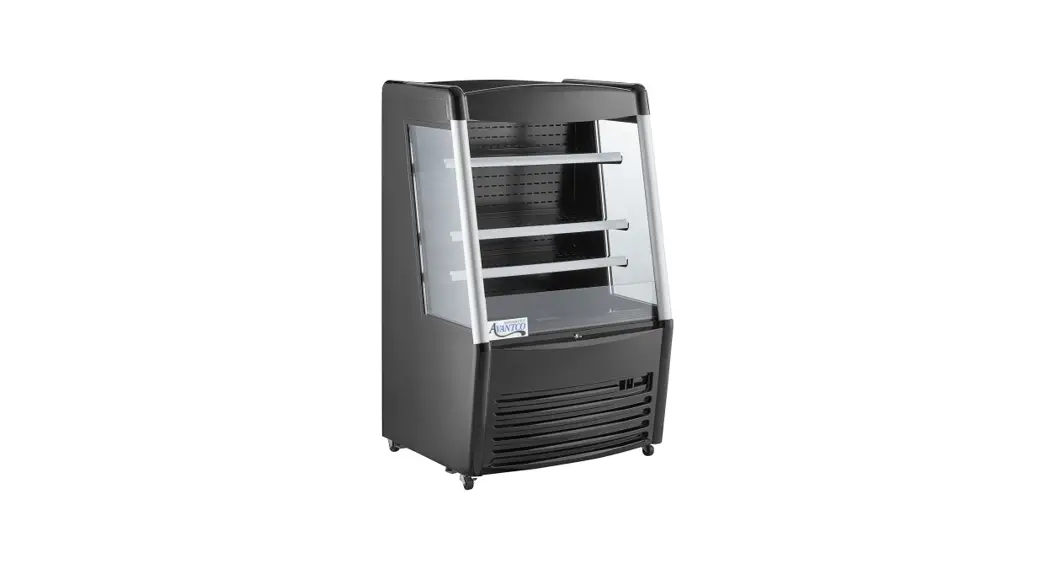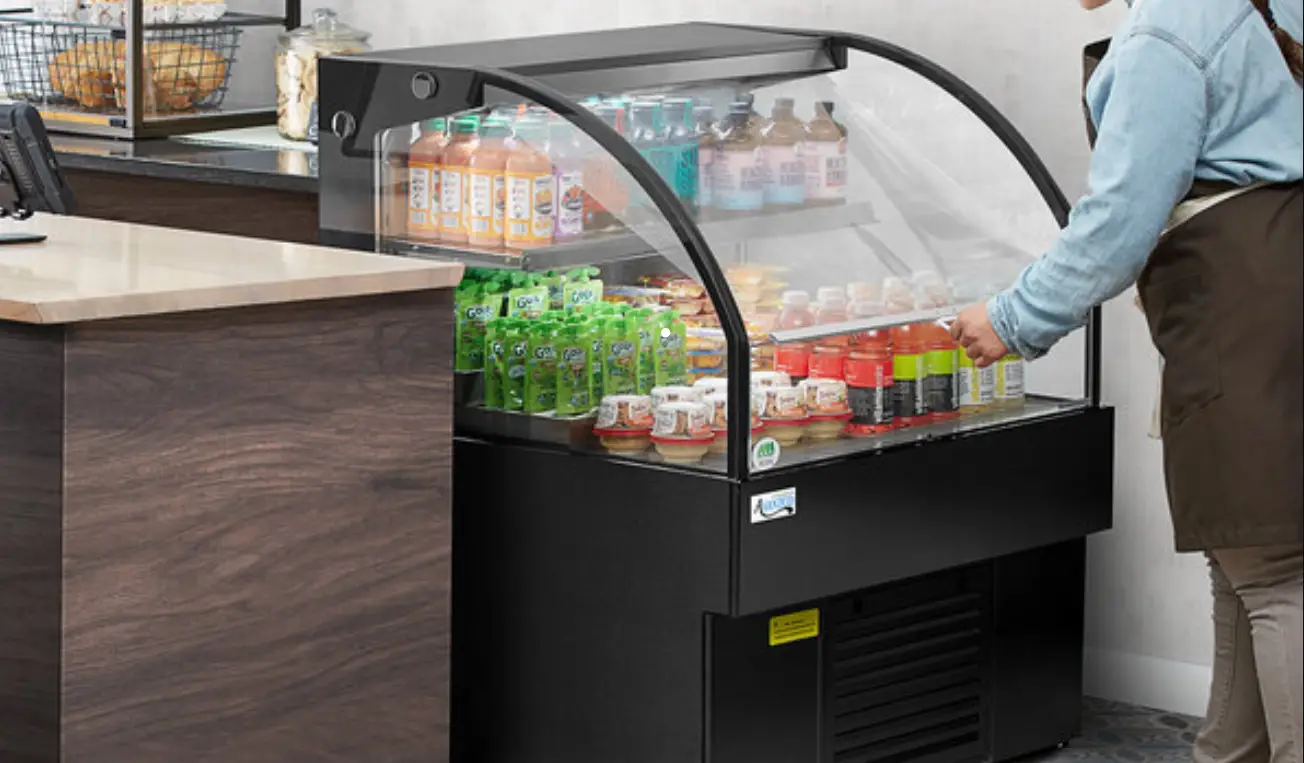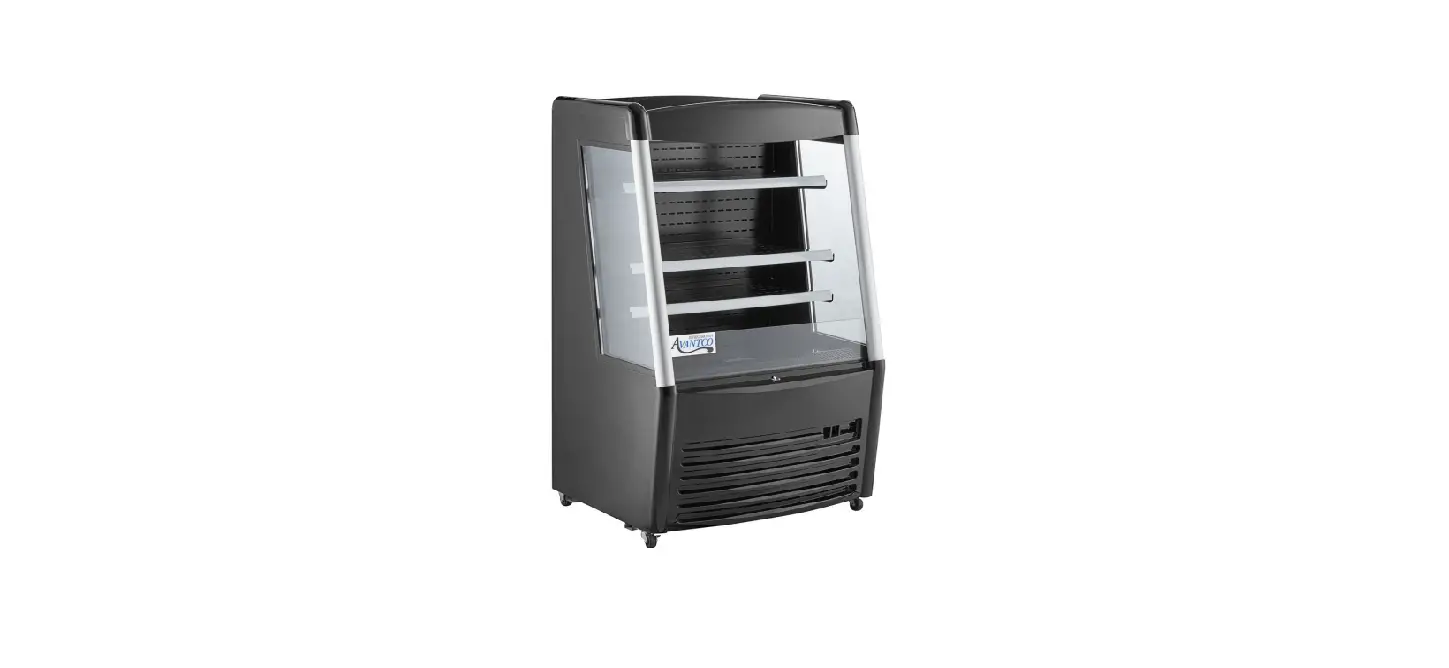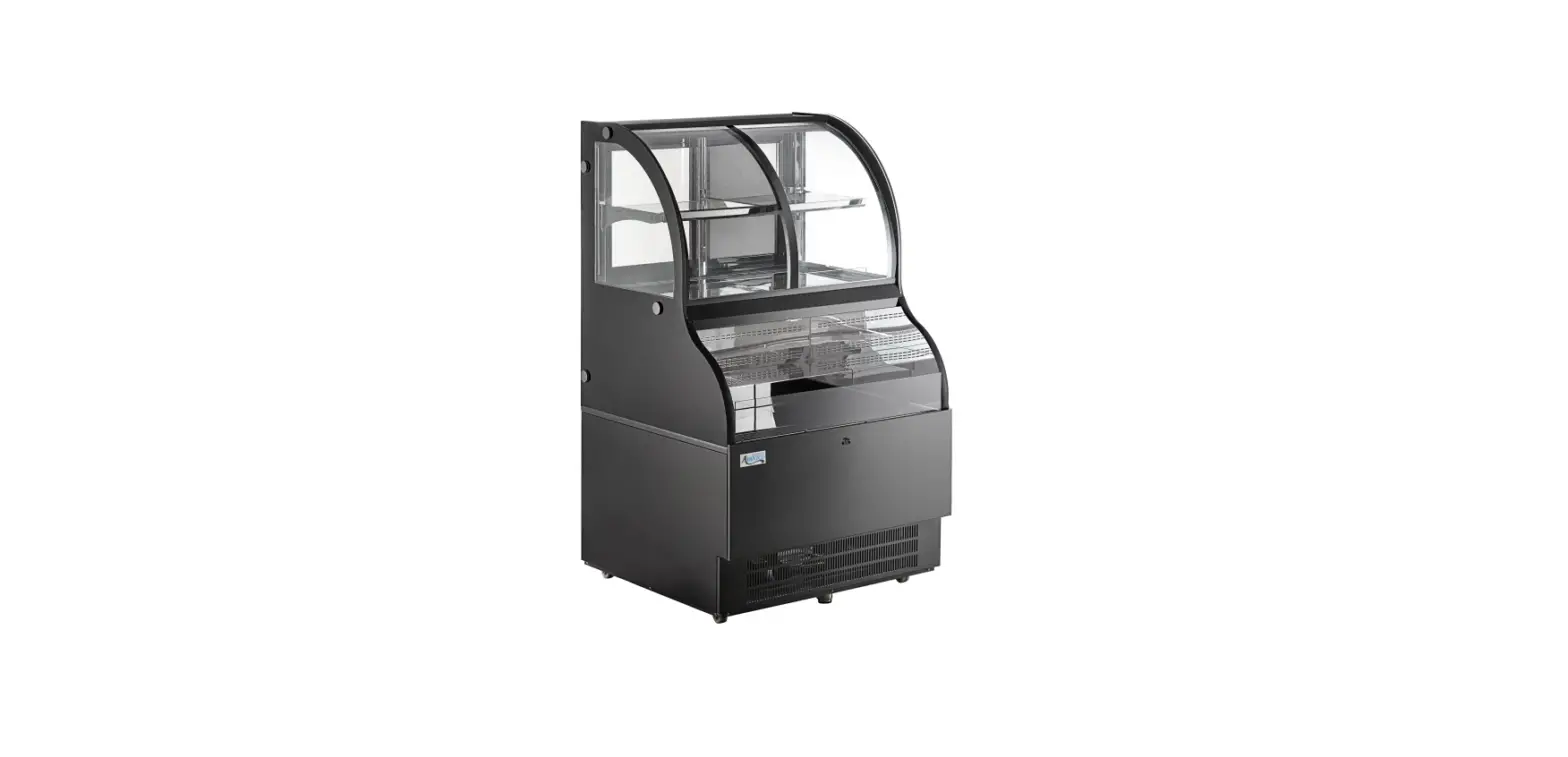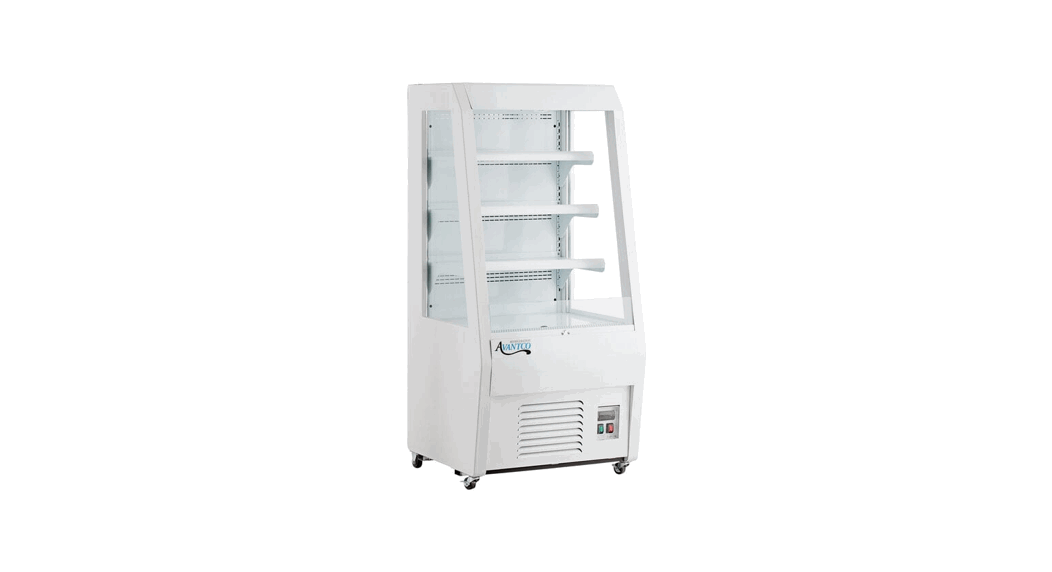
 WMAC-26HC Vertical Air
Merchandiser Custom Panel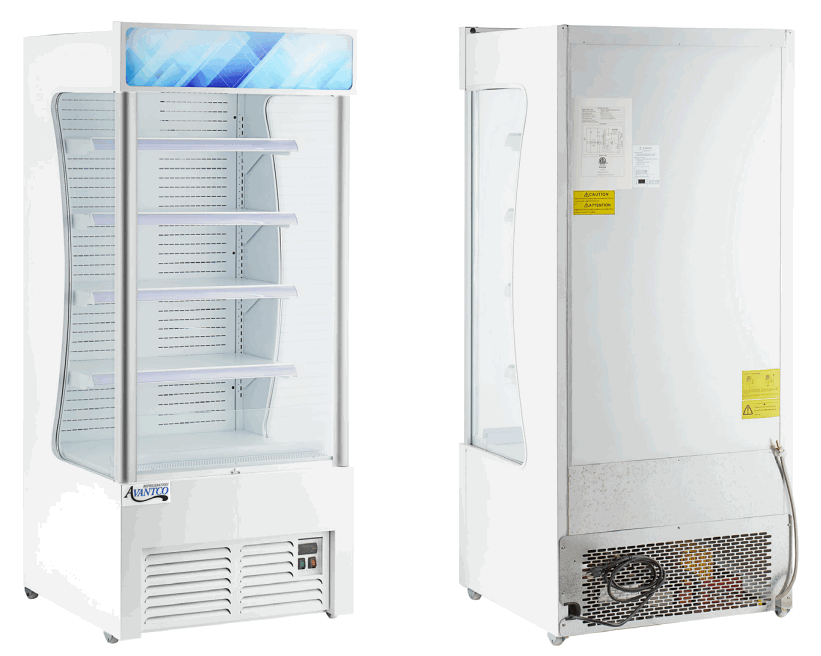 Instruction Manual
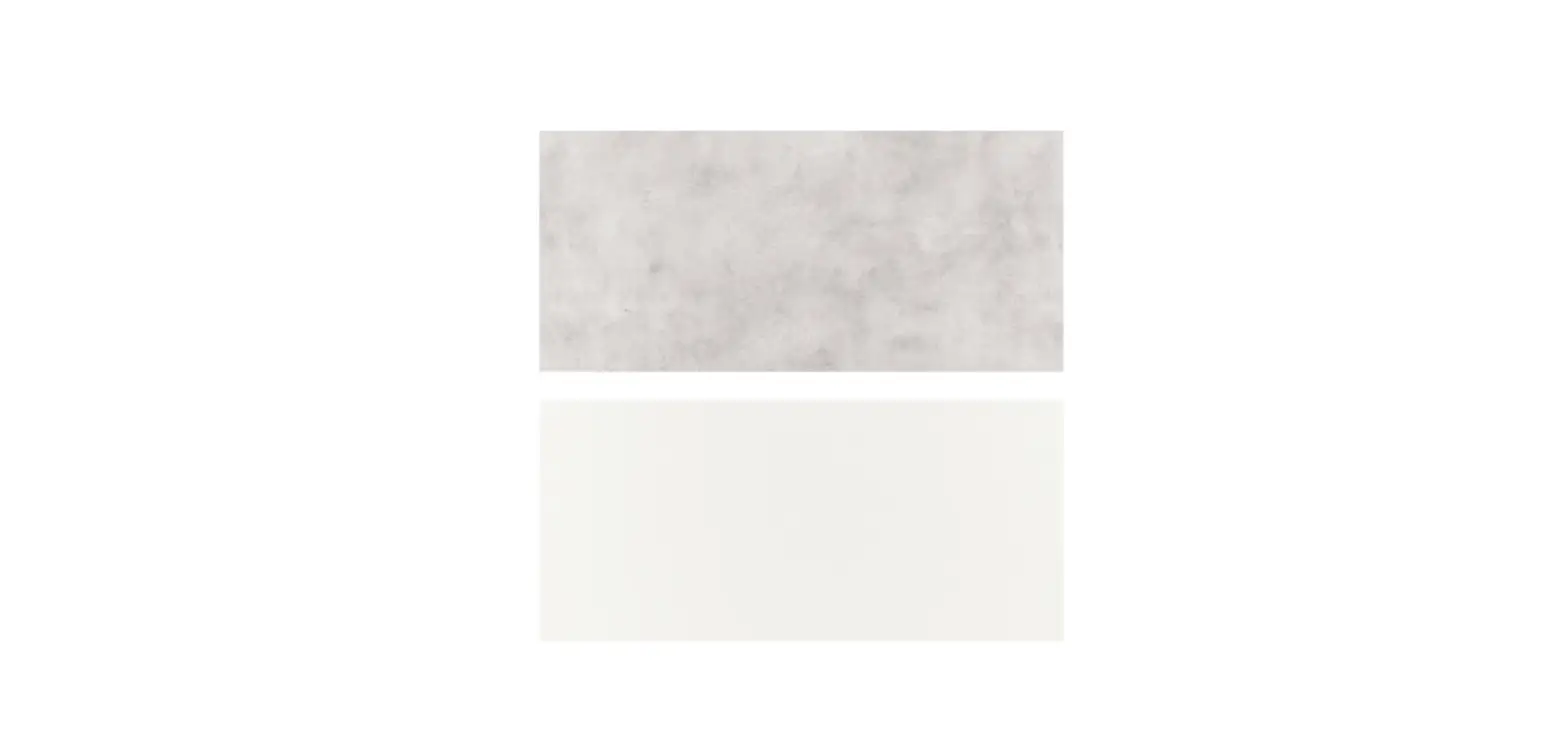
WMAC-26HC Vertical Air Merchandiser Custom Panel
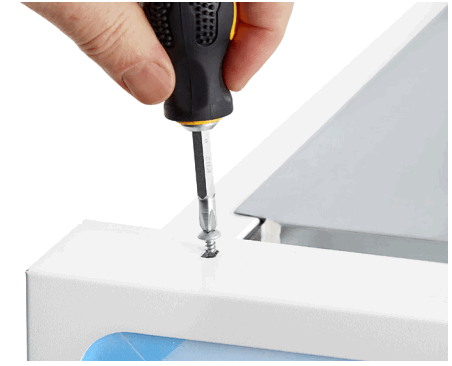
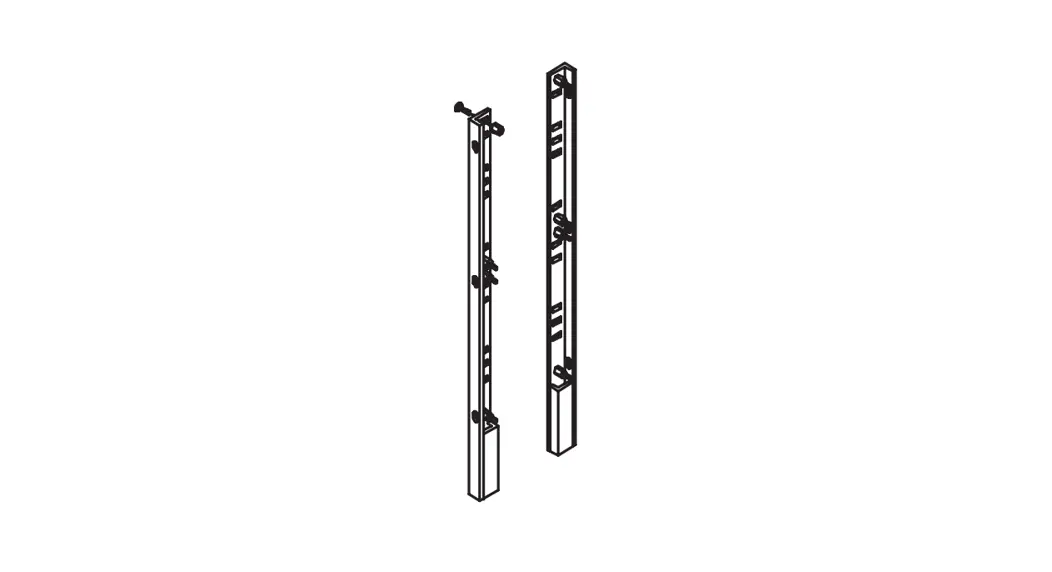
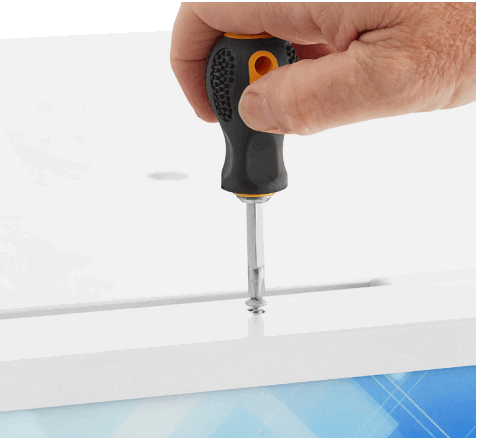
- Unscrew all screws from the top of the panel frame

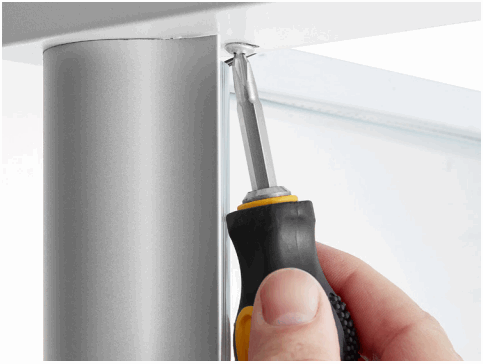
- Unscrew the left corner screw from the bottom of the panel frame

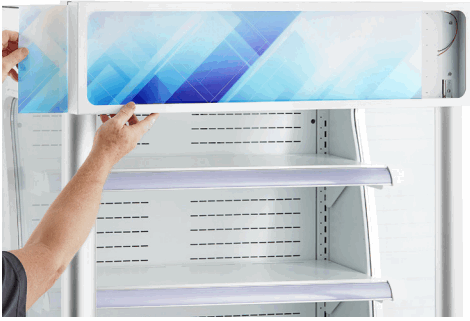
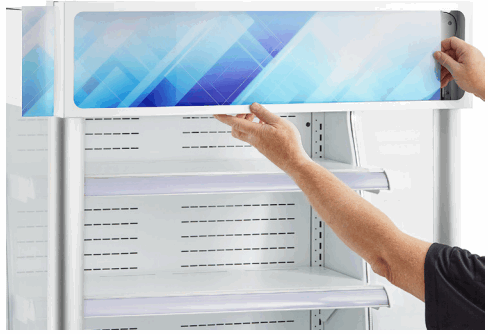
- Open panel frame and gently push the panel left
- Pull out the panel on the left side

- Replace the old panel with the new panel by sliding it in on the left and pushing it all the way to the right

- Reattach the bottom left screw and all of the top screws
AvantcoRefrigeration.com
© 2022 Avantco Refrigeration
 Avantco Refrigeration