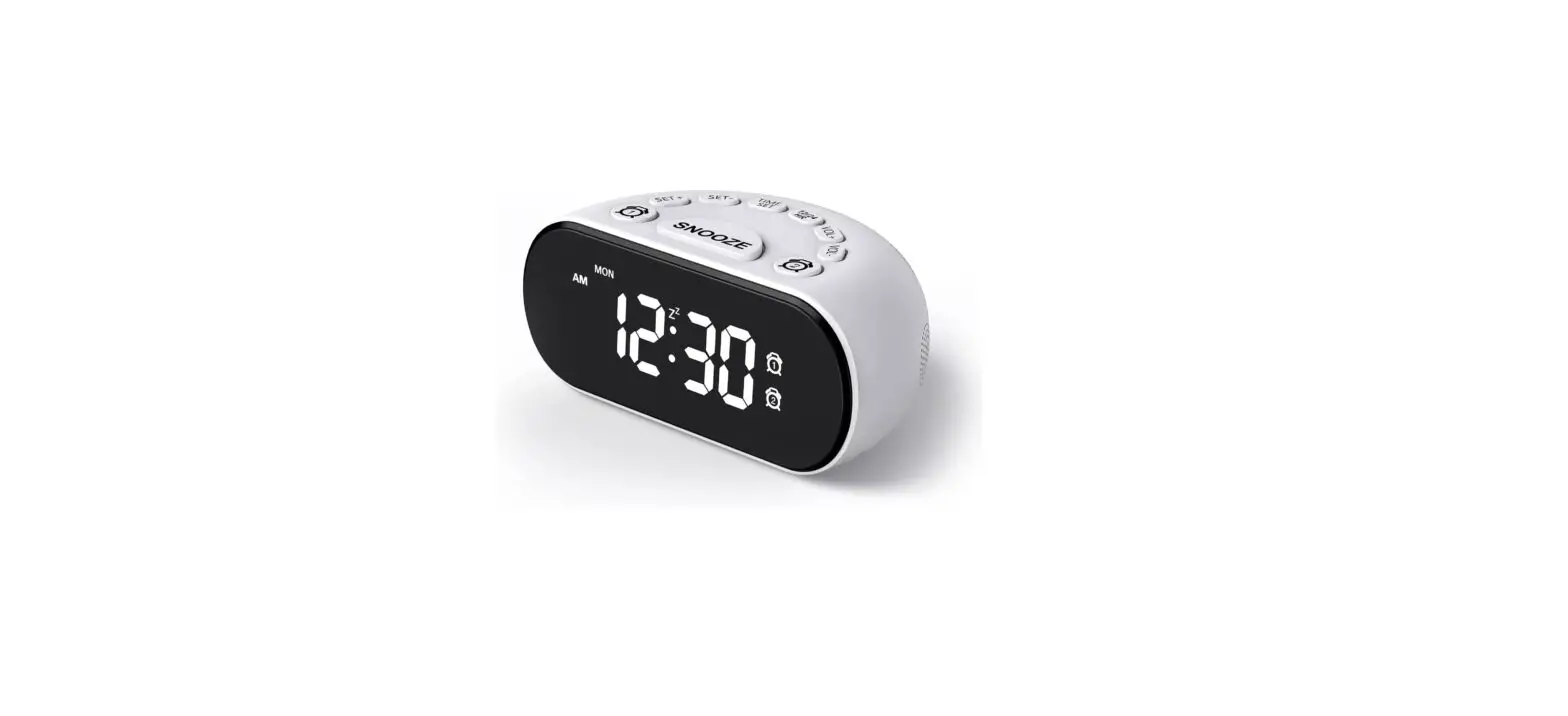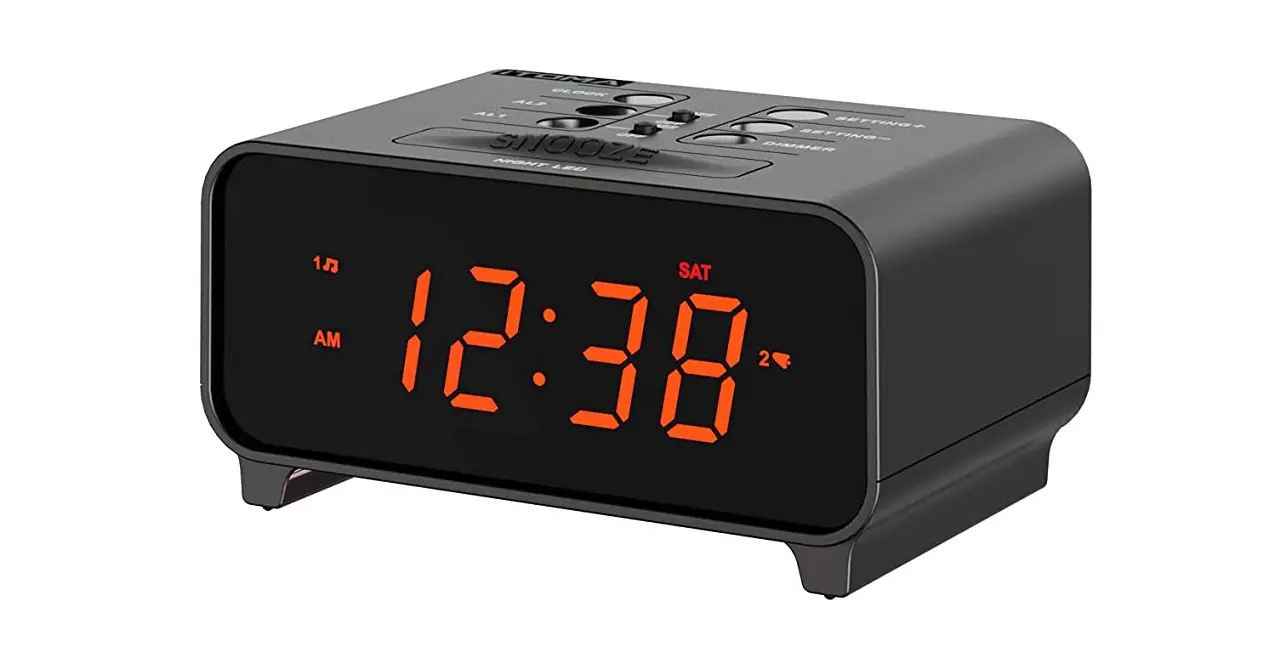
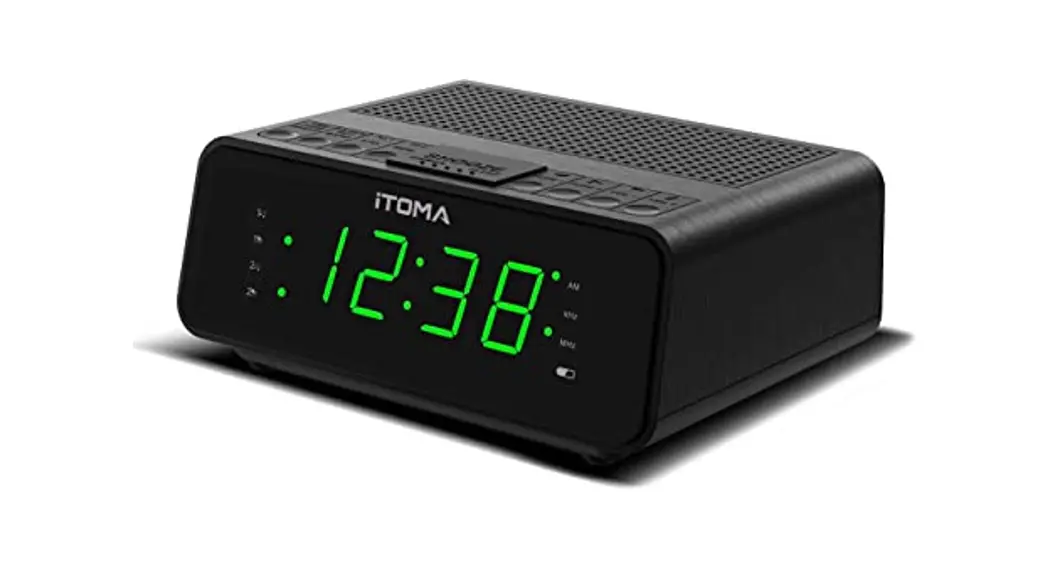
iTOMA CKS213 Small Digital Alarm Clocks User Manual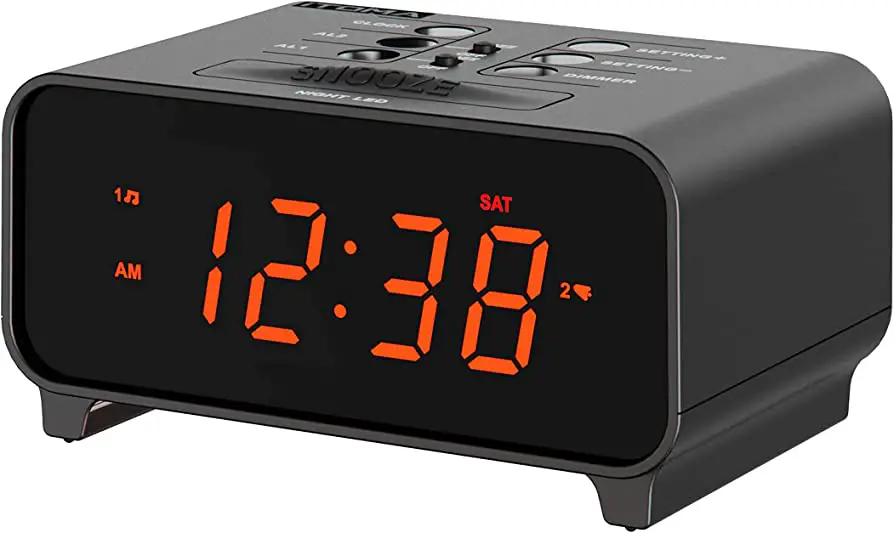
TIME SET
STEP 1
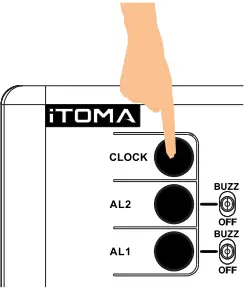
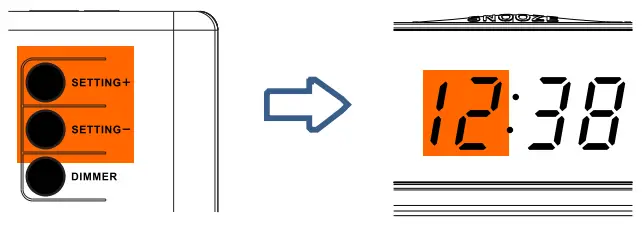
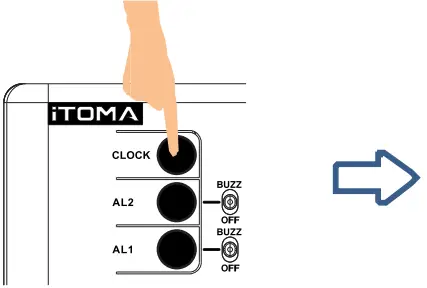
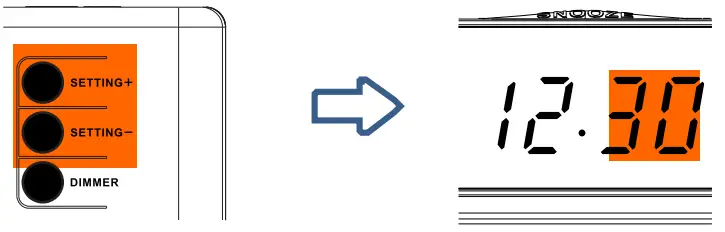
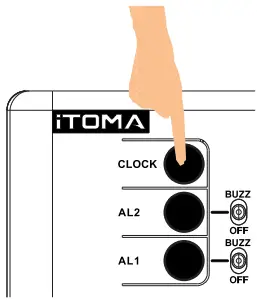
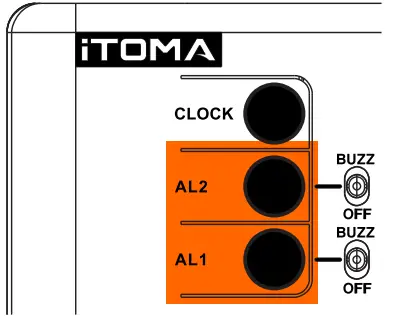
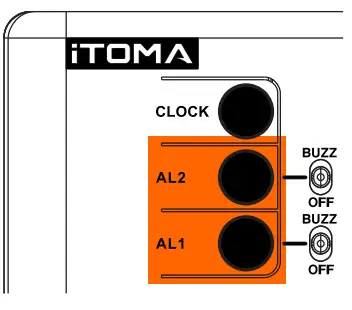
- Press CLCOK for 2 seconds to entry time setting.

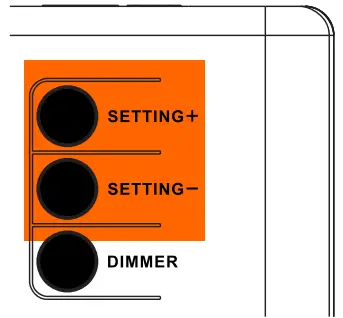
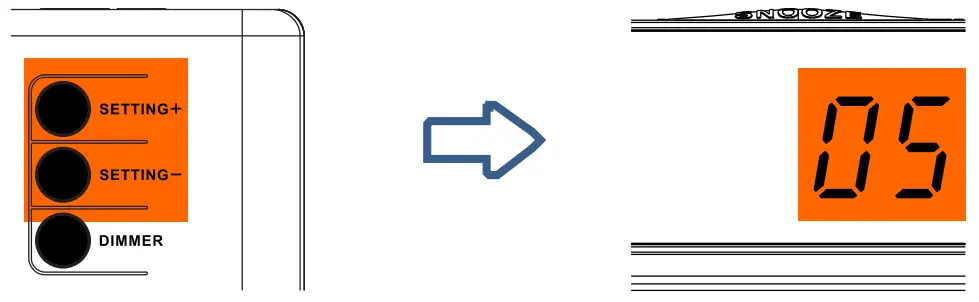
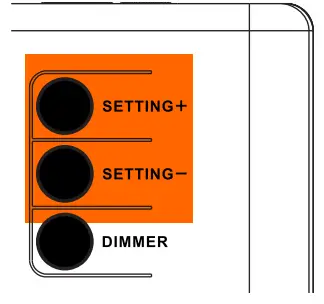
- Press SETTING+ or SETTING to adjust the Hour.

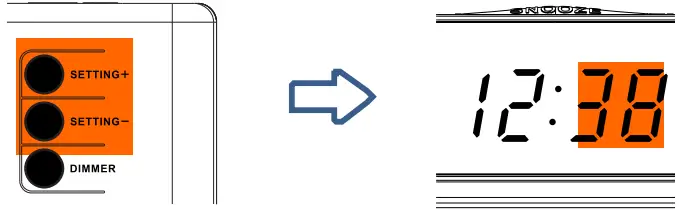
- Press CLCOK to next, the Minute segment will blink

- Press SETTING+ or SETTIN Gto adjust Minutes.

STEP 2
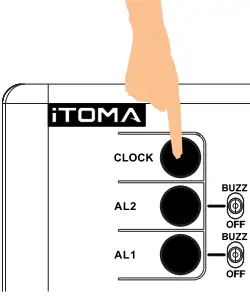
- Press CLCOK to next, Year segment will blink

- Press SETTING+ or SETTING- to adjust the Year.

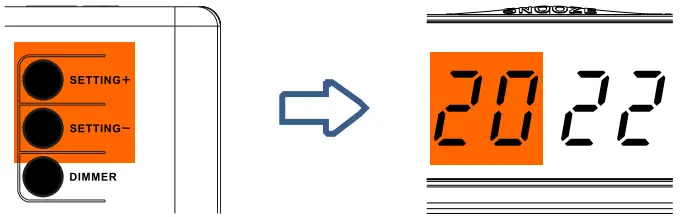
STEP 3
- Press CLCOK to next, Month segment will blink

- Press SETTING+ or SETTING to adjust the Month.

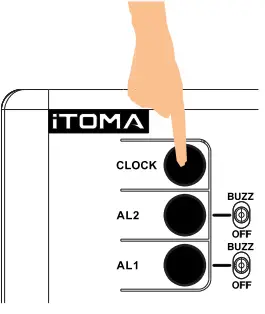
- Press CLCOK to next, Date segment will blink.

- Press SETTING+ or SETTING to adjust the Date.

STEP 4
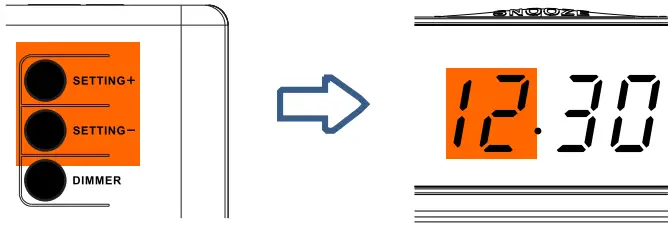
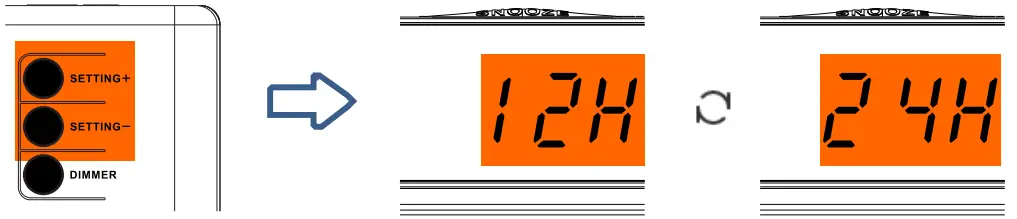
- Press CLCOK to next, 12H / 24H segment will blink

- Press SETTING+ or SETTING to adjust the time format

STEP 5
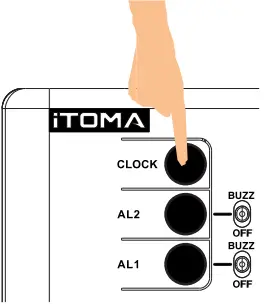
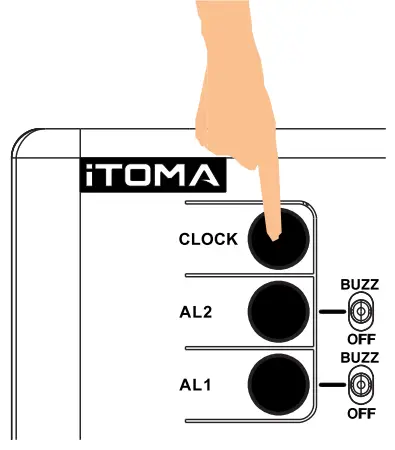
- Press CLCOK again to store the time setting, or wait for 40 seconds.

- Press CLCOK again to store the time setting, or wait for 40 seconds
ALARM SET
STEP 1
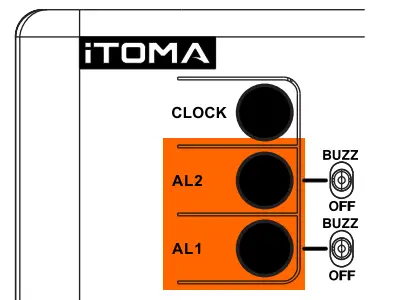
- Press and hold the AL1 / AL2 for 2 seconds, to entry alarm setting.

- Press SETTING+ or SETTING to adjust Hour

- Press AL1 / AL2 to next, the Minute segment will blink.

- Press SETTING+ or SETTING to adjust Minutes.

STEP 2
- Press AL1 / AL2 again, the current volume level will blink.

- Press SETTING+ or SETTING to adjust the Volume.

STEP 3
- Press AL1 / AL2 again, the current day mode will blink.

- Press SETTING+ or SETTING to adjust current day mode.

- Press AL1 / AL2 again to store the alarm setting, or wait for 40 seconds.

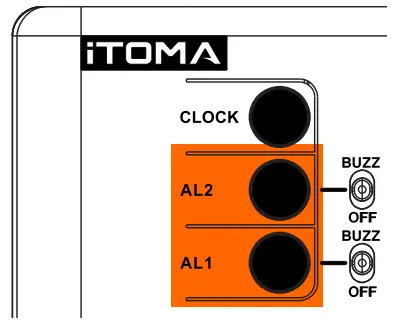
SNOOZE/ STOP /TURN OFF THE ALARM
- SNOOZE : Alarm will pause 9 minutes for each press, 6 times at most

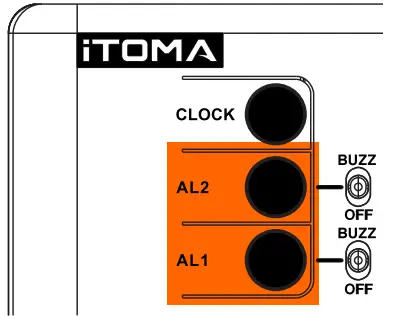
- Stop the alarm : Press AL1 / AL2 when the alarm is ringing

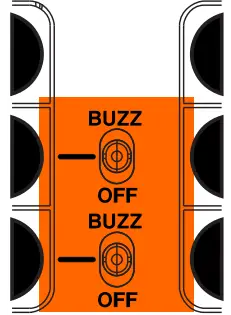
- Turn on/off the alarm completely : Push the”AL1″ or “AL2” slide switch to BUZZ/ OFF



![Emerson Alarm Clock [cks1507 W/ Radio] User Manual](https://static-data1.manualsee.com/1/img/275/8730/2020/10/Emerson-Alarm-Clock-CKS1507.png "Emerson Alarm Clock [cks1507 W/ Radio] User Manual")