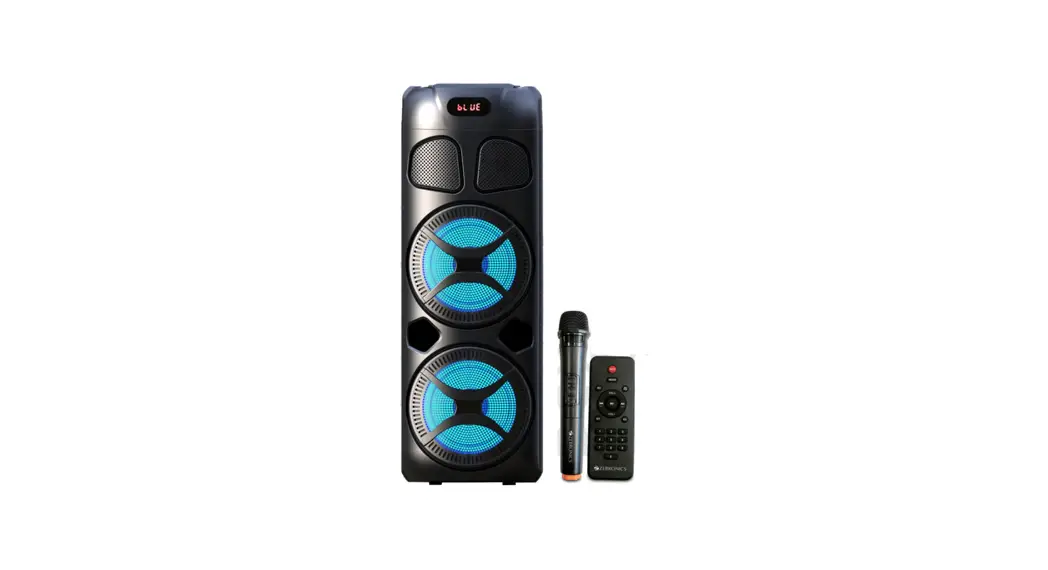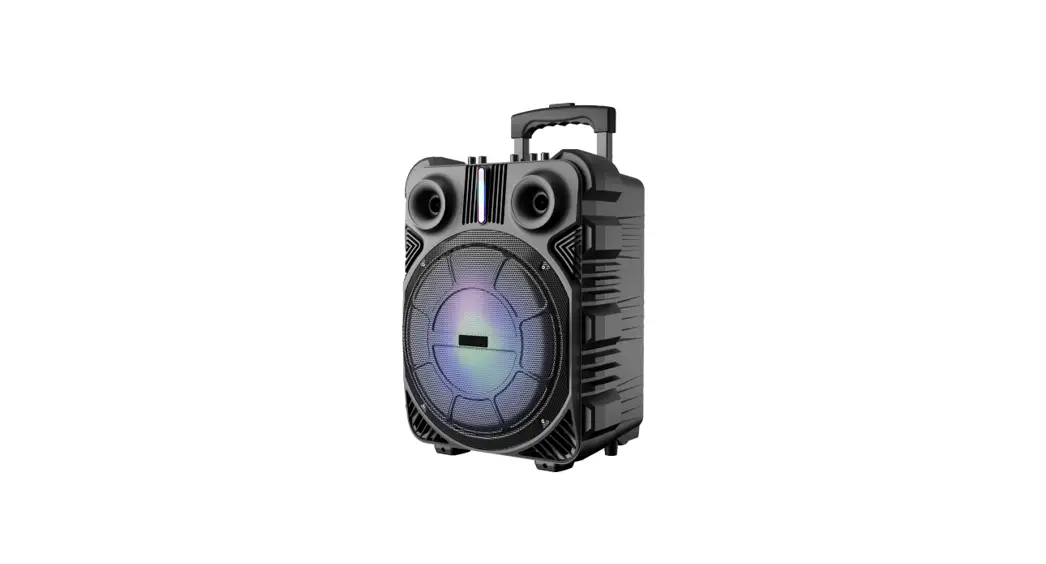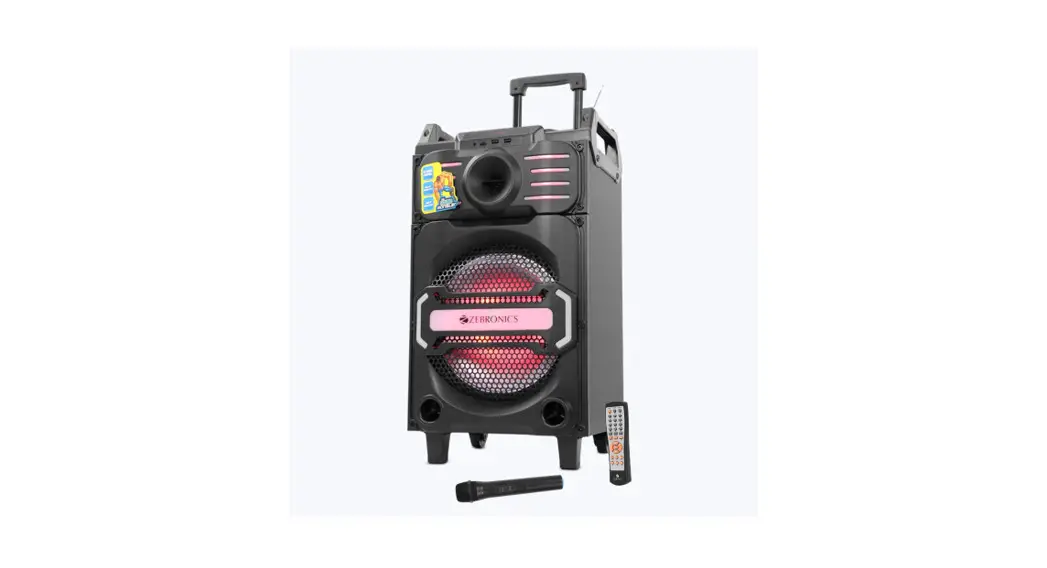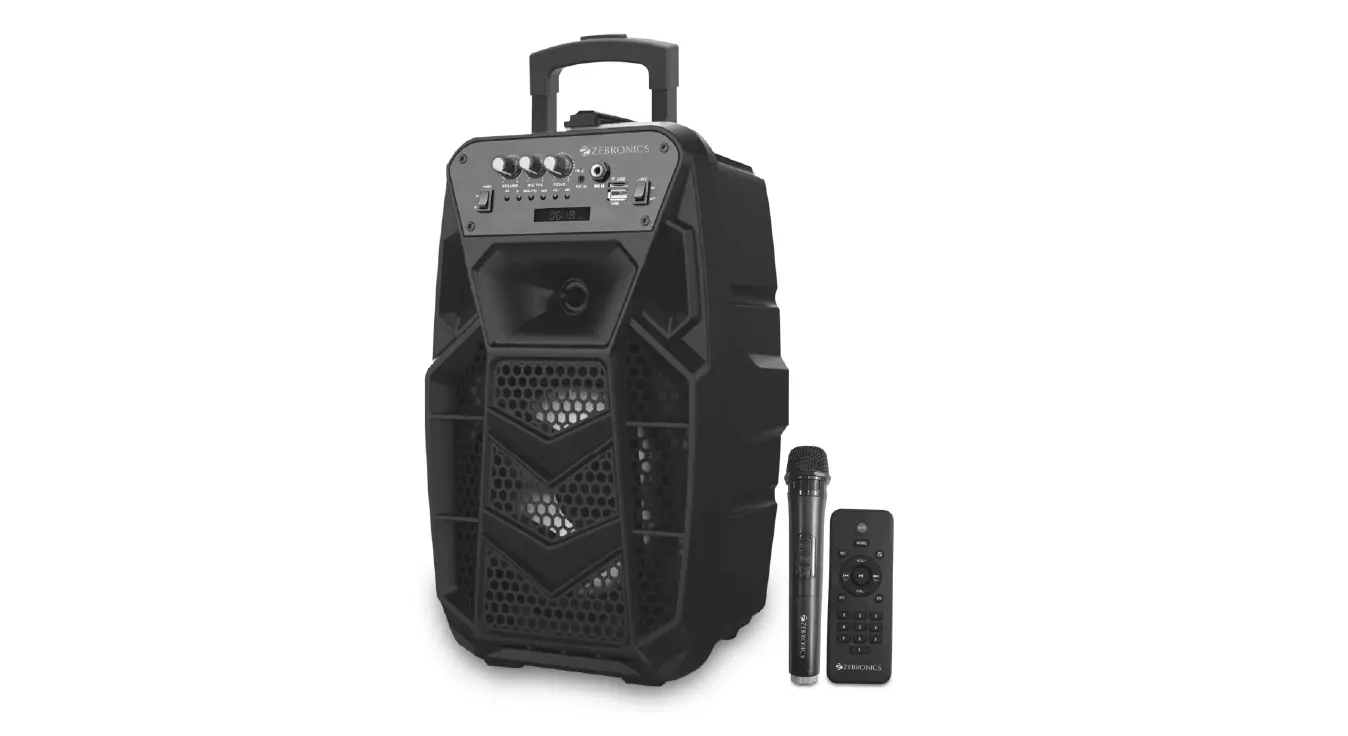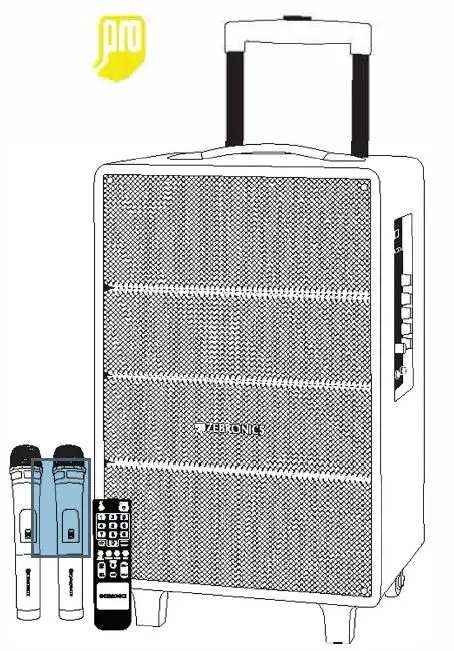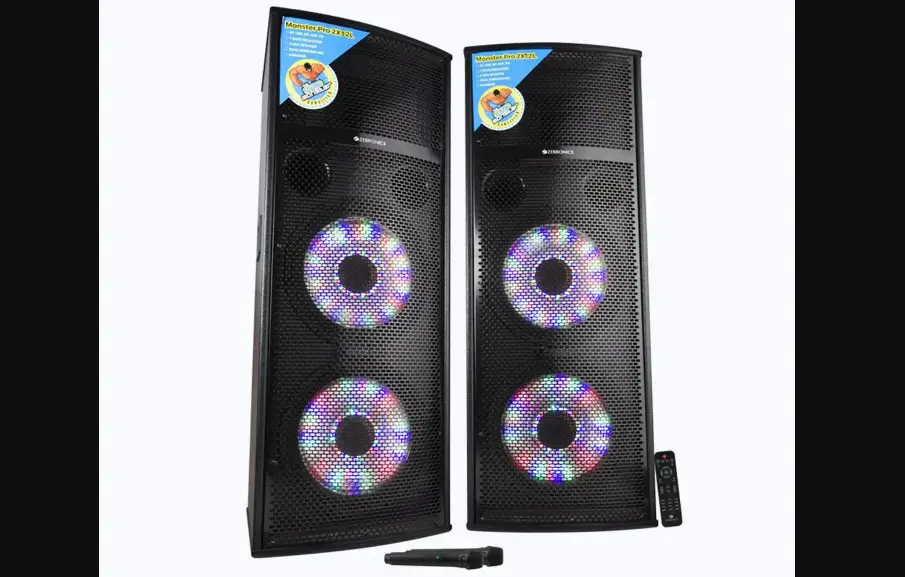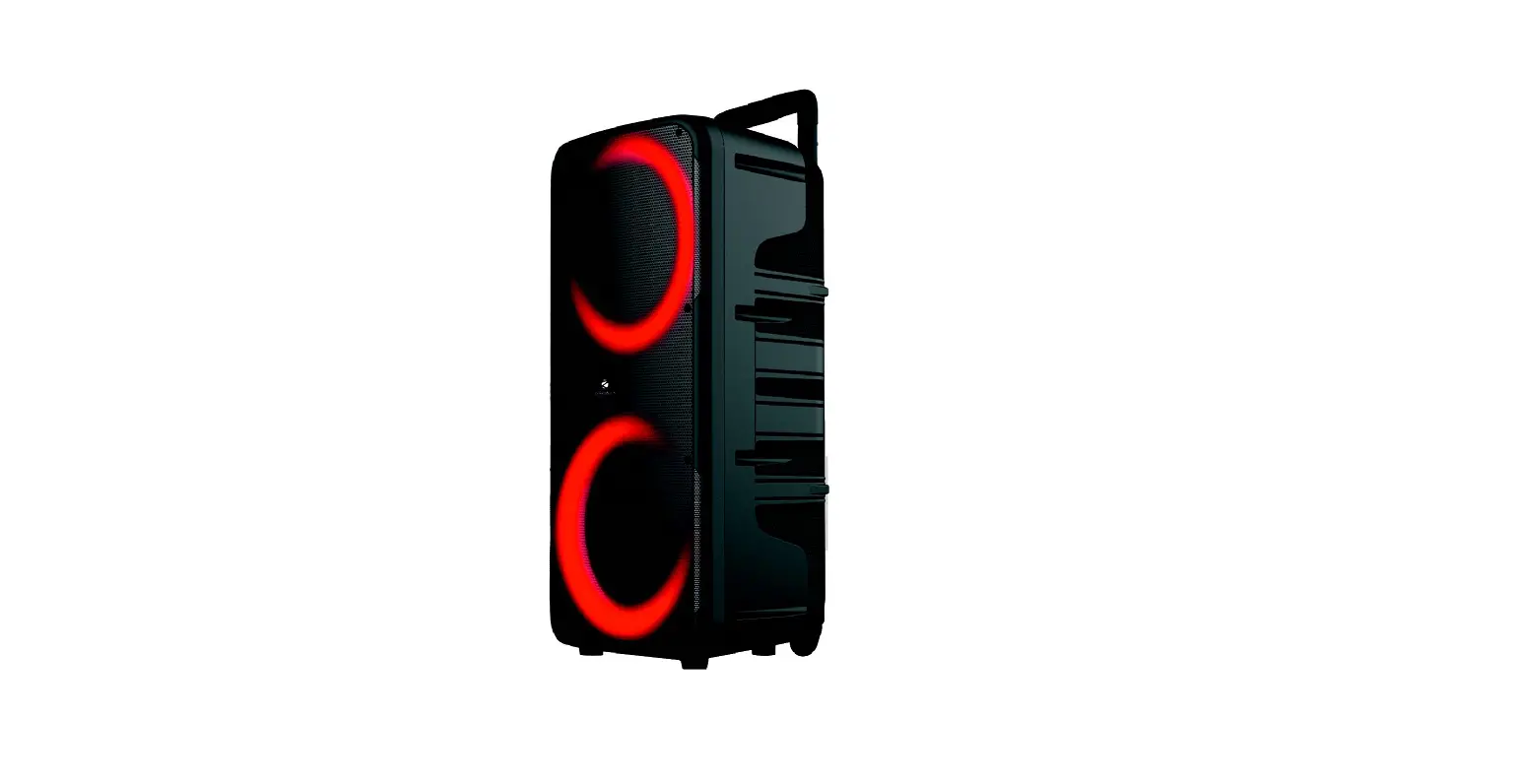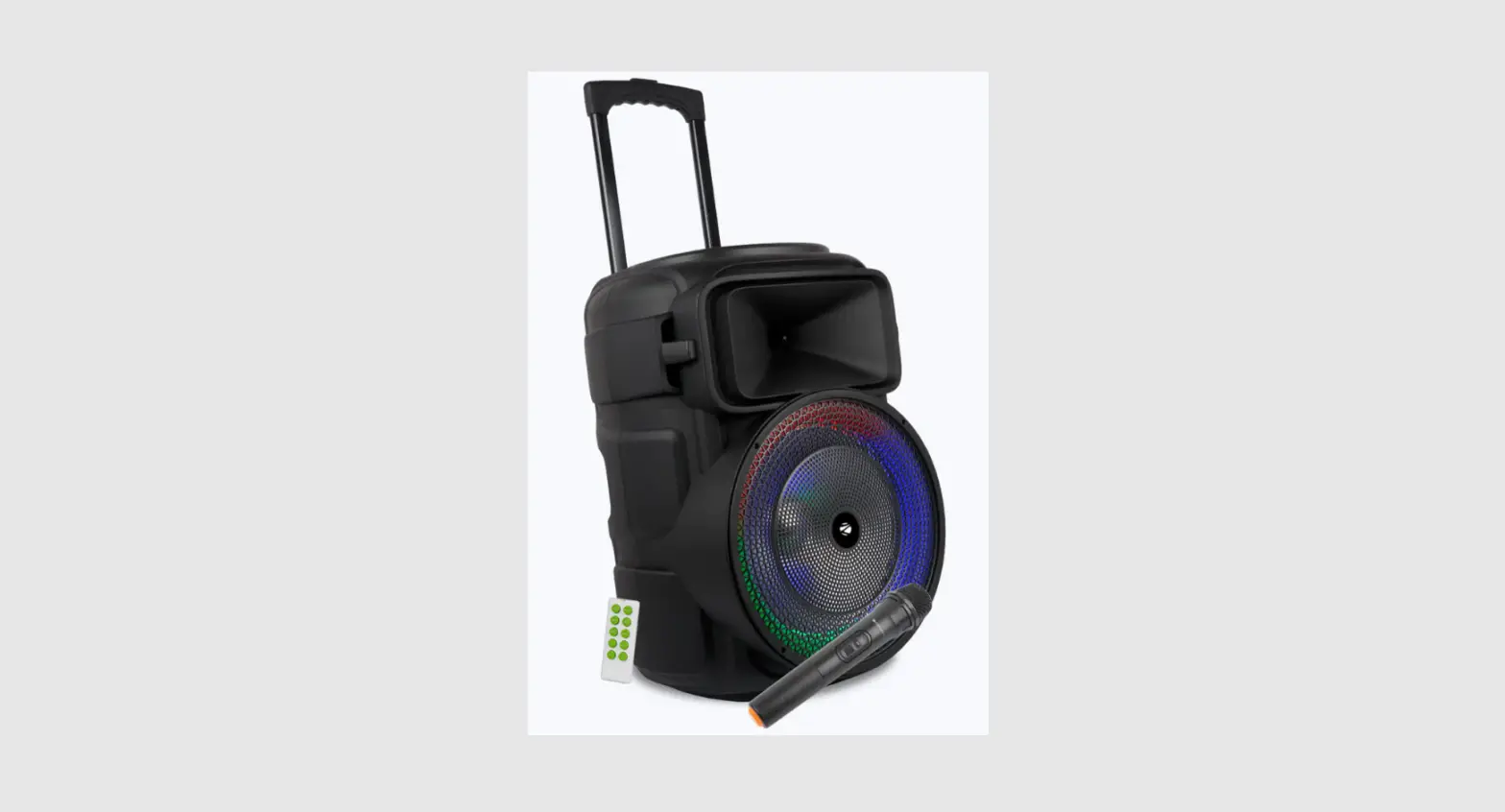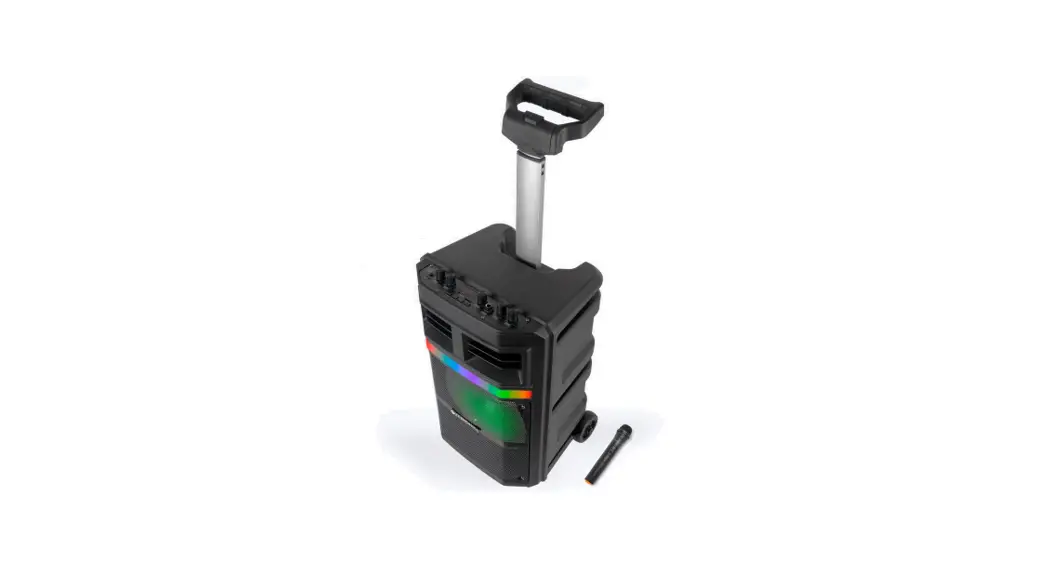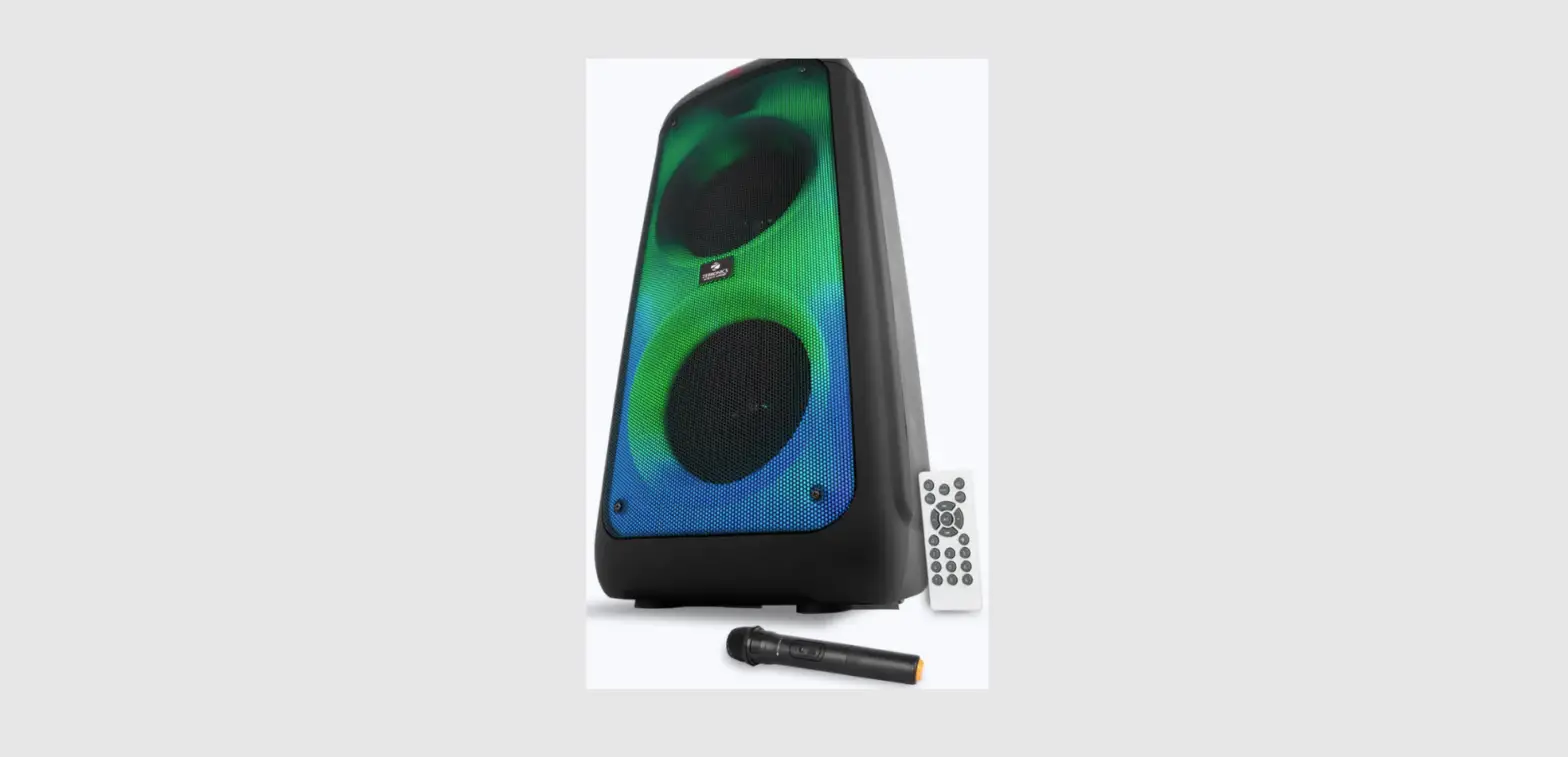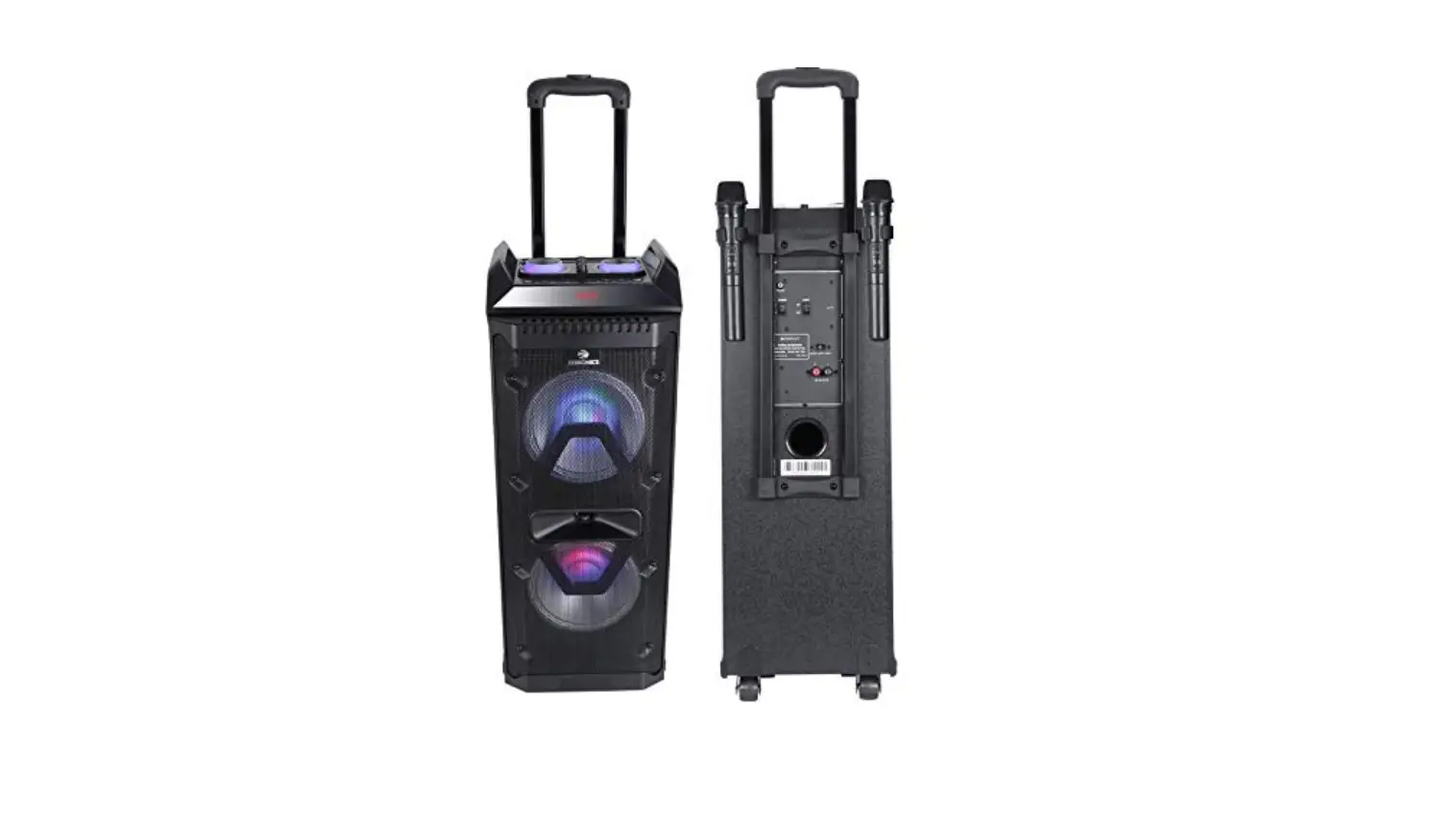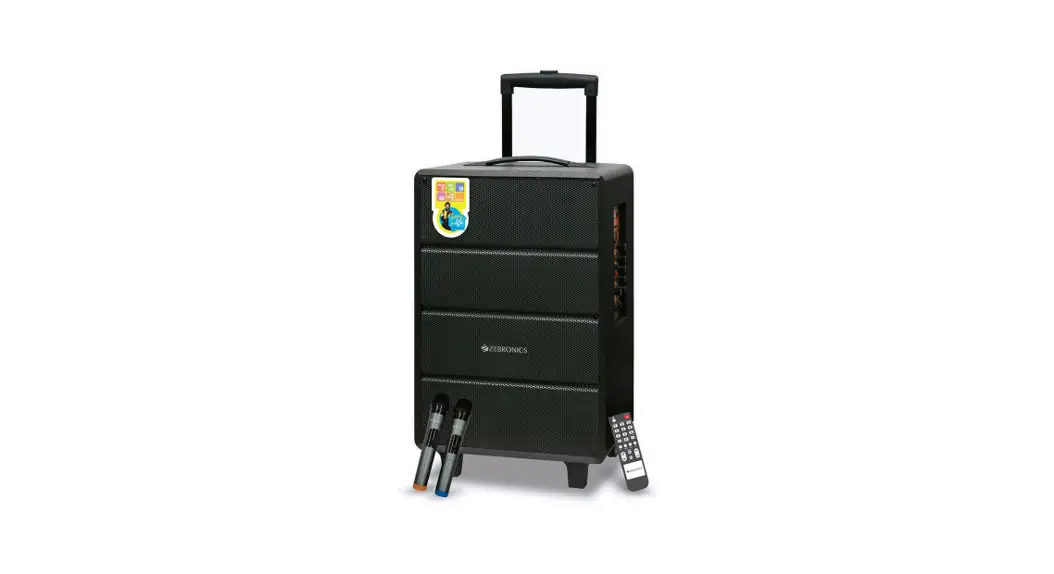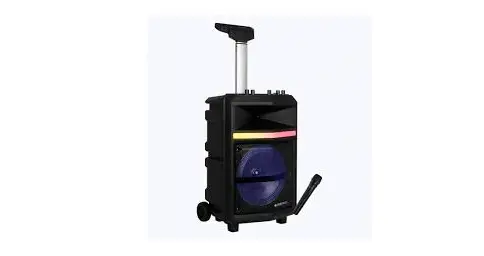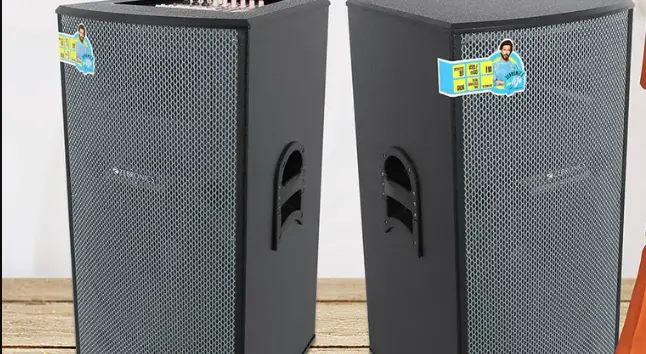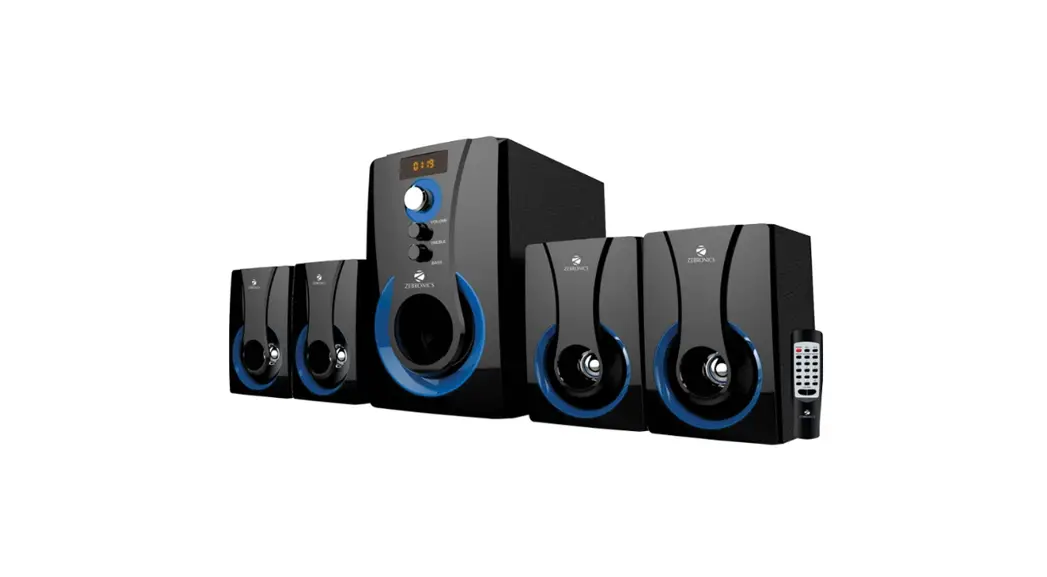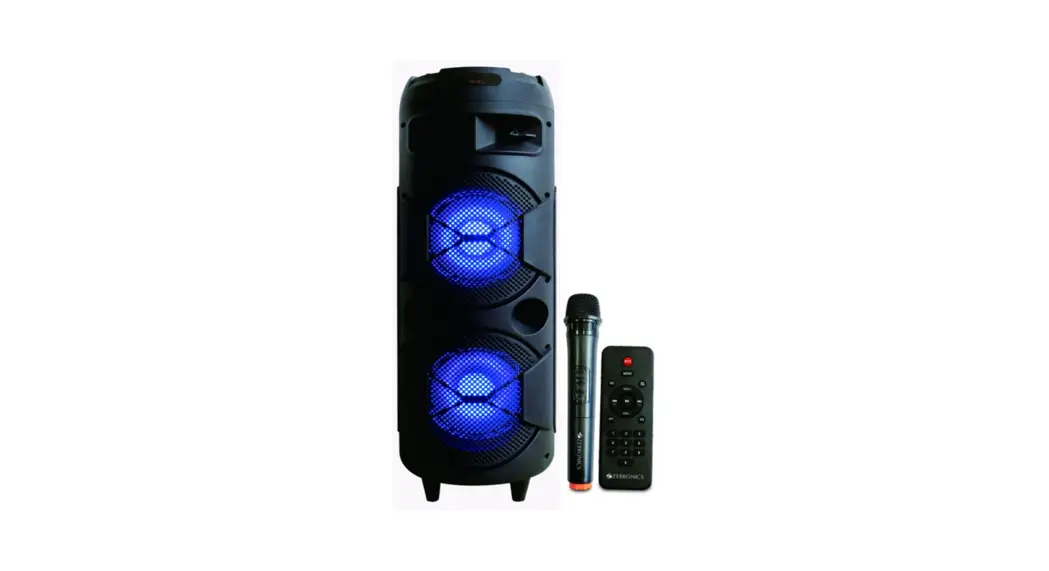

Trolley DJ Speaker
ZEB
450
MOVING
MONSTER
2X8L 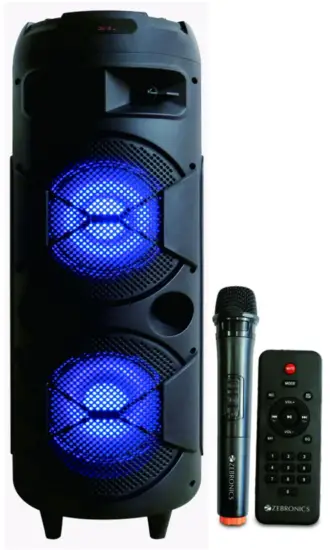
User Manual
www.zebronics.com
Thank you for purchasing Zebronics Speaker. Please read this user manual carefully before operation & save it for future reference.
Note:
- Avoid the use of this speaker at the high temper at u re and high humidity environment.
- Avoid self-disassembly of speaker, or it will result in the failure of warranty.
Features:
Trolley speaker
Wireless BT/ USB / Micro SD/ FM/
AUX / Mic Input
Recording function
Karaoke function
LED display
LED lights with On/Off switch 20.32cm x 2 full-range speaker
Remote control
Wireless Mic
Phone/Tablet holder
Built-in rechargeable battery
Supports external battery
Volume, bass & treble controls
Specification:
| Output power (RMS) | : 48W |
| Driver size Full range | : 20.32cm x 2 |
| Tweeter | : 2.54cm x 1 |
| Impedance Full range | :4Ω |
| Tweeter | : 8Ω |
| Frequency response | : 60Hz-18kHz |
| S/N Ratio | :>65dB |
| File format support | : MP3, WMA, WAV |
| Line input | : 3.5mm |
| Max. supported USB/mSD Memory size | : 32GB |
| FM frequency range | : 87.5 MHz-108 MHz |
| Charging time | : 7H |
| Playback time | : 10.5H* |
| BT name | : ZEB-450 MOVING MONSTER 2X8L |
| BT version | : 4.2 |
| Product dimension | : 280 x 805 mm |
| {Dia x H) Net. weight | : 8.25kg |
Package Contents:
DJ Speaker : 1 unit
Remote control : 1 unit
Wireless Mic : 1 unit
Input cable : 1 unit
Power Cord : 1 unit
Microphone clamp : 1 unit
Control Description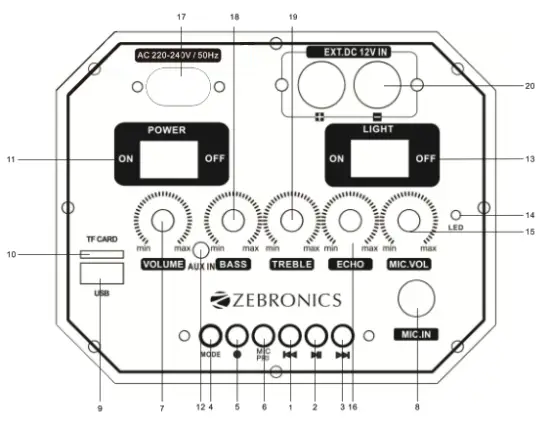
| 1. Previous Track/FM Channel Key 2. Play/Pause Key 3. Next Track/FM Channel Key 4. Mode Change Key 5. Start Recording Key Long Press to Recording Short Press to Play Recorded File. 6. Mic Priority On-Off Key 7. Master Volume Control 8. Microphone Input Jack 9. USS Port 10. Micro SD Card Port | 11. Power Switch 12. AUXIN 13. Light Switch 14. LED Indicator 15. Mic Volume Control 16. Echo Control 17. AC Input 18. Bass Control 19. Treble Control 20. External 12V Battery Terminals |
Remote Control 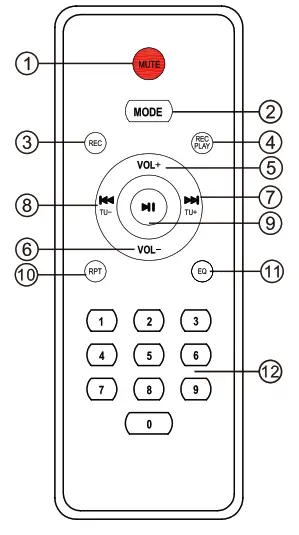
- Mute/Unmute
- Mode Change Key
- Recording Key
- Play Recorded File
- Volume+
- Volume
- Next Track/FM Channel Key
- Previous Track/FM Channel Key
- Play/Pause Key
- Repeat Key
- EQ Preset
- Number Selection (0-9)
General Instructions
BT connectivity
Switch the speaker to BT mode, scan for nearby BT devices in your mobile. Tap on ZEB-450 MOVING MONSTER 2X8L to connect.
USB/Micro SD Mode
Insert the USB/Micro SD card to the speaker. The speaker will detect the USS/Micro SD card automatically & the songs from it will be played.
FM Radio
Switch the speaker to FM, In FM Mode, long Press the Play/Pause Key to scan the available FM channels. Once the scanning is done, The speaker will start playing the first scanned channel.
AUX-In
The speaker can be connected to an audio device using a 3.5mm cable. Connect the one end of the cable to the speaker & connect the other end of the cable to an audio source. The songs from the audio source can be heard through the speaker.
Recording Function
To record a voice, first plug-in a USB/Micro SD card into the speaker which will act as a storage device. Press the REC. key on the remote to start/stop recording. Once the song or voice is recorded through the mic, press the REC. PLAY key to play the recorded file.
Note: Speaker can record the Mic input
Charging Indication:
Low Charge: Red LED Flashing
Full Charge: Red LED Glows
ISO 9001:2015 Certified Company
www.zebronics.com