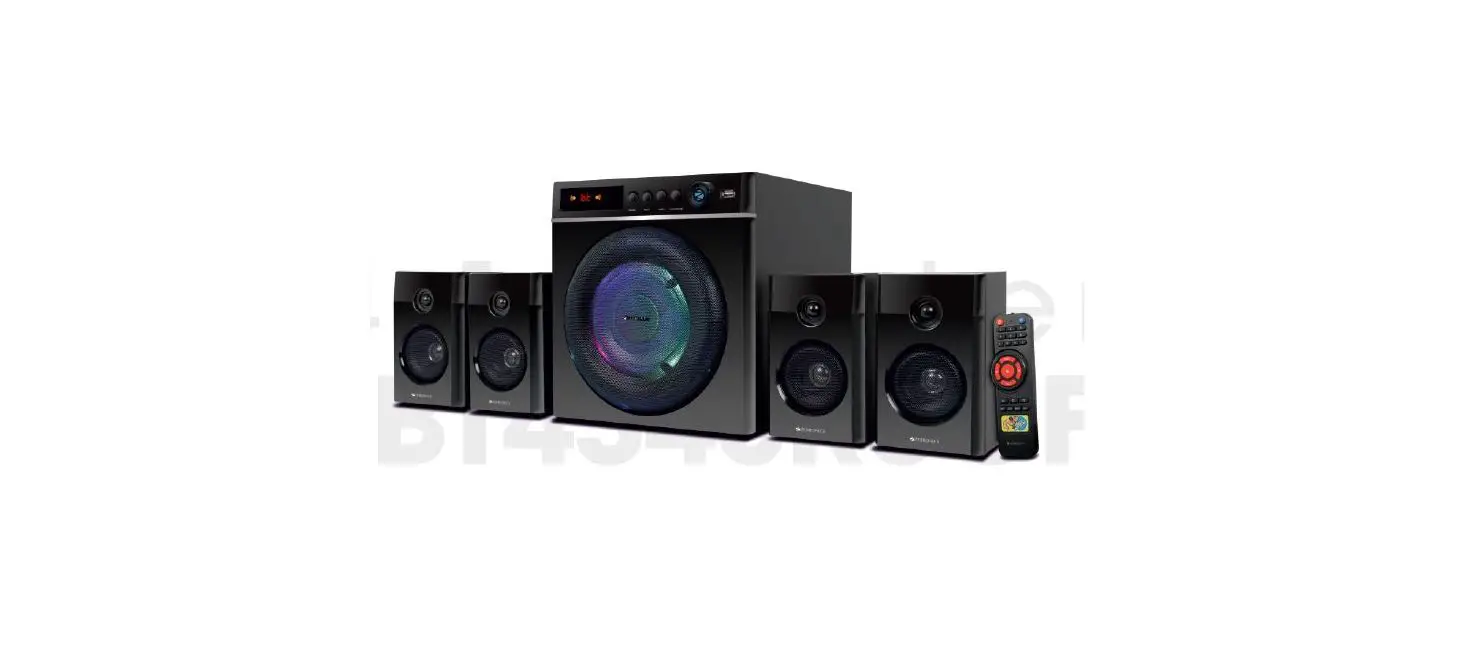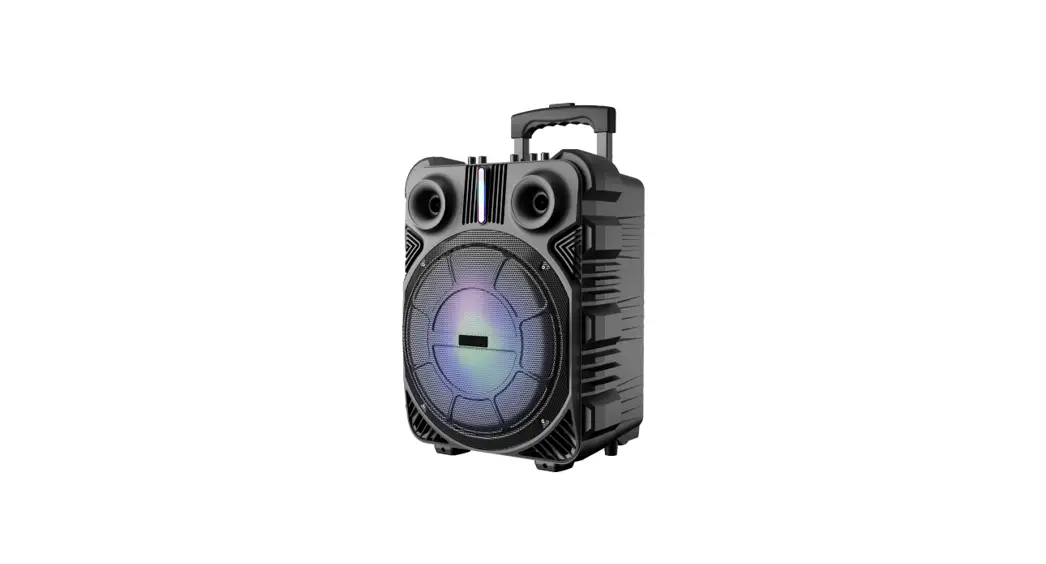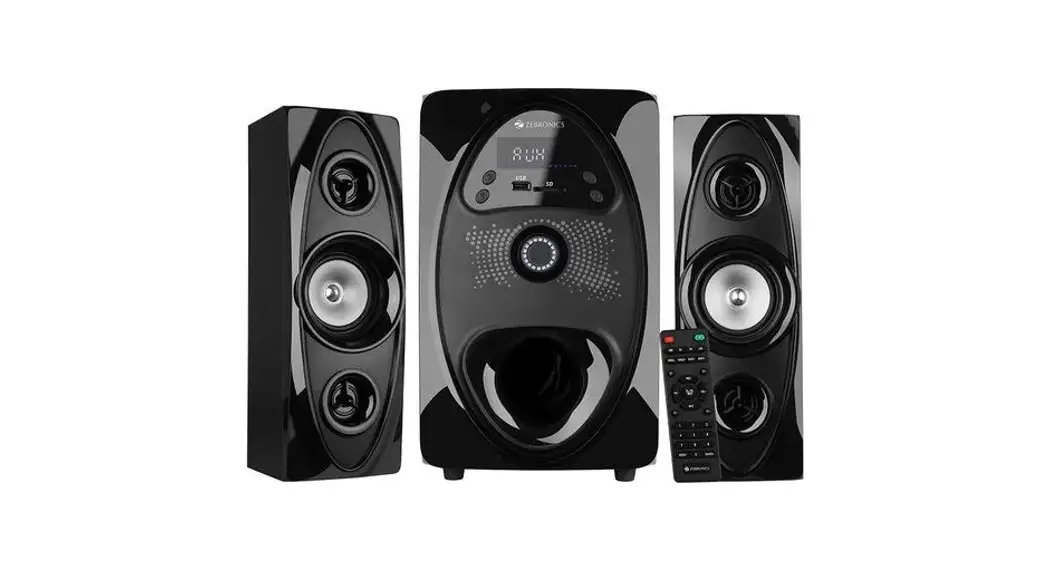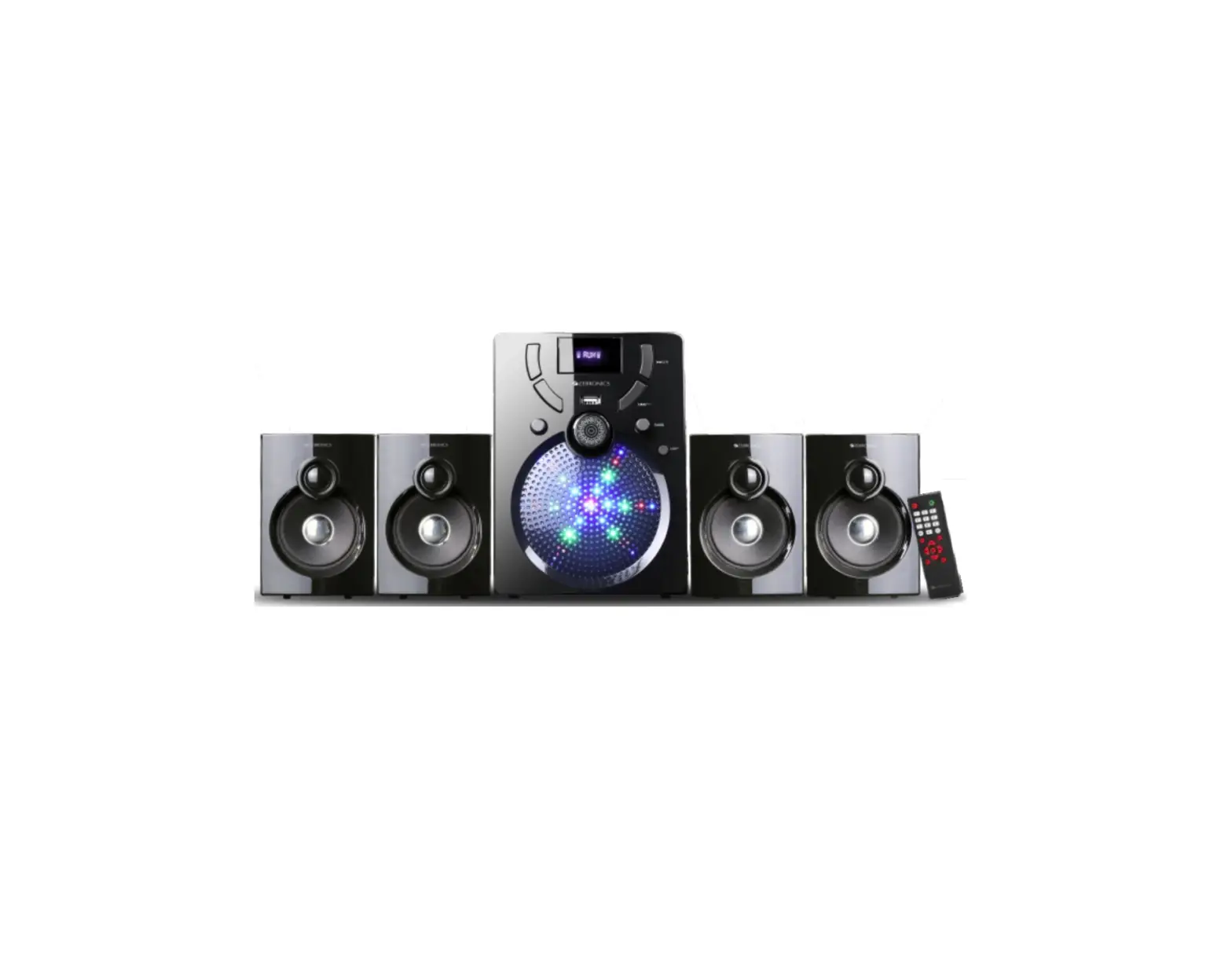

 ZEB
ZEB
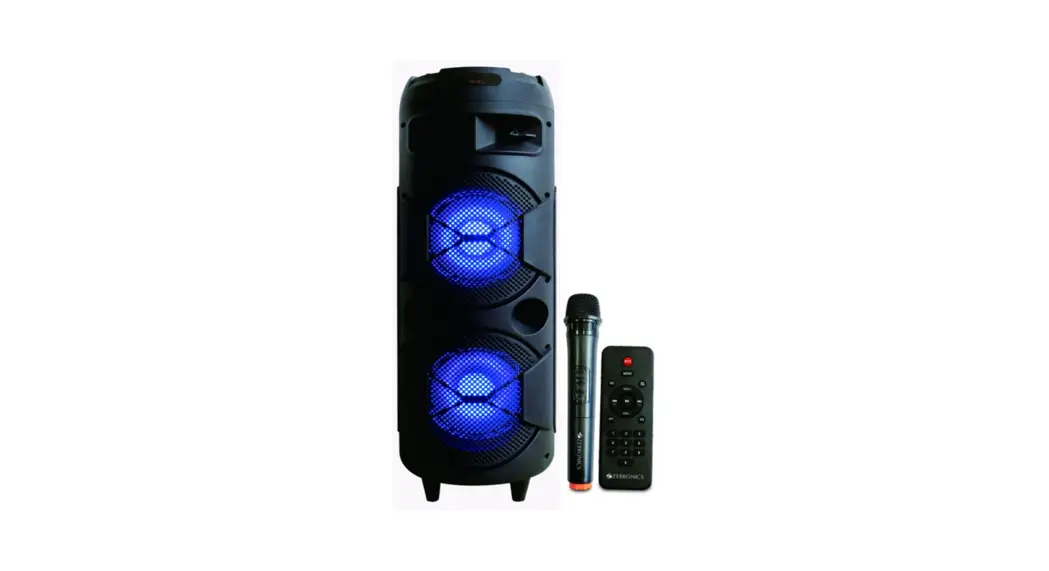
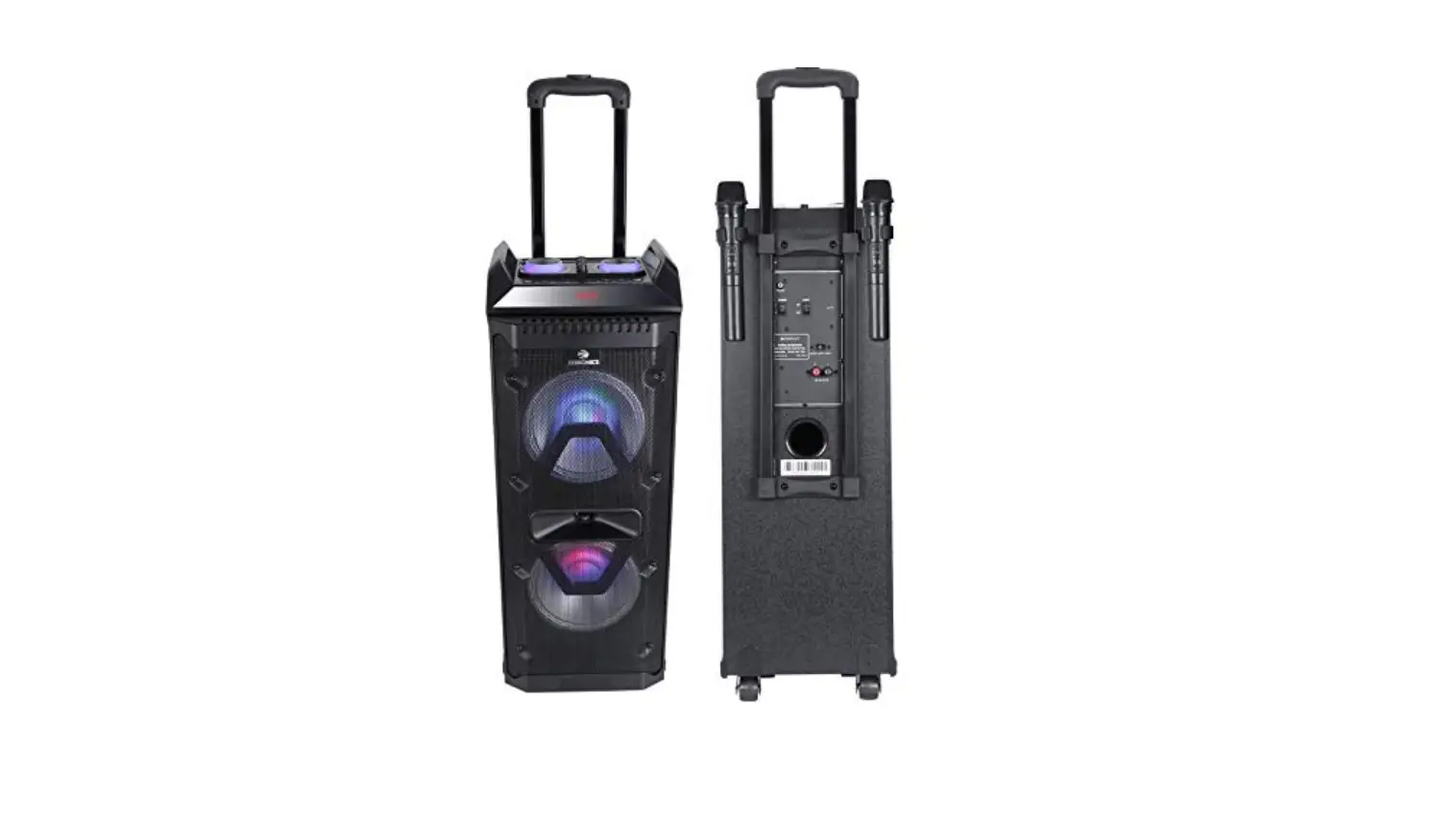
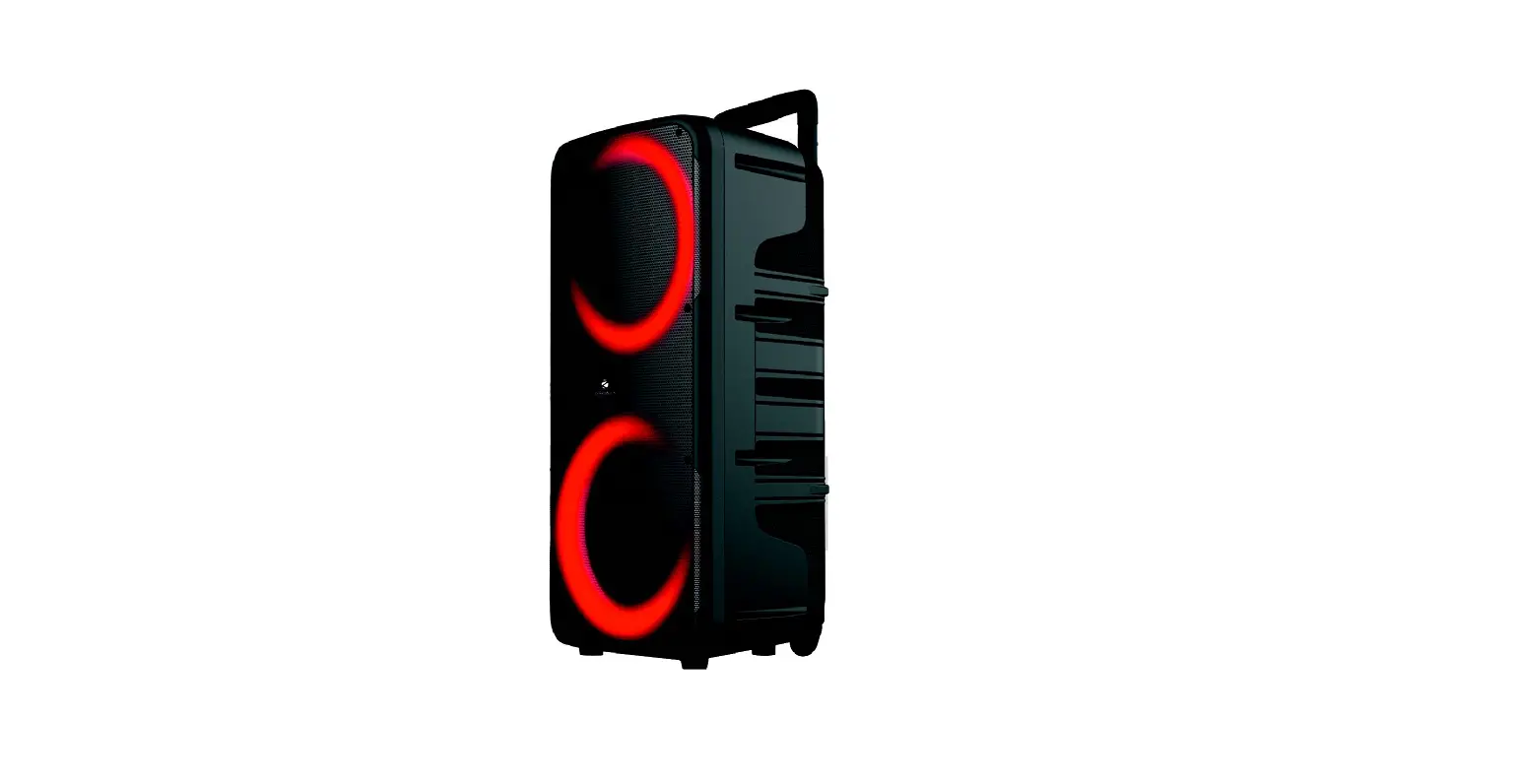
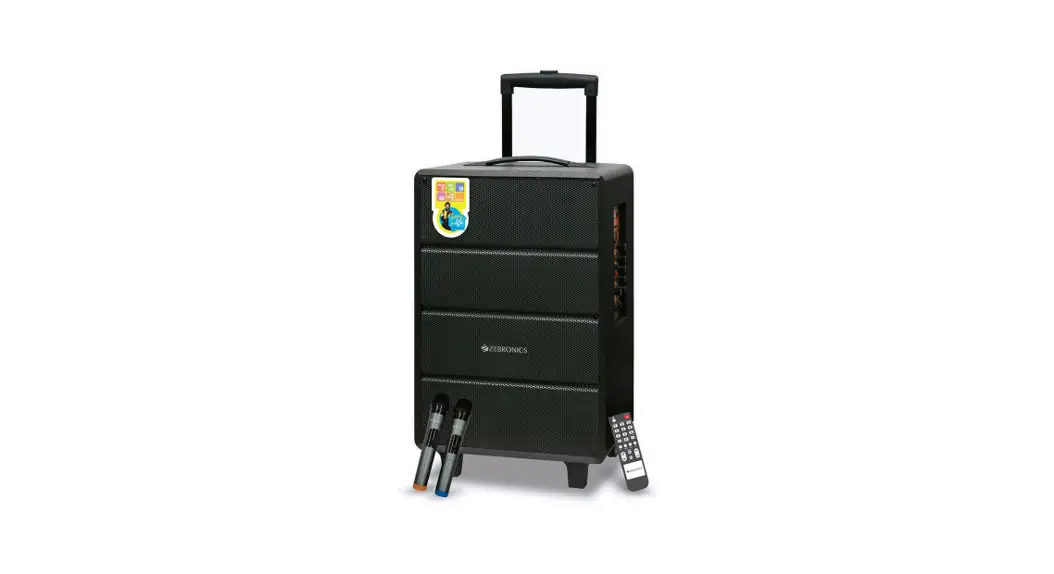
Trolly DJ Speaker
MONSTER PRO 2X12L2
User Manual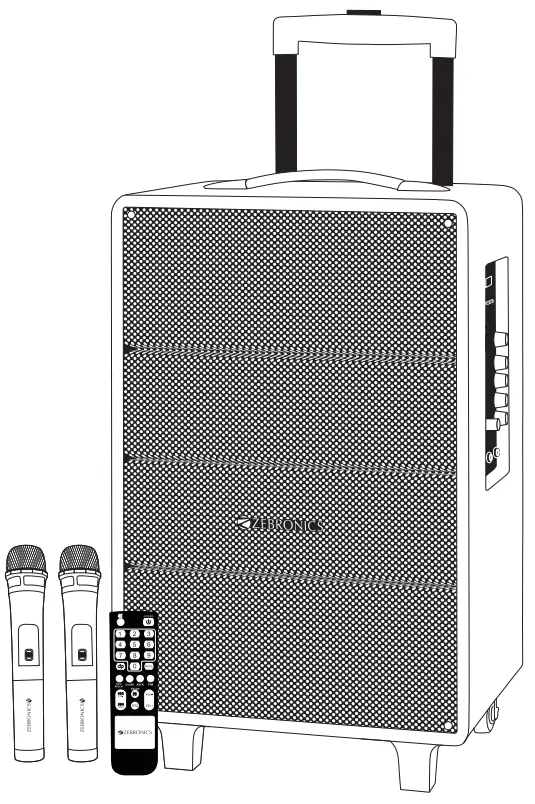
ZEB MONSTER PRO 2X12L2 Trolly DJ Speaker
Thank you for purchasing Zebronics Speaker. Please read this user manual carefully before operation & save it for future reference.
Note:
- Avoid the use of this speaker at the high temperature and in high humid environment.
- Avoid self-dismantling of speaker. If you do so the warranty will be void.
Features:
- Wireless BT / USB / Micro SD / FM / AUX / Mic Input / Guitar IN
- Recording function
- LED display
- 30.48cm full range speaker
- 2 way speaker
- Remote control
- Two Wireless mic
- Volume, bass & treble controls
- Karaoke
- Mic volume/Echo/ Guitar vol controls
- Supports external battery
- TWS function
- Charging LED indications
- Built in rechargeable battery
Specifications
| Output power (RMS) | 80W |
| Driver size | |
| Full range | 30.48cm |
| Tweeter | 2.54cm |
| Impedance | |
| Full range | 40Ω |
| Tweeter | 60Ω |
| Frequency response | 60Hz-19kHz |
| S/N Ratio | ≥80dB |
| File format support | MP3, WMA, WAV |
| Line input | RCA to 3.5mm |
| Max. supported USB/mSD | |
| Memory size | 64GB |
| FM frequency range | 87.5 MHz-108 MHZ |
| Charging time | 4h |
| Playback time | 10h* |
| BT name | Zebronics Banjo |
| BT version | 4.2 |
| Product dimension | 370 x 290 x 605 mm |
| (W x D x H) | |
| Net. Weight | 12.5 kg |
*at 50% volume
Packaage Contents
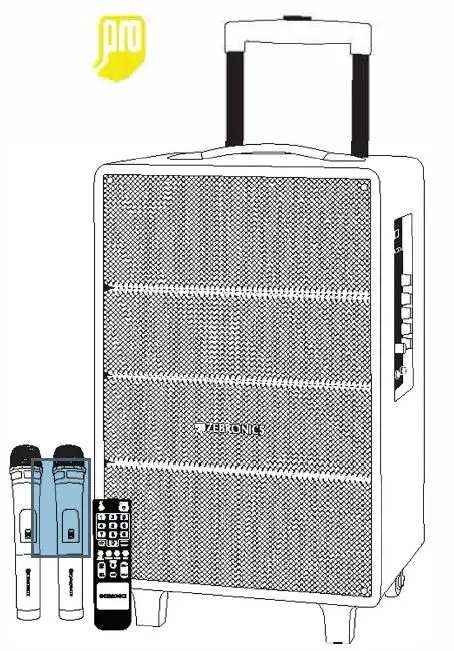
| Trolley DJ Speaker | 1U |
| Remote | 1U |
| Wireless Mic | 2U |
| QR Code Guide | 1U |
| Input Cable | 1U |
| DC Cable | 1U |
| Power Cord | 1U |
Control Description
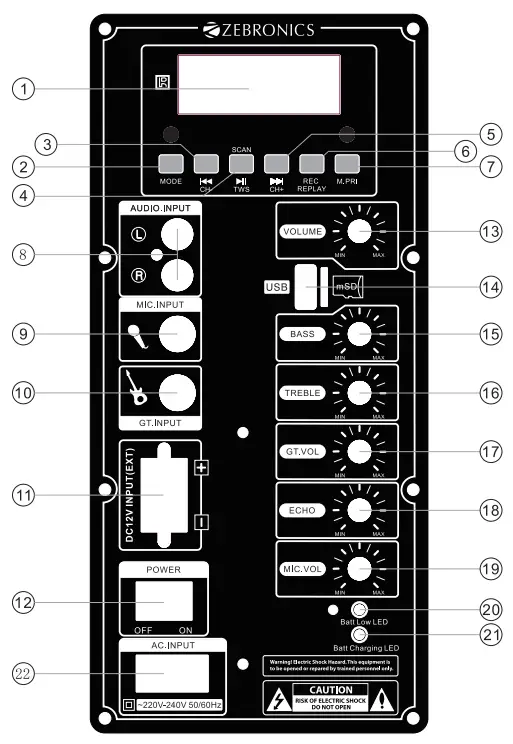
| 1.LED Display 2.Mode 3.Previous/Channel- 4.Play/Pause & FM Scan / TWS 5.Next/Channel+ 6.Recording&play(Long pressing for three second) 7.Microphone priority 8.Audio input 9.Microphone input 10.Guitar input 11.DC 12V input(Ext) | 12.Power switch 13.Master volume control 14.USB/mSD 15.Bass volume control 16.Treble volume control 17.Guitar volume control 18.Echo volume control 19.Microphone volume control 20.Battery low indicate light 21.Battery charging indicate light 22.AC Input |
Remorte Control
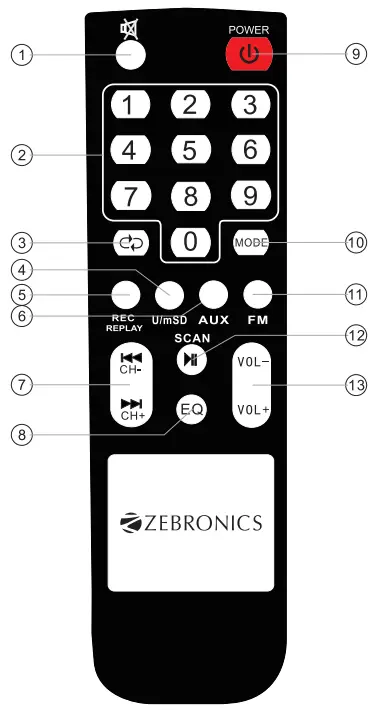
| 1. Mute control Button 2.0-9 Number Control button to selecting Mp3 song 3. Repeat control button 4.USB/mSD Control button 5. Mic Recording &Replay Control button 6. Aux Control button 7. Previous (Channel -)&Next (Channel +) | 8.EQ control Button 9. Power control button 10.Mode control Button 11. FM Control button 12. Play/Pause & FM Scan 13. Volume-&Volume+ |
General Instructions
BT connectivity
- Switch the source to BT mode
- Turn on BT on your mobile and scan for nearby BT devices.
- Tap on “Zebronics Banjo” to connect.
USB/Micro SD Mode
- Insert the USB/Micro SD card into the slot provided on the speaker
- The speaker will automatically detect the USB/Micro SD card and the supported audio content will be played from it.
Note: This mode isn’t selectable on the speaker or remote control unless a USB/mSD flash card is connected
FM Radio
- Switch the speaker to FM mode
- Long press the Play/Pause button to scan the available FM channels.
- Once the scanning is done, the first scanned channel will start playing
Audio IN
- The speaker can be connected to an audio source using a RCA to 3.5mm cable.
- Connect one end of the cable to the Audio IN port on the speaker and the other end an audio source.
- The audio from the source can be heard through the speaker.
Recording Function
- First plug-in a USB/mSD flash card which will act as a storage device into the slot provided on the speaker.
- Press the REC. button on the remote to start the recording.
- Press the REC. button again to stop the recording.
- Press the REC.PLAY button to play the recorded file.
Charging Indication:
Charging Indication : Red LED Glows
Full Charge Indication : Green LED Glows
ISO 900:2015 Certified Company
www.zebronics.com