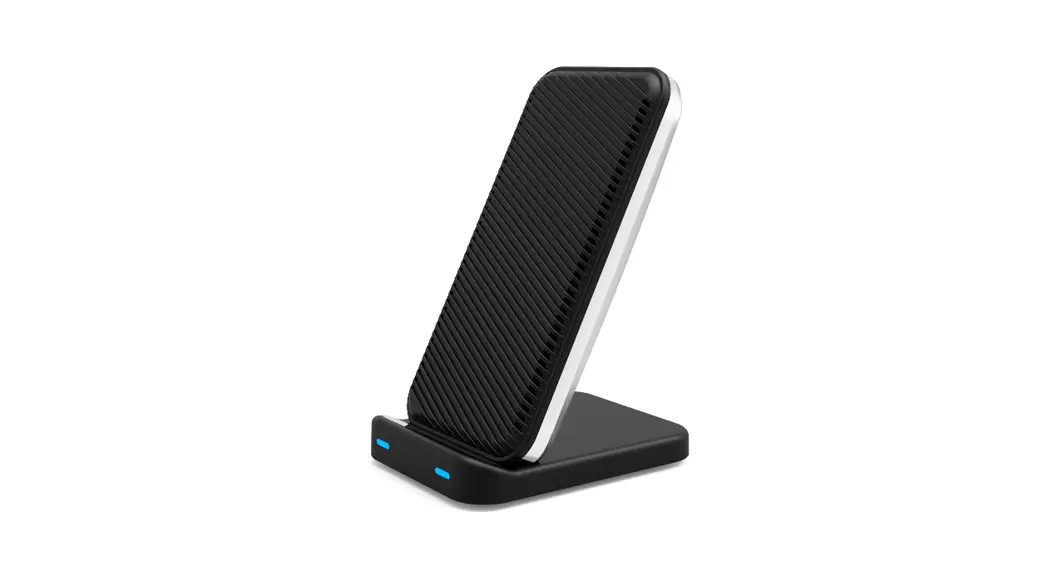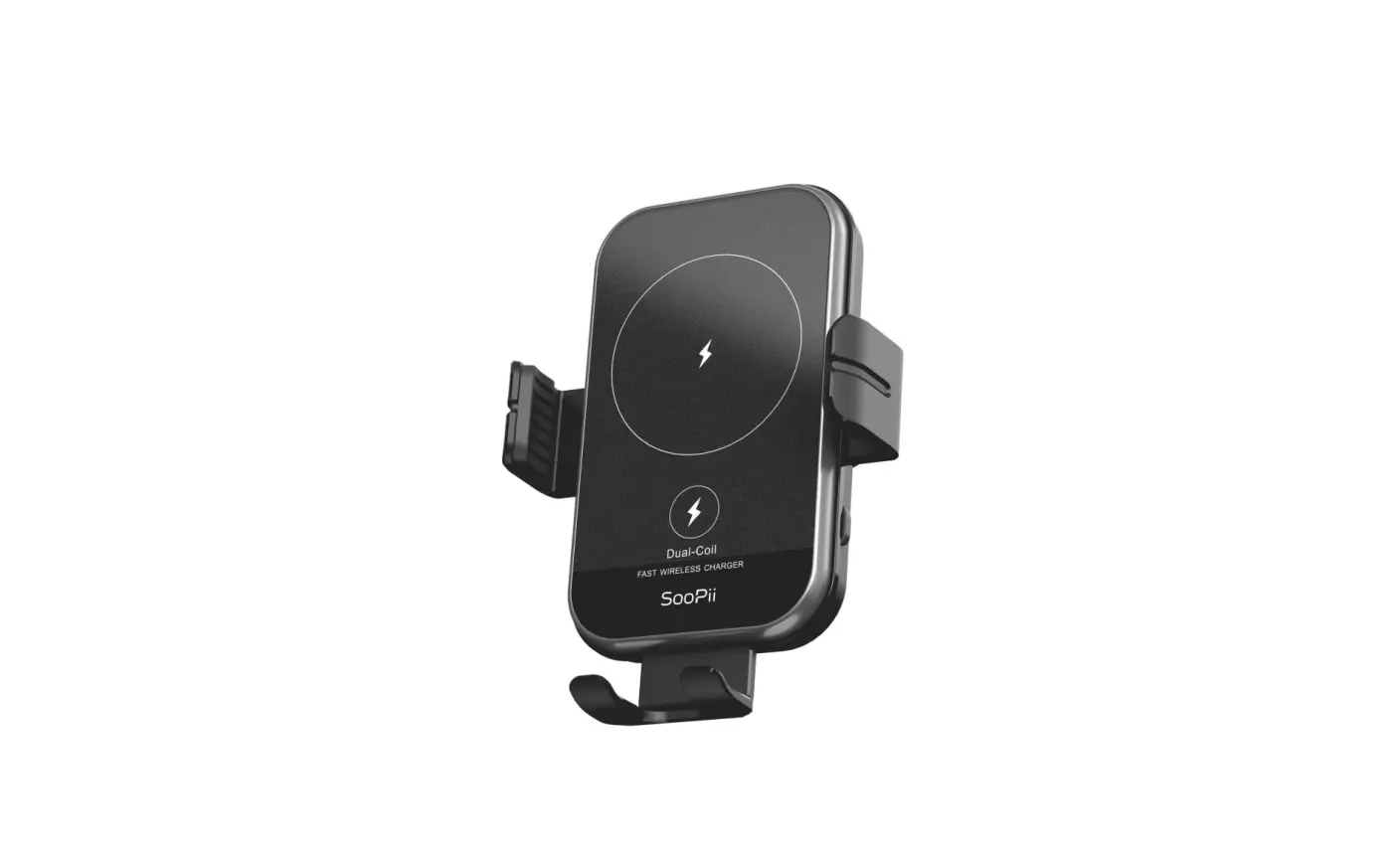
WHAKIN AH-01 Fast Wireless Charging Suction Cup Mount User Guide
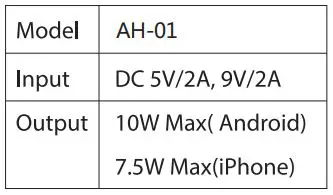
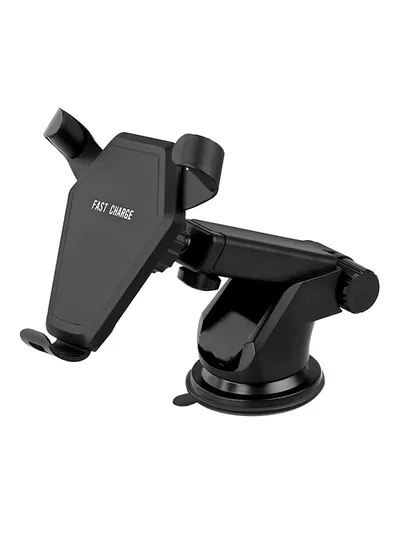 Model:AH-01
What is included?
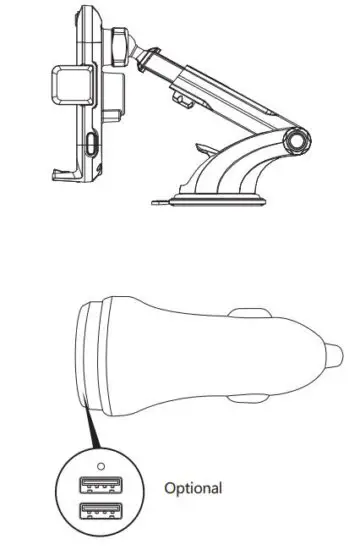
- Wireless Charging Suction Cup Mount
- Dual Port Quick Charge Car Charger(Optional)
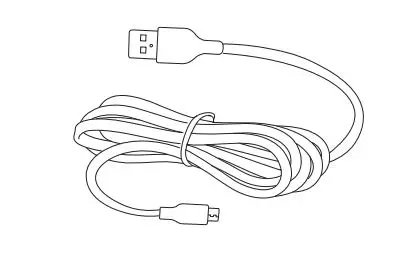
- 1m Type-C to USB-A Sync & Charge Cable
Specifications
- Wireless Charging Suction Cup Mount
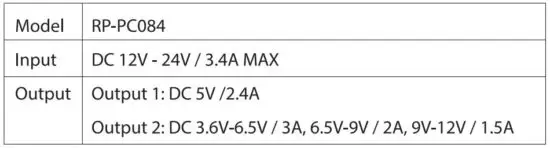
- Dual Port Quick Charge Car Charger
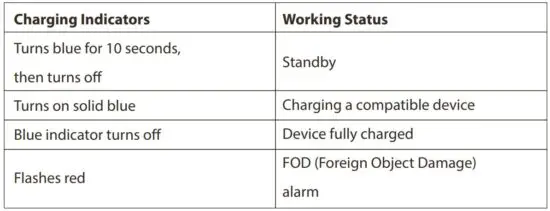
Wireless Charging Suction Cup Mount LED Indicator/Status
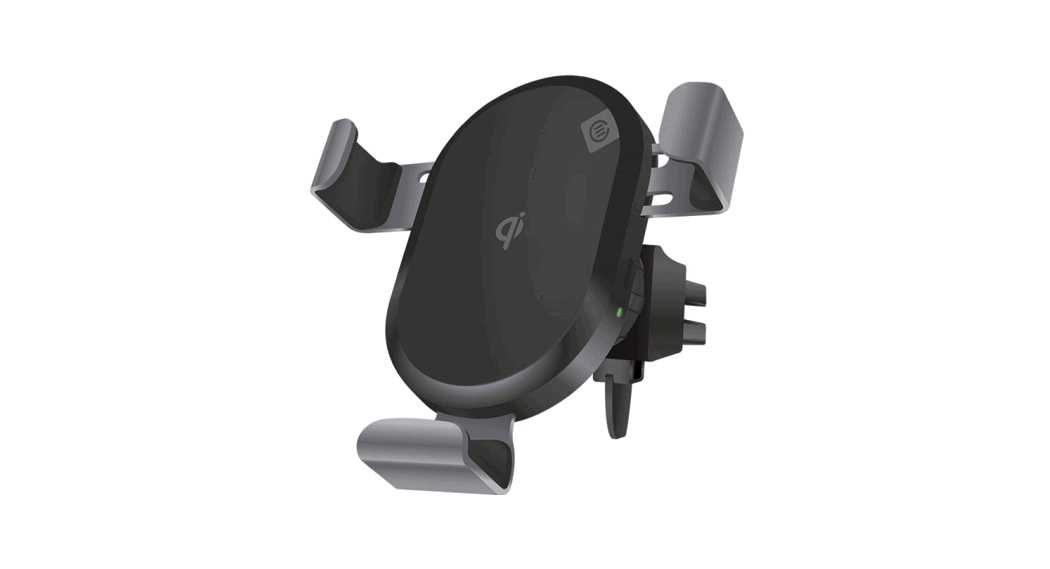
Product Diagram
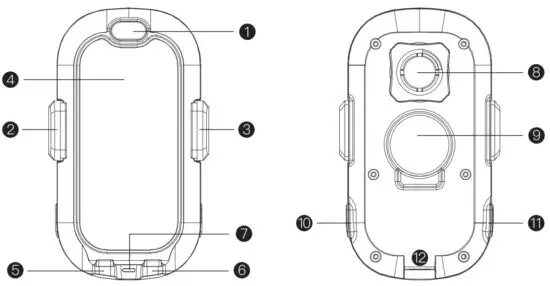
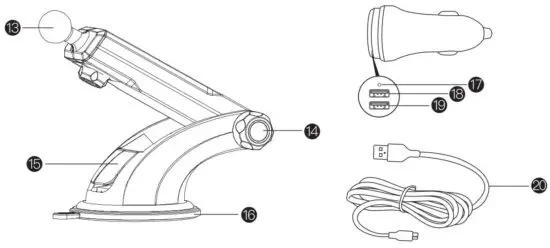
- Close Button
- Locking Side A rms
- Locking Side A rms
- Coil
- Tray
- Tray
- Indicator
- Stabilizing Nut
- Motor
- Open Button
- Open Button
- Type- C Charging Port
- Ball Joint
- Stabilizing Nut
- Suction Lock
- Suction Cup
- Car Charger/Indicator
(Green:Fast Charging;Blue:Standard Charging) - USB A Output:Quick Charge 3.6V-6.5V/3A,6.5V-9V/2A,9V-12V/1.5A(Green)
- USB A Outp ut:5V/2.4A(White)
- Type-C Cable
Mounting & Using the Phone Holder
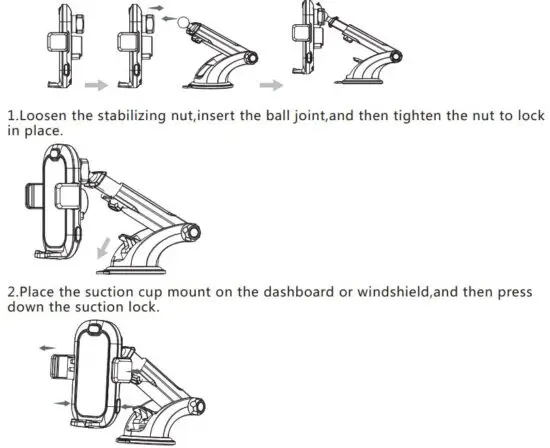
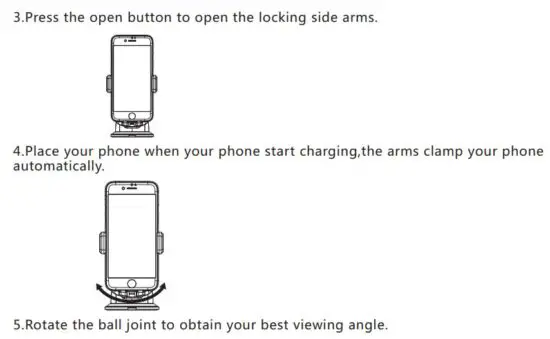
How to Charge Your Devices
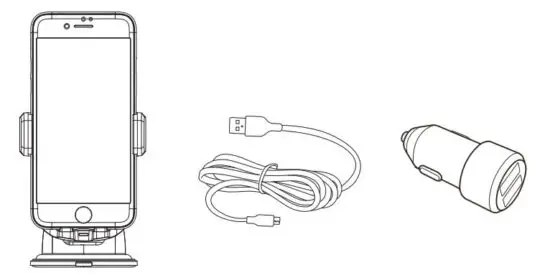
- Connect the Type-C cable int o the charging por t.
- Insert the USB connect or into a car charger.
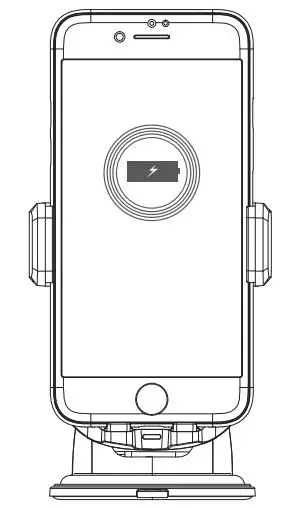
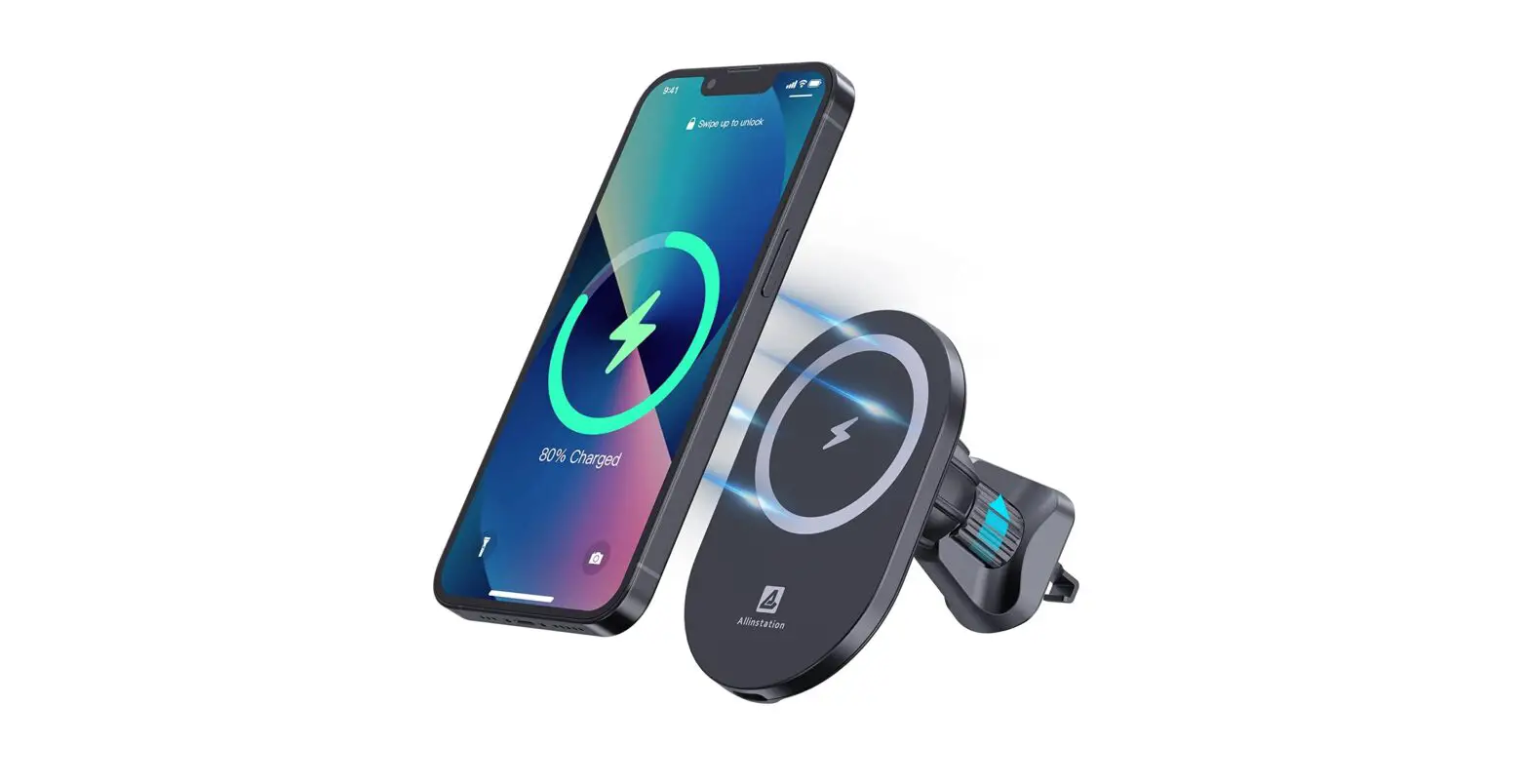
3. Position your phone so that the ar m automatically clamps the phone by generating electromagnetic induction.
Note:
- Line up the center of phone with the charging coils to achieve efficient charging.
- Phone cases more than 0.2 inch / 0.5 cm thick will not be detected. Remove before charging. Charging will start automatically with a right connection and the charging indicators will light up accordingly.
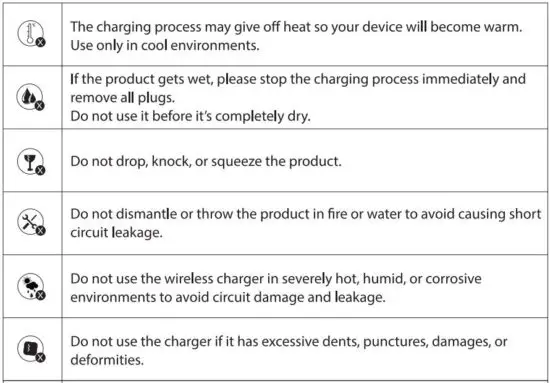
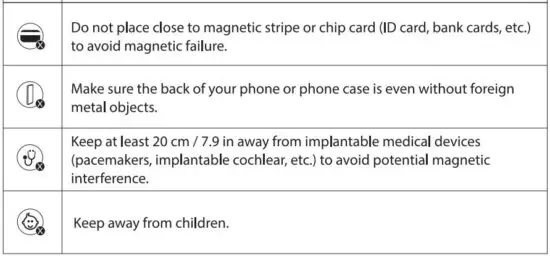
Cautions
FCC Statements
Caution: The user is cautioned that changes or modifications not expressly approved by the party responsible for compliance could void the user’s authority to operate the equipment.
This device complies with Part 15 of the FCC Rules. Operation is subject to the following
two conditions: (1) this device may not cause harmful interference, and(2) this device must accept any interference received, including interference that may cause undesired operation.
NOTE: This equipment has been tested and found to comply with the limits for a Class B
digital device, pursuant to part 1 5 of the FCC Rules. These limits are designed to provide reasonable protection against harmful interference in a residential installation. This equipment generates uses and can radiate radio frequency energy and, if not installed and used in accordance with the instructions, may cause harmful interference to radio communications.
However, there is no guarantee that interference will not occur in a particular installation. If this equipment does cause harmful interference to radio or television reception, which can be determined by turning the equipment off and on, the user is encouraged to try to correct the interference by one or more of the following measures:
- Reorient or relocate the receiving antenna.
- Increase the separation between the equipment and receiver.
- Connect the equipment into an outlet on a circuit different from that to which the receiver is connected.
- Consult the dealer or an experienced radio/TV technician for help
FCC Radiation Exposure Statement:
This equipment complies with FCC radiation exposure limits set forth for an uncontrolled environment. This equipment should be installed and operated with a minimum distance of 20cm between the radiator and your body. This transmitter must not be co-located or operating in conjunction with any other antenna or transmit
The ‘Qi’ symbol is a trademark of the Wireless Power Consortium.
Read More About This Manual & Download PDF: