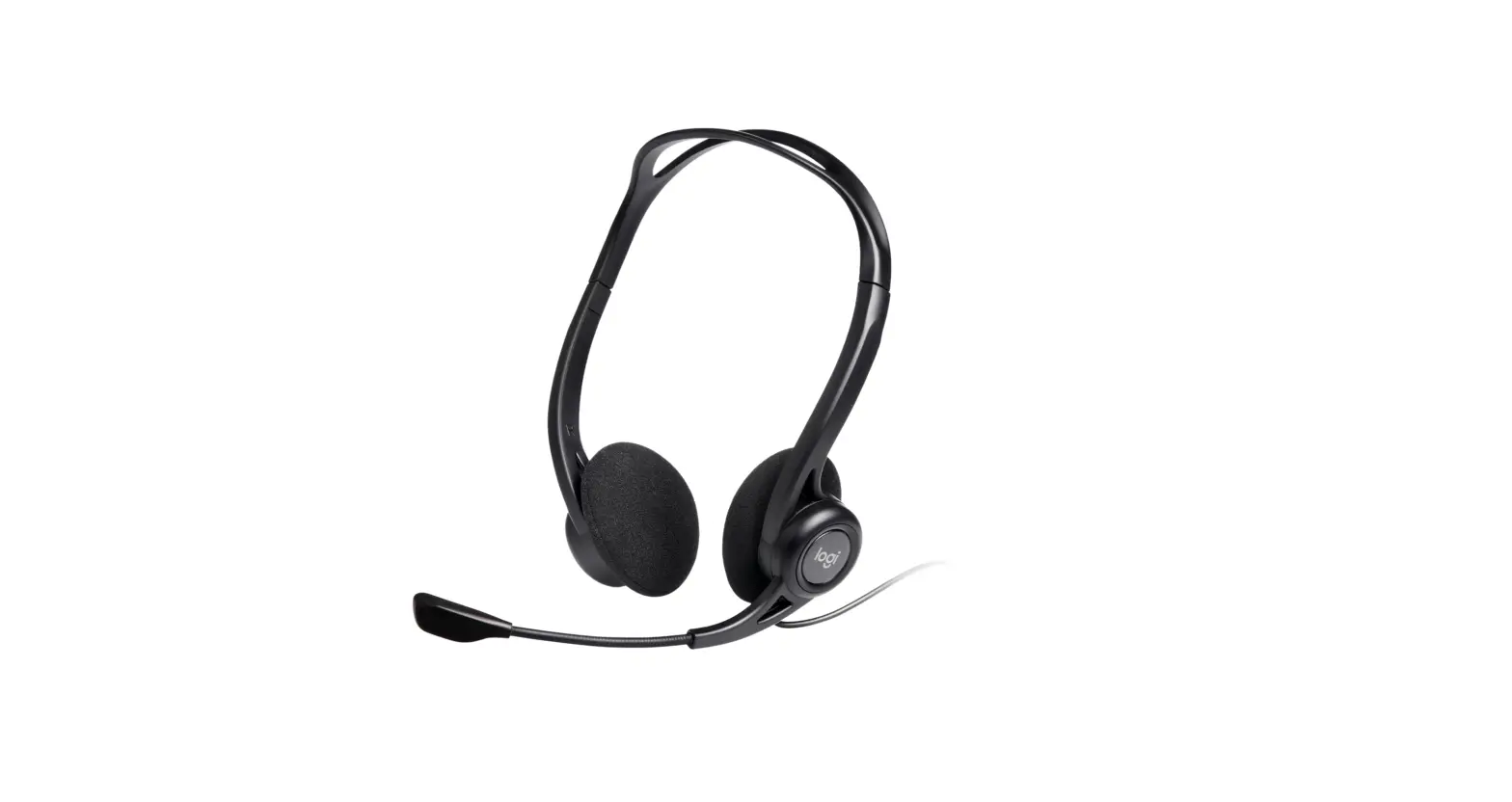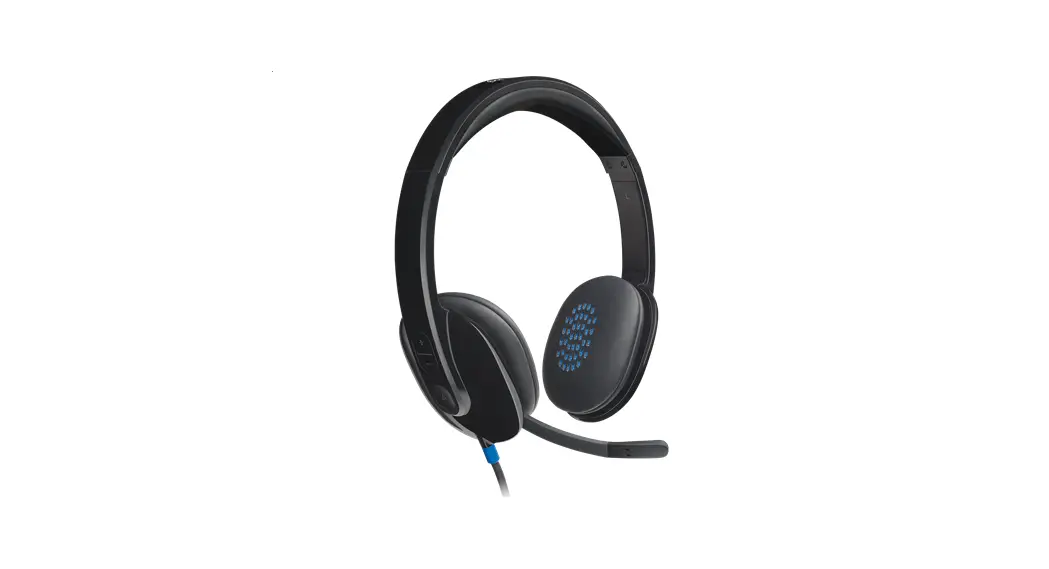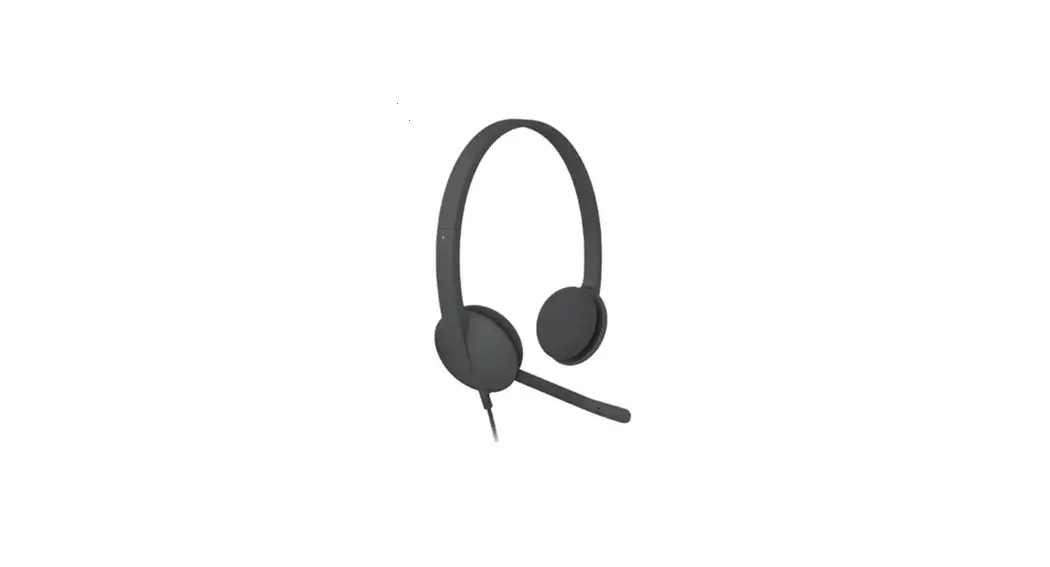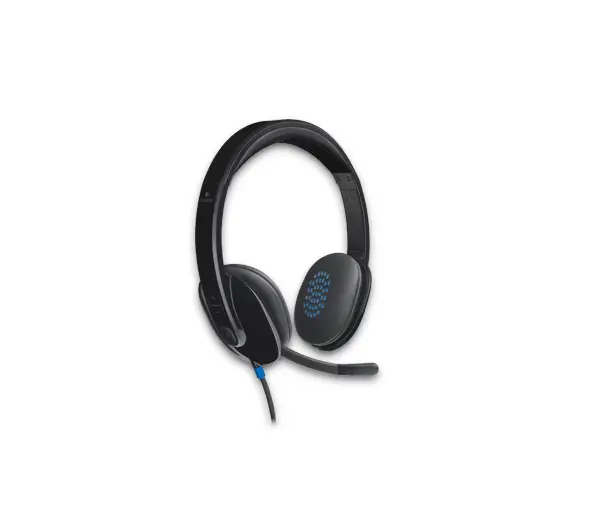
logitech USb Headest User Guide
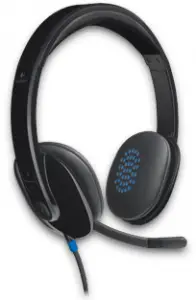
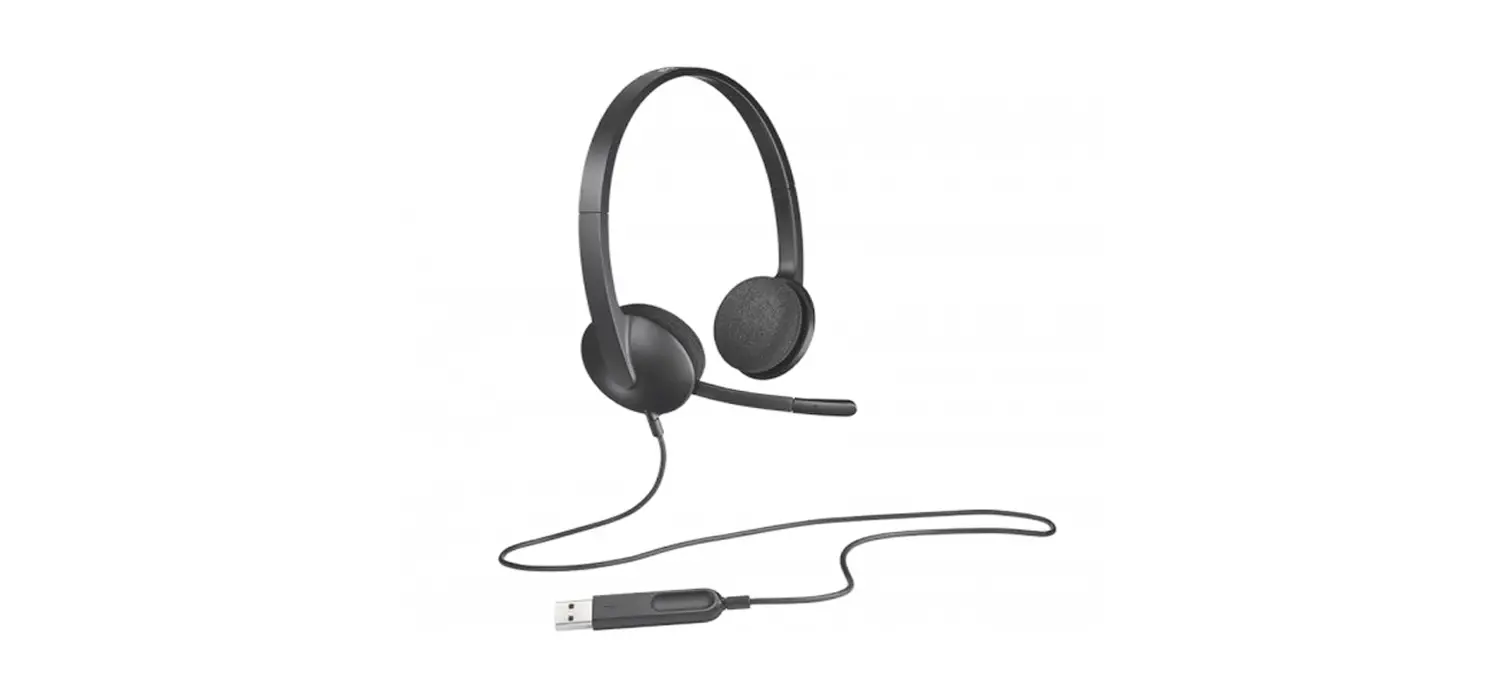
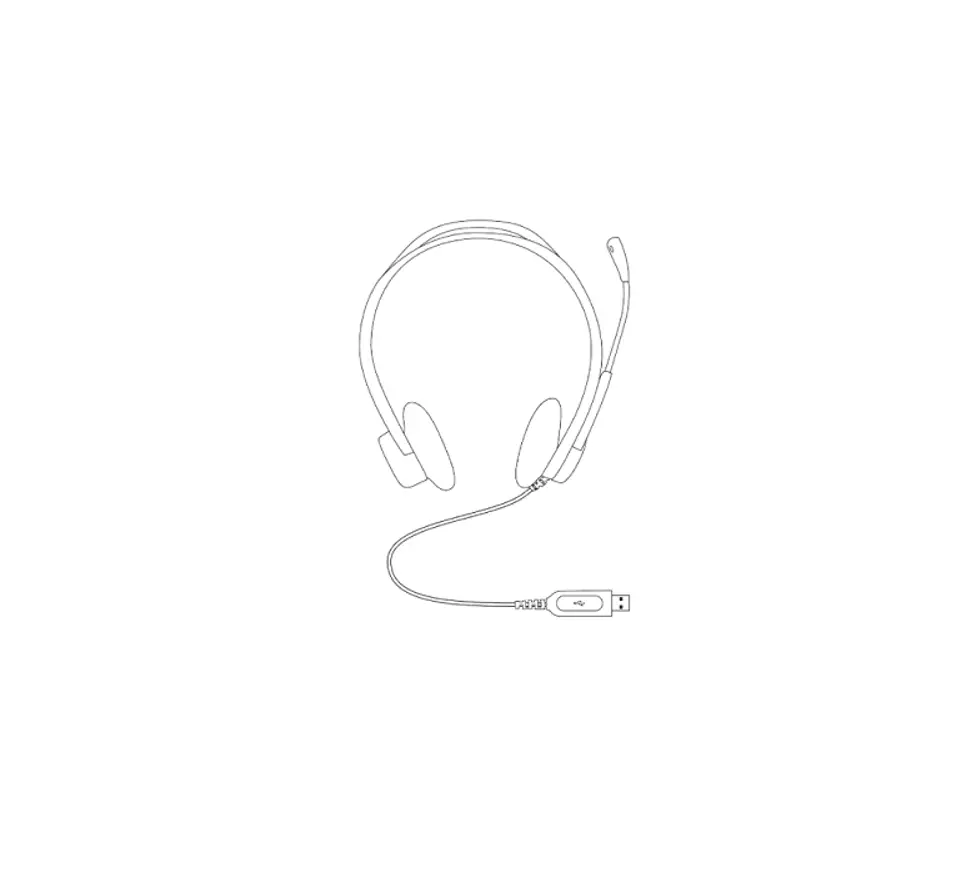
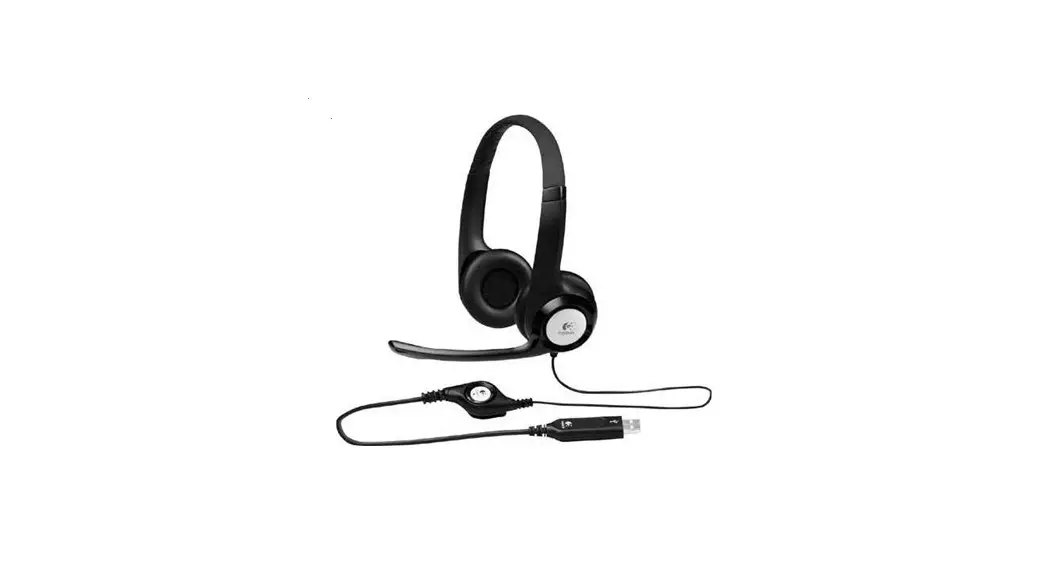
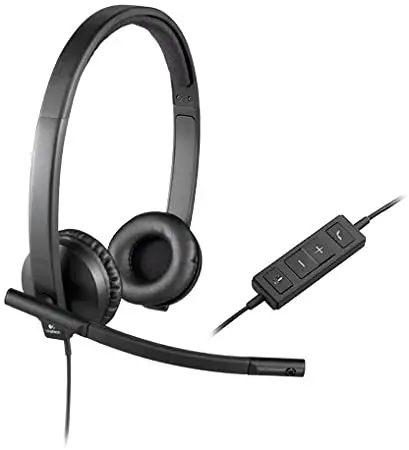
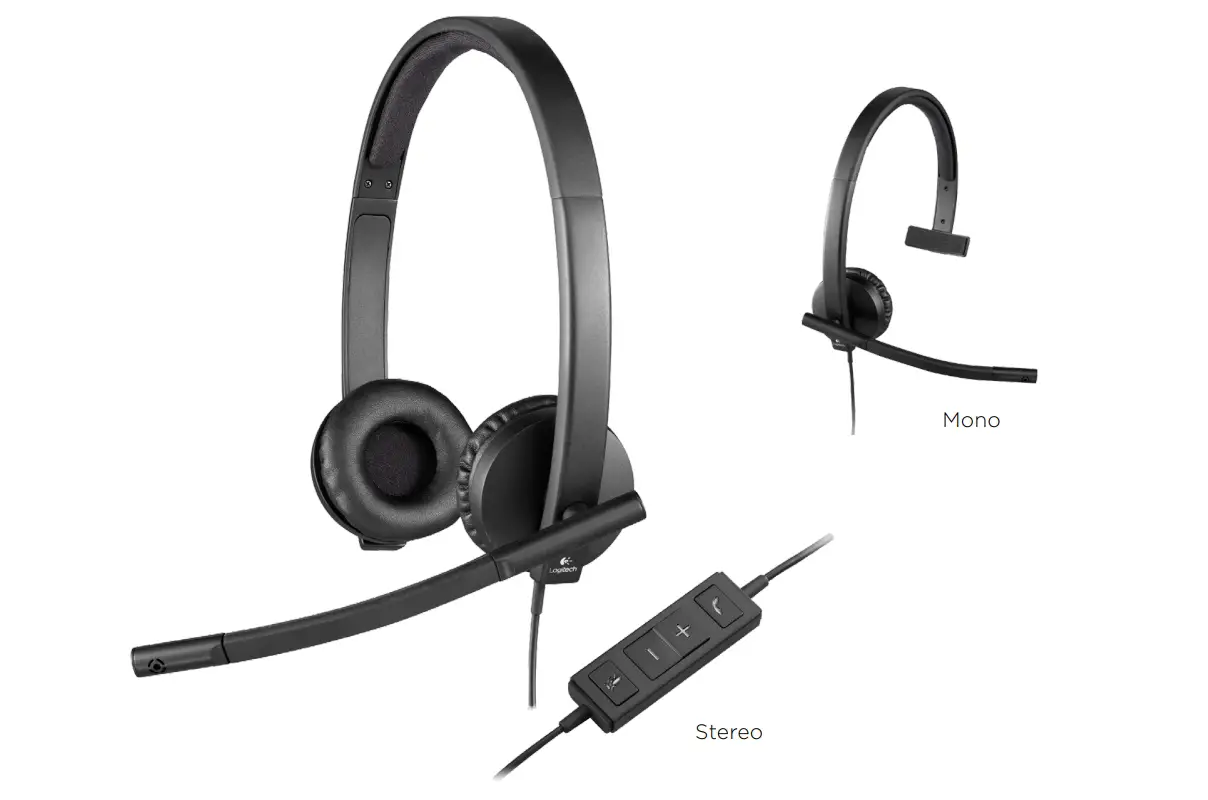
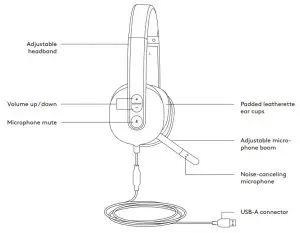
KNOW YOUR PRODUCT
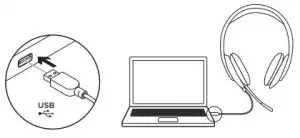
CONNECTING THE HEADSET
Plug the USB-A connector into the computer USB port.
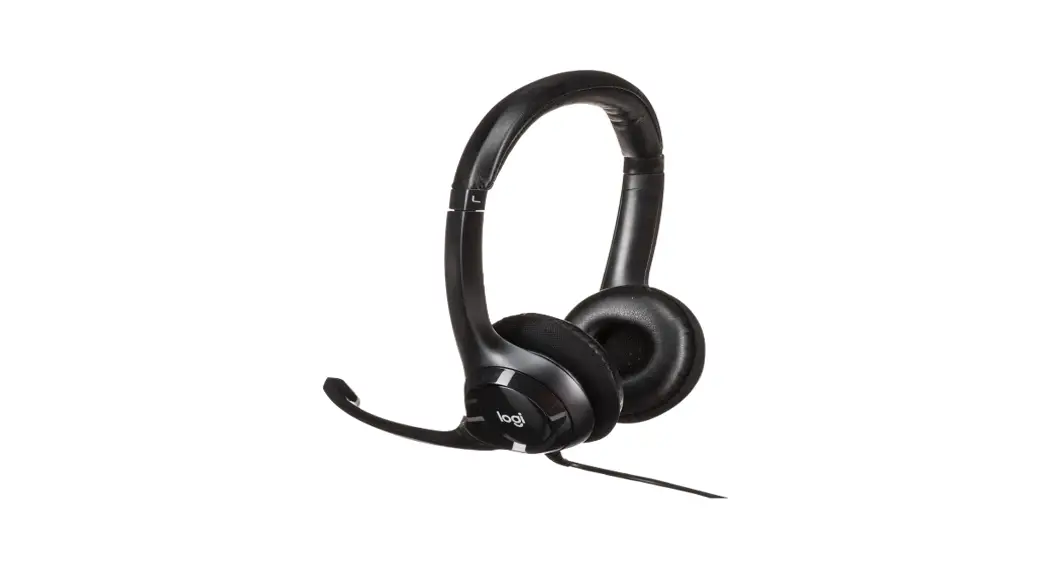
HEADSET FIT
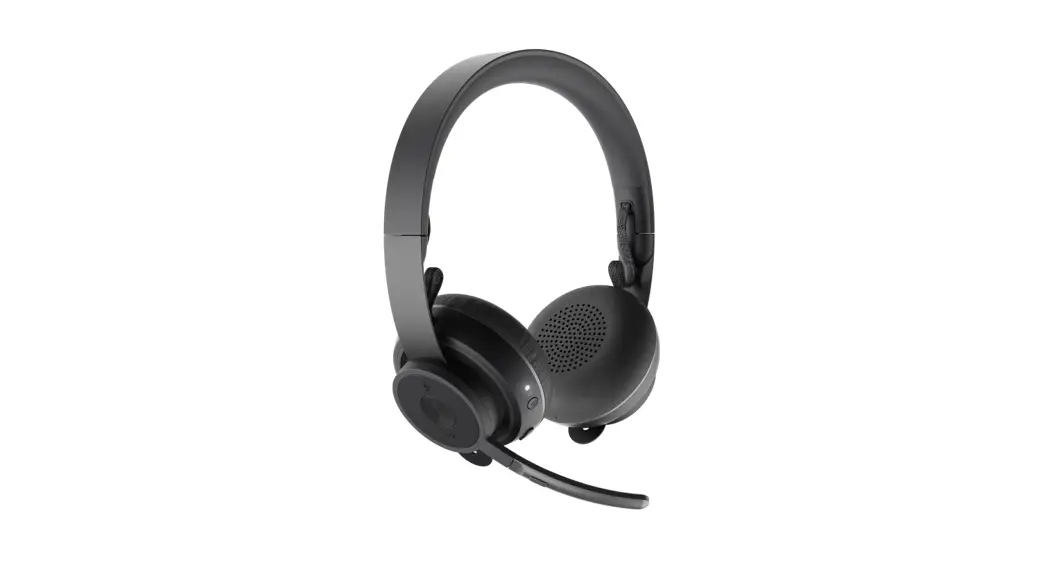
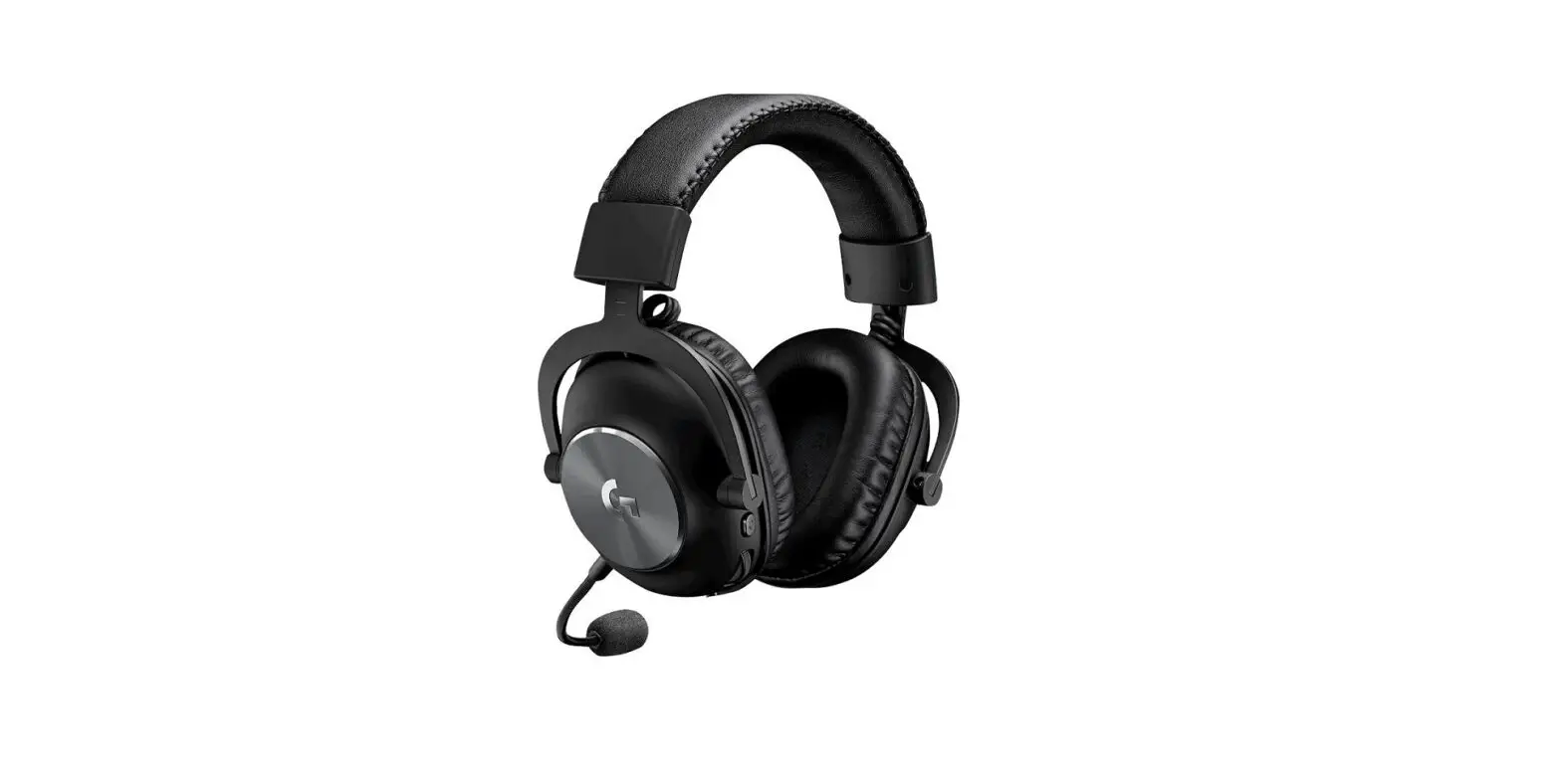
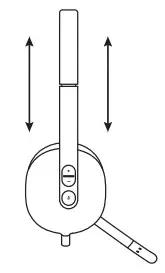
- To adjust headset size, move the headband up and down until it fits comfortably.

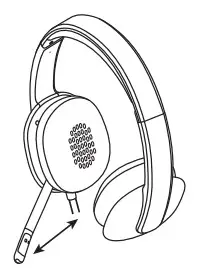
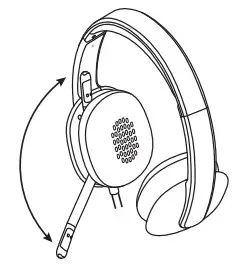
- Move the flexible microphone boom up or down and in or out until it is level with your mouth for better voice capture.

- Boom can be tucked out of the way when not being used.

Web: www.logitech.com/support/H540
 Logitech Support + Download