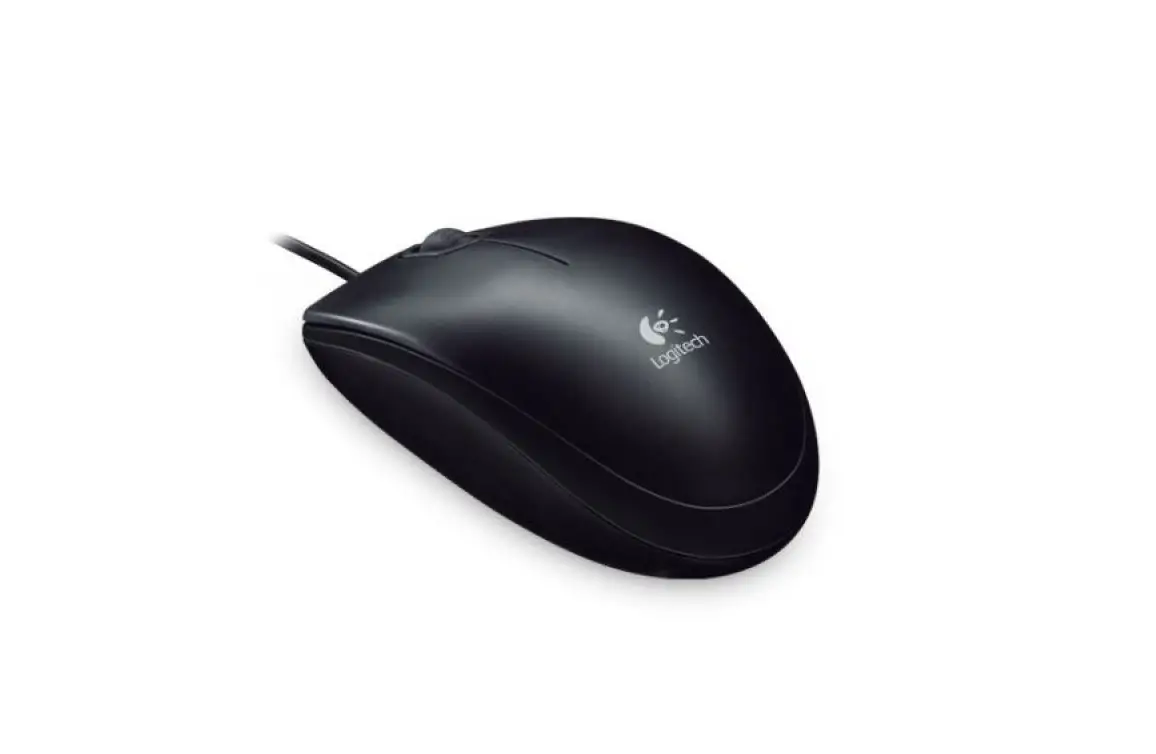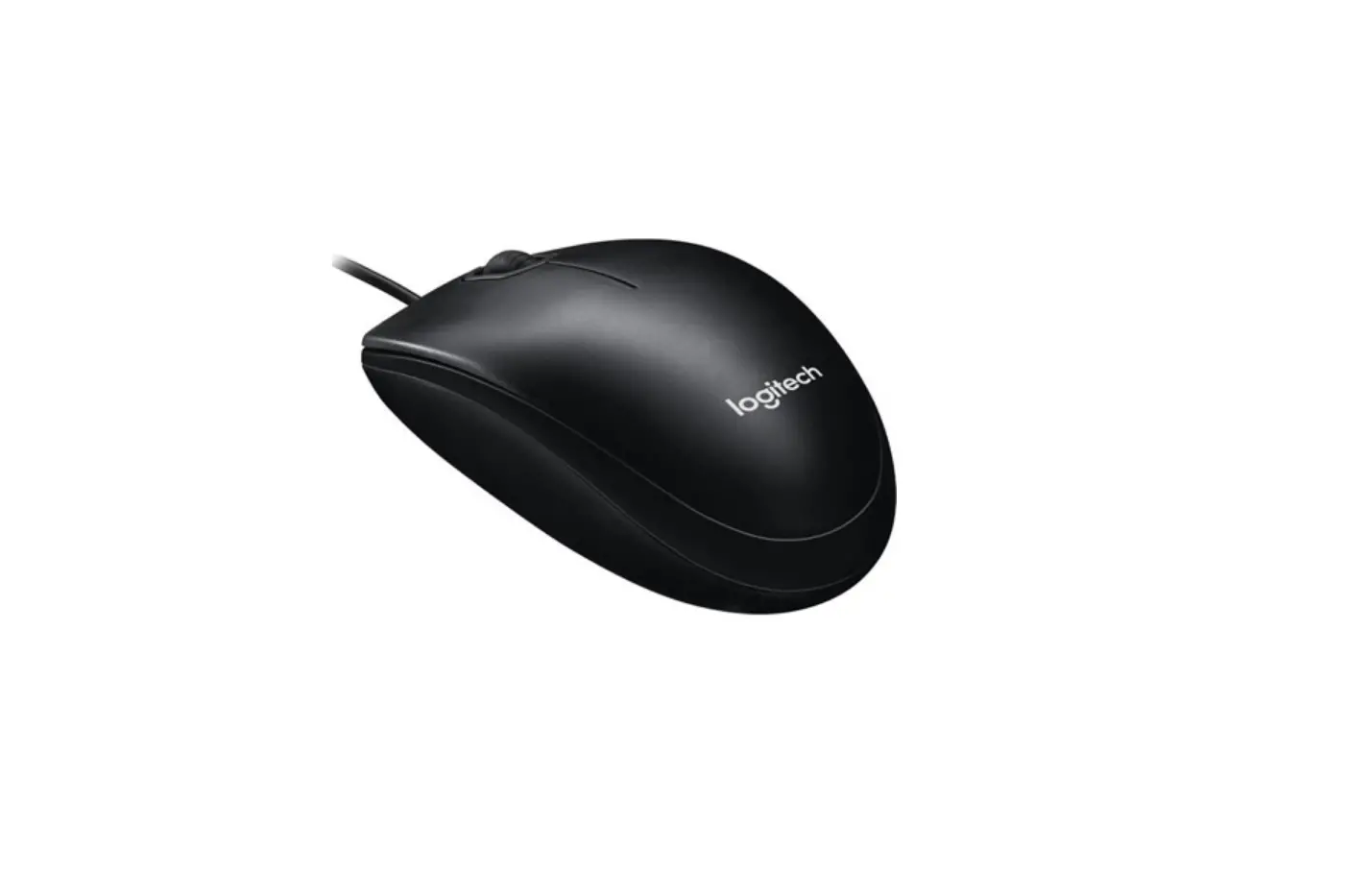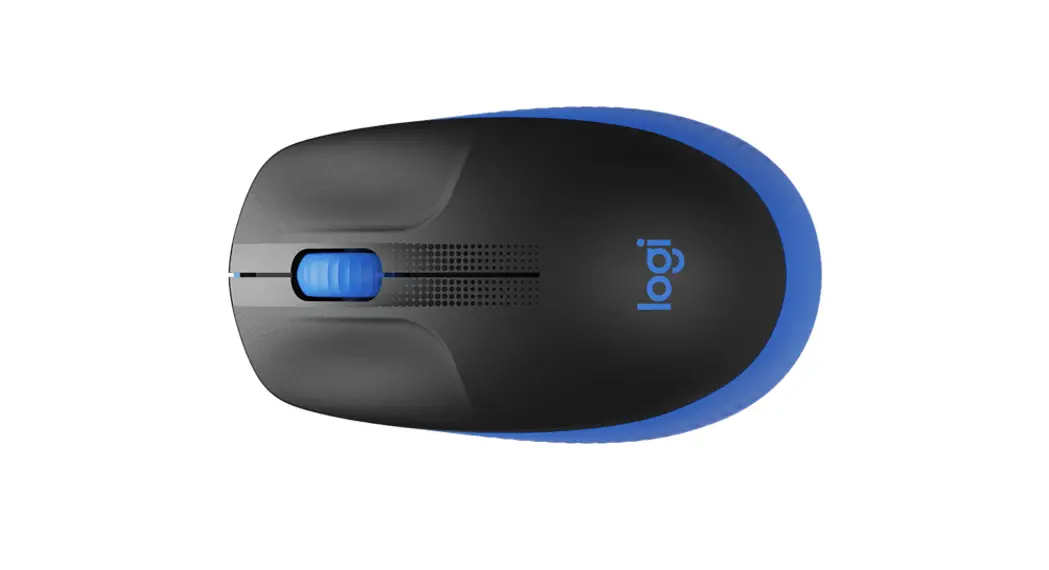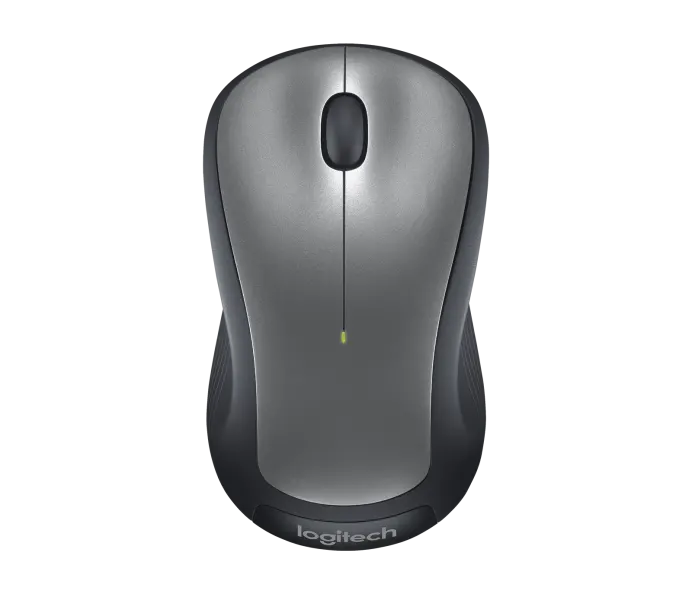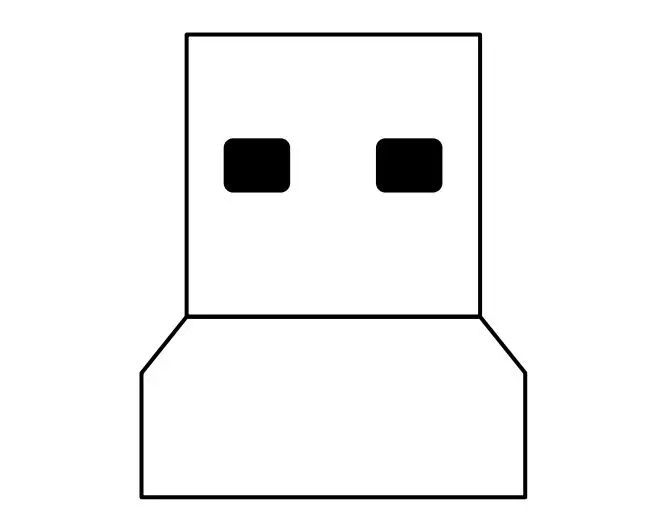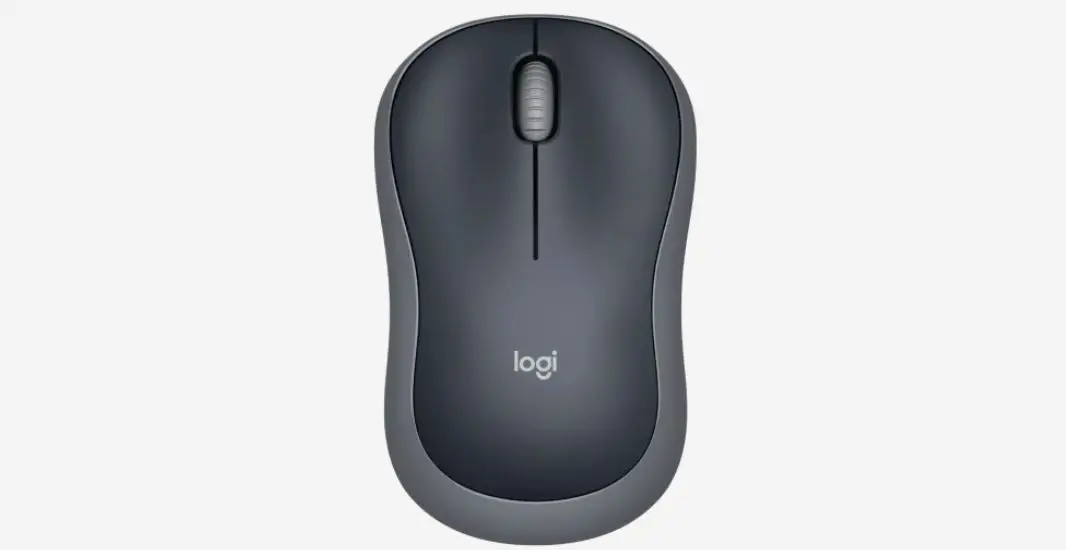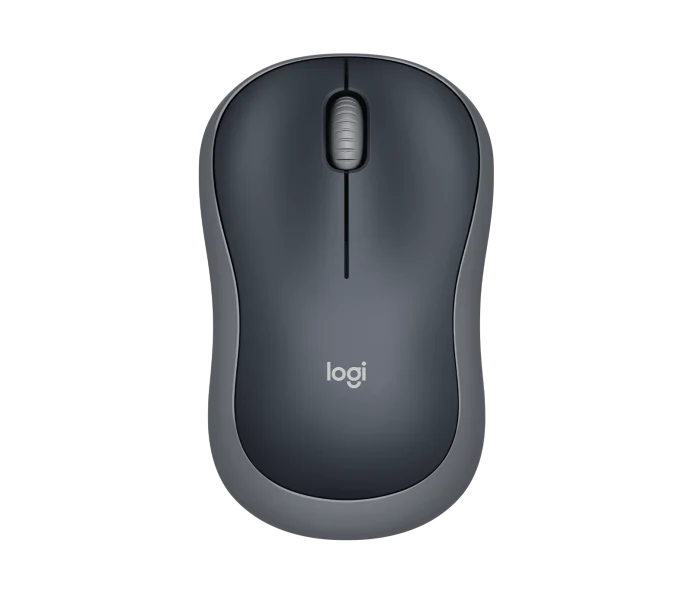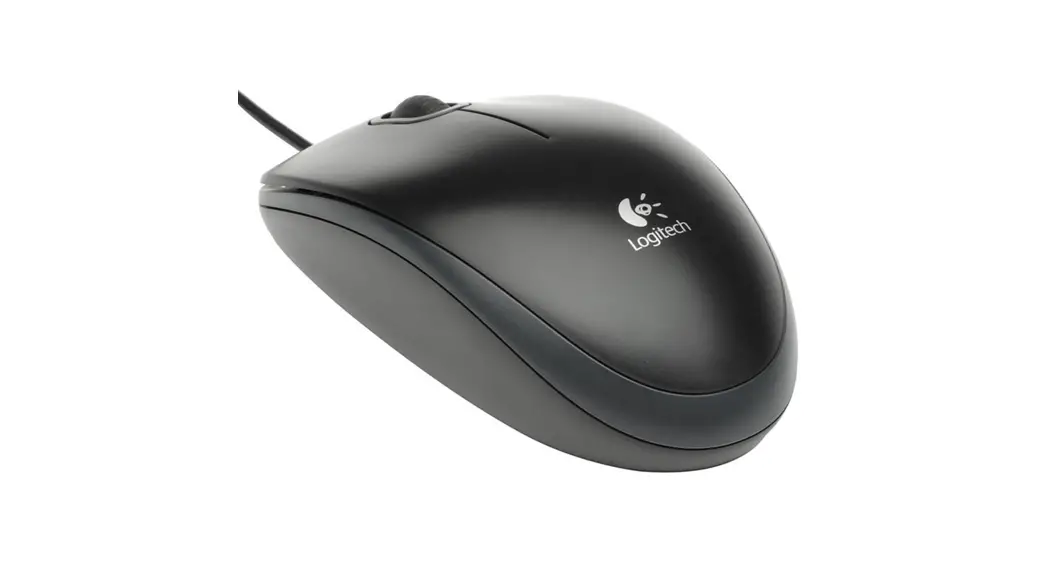

logitech Mouse B100
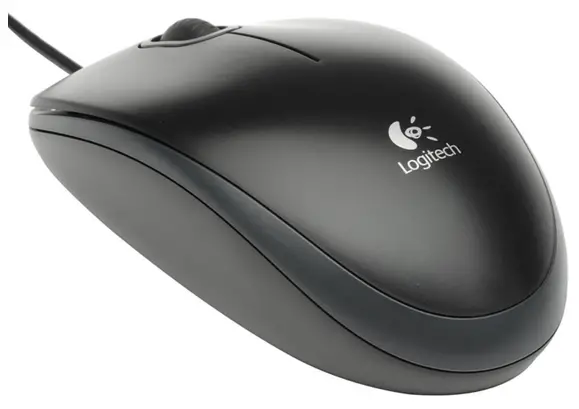
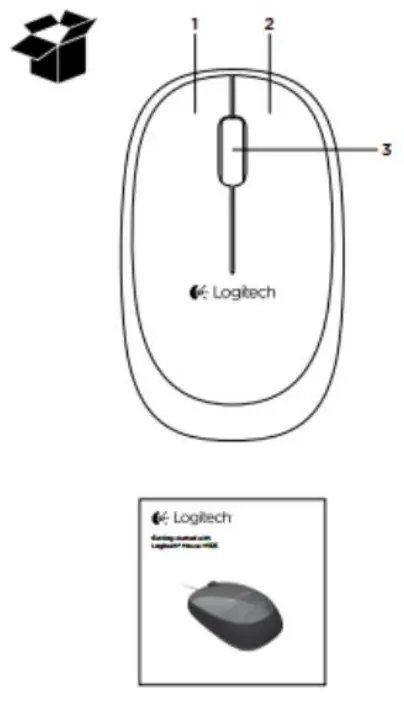
Mouse features
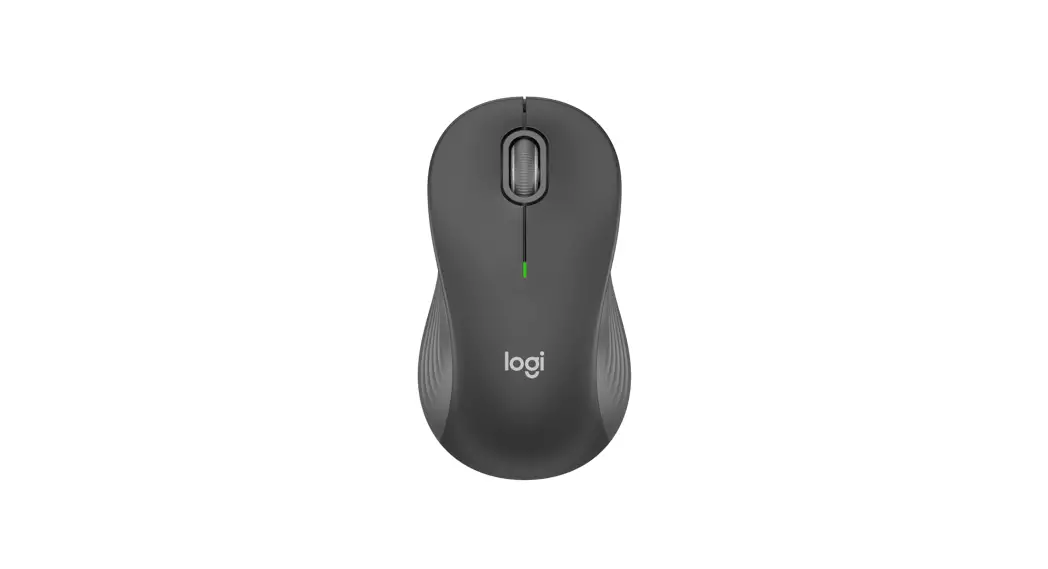
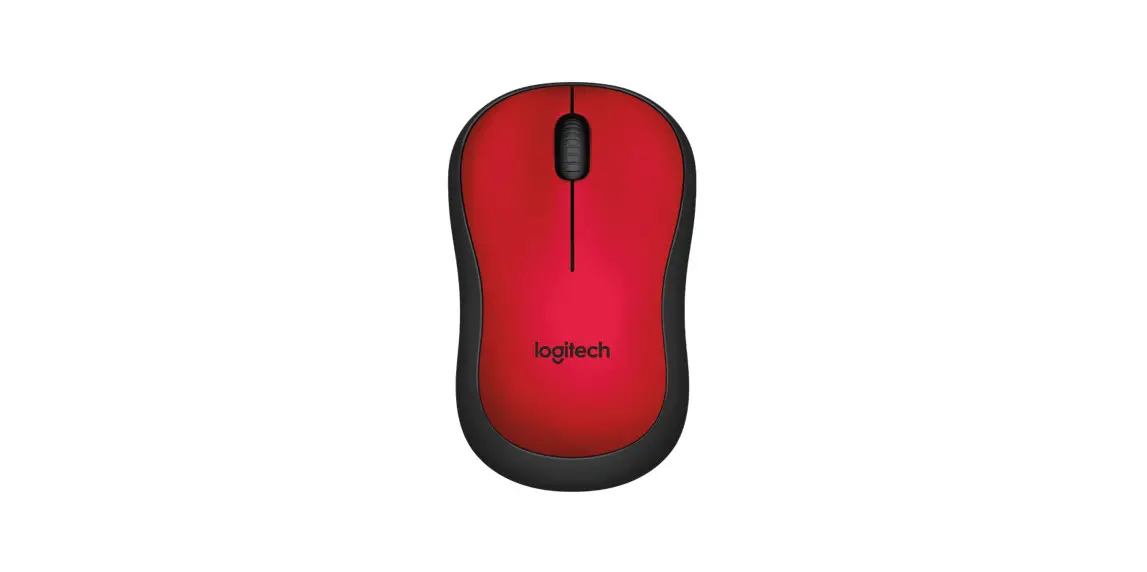
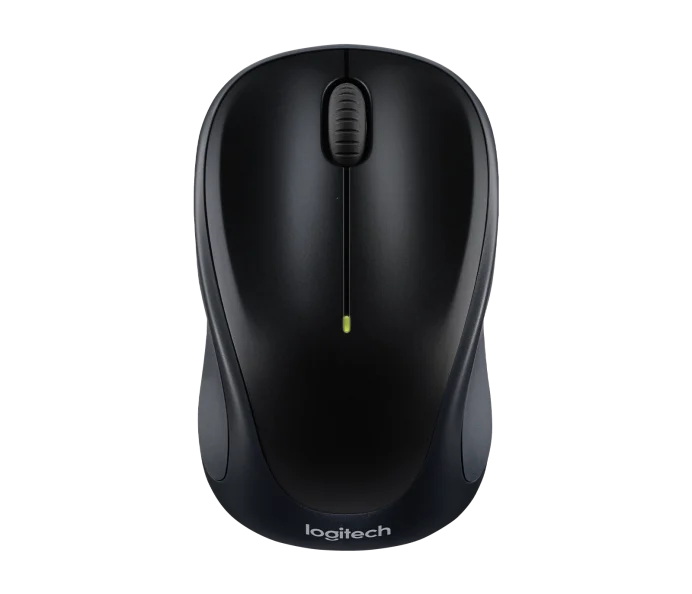
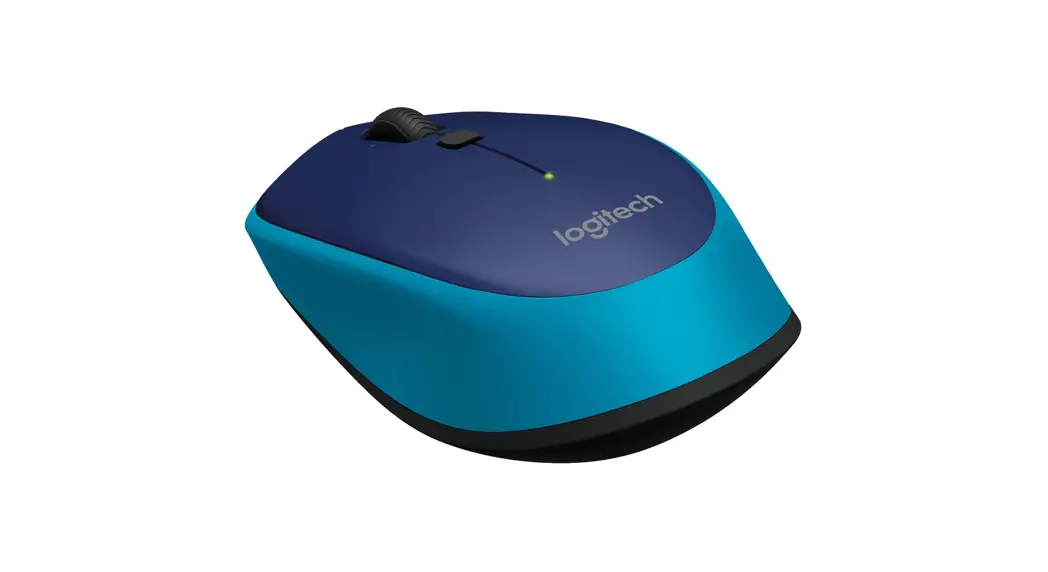
- Left button
- Right button
- Scroll wheel (Press for middle button. Function varies by application).
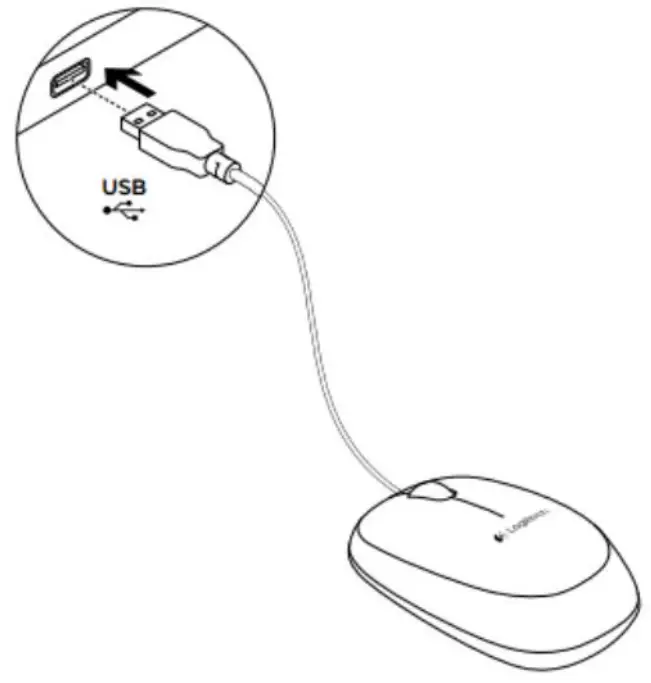
Troubleshooting
Mouse not working?
- Check the USB cable connection.
Try a different US8 port on the computer.
Connect directly to the computer and do not use a USB hub. - Try the mouse on a different surface.
Additional help
For online help, go to www.logitech.com/support/m105
What do you think?
Please take a minute to tell us.
Thank you for purchasing our product.
www.logitech.com/ithink

| Eastern Europe | 4140)22 761 40 25 |