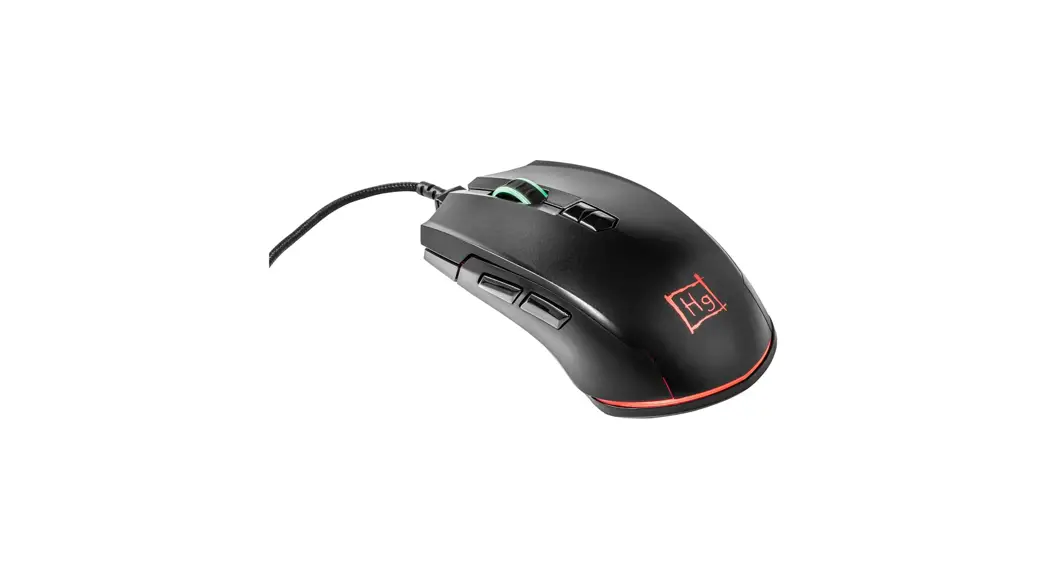
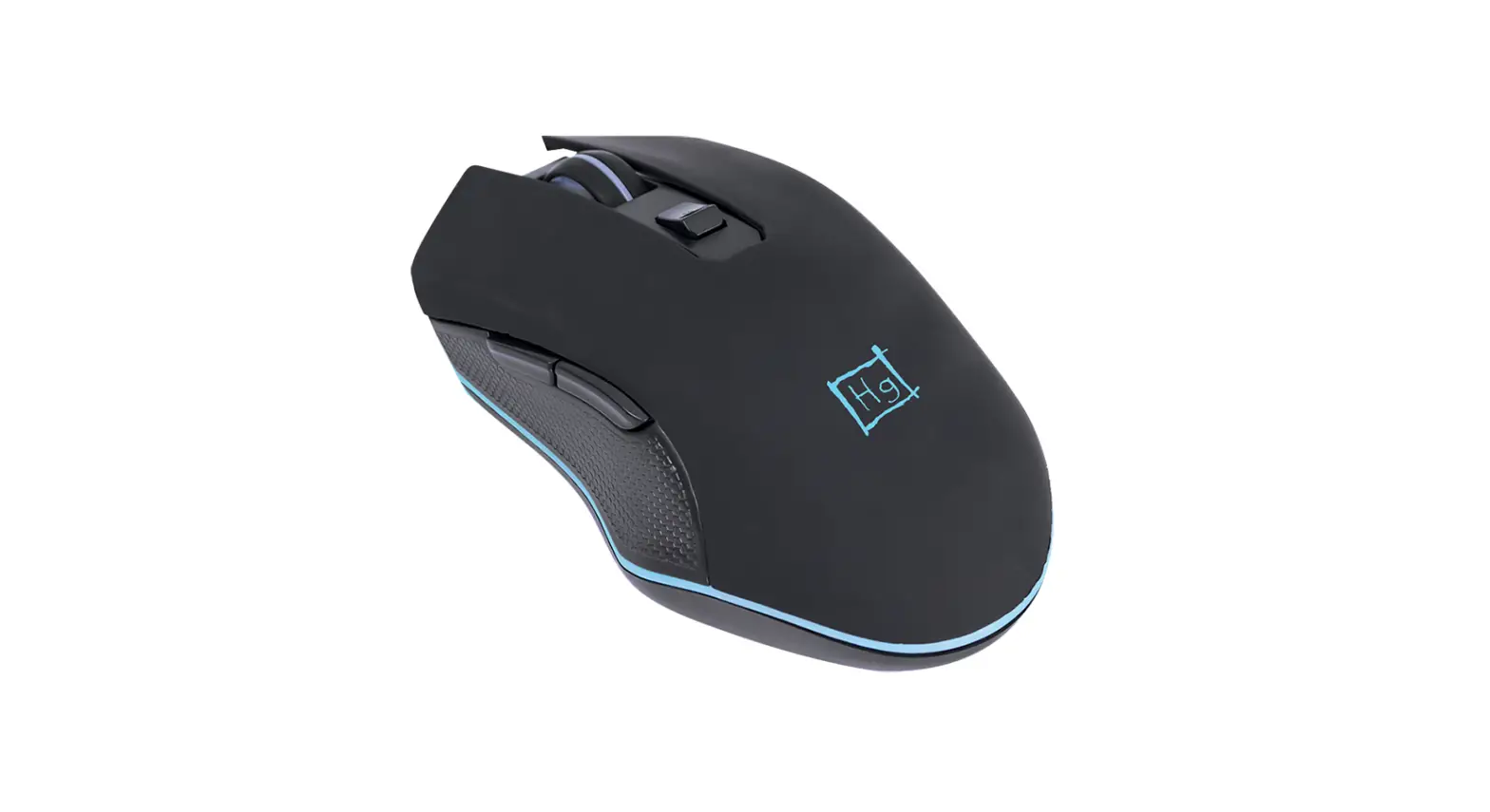
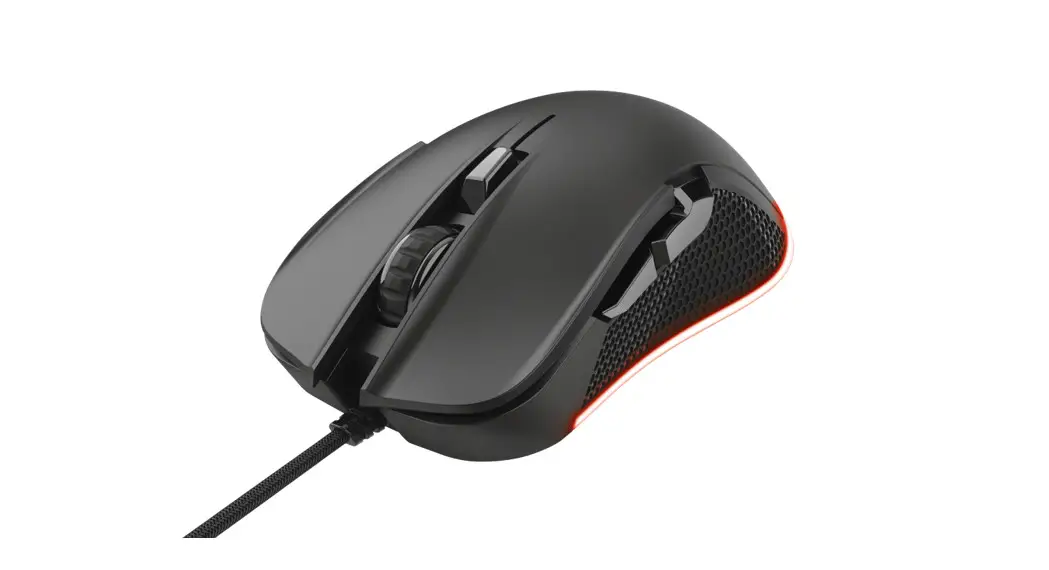
ID0157 USB Gaming Mouse
Product Information
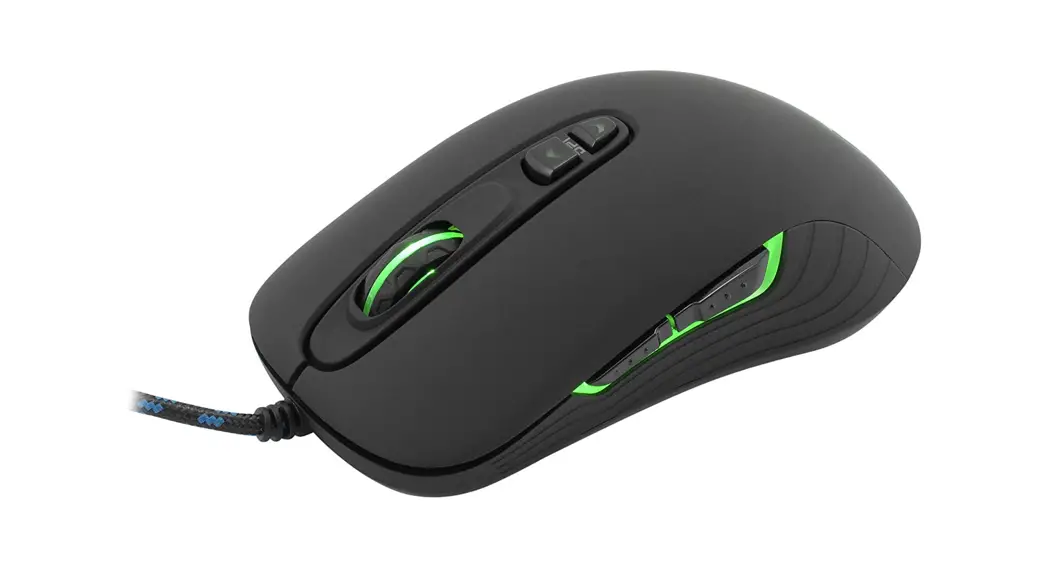
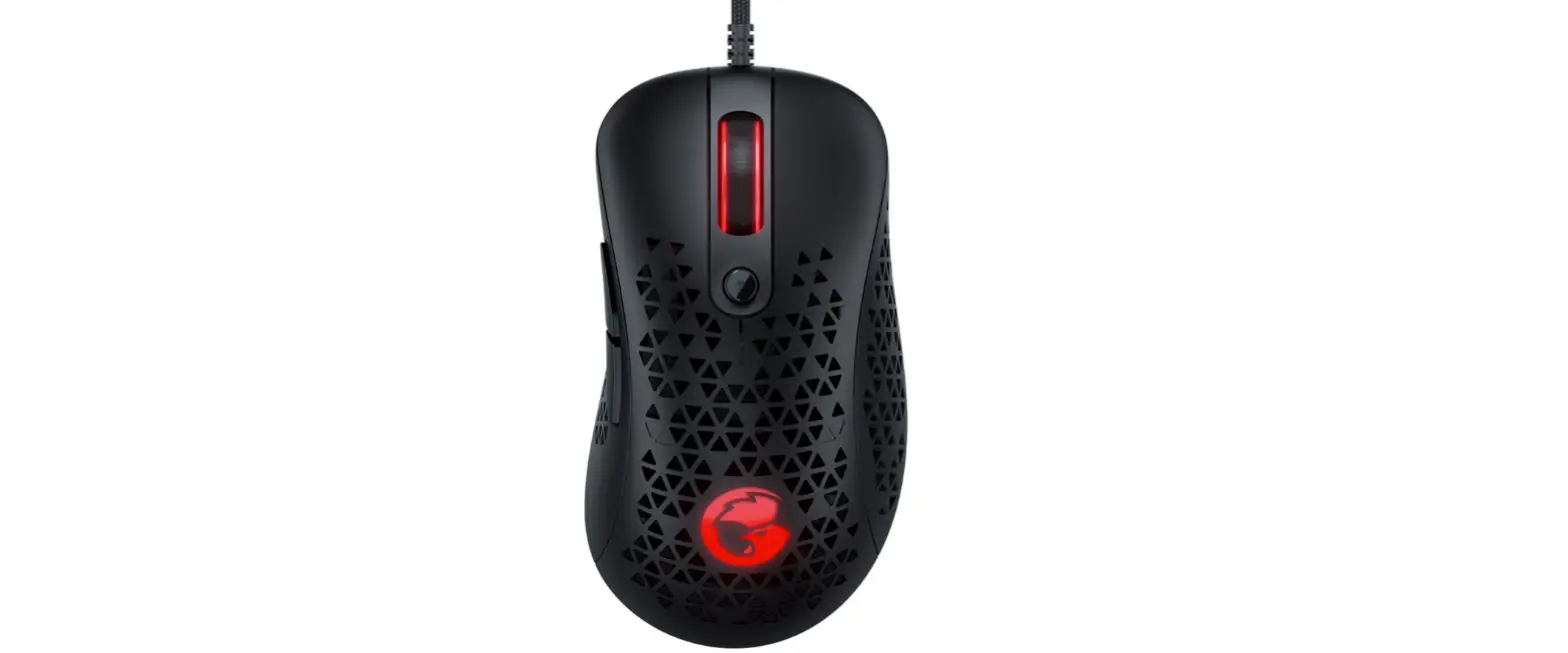
The Best Connectivity USB Gaming Mouse, with the Art. No.:
ID0157, is designed specifically for gamers who want to enhance
their gaming experience with precise and responsive control. This
gaming mouse is built to deliver winning performance and provide an
ergonomic design for comfortable use during long gaming
sessions.
Product Usage Instructions
- Plug the USB connector of the gaming mouse into an available
USB port on your computer. - Wait for the computer to recognize the mouse and install any
necessary drivers or software. - Make sure to adjust the DPI (Dots Per Inch) settings according
to your preference. Higher DPI settings provide faster cursor
movement, while lower DPI settings offer more precise control. - Customize the mouse buttons and macros using the provided
software, if applicable, to optimize your gaming experience. - Ensure that the mouse is placed on a suitable surface for
accurate tracking. A mouse pad specifically designed for gaming is
recommended. - Experiment with different grip styles and find the one that
feels most comfortable and natural for you. - Regularly clean the mouse to maintain optimal performance. Use
a soft cloth or a mild cleaning solution to wipe the surface and
remove any dirt or debris. - When not in use, store the gaming mouse in a safe place to
protect it from physical damage.
By following these instructions, you can maximize your gaming
experience with the Best Connectivity USB Gaming Mouse.
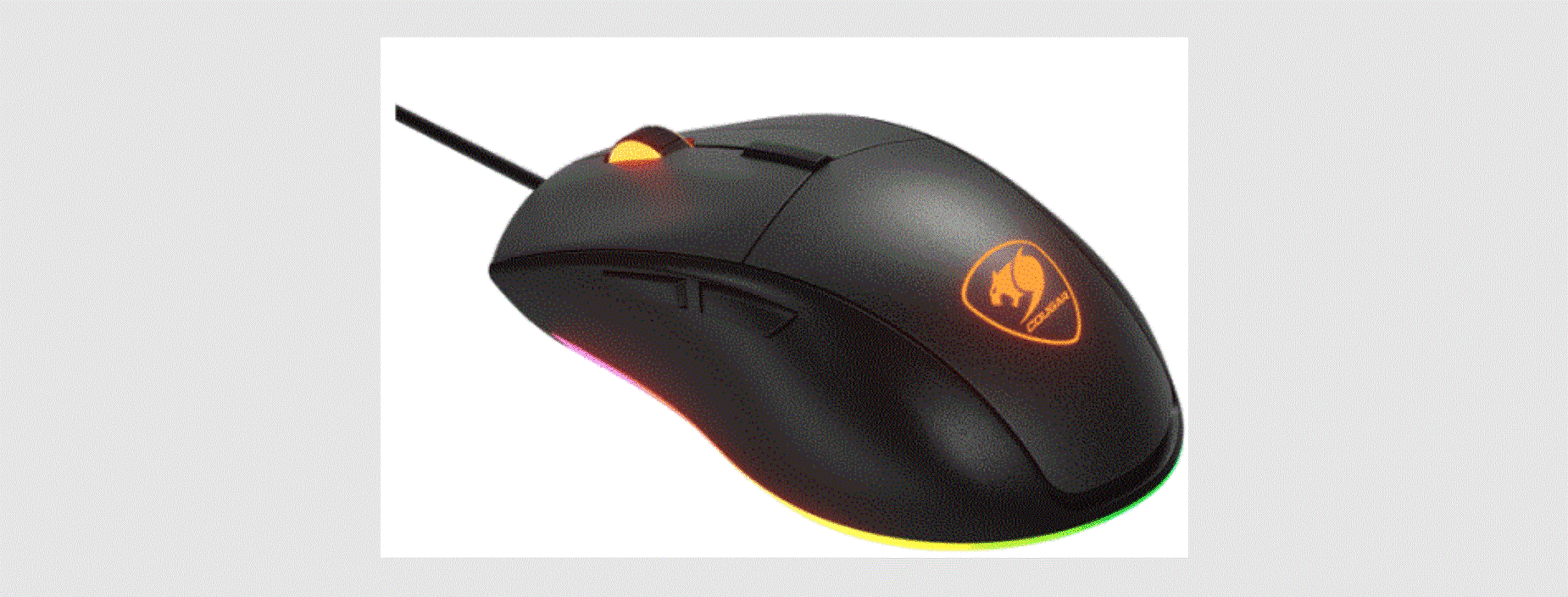
Best Connectivity
USB Gaming Mouse
Art. No.: ID0157
Design for gamers, embrace the winning performance!
Features: » Support USB Port » Precision Optical sensor » Adjustable sensitivity: 1200/1600/2400/3200 dpi » 5 Standard buttons + 2 DPI shift button » Muti-color LED lighting » Plug & Play » Support Windows XP/Vista/7/8/10 and Mac OS
Package Contents: » 1 x USB Gaming Mouse » 1 x User Manual
Package Informations: » Packing Dimension: 195 x 132 x 56mm » Packing Weight: 0.23kg » Carton Dimension: 590 x 360 x 285mm » Carton Q’ty: 40pcs » Carton Weight: 9.4kg