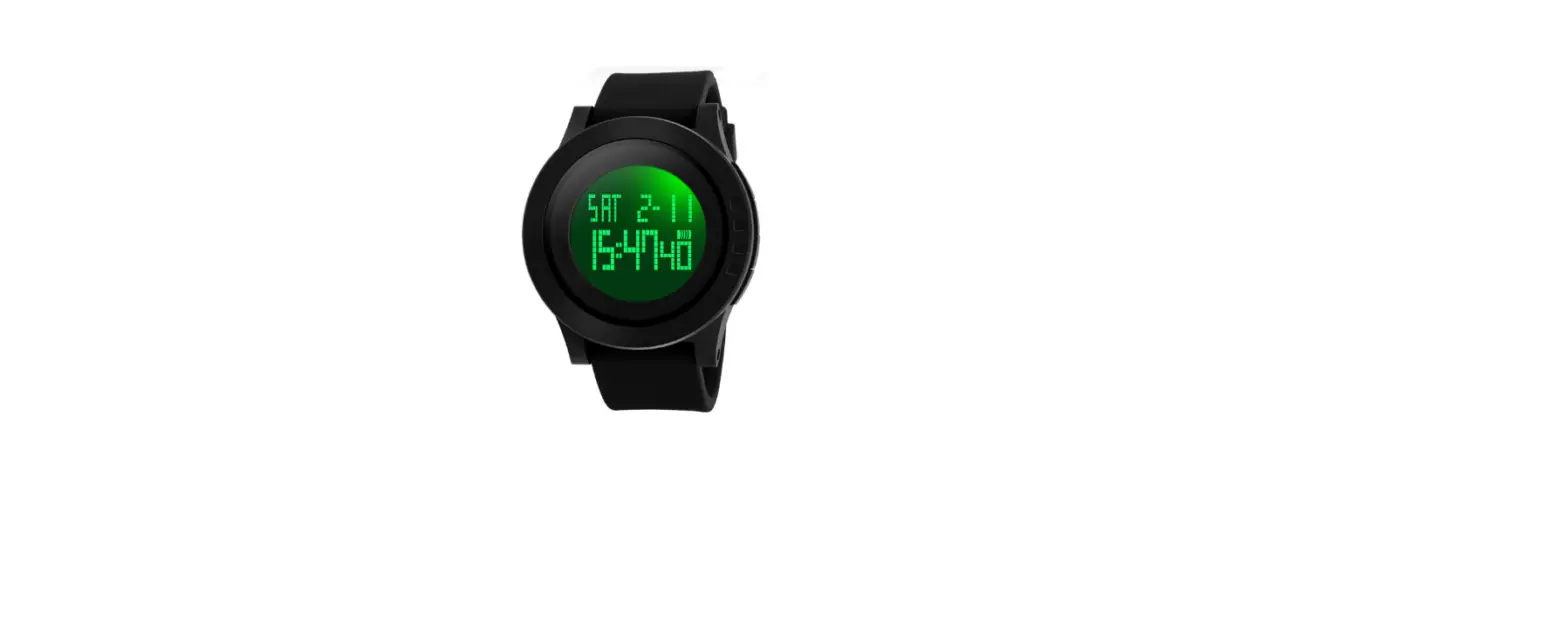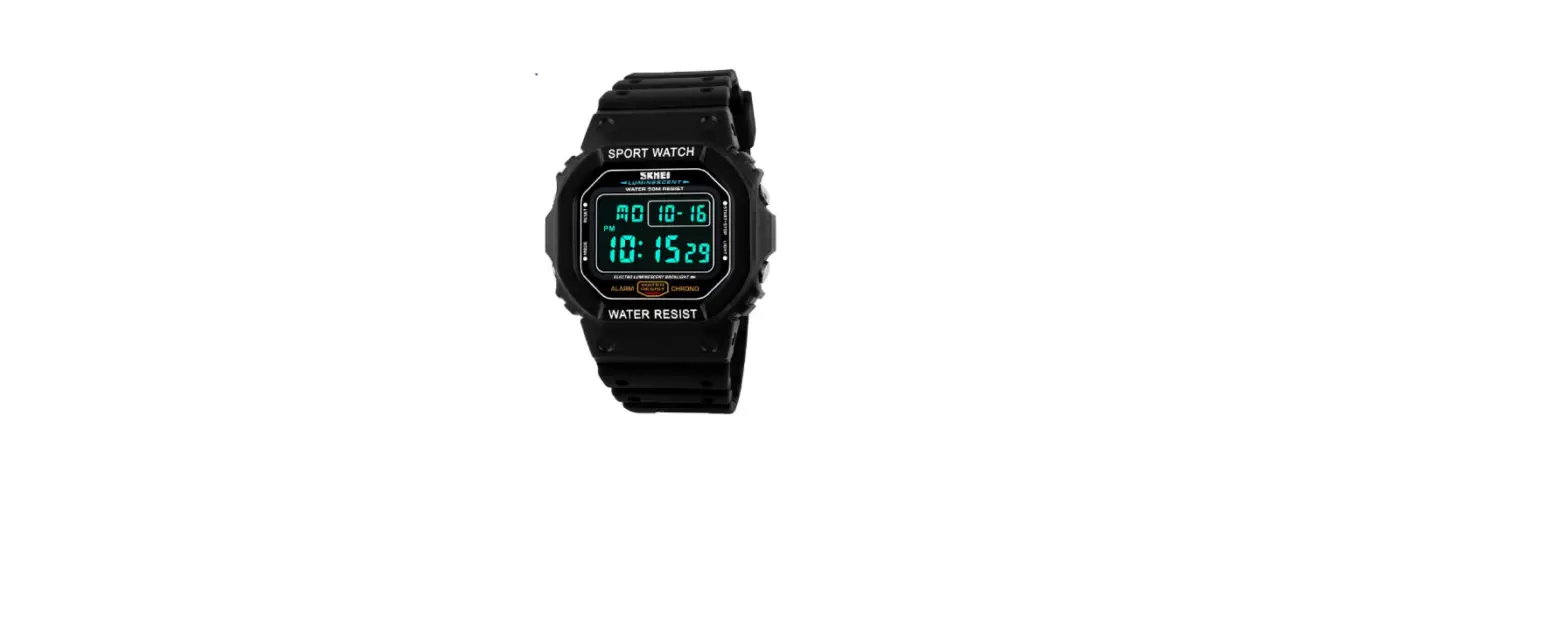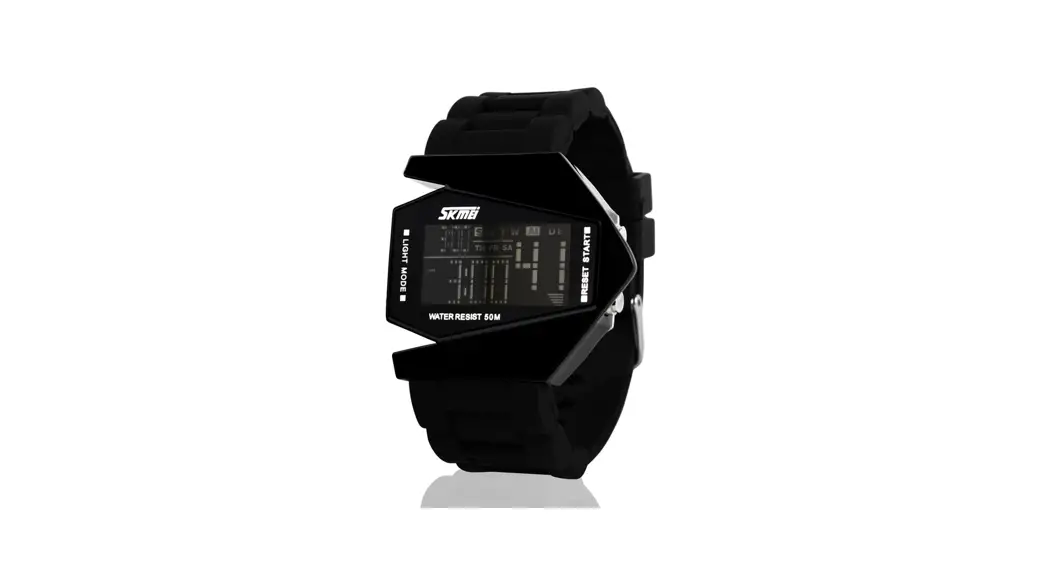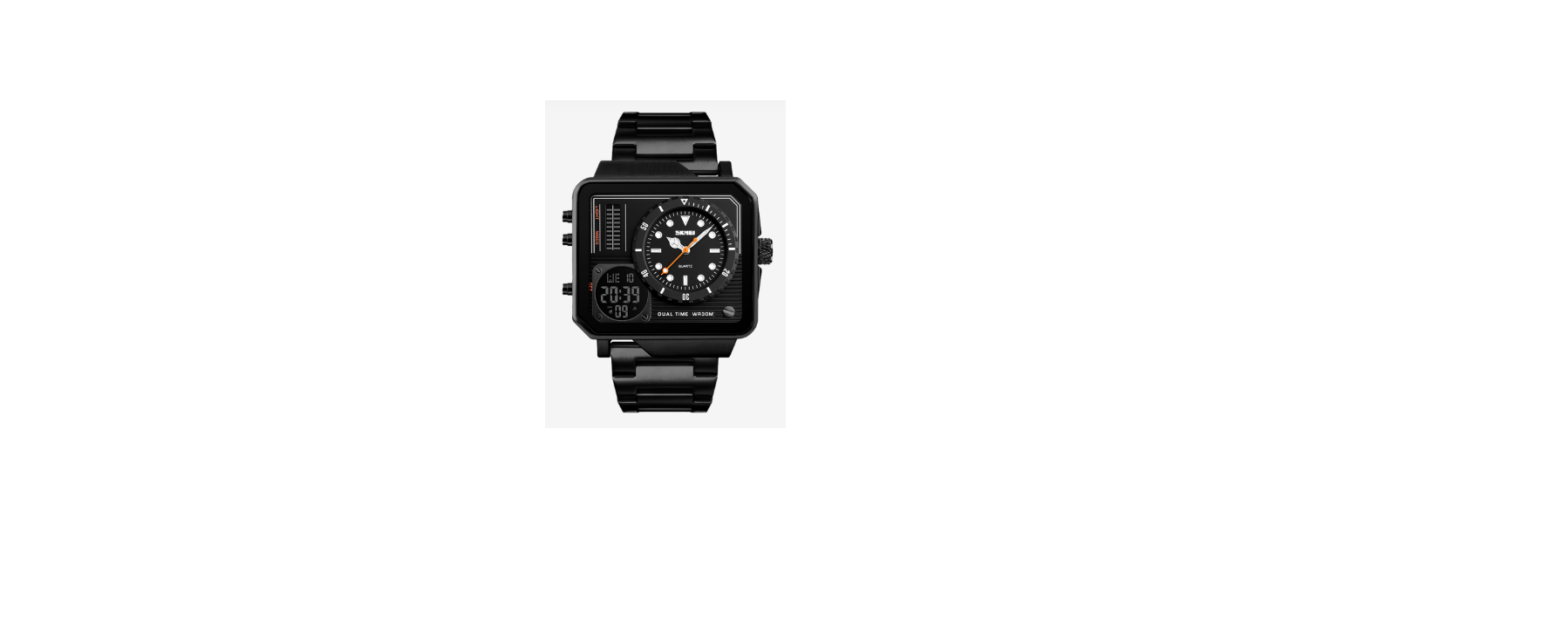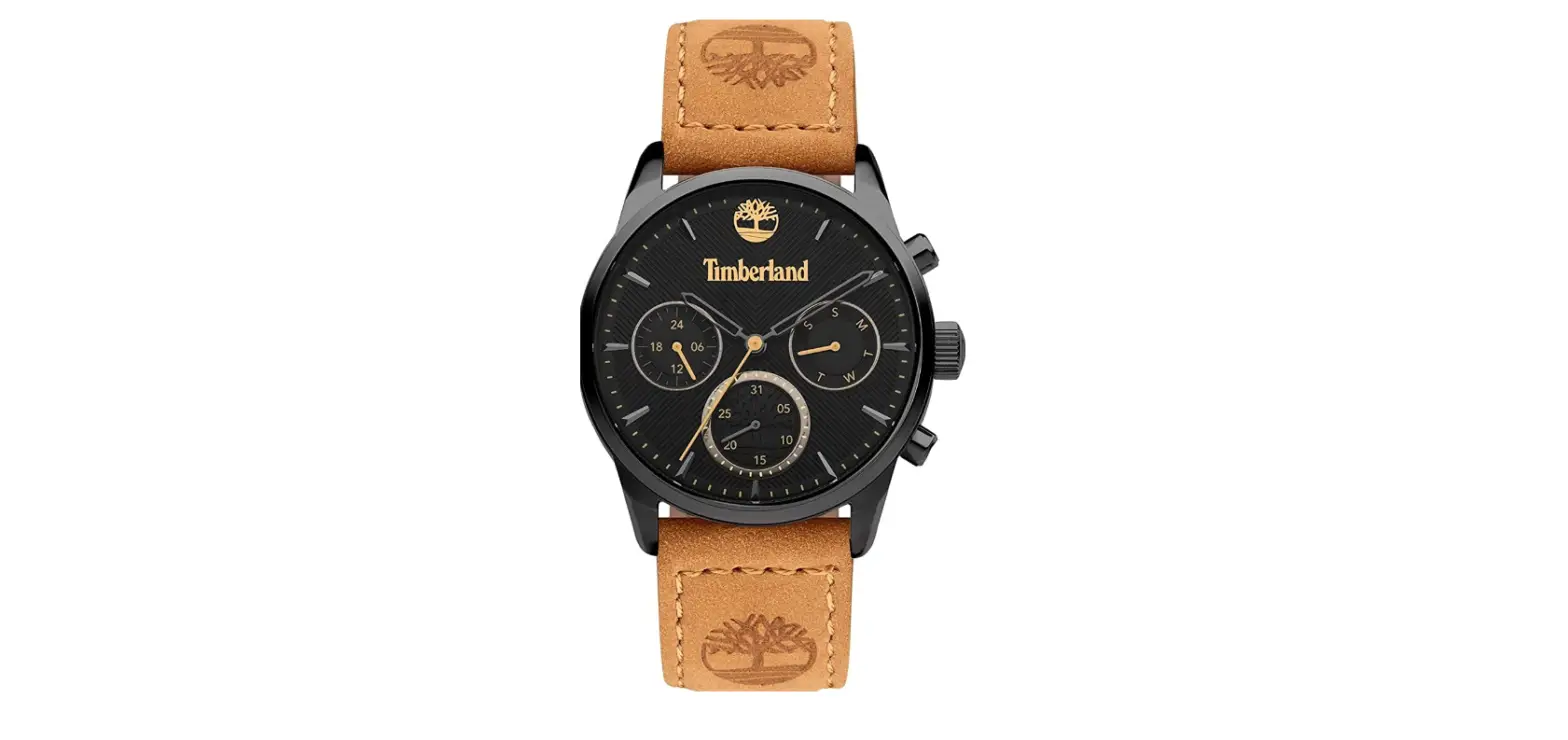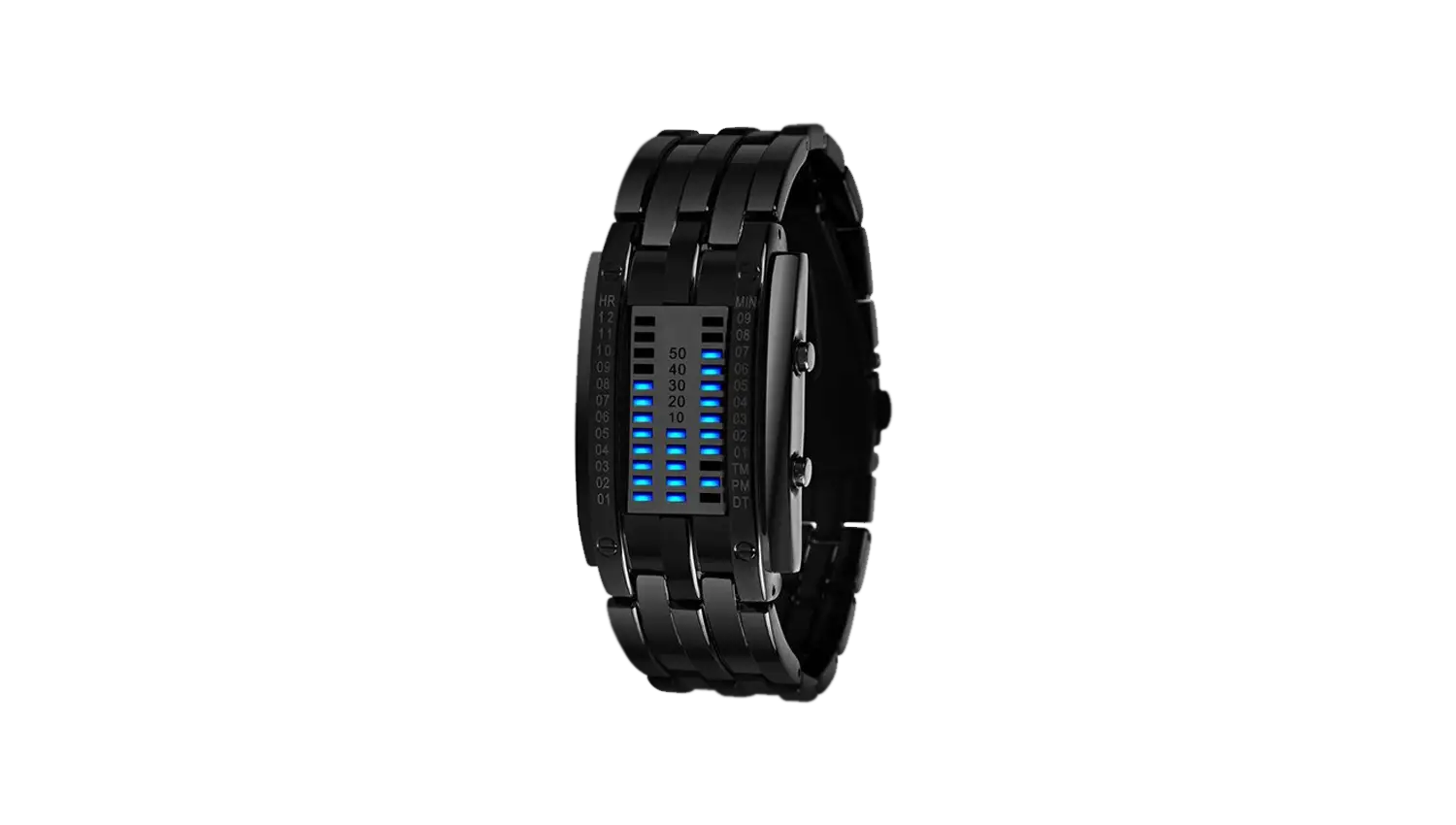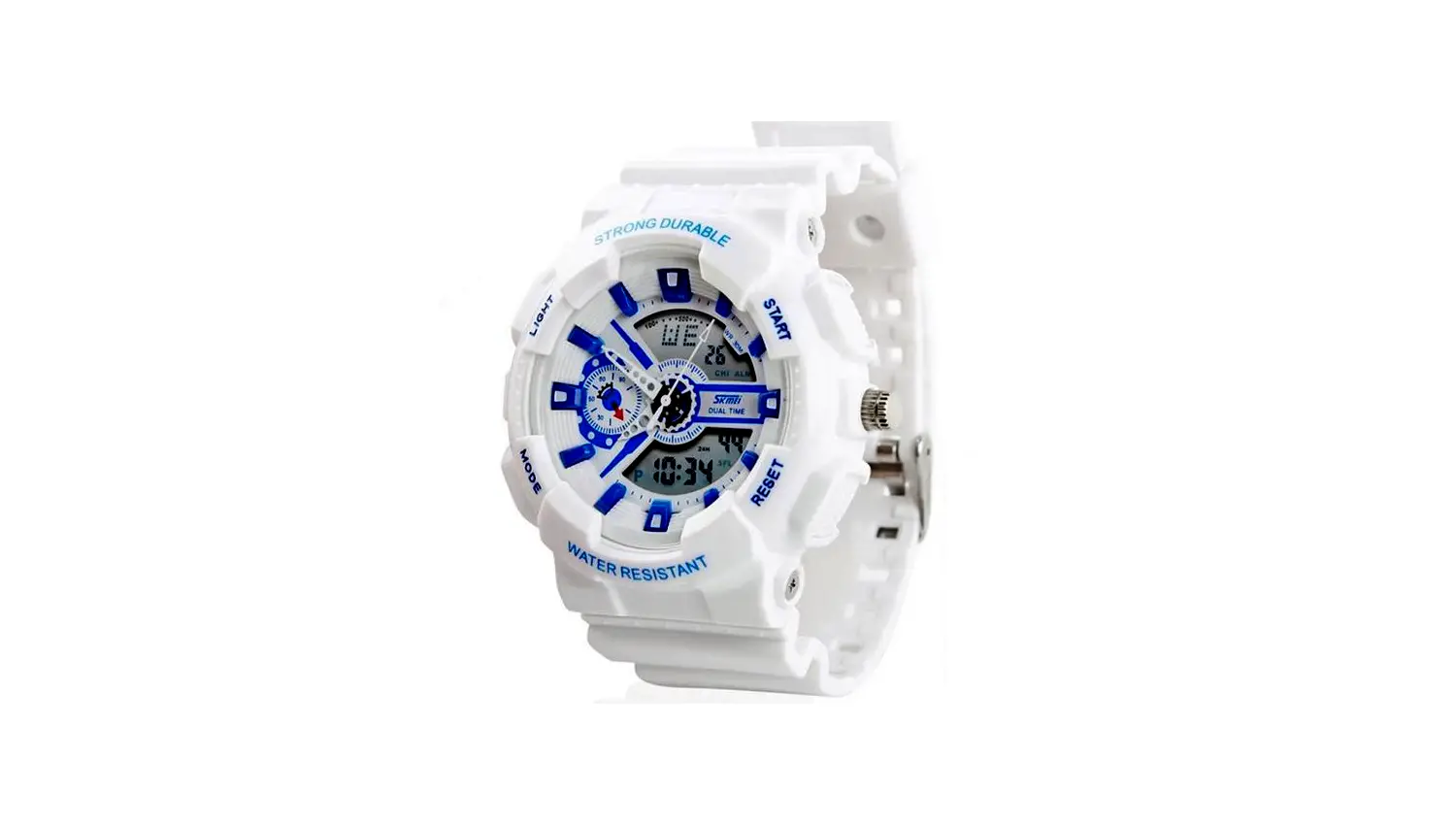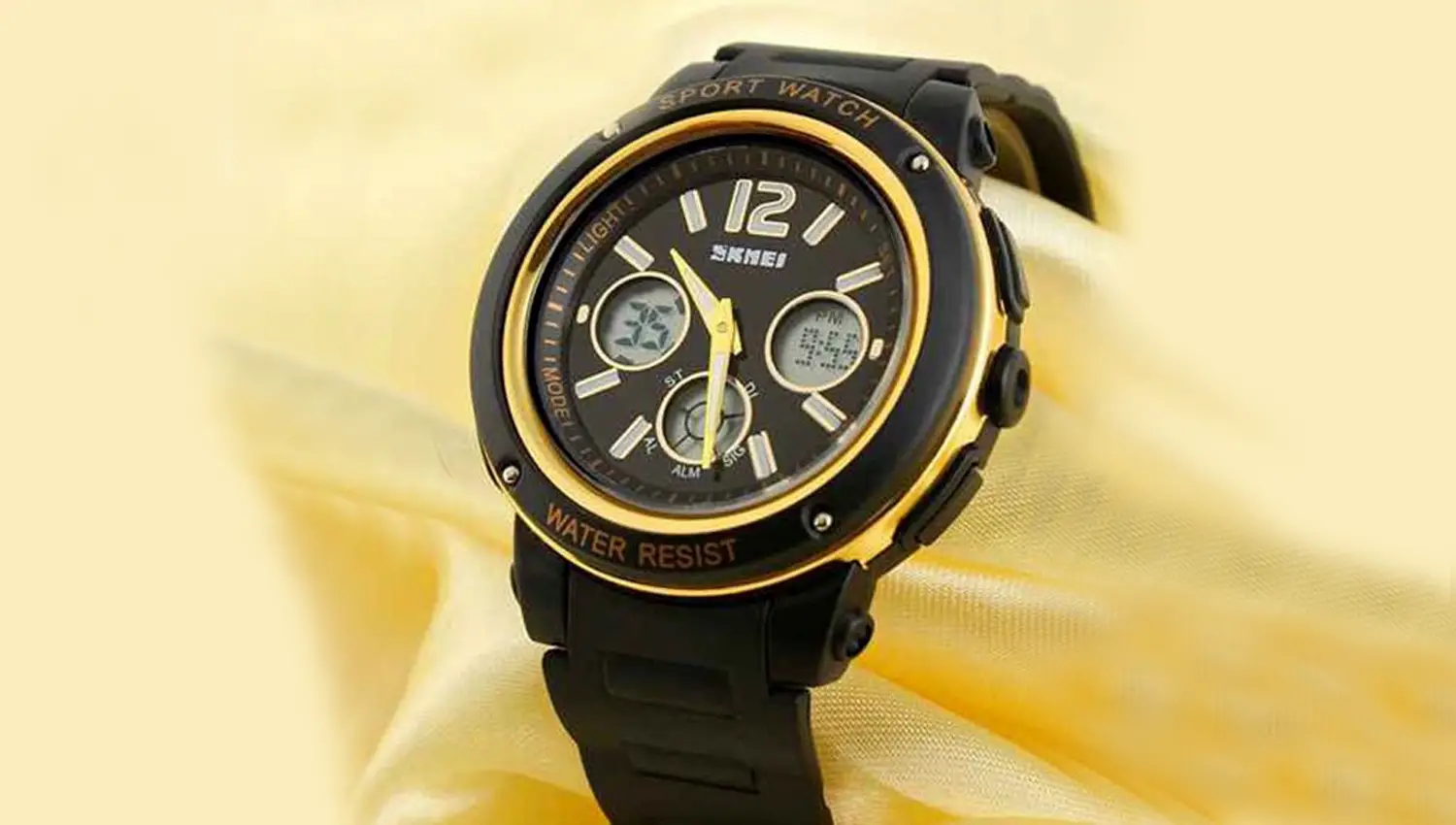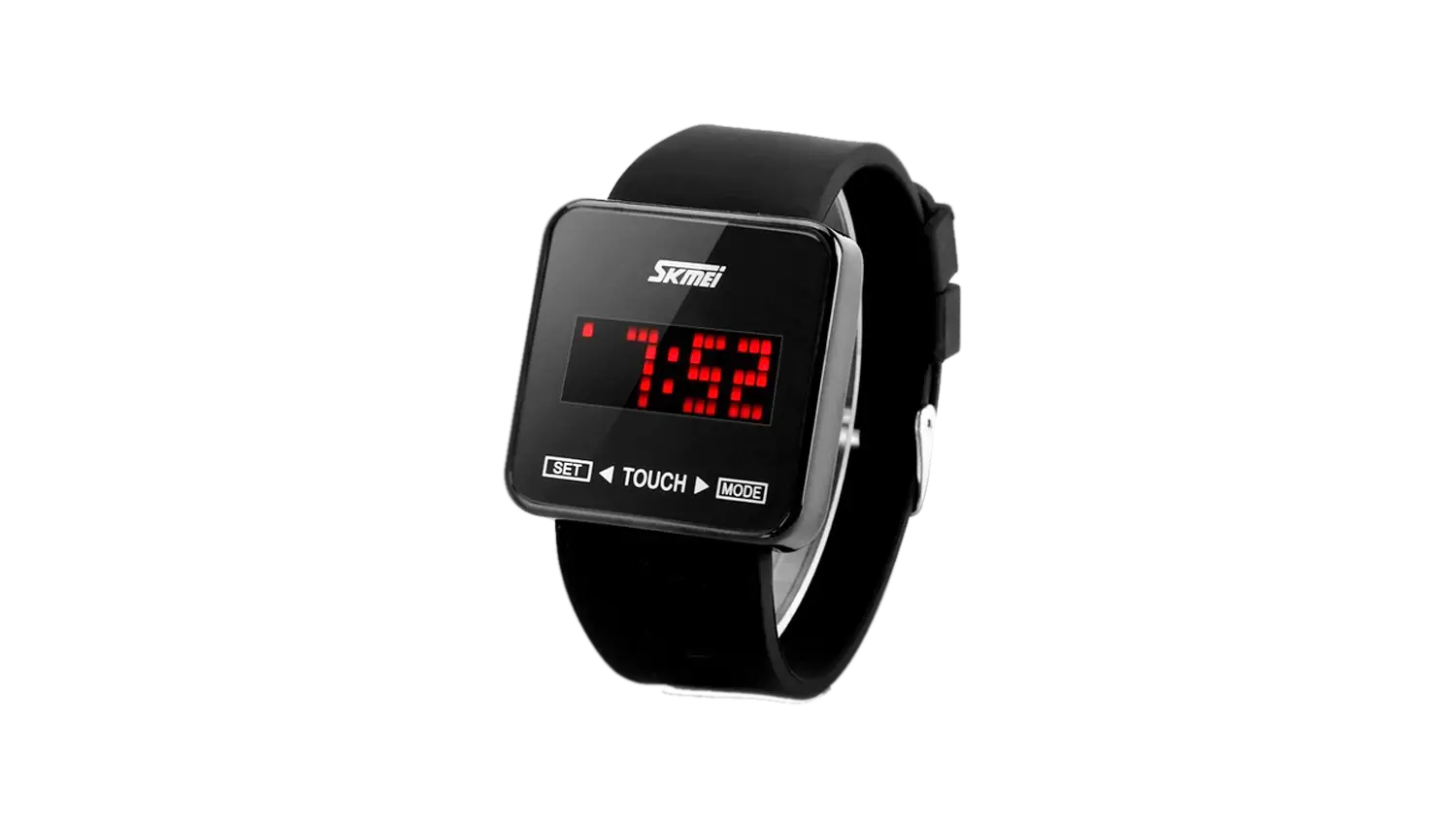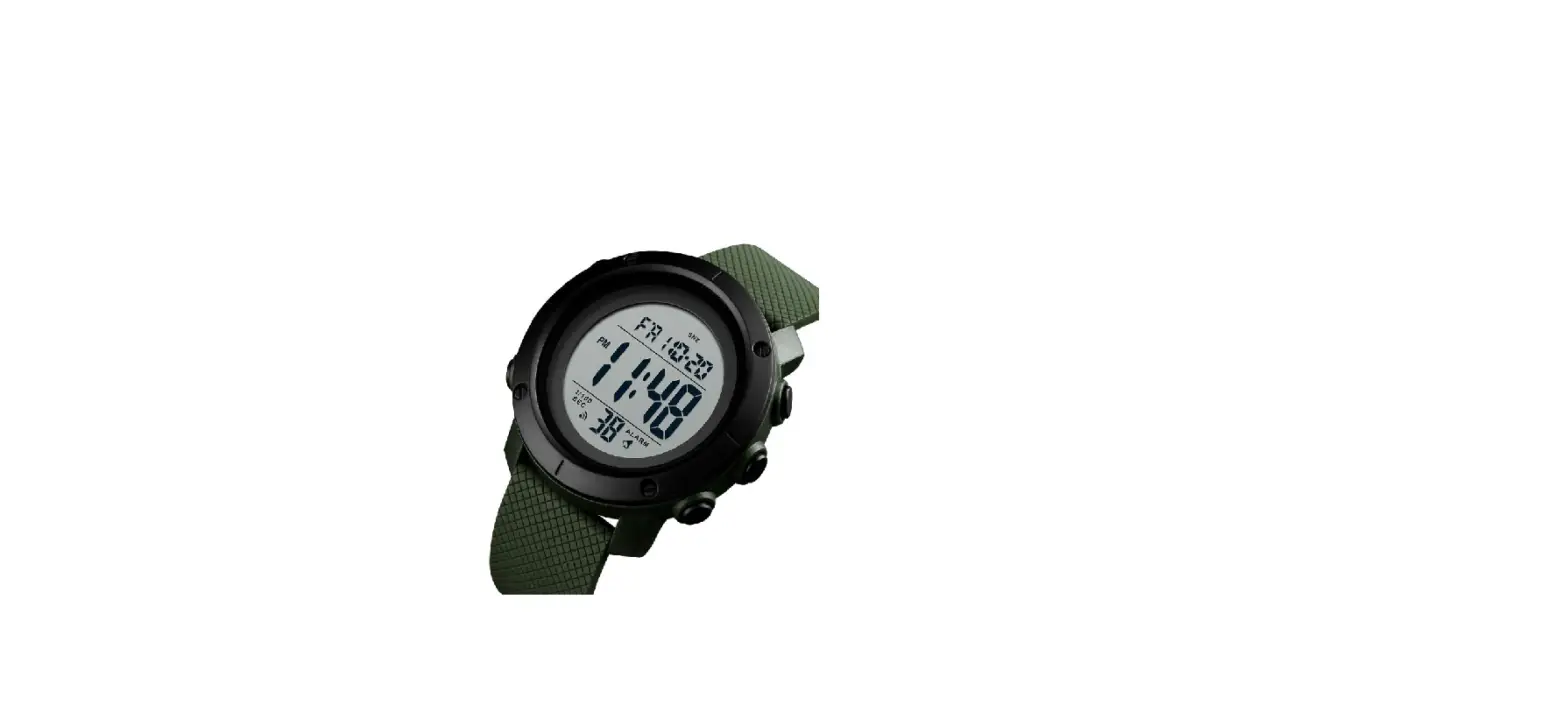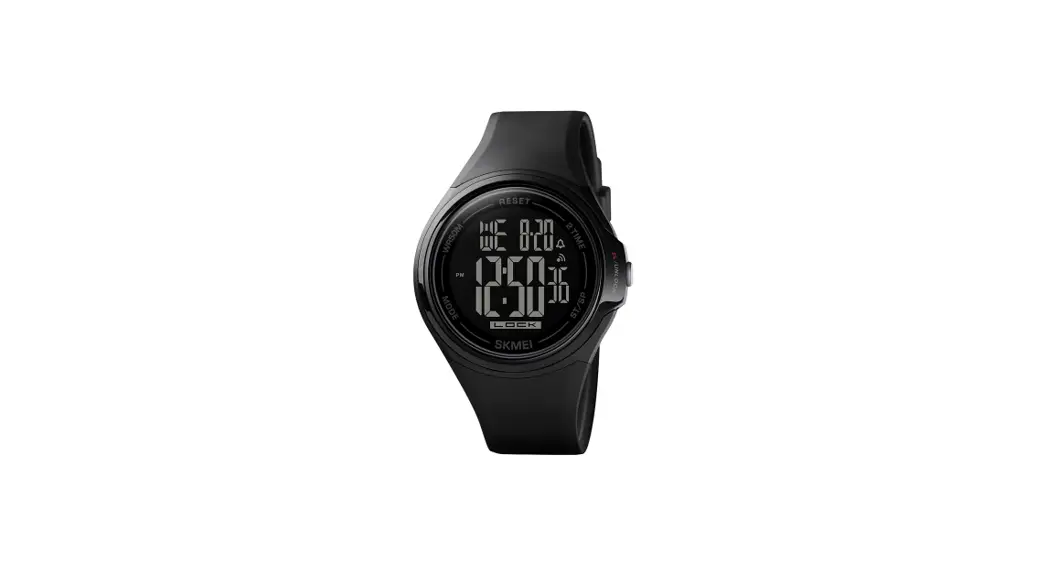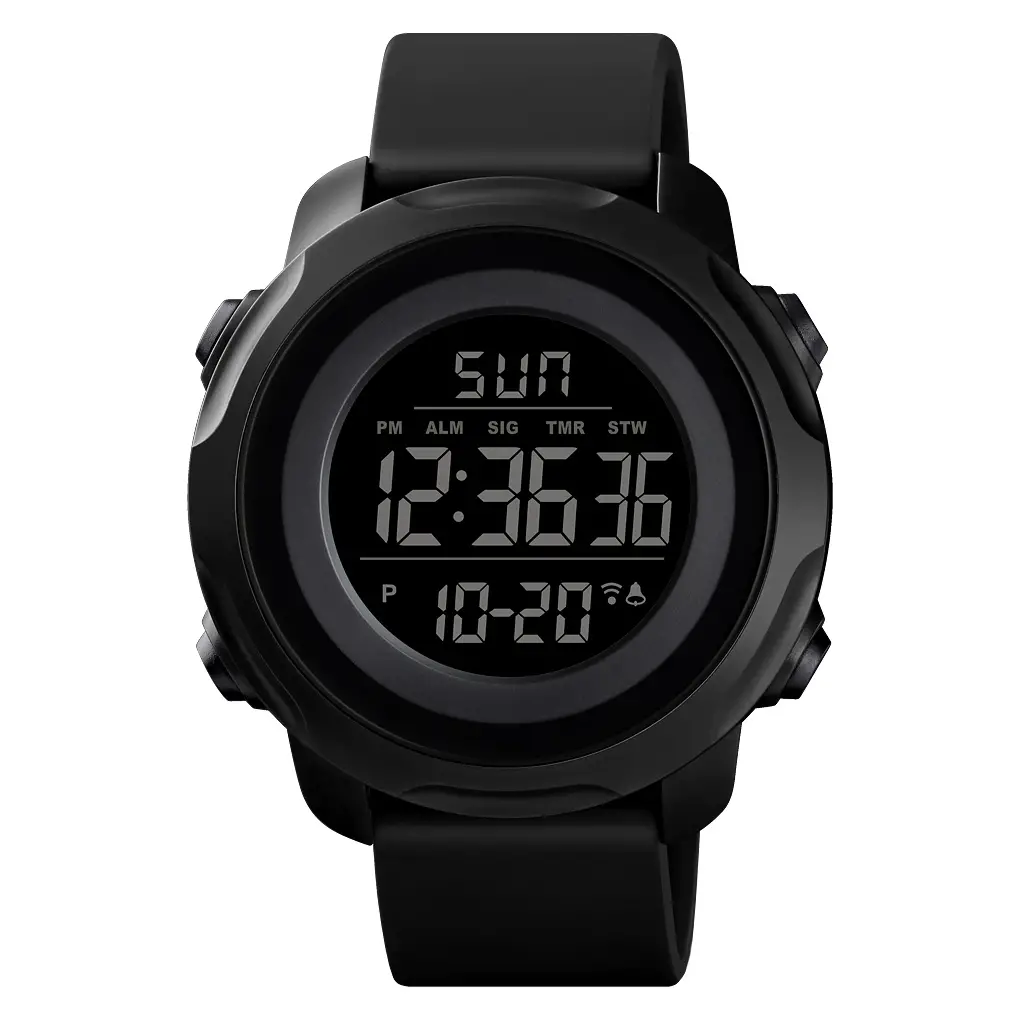
 1155 Analog Digital Men’s Watch
Instructions
1155 Analog Digital Men’s Watch
Features:
- 10 Digits LCD Display Display Hour ,Minute ,Second ,Day and Week
- Chime hourly and Daily Alarm
- 12 / 24H format selectable , Auto Calendar
- 1/100 second Chronograph with split functions
- EL backlight
Opeartional Manual:
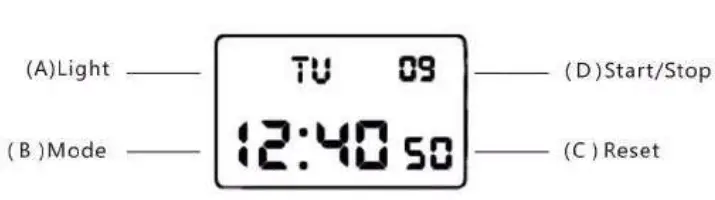
- At any state ,press A key EL backlight for 3s .
- In normal display Mode, Press D key to convert 12/24H
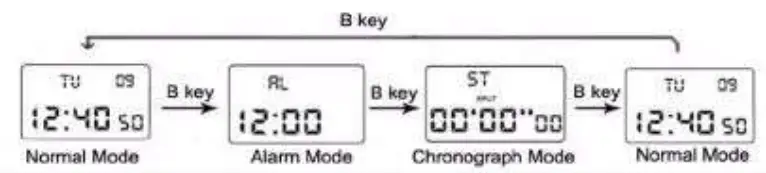
- Press B key to convert mode:

Alarm Setting:
- in normal display Mode, press B key once enter into Alarm Mode
- Press C key the Hours will flash, Press D key to adjust the correct hour for your Alarm.
- Press C key the Minutes will flash. Press D key to adjust the correct minutes.
- Press B key to exit.
Alarm and chime on/off:
- In normal mode press B key once enter into alarm mode , press D key to ON/OFF the Alarm&Chime function, Press B key to exit.
- If just appear the icon “AL/
 /ALM” means Alarm function ON, if just appear the ‘I CH/
 /CHI” means Chime function ON, if the two icon all appear mean two function ON, other wise means OFF
 /ALM” means Alarm function ON, if just appear the ‘I CH/
 /CHI” means Chime function ON, if the two icon all appear mean two function ON, other wise means OFF
Chronograph functions
- In normal display mode: press B key twice, enter Chronograph mode
- Press D to start, press D again to suspend, press D again to continue,press D to suspend again, when
- stispend,press C key hack to 0:00:00
- In Chronograph mode, press D key to start, press C key enter into split function.press C key again to get the first group record ,but the second group still processing in the back ground,press C key again to continue the second group,press C key again to read the second group record when the final group finished, Press D key to stop the SPL function,press C key read the final group(SLIM) record, press C key again to clear the record to zero.


Time and Date Setting:
- In normal Mode, press B key three times to enter setting mode and the seconds will flashing. Press 0 key to zero.
- Press C key the Hours will flash. Press D key to adjust correct Hours
- Press C key the Minute will flash. Press D key to adjust the correct Minutes.
- Press C key the Month will flash. Press D key to adjust correct Month
- Press C key the Date will flash. Press D key to adjust correct date
- Press C key the week will flash. Press D key to adjust the correct week.
- Press B key to exit.