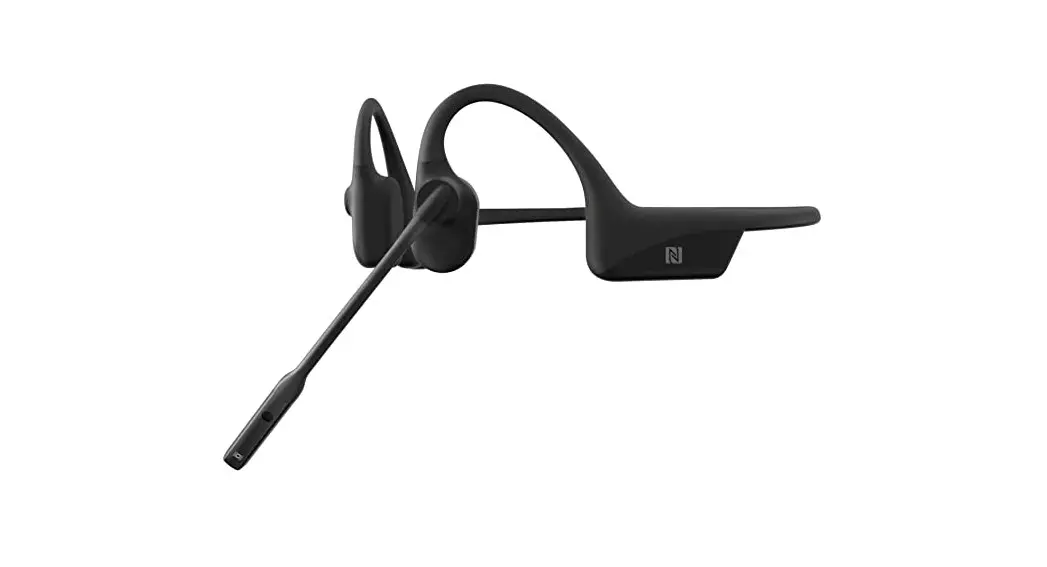
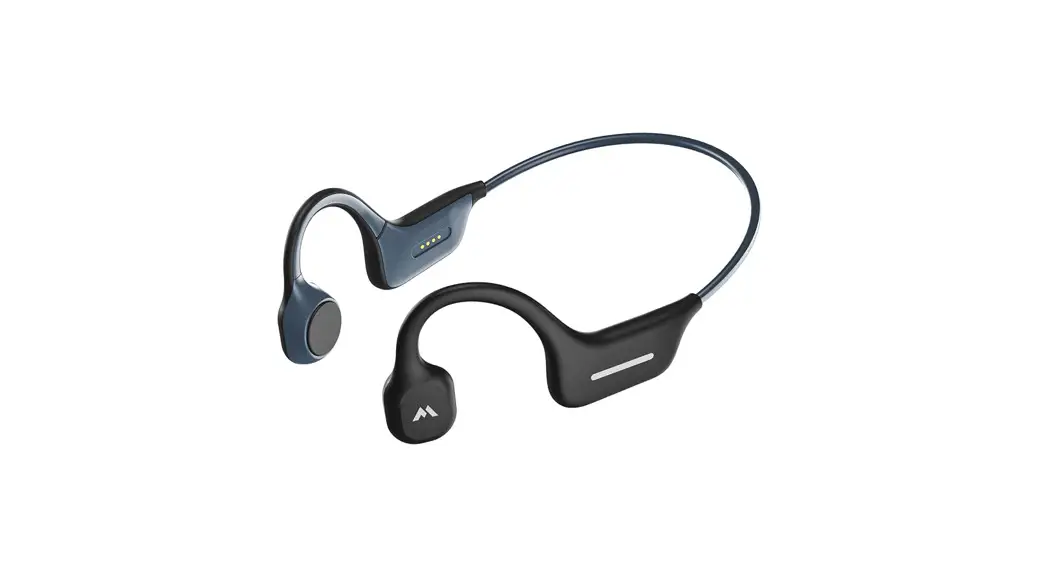
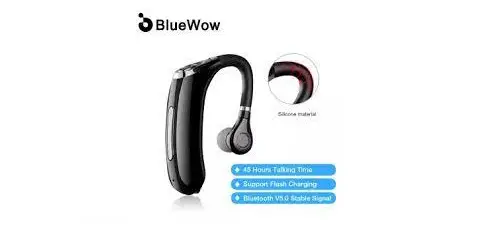
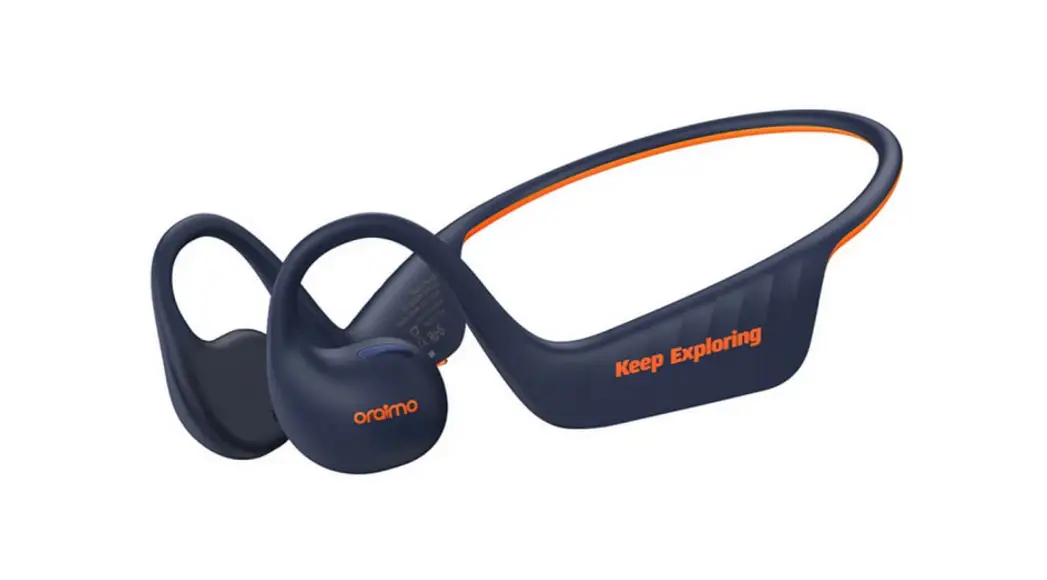
MD08 Open Ear Bluetooth Headset
Open Ear Bluetooth Headset User Manual
1. Performance parameters
The Open Ear Bluetooth Headset has the following performance
parameters:
- Multi-point connection for two devices
- Bluetooth version: 5.0
- Working distance: 10 meters
- Battery capacity: 180mAh
- Talk time: 6 hours
- Music playback time: 6 hours
- Charging time: 2 hours
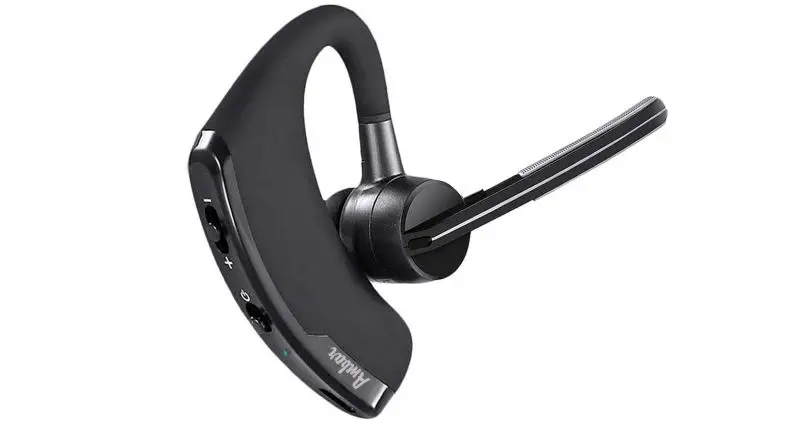
2. Key interface definition
The Open Ear Bluetooth Headset has the following key
interfaces:
- Multi-function keys: power on/off; pause/play; answer/hang
up - Indicator light
- Next song/Volume+
- Previous song/Volume-
- Type-C charging port
- Microphone
- Microphone mute switch button
- Speaker outlet
3. Operation steps
3.1 Switch on:
To switch on the Open Ear Bluetooth Headset:
- Press and hold the multi-function key for 3 seconds.
- The Bluetooth device will automatically switch on.
- The blue light will be on for 1 second and then the blue light
will flash slowly intermittently. - If there is no pairing record, the red and blue lights will
flash alternately.
3.2 Power off:
To power off the Open Ear Bluetooth Headset:
- Press and hold the multi-function key for 3 seconds.
- The red light will be on for 2 seconds and then the Bluetooth
device will automatically power off. - Note: In the power on state, when the headset is charging, the
headset will automatically shut down.
4. Usage instructions
4.1 Pairing with a mobile phone
To pair the Open Ear Bluetooth Headset with a mobile phone:
- For first-time use, the headset needs to be paired with a
mobile phone connection. - In the off state, long press the multi-function key for about 6
seconds until the red and blue lights flash alternately, and the
device automatically enters pairing mode. (If there is no pairing
connection record in the case of power on, the red and blue lights
will flash alternately). - Open the Bluetooth function of your mobile phone, search for
the Bluetooth device name MD08 PRO, select it and connect it. - If necessary, you can enter the password 0000.
- After successful connection, the indicator will light blue
constantly. - Note: After successful connection, the next time you turn on
the Open Ear Bluetooth Headset, it will automatically connect back
to the last connected phone.
4.2 Connect Two Cellphone
To connect two cellphones to the Open Ear Bluetooth Headset:
- Pair the Bluetooth receiver to the first phone. After pair
successfully, turn off the Bluetooth function of the first phone.
The receiver will enter pairing mode again. - Pair the Bluetooth receiver to the second phone.
- After pair successfully, turn on the Bluetooth function of the
first phone. Select the MD08 PRO and click connect. - Two phones will both connect to the Bluetooth receiver at the
same time.
4.3 Music playback
To play music using the Open Ear Bluetooth Headset:
- Pause/play: short press the multi-function key.
- Next song: long press the + key.
- Previous song: long press the – key.
- Volume up: short press the + key.
- Volume down: short press on the – key.
4.4 Bluetooth calls
To make a call using the Open Ear Bluetooth Headset:
- Short press the multi-function key to answer a call.
- Long press the multi-function key for 1 second to answer a new
call and keep the current call. - Call volume plus: short press the + key.
- Call volume down: short press the – key.
- Note: Turn the microphone to the front end when talking and set
the microphone mute switch to the non-mute mark position to avoid
affecting the call effect.
4.5 Voice assistant
To use voice assistant function with the Open Ear Bluetooth
Headset:
- When the phone is connected, press and hold the + – key for 2
seconds to switch the voice assistant function on or off.
4.6 Mute the microphone
To mute the microphone of the Open Ear Bluetooth Headset:
- When talking, turn the microphone mute switch to the mute mark
position so that the other party cannot hear your own voice.
4.7 Clearing the Bluetooth pairing list
To clear the Bluetooth pairing list of the Open Ear Bluetooth
Headset:
- When there is no connection, press and hold the + – button for
about 10 seconds until the red and blue lights are on for 2 seconds
at the same time. - The headset will automatically clear the Bluetooth pairing list
and re-enter pairing mode.
Open Ear Bluetooth Headset
User Manual
1. Performance parameters.
Main chip: QCC3034 Bluetooth specification : Bluetooth V5.1 Frequency range : 2.4GHz – 2.480GHz Wireless transmission range approx: 10m Bluetooth protocol support : HSP HFP AVRCP A2DP SBC APTX APTX_LL APTX_HD Output audio Dual speaker stereo Speaker specification Ø16.2mm 16 118±3Db 20HZ~20KHZ Connectable device 2pcs Operating voltage DC 3.1V-4.2 V Operating current approx25mA (current varies by code) Shutdown current approx1.4uA Low battery alarm voltage 3.4 V Low battery shutdown voltage 3.1V Built-in lithium battery 250mAh
1
Charging voltage DC+5V Charging normal operating temperature 0~45¥ Charge protection cut-off voltage approx6.0V Charging current approx170mA Fully charged time approx 2H No connection auto shut-off time 10 minutes Out-of-range auto switch-off time 10 minutes Calling function Yes Voice assistant Yes Clear pairing list No connection press and hold the plus/minus key for 10 seconds to clear the pairing list Number of keys 3 Toggle switch 1 External connector Type-C USB holder
2
2. Key interface definition
1. Multi-function keys: power on/off; pause/play; answer/hang up 2. Indicator light 3. Next song/Volume+ 4. Previous song/Volume 5. Type-C charging port 6/7. Microphone 8. Microphone mute switch button 9. Speaker outlet
3.Operation steps
3.1 Switch on:
Press and hold the multi-function key for 3 seconds, the Bluetooth device 3
will automatically switch on, the blue light will be on for 1 second and then the blue light will flash slowly intermittently; (if there is no pairing record, the red and blue lights will flash alternately)
3.2 Power off:
press and hold the multi-function key for 3 seconds, the red light will be on for 2 seconds and then the Bluetooth device will automatically power off. Note: the power on state, to the headset charging, the headset will automatically shut down.
4.1Pairing with a mobile phone
1. First time use, the headset needs to be paired with a mobile phone connection. 2. In the off state, long press the multi-function key for about 6 seconds until the red and blue lights flash alternately, the device automatically enters pairing mode; (no pairing connection record in the case of power on, the red and blue lights flash alternately) 3. Open the Bluetooth function of your mobile phone, search for the Bluetooth device name “MD08 PRO”, select it and connect it.
4
4. If necessary, you can enter the password “0000”. 5. After successful connection, the indicator will light blue constantly Note: After successful connection, the next time you turn on the MD08 PRO the headset will automatically connect back to the last connected phone.
4.2Connect Two Cellphone
1. Pair the Bluetooth receiver to the first phone.After pair successfully, turn off the Bluetooth function of the first phone.The receiver will enter pairing mode again. 2. Pair the Bluetooth receiver to the second phone. 3 After pair successfully, Turn on the Bluetooth function of the first phone. Select the ” MD08 PRO” and click “connect”. 4. Two phones will both connect the Bluetooth receiver at the same time.
4.3Music playback
1. pause/play:short press the multi-function key. 2. next song: long press the “+” key. 3. previous song: long press the “-” key 4. volume up: short press the “+” key
5
5. volume down: short press on the “-” key
4.4Bluetooth calls
1. answering an incoming call: short press on the multi-function key to answer the incoming call. 2. Hang up: short press the multi-function key to hang up the current call. 3. Reject a call: long press the multi-function key for 1 second to reject the call. 4. Call back: double-click the multi-function key to call back the last call made by the phone. 5. Call switching: while on a call, press and hold the multi-function key for 1 second to switch calls between the phone and the device. 6. Incoming calls while on a call: 1> Short press the multi-function key to answer a new call and hang up the current call.
2> Long press the multi-function key for 1 second to answer a new call and keep the current call. 7. call volume plus: short press the “+” key. 8. call volume down: short press the “-” key.
6
Note: Turn the microphone to the front end when talking and set the microphone mute switch to the non-mute mark position to avoid affecting the call effect.
4.5Voice assistant
When the phone is connected, press and hold the “+ -” key for 2 second to switch the voice assistant function on or off.
4.6Mute the microphone
When talking, turn the microphone mute switch to the mute mark position so that the other party cannot hear your own voice.
4.7Clearing the Bluetooth pairing list
When there is no connection, press and hold the “+ -” button for about 10 seconds until the red and blue lights are on for 2 seconds at the same time, the headset will automatically clear the Bluetooth pairing list and re-enter pairing mode.
4.8Low battery alarm
When the battery is low, the Bluetooth device will automatically alarm
7
and the status light will change to a red indicator; if the power runs out, the headset will automatically switch off.
4.9Charging the device
When the device is low on power or cannot be switched on, it can be charged by inputting DC 5V through the USB cable; the red light is on for a long time when charging; the red light automatically turns off when the battery is full.
Note: The headset will automatically switch off when the charging cable is plugged in during the power on state.
5.Caution:
1. please use a Type-C USB cable to connect a DC+5V adapter to power or charge the product to avoid abnormal working of the product. 2. Because the wireless signal of Bluetooth will be blocked and absorbed by surrounding objects, try to place it in an obstacle-free position from the Bluetooth connected device in use so that you can enjoy better quality music.
8
Wearing diagram
When a call is required, the microphone lever can be toggled in the direction shown to a position near the mouth. When the microphone lever is not required, it can be toggled to a position next to the ear as shown.
142°
9
105g 100*100mm