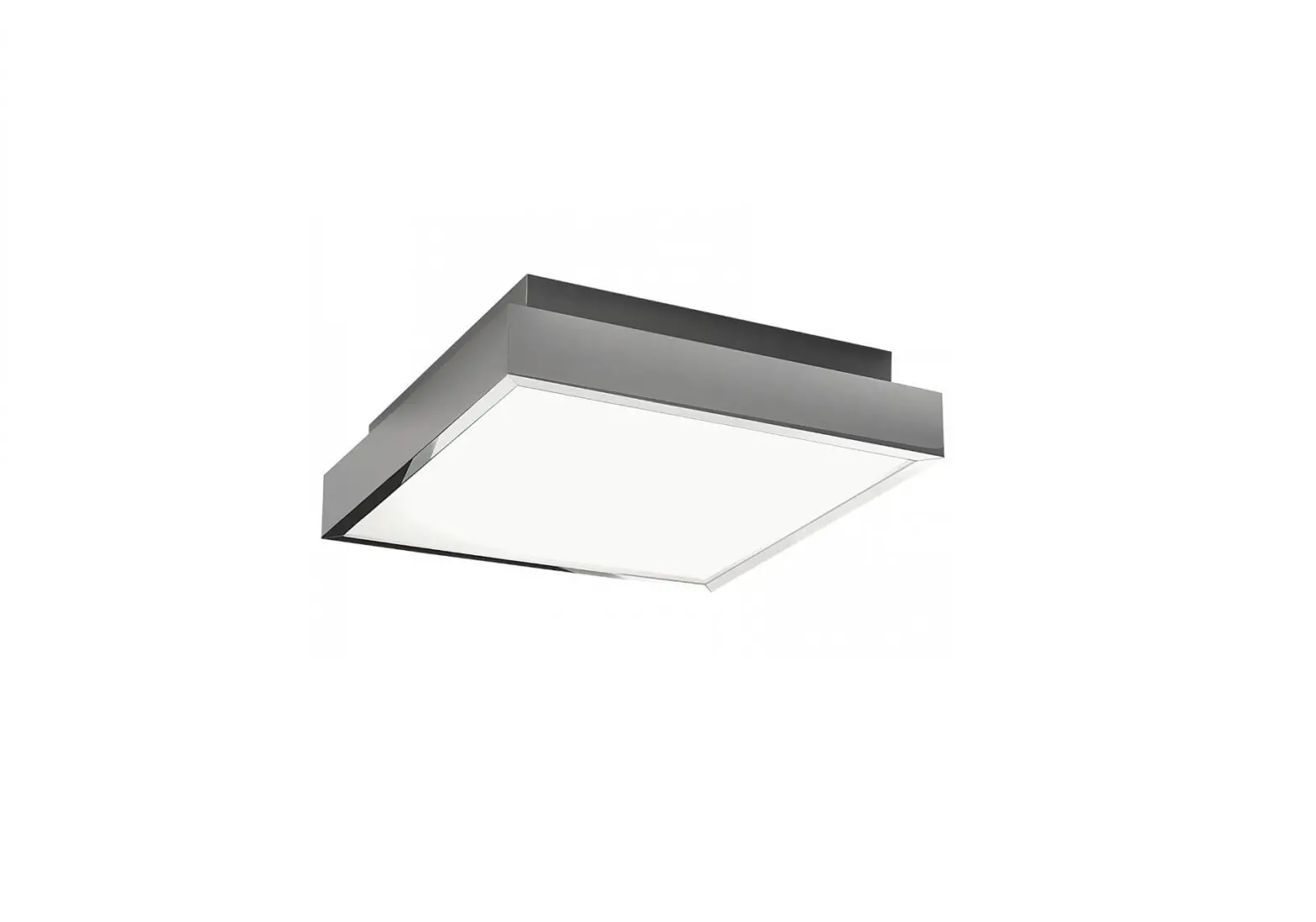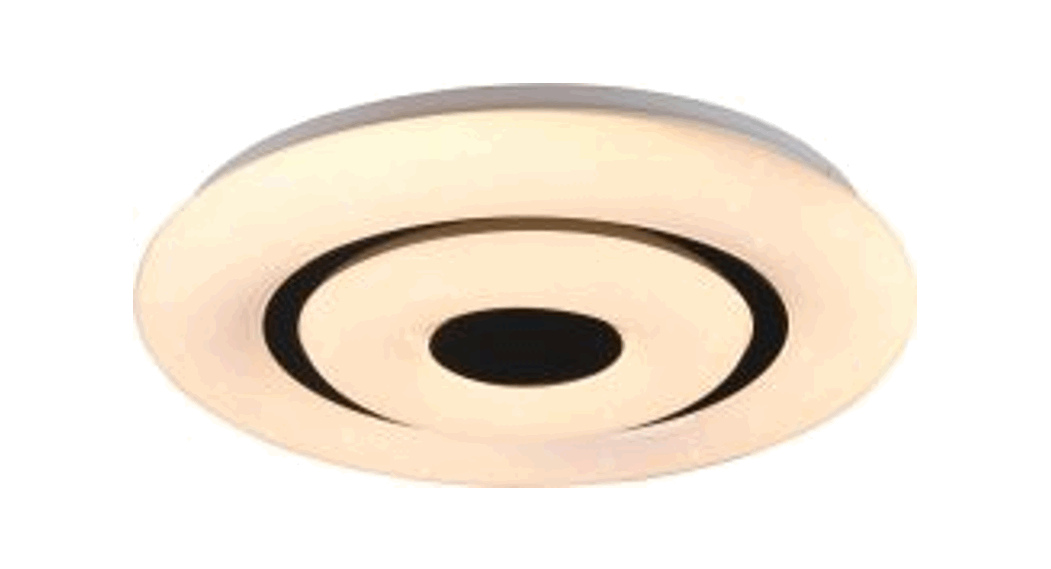
 R65081000 16W LED Rana
Installation Guide
R65081000 16W LED Rana
WARNING!
Before assembling, please read carefully the safety instructions!
Art-Nr: R65081000
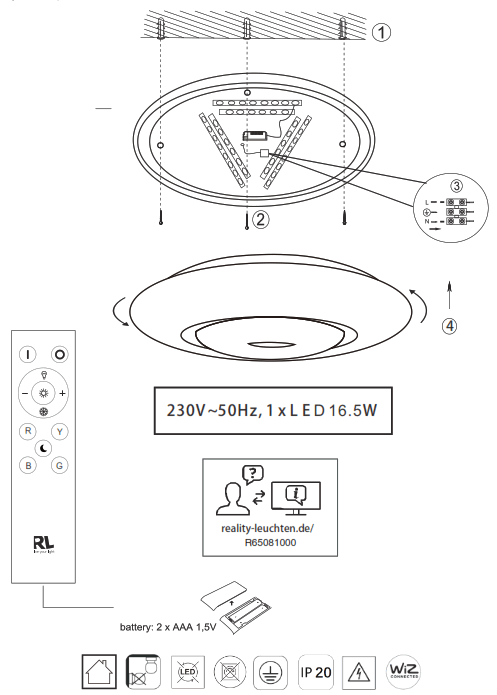
Art-Nr: :
R65081000
R65081900
R65051099
WiZClick makes your wall switch smarter:
1 x switch on to activate mode 1
2 x switch on to activate mode 2
Mode 1 is assigned to button 1 below the remote control icon in the app.
Mode 2 is assigned to button 2 under the remote control icon in the app.
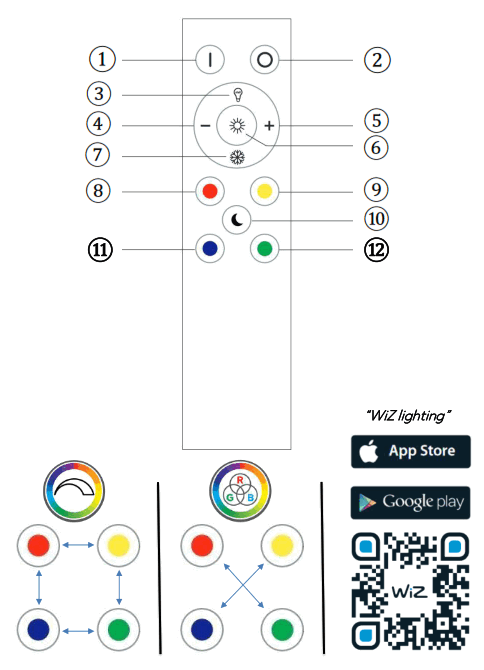
Description of how the light works with the remote control unit
The most recently configured light setting is always displayed (memory effect)
All lights that are in the transmission area are controlled.
Operation of the remote control
| 1. & 2. On/Off Button 3. Warm: Colour setting – warm white 4. & 5. Brightness regulator: The adjustment takes place in stages. By pressing for a short period, it is possible to control the individual stages. Pressing the button permanently results in the maximum or minimum brightness being reached. | 7. White: Colour setting – cold white 6. Daylight 8. red light 9. yellow light 10. Night light 11. blue light 12. green light |
 Let’s get started
 reality-leuchten.de/wiz
COULDN’T BE EASIER
Pair & share. Instantly.
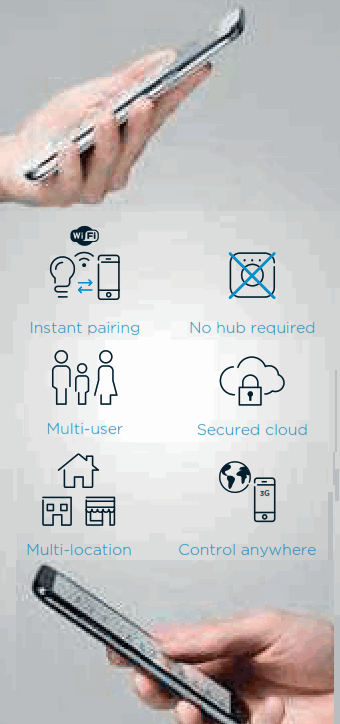
30 seconds to set up. Everyone can enjoy the WiZ experience on their smartphone.
STREAMLINE YOUR LIFE
WiZ already has 60+ popular IFTTT applets available on https://ifttt.corn/wiz
Enjoy Amazon Alexa with smart home skill. You can also use Google Assistant on Google Home or your smartphone. Works with the Google Assistant

Turn on the light when my security camera detects motion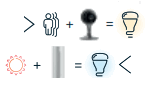 Change the light Change the light to cool white when it gets hot
THE WiZ DNA
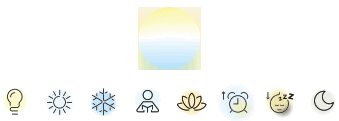
WiZ brings total flexibility with 64,000 shades of white and dimming. It’s the very minimum of what should be expected for the 21st century.
64,000
WHITES
Preset light modes
16 Million
COLORS*
Dynamic light modes
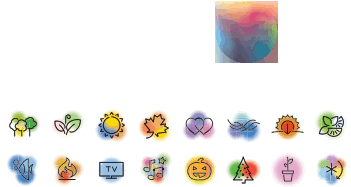
WiZ lighting experts have designed dynamic color modes that completely outshine the rest of the industry. Like great music tracks, perfectly synchronized and randomized, our modes make any room glow with stunning lighting ambiences.
Applies only to specific lights
WELCOME
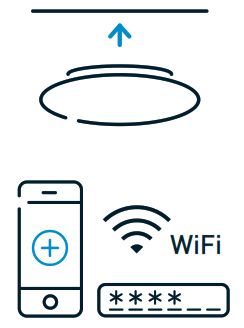
- Download the free WiZ app from Google Play or the App Store, create your WiZ Home or join one.
 https://app.wiz.world
 - Install your WiZ Connected light and follow the on-screen steps in the app to complete set up.

- WiZClick makes your wall switch smarter:
– 1 x switch on to activate mode 1
– 2 x switch on to activate mode 2
Mode 1 is assigned to button 1 below the remote control icon in the app.
Mode 2 is assigned to button 2 under the remote control icon in the app. - Any question or issue? Check out our FAQs in the app or on the website or use the inapp chat support
Reality Leuchten GmbH
TRIO International GmbH
Gut Nierhof 17
D-59757 Arnsberg
www.reality-leuchten.de
WEEE-Reg. Nr.: DE78273666
TRIO Lighting lberica s.I.: RAEE 4544
TRIO Lighting Italia s.r.I.: RAEE IT13020000007829
TRIO Li htin Scandinavia Oy: WEEE PIR2005Y354114/2114
Developed in Germany by E tl,
Made in PRC
 TRIO – LIGHTING FOR YOU