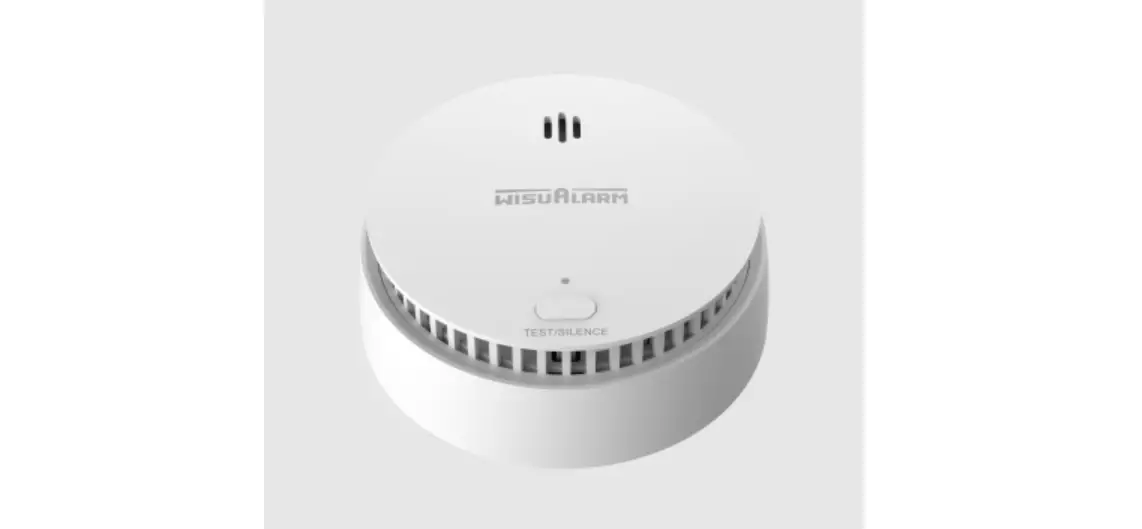
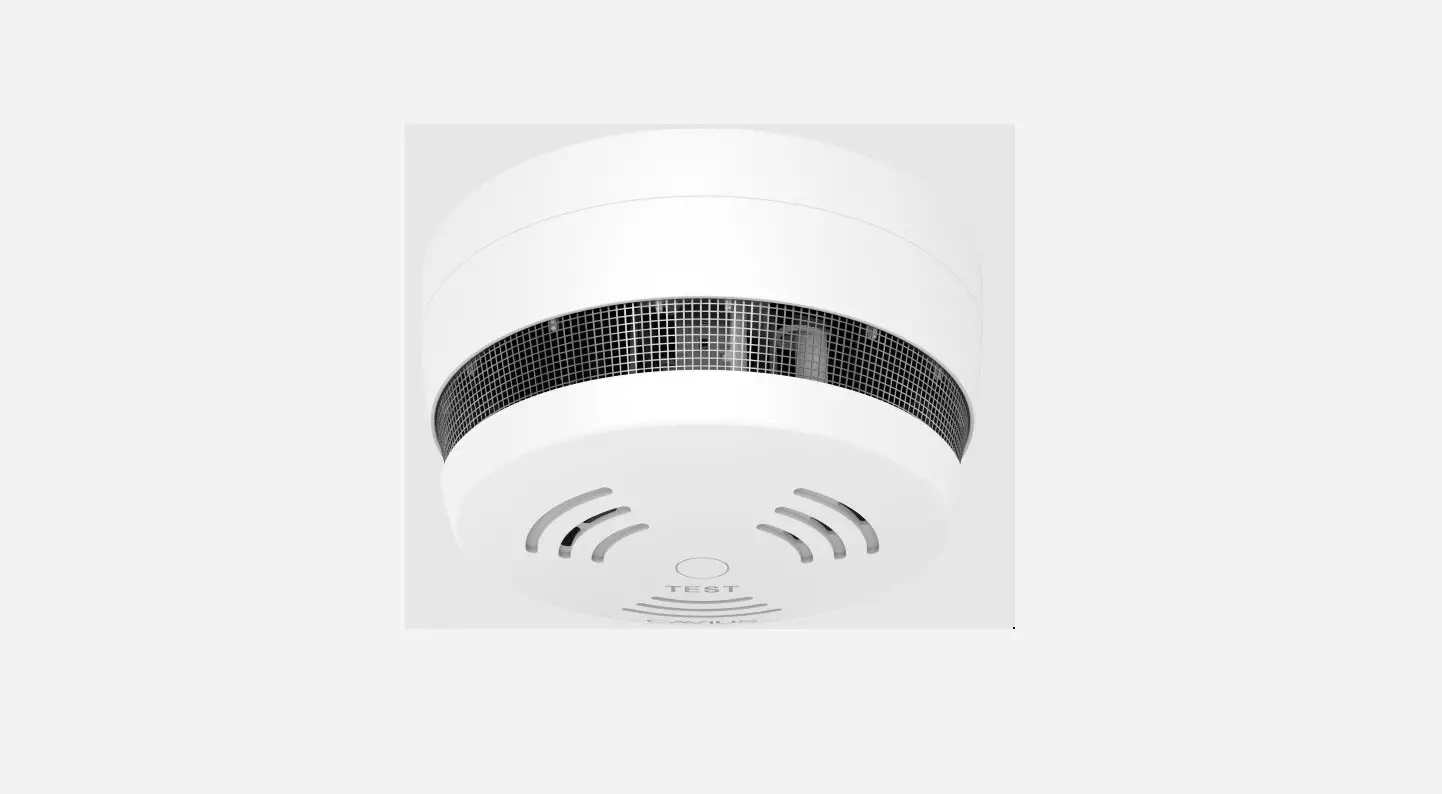
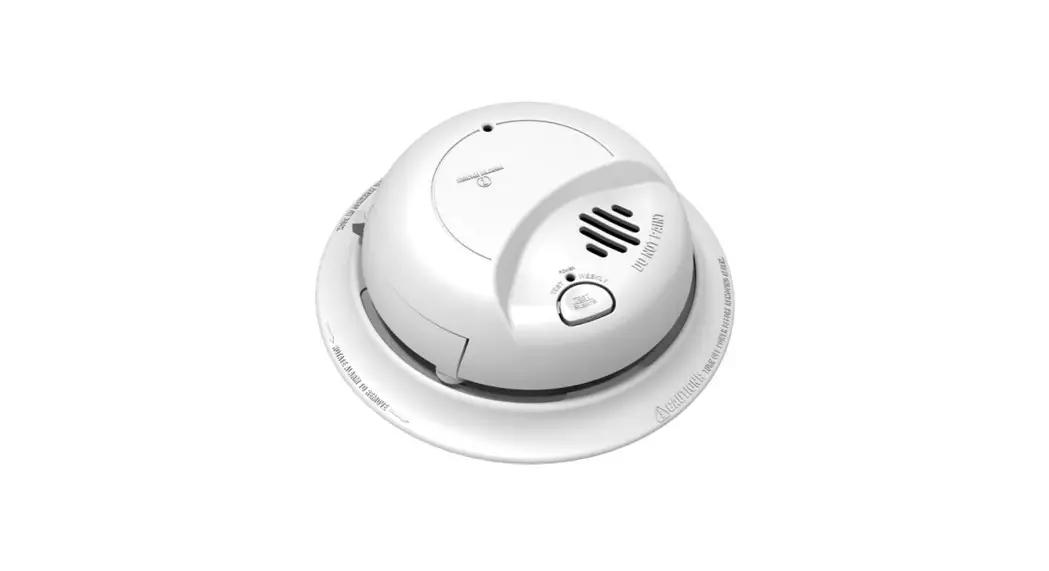
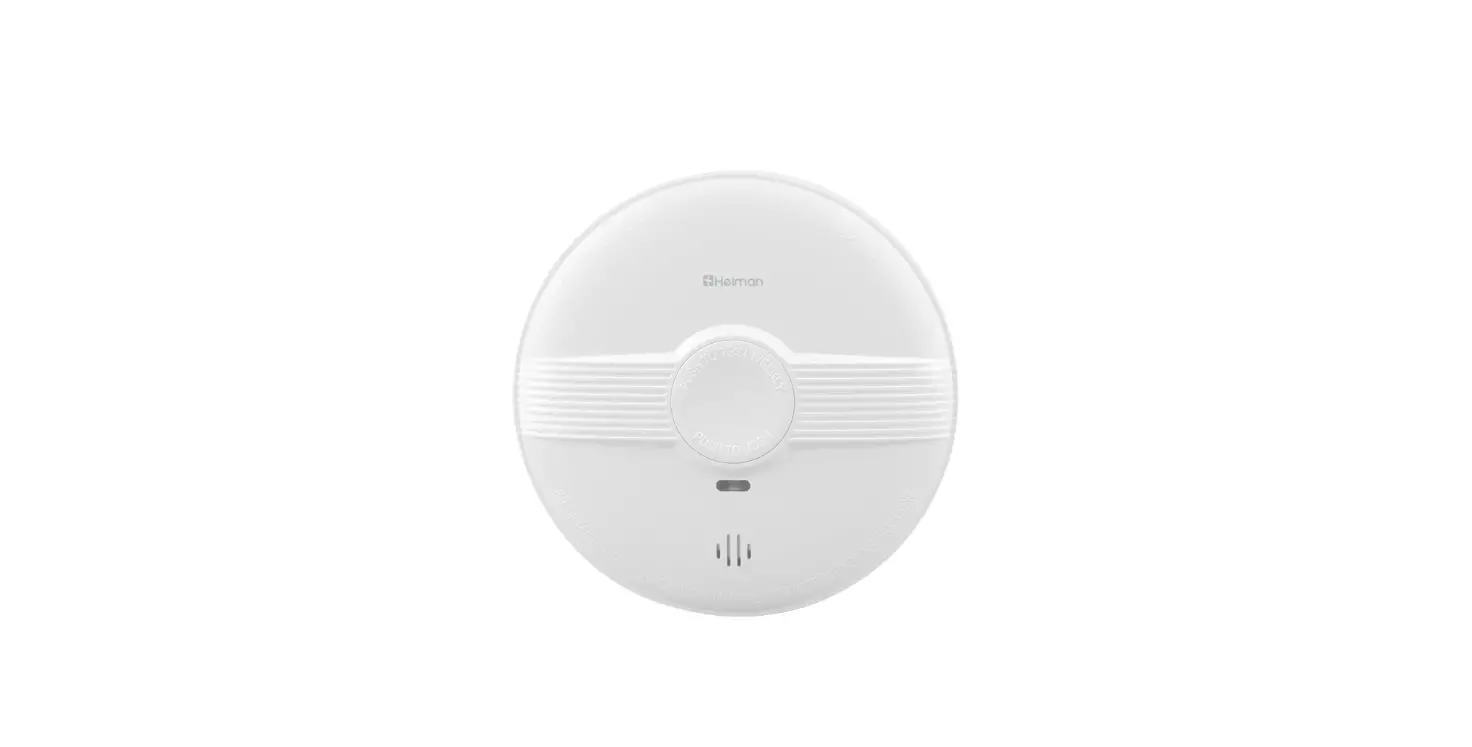
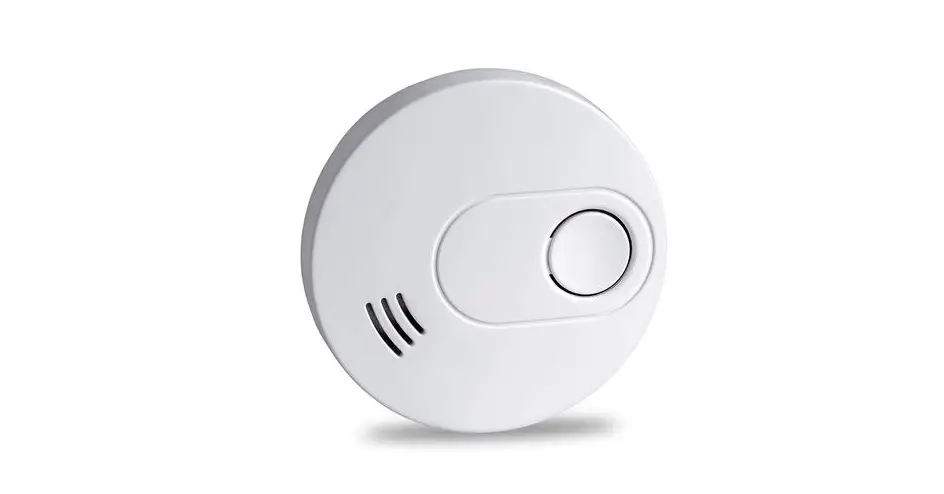
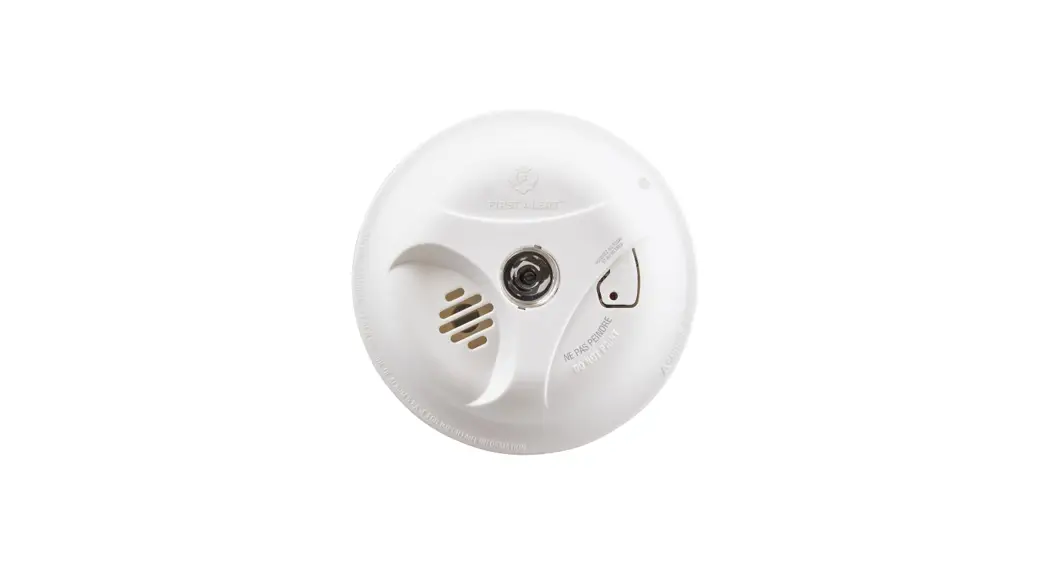
dahua DHI-HY-SA30A Smoke Alarm User Manual
Important Safeguards and Warnings
The manual will help you to use the Device properly. Read the manual carefully before using the Device, and keep it well for future reference.
Operation Requirements
 WARNING Never ignore any alarm. Failure to respond may lead to serious injury or death.
 CAUTION
- Make sure that the power supply of the device works properly before use.
- Use the device according to the operating environment.
- Only use the device within the rated power range.
- Transport, use and store the device under allowed humidity and temperature conditions.
- Prevent liquids from splashing or dripping on the device. Make sure that there are no objects filled with liquid on top of the device to avoid liquids flowing into it.
- The smoke alarm is only designed for indicating the presence of smoke, but it cannot detect gas, heat or flames.
Installation Requirements
WARNING Failure to properly install and operate this device will prevent proper operation of the Device and will prevent its response to fire hazards.
CAUTION
- Observe all safety procedures and wear required protective equipment provided for your use while working at heights.
- Do not expose the device to direct sunlight or heat sources.
- Keep the originals packing material well because you might need it to pack the device and send it back for repair,
- Make sure the application scenario conforms to installation requirements. Contact your local retailer or customer service center if there is any problem.
- All installation and operations shall conform to your local electrical safety requirements, fire protection regulations, and other relevant regulations.
Maintenance Requirements
- Do not clean the device with any cleaning products.
- Do not paint the device. Paint will seal the bents and interfere with the sensor’s ability to detect smoke.
Introduction
Product information
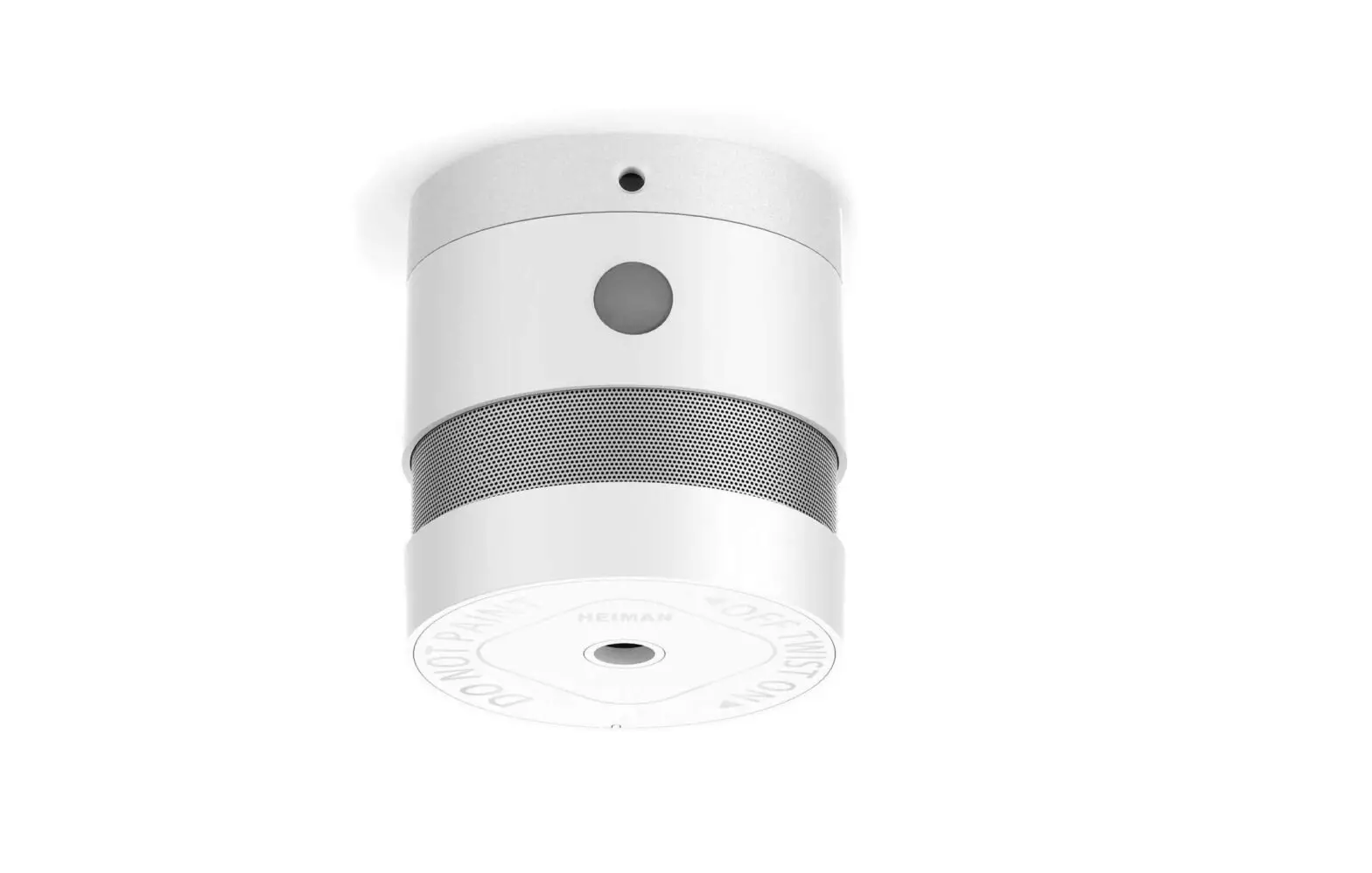
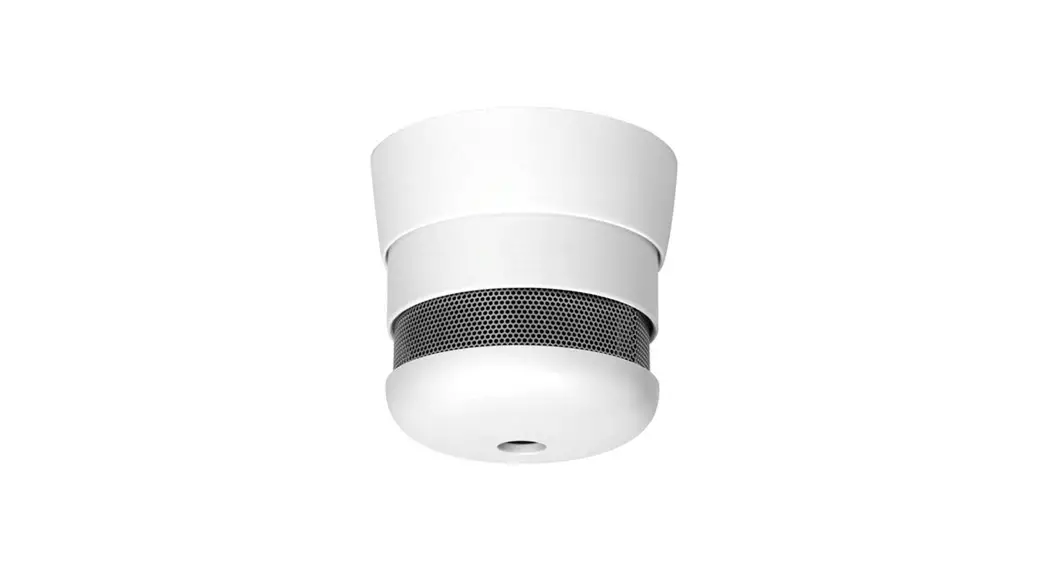
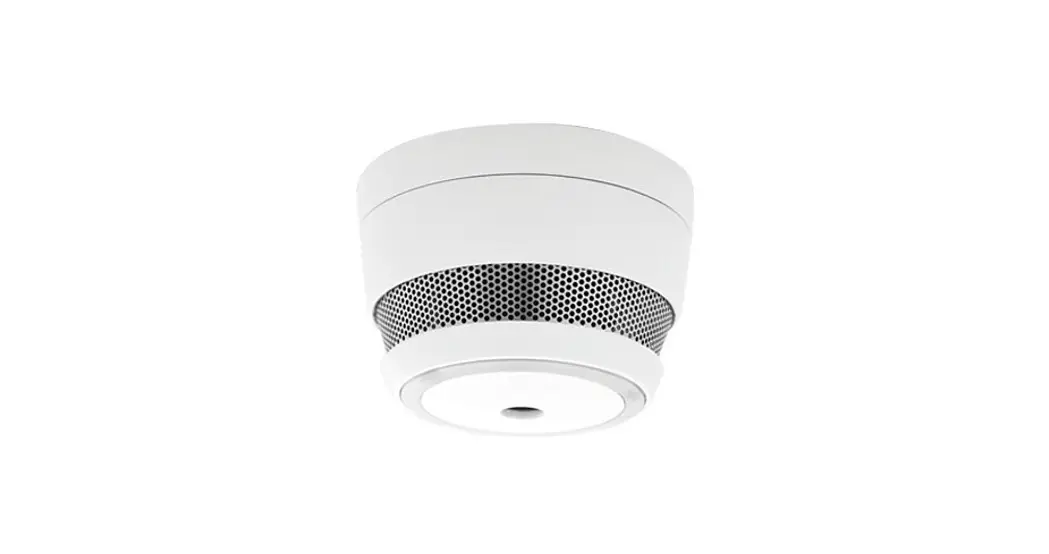
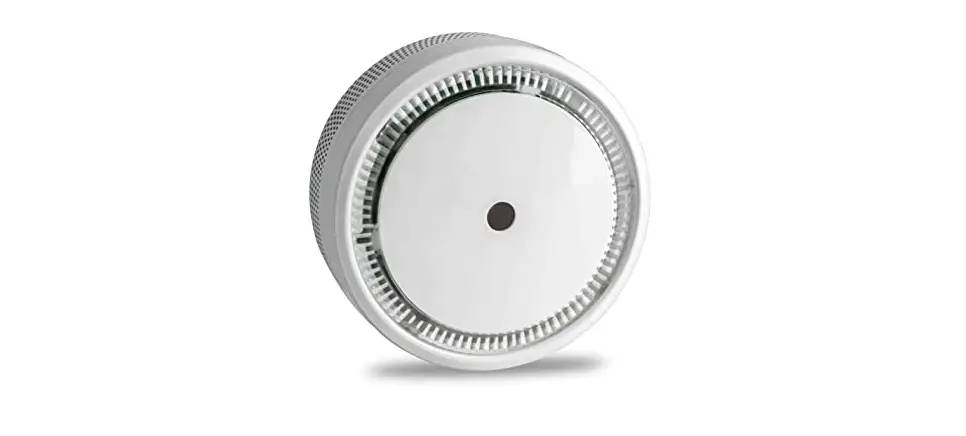
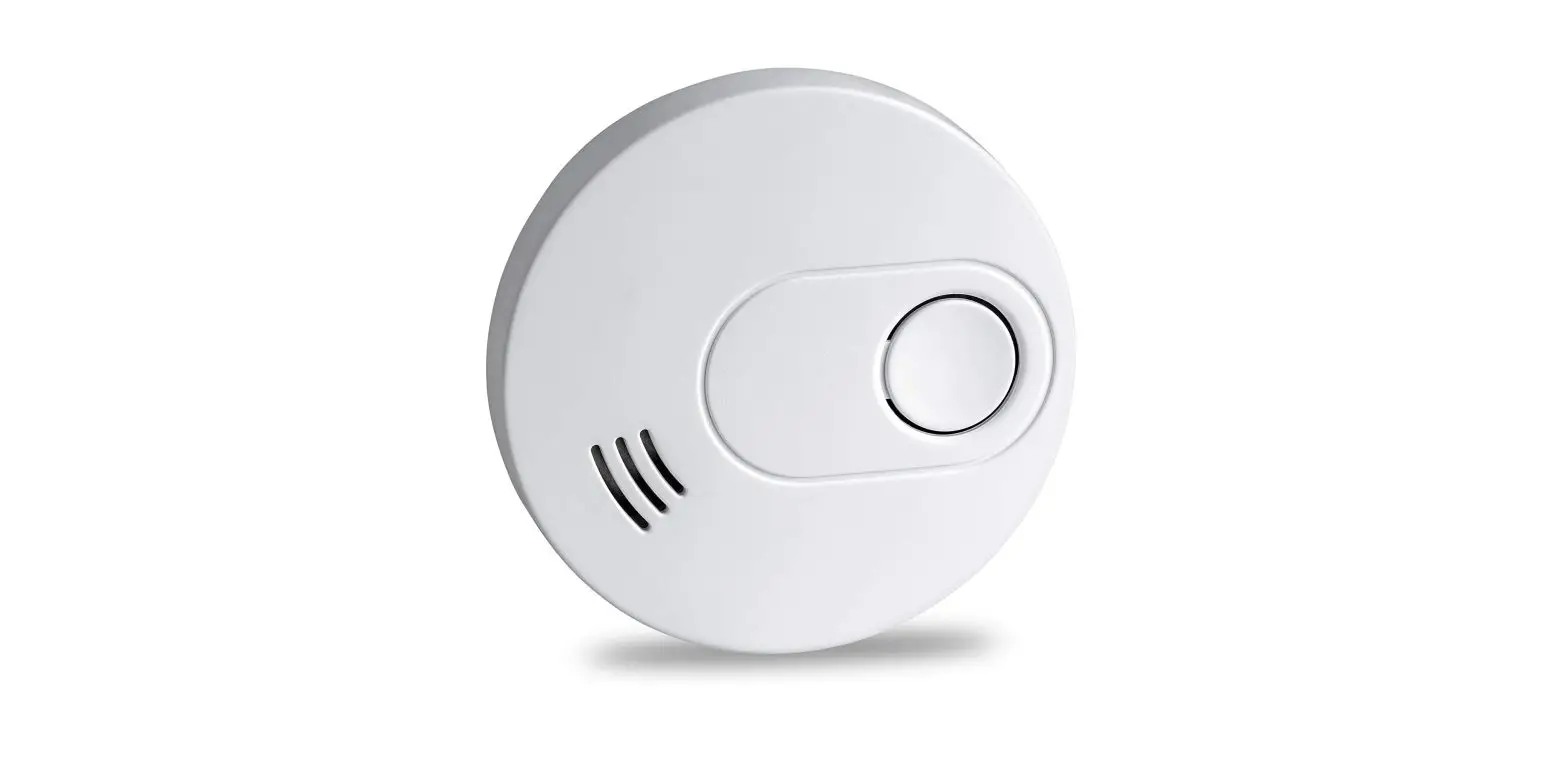
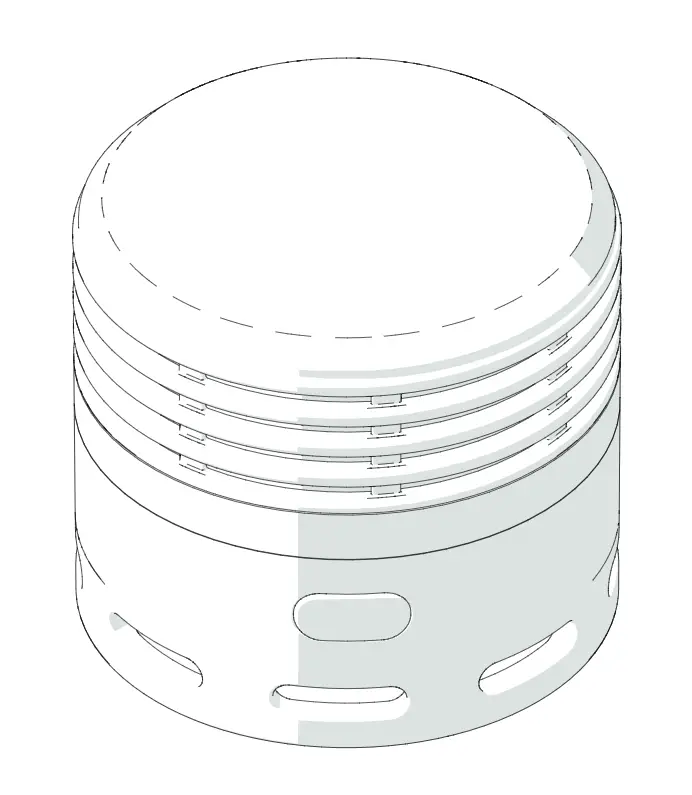
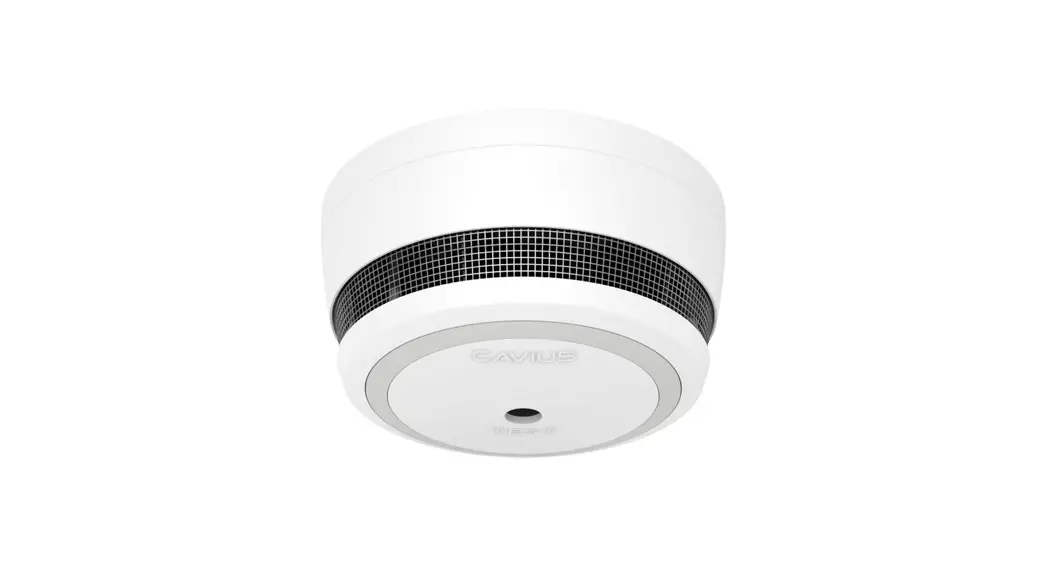
DHI-HY-SA30A Smoke Alarm (hereinafter referred to as the device) is designed to continuously monitor smoke concentration. Adopting advanced split-spectrum photoelectric chamber and a built-in high-volume buzzer, it responds quickly and becomes highly sensitive with stable performance and low false alarm. Once the surrounding smoke concentration reaches the alarm value, it will promptly send out visual and audible alarm signal to remind the user to take immediate measures. This product is designed for household or similar residential application such as family home or apartment.
Product profile
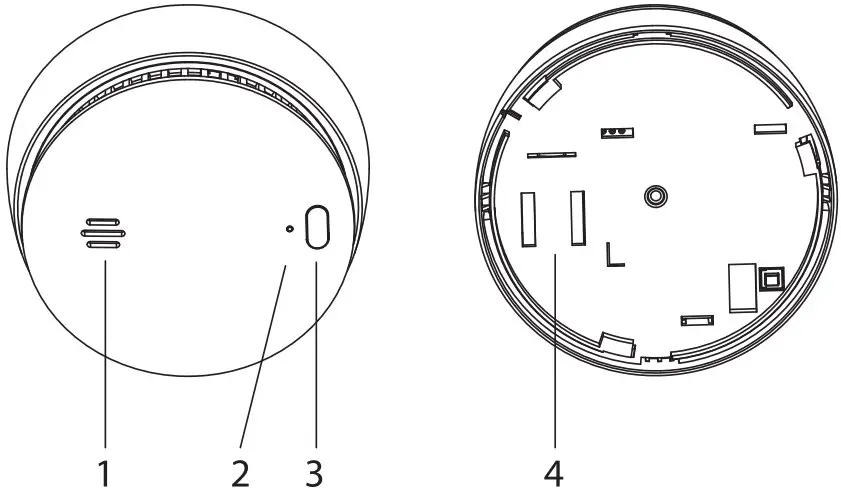
| No. | Name | Introduction |
| 1 | Buzzer | Alarm Sound: 85dB (A) at 3 m (9.84 ft) |
| 2 | Indicator |
|
| 3 | Test/Silence Button |
|
| 4 | Battery Compartment | Built-in battery |
Technical Information
| Specification | Introduction |
| Model | DHI-HY-SA30A |
| Sensor Type | Photoelectric |
| Supply Voltage | DC3V |
| Battery Life | 10 years |
| Alarm Method | Visual and audible alarm |
| Operating Current |
|
| Operating Temperature | -10°C to +55°C (+14°F to +131°F) |
| Operating Humidity | 195°/o RH (non condensing) |
| Detecting Area | When the height of the space is less than 8 m (3.28 ft), the protection area of a device is 20 m2-40 m2 |
| Dimensions | cp98mm x H43.1mm (w3.85″ x H1.70″) |
| Weight (with battery) | 136 g (0.30 lb) |
| Certification | EN 14604:2005+AC: 2008 |
Device Installation
Packing List
Check the package according to the following checklist. If you find device damage or any loss, contact the after sales service.
Table 4-1 Checklist
| Name | Quantity |
| Smoke Alarm | 1 |
| Self-tapping Screw | 2 |
| Expansion Bolt | 2 |
| Mounting Plate | 1 |
| User’s Manual | 1 |
Installation Position
CAUTION
This device is intended for use in ordinary indoor locations of family living units. Construction and layout of individual dwellings will vary, so this should be regarded as a reference only. For further guidance, please check with your local fire station.
Figure 4-1 Overall layout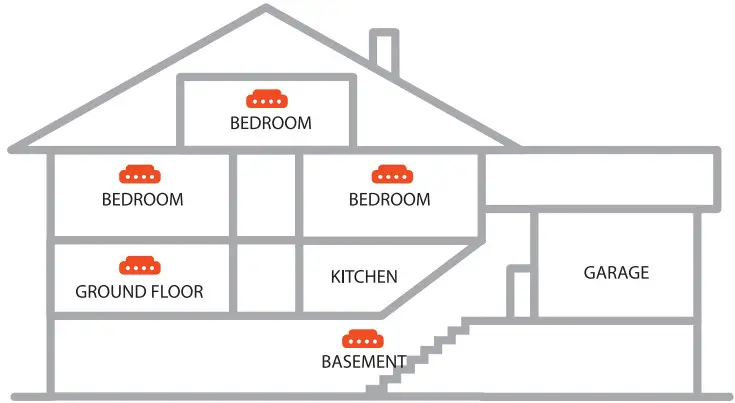
- Installed on the ceiling.
If the device is installed on the ceiling, install at a distance of 20 inches (500 mm) away from the corners of the room.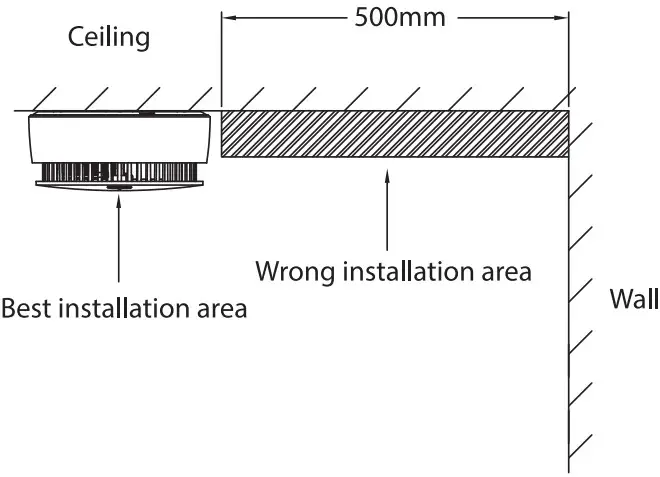
- Installed on the sloping roof.
When the slope is less than 45°, the appropriate distance is 20 inches (500 mm). When the slope is more than 45°, a wood should be installed.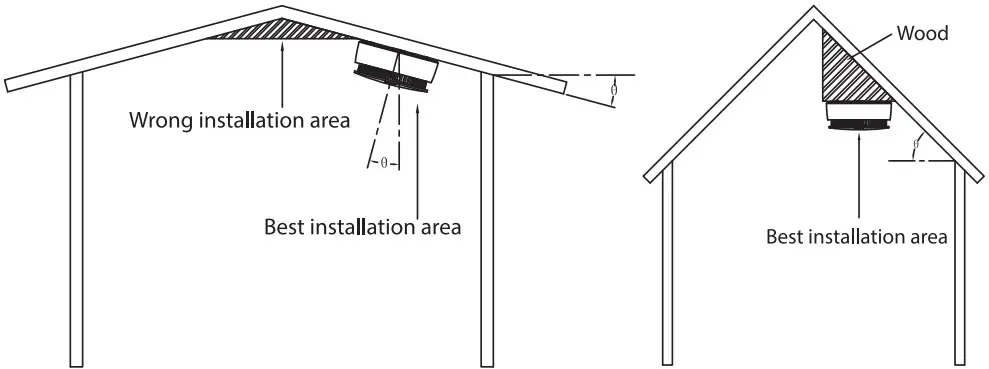
Installation Steps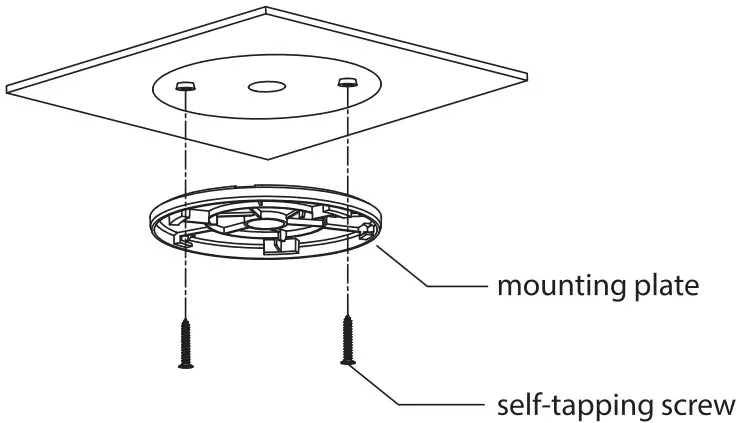
Follow below steps to install the device properly.
Step 1 Choose suitable place to install your smoke alarm.
Step 2 Drill holes (06 mm [0.24″]) on the wall, and then align the screw holes on the wall with the expansion bolts.
Step 3 Fix the mounting plate with self-tapping screws.
Step 4 Install the Device.
- Remove the battery insulating film from the battery compartment.
- Rotate the device according to the corresponding position and direction as shown in the figure.

NOTE
Please ensure it is firm.
Figure 4-5 Installation step (2)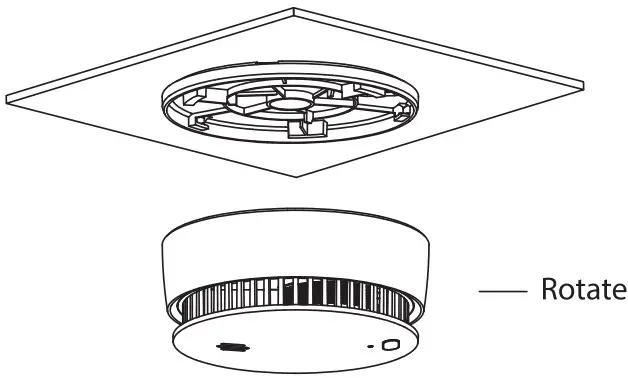
Test and Maintenance
Test
After the installation of the Device or regular maintenance, a test must be carried out to confirm that the Device is operating properly.
During the testing process, the defective Device should be addressed according to “FAQ” and “Maintenance”, and then tested again. If it fails to complete the test successfully, please send the Device to the manufacturer for repair.
Device self-test
Press the Test/Silence button, indicator light flashes quickly and buzzer beeps.
Silence/Pause the alarm
When the smoke concentration reaches a predetermined threshold, the indicator light flashes, and the buzzer beeps (85aB). If a false alarm is triggered, you can silence it by pressing the Test/Silence button on the device to stop the alarm sound.
CAUTION
You can silence this device with an infrared remote controller by pressing the button on
it and the device will pause the alarm. The alarm will automatically exit silence mode
after 12 minutes.
Low voltage
When the battery voltage is lower than a certain threshold, indicator flashes and the buzzer beeps every minute until the battery is depleted. Please replace the device immediately or contact technical support for advice.
Maintenance
To keep your device in good working condition, please follow these requirements.
- Simulate fire alarm test: Test the device once a week. Under normal working conditions, press the Test/Silence button to ensure that the Device can work normally. If there is a malfunction, please repair it in time. After cleaning, please install the Device and test again.
- Clean the shell: Clean the device at least once per year (recommended). Keep the Device free of dust or inserts by gently vacuuming the shell with a soft brush attachment when required. Avoid cleaning solutions on the Device to prevent the possibility of contaminating the sensor.
- Do not paint the device. Paint will seal the bents and interfere with the sensor’s ability to work normally.
FAQ