VigorACS 3 Software
Product Information
Product Name: VigorACS 3
Software Version: 3.3.1 (Cluster)
Release Type: Normal
Applied System: Linux 17.0.4
Open JDK Version: 10.6.5
Mariadb Version: 1.8.3
InfluxDB Version: Not specified
Description: VigorACS is a software that
provides centralized device management for TR-069 based CPEs such
as a broadband gateway, XDSL router, VoIP gateway, and wireless AP.
VigorACS has device status, monitors the status of devices, or
performs scheduling tasks such as firmware upgrade, configuration
backup/restore, and parameter profile for mass deployment of CPE
devices.
New Features
- Use LTS Java Version
- Upgrade WildFly to 25.0.1
- Upgrade MariaDB to 10.6.5
- Support chatbot and add notifications
- Implement the SD-WAN phase II WUI
- Support PIN as the hotspot login method
- Support Let’s Encrypt certificate
- Add new fields for setting domain name for remote node
(VPN)
Support Model and Version
For the full model support list, please refer to the Compatible Devices
section on the official website.
Improvement
- Improved: Improvement for the system stability
- Improved: Unify the station list format for 2.4G/5G on
VigorACS - Improved: Let the names/options on ACS and VigorAP
consistent - Improved: Allow changing the permission of MySQL DB backup and
ACS relevant directory - Improved: Enable API Service will be hidden for all user levels
except the System Administrator - Improved: Allow changing REST API WholesaleWizard to be able to
add without specifying the expired date - Improved: Forbid to drag Roles within the page of
User>>Function Management to avoid P1282/G1282) - Corrected: An issue was that VigorACS could not add an
AP/Switch while there was a 0.5 node left - Corrected: An issue with Leaflet Maps displayed incorrect
locations for some networks or devices - Corrected: An issue with the device and network tree would get
errors once new devices were added - Improved: Modify the foolproof design of Specify Remote VPN
Gateway with Peer/Local ID for IPsec VPN - Corrected: An issue with almost all networks being disappeared
in WUI after finishing the database backup - Corrected: An issue with changing the TR069 Periodic Inform and
CEP Username/Password - Corrected: An issue with the device name shown as 1 in the
device tree if modifying the device name to Switch 1 - Corrected: An issue with viewing the monitoring/WAN data usage
on the newly added SDWAN network router - Corrected: An issue with displaying the front panel of the
Vigor router (e.g., Vigor2866ax) on the CPE dashboard - Corrected: An issue of CPE firmware upgrade failure when using
the firmware file in the user group’s name contained &
Known Issue
None.
Product Usage Instructions
To use VigorACS 3, follow these steps:
- Ensure that your device is included in the compatible devices
list. - Download and install VigorACS 3 software on your Linux 17.0.4
system. - Launch VigorACS 3 and log in using the appropriate
credentials. - Use the centralized device management features to monitor the
status of your TR-069 based CPE devices. - Perform tasks such as firmware upgrades, configuration
backup/restore, and parameter profile for mass deployment of CPE
devices. - Take advantage of new features such as support for chatbot and
notifications, SD-WAN phase II WUI, PIN as the hotspot login
method, Let’s Encrypt certificate support, and setting domain name
for remote nodes (VPN).
If you encounter any issues or have questions, refer to the
product manual or contact customer support for assistance.
Release Note for VigorACS 3
Software Version: Release Type: Applied System: Open JDK Version: Mariadb Version: InfluxDB Version:
3.3.1 (Cluster) Normal Linux 17.0.4 10.6.5 1.8.3
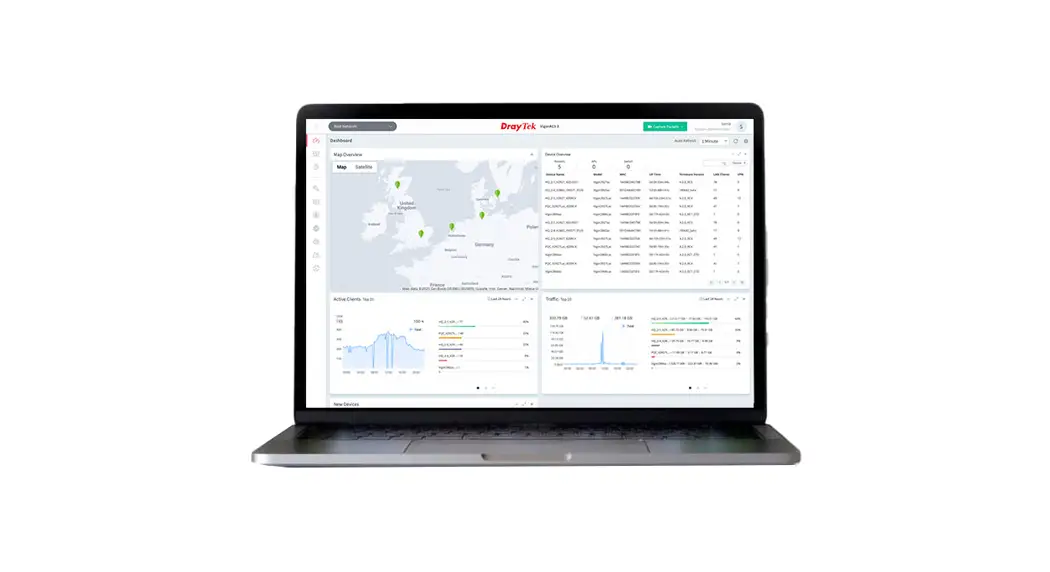
VigorACS is a software that provides centralized device management for TR-069 based CPEs such as a broadband gateway, XDSL router, VoIP gateway, and wireless AP. VigorACS has device status, monitors the status of devices, or performs scheduling tasks such as firmware upgrade, configuration backup/restore, and parameter profile for mass deployment of CPE devices.
New Features
Use LTS Java Version. Upgrade WildFly to 25.0.1. Upgrade MariaDB to 10.6.5. Support chatbot and add notifications. Implement the SD-WAN phase II WUI. Support PIN as the hotspot login method. Support Let’s Encrypt certificate. Add new fields for setting domain name for remote node (VPN).
Support Model and Version
For the full model support list, please refer to Compatible Devices section in URL : https://www.draytek.com/products/vigoracs-3/
Improvement
Improved: Improvement for the system stability. Improved: Unify the station list format for 2.4G/5G on VigorACS. Improved: Let the names/options on ACS and VigorAP are consistent. Improved: Allow changing the permission of MySQL DB backup and ACS relevant
directory. Improved: Enable API Service will be hidden for all user levels except the System
Administrator. Improved: Allow changing REST API WholesaleWizard to be able to add without specifying
the expired date. Improved: Forbid to drag Roles within the page of User>>Function Management to avoid
1
information chaos. Corrected: Issues related to QoS rules. Corrected: An issue with modifying the IKEv2 L2L VPN profile. Corrected: An issue with the DrayTek FTP on VigorACS not working. Corrected: An issue with the display format for VigorACS .csv report. Corrected: An issue with a user allowed to use API but not access WUI. Corrected: An issue with displaying duplicate menu items (Applications). Corrected: An issue of session timeout error while using and after logging. Corrected: An issue with displaying selection settings about group objects. Corrected: Issues with unclear VPN related to VPN Wizard and VPN Config. Corrected: An issue that OOBE could not save email address in a user profile. Corrected: An issue about Leaflet maps did not display CPEs in the dashboard. Corrected: An issue that the user role of the Operator could not edit the VPN profile. Corrected: An issue with the parameter values set for global provisioning XML profile. Corrected: An issue with identifying the Vigor router (e.g., LTE200n, Vigor167, Switch
P1282/G1282). Corrected: An issue was that VigorACS could not add an AP/Switch while there was a 0.5
node left. Corrected: An issue with Leaflet Maps displayed incorrect locations for some networks or
devices. Corrected: An issue with the device and network tree would get errors once new devices
were added. Improved: Modify the foolproof design of Specify Remote VPN Gateway with Peer/Local
ID for IPsec VPN. Corrected: An issue with almost all networks being disappeared in WUI after finishing the
database backup. Corrected: An issue with changing the TR069 “Periodic Inform” and CEP
Username/Password. Corrected: An issue with the device name shown as “1” in the device tree if modifying the
device name to “Switch 1”. Corrected: An issue with viewing the monitoring/WAN data usage on the newly added
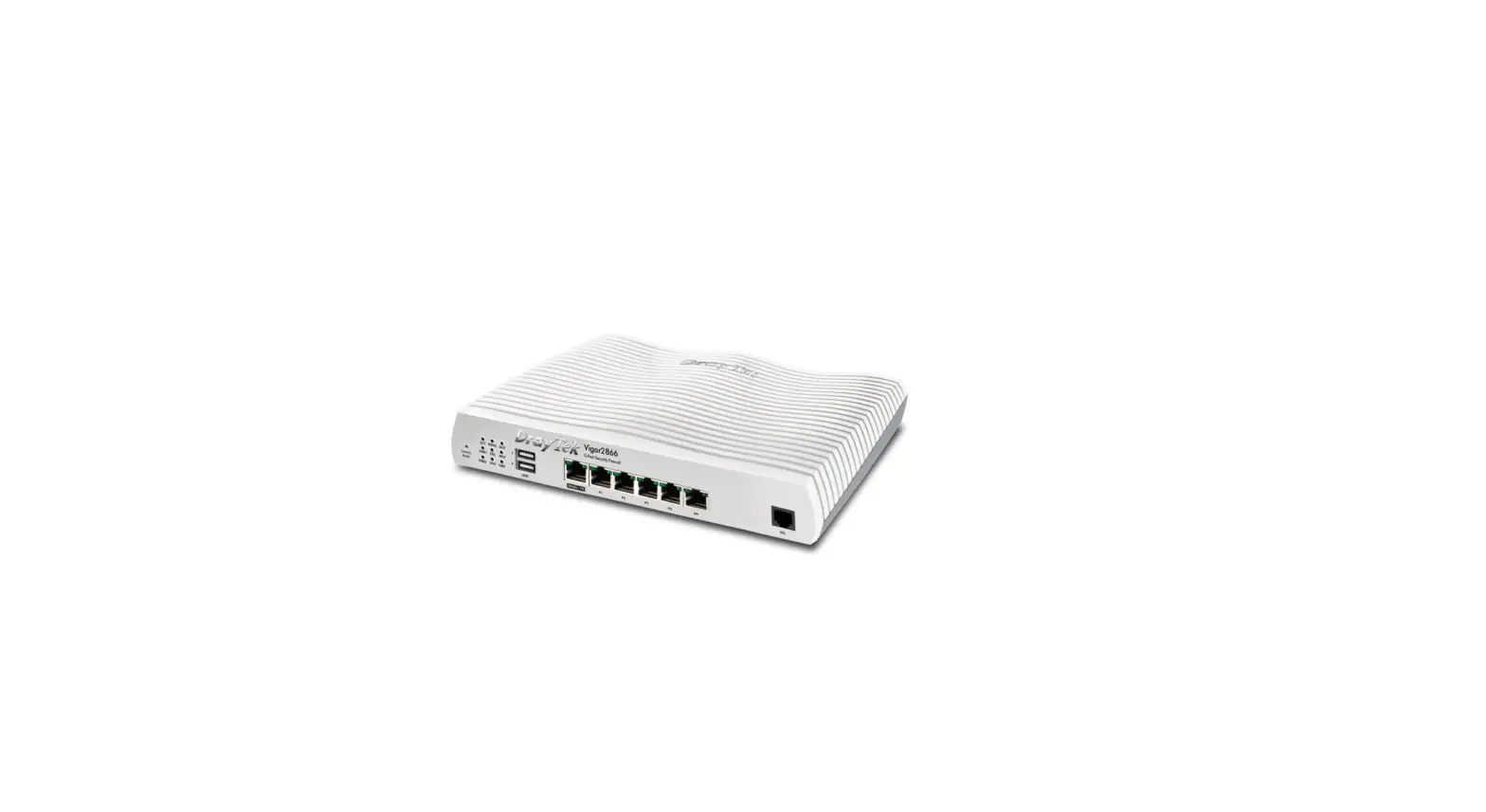
SDWAN network router. Corrected: An issue with displaying the front panel of the Vigor router (e.g., Vigor2866ax)
on the CPE dashboard. Corrected: An issue of CPE firmware upgrade failure when using the firmware file in the
user group’s name contained “&”.
Known Issue
None.
NO: 111_11_2
2
 VigorACS 3 | DrayTek