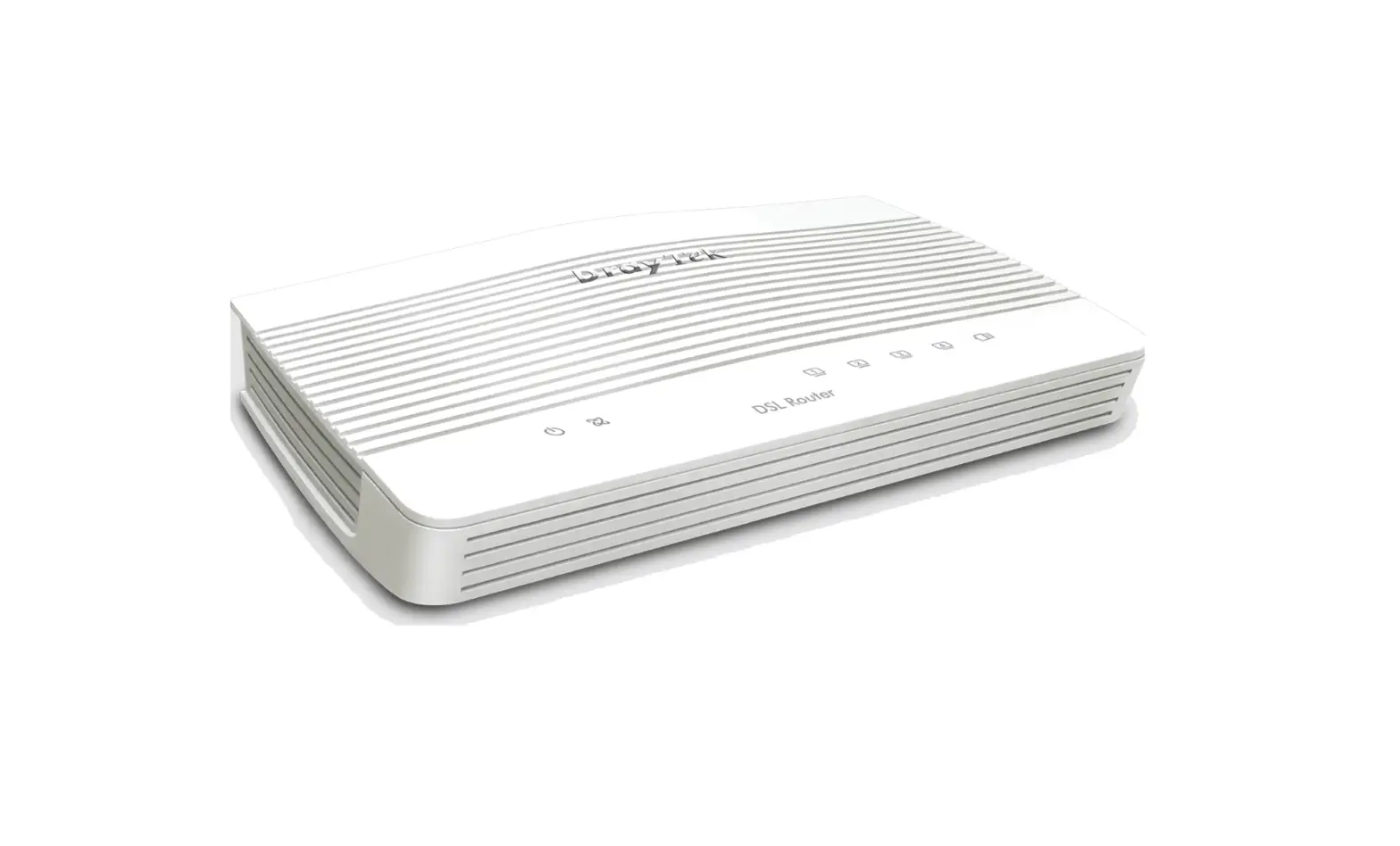
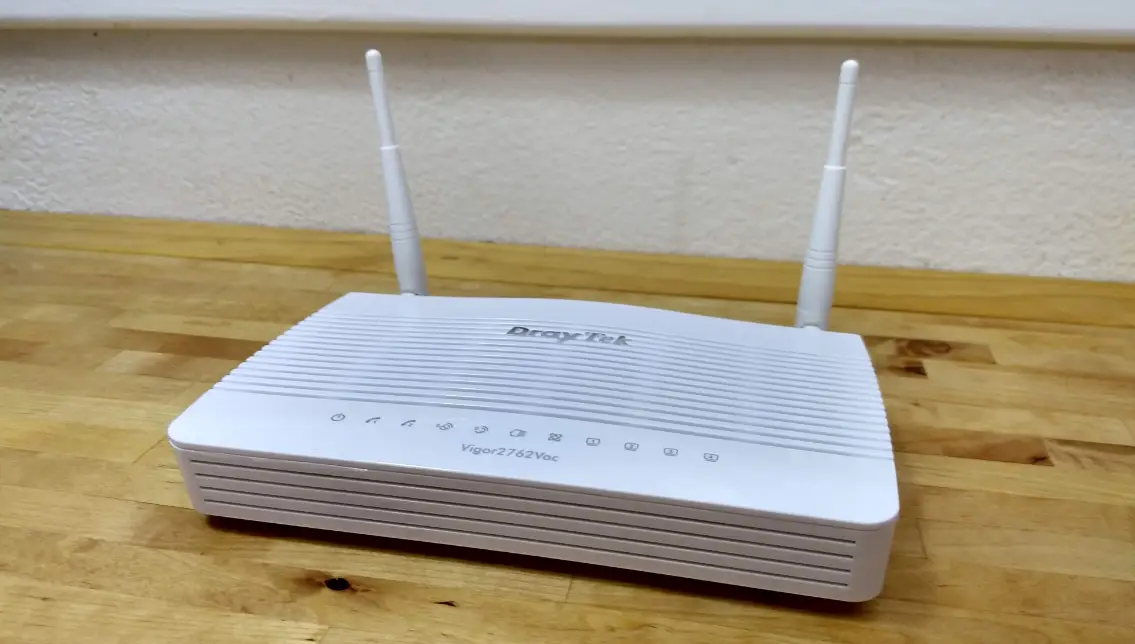
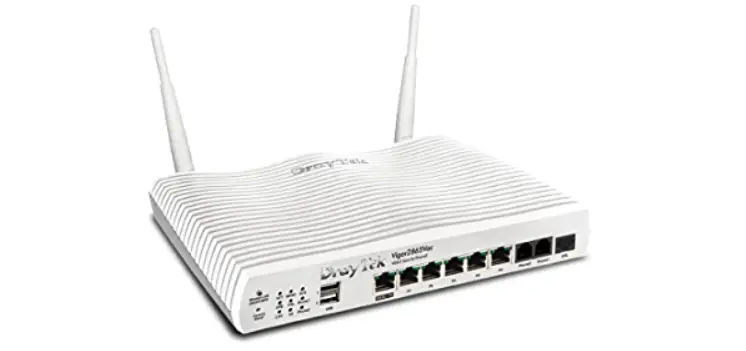
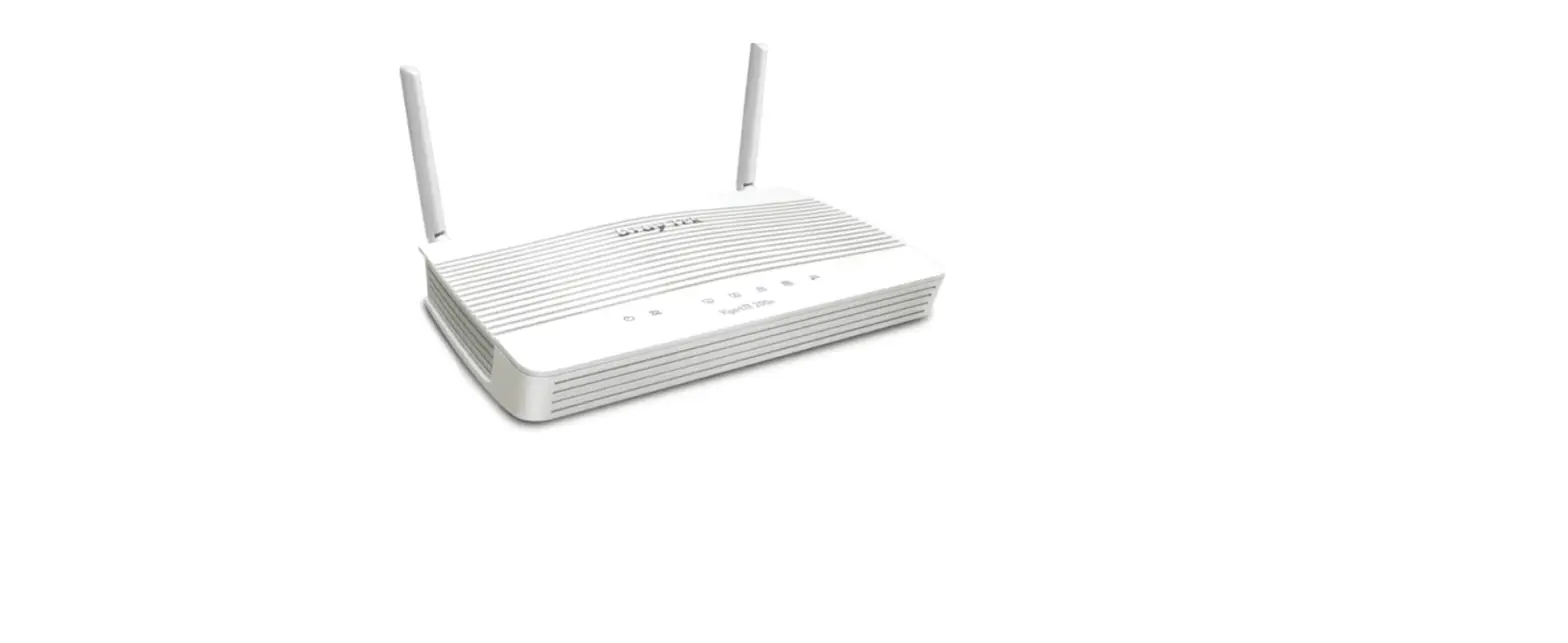
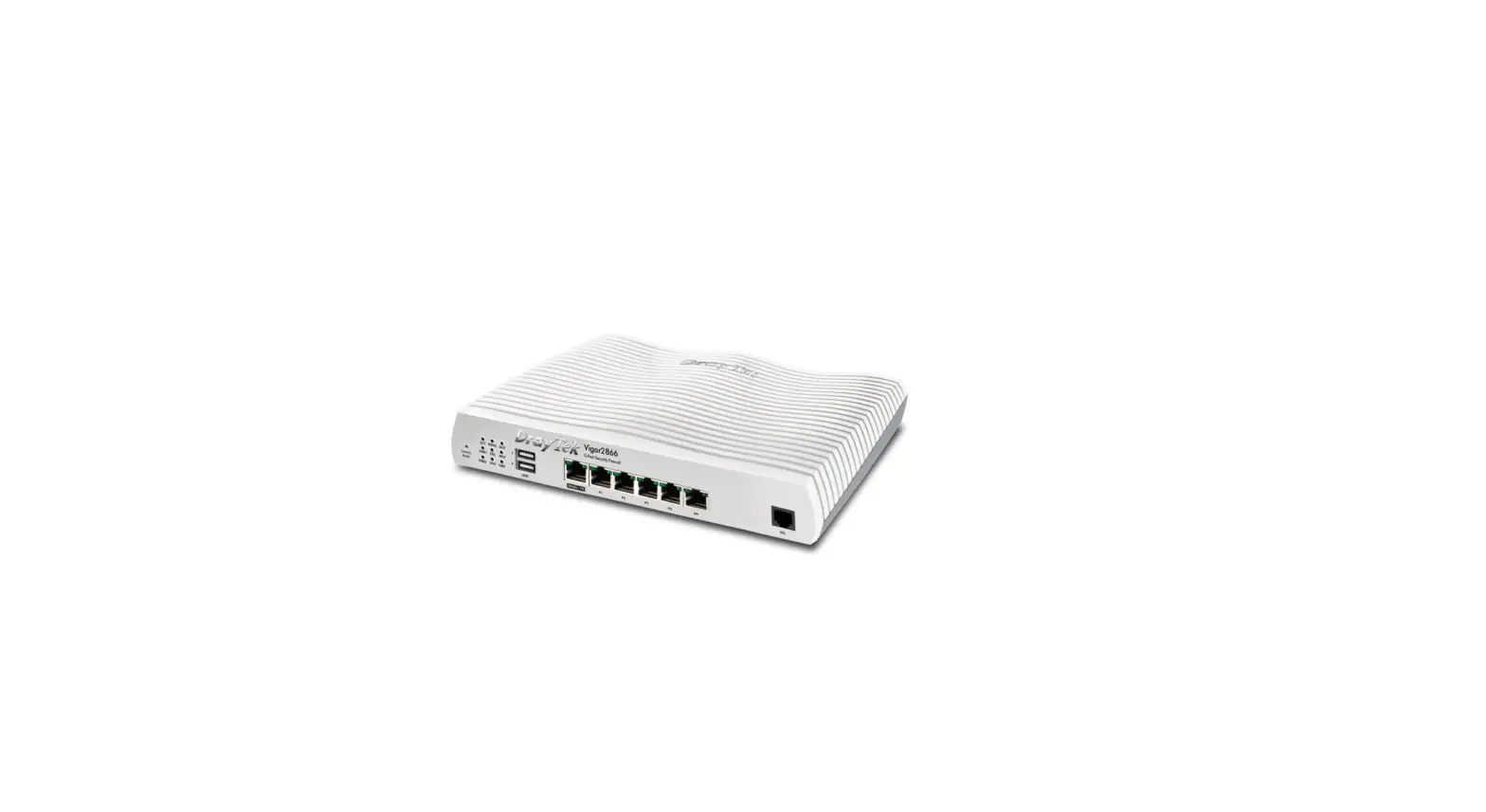
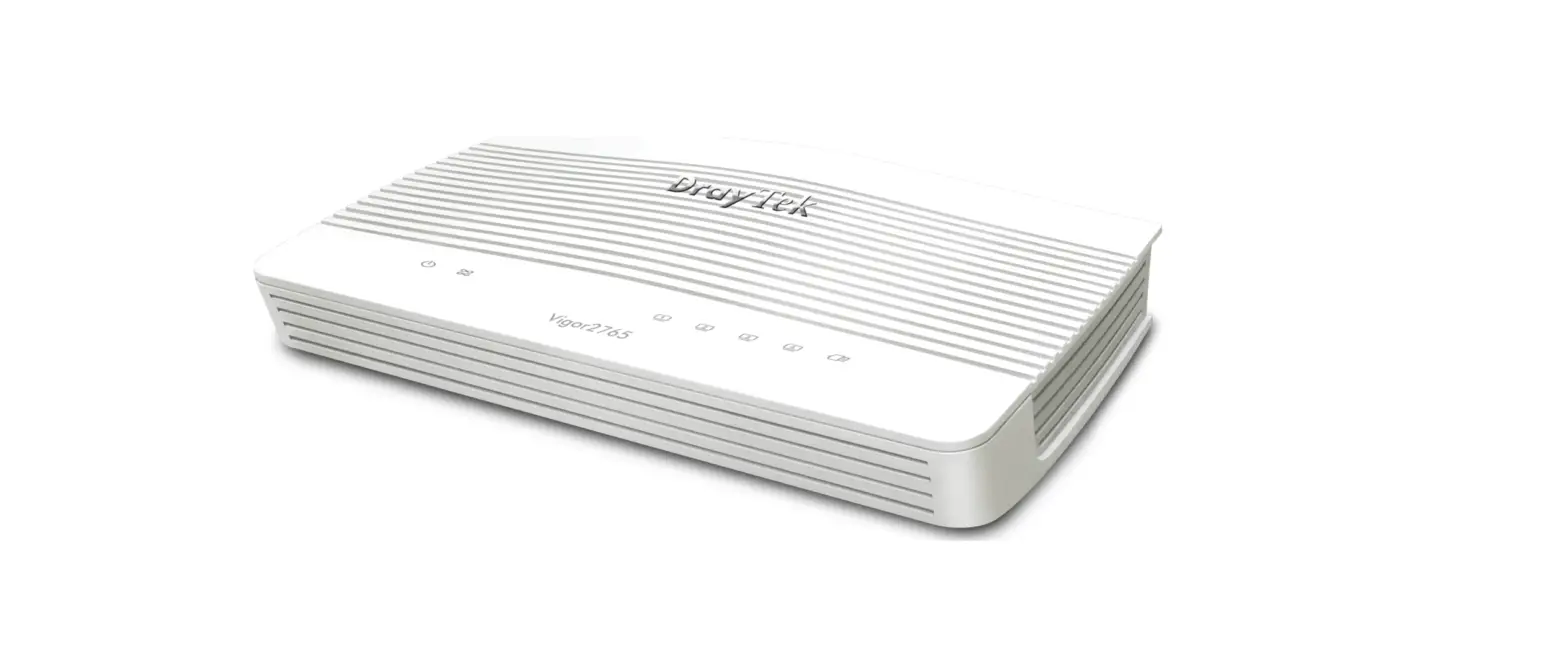
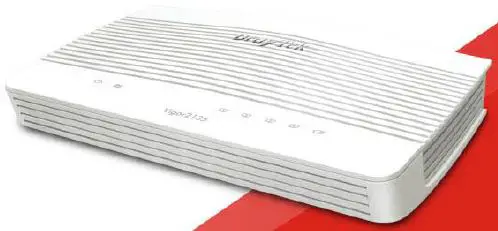
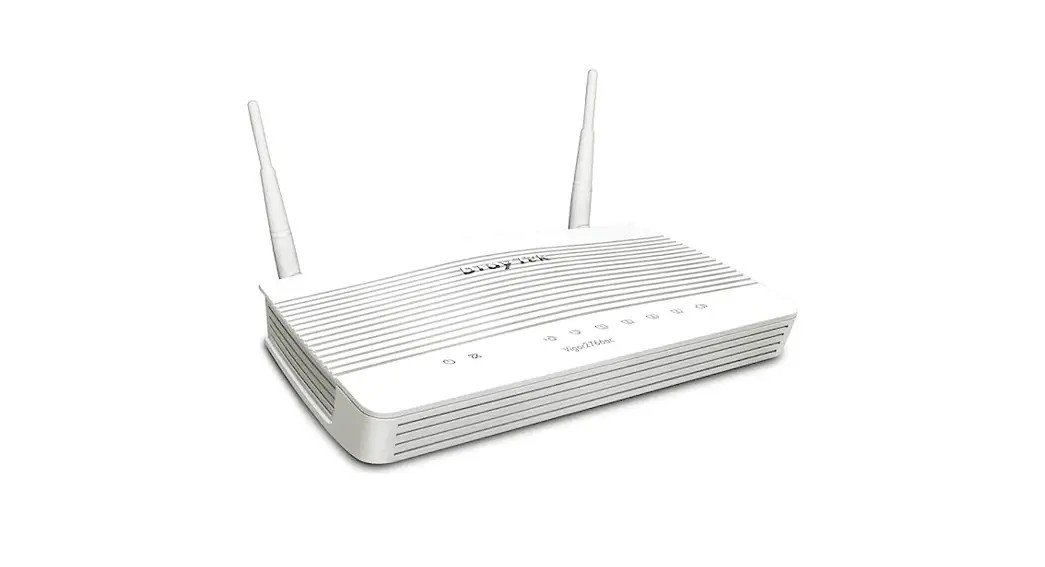
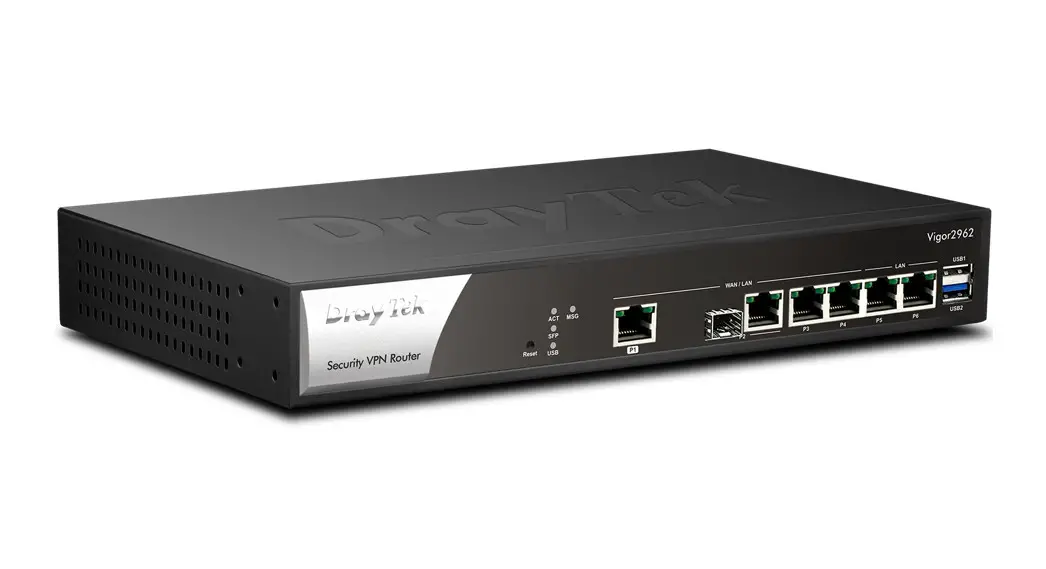
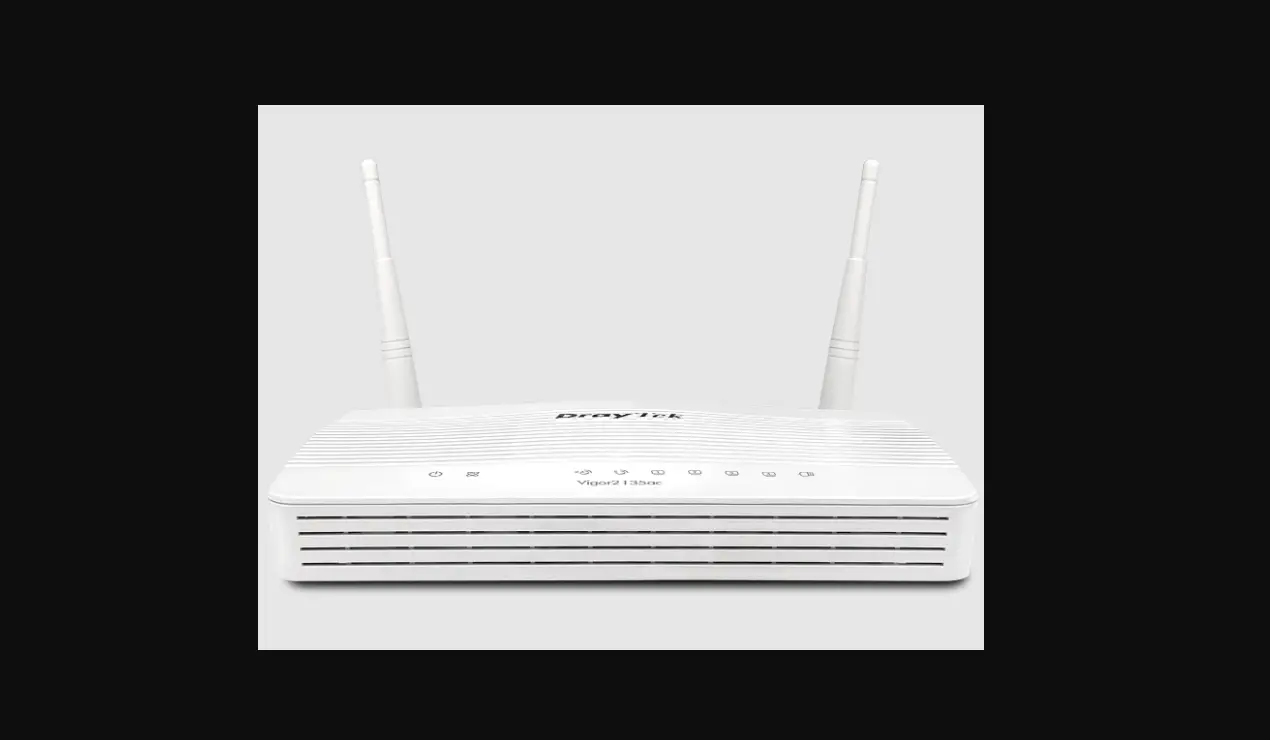
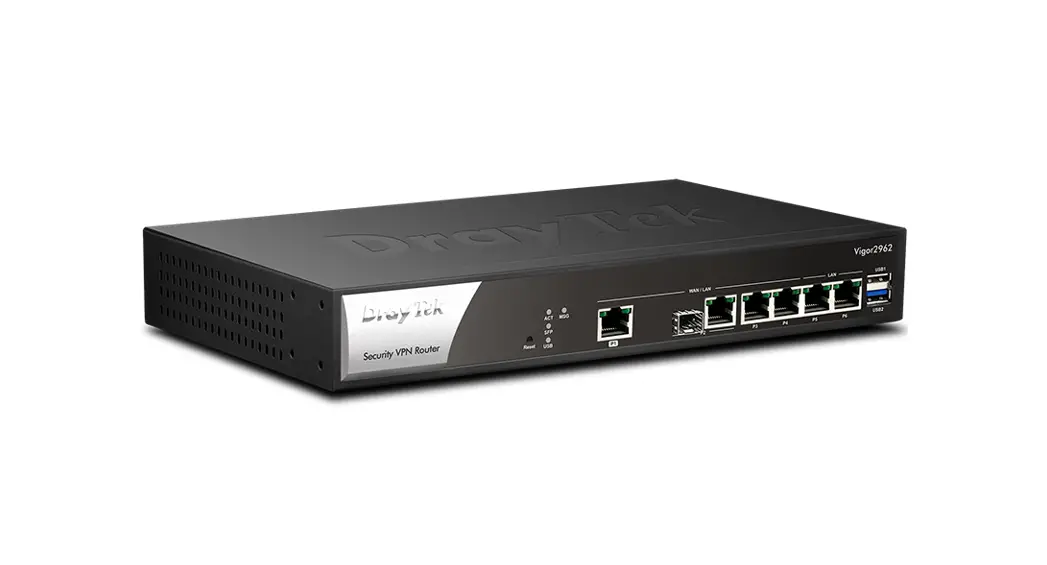
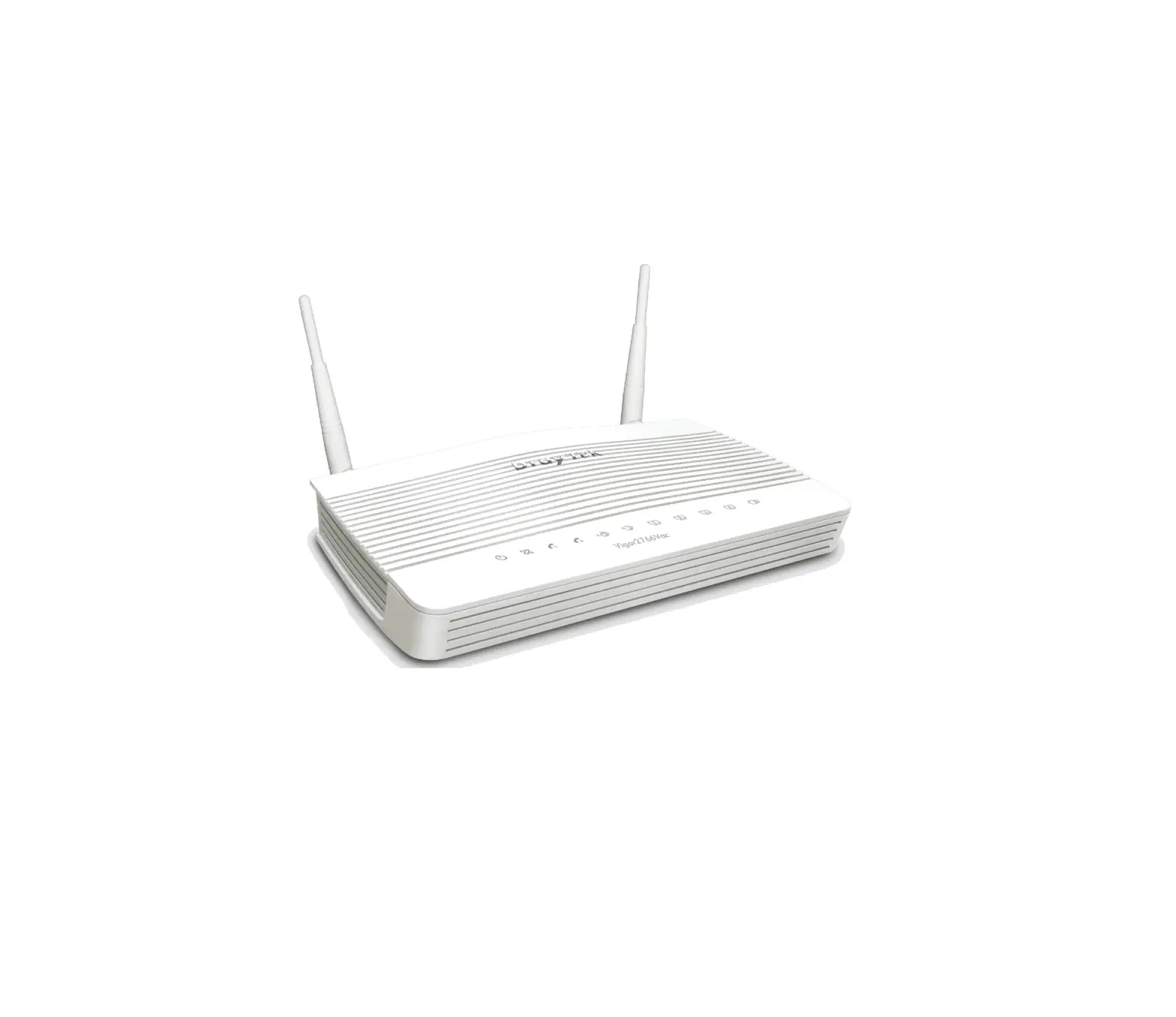
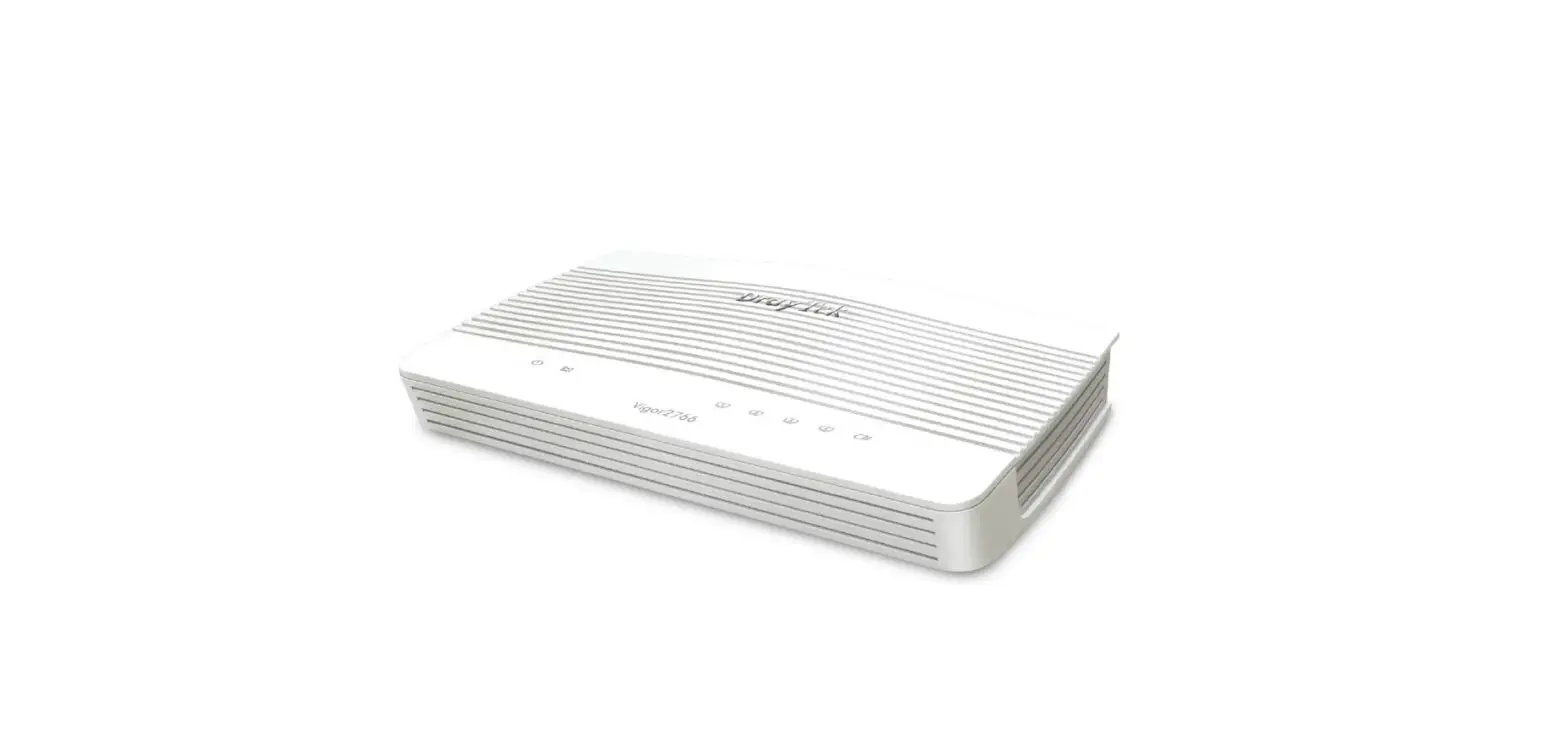
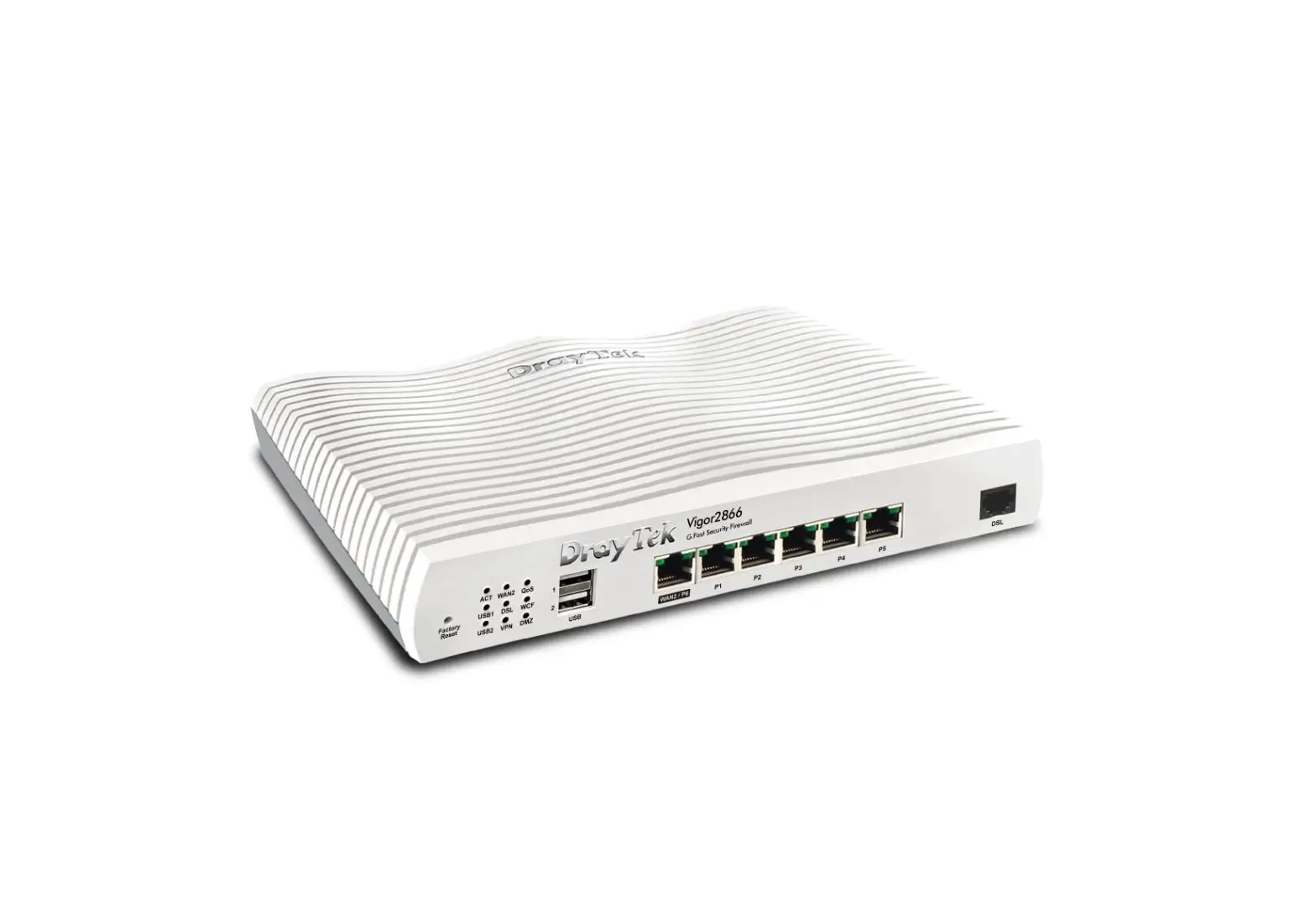
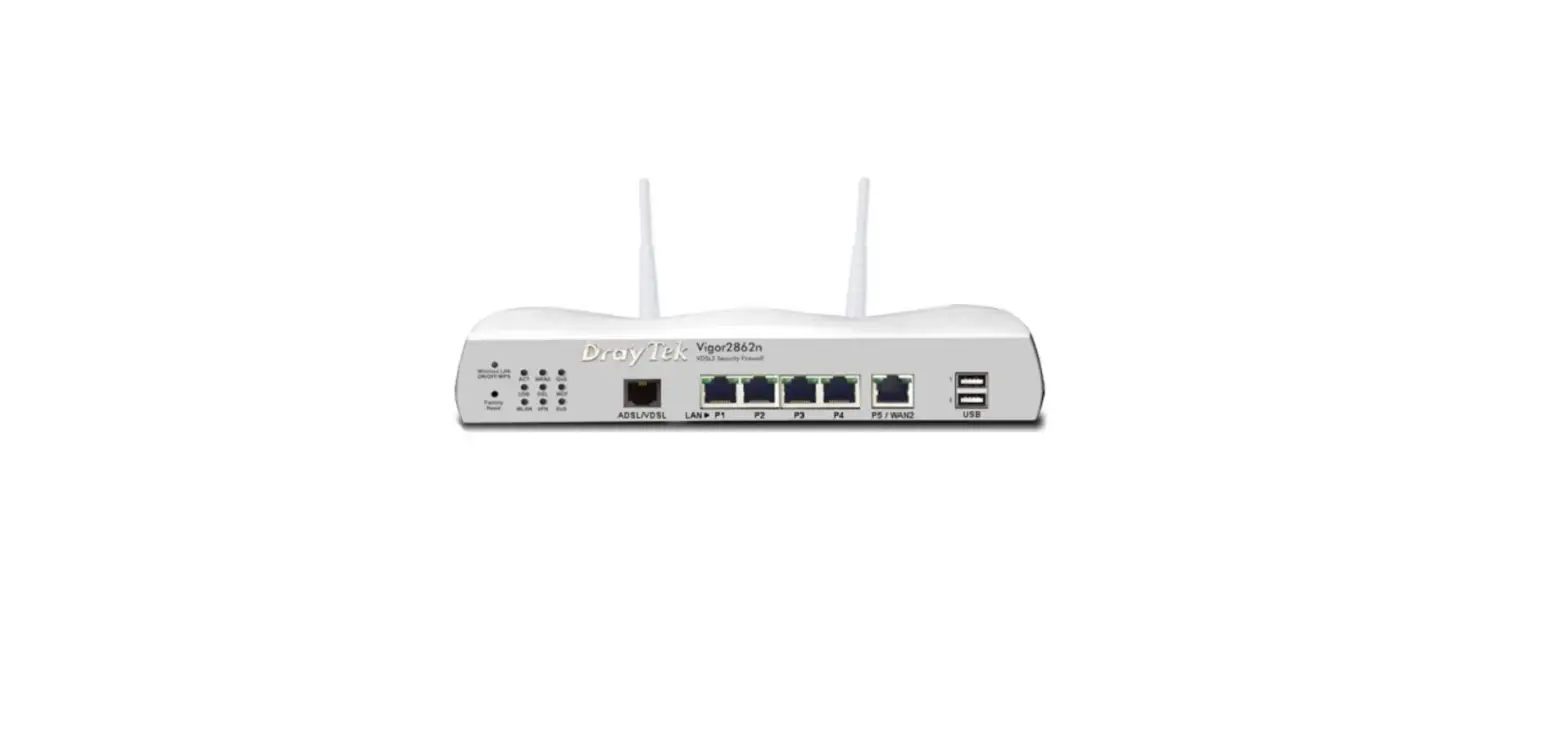
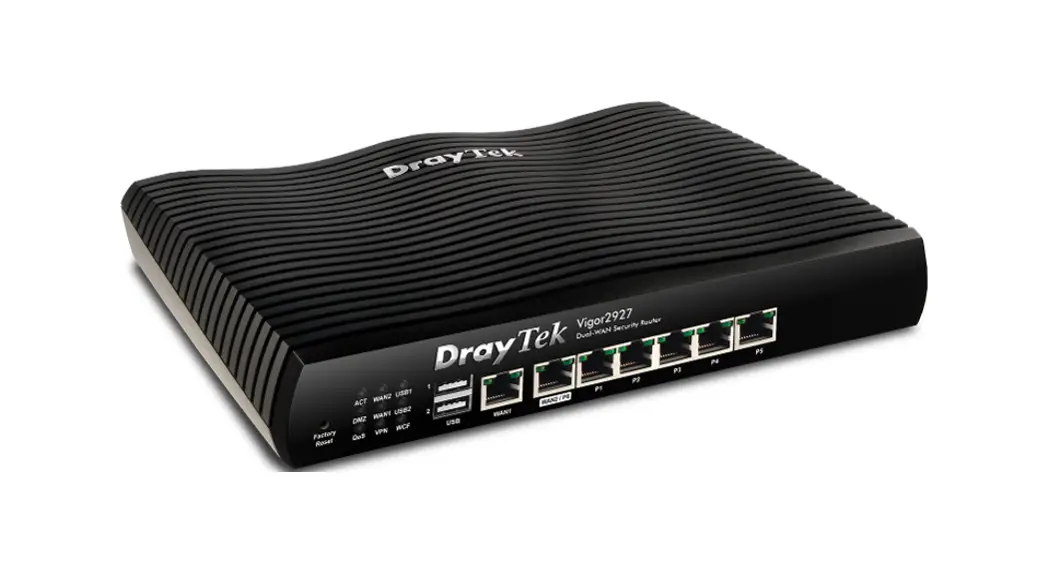
Vigor2862 VDSL2 Router
Product Information
The Vigor2862 series is a VDSL2 router designed for secure and
efficient workgroup management. It supports multi-subnet
functionality and integrates IP layer QoS and NAT session/bandwidth
management. The router is compatible with large bandwidth
connections and offers built-in Wireless LAN for wireless
connectivity.
New Features
- Support for Cyren Zero-Day WCF
Improvements
- Added new Annex B modem code 779B07 in the MDM4 firmware to
solve a VDSL sync issue with German ISP M-Net - Corrected an issue where the Secondary NTP server box was
cleared after editing Daylight Saving - Corrected an IPsec IKE buffer leakage issue when receiving
retransmitted phase2 PFS negotiation - Corrected an issue with system uptime display for switch status
on Central Management >> Switch >> Status - Corrected an issue with the system not working if entering more
than a certain number (e.g., 500) characters for the hotspot web
portal terms and conditions
Version and Modem Code
The Vigor2862 comes in different firmware versions with
corresponding modem codes. The recommended version for Australia is
Vigor2862_v3.9.9_MDM1_en.zip, which provides Annex A modem code
779517_773F01 and 77B507_775401, and Annex B modem code
779B06_774F02 and 779B07_774C12.
Known Issue
None.
Notes
- The Vigor router supports mesh network functionality, but its
availability and compatibility may vary depending on the physical
connection, actual environment, signal strength, and interference
levels. - The simplified APM mechanism has been removed and restored to
the full version.
Product Usage Instructions
To use the Vigor2862 series VDSL2 router, follow these
steps:
- Connect the router to a power source using the provided power
adapter. - Connect the router to your internet service provider’s modem
using an Ethernet cable. - If applicable, connect your computer or other devices to the
router using Ethernet cables or via the built-in Wireless LAN for
wireless connectivity. - Access the router’s web interface by entering the default IP
address (usually 192.168.1.1) in your web browser. - Log in to the router’s web interface using the default username
and password (refer to the user manual for details). - Configure the router settings according to your network
requirements, such as setting up wireless networks, enabling QoS,
managing NAT sessions and bandwidth, etc. - Refer to the user manual for specific instructions on advanced
features, such as mesh networking, firmware updates, and
troubleshooting.
Note: If you encounter any issues or need further assistance,
consult the user manual or contact customer support.
NO: AP1101-2 V.1
Release Note for Vigor2862 Series
Firmware Version: Release Type: Applied Models:
3.9.9 Normal Vigor2862 / Vigor2862n / Vigor2862ac / Vigor2862Vac / Vigor2862L / Vigor2862Ln / Vigor2862Lac
Vigor2862 series is a VDSL2 router with multi-subnet for secure and efficient workgroup management. It integrates IP layer QoS, NAT session/bandwidth management to help users control works well with large bandwidth. Besides, “n” and “ac” series have built-in Wireless LAN for wireless connection.
New Features
Support Cyren Zero-Day WCF.
Improvement
Improved: Add new Annex B modem code 779B07 in the MDM4 firmware to solve a VDSL sync issue with German ISP M-Net.
Corrected: An issue that the Secondary NTP server box was cleared after editing Daylight Saving.
Corrected: An IPsec IKE buffer leakage issue when receiving retransmitted phase2 PFS negotiation.
Corrected: An issue with system uptime display for switch status on Central Management >> Switch >> Status.
Corrected: An issue with the system not working if entering more than a certain number (e.g., 500) characters for the hotspot web portal terms and conditions.
Version and Modem Code
“Vigor2862_v3.9.9_STD_en.zip” provides Annex A modem code 776d07_772801 and 774307_771801, and Annex B modem code 773306_771502 and 773307_771C02.
“Vigor2862_v3.9.9_MDM1_en.zip” provides Annex A modem code 779517_773F01 and 77B507_775401, Annex B modem code 779B06_774F02 and 779B07_774C12. Recommended for Australia.
“Vigor2862_v3.9.9_MDM2_en.zip” provides Annex A modem code 77B506_775401, 778C06_773F01,and Annex B modem code 779906_774402, 779B06_774C02.
– 1 –
“Vigor2862_v3.9.9_MDM3_en.zip” provides Annex A modem code 77C717_775A11, and Annex B modem code 77C717_775A12.
“Vigor2862_v3.9.9_MDM4_en.zip” provides Annex A modem code 776d07_772801, 774307_771801, and Annex B modem code 779B07_774C12.
Known Issue
None.
Notes
Vigor router supports the mesh network; however, it is not guaranteed to fit your environment. It might not be available and restricted due to the physical connection, actual environment, signal strength, and excessive interference.
Remove the simplified APM mechanism, and restore it to full version.
– 2 –
RD NO: 111_11_14