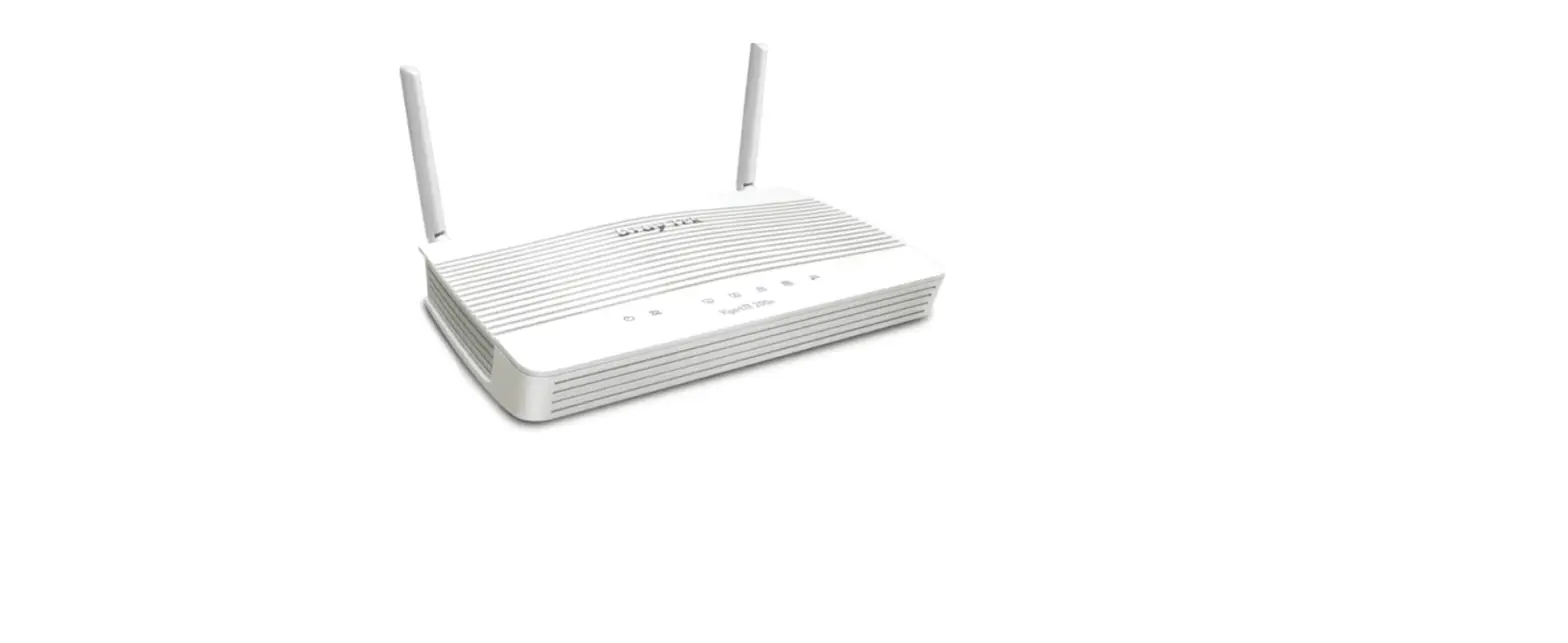
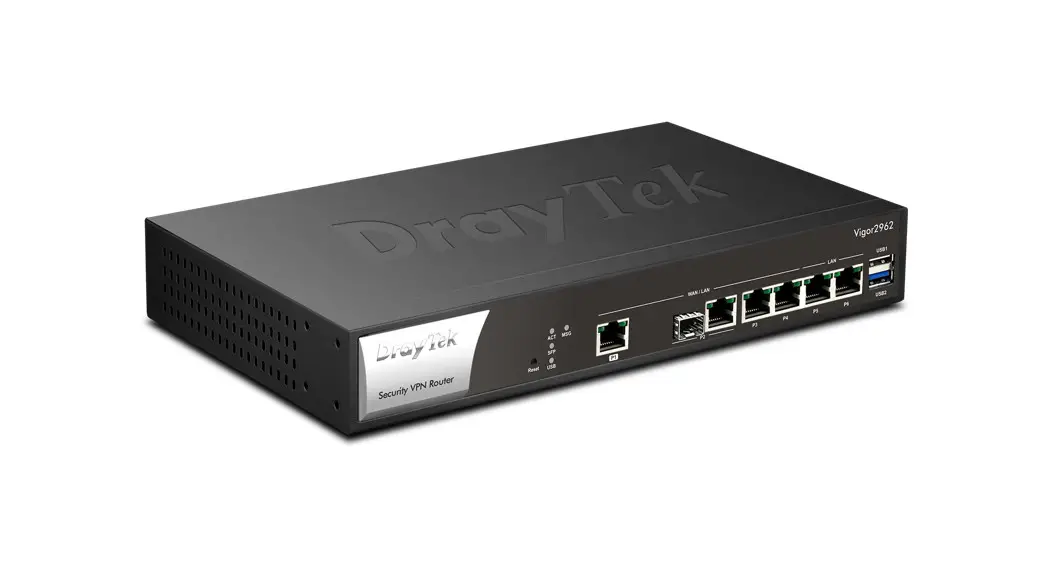
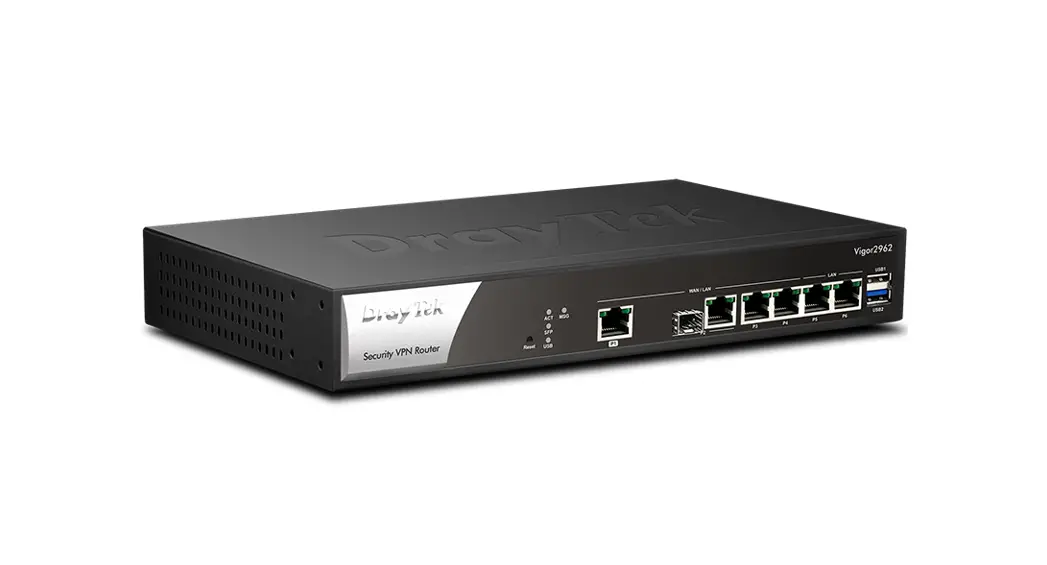
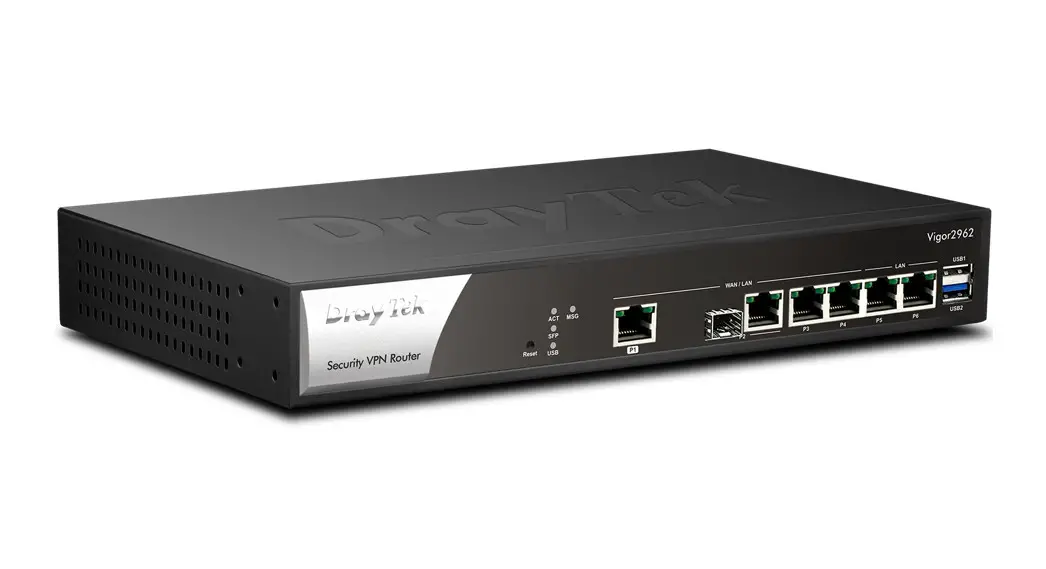
Vigor2962 High Performance 2.5G Router
Product Information
Product Name: Vigor2962
Firmware Version: 4.3.2.1
Release Type: Normal
Applied Models: Vigor2962, Vigor2962P
Read First
Due to a WebGUI security issue fixed in version 3.9.6.3, it is
recommended to change the passwords for admin login and
password/PSKs for VPN profiles after upgrading from firmware
version 3.9.6.2 or earlier.
New Features
- Supports automatic daylight saving time enabled.
- Supports Session-Based and IP-Based modes options for Routing
>> Route Policy.
Improvements
- Improved support for up to 31 characters for IP Bind Mac
comment. - Corrected an issue with buffer & socket leakage in
OpenVPN. - Corrected an issue with low IPv6 throughput for subnets other
than LAN1. - Corrected an issue where WAN (static IP) reconnects often in HA
hot standby mode. - Corrected an issue where the router reboots when APM sent the
profile to AP frequently. - Corrected an issue with DHCP WAN frequent disconnection with a
specific ISP. - Corrected an issue with missing WAN IP Alias interface
selection in Service Status Setup page. - Corrected an issue with failure to dial-up NordVPN cloud server
via OpenVPN LAN-to-LAN. - Corrected an issue where HotSpot Web Portal profiles’ settings
were gone after the router rebooted. - Corrected an issue where NAT loopback traffic was blocked
wrongly when Firewall Default Rule was set to Block. - Corrected an issue where Vigor Router’s local service was
blocked wrongly when Firewall Default Rule was set to Block. - Corrected an issue where the USB thermometer (TEMPer1F_V3.4)
was not detected correctly when the router rebooted. - Corrected an issue with Let’s Encrypt – Certificate Auto Renew
failure (certificate domain did not match router domain). - Corrected an issue with failure to access Vigor router via
HTTP/HTTPS from LAN and WAN due to buffer & socket
leakage.
Known Issue
The web portal may cause the router to be too busy to respond
quickly. The encryption method for OpenVPN will be returned to the
factory default settings if upgrading the firmware version from
V3.9.7.x to V4.3.1. It is recommended to upgrade firmware to
prevent potential errors.
Product Usage Instructions
To ensure security, it is recommended to change the passwords
for admin login and VPN profiles after upgrading the firmware.
To enable daylight saving time, go to the settings and enable
the automatic option.
To configure routing options, go to Routing >> Route
Policy and choose between Session-Based and IP-Based modes.
For IP Bind Mac comment, you can now use up to 31
characters.
If you were experiencing issues with OpenVPN, such as buffer
& socket leakage or low IPv6 throughput for subnets other than
LAN1, these issues have been corrected in the latest firmware
version.
If you encountered problems with WAN (static IP) reconnecting
often in HA hot standby mode, router reboots when APM sends the
profile to AP frequently, DHCP WAN frequent disconnection with a
specific ISP, missing WAN IP Alias interface selection in Service
Status Setup page, failure to dial-up NordVPN cloud server via
OpenVPN LAN-to-LAN, HotSpot Web Portal profiles’ settings
disappearing after a reboot, or NAT loopback traffic being blocked
incorrectly when Firewall Default Rule is set to Block, these
issues have been addressed in the latest firmware version.
If you were facing issues with Vigor Router’s local service
being blocked incorrectly, USB thermometer (TEMPer1F_V3.4) not
being detected correctly after a reboot, Let’s Encrypt –
Certificate Auto Renew failure, or failure to access Vigor router
via HTTP/HTTPS from LAN and WAN, these issues have been resolved in
the latest firmware version.
However, please note that the web portal may cause the router to
be too busy to respond quickly. Additionally, if you upgrade the
firmware from V3.9.7.x to V4.3.1, the encryption method for OpenVPN
will be returned to factory default settings. It is recommended to
upgrade the firmware to prevent potential errors.
NO:AP1101-2 V.1
Release Note for Vigor2962
Firmware Version: Release Type: Applied Models:
4.3.2.1 Normal Vigor2962, Vigor2962P
Read First
Due to the WebGUI security issue (fixed in 3.9.6.3), we recommend changing the passwords for admin login and password/PSKs for VPN profiles after upgrading the latest firmware from 3.9.6.2 or earlier.
New Features
Support daylight saving time enabled automatically. Support the “Session-Based” and “IP-Based” modes options for Routing >> Route Policy.
Improvement
Improved: Support up to 31 characters for “IP Bind Mac” comment. Corrected: An issue with the buffer & socket leakage in OpenVPN. Corrected: An issue with low IPv6 throughput for subnets other than LAN1. Corrected: An issue where WAN (static IP) reconnects often in HA hot standby mode. Corrected: An issue where the router reboots when APM sent the profile to AP frequently. Corrected: An issue with a DHCP WAN frequent disconnection with a specific ISP,
Thüringer Netkom. Corrected: An issue with sending authentication code via SMS with 2FA for VPN not
working. Corrected: An issue with missing WAN IP Alias interface selection in Service Status
Setup page. Corrected: An issue with failure to dial-up NordVPN cloud server via OpenVPN
LAN-to-LAN. Corrected: An issue with the HotSpot Web Portal profiles’ settings were gone after the
router rebooted. Corrected: An issue of NAT loopback traffic was blocked wrongly when Firewall Default
Rule was set to Block. Corrected: An issue of Vigor Router’s local service was blocked wrongly when Firewall
Default Rule was set to Block. Corrected: An issue with the USB thermometer(TEMPer1F_V3.4) was not detected
correctly when the router rebooted.
– 1 –
Corrected: An issue with Let’s Encrypt – Certificate Auto Renew failure (certificate domain did not match router domain).
Corrected: An issue with failure to accessing Vigor router via HTTP/HTTPS from LAN and WAN due to buffer & socket leakage.
Known Issue
The web portal may cause the router to be too busy to respond quickly. The encryption method for OpenVPN will be returned to the factory default settings if
upgrading the firmware version from V3.9.7.x to V4.3.1. To prevent potential errors when upgrading firmware, it is recommended to upgrade
firmware sequentially one version at a time. (e.g., if the current firmware is 3.9.1, upgrade to 3.9.2 then 3.9.7.2, and last 4.3.2). When the firmware is downgrading via “System Maintenance > Firmware Upgrade”, one might have a chance to experience a config compatibility error, which causes the config of a certain function to return to the default setting. To avoid this error, “System Maintenance >> Configuration Export >> Restore Firmware with config” is the preferred way for firmware “downgrading”. We suggest backup the config file before upgrading any firmware as well.
– 2 –
RD NO: 111_11_17