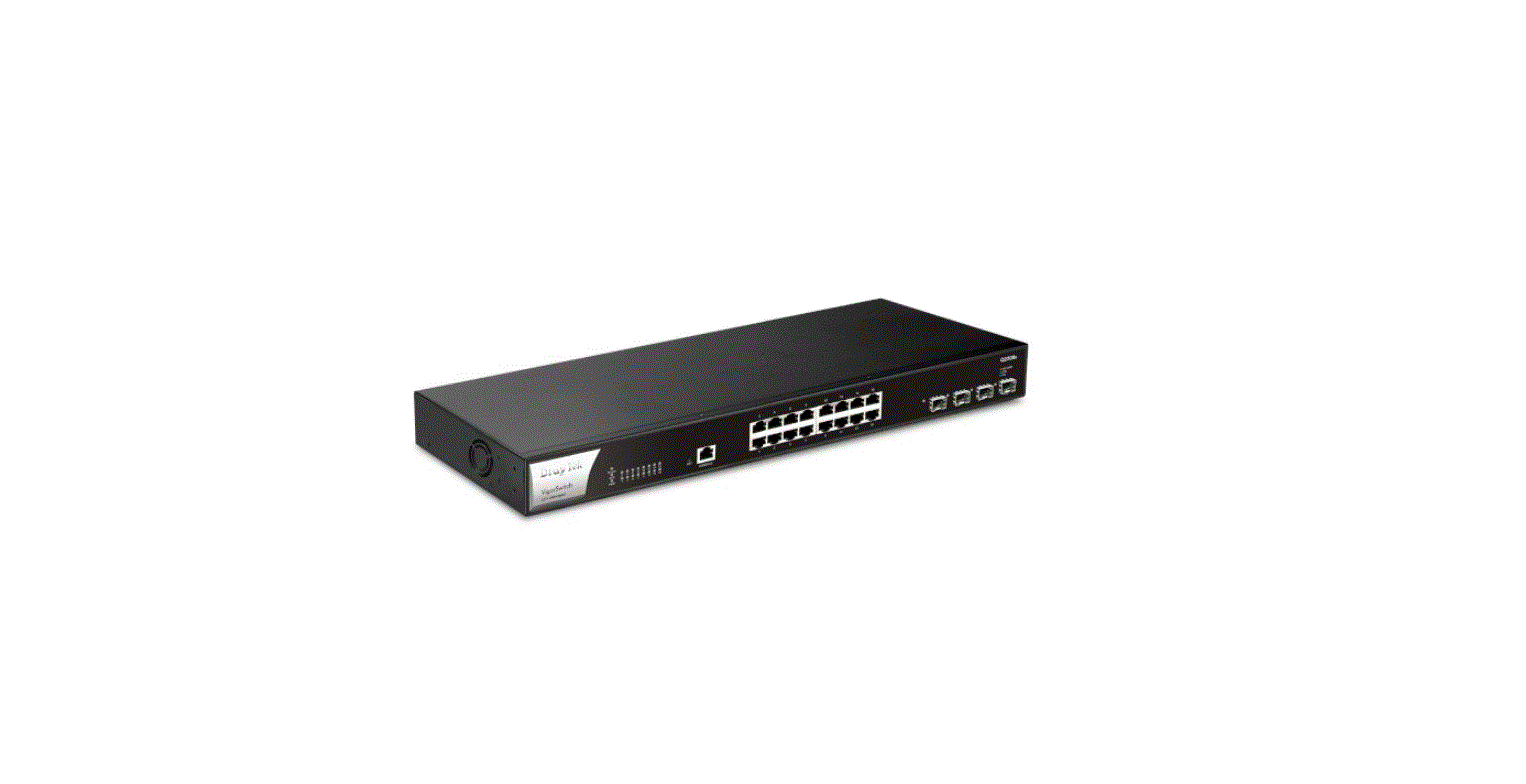
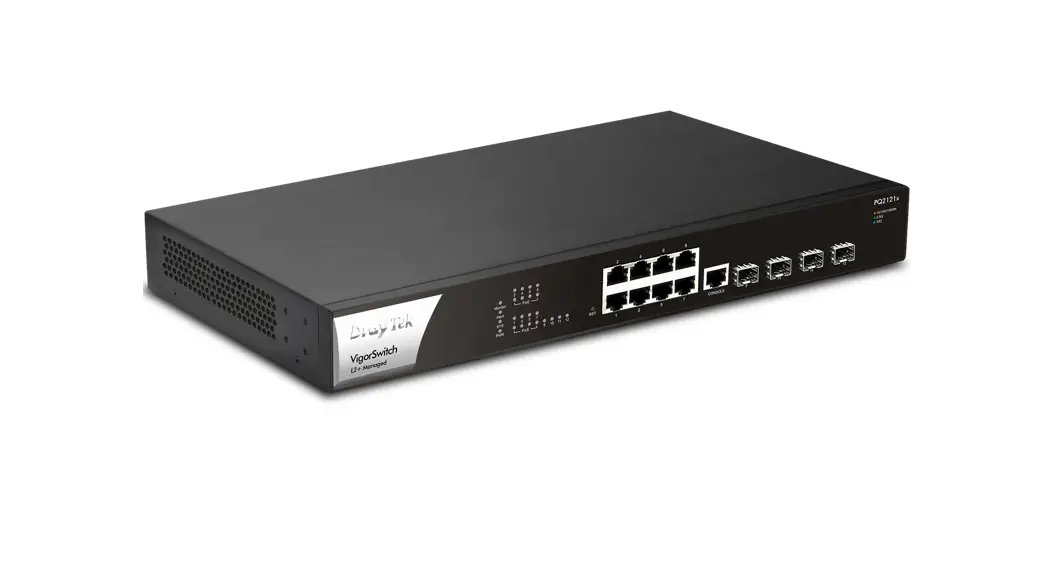
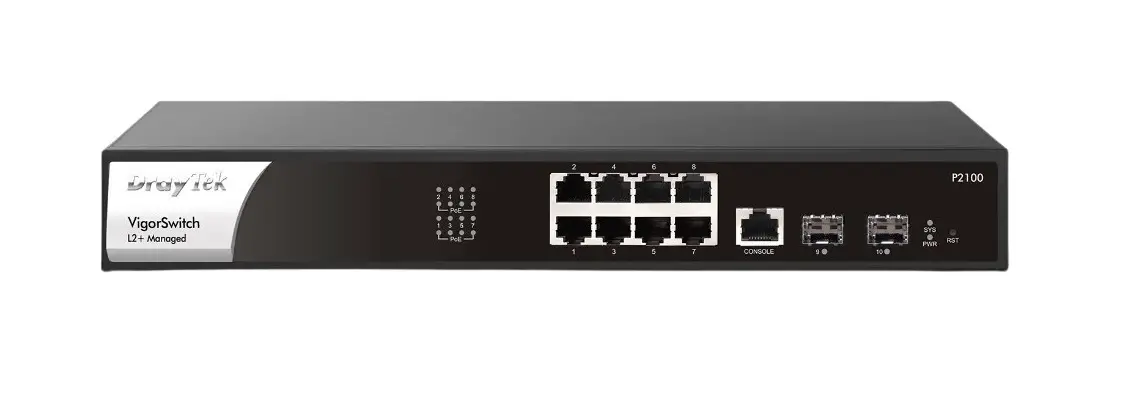
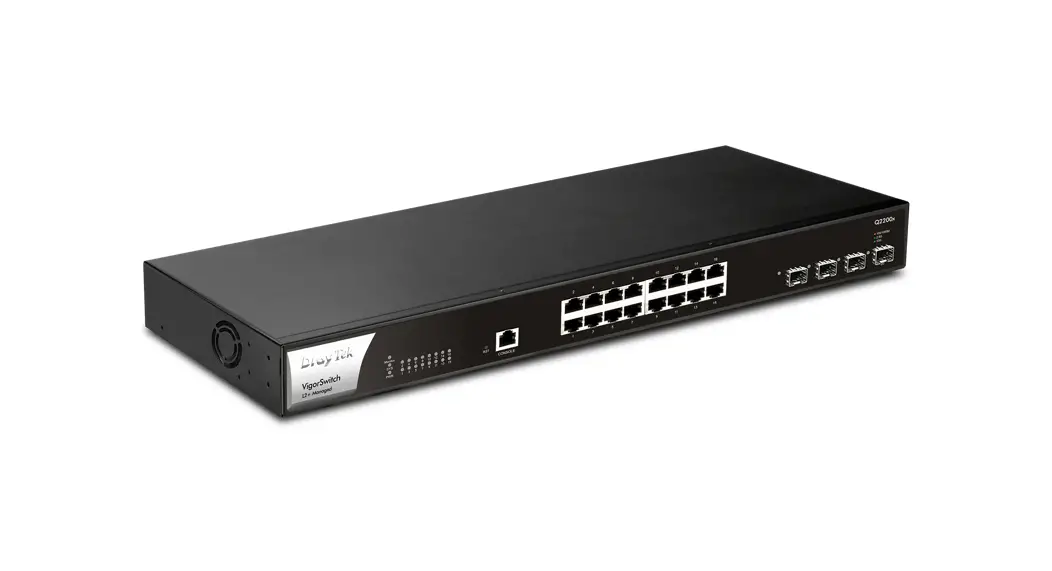
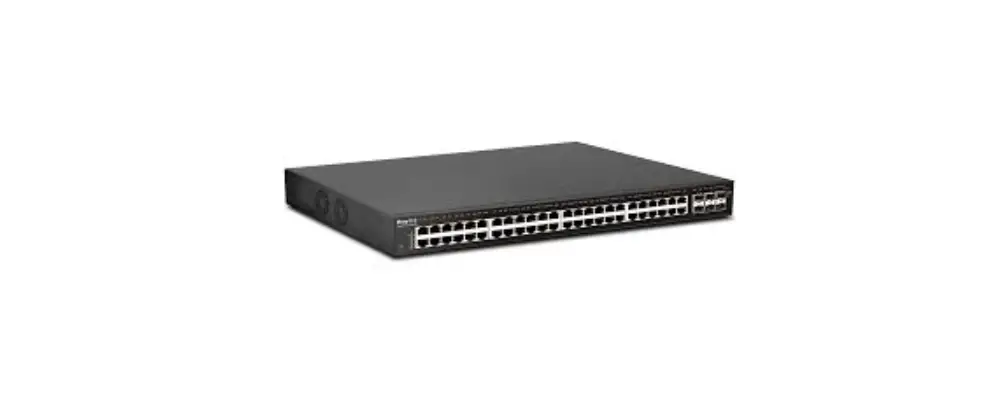
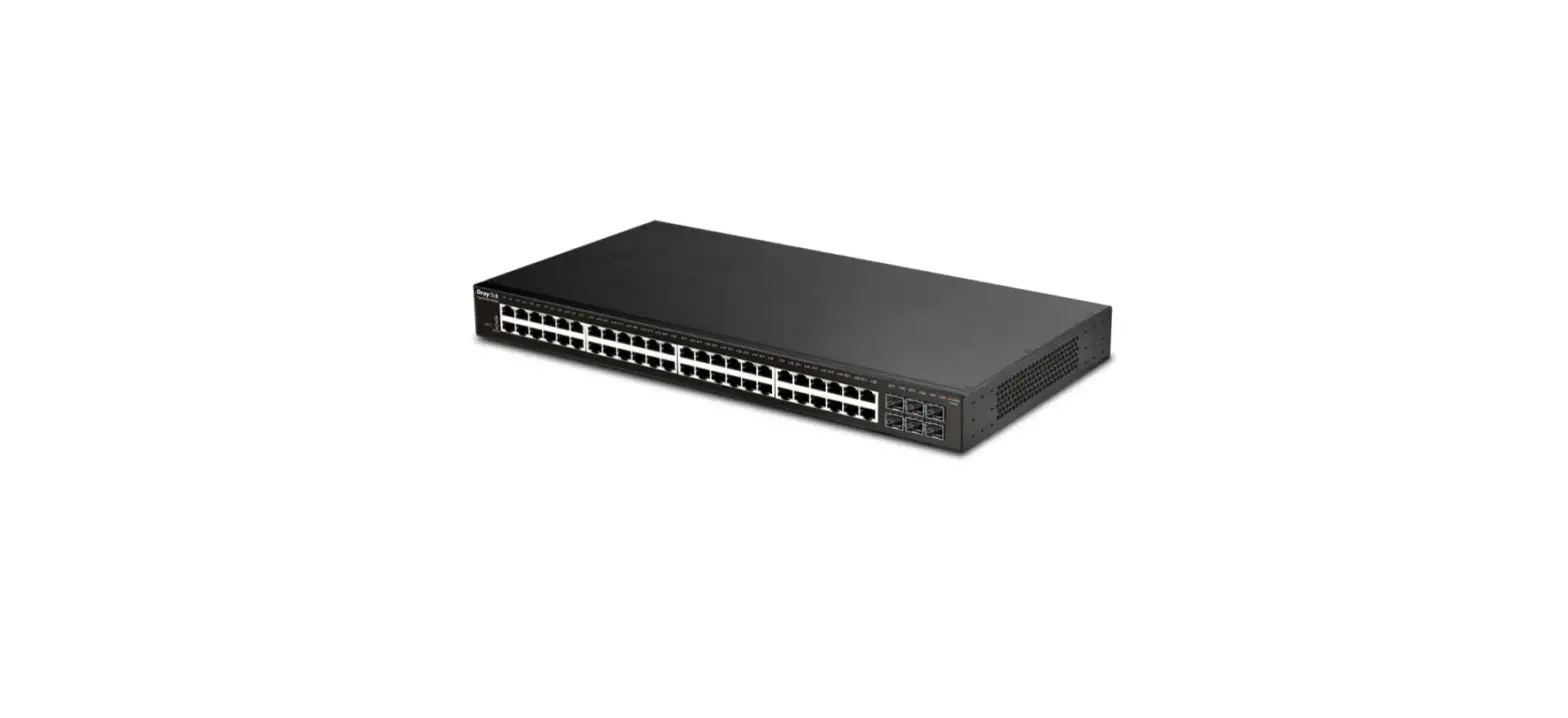
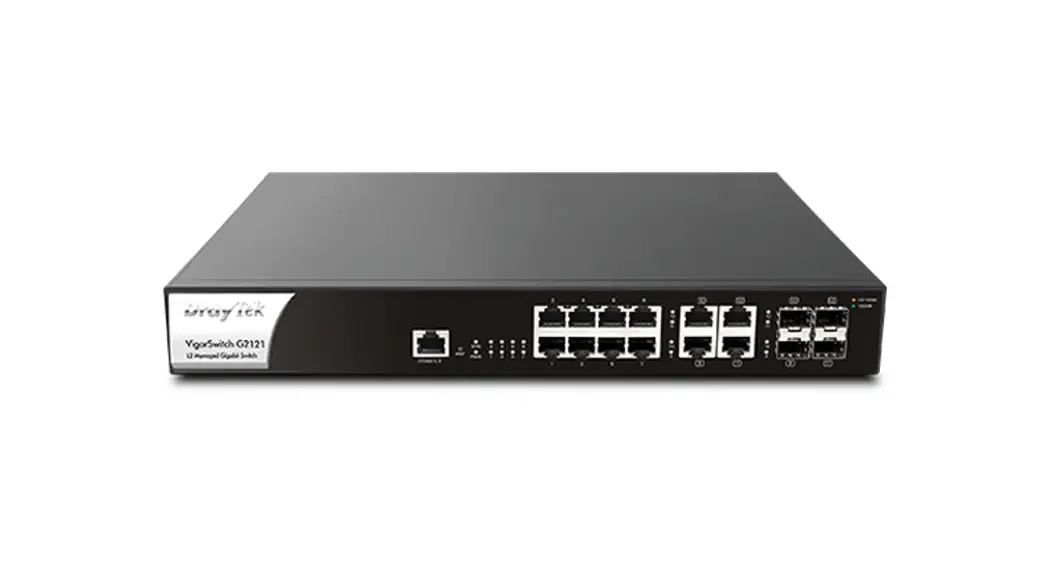
Q2121x VigorSwitch
Product Information
Product Name: VigorSwitch Q2121x
Firmware Version: 2.8.1
Loader Version: 3.5.1
Release Type: Normal
Applied Models: VigorSwitch Q2121x
Product Usage Instructions
This is an initial release for VigorSwitch Q2121x. Below are the
steps to use the product:
- Connect the VigorSwitch Q2121x to a power source.
- Connect your devices (computers, printers, etc.) to the
Ethernet ports on the VigorSwitch Q2121x using Ethernet
cables. - Ensure that your devices are properly configured to connect to
a local area network (LAN). - Power on the VigorSwitch Q2121x.
- Wait for the device to boot up and establish a network
connection. - Once the network connection is established, you can start using
your connected devices to access the network and communicate with
other devices.
Note: If you encounter any issues or need further assistance,
refer to the user manual or contact our customer support.
NO:AP1101-2 V.1
Release Note for VigorSwitch Q2121x
Firmware Version: Loader Version: Release Type: Applied Models:
2.8.1 3.5.1 Normal VigorSwitch Q2121x
New Features
This is an initial release for VigorSwitch Q2121x.
Improvement
None.
Known Issue
None.
Note
None.
– 1 –
RD NO: 111_11_14