
ROLLS-ROYCE CONNECT
GUIDE: Wifi Hotspot

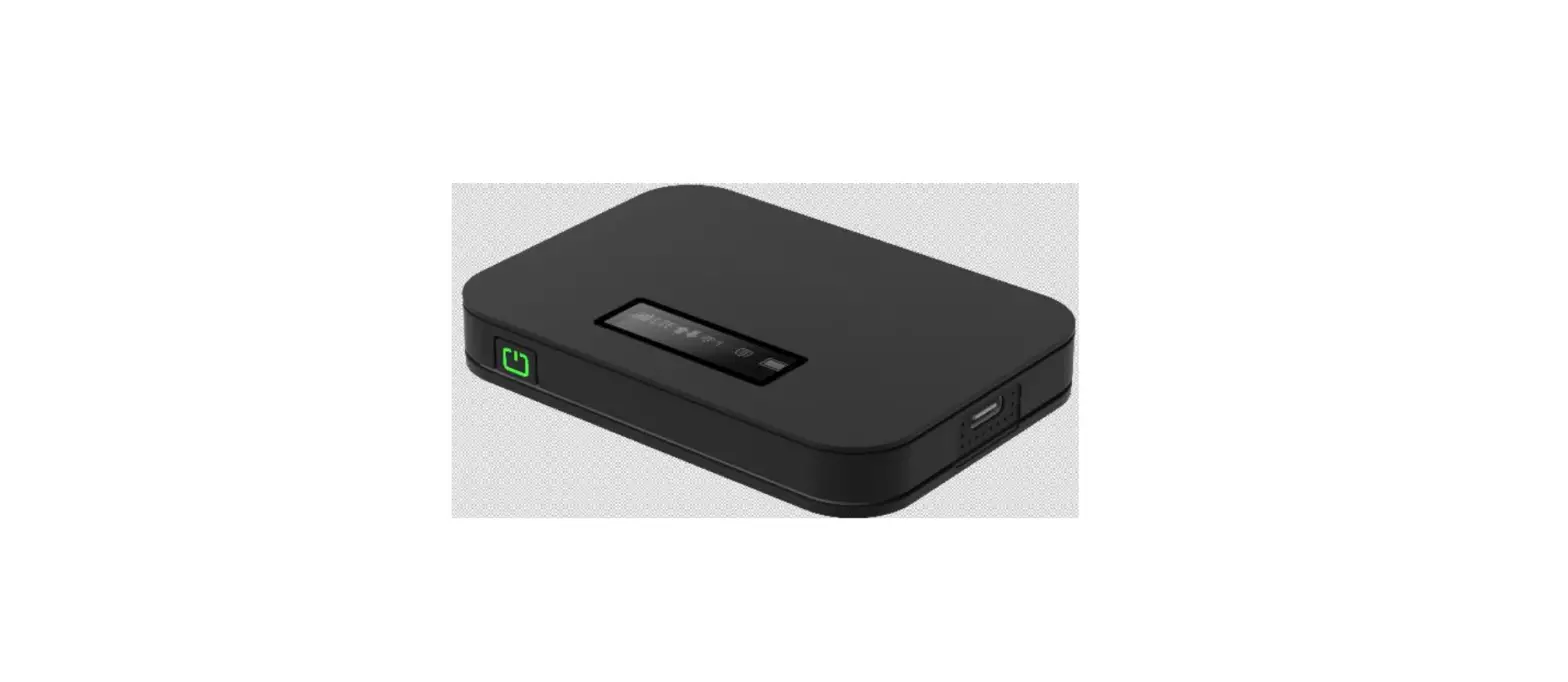
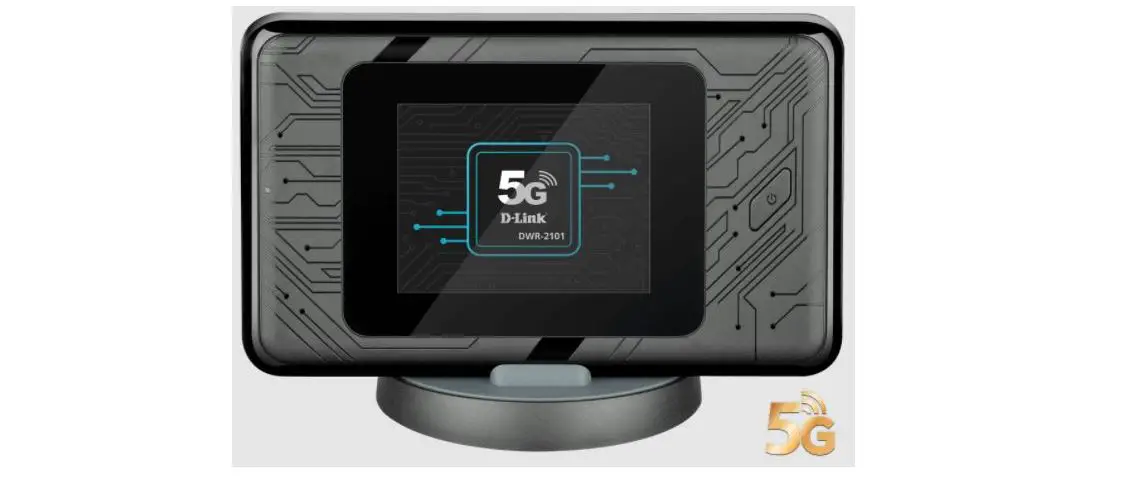
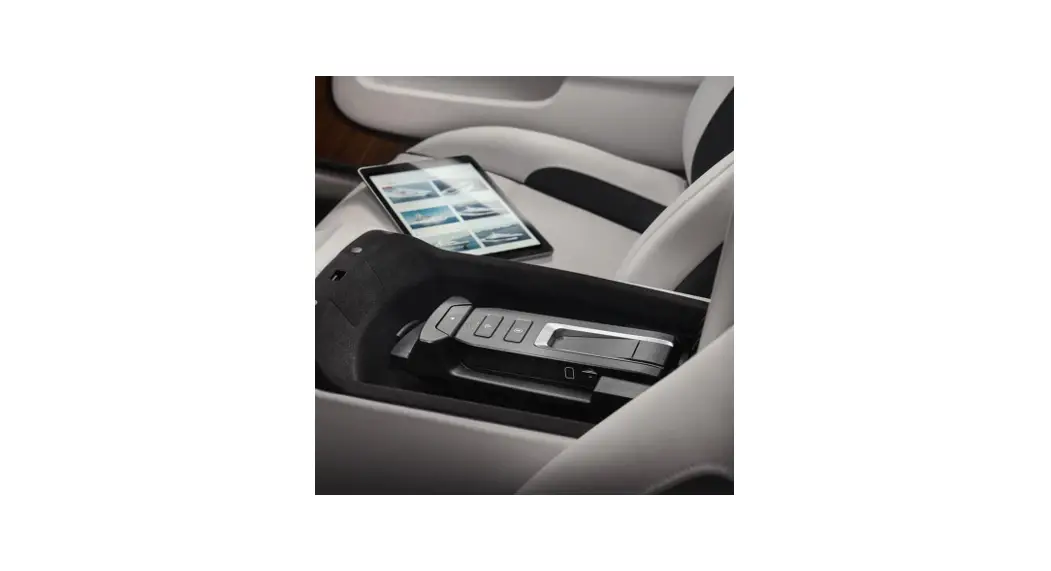
OVERVIEW ROLLS-ROYCE WI-Fl HOTSPOT
5 steps to an effortless browsing experience
Rolls-Royce Wi-Fi Hotspot offers the following:
- Always on – the Internet makes life easier, not only at home and in the office but also, and in particular when you are on the move.
- Reliable, secure, and fast – this is precisely what the Rolls-Royce Wi-Fi Hotspot delivers for up to 10 devices
- Powerful external antenna offers the best possible reception and a more stable connection than a smartphone
Accessing the Rolls-Royce Wi-Fi Hotspot:
- Vehicles need to be fitted with an optional Wi-Fi Hotspot (SA-6WD). Wi-Fi Hotspot is standard since MY18 in most European markets.
- In the Vehicle: The customers connect their device to the Wi-Fi by entering the security code generated by the car.
- The customer will be redirected to the HotSpot Drive website.
- Initially, the customer must register.
- The customer must purchase an access data package, select their method of payment and start using the service.
ACTIVATING THE ROLLS-ROYCE WI-Fl HOTSPOT
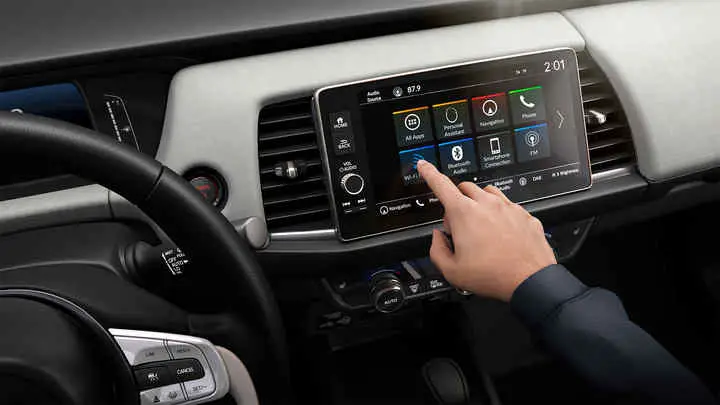
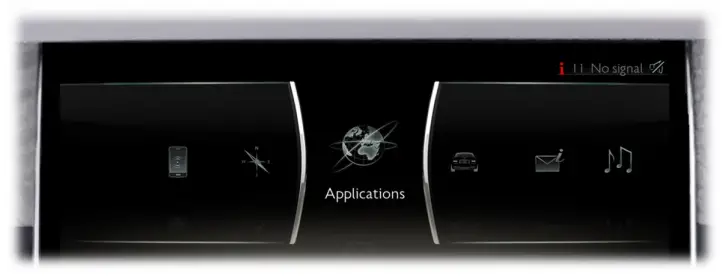
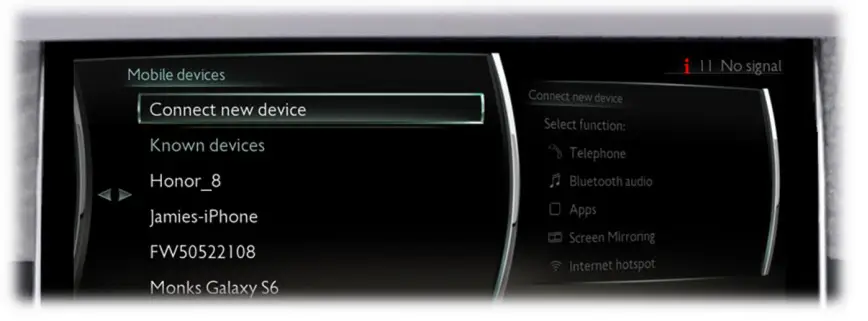
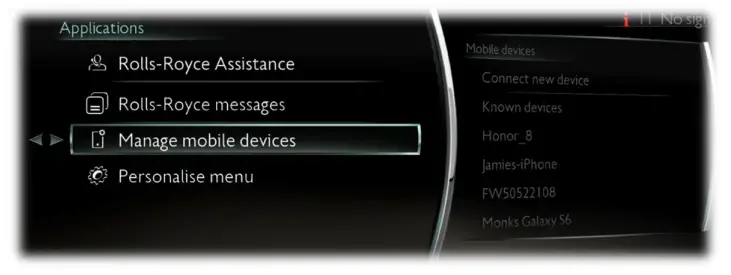
- Select “Applications” in your control display.

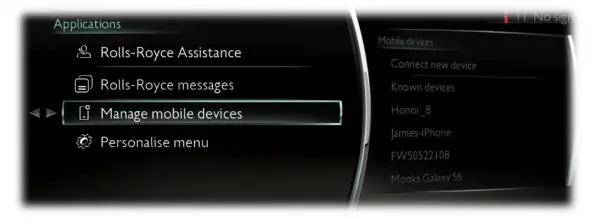
- Select “Manage mobile devices”

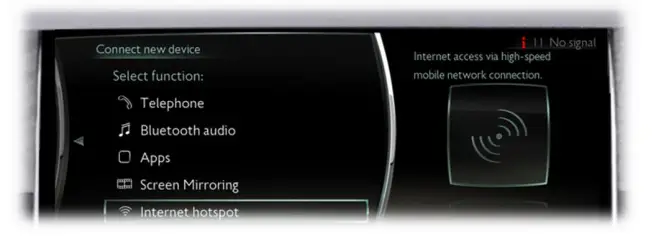
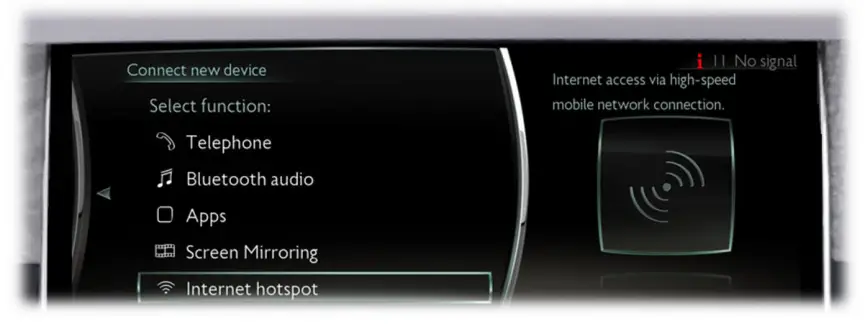
- Select “Connect new device”

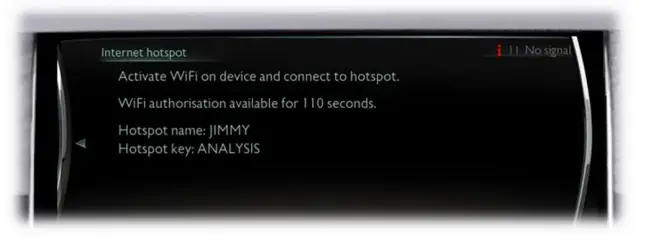
- Select” Internet hotspot” The Rolls-Royce Wi-Fi Hotspot has activated automatically.

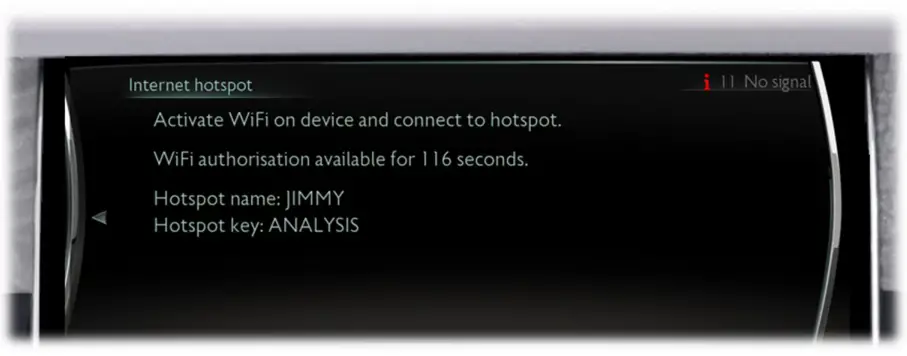
- Your Internet hotspot has now been activated and you can connect your mobile device to it. You have a two-minute window in which to do so. Naturally, each device only needs to be registered once – just like at home.

REGISTRATION FOR TELEKOM HOTSPOT DRIVE
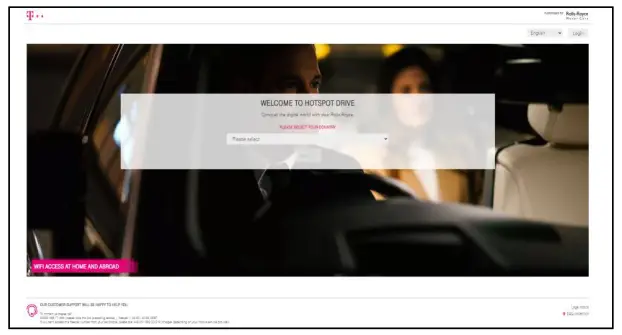
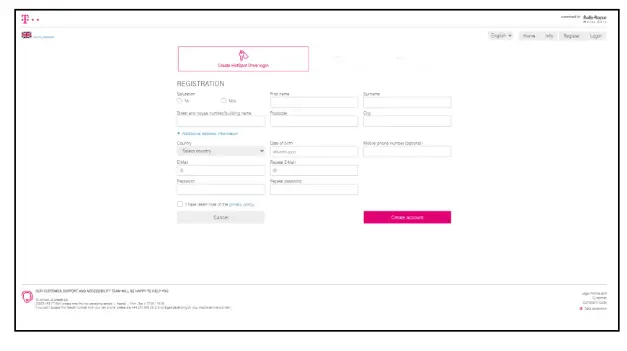
- Once you have activated the Internet hotspot in your vehicle open the browser on your mobile device. The first time you use the hotspot, you will be automatically redirected to the HotSpot Drive home page (https://www.rrmc.hotspotdrive.com). Please select your country.

- Enter your personal information to create a customer account.
Information: address, vehicle home country (Business Unit), and current location must match the same country.
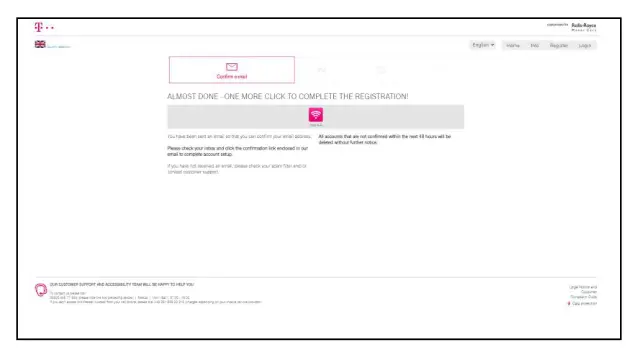
- After finishing your free, non-binding, customer account you have to confirm your email address via the email sent to you.
This will give you 15 minutes of free Wi-Fi use.
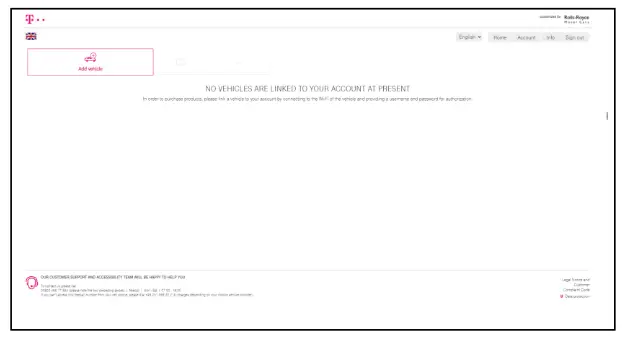
- Congratulations, you have successfully created an account. link a vehicle to your account by connecting to the Wi-Fi of the vehicle and providing a username and password for authorization.

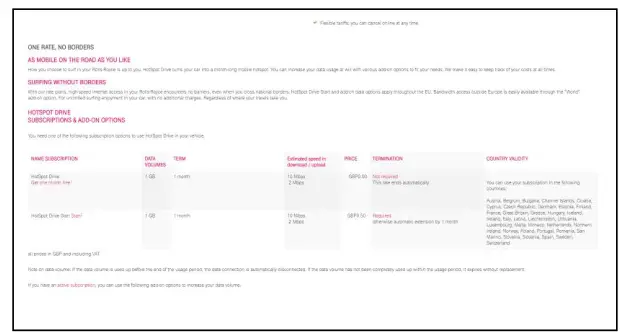
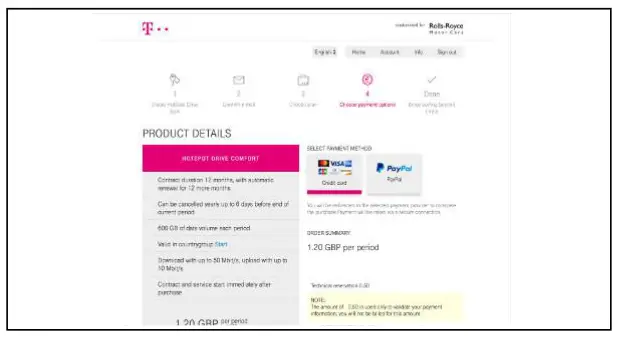
- Our Partner Telekom offers you data plans with a duration of l month.

- Finish your booking by selecting your preferred payment method.
Enjoy your Wi-Fi Hotspot!
GOOD TO KNOW
Changing Name & Password of the Wi-Fi Hotspot
- Select “Internet hotspot”

- After the Internet hotspot detail page is shown press the physical “Option” button (next to the rotary controller).

- Select “Change hotspot key” or “Change hotspot name” and enter the desired name.

ROLLS-ROYCE MOTOR CARS
HOW-TO GUIDE· WI-Fl HOTSPOT CONNECTION
07/2021
THANK YOU