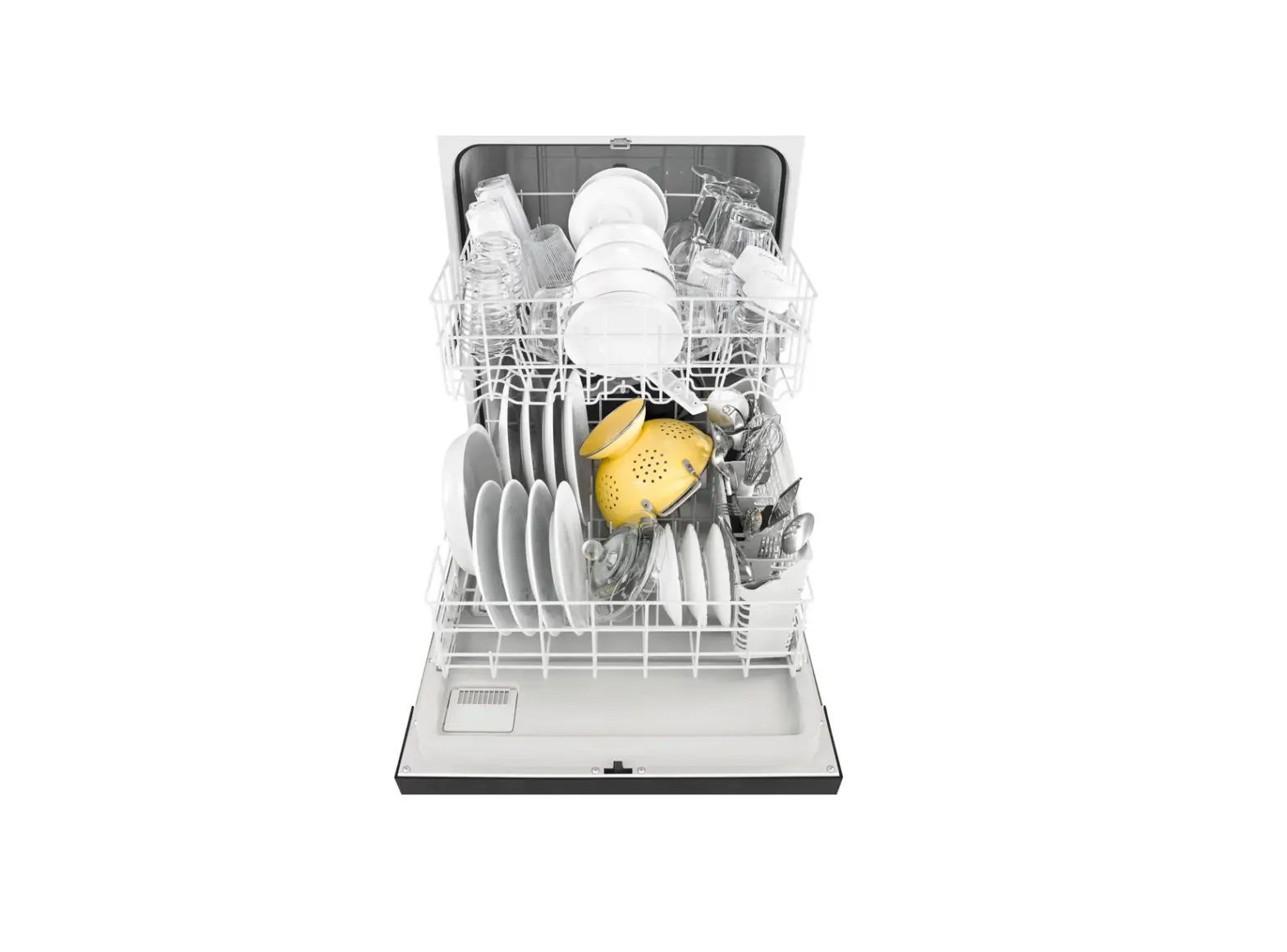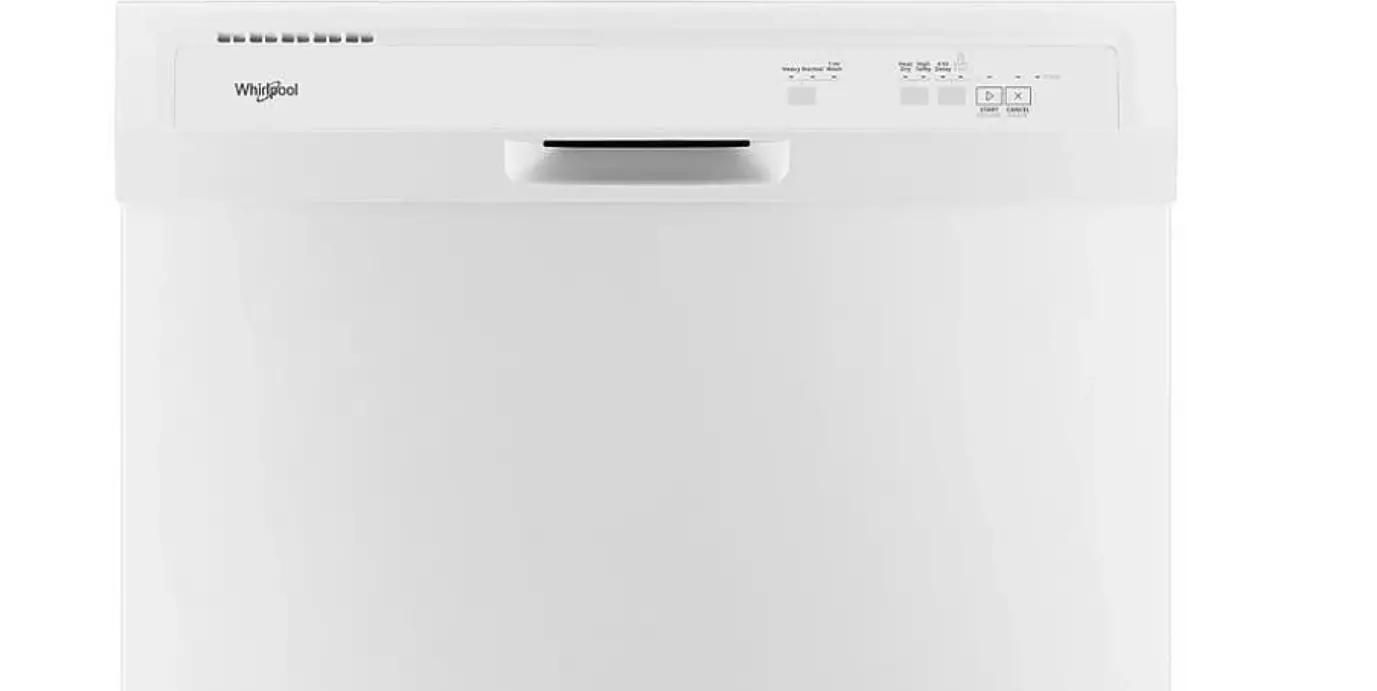

Whirlpool WDT730HAMZ Dishwasher Cycle
Dishwasher Cycle and Options Guide
IMPORTANT: To reduce the risk of fire, electric shock, or injury to persons, read the IMPORTANT SAFETY INSTRUCTIONS, located in your appliance’s Owner’s Manual, before operating this appliance.
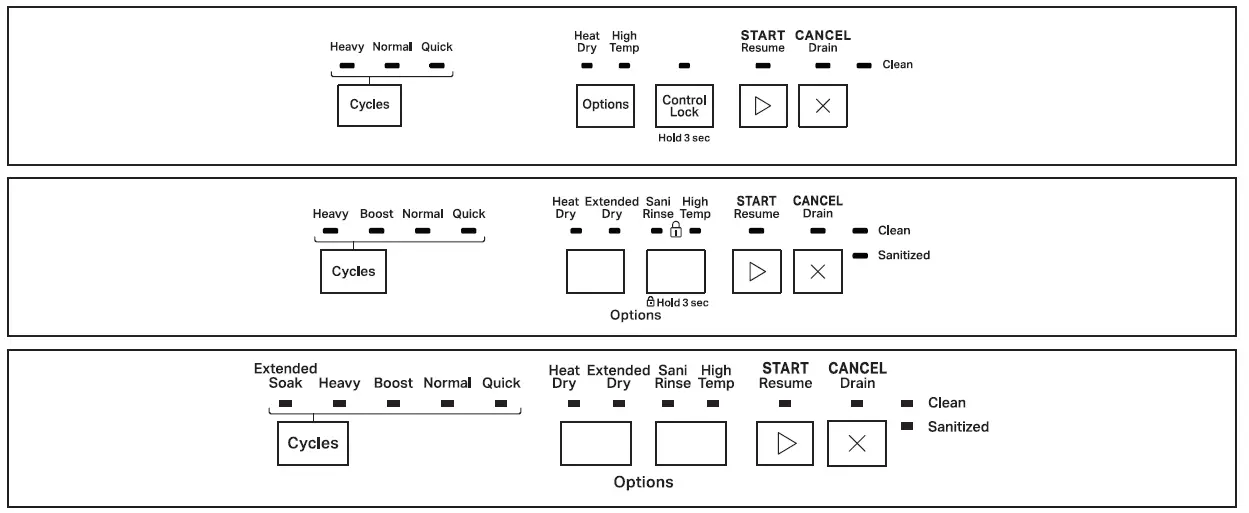
Control panel appearance may vary depending on your model.
Cycle Guide
This information covers several different models. Your dishwasher may not have all of the cycles and options described.
| Cycles: | Descriptions: | Soil Level: | Estimated Wash Time (Hr:Min): | Added Water Usage Gallons (Liters): |
| Heavy | Use for hard-to-clean, heavily soiled pots, pans, casseroles, and regular tableware. Includes a heated drying option. | Heavy/Baked-On | 2:30–3:30 | 7.5 (28.3) |
| Normal | This cycle is recommended for daily, regular, or typical use to completely wash and dry a full load of normally soiled dishes. This dishwasher’s government energy certifications were based on the Normal cycle with only the Heat Dry option selected.** | Light to Heavy | 2:00–3:30 | 3.0–7.5 (11.4–28.1) |
| Quick Wash | For fast results, this cycle will clean dishes using slightly more water and energy. For improved drying, select a heated drying option. NOTE: Some detergents are not recommended for short wash cycles; please refer to your detergent packaging for more information. | All Soil Levels | 1:00–1:05 | 5.8 (21.9) |
| Extended Soak | This cycle quietly soaks dishes with an extended prewash which eliminates the need to presoak dishes, saving personal time and effort. For optimal cleaning results during this cycle, add prewash detergent. Use this cycle for loads with heavy amounts of dried-on or hard-to-clean baked-on food. This cycle includes a heated drying option. | Dried-On/Baked- On | 6:40–7:35 | 7.5 (28.3) |
| Boost | This cycle is more aggressive than the Normal Cycle using a higher amount of energy, water and temperature along with a longer cycle time to provide improved cleaning performance. This cycle includes the heated dry option.* | All Soil Levels | 2:00–3:30 | 4.4–7.5 (16.7–28.3) |
The government energy certifications are not based on this cycle and may increase your energy usage. See the Normal cycle description for the government energy certification cycle. No other washing and drying temperature options were selected, and the dishwasher was not subjected to truncated testing. Rinse aid was not used, and there was no detergent used in the prewash.
Option Guide
| Options: | Descriptions: | Can Be Selected With: | What It Does: | Added Time to Cycle (Hr:Min): | Added Water Gallons (Liters): |
| High (Hi) Temp | Raises the main wash temperature to improve cleaning for loads containing tough, baked- on food. | Heavy Normal | Raises the main wash temperature up to 135°F (57°C). | 0:35–0:45 | 0–3.7 (0–14.0) |
| Heat Dry | Dries dishes with heat. This option, with the use of rinse aid, will provide better drying performance. Plastic items are less likely to deform when loaded in the top rack. Turn the Heat Dry option off for an air dry. | Heavy Normal | Uses a heating element to speed drying times. | 0:52 | 0 |
| 4 Hour (Hr) Delay | Runs dishwasher at a later time. Select a wash cycle and options. Select 4 Hr Delay. Select Start/ Resume. Close door firmly. NOTE: Anytime door is opened (such as, to add a dish), Start/ Resume must be selected again to resume delay countdown. | Available with any cycle | Delays the start of a cycle to the specified duration. | 4:00 | 0 |
| Control Lock (Hold 3 Sec) | Use the Control Lock option to avoid unintended use of dishwasher between cycles or cycle and option changes during a cycle. To turn on Control Lock, press and hold 4 Hour Delay for 3 seconds. Control Lock light will stay on for a short time, indicating that it is activated. When the Lock indicator is lit, all buttons are disabled. If you press any button while your dishwasher is locked, the light flashes three times. The dishwasher door can still be opened/closed while the controls are locked. To turn off Control Lock, press and hold 4 Hour Delay for 3 seconds. Control Lock light turns off. On some models, to active the Control Lock, press and hold the Sani Rinse button for 3 seconds to lock. | ||||
| Sani Rinse | Sanitizes dishes and glassware in accordance with NSF International NSF/ANSI Standard 184 for Residential Dishwashers. Certified residential dishwashers are not intended for licensed food establishments. Only sanitizing cycles have been designed to meet the requirements of the NSF/ ANSI 184 performance standard for soil removal and for sanitization efficacy. There is no intention, either directly or indirectly, that all cycles on a NSF/ ANSI 184 certified dishwasher meet the NSF/ANSI 184 performance standard for soil removal and for sanitization efficacy. The Sani Rinse indicator glows at the end of the cycle if the Sani Rinse option was successfully completed. If the indicator does not activate, it is probably due to the cycle being interrupted. | Sensor Heavy Normal | Raises the main wash temperature to 130°F (54°C) and the final rinse temperature to 155°F (68°C). | 1:00–1:30 | 0–2.6 (0–10.0) |
| Options: | Descriptions: | Can Be Selected With: | What It Does: | Added Time to Cycle (Hr:Min): | Added Water Gallons (Liters): |
| Target Clean | Activates the TargetClean™ spray jets and provides intensified water spray to back of lower level rack. May add heat and time to cycle. | Sensor Heavy Normal Soak & Clean | Activates the TargetClean™ spray jets to provide intensified cleaning power to specific wash areas. | 0:12–0:57 | 0–4.8 (0–18.2) |
| Delay | Delay displays how many hours before the cycle will begin. To delay the start: 1. Select a wash cycle and options. 2. Select Delay. Each time you press Delay, it will display the next available delay time. 3. Select Start to begin the delay countdown. NOTE: If the door is opened, such as to add a dish, the Start button must be selected to resume the delay countdown. | Available with any cycle | Delays the start of a cycle to the specified duration. | 0:00 | 0 |
Control Guide
| Control: | Purpose: | Comments: |
| Start Resume | To start or resume a wash cycle. | If the door is opened during a cycle or the power is interrupted, the Start indicator flashes. The cycle will not resume until the door is closed and Start is selected. NOTE: If the Start button is located on top of door, push door firmly closed within 4 seconds of selecting Start. If the door is not closed within 4 seconds, the Start button LED will flash, an audible tone will be heard (on some models), and the cycle will not start. |
| Cancel Drain (Hold 3 Sec) | To reset any cycle or options during selection. To cancel a wash cycle after it has started. | Close the door firmly. Press and hold Cancel/Drain for 3 seconds. The dishwasher starts a 2-minute drain (if needed). Let dishwasher drain completely. |
| Clean Or Clean Sanitized | To follow progress of your dishwasher cycle. NOTE: Indicators shown are not available on all models. | The Clean indicator glows when a cycle is finished. |
Whirlpool. All rights reserved. Used under license in Canada.