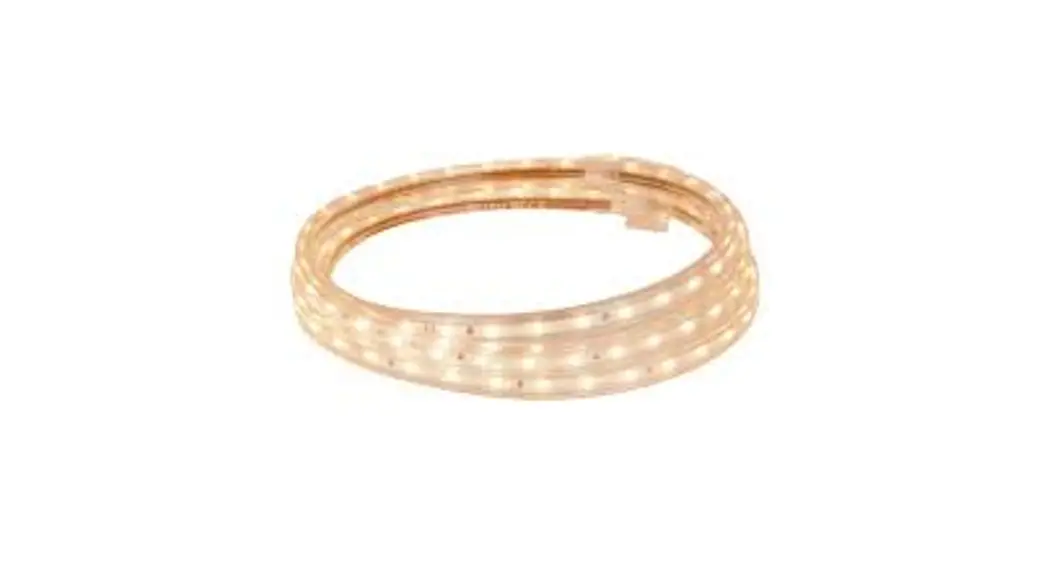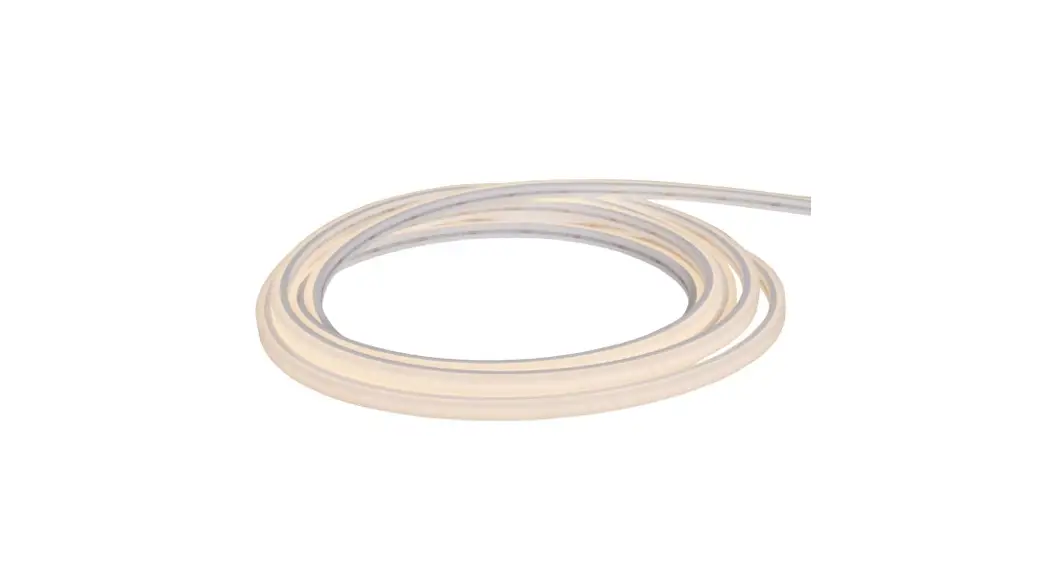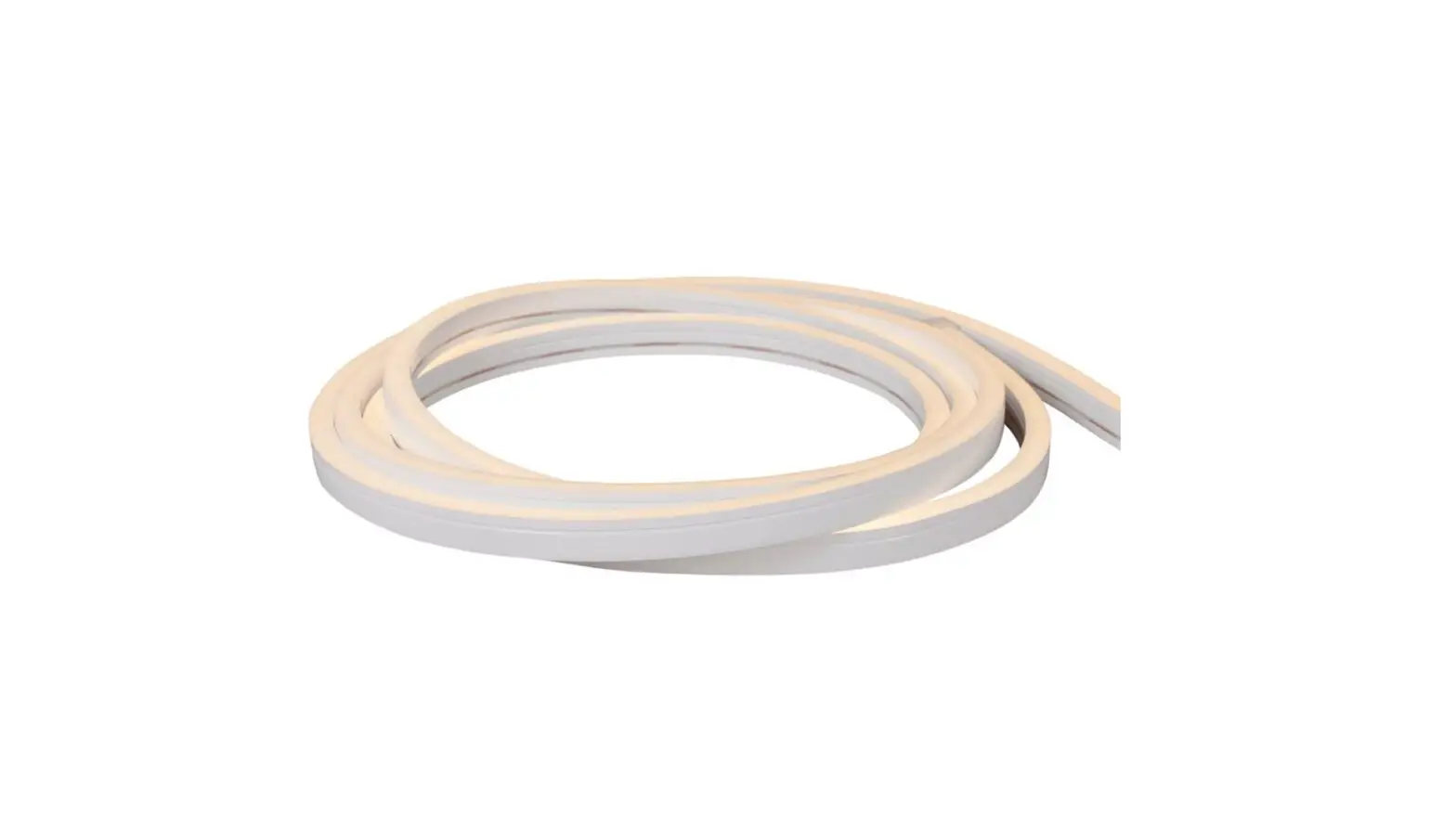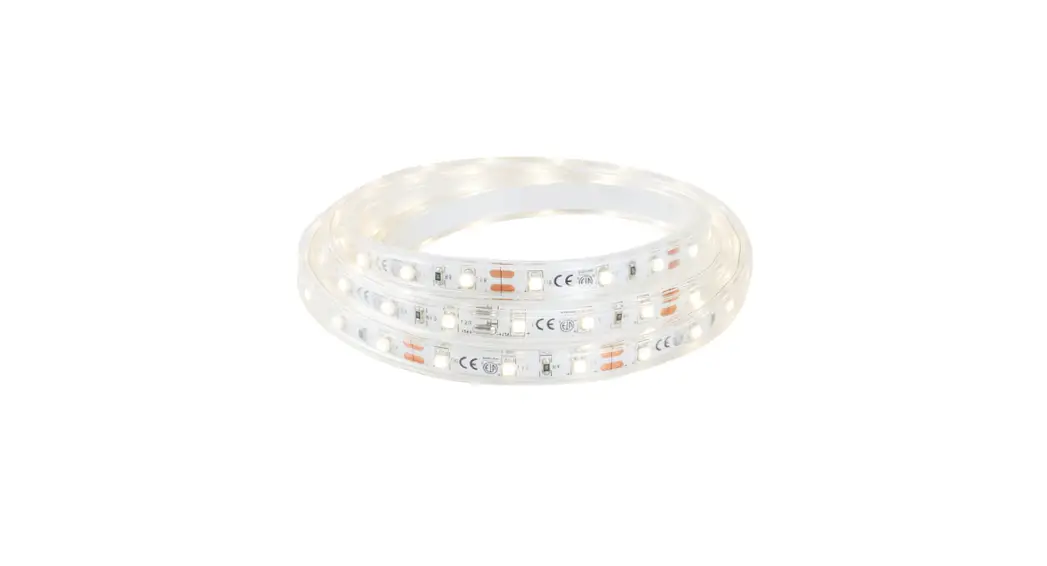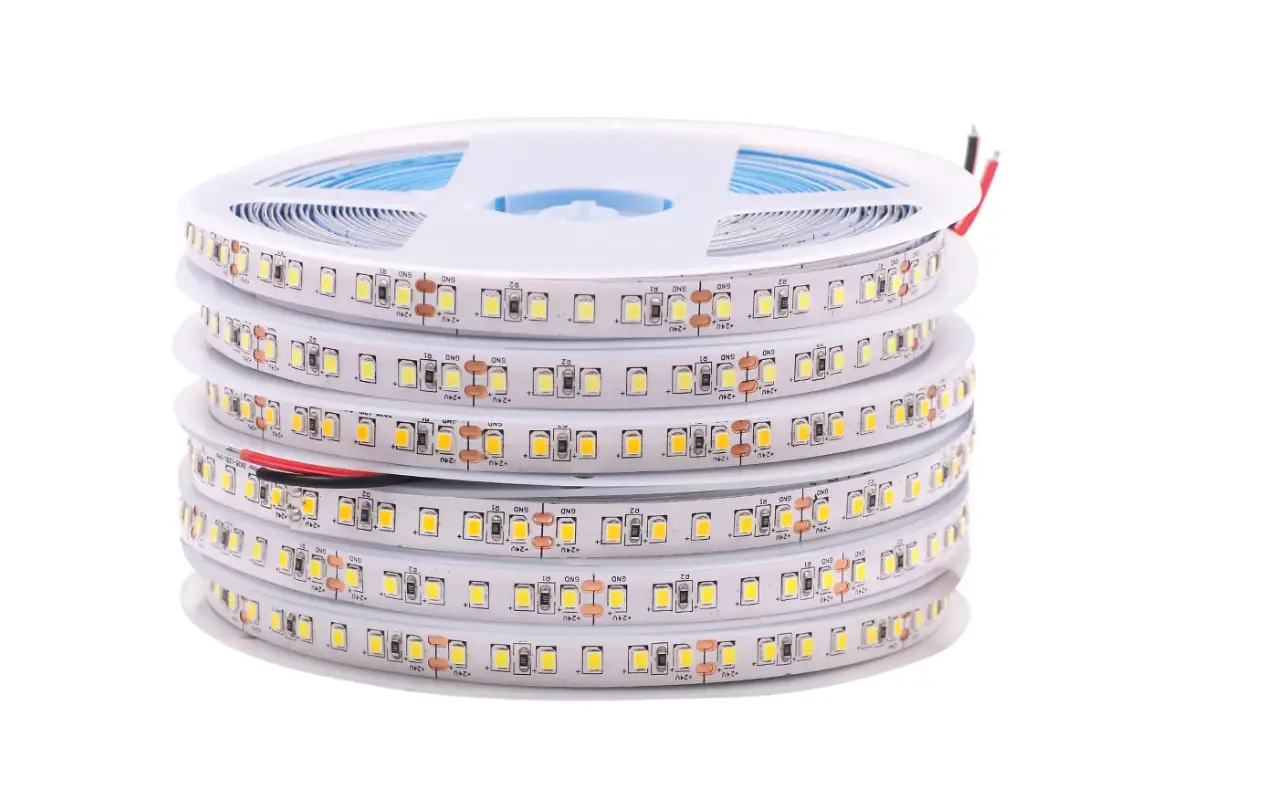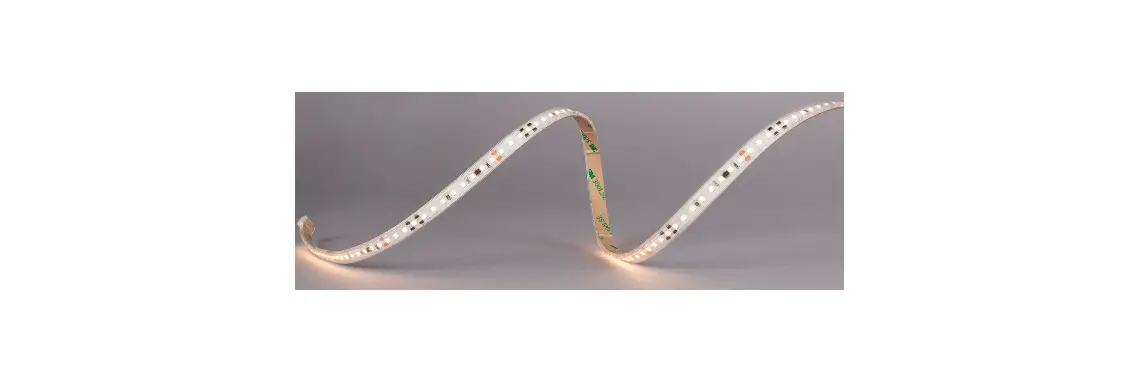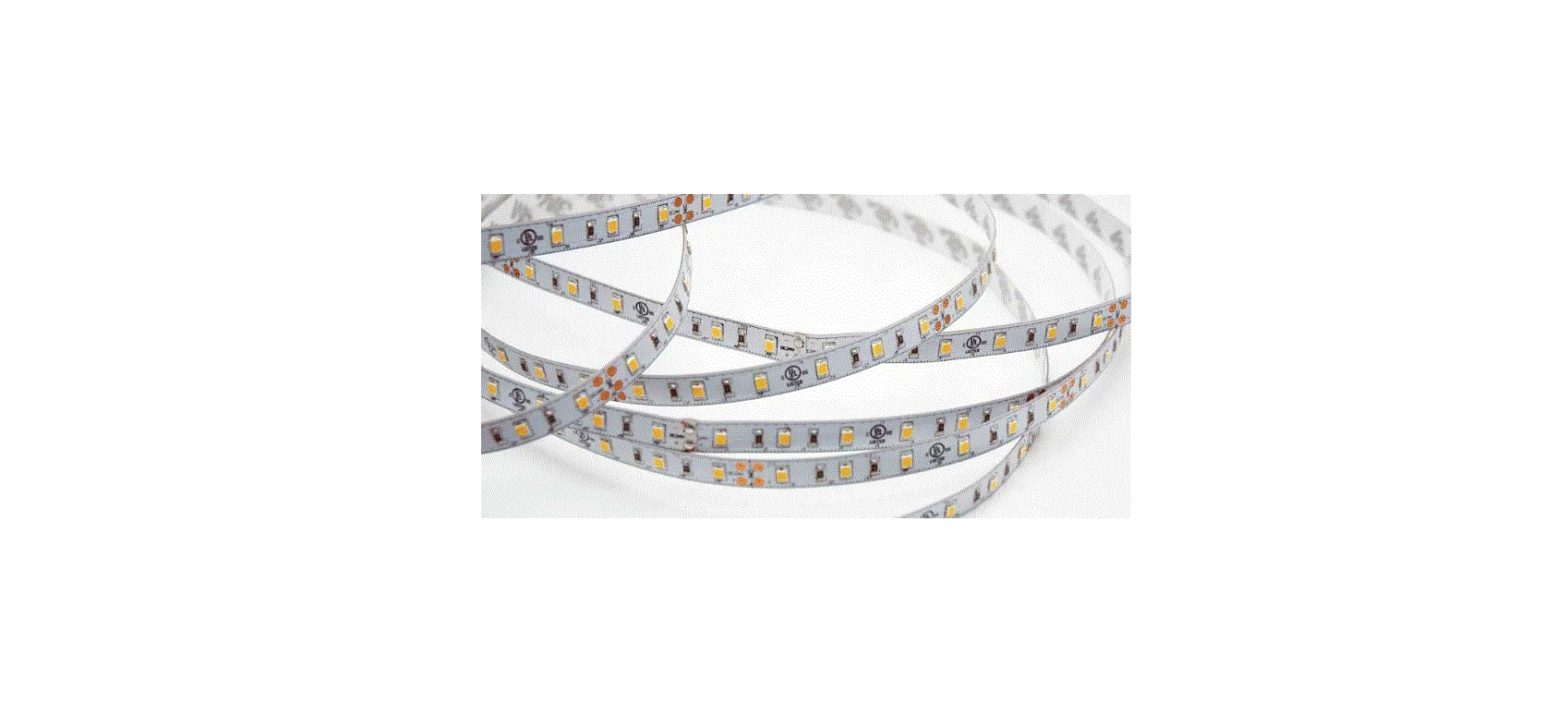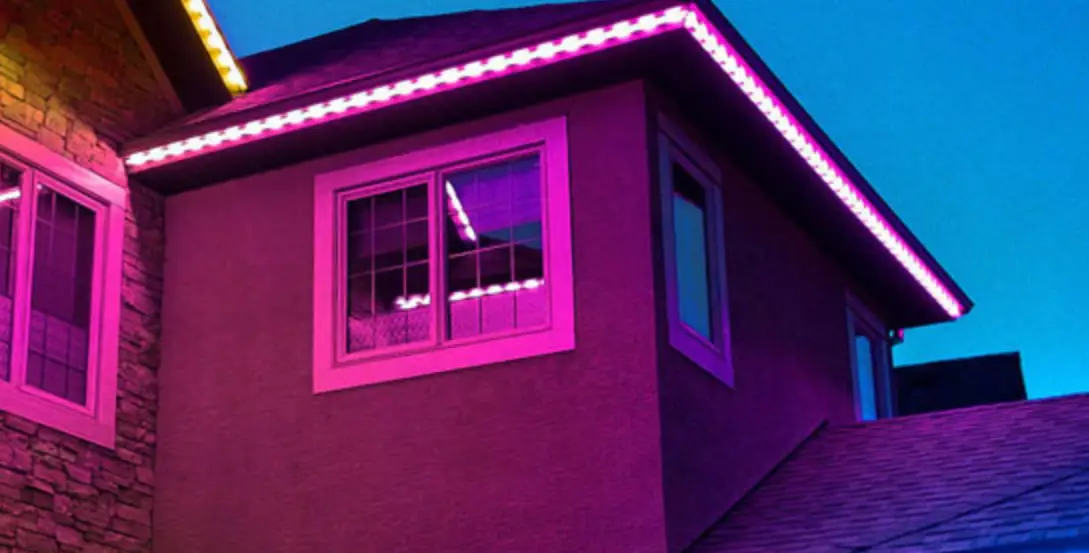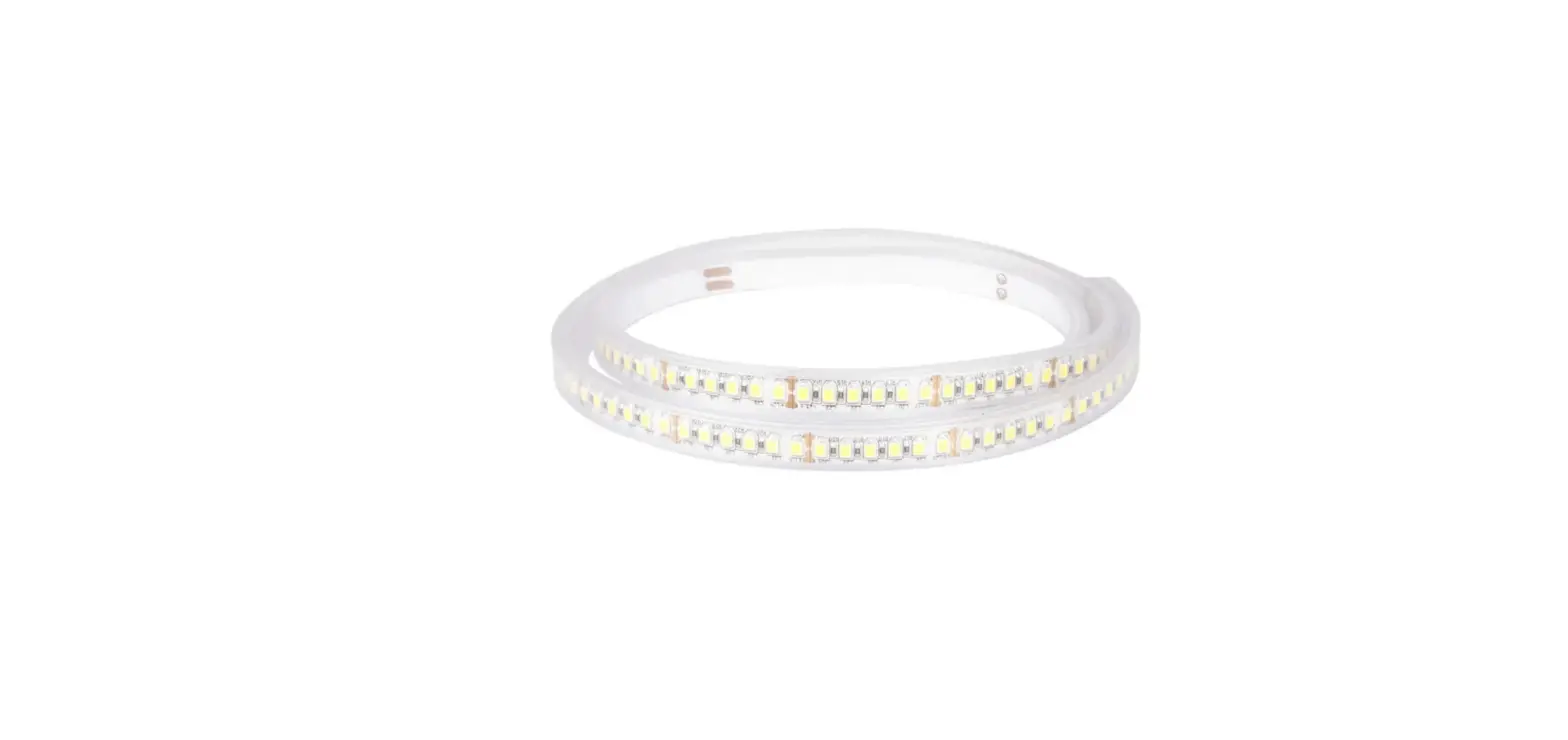

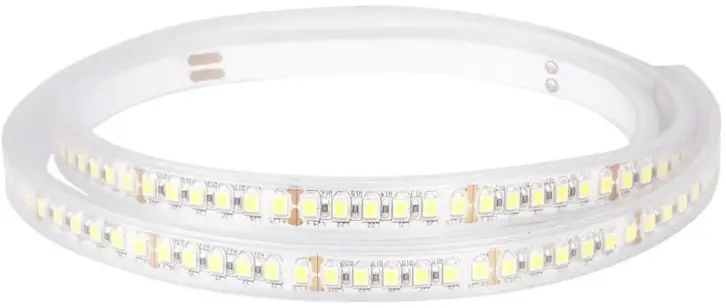
hidealite RX HD 24V IP67 Professional LED Strip Lights
Product Information
LEDstrip RX HD 24V IP67
- Length: 5m or 10m
- Maximum Length: 10m
- LED Color: 2700K, 3000K, or 4000K
- LED Quantity per meter: 168pcs
- Output max/m: 12.5W
- Voltage: DC 24V
- Included: 2m cable in both ends
- IP Rating: IP67
- Safety Instructions: For an explanation of symbols see www.hidealite.se
Product Usage Instructions
- Cut the LED strip evenly to the correct length.
- Pull the shrink tubing over the LED strip.
- Remove the transparent cover to reveal the soldering tags.
- Solder the cables to the soldering tags.
- Remove the protective paper from the back of the LED strip.
- Heat the shrink tubing so that it forms a tight seal.
- Seal the short ends with shrink tubing in the same manner, but pinch the ends together with flat nose pliers to ensure a very tight seal.
- Check that the LED strip lights.
- Connect the fittings to the LED transformer in parallel.
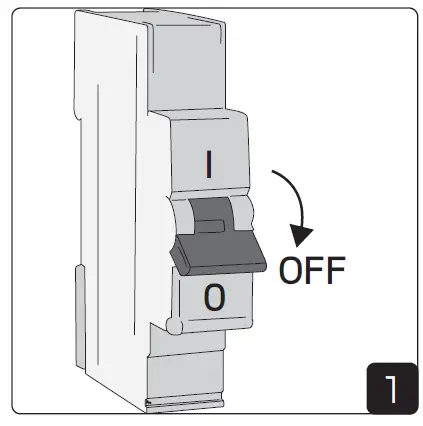
Note: Before installation or maintenance, make sure that the power is off. The luminaire should be installed by a licensed electrician and in accordance with local regulations. Suitable profiles can be found at www.hidealite.com. We reserve the right to change specifications at any time.
| E-nr | Snro | El.nr | GTIN | Length | Max.Length | LED color | LED/m | Output max/m | Voltage DC |
| 7506458* | 4143541 | 3216581 | 7392971138657 | 5m | 10m | 2700K | 168pcs | 12,5W | 24V |
| 7506459 | 4143542 | 3216582 | 7392971138664 | rm | 10m | 2700K | 168pcs | 12,5W | 24V |
| 7502165* | 4289466 | 3255786 | 7392971127569 | 5m | 10m | 3000K | 168pcs | 12,5W | 24V |
| 7502166 | 4289467 | 3255787 | 7392971127576 | rm | 10m | 3000K | 168pcs | 12,5W | 24V |
| 7506460* | 4143543 | 3216583 | 7392971138671 | 5m | 10m | 4000K | 168pcs | 12,5W | 24V |
| 7506461 | 4143544 | 3216584 | 7392971138688 | rm | 10m | 4000K | 168pcs | 12,5W | 24V |
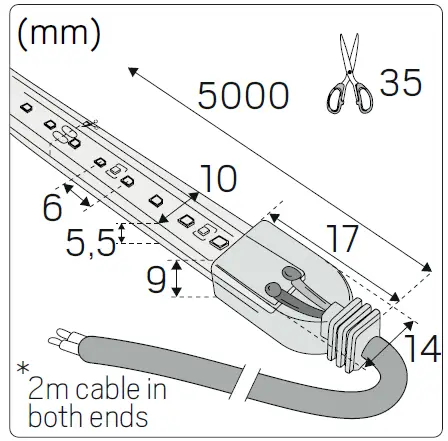
FEATURES

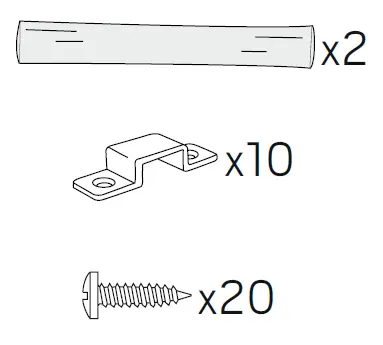
included
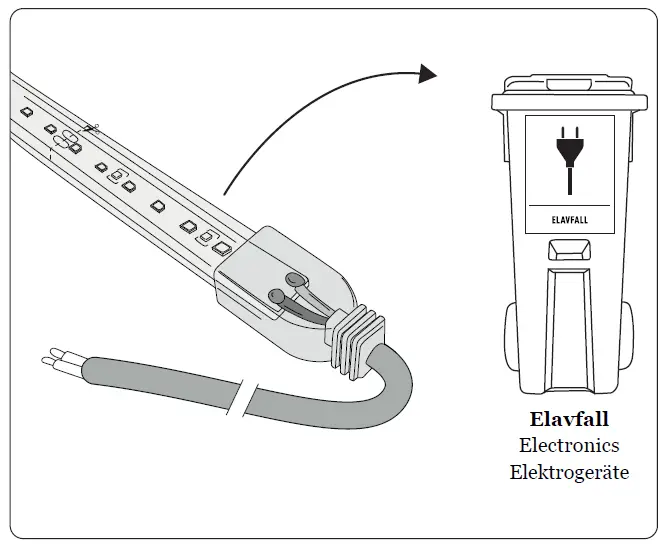
SAFETY INSTRUCTIONS
Read these instructions carefully before commencing installation and retain for future reference. The luminaire should be installed by a licensed electrician and in accordance with local regulations. Make sure that the power is off before installation or maintenance.
Installation & Safety Instructions
- The installation should be performed by a qualified electrician.
- See the table of technical specifications and follow the instructions to perform the installation in a safe and correct manner; note the recommendations for maximum lengths.
- Make sure that the LEDstrip’s voltage corresponds with that of the drive unit and ensure that the polarity is correct.
- When two or more LEDstrips are interconnected, make sure the maximum recommended length is not exceeded.
- Make sure the power is switched off during installation and that the LEDstrips do not overlap to avoid overheating.
- It is important that the LED luminaire’s maximum specified ambient temperature is taken into consideration in order to guarantee its life span, if this is exceeded, the life span can be shortened drastically.
- Use the recommended/approved assembly fittings to ensure the lifespan of the LEDstrip.
- The LEDstrip must not be switched on when rolled up.
- LEDs are sensitive components and must be treated with care and not subjected to mechanical stress.
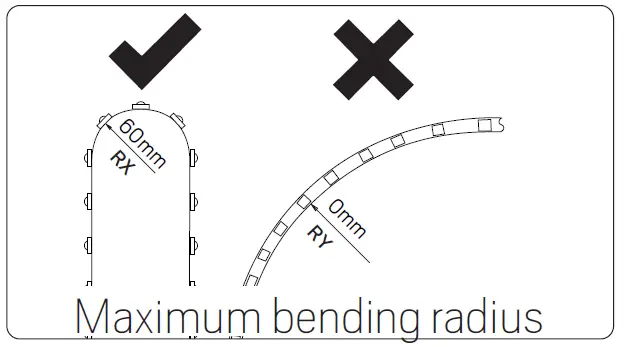
- The flexible LEDstrip must not be bent more than the recommended bending radius.
- The LED chip should not be exposed to direct sunlight when switched on.
- The self-adhesive tape is provide for easy installation. Use the supplied clips for permanent installation. When installed in the profiles (not uplight) recommends heat-resistant silicone for a permanent and sustainable installation. Do not apply silicone directly on the LED chip but along the sides.
Installation
POWER OFF
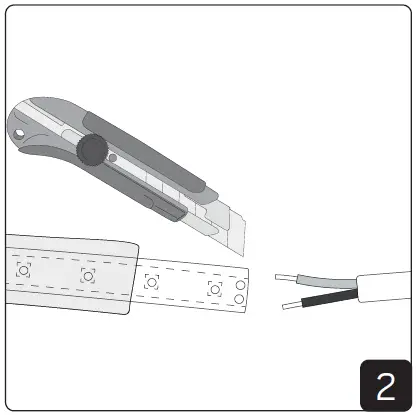
- Prepare by cutting the LED strip evenly to the correct length. Pull the shrink tubing over the LED strip.

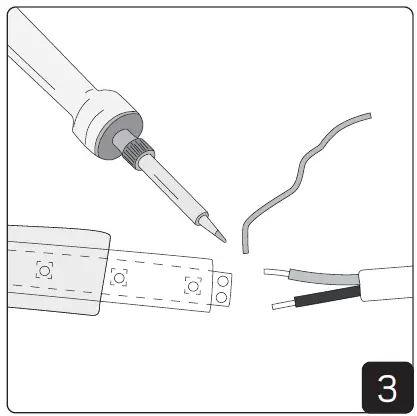
- Carefully remove the transparent cover so that the soldering tags are revealed.

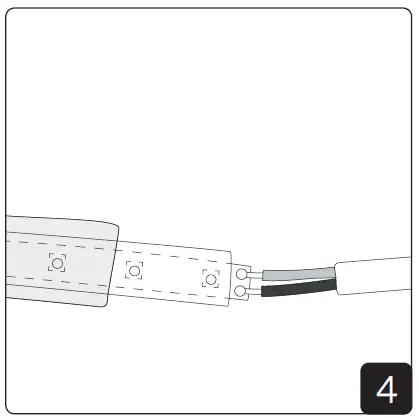
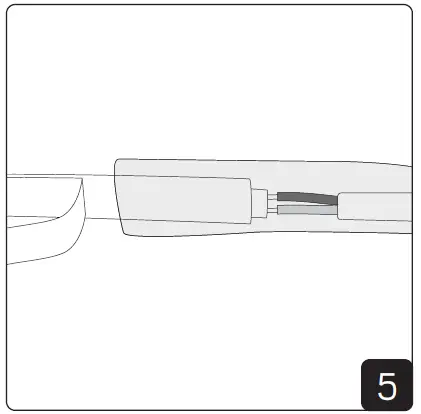
- Solder the cables to the soldering tags.

- Remove the protective paper from the back of the LED strip. Remove as much as necessary so that the shrink tubing does not cover the protective paper

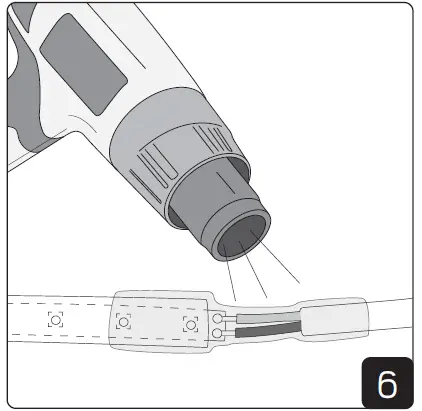
- Heat the shrink tubing so that it forms a tight seal.

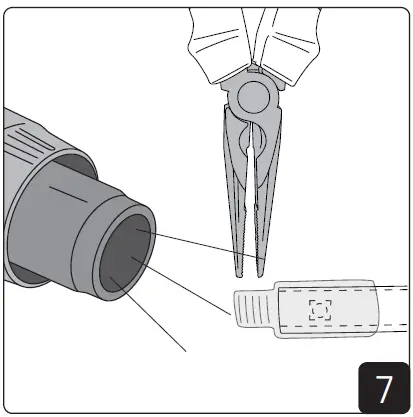
- Seal the short ends with shrink tubing in the same manner, but pinch the ends together with flat nose pliers to ensure a very tight seal.

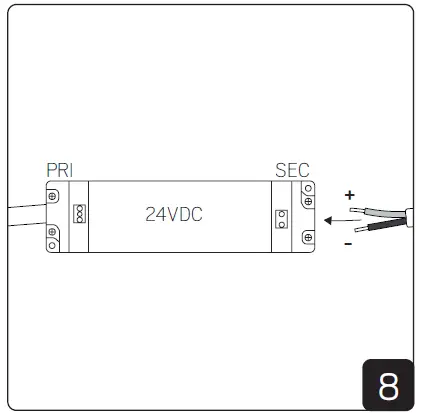
- Check that the LED strip lights. Connect the fittings to the LED transformer in parallel.

Elektro Elco AB, Tallvägen 5, SE-56435 Bankeryd, Sweden | [email protected] | www.hidealite.se | www.hidealite.fi | www.hidealite.no | www.hidealite.dk

References
 LED lighting of the highest quality - Hidealite
-
Vi udvikler og sælger LED belysning - Hidealite
-
LED-valaisimet & LED-valaistus kotiin ja julkisiin tiloihin - Hide-a-lite
-
LED-belysning, downlights, spotlights och utendørs belysning av topp kvalitet - Hidealite
-
LED-belysning & LED-armaturer för ditt projekt! - Hide-a-lite
 LED lighting of the highest quality - Hidealite
 Vi udvikler og sælger LED belysning - Hidealite
 LED-valaisimet & LED-valaistus kotiin ja julkisiin tiloihin - Hide-a-lite
 LED-belysning, downlights, spotlights och utendørs belysning av topp kvalitet - Hidealite
 LED-belysning & LED-armaturer för ditt projekt! - Hide-a-lite