QUICKSTART GUIDE
Kogan.com
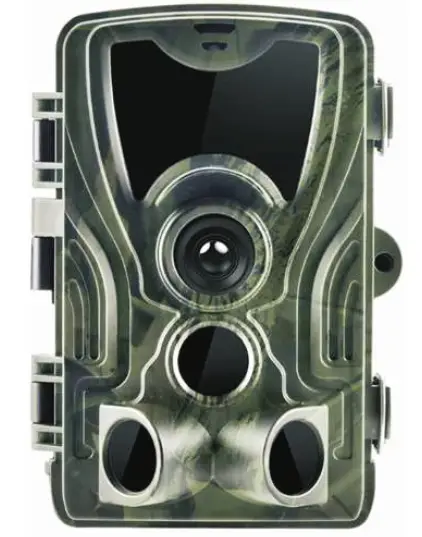
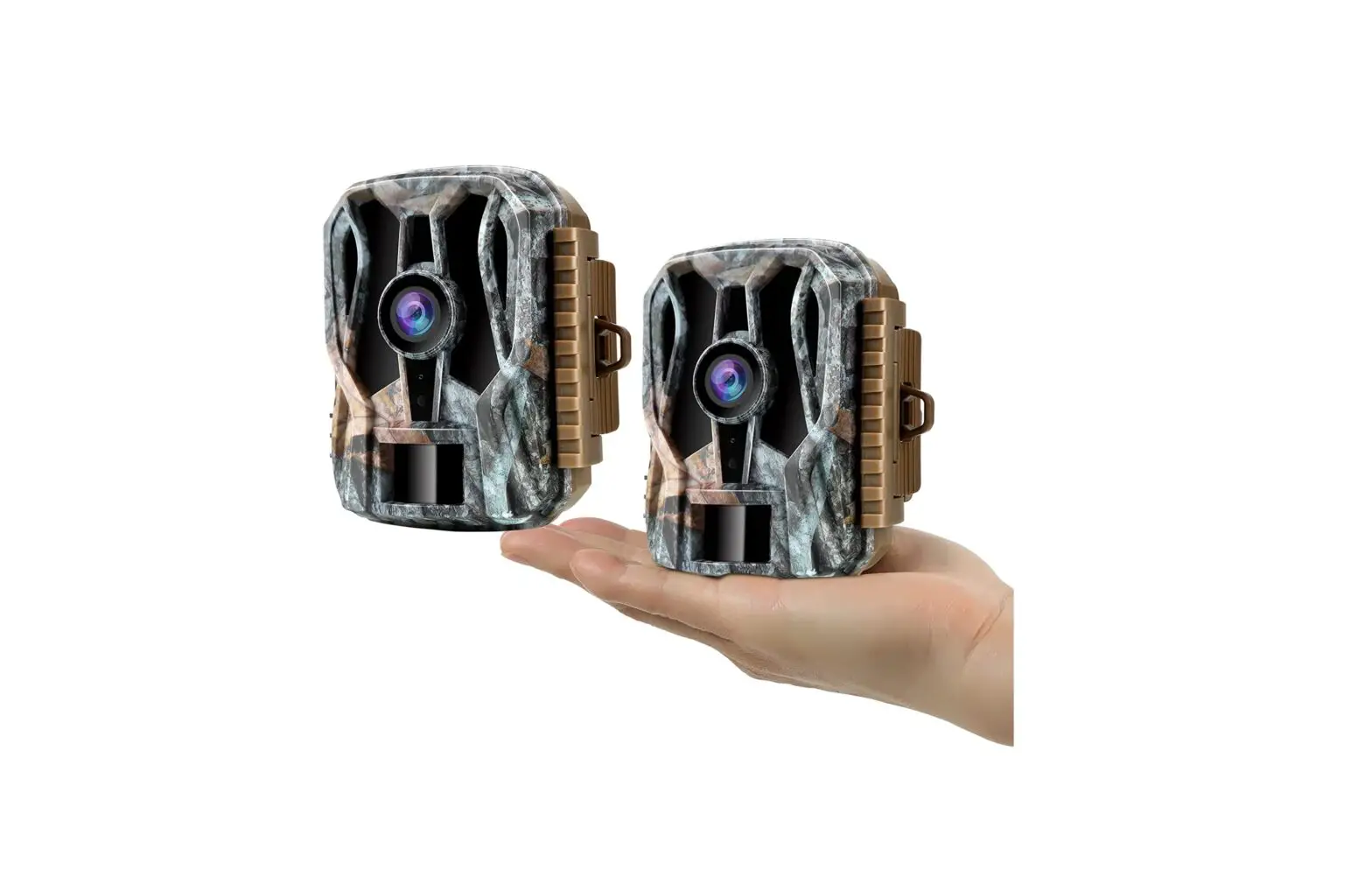
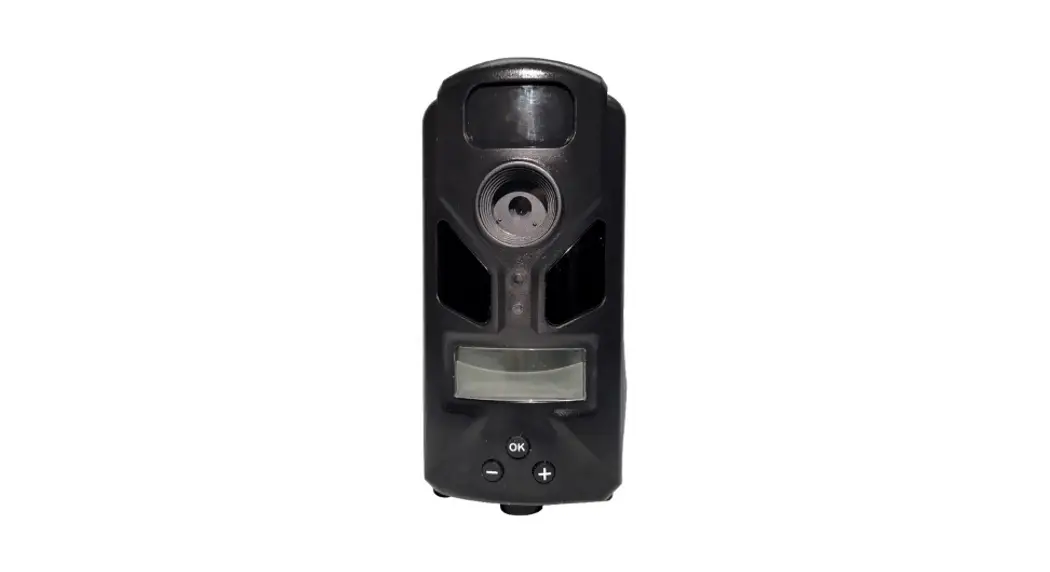
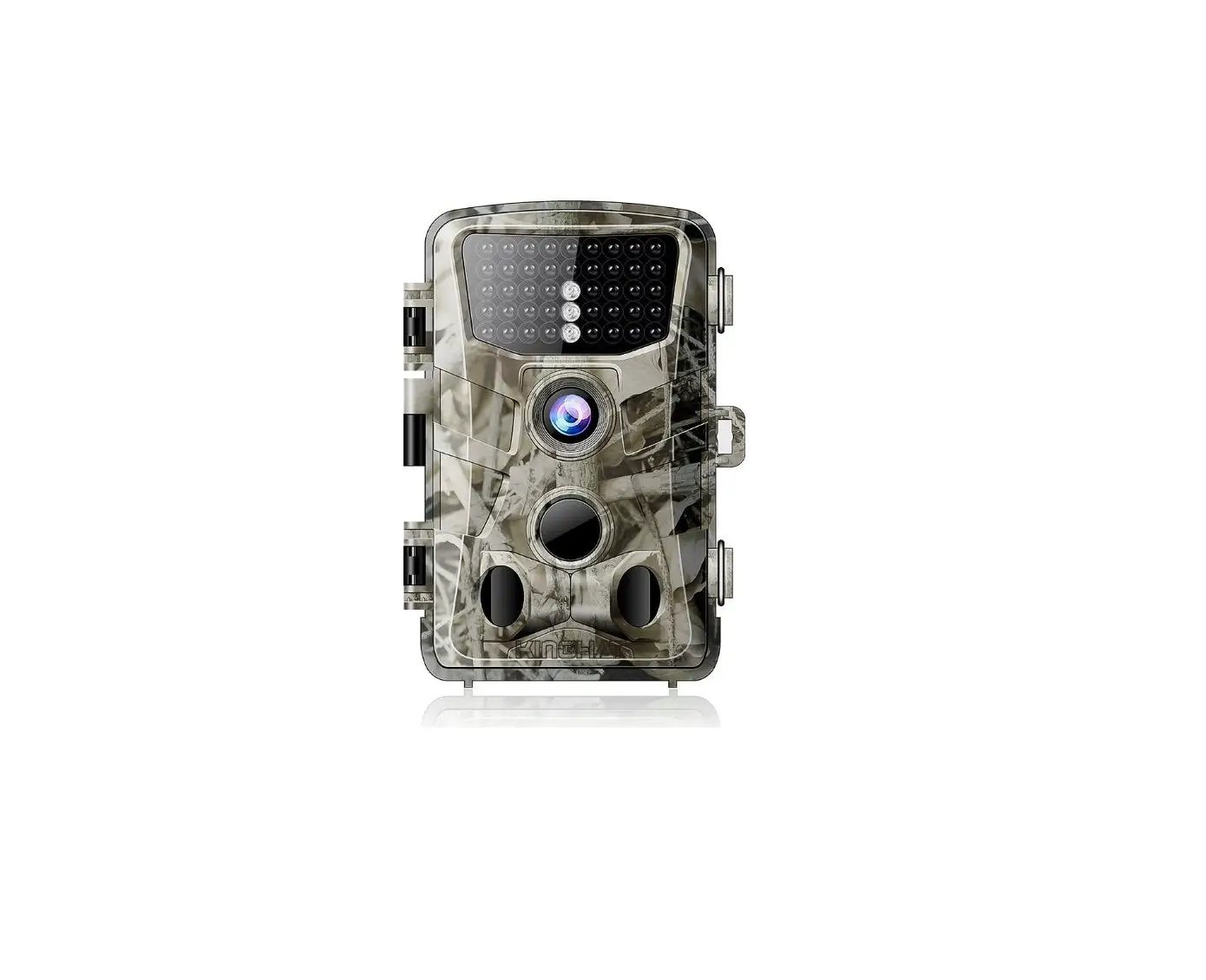
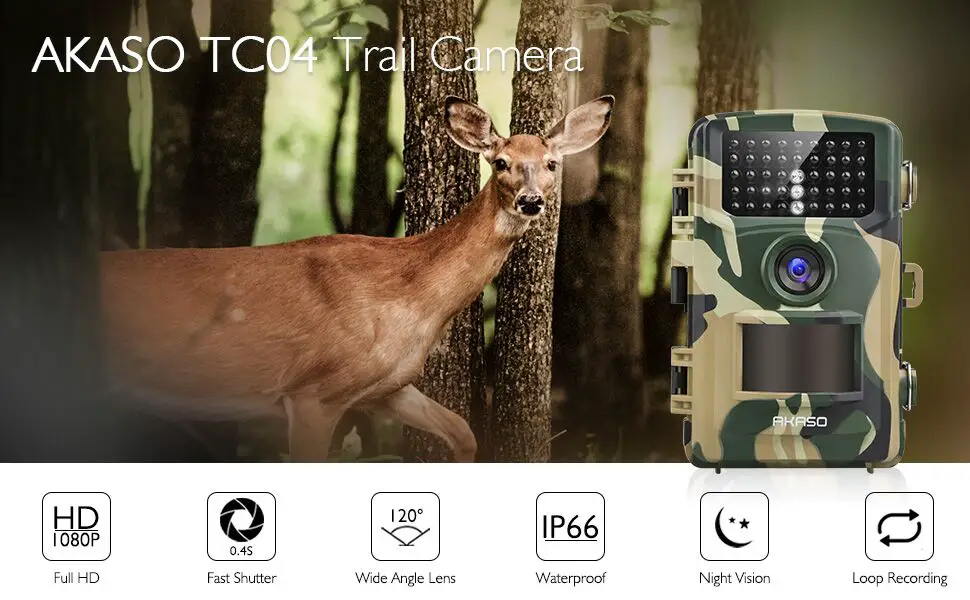
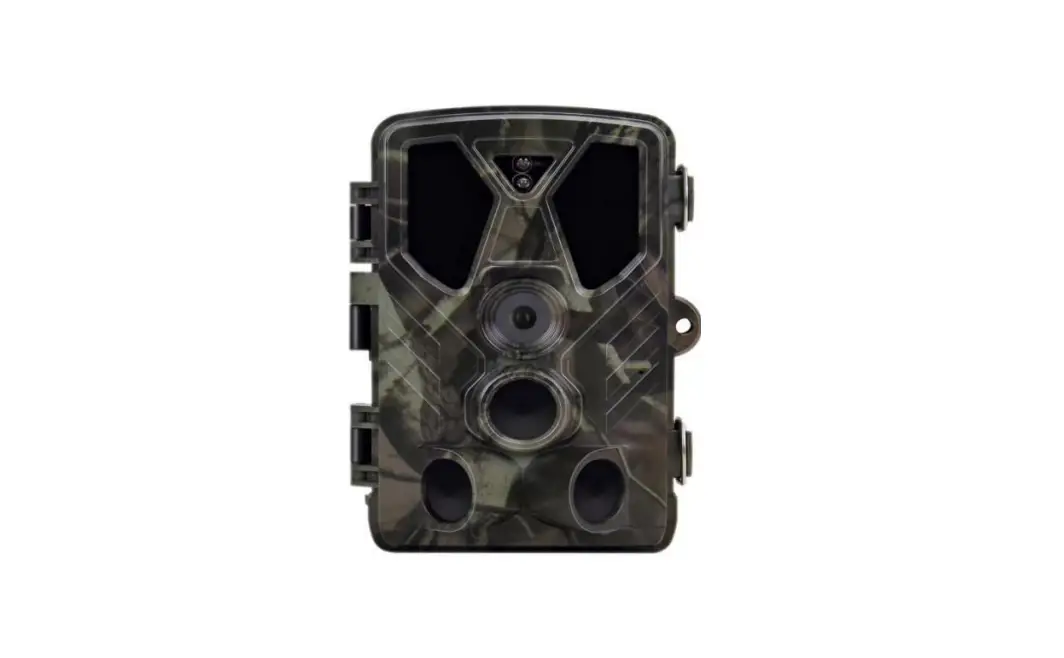
HUNTING TRAIL CAMERA 20MP
KAHUTRCA801A
OVERVIEW
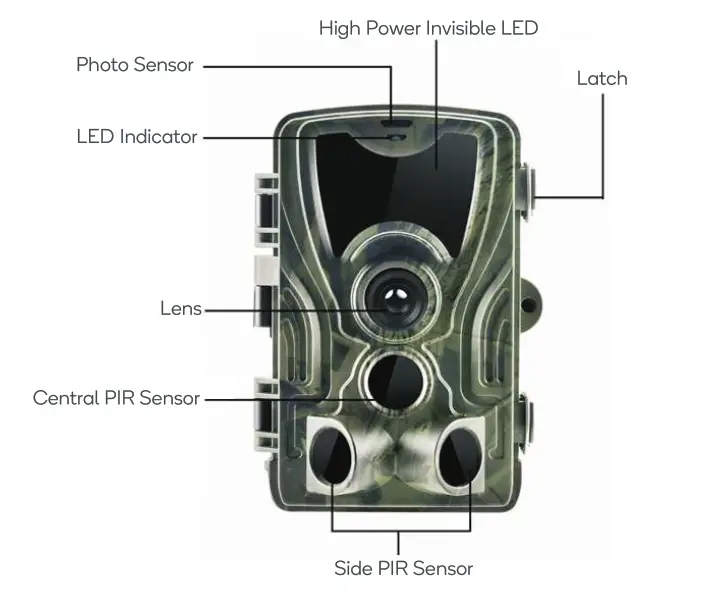
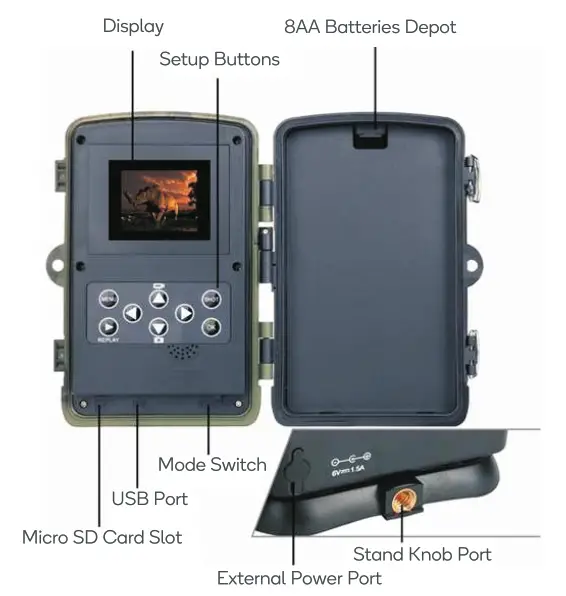
IN THE BOX
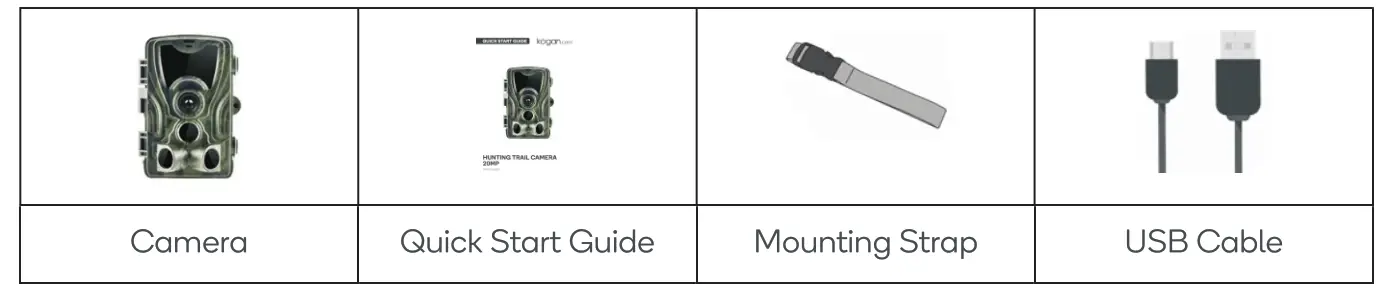
INSTALLATION
If Using AA-Alkaline Batteries
1. Pull the gap lightly and open battery compartment.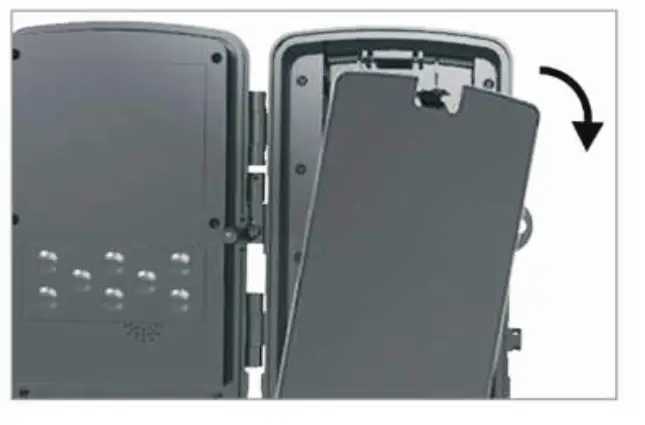 2. Refer to the buttery icons located on the inside of the battery compartment. Insert the batteries according to the positive and negative battery icons.
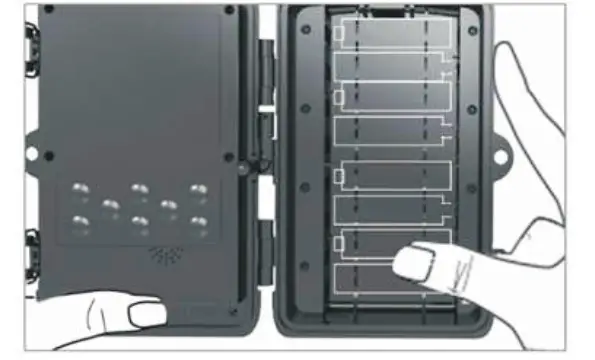 3. Close the battery compartment tightly to ensure water and dust resistance.
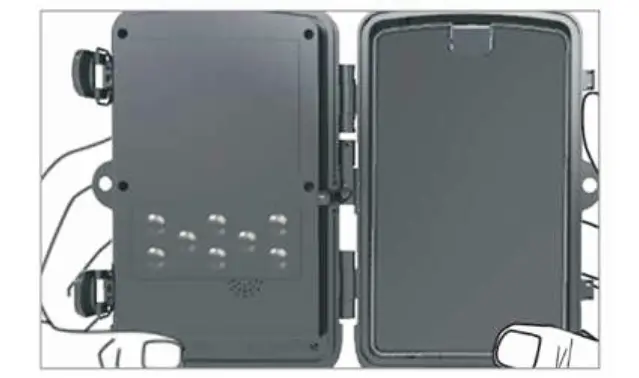 Note: Installing any AA battery in the wrong direction may cause the batteries to leak acid or explode, causing camera failure and damage to the battery compartment.
If Using 6V DC Power Source
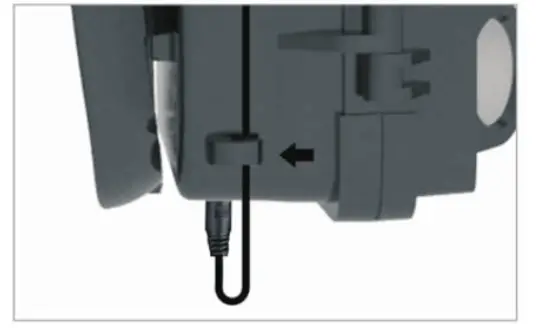
1. Remove the rubber port cap at the bottom of the camera. Plug a universal 6V DC cord into the bottom port.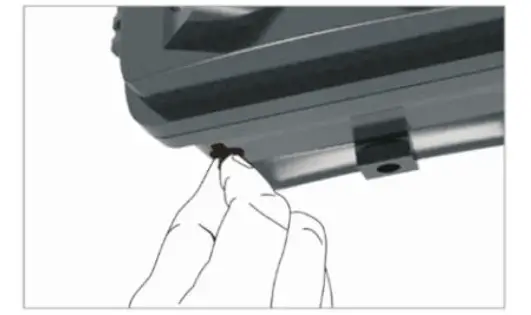 2. Run the cord to the side of the camera where there is a hook provided behind the hinge of the camera door. This will support the power cord and take pressure off of the connection point.
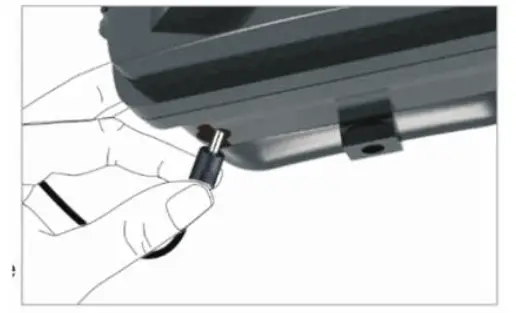 3. When not in use, replace the rubber port cap at the bottom of the camera to protect the 6V DC universal plug-in port.
Memory Card Installation
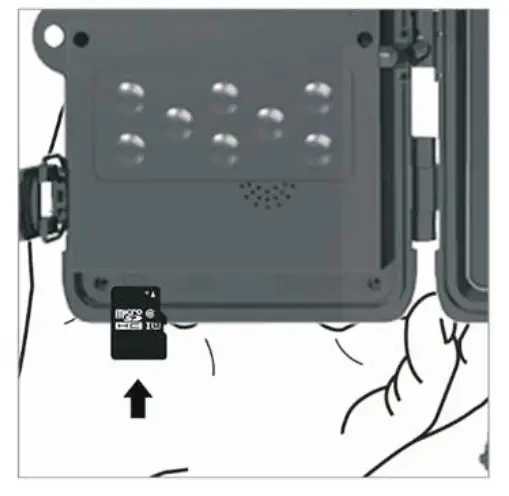
1. Insert the Micro SD card with the contacts facing away. The Micro SD card should slide in freely with little resistance. Continue pressing the card inward until you hear a click. This means the Micro SD card is locked in place and ready for use.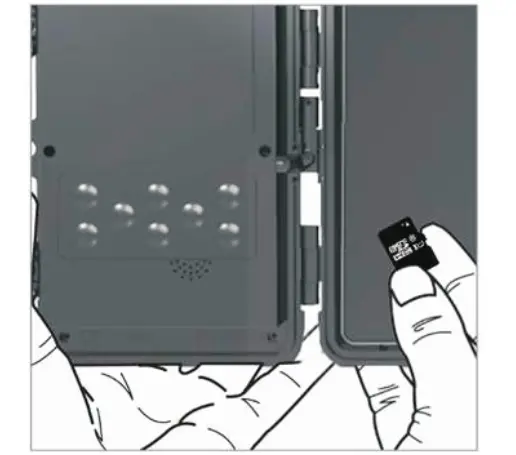 2. To remove Micro SD card, press the card inwards to release.

OPERATION
Quick start
Slide the mode switch from OFF to TEST position to activate the camera and view the user setup screen.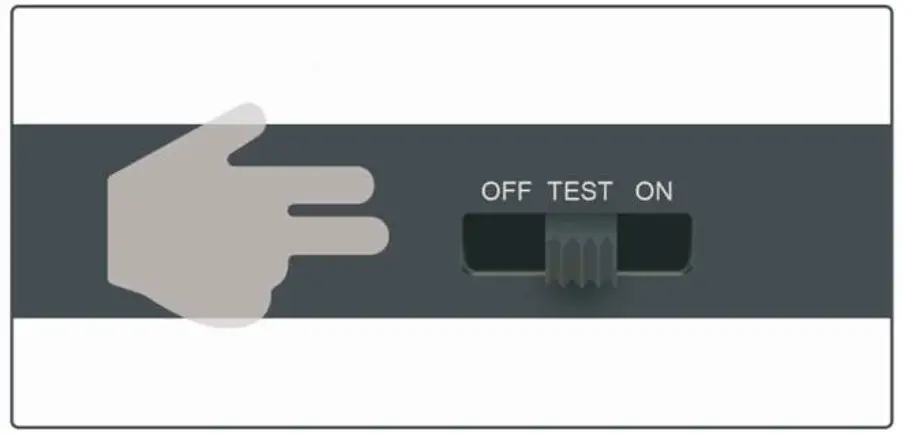 There is a control panel with 8 keys when you open the camera.
Operating Buttons
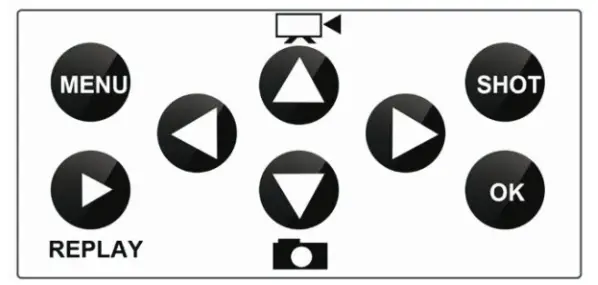
| MENU | Open the Settings menu using the MENU button. |
| REPLAY | Press this button to start the replay mode. |
 | Change to the manual recording mode for videos. |
 | Change to the manual recording mode for taking photos. |
| SHOT | Manually take a video or photo depending on the set recording mode. Video recordings are ended by pressing the SHOT button. |
 | it to start the video, press it again to stop. |
Auto Recording Mode
After entering settings, slide the power switch to ON to enter auto recording mode. The motion indicator will flash red for about 5 seconds, after which the camera will start working. It will automatically take pictures or record videos when a person or animal enters into the area of the PIR sensor.
Caution: To avoid potential false triggers due to temperature and motion disturbances, do not aim the camera at a heat source (e.g. the sun, heated stone or metal) and remove nearby tree branches and twigs. The ideal direction to aim at is an open place to the north without nearby heat sources.
Note: Generally, it is recommended to place the camera at a height of 1-2 meters.
Advanced Settings
|  Video Video |
|
| • Resolution • Sequence • ISO • Delay • Camera ID | • Resolution • Video length • Record audio | • Mode • Language • Time-lapse • TV mode • Motion Detection • Date/Time • Timer • Password • Format • Default settings • Version |
 Camera
 Setup
SetupCamera menu settings
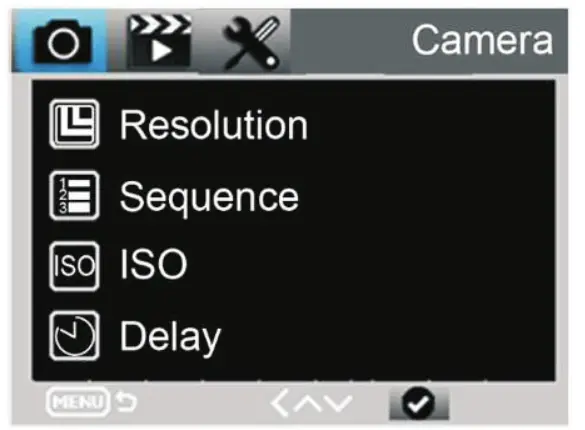
| Camera | Sub menu | Description |
| Resolution | 20MP,16MP,12MP | Photo size |
| Sequence | 1/3/6/9 | Number of photos taken sequentially |
| ISO | Auto,100, 200, 400 | Camera exposure level |
| Delay | 1/5/10/30 sec/min | Delay between shots |
| Camera ID | 0-0-0 0-0-0 | Camera ID |
video menu settings
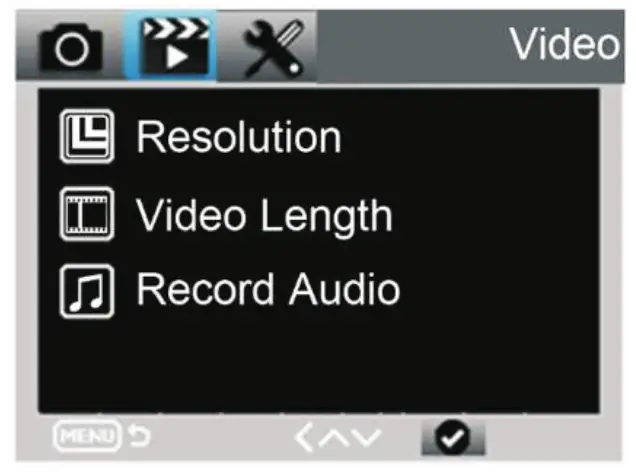
Video | Sub menu | Description |
| Resolution | 1080P, 720P, WVGA, VGA | Video size |
| Video length | 10S, 30S, 60S, 90S | Time length of video |
| Record audio | ON, OFF | Whether sound is captured or not |
Setup menu settings
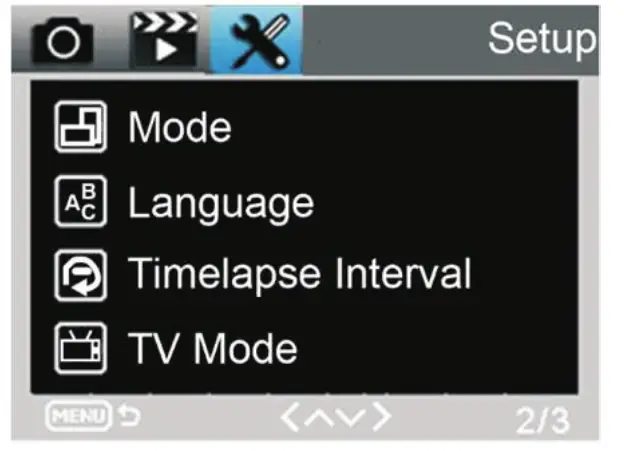
Setup | Submenu | Description |
| Mode | Camera, video, camera, and video, interval | Image, video, image + video, image taken at set interval |
| Language | English, French, German | Camera menu language |
| Time-lapse interval | 5/30/60 Min | Taking picture or video for every 5/30/60 minutes constantly |
| TV Mode | NTSC, PAL | AV output mode |
| Motion Detection | High/Medium/Low | Set Infra PIR sensitivity |
| Date/Time | 2018-09-0316:37:25 | YYYY-MM-DD HH:MM:SS |
| Timer | 0:0:0 to 23:59:59 | Enable operation only during set period |
| Password | **** | 4-digit password (universal password:1314) |
| Format | SD Card | Format the memory card and delete all files |
| Default settings | Factory reset | Restore factory defaults |
Slide the switch to “ON” to resume operation after changing setting.
Note: images and video can only be played back/previewed while in test mode, not auto recording.
SPECIFICATIONS
| Power | 4 or 8 x AA alkaline/lithium batteries external DC6V-12V (3.5 x 1.3mm jock) |
| Connectivity | AV out (video cable not included) |
| Water resistance | IP65 |
| Photo recording | |
| Photo resolution | 20MP |
| File format | JPG |
| Time-lapse mode | 5min/30min/60min |
| Multi-shot mode | Up to 9 photos per detection |
| Stamp (photos and video) | Date, time, temperature CC/-F) and moon phase |
| Capture mode | Colour by day, black and white by night |
| Video recording | |
| Video resolution | 1920 x 1080/30fps (FHD) |
| File format | MOV/H.264 |
| Sequence length | Adjustable from 10 to 90s |
| Capture mode | Colour by day, black and white by night |
| Audio | |
| Sound recording | ON/OFF |
| Memory storage | |
| Support | External only Micro SC) cord up to 64GB |
| Detection system | |
| Motion sensor | 2 x PIR |
| Detection angle | 120° |
| Detection range | Adjustable from 1 to 80ft |
| Trigger speed | 0.3sec |
| Delay between each detection | Adjustable from Instant to 30min |
| Night time illumination system | |
| LEDs | 36 LEDs |
| Rosh range | <90ft |
| Exposure | Automatic infrared level adjustment |
| Optical field of view | 120° |
| Dimensions | 135mm x 90mm x 76mm |
| Operating temperature | -20°C to +70°C |
TROUBLESHOOTING
Camera doesn’t capture subject of interest
- Check the PIR sensitivity for warm environmental conditions. Set the Sensor Level to “Low”; for cold weather use, set the sensor to “High”. • Set your camera up in an area where there are no heat resources in the camera’s field of view.
- In some cases, setting the camera near water will make the camera to take images with no subject in them.
- Aim the camera overground.
- Set the camera on stable and immovable objects, i.e., large trees.
- At night, the motion detector may detect beyond IR illumination range. You can reduce distance by adjusting sensor sensitivity.
- The rise or setting of the sun can trigger the sensor; reorient the camera.
- If a person or animal moves quickly, it may move out of the camera’s field of view before the photo is taken. Move camera further back or redirect camera.
Camera stops taking images
- Ensure that the memory card has enough memory storage. If the card is full, camera will stop taking images.
- Check batteries to make sure that alkaline, NIMH or lithium AA batteries left power is enough for camera to work.
- Make sure that the camera power switch is at the “ON” position and not at the “OFF” or “TEST” modes.
- Please format the memory card when you use it for the first time or use another memory card.
Night vision flash range doesn’t meet the expectation
- Although the camera will operate well with 4 x AA batteries, 8 x AA batteries will improve performance and provide better battery life during night vision.
- Ensure that batteries are fully charged or left power is enough.
- High-quality 1.5V NIMH or lithium rechargeable AA batteries can offer a superior flash range to alkaline batteries.
- To ensure accuracy and quality of nighttime image, mount the camera in a dark environment without obvious light sources.
- Having surfaces for the flash to bounce off (trees, walls, ground, etc.) within flash range is important to get good nighttime images. In an open field, there will be nothing for the light to reflect on and the images will be poorer.
Need more information?
This is a Quick Start Guide, and we hope that this has given you the assistance needed for a simple setup. For the most up-to-date guide for your product, as well as any additional assistance you may require, head online to help.kogan.com