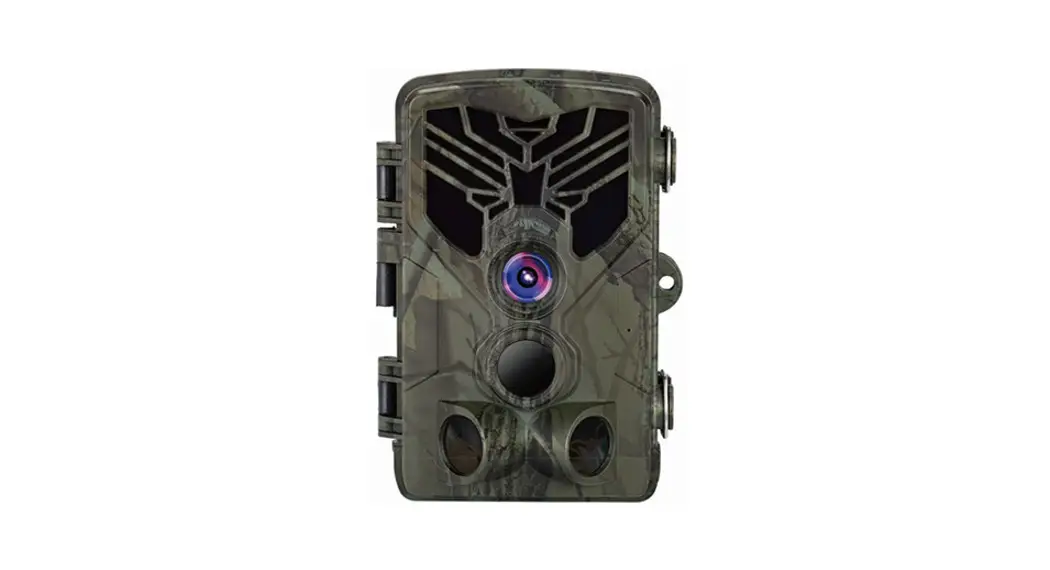
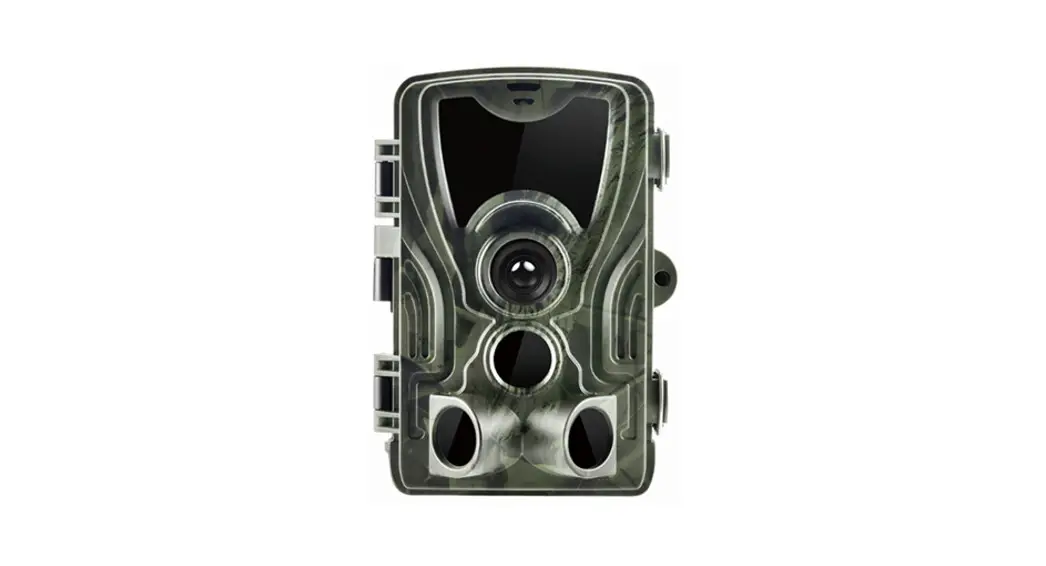
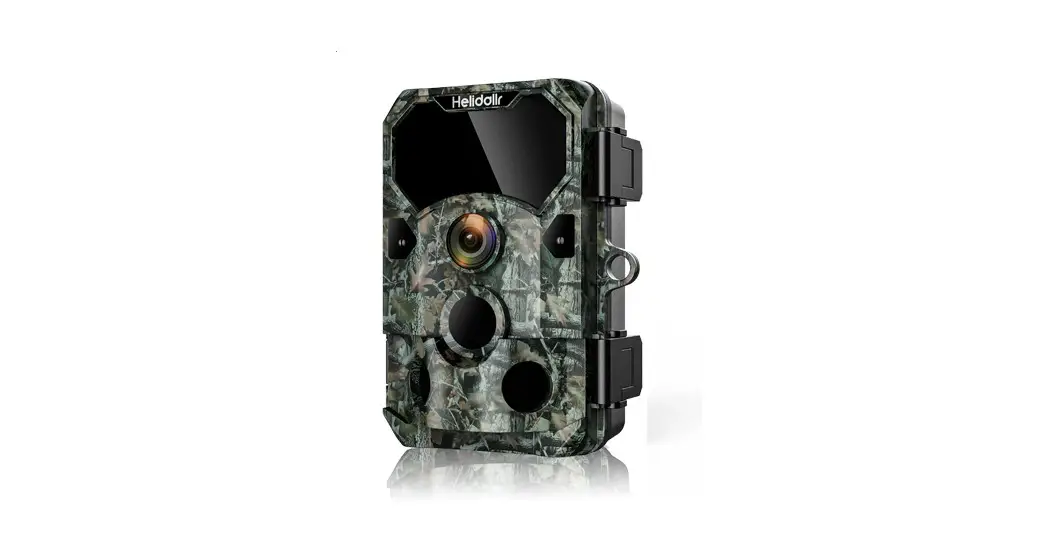
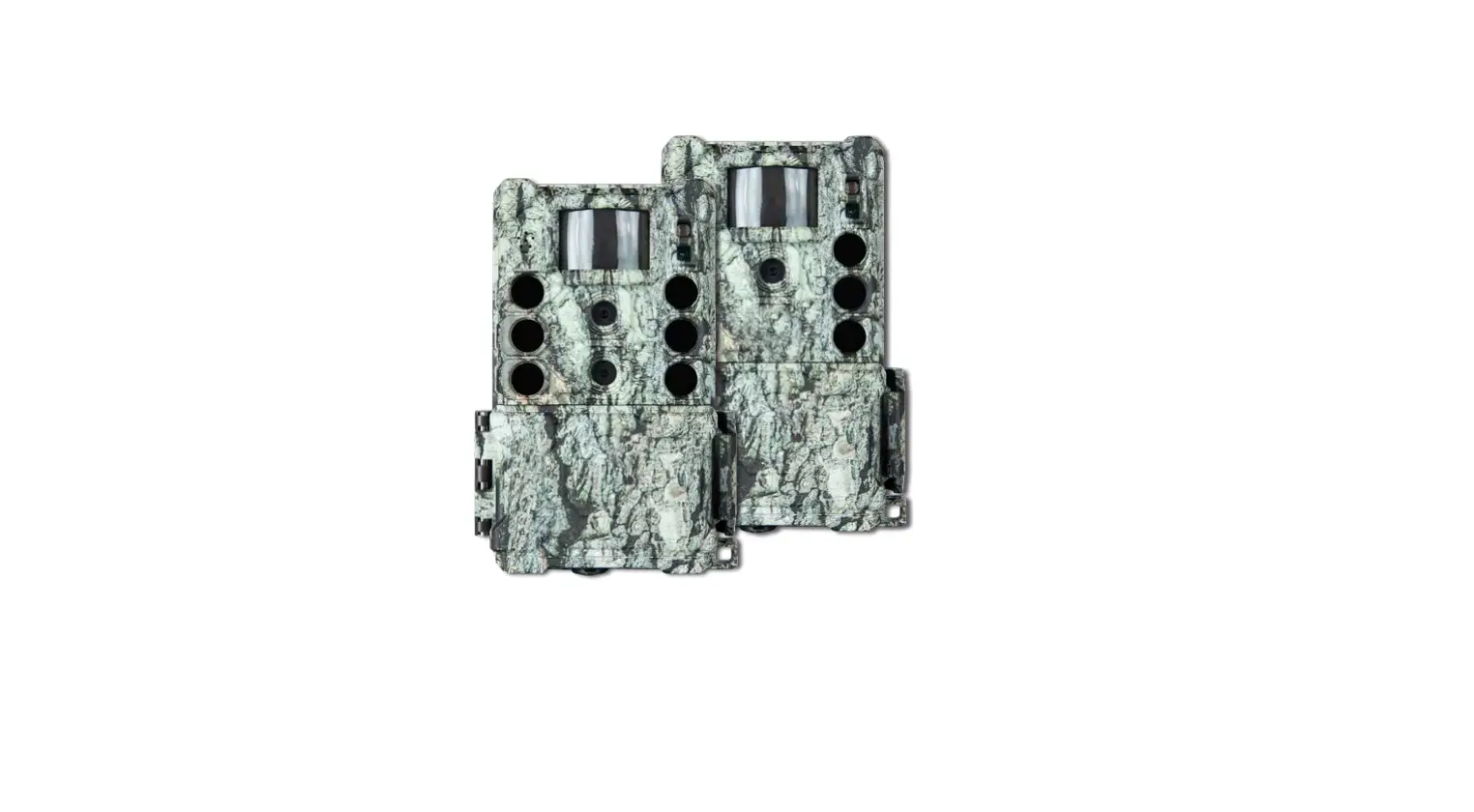
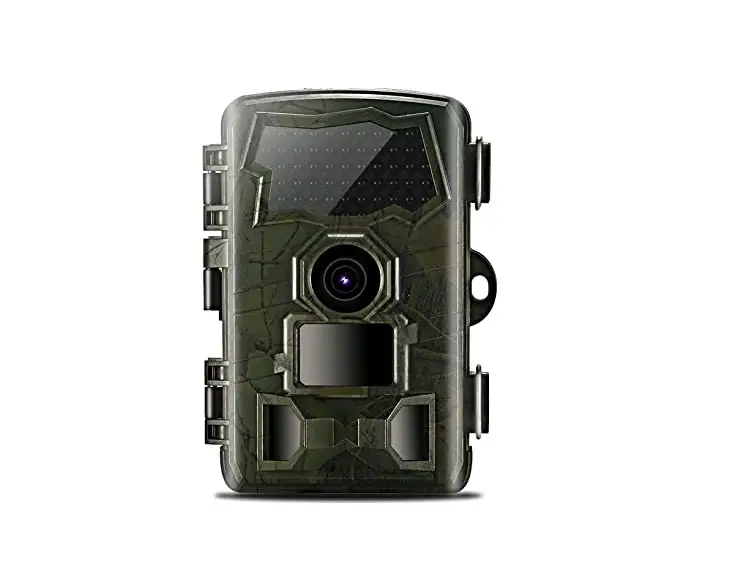
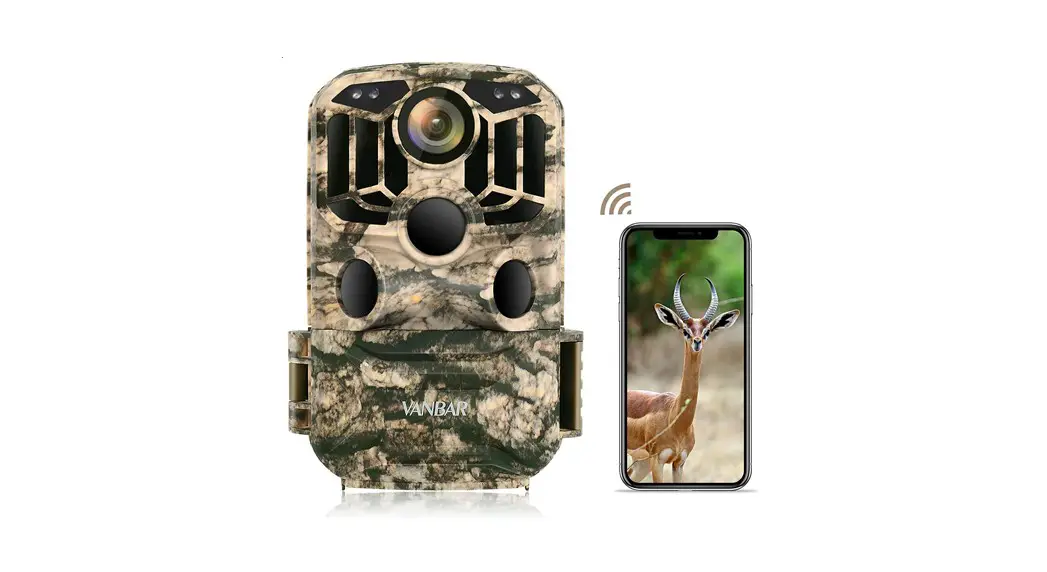
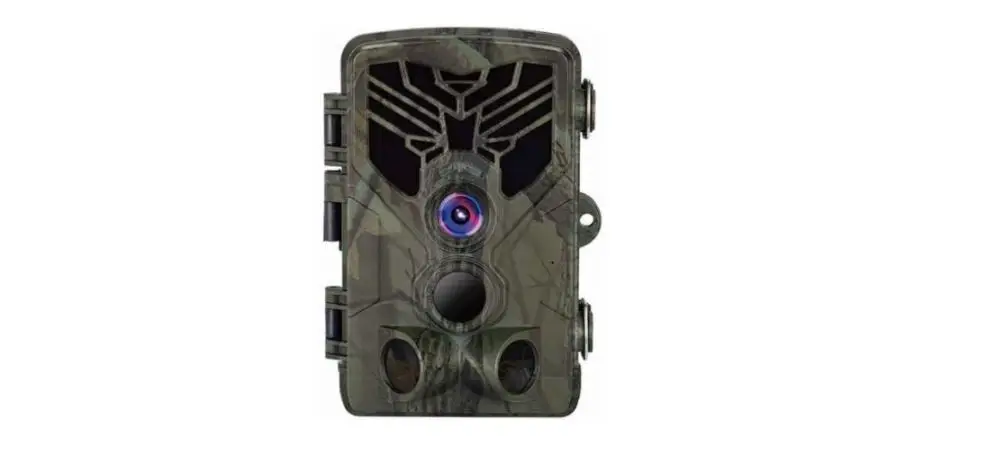
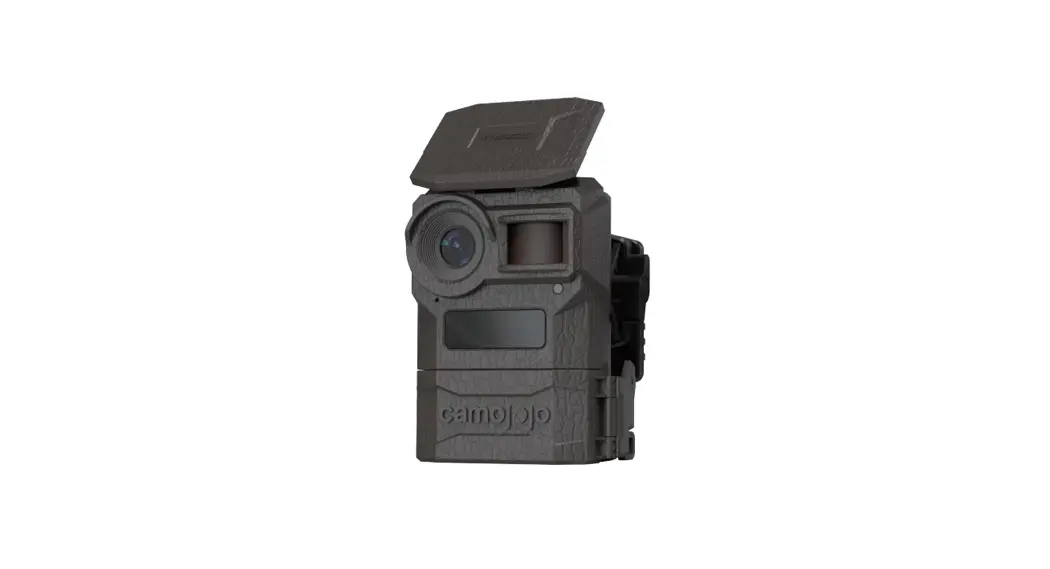
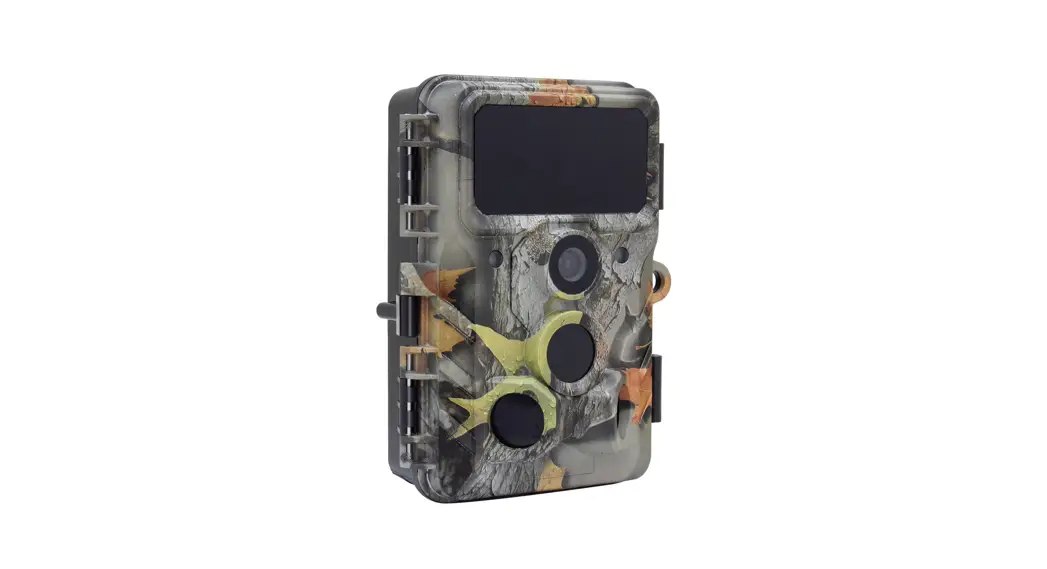
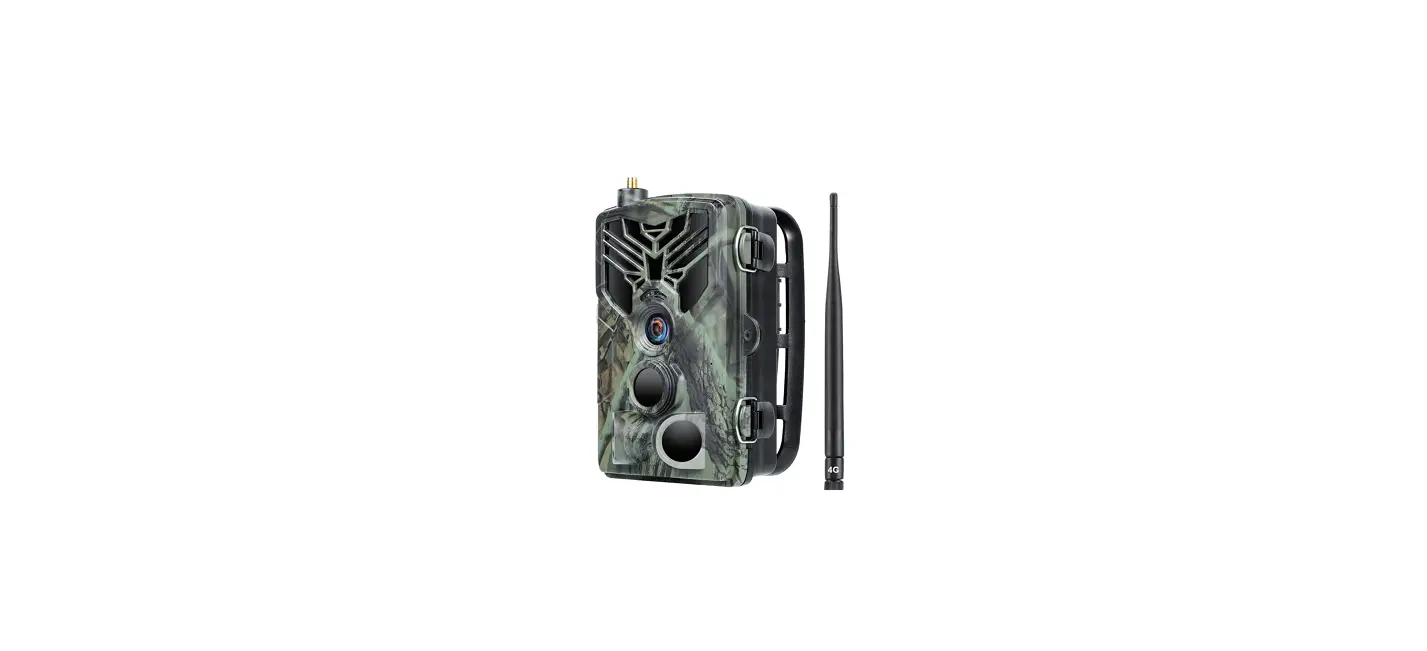
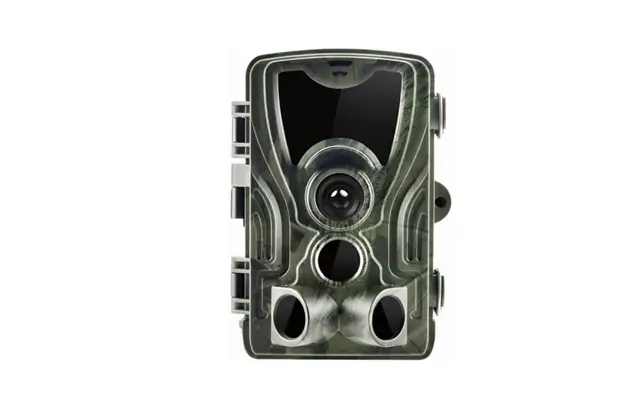
4K 32MP Trail Camera
Product Information:
The product is a trail camera designed for outdoor use. It
requires 8 1.5V AA alkaline batteries for power and a memory card
for storing captured images and videos. The camera has a menu
system with various settings for customization, including time and
date, photo stamp, password protection, beep sound, formatting
memory card, serial number, PIR interval, side motion sensors,
sensitivity motion sensors, target recording time, and timed
lapse.
Product Usage Instructions:
- Open the battery cover of the trail camera and install 8 1.5V
AA alkaline batteries, following the direction of the positive and
negative markings. Make sure not to mix old and new batteries. - Turn on the trail camera and insert the memory card correctly
according to the direction of the identification card symbol. - Switch the camera power to SETUP to turn on the camera. The LCD
will display a preview interface. - Enter the menu by pressing the button. Select “Format memory
card” and press the OK button to confirm formatting the memory
card. - To restore factory settings, select “Reset Settings” in the
menu and press the OK button to confirm. - To adjust the time and date, select “Time & date” in the
menu. Use the UP and DOWN buttons to select the current time, and
the left and right buttons to modify year/month/day/hour/minute.
Press the OK button to save after confirmation. Select “Time
format” to choose between 24h or 12h format. - In the menu, select “PIR interval setting” and set it to 10S to
reduce the interval time between triggering. - Press the MENU button to exit the Setup Menu on the LCD and
enter the preview interface. - To view captured images and videos, switch the power to SETUP
mode and press the REPLAY button. - Press the REPLAY button to exit the replay setup on LCD and
return to the preview interface.
Quick Start Guides
1. Open the battery cover of the trail camera, follow the direction of the positive and negative marked, and install 8 1.5V AA alkaline batteries to obtain the longest battery life. Do not mix old and new batteries, as different battery levels may affect battery life.
03
2 Turn on the trail camera and install the memory card correctly according to the direction of the identification card symbol.
3. Switch the camera power to SETUP to turn on the camera. At this time, LCD will display a preview interface.
ON-SETUP-OFF
04
4. Enter the menu, press the button to select “Format memory card”, press the OK button to select “Yes” to confirm formatting the memory card.
Settings Time & date Photo stamp Password protection Beep sound Format memory card Serial NO
Back
Select
Settings
Time 4anMdNPdo(ati2ftiec6a8ti8onx:A1ll5d1at2a) Photo 8taMggPwin(igl3l b8e4d0exlet2e1d 60) Pass1w6orMd Ppr(o5te3cY7tieo6snx 3024) Prom2p6t tMonPe(691N2o x 3888)
Beep sound
Serial No.
Back
Select
5. After entering the menu, press the button to select “Reset Settings”, and press the OK button to select “Yes” to confirm restoring factory settings.
Settings Password protection Beep sound Format memory card Serial NO Restore settings Version
Back
Select
Settings
PassworNdoptrifoicteactitoionn:All data
Beep soundwill be deleted
Format memory Yceasrd
Serial NO
No
Restore settings
Version
Back
Select
6. After entering the menu, press the button to select “Time & date”, adjust it according to the current time, press the OK button to pop up the time adjustment menu, press the UP and DOWN buttons again to select the current time, then press the left and right buttons to select year/month/day/hour/minute to modify, and press the OK button to save after confirmation. Select “Time format” to modify the 24h or 12h format.
05
Settings
Serial4NMo.PS(e2t6ti8m8e x& 1da5t1e 2) Photo 8taMggPinT(g3im8e4f0orxma2t160) Versi1on6MPD(5a3te7f6ormx a3t024) Prom2p6t tMonPe(6912 x 3888)
Format memory card
Time and date
Back
Select
Settings
Serial4NMo.P(2688 x 1512) Photo 8taMggPin(g3840 x 2160) Versi1on6MP2(05237/ 603x/ 312024) Prom2p6t tMonPe(60931:205x 3888)
Format memory card
Time and date
Back
Select
7. Enter the menu and select the “PIR interval” setting. Please set it to 10S, which will reduce the interval time between triggering.
Settings Audio recording PIR interval Side motion sensors Sensitivity motion sensors Target recording time Timed lapse
Back
Select
Settings Audio recording PIR interval Side motion1s0enseincgonsdwsitch Sensitivity motion sensors Target recording time Timed photo taking
Back
Select
8. Press the MENU button to exit the Setup Menu on the LCD and enter the preview interface
MENU
MENU
SHOT
REPLAY OK
06
9. After completing all the settings in test mode and determining the installation position, you can switch the trail camera to the “ON” mode. LCD on the camera prompts a 5S countdown, and then the trail camera will enter the working state. · When wild animals enter the detection range of the motion sensor, the camera will be activated and detect the motion. As long as the wild animals move within the detection area of the sensor, the camera will automatically take photos or record videos. · When wild animals leave the detection area of the sensor, the camera will be deactivated and switched back to standby mode.
ON-SETUP-OFF
OFF – The trail camera power is completely turned off. You can install the battery and memory card. SETUP – Modify the trail camera parameter settings and press the REPLAY button to preview the recorded video or image. Press the SHOT button to manually record a video or take a photo. Note: In this mode, the camera will not automatically take photos or record videos. ON – When the switch is turned from SETUP to ON, LCD will turn off after 5S and button operation will be disabled. The camera enters working mode.
10. To query the captured files, switch the power to the “SETUP”
07
mode and press the REPLAY button to view the captured images and videos.
Photo
Video
11. Press the REPLAY button to exit the replay setup on LCD and enter the preview interface.
MENU SHOT
REPLAY OK
REPLAY
Photo mode, photo resolution, remaining number of photos taken
memory card
Battery level
08
Record mode, recording resolution, remaining recording time
memory card
Date
Time
Battery level
09