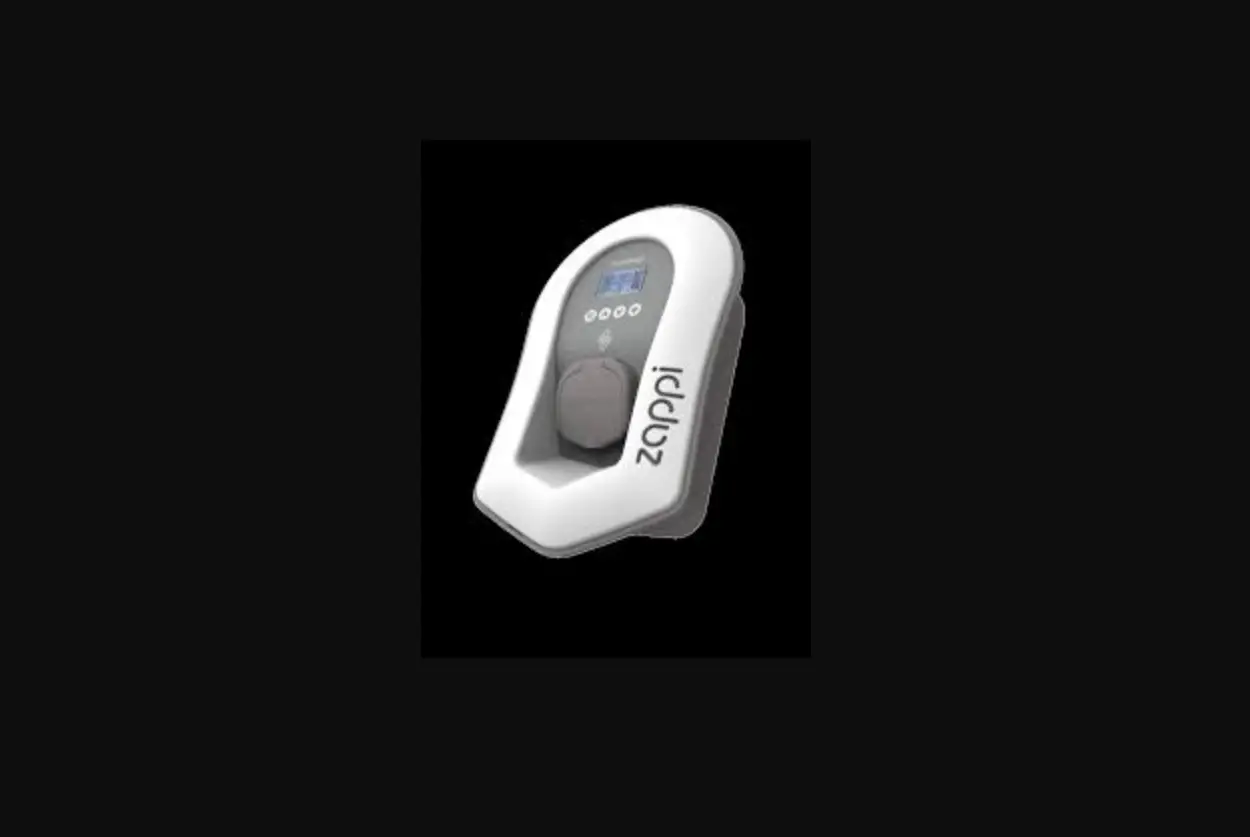

IMPORTANT !
These instructions must be followed to comply with the law for the Electric Vehicle (Smart Charge Points) Regulations 2021, if installed in England, Scotland or Wales from 30/12/2022.
Tamper Retrofit
Installation Guide
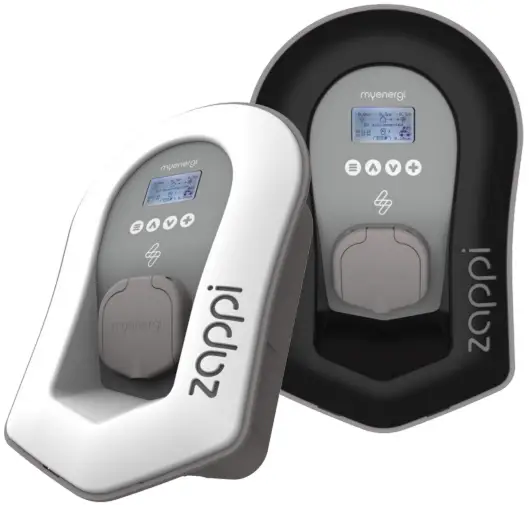
For use with  built between May 2022 and November 2022 (Serial Numbers starting with a 2) Prefer a video? Scan the QR on page 3 of this guide.
1. Check if your  needs this kit
You need to install this retrofit kit if you’re installing a, in England, Scotland or Wales, without a tamper detection device, on or after 30th December 2022.
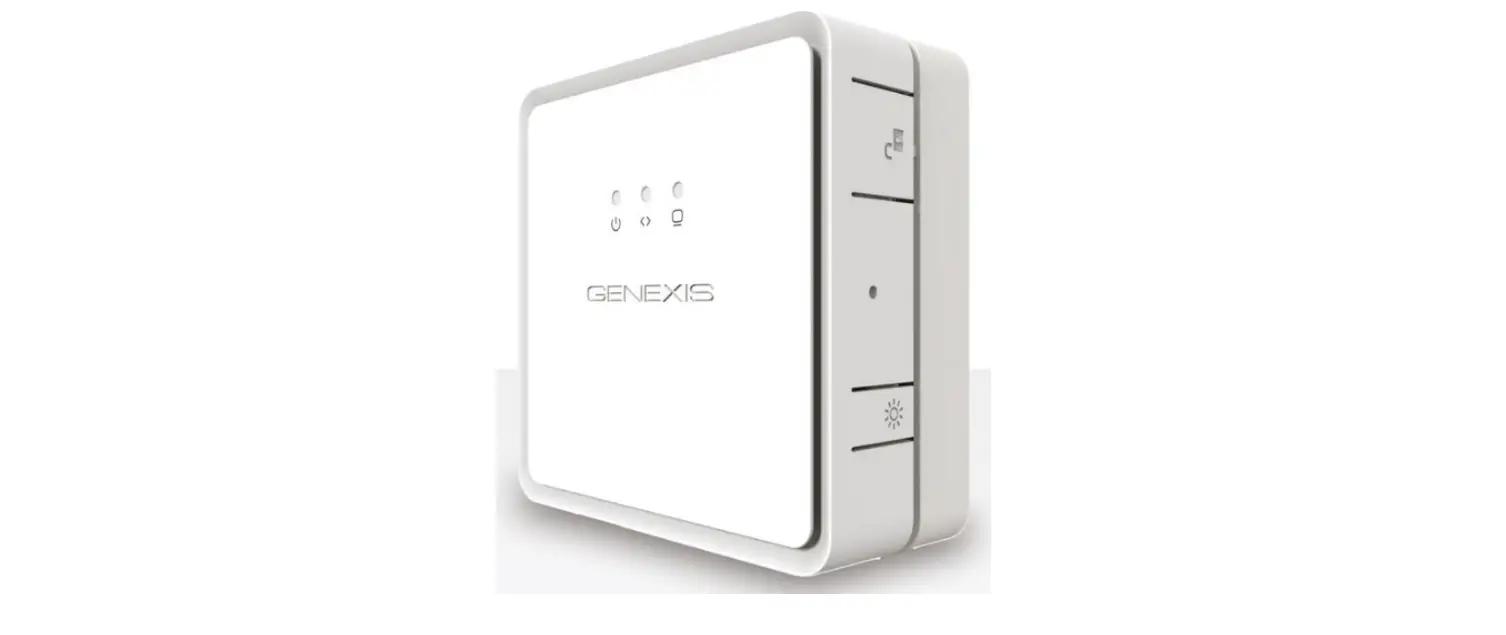
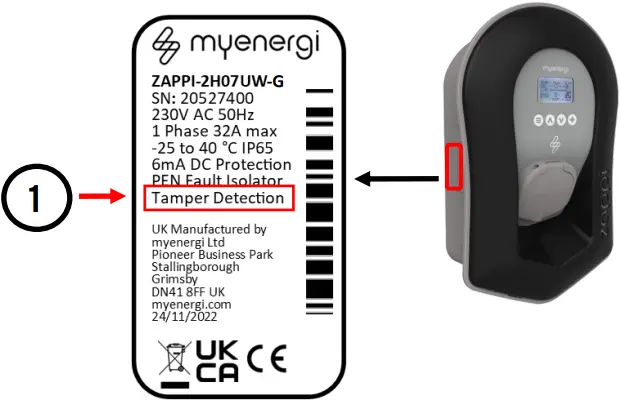
a) You can identify whether the has in-built tamper detection by either, looking at the rating plate on the for the words “Tamper Detection” (1) or by a label on the box also indicates whether tamper is already built-in (2).
b) This kit is not suitable for models that have a serial number starting with 1.
See figures 1 and 2 below
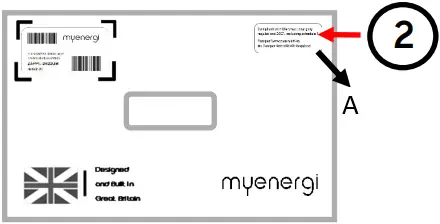
A Compliant with the smart charging regulations 2021, including schedule 1
Tamper Detection built-in.
2. Install Tamper Board
 WARNING!
Ensure is safely isolated before performing these steps. The tamper detection board is electrostatic sensitive. Hold it by the edges. We would advise touching something earthed before handling the board.
Step 1: Isolate the device, if required.
Step 2: Remove fascia and front of enclosure.
NOTICE
For more detailed instruction on removing the fascia and cover refer to Installation Manual.
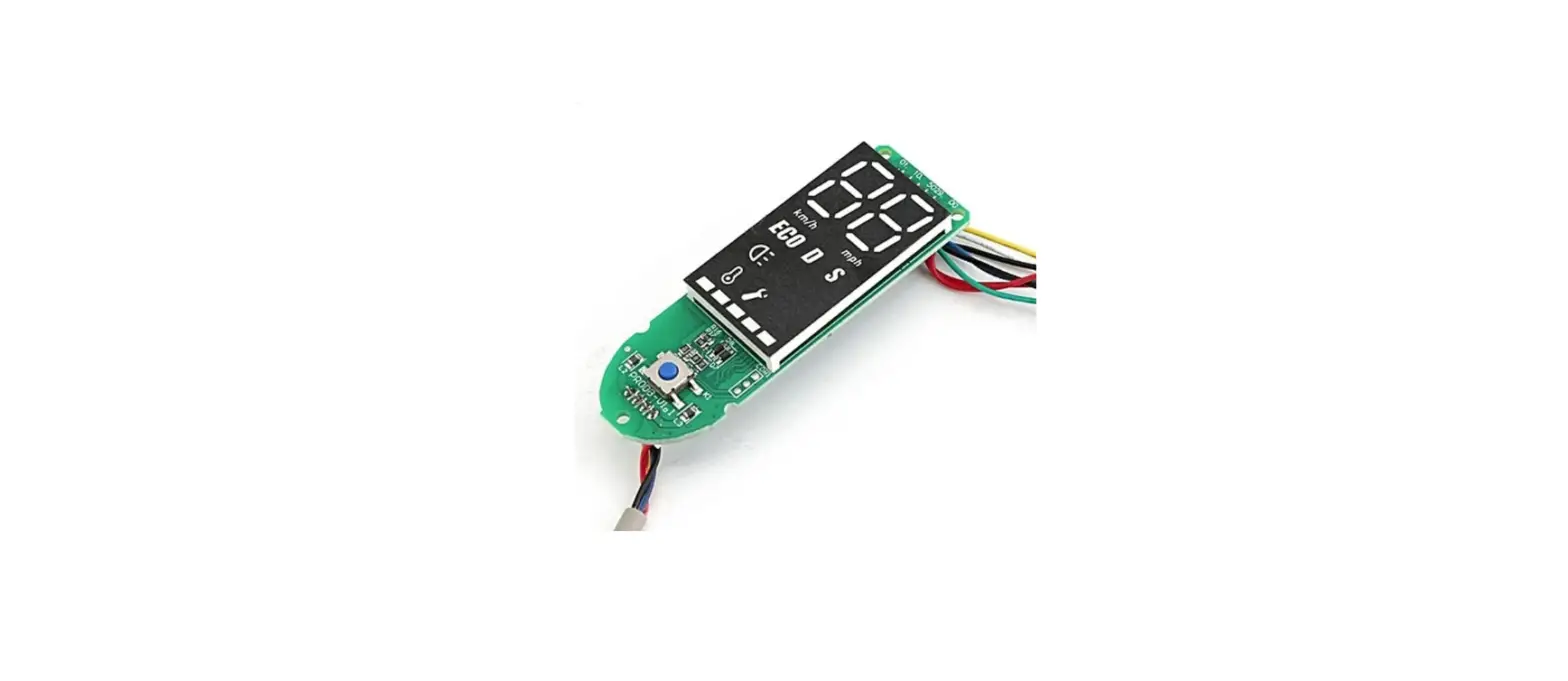
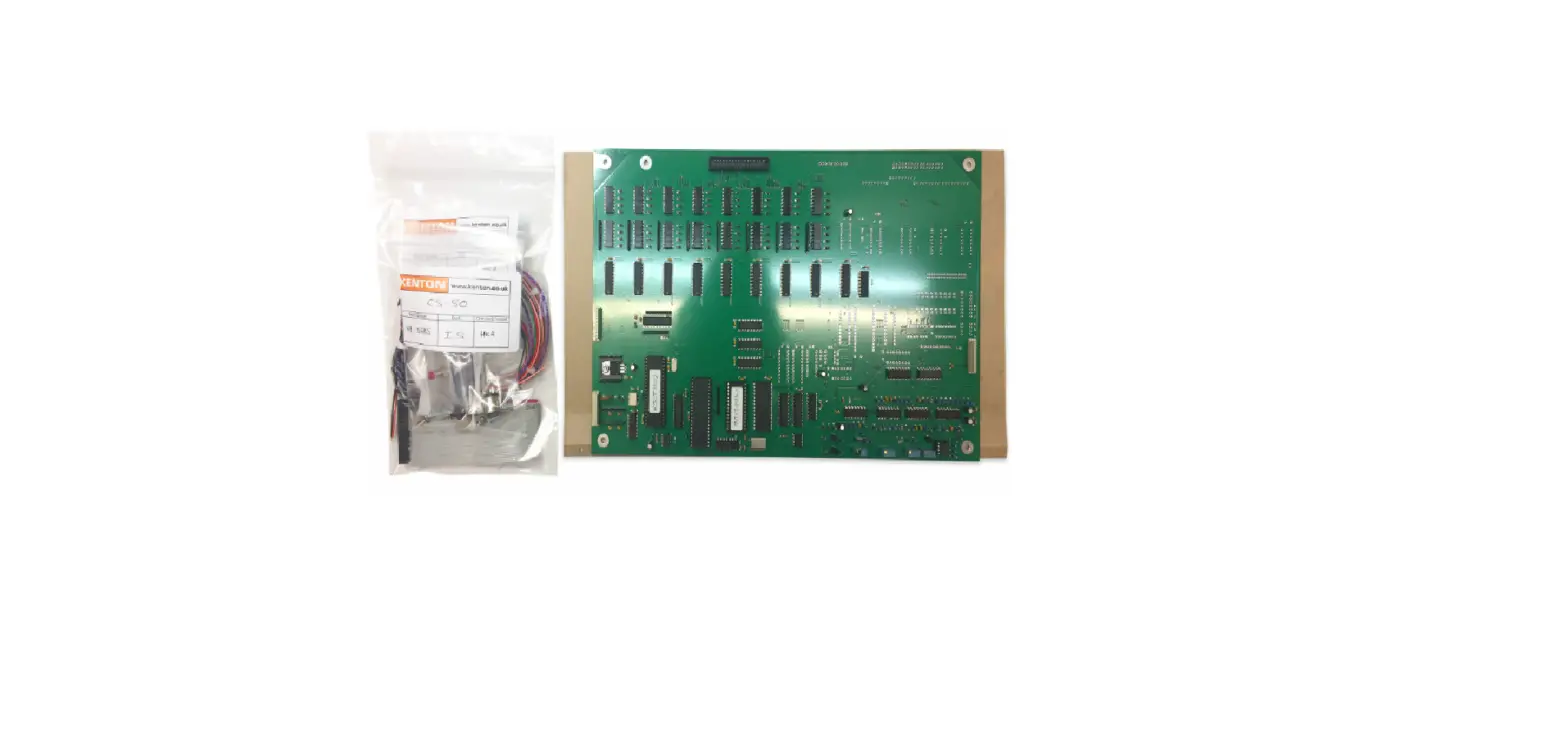
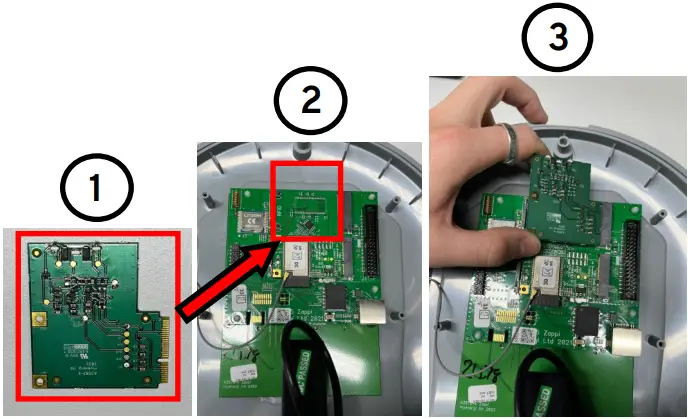
Step 3: Holding it by the edges, take the Tamper Board (1) and insert onto the CPU board (2), located on the back of the enclosure cover, as shown on the image to the right (3).
Step 4: Now, continue installing the as you usually would, following the Installation Manual, ensuring the front cover is securely in place before powering up.
NOTICE
requires an internet connection for next steps.
3. Update firmware
Once tamper board is fitted, a firmware update is required to make this device compliant with the UK Government’s Electric Vehicle (Smart Charge Points) Regulations 2021.
Step 1: Power up the as you usually would, following the Installation Manual. This must include connection to the internet.
Step 2: Update the firmware on the device by navigating to:
“Main Menu” > “Other Settings” > “Download Firmware”
Step 3: The available update of the latest firmware will show on the display. Select to start the download.
Step 4: Once downloaded, in the same menu, select “Install” to install the firmware.
4. Setup
Refer to Installation Manual for instructions on setting up your device and pairing to any existing  devices.
Scan the QR Code to view the Installation Manual.

5. Check Tamper
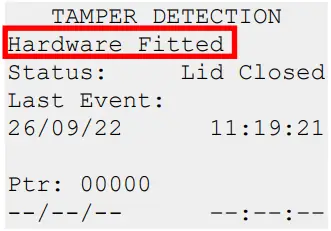 Step 1: In the device menu, navigate to;
“Other Settings” > “Advanced” > “System” > “Tamper Detection”
Step 2: Look for the words “Hardware Fitted”. This means the tamper has been detected by the .
Step 3: If you see the words “Hardware Not Fitted”, see Troubleshooting before contacting our Technical Support.
Troubleshooting
If tamper is not detected at set-up or tamper detection fault code displays:
- Ensure the front cover is properly fitted and cycle the power.
- If the problem persists, please contact Technical support.
Technical Support
If you experience any issues, during or post installation, please contact our technical support team by scanning the QR Code below.

Please contact us directly for the quickest solution.
Video Instructions
Prefer a video?
Scan the QR below


myenergi LTD, Pioneer Business Park, Faraday Way, Stallingborough, Grimsby, DN41 8FF