
PROSIXFOB-EU
Wireless Key Fob
Installation and Setup Guide
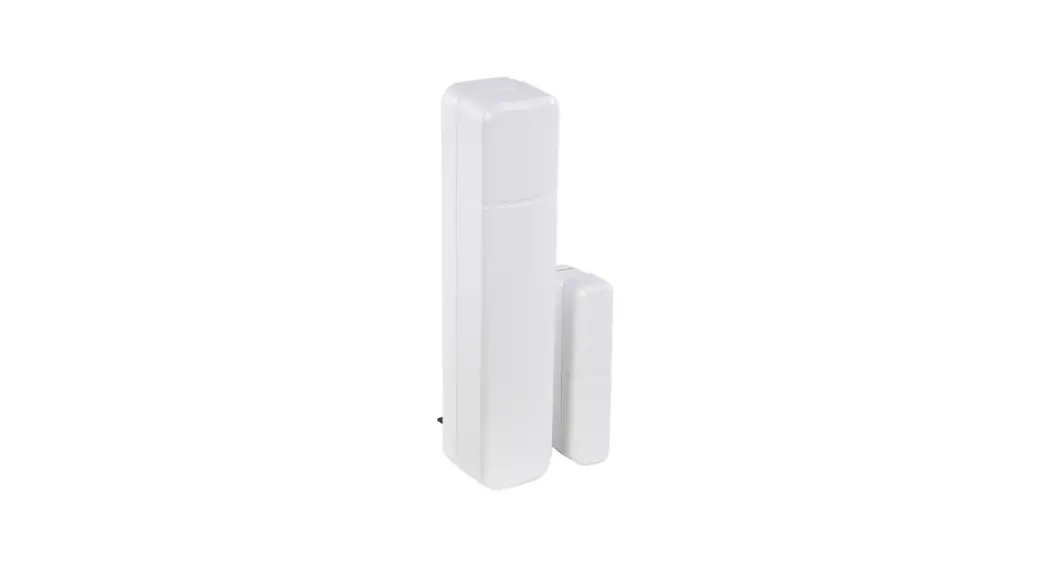
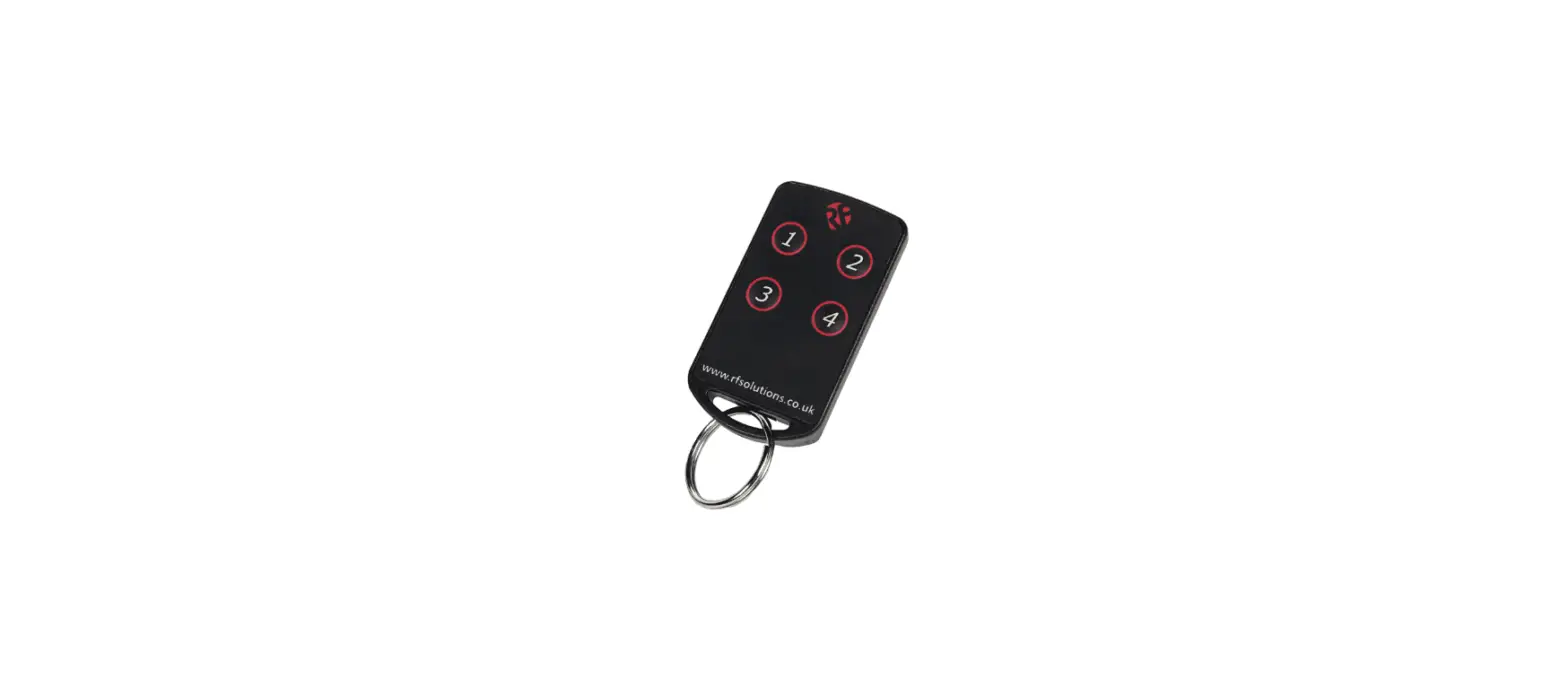
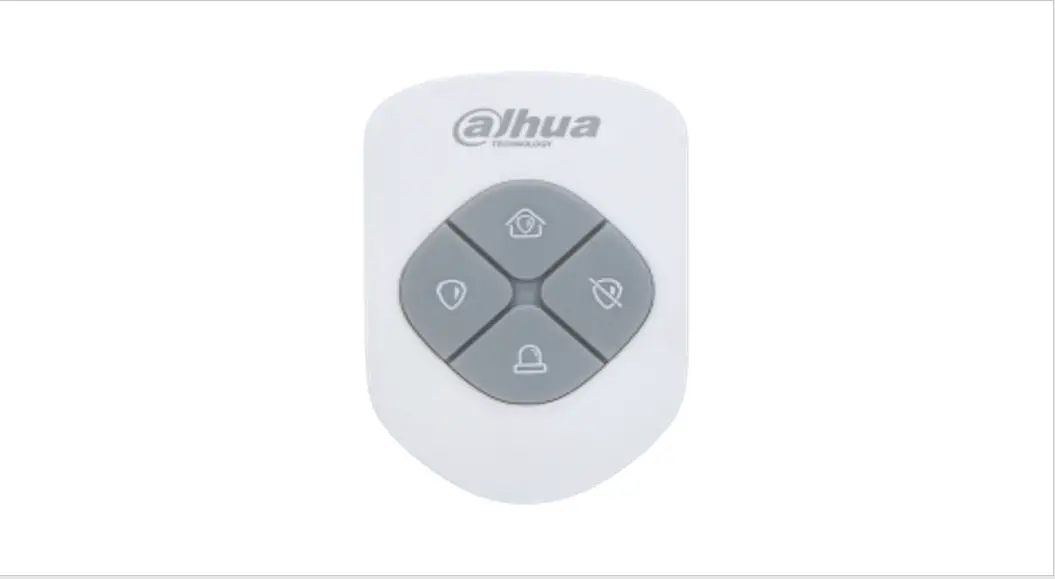
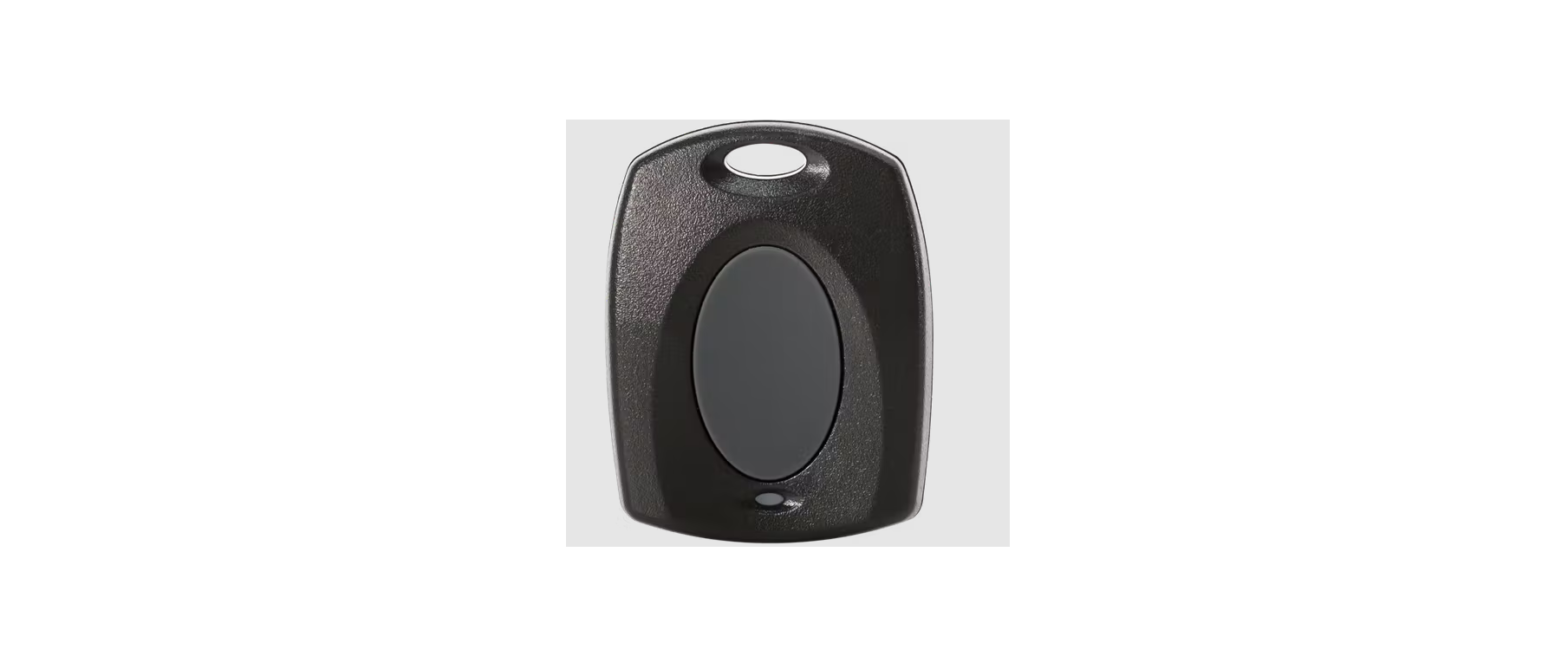
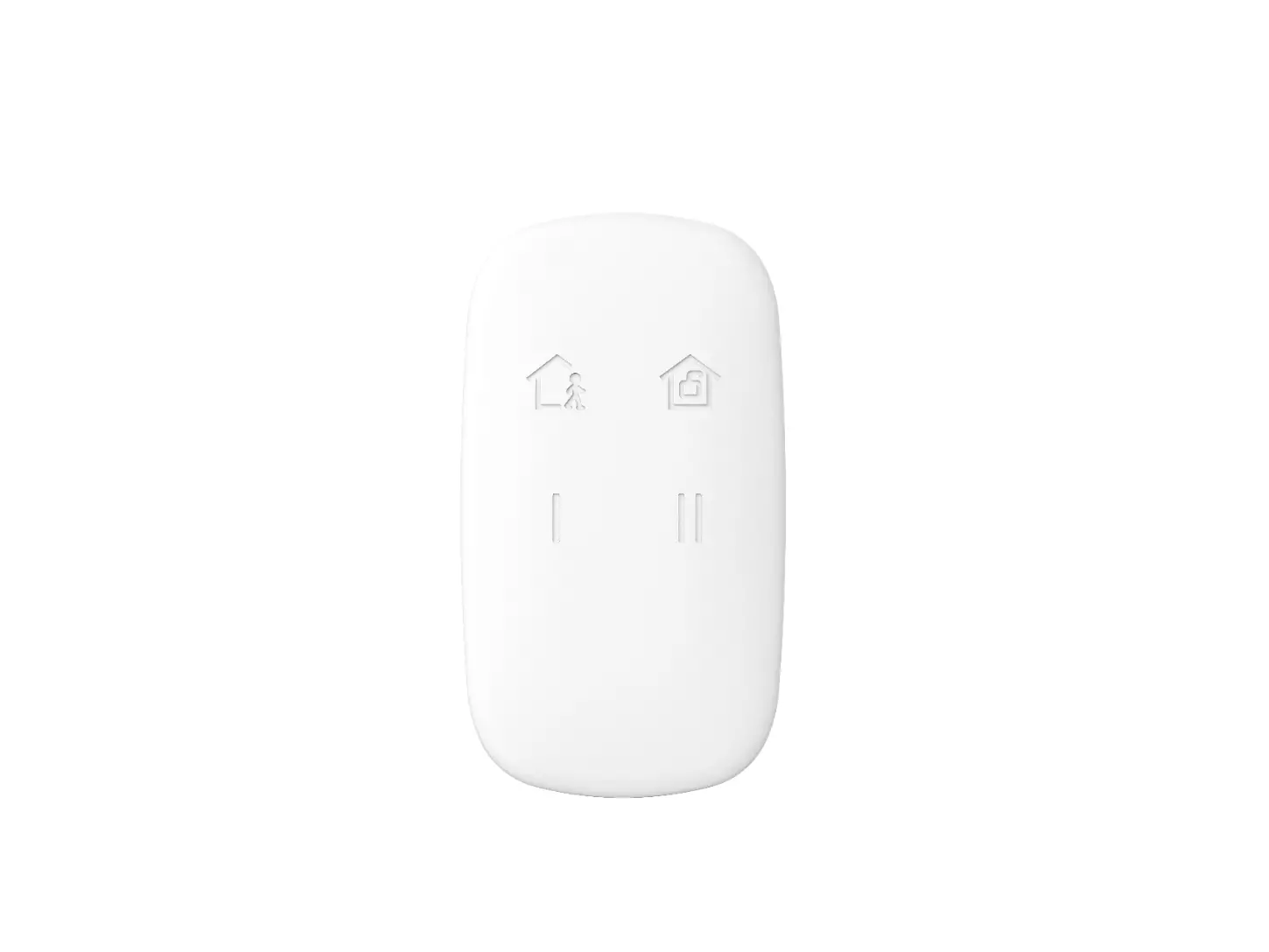
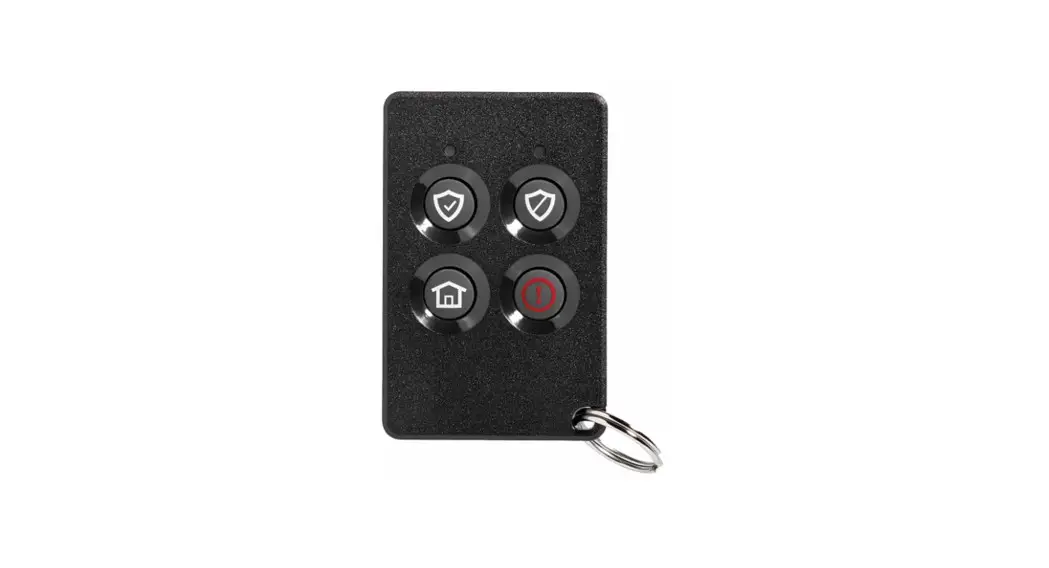
The PROSIXFOB-EU is a bi-directional wireless key fob and is intended for use with
Control Panels that support SiX™ series devices.
Press and hold each button about 2 seconds to activate.
(For two-button Panic, press and hold both buttons for 2 seconds.) 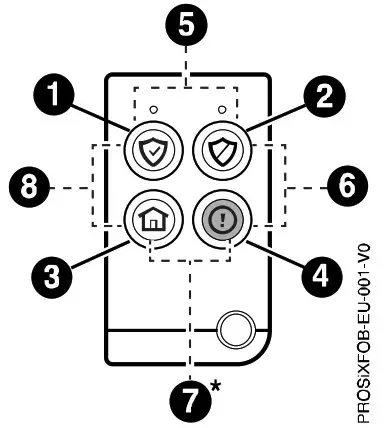
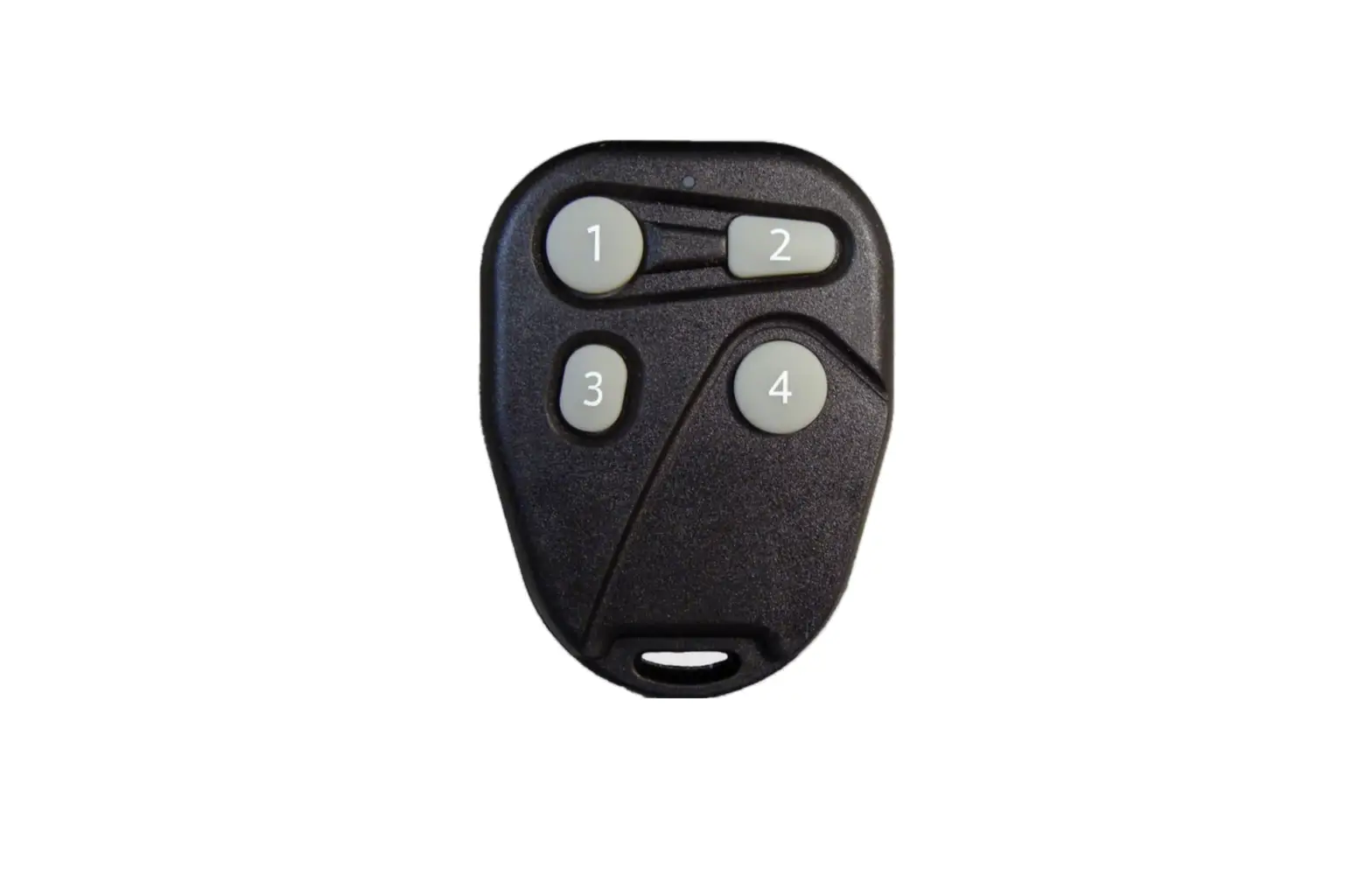
BUTTON KEYS 1-8
The corresponding services associated with each button or combination of buttons are displayed when programming the key fob through the programming menu.
Note: Panic function requires a two-button press.
- Buttons 1, 2, 3, 4 are preprogrammed to specific default settings.
- All buttons (including 1,2, 3, 4) can be programmed for customized settings.
| DEFAULT BUTTON SETTINGS | |||
| 1 | ARM Away | 3 | ARM Stay |
| 2 | DISARM | 4 | No Response |
ENROLLING
You must enroll the device in the Control Panel. When prompted, set the panel in the Programming mode:
Note: For detailed programming instructions refer to the Installation Instructions for the Control Panel with which this device is used.
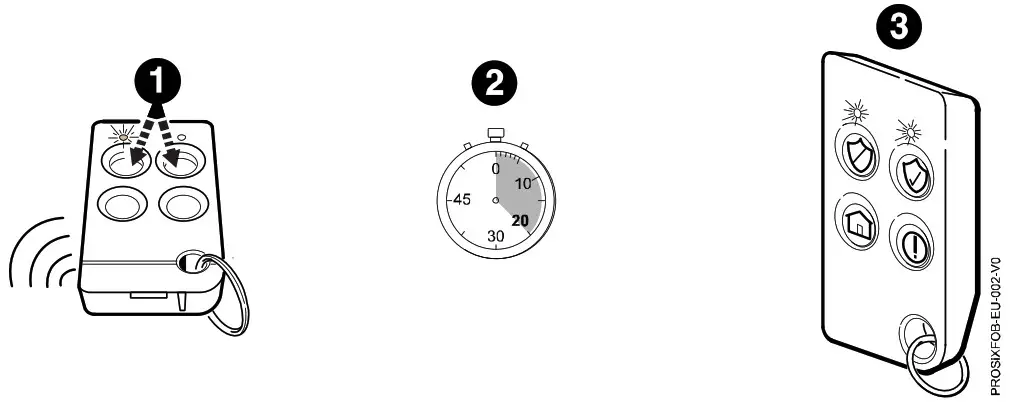
- Press and hold the top two buttons for about 2 seconds to activate the enrollment process.
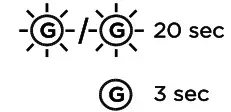
- The LEDs alternately flash green during enrollment (up to about 20 seconds).
The device sends data, and the panel registers the device.
Note: Enrollment time varies depending on the signal strength between the device and the panel. - The LEDs light solid green for 3 seconds and the device emits a chirp sound to confirm enrollment.
Note: If enrollment is not confirmed, press and hold the top two buttons for two seconds again to restart the enrollment process. - Use program menu to change default key functions as desired.
- Assign a User Number to the key fob.
Note: After enrolled, update the device firmware (via the panel) to ensure the latest version is used. See the panel instructions.
Note: After enrolled in a system, the device cannot be used with another Control Panel until it is removed from the current panel. When removed from a system, the key fob will revert to factory default settings.
BATTERY REPLACEMENT
When the battery is low, the LEDs do not flash during transmission. To replace the battery:
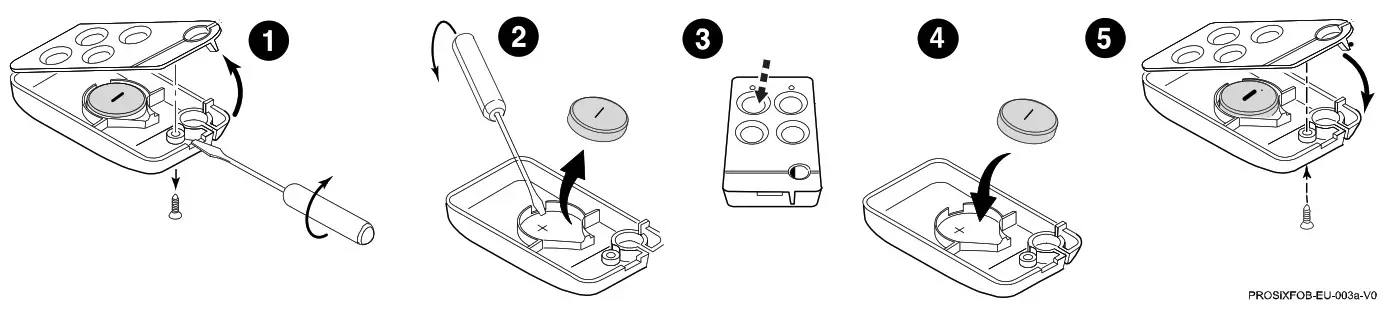
- Remove the screw from the back housing and using a screwdriver, gently separate the front and back housings.
- Use a screwdriver to carefully remove the battery.
- Wait 10 seconds or press a key fob button for 2 seconds to ensure power is fully discharged.
- Insert a new Lithium, 3V battery as shown.
Note: See the Specifications section for recommended replacement batteries. - Replace the front housing and secure the housings together with the cover screw.
Battery Caution: Risk of fire, explosion, and burns. Do not recharge, disassemble, heat above 55°C, or incinerate. Dispose of used batteries properly. Keep away from children.
STATUS AND SOUNDER INDICATIONS
The device can be used to control the system (e.g., arm, disarm the system); and receive system status information (armed status, not ready to arm, in alarm, in RF transmission mode, and more). Press and release any key and observe the key fob.
Refer to the table below for system status information.
System Status Indications | ||||||||||
| G | R | System Status | ||||||||
 |  | Device Enrollment | ||||||||
 |  | System is Armed | ||||||||
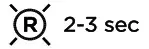 |  | Alarm in progress or System in Audible Panic Mode | ||||||||
 | 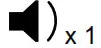 | Disarmed, Ready to Arm | ||||||||
 | Disarmed, Not Ready to Arm | |||||||||
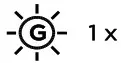 | RF Transmission | |||||||||
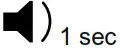 | Not Hearing from the Controller | |||||||||
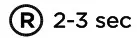
 | Deleting the Key fob from the system | |||||||||
| LEDs | Sounder | |||||||||
| G RGreen R Red |  On On |  Slow Flash Slow Flash |  Rapid Flash Rapid Flash |  | Alternate | Chirp | Beep | |||
SPECIFICATIONS
Battery:
Lithium, 3V, 210mAh
- Maxell CR2032
- Duracell DL2032
Material: ABS Plastic
Operating Temperature: –10° ~ +55° C
Relative Humidity: 95% max., non-condensing
RF Frequency: 2.4GHz (<20 dBm)
Dimensions / Weight: 65 mm (H) x 36 mm (W) x 11 mm (D) / 35 g

The product should not be disposed of with other household waste. Check for the nearest authorized collection centers or authorized recyclers. The correct disposal of end- of-life equipment will help prevent potential negative consequences for the environment and human health.
Product must be tested at least once each year
Any attempt to reverse-engineer this device by decoding proprietary protocols, de-compiling firmware, or any similar actions is strictly prohibited.
IMPORTANT SECURITY NOTICE
Please inform the User about the security importance of their wireless key (key fob), and what to do if it is lost.
Explain that the key fob is similar to their keys or access card. If lost or stolen, their security system could be compromised. They should immediately notify the aler/Installer of a lost or stolen key fob. The Dealer/Installer will then remove the key fob programming from the security system.
REFER TO THE INSTALLATION INSTRUCTIONS FOR THE CONTROL PANEL WITH WHICH THIS DEVICE IS USED, FOR DETAILS REGARDING IMITATIONS OF THE ENTIRE ALARM SYSTEM.
SUPPORT & WARRANTY INFORMATION
For the latest documentation, warranty, and support, please go to: www.resideo.com
 Sécurité Communications SAS (SECOM)
1198, Avenue du Docteur Maurice Donat
06250 Mougins – FRANCE Ademco 1 Ltd., 200 Berkshire Place
Winnersh Triangle, Berkshire,
RG41 5RD – UNITED KINGDOM 
© 2022 Resideo Technologies, Inc.
www.resideo.com
 Smart Home Products and Systems | Resideo
 PROSIXFOB-EU ProSeries Two-Way Wireless Keyfob | Resideo