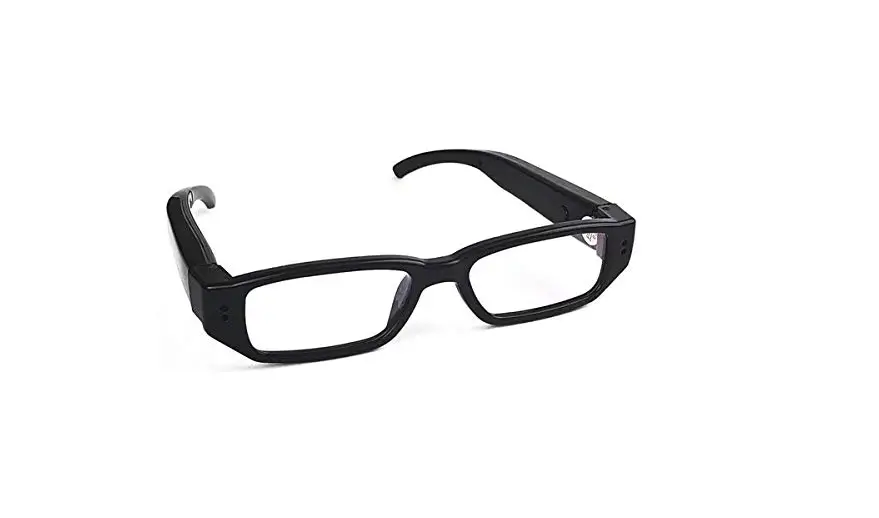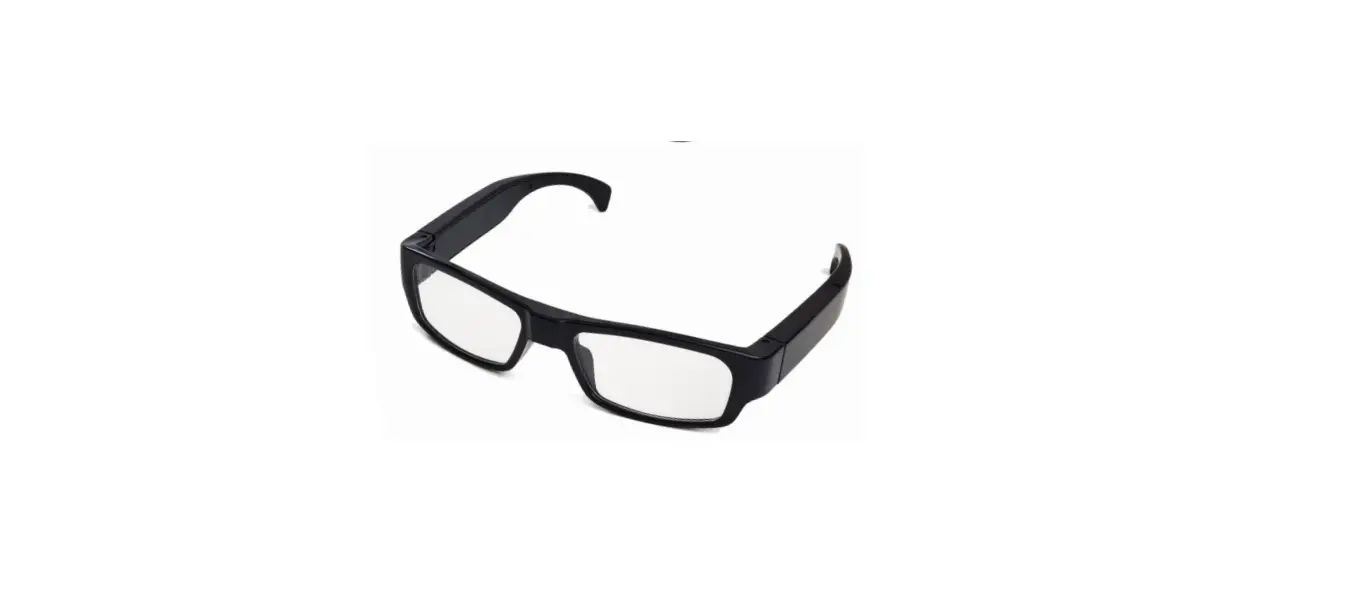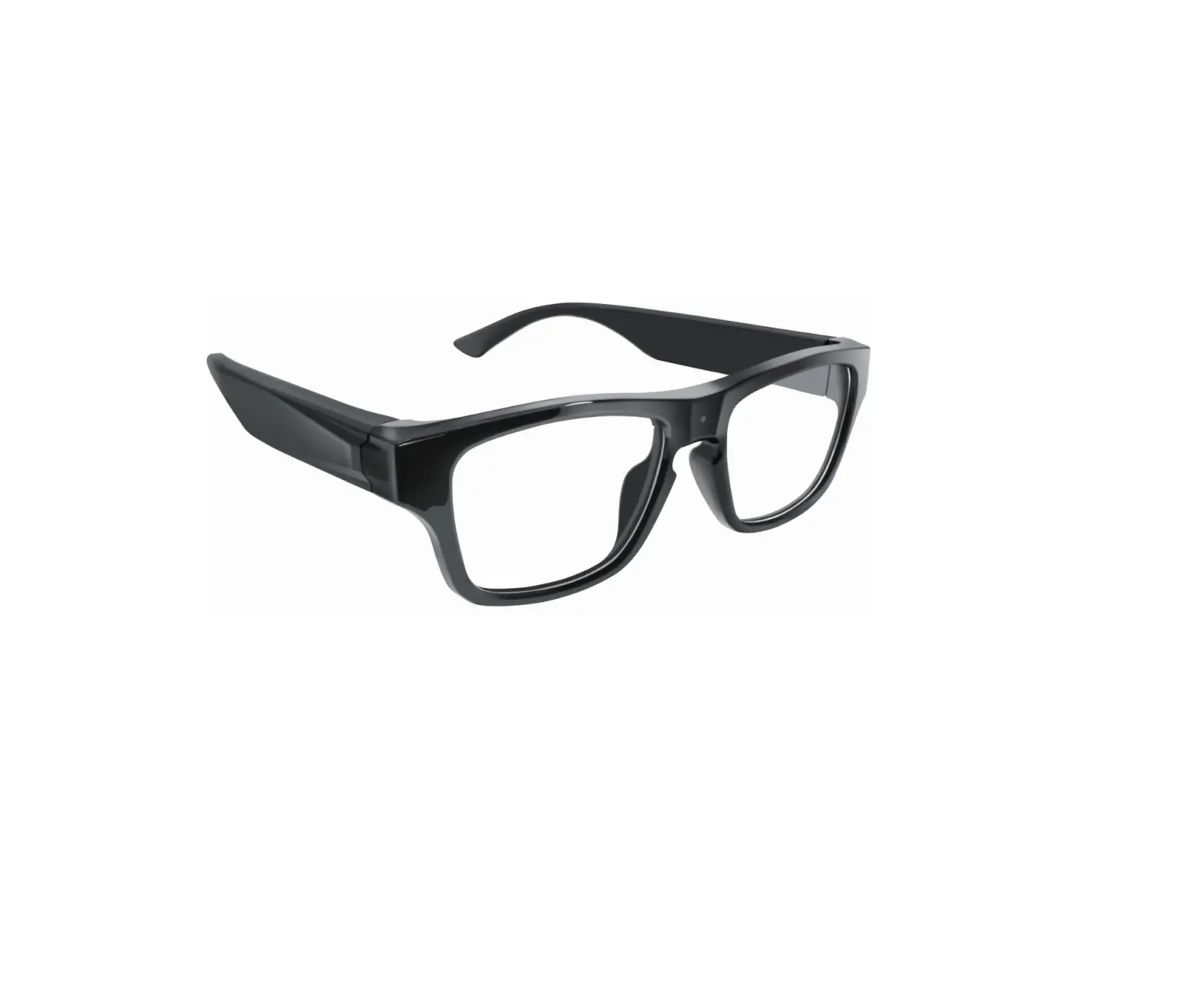
Zetronix Kestrel 2
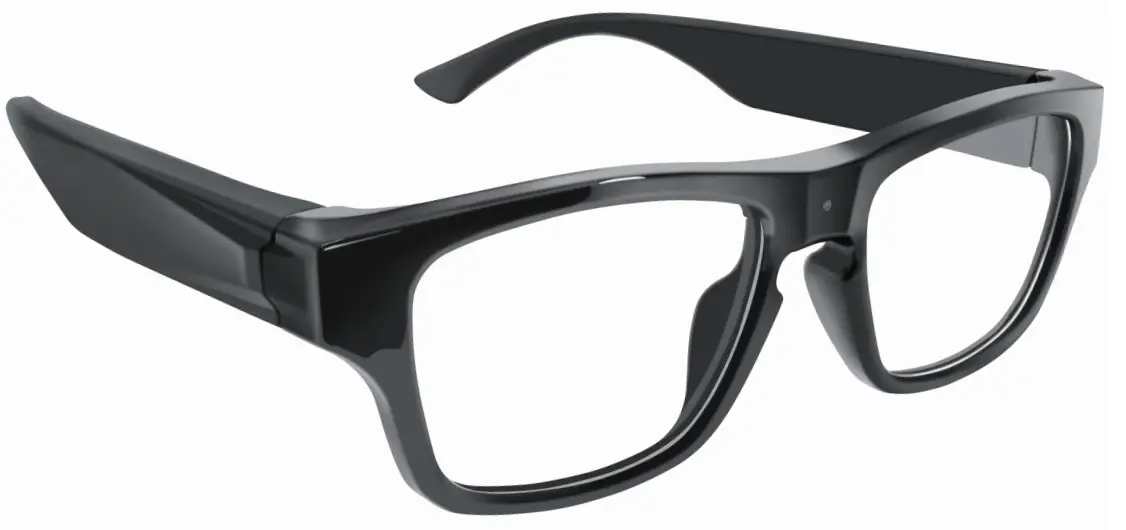
Included
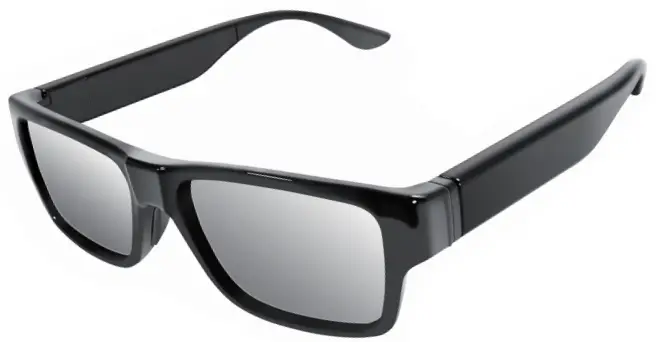
- Kestrel 2

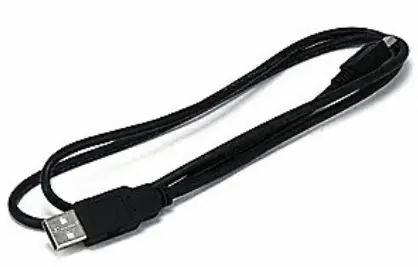
- Data USB Cable

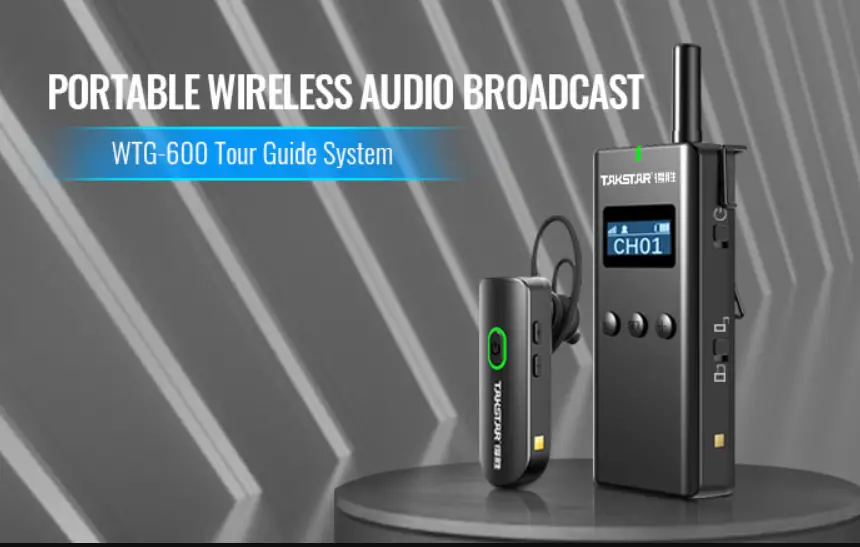
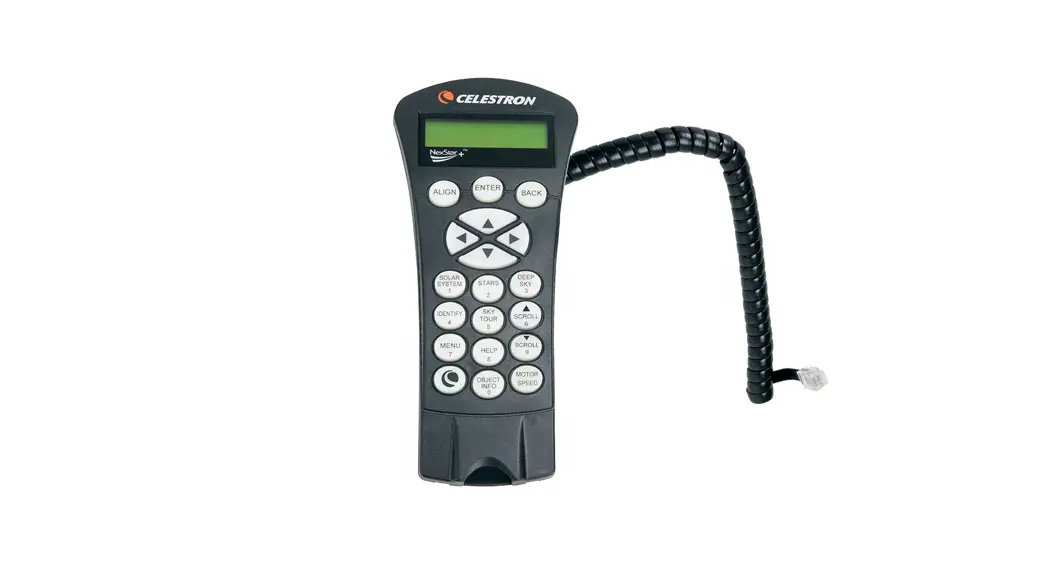
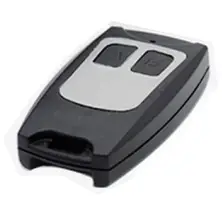
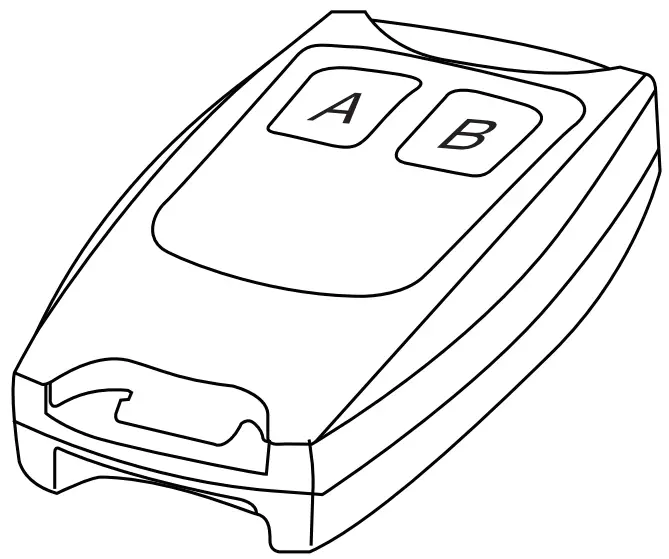
- Remote + Battery

- Glasses Case

- Charger + Additional Battery Arm

- Cleaning cloth

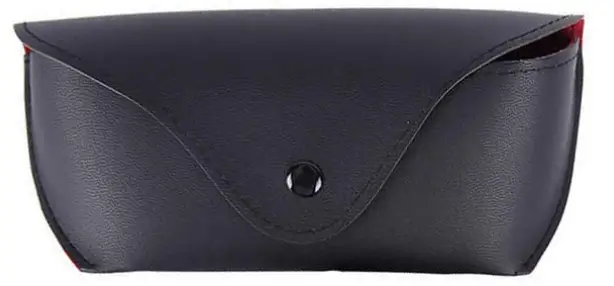
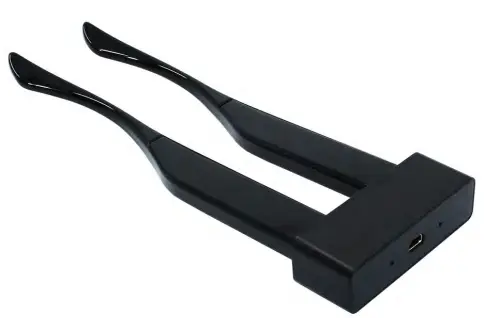
Packing list
| Kestrel Glasses | 1 |
| Case | 1 |
| Remote | 1 |
| Battery leg | 2 |
| Nose pad | 1 |
| Manual | 1 |
| Leg charger | 1 |
| USB cable | 1 |
| Glasses cloth | 1 |
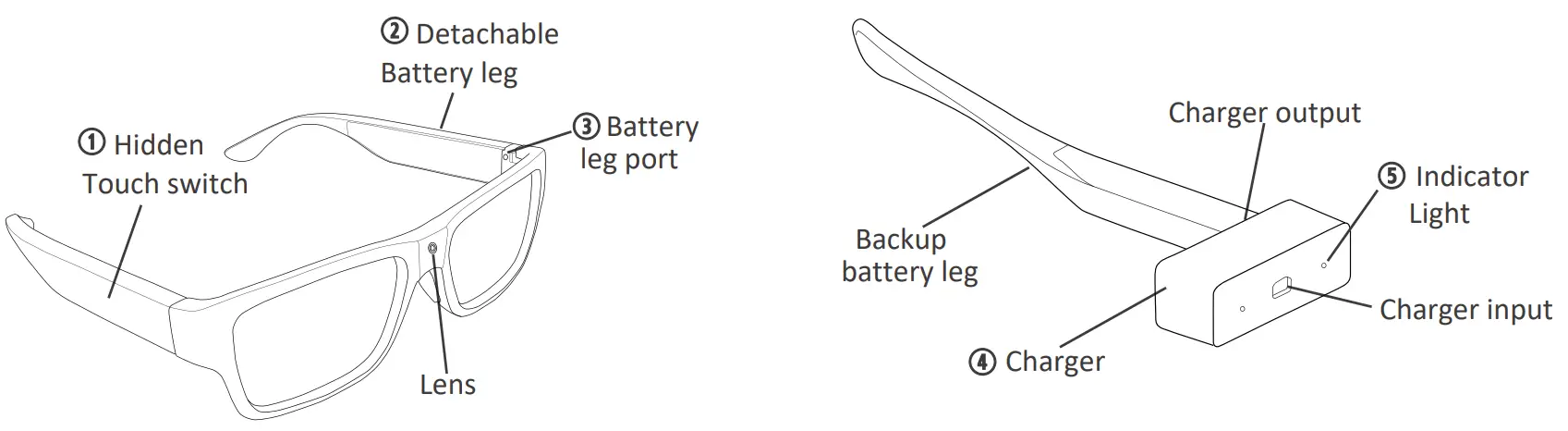
Diagram
Operation
- Fully charge the device 2-3 hours before usage.

Power on & Record
Touch A button on the remote, or touch the “Touch switch” of glasses leg for 3 seconds to turn on device and record videos. The arm will vibrate once followed by two quick subtle vibration bursts.
Power off
Press and hold the B button on the remote, Touch the “Touch switch” area of glasses leg for 3 seconds to turn off device, the arm will vibrate once and recorded file will be saved automatically.
Charging
Connect the arms to the to the arm charger, and then connect the charger to a USB charger or any power USB port. The red indicator light will turn off once fully charged.
Playback
Use the included USB data cable to connect the frame port of the glasses to a computer to access the recorded media. he video and photos will be inside the DCIM folder.
Storage
If the device shuts off automatically – single vibration – soon after turning on, this means the memory is full or corrupted.
To clear memory space, you need to connect the glasses to your computer, first copy or move the files to your computer, and then delete them from the glasses.
To clear any corruption, please format the memory using your computer. All files will be lost.
Specifications
| Video resolution | 1920 * 1080, Max 30fps |
| View Angle | 70/80/120 Degree |
| Max internal storage | 8-64GB |
| Battery | 280mA |
| Battery life | 75 minutes |
| Video storage | 16GB with 2 hours 10minutes recording |
| Video Player | VLC Player/SM Player |