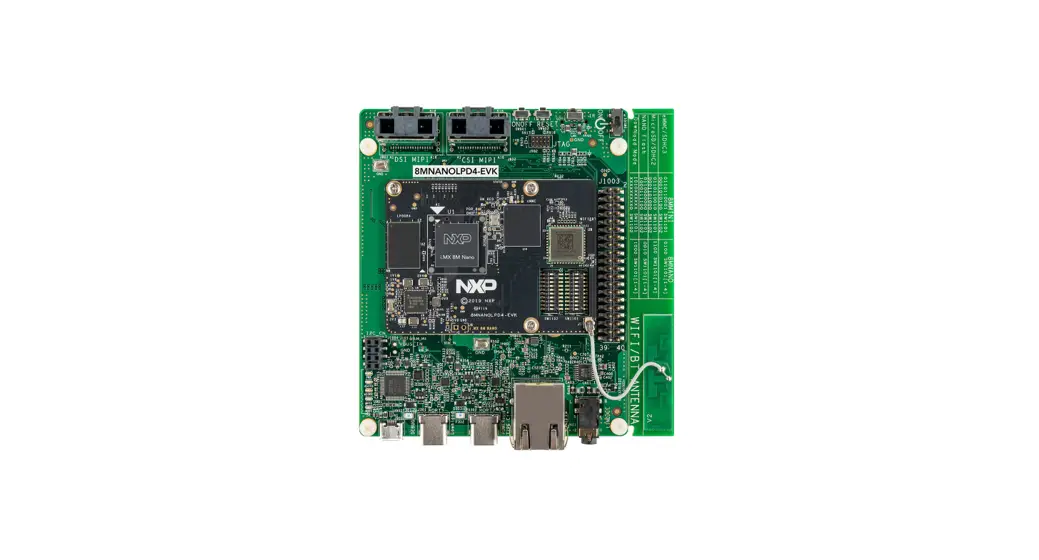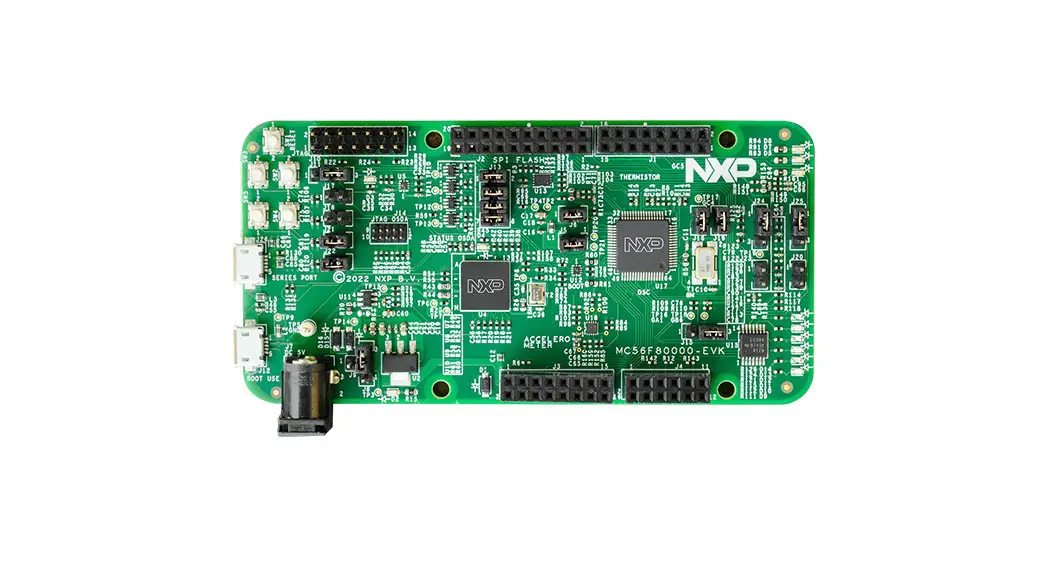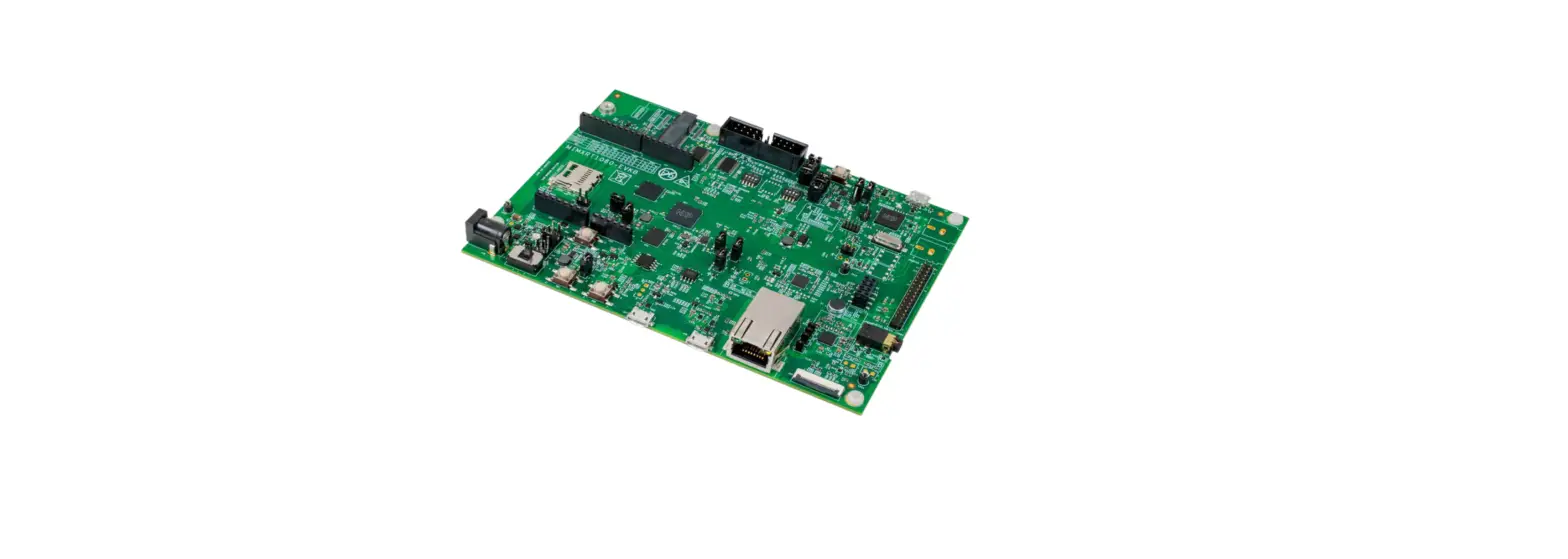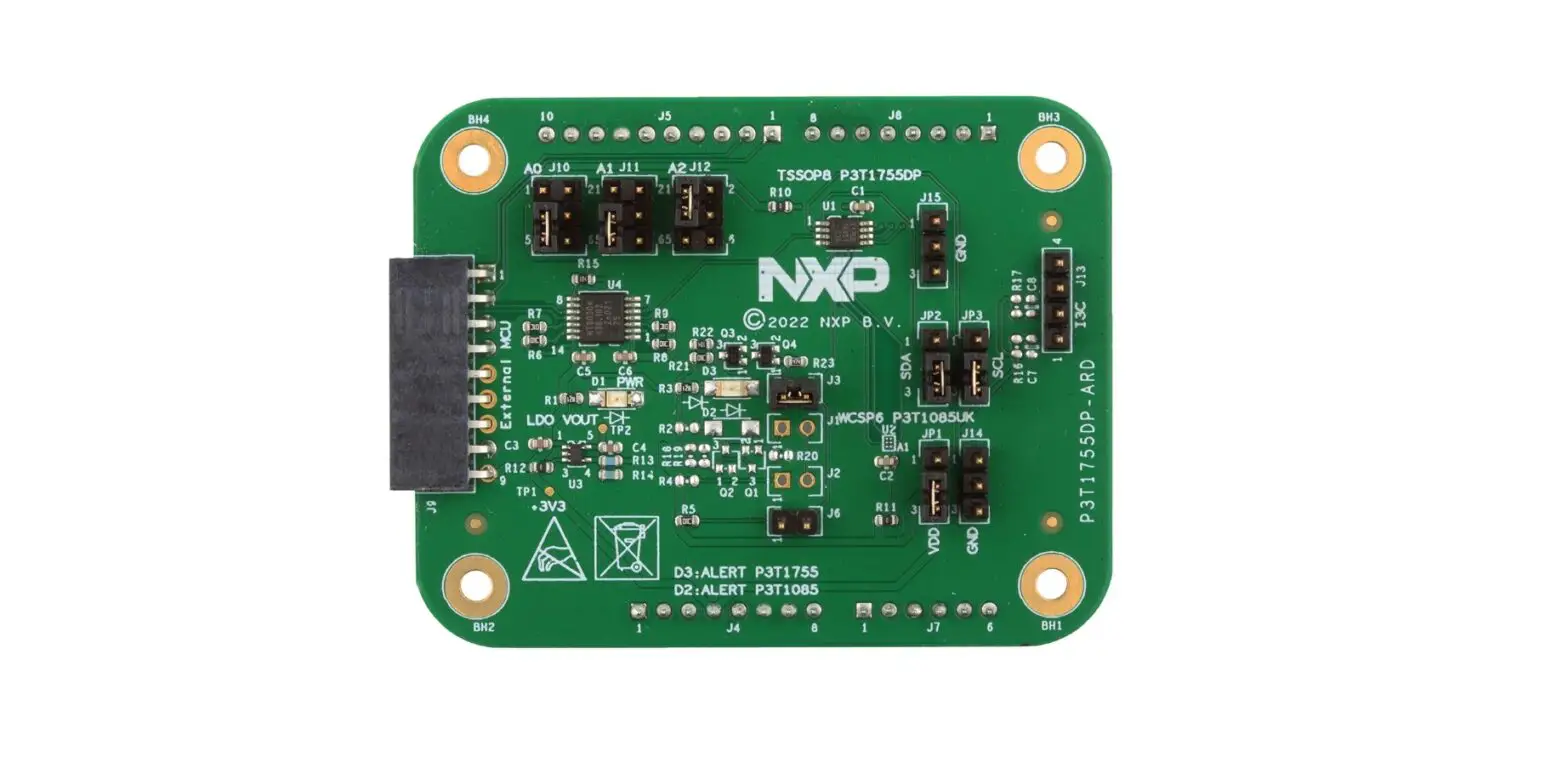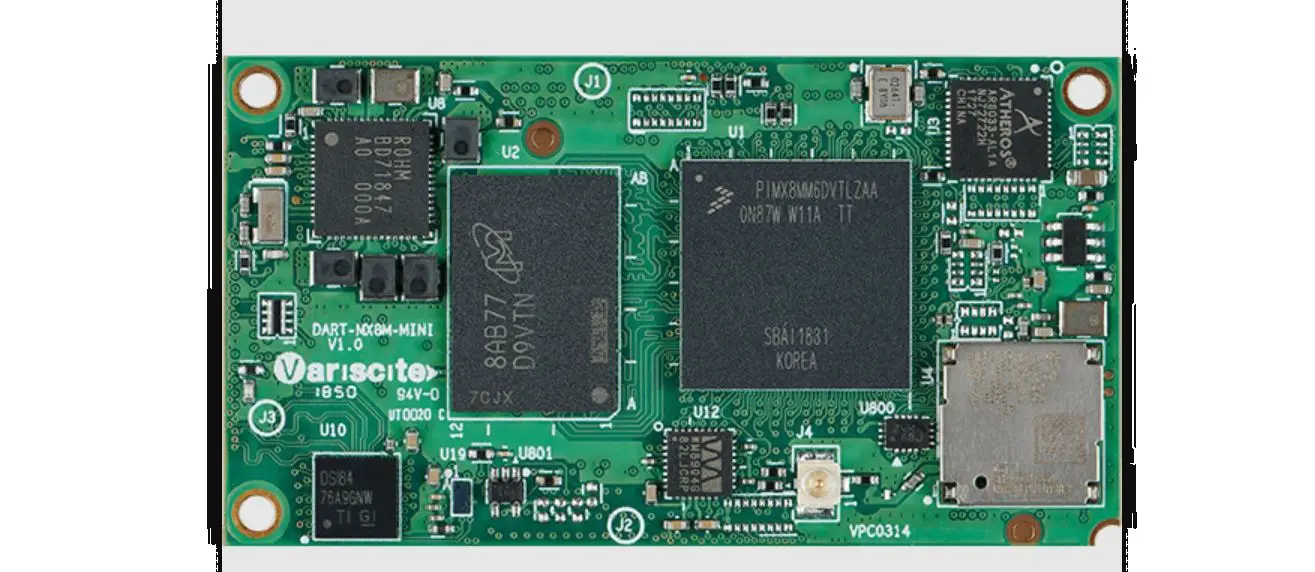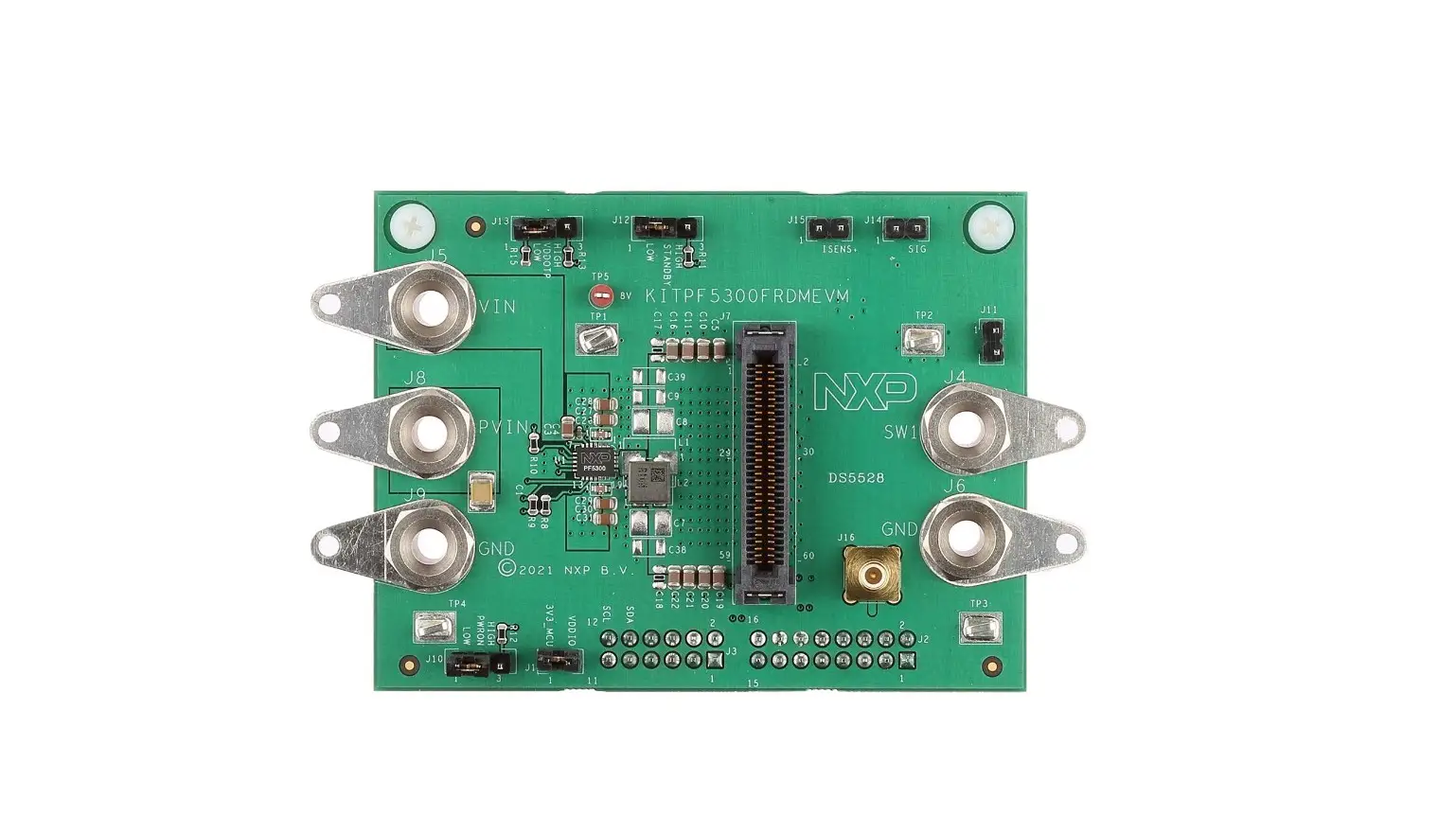

NXP i.MX 8M Quad Evaluation Kit
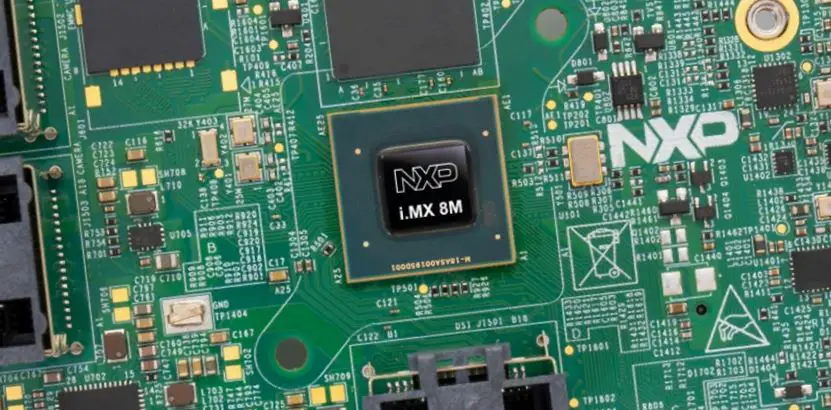
GET TO KNOW THE i.MX 8M QUAD EVKB

INTRODUCTION
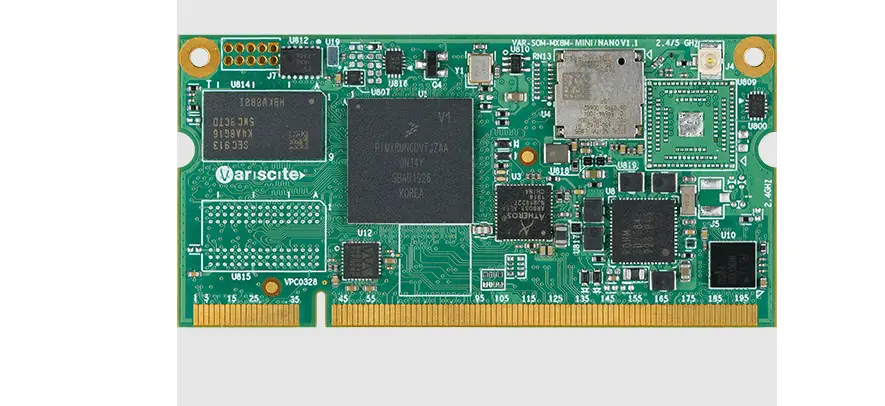
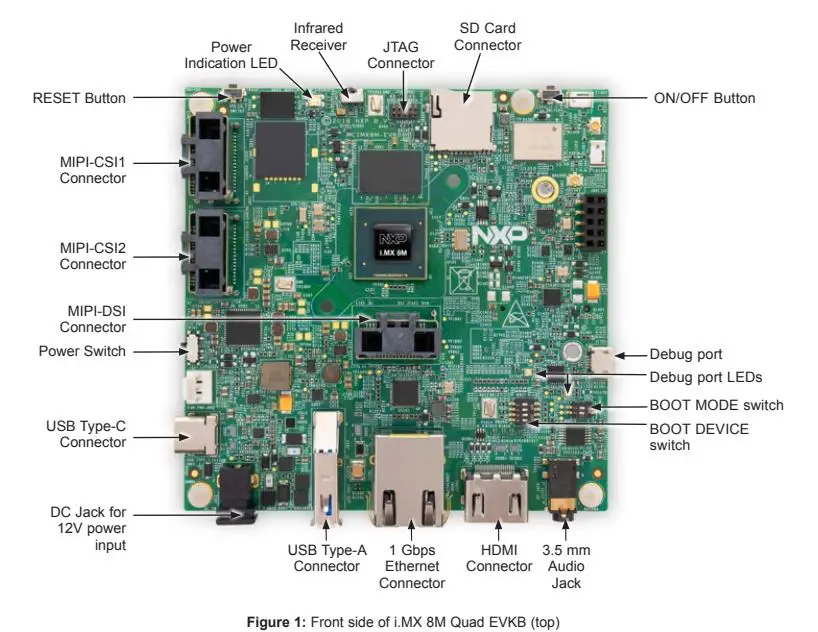
The Evaluation Kit (EVK) is based on i.MX 8M Quad introduces developers to the i.MX 8M Quad applications processor. To speed development, hardware design files are provided, tools and board support packages (BSPs) for Linux®, FreeRTOS™, and Android are available.
FEATURES
- i.MX 8M Quad applications processor with 5 cores (4×Arm® Cortex®-A53 and 1× Cortex-M4)
- 3 GB, 32-bit LPDDR4 with 1.6 GHz clock
- eMMC 5.0, 16 GB
- 32 MB Octal SPI NOR flash
- Micro SD card connector
- USB3.0 Type-C connector with PD support
- USB3.0 Type-A connector
- HDMI2.0a Type-A connector
- 1 Gbps Ethernet
- Mini-SAS MIPI-DSI connector
- 2x mini-SAS MIPI-CSI connectors for camera
- USB to serial converter for debugging
- Infrared receiver
- On-board MIMO 2×2 WiFi
- 802.11a/b/g/n/ac and BT4.1/EDR
- LEDs for power indication and general-purpose use
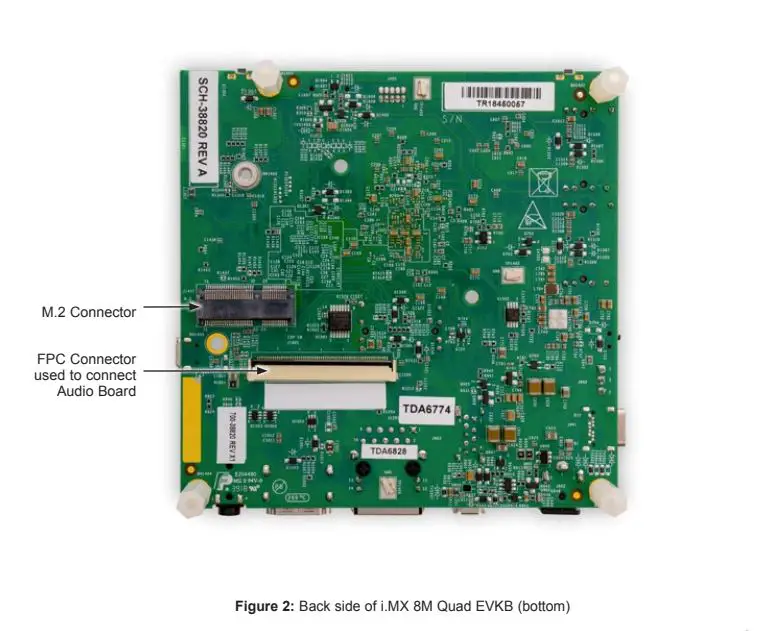
- M.2 connector for WiFi/BT (PCIe, USB, UART, I2C, and I2S)
- 3.5 mm audio jack for amplified speakers
- JTAG 10-pin connector
Unpack the Kit
The EVKB is shipped with the items listed in Table 1. Ensure the items are available in the i.MX 8M Quad EVKB.
| ITEM | DESCRIPTION |
| CPU board | CPU board with i.MX 8M Quad applications processor, memory and PMIC |
| Power supply | Output: DC 12V/5A, Plug: 1.65 mm x 5.15 mm |
| USB Type-C Cable | Cable -Assembly, USB 3.0 Type-A Male, USB Type-C Male, Shielded, 1m |
| USB micro-B Cable | Cable -Assembly, USB 2.0 Type-A Male, USB micro-B Male, Shielded, 1m |
| Documentation | Quick Start Guide |
| Android | An android image flashed in the eMMC |
Prepare Accessories
The following items in Table 2 are required to run the i.MX 8M Quad EVKB.
| ITEM | DESCRIPTION |
| HDMI display | An HDMI display that supports 1080p resolution or higher is required to run the HDMI |
| HDMI cable | HDMI cable that is used to connect the board and the HDMI display |
| Mouse | Mouse with USB interface |
Download Software and Tools
Download installation software and documentation at www.nxp.com/imx8mquadevkB The following documents are available on the website:
| ITEM | DESCRIPTION |
| Documentation | • Schematics, layout, and Gerber files • i.MX 8M EVKB Board Hardware User’s Guide • Quick Start Guide |
| Software Development | Linux BSPs, Android BSPs |
| Demo Images | Copy of the latest Linux BSP images and Android images that are available to program onto the eMMC |
SETTING UP THE SYSTEM
The Evaluation Kit (EVK) is based on i.MX 8M Quad introduces developers to the i.MX 8M Quad
Connect USB Debug Cable
Connect the micro-B end of a USB cable into debug port J1701. Connect the other end of the cable to a PC acting as a host terminal. 2 UART connections will appear on the PC. The console print will output on “Enhanced COM port,” which can be found in the “Device Manager” of the PC. Open the terminal window (i.e., Hyper Terminal or Tera Term), choose the COM port number that corresponds to the “Enhanced COM port” and apply the following configuration.
- Baud rate: 115200
- Data bits: 8
- Stop bit: 1
- Parity: None
- Flow control: None
Connect HDMI Display
Connect an HDMI cable to the HDMI connector Jack J1001. Connect the other end of the cable to an HDMI display panel.
Connect Mouse
Connect the mouse to the USB host connector J903.
Connect Power Supply
Connect the plug of the 12V power supply to the DC power jack J902.
Video Setup
Go to www.nxp.com/video/:IMX8MEVKB-UNBOXING for a video setup guide
BOOT PROCESS FOR ANDROID IMAGE
Boot Process
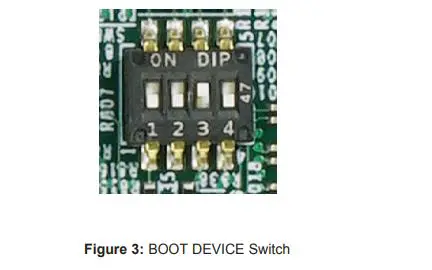
- Switch SW801 to OFF, OFF, ON, OFF (from 1-4 bit) to boot from the eMMC, as shown in Figure 3. After the board images are loaded into the eMMC and the boot switches are correctly configured, the system is ready to run.
- Note: The board is shipped with an Android image programmed in the eMMC. If you want to use a Linux image, see the documentation provided on the EVKB website (www.nxp.com/imx8mquadevkB) on how to load the image. Power on the EVKB board by sliding power switch SW701 to ON.
- During the boot process, the Android logo will appear on the HDMI display. Note that the HDMI output resolution is 1080P fixed—to change it, check the documentation on the EVKB website.
- The Android UI can be seen after the boot process is finished. You can start operating with the mouse.

- The Android UI can be seen after the boot process is finished. You can start operating with the mouse.
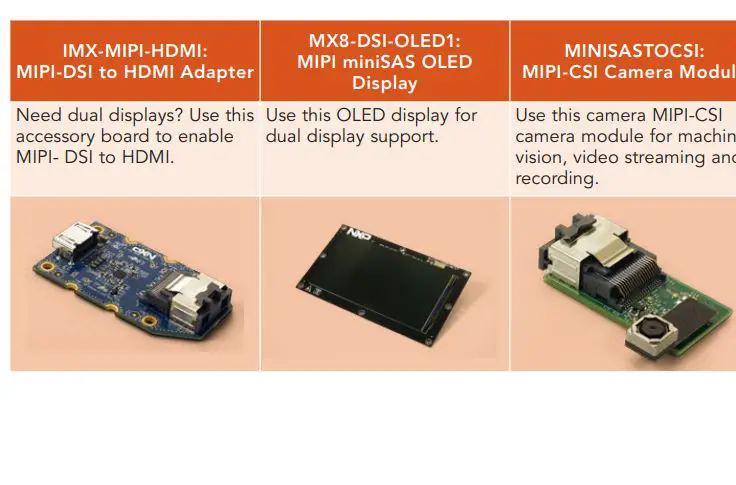
DO MORE WITH ACCESSORY BOARDS:
SUPPORT Visit www.nxp.com/support for complete warranty information.
WARRANTY
Visit www.nxp.com/warranty for complete warranty information.
Download installation software and documentation under “Jump Start Your Design” at www.nxp.com/IMX8M.
The following information is provided per Article 10.8 of the Radio Equipment Directive 2014/53/EU:
- Frequency bands in which the equipment operates.
- The maximum RF power is transmitted.
| PN | RF Technology | (a) Freq Ranges (EU) | (b) Max Transmitted Power |
| MCIMX8M-EVKB | WLAN 2.4GHz Mode 802.11b/g/n | 2412 MHz – 2452 MHz | 16.71dBm |
| WLAN 5GHz Mode 802.11a/n/ac | 5180 MHz – 5775 MHz | 14.46dBm | |
| BLE | 2402 MHz – 2480 MHz | 5.02dBm | |
| BT DH5 / 2DH5 / 3DH5 | 2402 MHz – 2480 MHz | 10.45dBm |
EUROPEAN DECLARATION OF CONFORMITY
(Simplified DoC per Article 10.9 of the Radio Equipment Directive 2014/53/EU) This apparatus, namely MCIMX8M-EVKB, conforms to the Radio Equipment Directive 2014/53/EU. The full EU Declaration of Conformity for this apparatus can be found at this location: www.nxp.com/iMX8M
www.nxp.com/iMX8MQuadEVKB
NXP and the NXP logo are trademarks of NXP B.V. All other product or service names are the property of their respective owners. Arm and Cortex are registered trademarks of Arm Limited (or its subsidiaries) in the EU and/or elsewhere. All rights reserved. © 2019 NXP B.V.
Document Number: IMX8MQUADEVKBQSG REV 0
Agile Number: 926-38820 REV A
 Guidei.MX
 transmitted.nxp.com/iMX8MQuadEVKBNXP
 NXP® Semiconductors Official Site | NXP Semiconductors