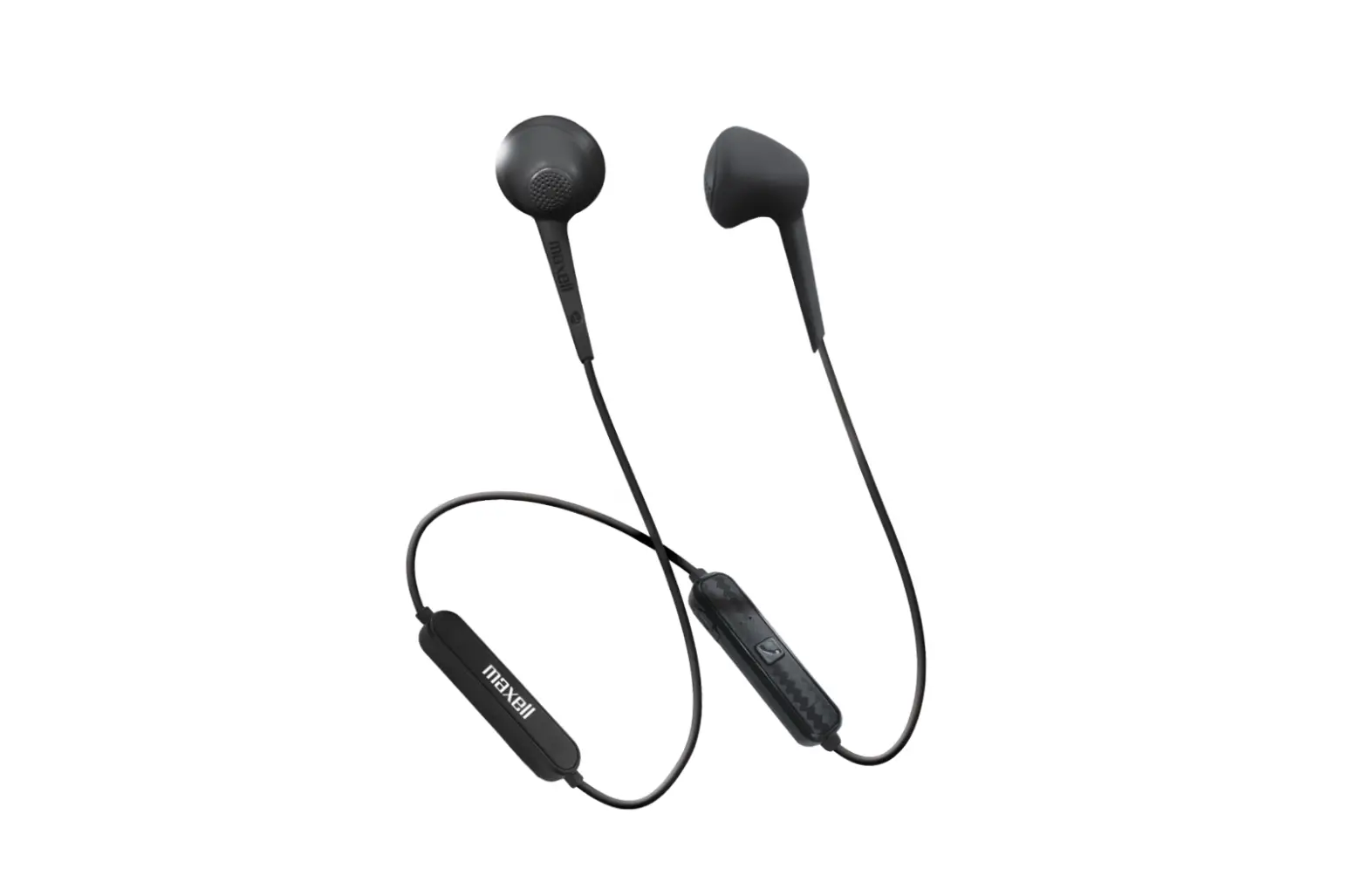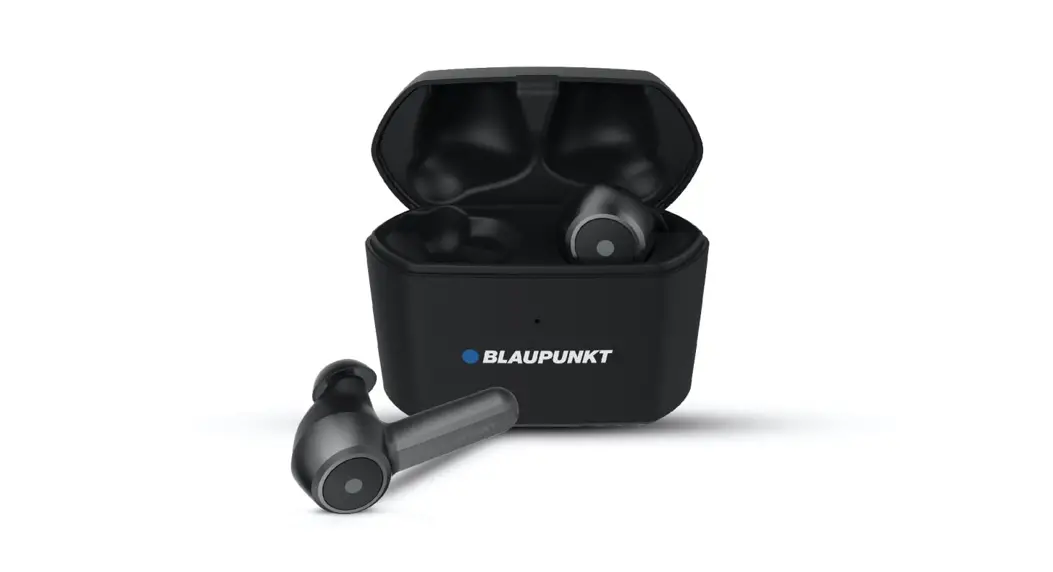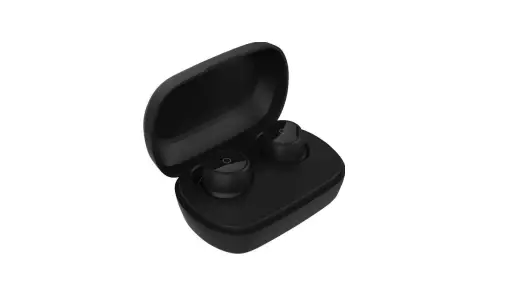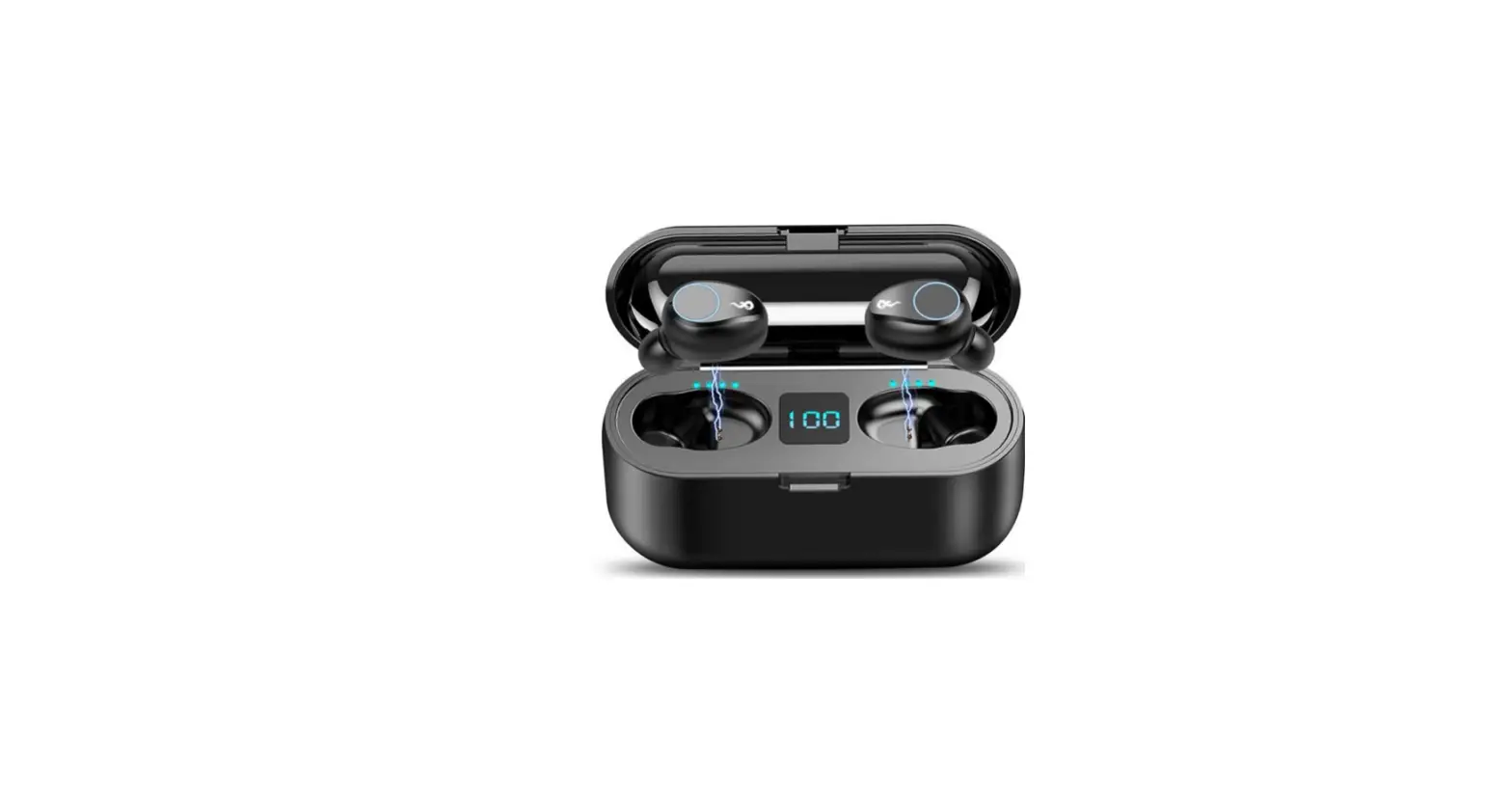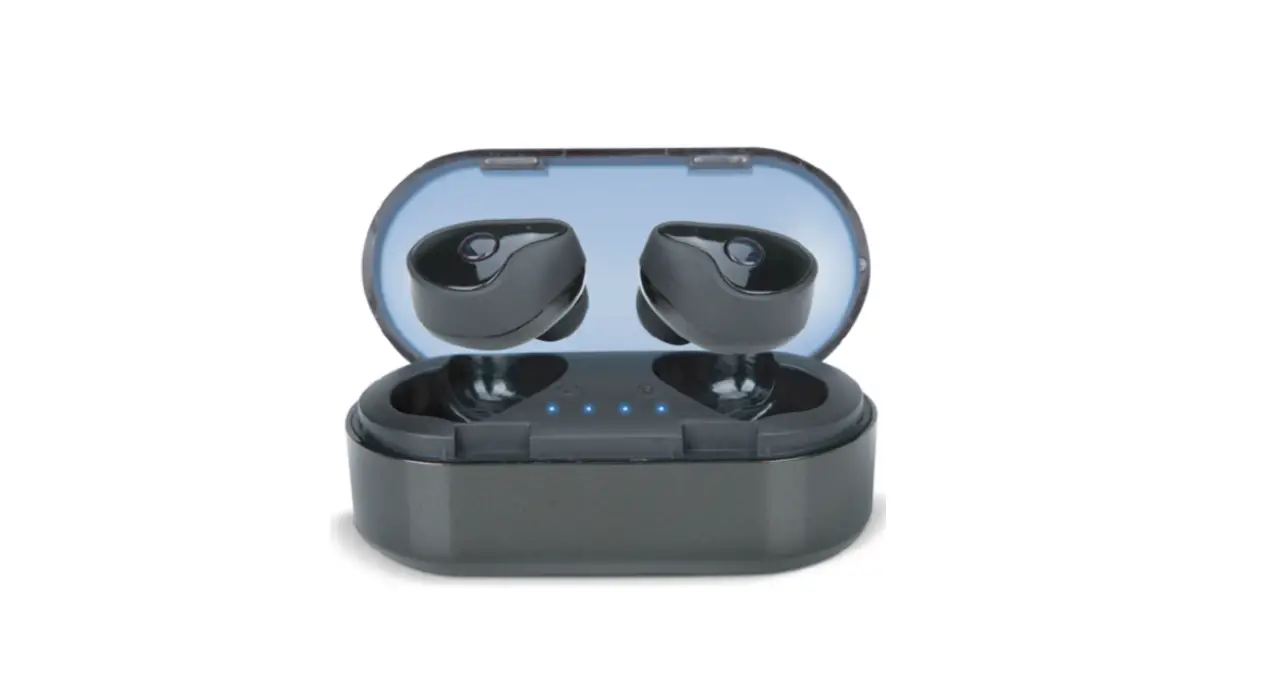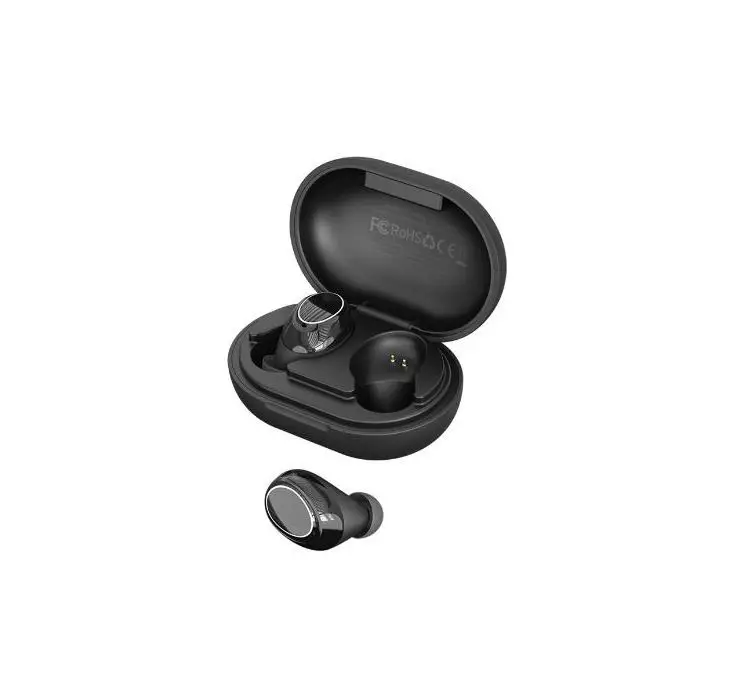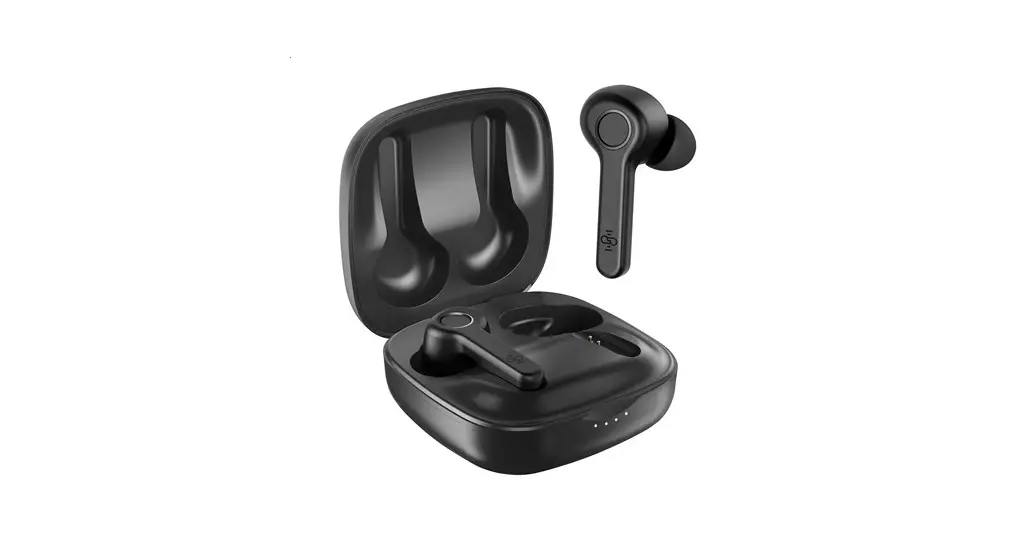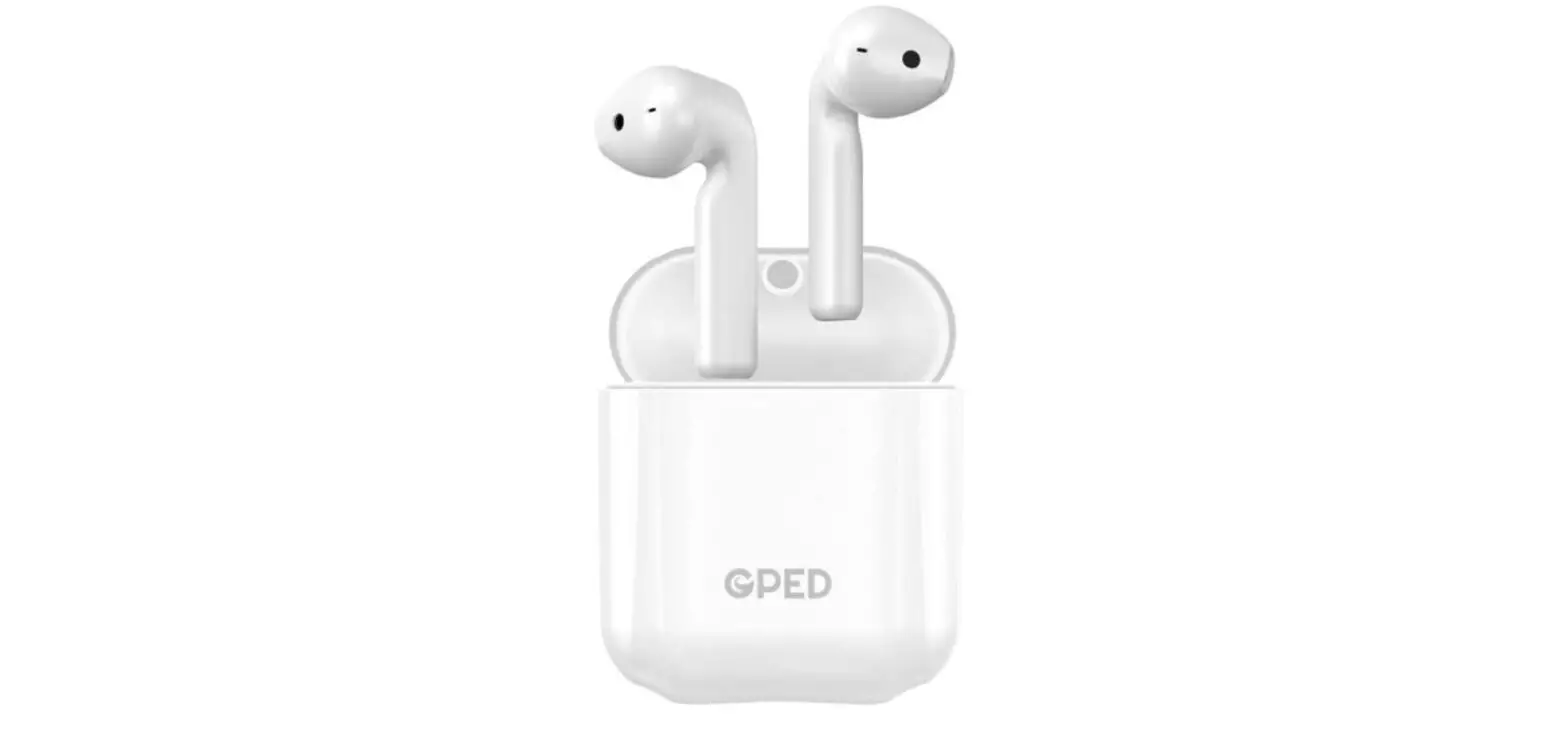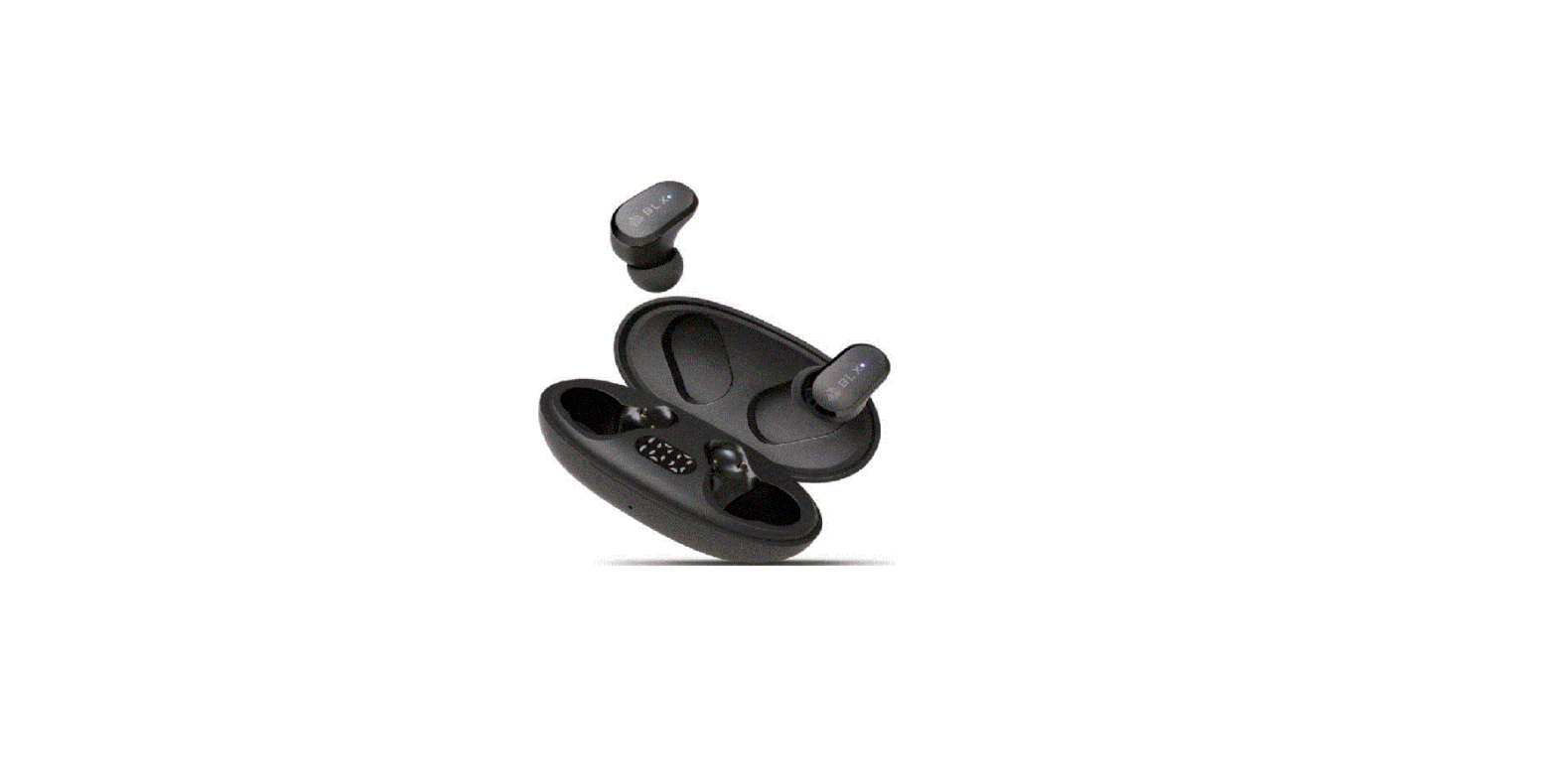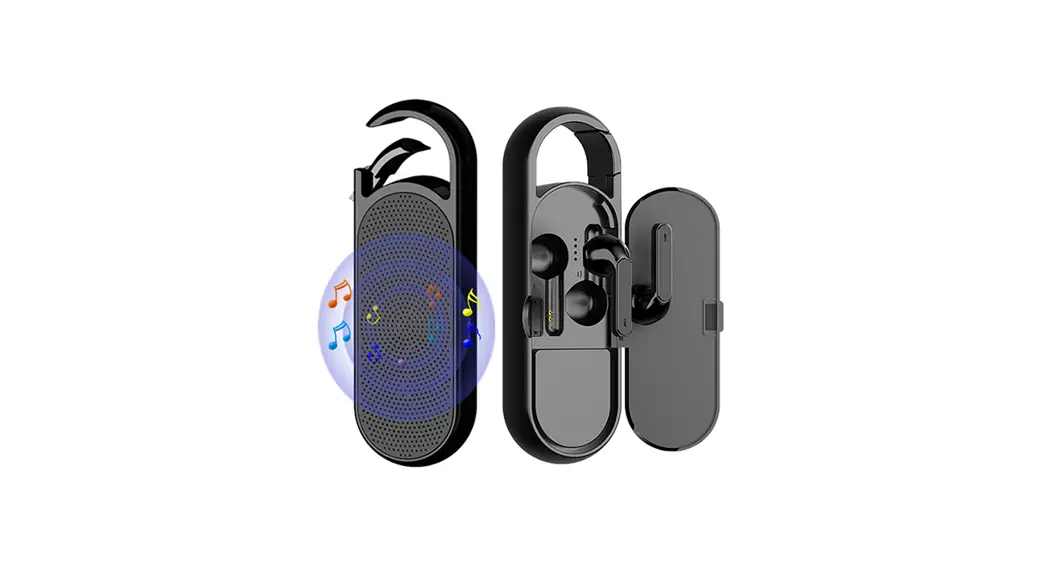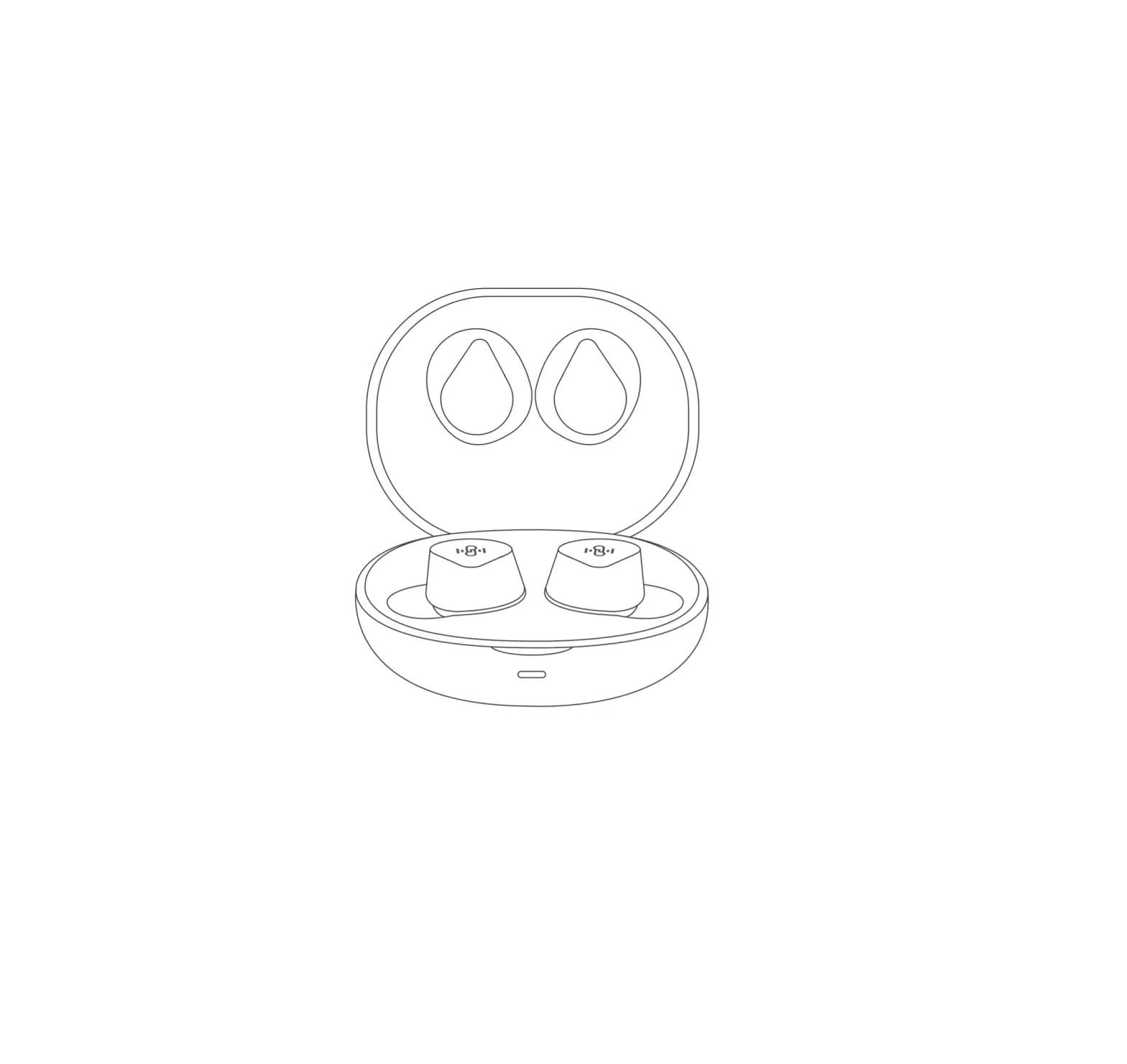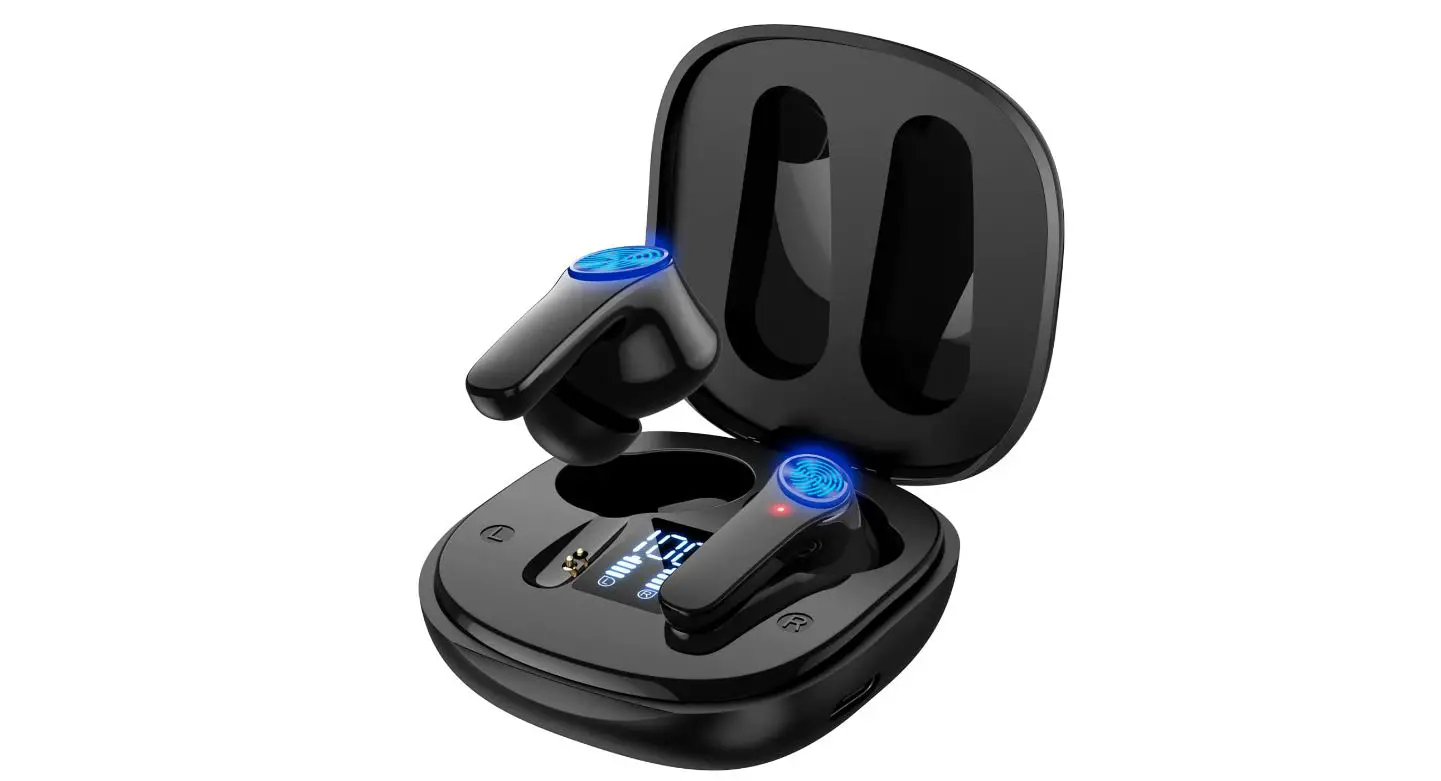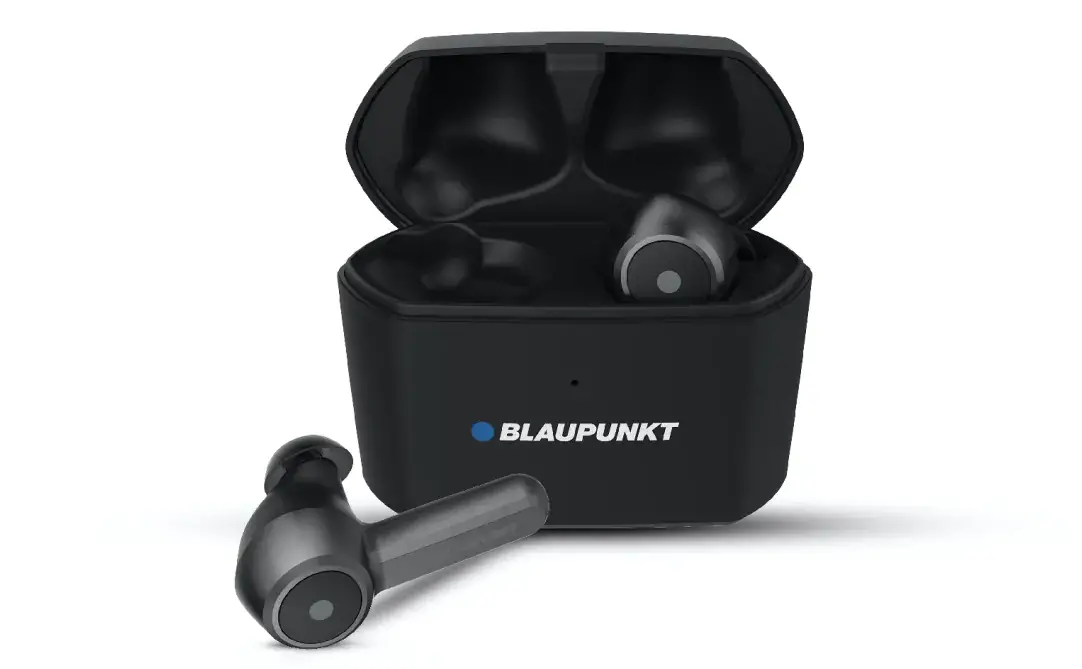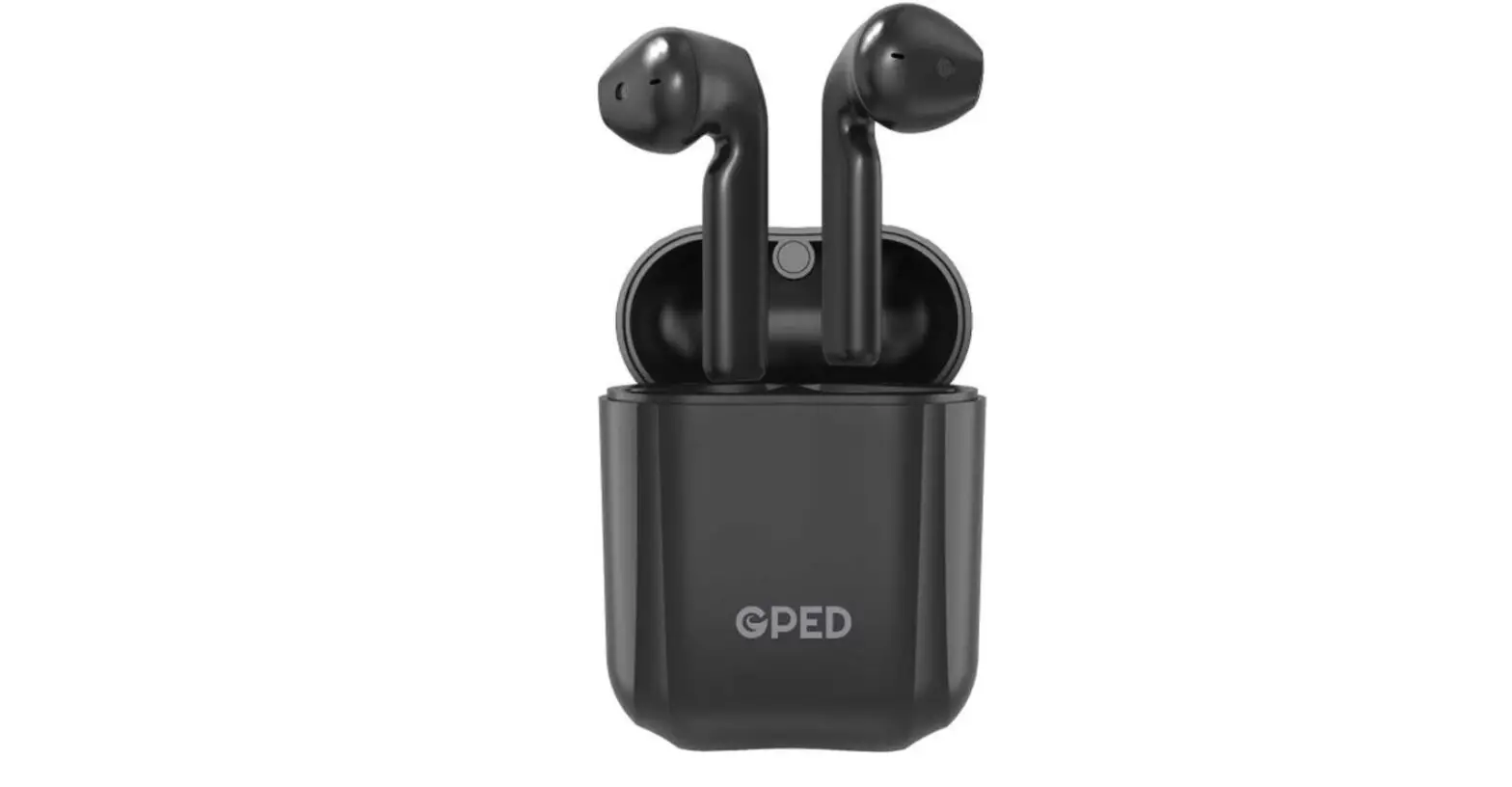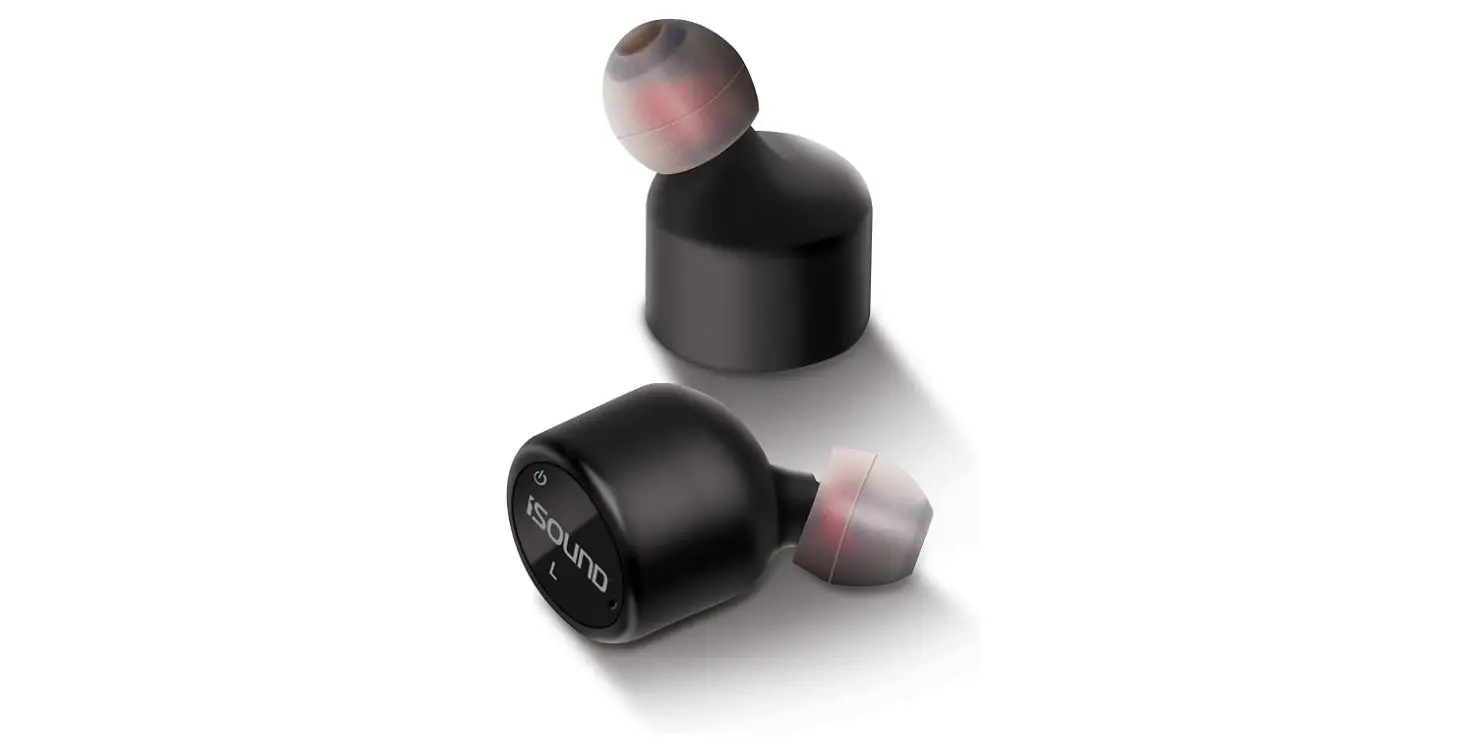
 BT FIT Truly Wireless Bluetooth Earbuds
 BT FIT Truly Wireless Bluetooth Earbuds
Thank you for purchasing the True Wireless Earbuds. Please read all instructions carefully before using and retain this manual for future use and reference.
PACKAGE CONTENTS
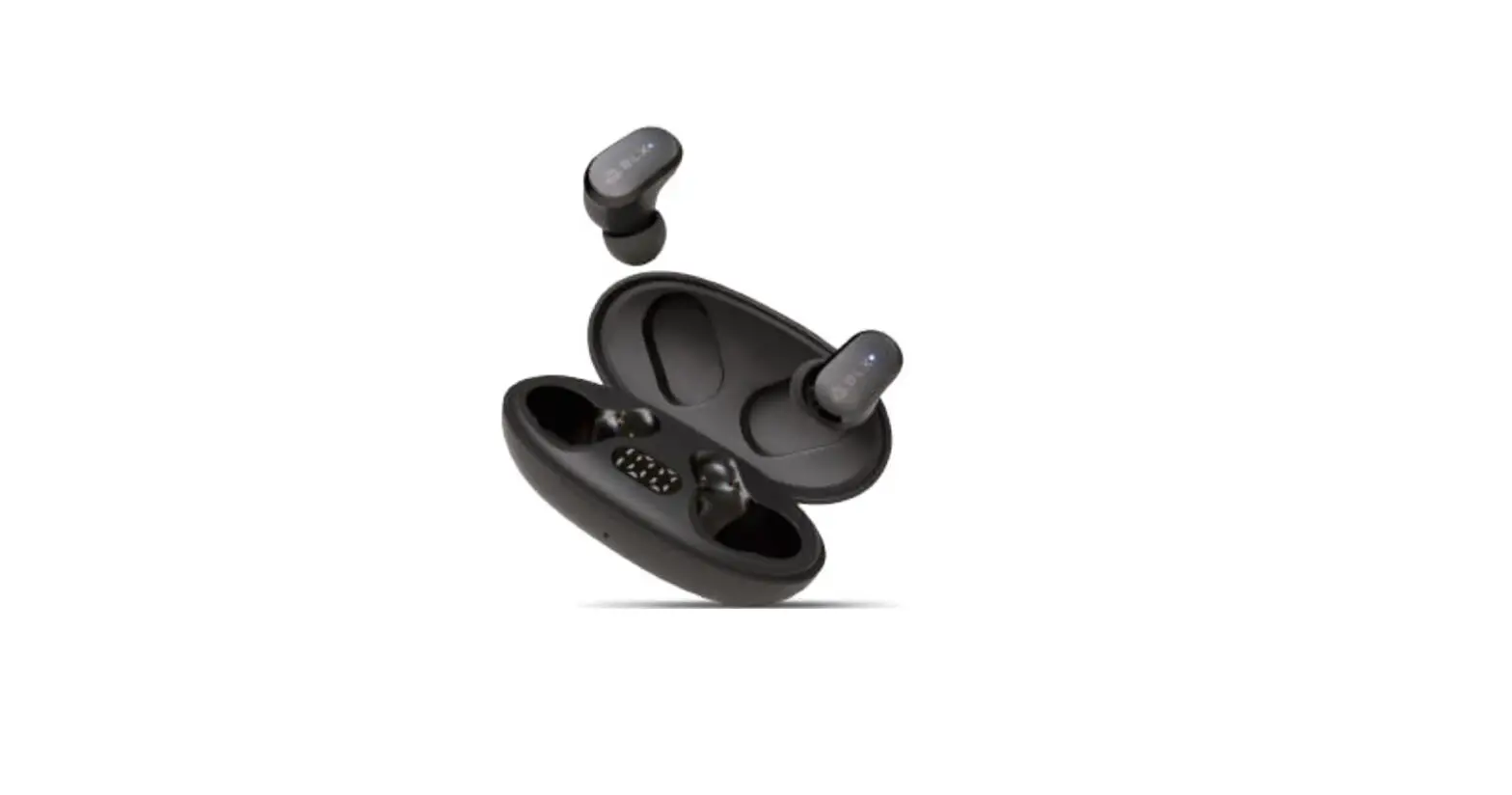
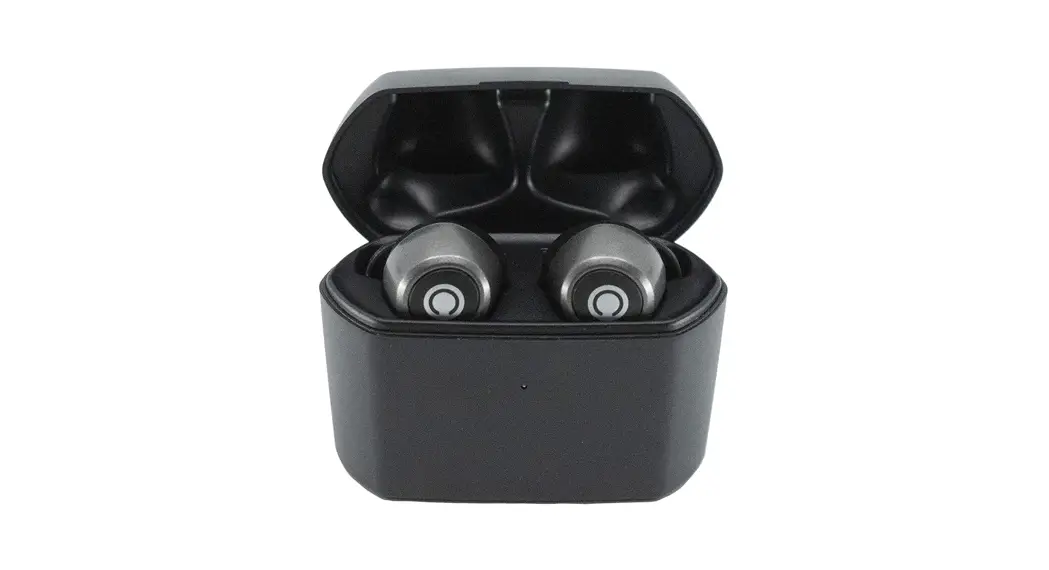
- Wireless Earbuds
- Extra Ear Cushions
- Storage Pouch
- USB Charging Cable
- Operation Manual
KEY FEATURES
Compatible with all Bluetooth-enabled devices
Built-in rechargeable battery
Voice prompt
Built-in microphone
SAFETY INSTRUCTIONS
- Keep the unit away from heat sources, direct sunlight, humidity, water, and any other liquids.
- Do not operate the unit if it has been exposed to water moisture or any other liquids to prevent electric shock. expulsion and/or injury to yoUrself and damage to the unit.
- Do not use the unit if it has been dropped or damaged in any way.
- Repairs to electrical equipment should only be performed by a qualified electrician. Improper trepairs may place the user at serious risk.
- Do not puncture or ham the exterior surface of the product in any way.
- Keep the unit free from dust, It, etc.
- Do not use this unit for anything other than its intended use or purpose. Doing so may damage the device.
- This product is not a toy. Keep out of reach of children.
- Do not use the headset at excessive levels as this may damage hearing.
- Do not expose batteries, battery packs, or batteries installed to excessive heat, such as direct sunlight, or open flame.

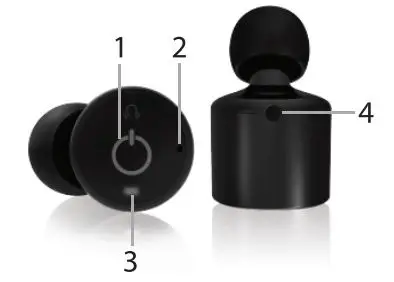
CONTROLS
- Mult-function Button (MFB) Answer, end, reject a call. Play, Pause, ON/OFF
- Microphone
- LED Indicator
- Charging Port
CHARGING THE EARBUDS
The earbuds come with a built-in rechargeable battery.
Before using it for the first time, we recommend you charge the battery fully. Only use the supplied USB cable to charge the earbuds.
Connect the USB cable to a computer USB port and the 2mm plugs to the charging port of each earbud. The red LED light will illuminate while the earbuds are charging A full charge of the battery takes around 1 hour for each earbud. When the battery is fully charged, the LED light will turn blue. Disconnect the earbud at this point. The earbud will then be ready for Use.
When the battery is low, the LED will flash red and emit three tones every 20 seconds. When this occurs, please recharge the earbud.
When using your earbuds with an iPhone, the top right comer will indicate your earbud’s battery life.
TURNING HEADSET ON/OFF
Using 2 Earbuds
Power On
On the first earbud, press and hold the multi-function button for 6 seconds until the LED flashes red and blue continuously. A voice will indicate “Power On” and “Pairing'”. On the second earbud, press and hold the multifunction button for 3 seconds, a voice will indicate “Power On”. The LED on the second earbud will flash red once and flash blue periodically, this indicates it
has paired with the first earbud.
Power Off
On either earbud, press and hold the multifunction button for 3 seconds until the red &blue LED stops flashing. A voice will indicate “Power Off” and both earbuds will power off.
In order to save power, the headset will automatically turn off if not paired with a device after 5 minutes.
Using Earbuds Separately
Power On
The earbuds can be used independently on separate devices. On the earbud(s) you want to use, press and hold the multi-function button for 6 seconds. This will power the earbud on and into if’s own pairing mode.
Power Off
On the earbud, if you wish to turn it off, press and hold the multifunction button for 3 seconds until the red & blue LED stops flashing. A voice will indicate “Power Off” and the earbud will power off. In order to save power, the headset will automatically tum off if not paired with a device after 5 minutes.
PAIRING THE EARBUDS
- Ensure the earbuds are turned off. If they are not, please tum off the earbuds first before pairing
- On the earbud, you wish to use, press and hold the multi-function button for 6 seconds until the red and blue LED flash alternately. This will indicate your earbud is now in pairing mode.3. To pair the second earbud to the first one, press and hold the multifunction button for 3 seconds. The LED on the second earbud will flash red once and flash blue periodically.
- Place the earbuds and the Bluetooth device to which you would like to pair it within the operating distance. We recommend keeping the two devices no further than 3 feet apart
- Ensure Bluetooth is enabled on your phone or music device. Refer to the manufacturer’s instructions for how to enable Bluetooth on your device.
- Once you have activated Bluetooth on your device, select the earbuds “HY-TWEB” from the lst of available Bluetooth devices.
- If required, enter the PIN code ‘0000″ and confirm the entry.
- Please note, the pairing mode on the earbuds will last for two minutes. If no devices are paired after two minutes, the earbuds will automatically return to standby mode.
- If pairing is unsuccessful, tum off the earbuds first and repair them following the aforementioned steps. Once you have paired the earbuds with a device, the earbuds will remember this device and will pair automatically when the device’s Bluetooth is activated and in range. You do not need to re-pair any previously connected devices Your earbuds can pair up to two mult-point devices. You
Can reconnect a previously paired device without going through the pairing or PIN process on up to two devices. During Use, the battery life of your earbuds is visible on your iPhone or iPad screen.
LISTENING TO MUSIC
Once the earbuds are paired to your device, you can stream music wirelessly to the earbuds. Select the track you wish to listen to on your device to listen via earbuds. Should you encounter any problems while streaming please refer to your device’s User manual.
Answering call
Press the multi-function button shortly to answer the incoming call.
Reject an incoming call
Double press the multi-function button to reject the incoming call.
Ending a call
Press the multi-function button shortly to end a call.
MANUAL KEY FUNCTIONS
Your earbuds are equipped with a shortcut key. Please note the following functions.
- Play/Pause- Press the Multi-function Button Once
- Next Track- Press the Multi-function Button Twice
- Voice Command – Press and Hold the Muli-function Button for 2 Seconds.
CARE AND MAINTENANCE
- Do not expose the headset to liquid, moisture, or humidity to avoid damage to the product’s internal circuitry.
- Do not use abrasive cleaning solvents to clean the unit.
- Do not expose the headset to extremely high or low temperatures as this will shorten the life of the electronic device, destroy the battery, and/or distort certain plastic parts Do not dispose of the earbuds in fire as they may explode or combust.
- Do not expose the headset to contact with sharp objects as this will cause scratches and damage.
- Do not let the earbuds fall from high places, as doing so may damage the internal circuitry.
- Do not attempt to disassemble the earbuds.
- In the event that the earbuds do not function properly, return it to the store where it was purchased.
SPECIFICATIONS
- Bluetooth
V4.2 - Operation Range for Single Earbud
Up to 33ft(10m) - Operation Range for Pair
Up to 3ft (10m) - Play Time for Single Earbud
Up to 5 hours - Play Time for Pair
Up to 2.5 hours - Standby Time for Single Earbud
Up to 120 hours - Standby Time for Pair
Up to 60 hours - Battery
60mAh rechargeable battery (each) - Charge Time
Up to 1 hour (each) - Charging Interface
Nokia charging port USB Charging Cable Included
WARRANTY INFORMATION
The condition of this warranty and our responsibilities under this warranty are as follows The supplier’s warranty is non-transferable. And this warranty is limited to the original purchaser only.
- You must be able to prove the date of the original purchase of the unit with a dated receipt.
- The warranty is not applicable if the product has been subject to physical abuse, improper installation, modification, or repair by an unauthorized third party.
- The responsibility of the supplier’s products shall be limited to the repair or replacement of the product at its sole discretion.
- Specifically exempt from any warranty are limited-life consumable components subject to normal wear and tear such as batteries, decorates, and other accessories.
- A Supplier will not take any responsibility if the failure of the unit has resulted from an accident, abuse, misuse, or any unauthorized repair, modification, or disassembly.
- Modification and repair of the unit should be done by authorized and qualified service personnel, the Center, or returned to the manufacturer.
- This warranty gives you specific legal rights, and you may also have other rights which vary under local laws.
- The following conditions comprise the requirements and scope of our warranty conditions and do not affect our legal and contractual warranty obligations.
- We offer a warranty on our products in accordance with the following conditions:
- Hype products are covered by a 12-month warranty. We will resolve damages or defects on Hype products free of charge within 12 months of the purchase date under the following warranty
conditions. For any damage or defect determined later than 12 months after the purchase date, proof of a manufacturing fault must be submitted for repair under warranty. - The warranty does not cover batteries and other parts, which are considered consumables, parts that break easily such as glass or plastic or defects based on normal wear and tear. There is no warranty obligation in the event of marginal differences compared to the target appearance and workmanship provided these have a negligible effect on the product’s fitness for use, in the event of damage caused by chemical or electrochemical effects, by water or general from abnormal conditions.
- The warranty will be performed in such a way that we shall decide whether to repair the defective parts or to replace them with working parts free of charge. Hype reserves the right to exchange the product for a replacement product of equal value if the product sent in cannot be repaired within a reasonable time or at a reasonable cost. Requests cannot be made for repairs to be carried out on site. Parts that have been replaced or exchanged become our property.
- The warranty claim does not apply if repairs or other work is carried out by unauthorized persons or if our products are equipped with additional parts or accessories that are not approved for our product.
- Warranties that have been activated do not cause the warranty period to be extended, nor do they trigger a new warranty period. The warranty period for any replacement parts installed ends with the warranty period for the entire product.
- Any other further claims are excluded, especially those for replacement due to damage caused to the outside of the product. provided there is no obligatory legal liability. We, therefore, accept no liability for accidental, indirect, or other consequential damage of any kind, which leads to usage restrictions, data loss, and loss of earnings or interruption to business
- Hype products are covered by a 12-month warranty. We will resolve damages or defects on Hype products free of charge within 12 months of the purchase date under the following warranty
Asserting a warranty claim
- To make use of the warranty service for hardware issues. you must contact the Hype Service Center by email at [email protected]
- Hype will try to diagnose and solve your problem. If it is determined that a warranty claim exists, you will be given an RMA number (Return Material Authorization) and wil be asked to send the product to Hype.
IMPORTANT
Hype will only accept parcels that have an RMA number. Please observe the following when sending the product:- Send the product suitably packaged with carriage and insurance paid. Do not enclose any accessories with the product (cables, chargers, manuals, etc.) unless the Hype Service Center specifies otherwise.
- Mark the RMA number on the outside of the package in such a way that it is visible and clearly legible.
- You must enclose a copy of the sales slip as proof of purchase.
- Once Hype has received the product, it will meet its warranty obligations in accordance with the warranty conditions and will return the product to the sender with carriage and insurance paid.
Service outside of warranty
Hype can refuse any service claim made that is not covered by the warranty.
If Hype agrees to provide a service outside the warranty, the customer will be invoiced for all repair and transport costs. Hype” wil not accept any packages that have not first been approved by Hype”
by means of an RMA (Return Material Authorization).
Contact us with questions at: [email protected] or visit www.dglusa.com
DGL Group, Ltd.
Edison, NJ 08837
732.692.5000
FCC STATEMENT
This device complies with part 15 of the FCC Rules. Operation is subject to the following two conditions
- This device may not cause harmful interference, and
- This device must accept any interference received, including interference that may cause undesired operation.
Please note that changes or modifications not expressly approved by the party responsible for compliance could void the user’s authority to operate the equipment.
FCC INSTRUCTIONS FOR A CLASS B DIGITAL DEVICE OR PERIPHERAL
Note This equipment has been tested and found to comply with the limits for a Class B digital device, pursuant to part 15 of the FCC Rules. These limits are designed to provide reasonable protection against harmful interference in a residential installation. This equipment generates, uses and can radiate radio frequency energy and, if not installed and used in accordance with the instructions, may cause harmful interference to radio communications. However, there is no guarantee that interference will not occur in a particular installation. If this equipment does cause harmful interference to radio or television reception, which can be determined by turning the equipment off and on, the user is encouraged to try to correct the interference by one or more of the folbwing measures:
- Reorient or rebate the receiving antenna.
- Increase the separation between the equipment and receiver.
- Connect the equipment into an outlet on a circuit different from that to which the receiver is connected.
- Consult the dealer or an experienced radio/TV technician for help.
- Connect the equipment into an outlet on a circuit different from that to which the receiver is connected.
- Consult the dealer or experienced radio/TV technician for help.
Connect the equipment into an outlet on a circuit different from that to which the receiver is connected. Consult the dealer or experienced radio/TV technician for help
FREQUENTLY ASKED QUESTIONS
This comes with usb cable to recharge
You turn one on and then the other. They pair together and when the light turns blue you can pair them to your device.
Not sure but they should work with any iPhone. I have an old iPhone 6 & it works fine
Also on Amazon, but it isn’t a dual plug so you have to charge them independently.
I have owned 3 pairs, and the third pair never worked.
Most commercially available true wireless headphones use Bluetooth. Since the majority of modern electronics support Bluetooth, Bluetooth headphones provide you access to more audio sources. Since Bluetooth connections are made available by direct pairing, it is regarded as being safer.
The method of connecting the headphones to a media player is the main distinction. Wireless headphones can communicate audio signals via radio waves, infrared, internal memory, or KleerNet, as opposed to Bluetooth headphones, which do so using short-range radio waves.
Bluetooth devices have a minimal power output, even if radiation from your Bluetooth headphones enters your brain. This means that even after hours of use, they cannot produce enough heat to do any long-term harm to your brain.
The key distinction is that “truly wireless” headphones don’t even have a connector or cable connecting the earpieces together. Although “wireless” headphones no longer require access to a phone socket, they are still attached in some fashion (over the head, like Bose, or across the back of the neck, like many sports sets).
True wireless and wireless headphones essentially have the same sound quality. There is a difference between headphones that are wired and those that are wireless, however this is due to compression of the music before it is sent from the audio source to the headphones.