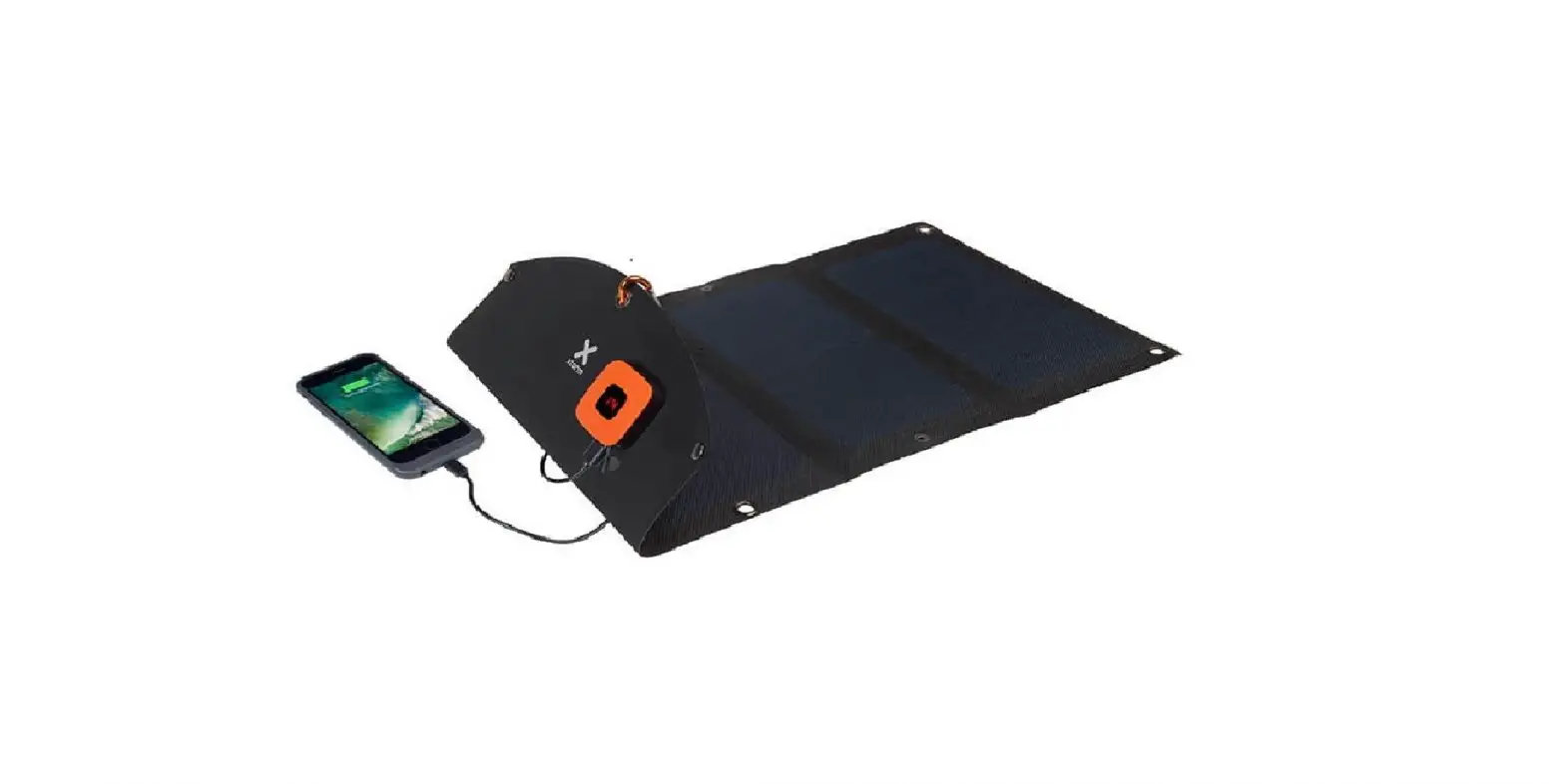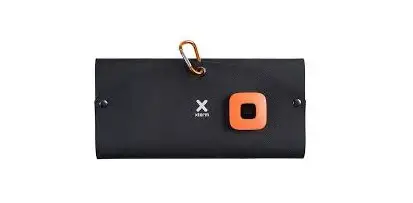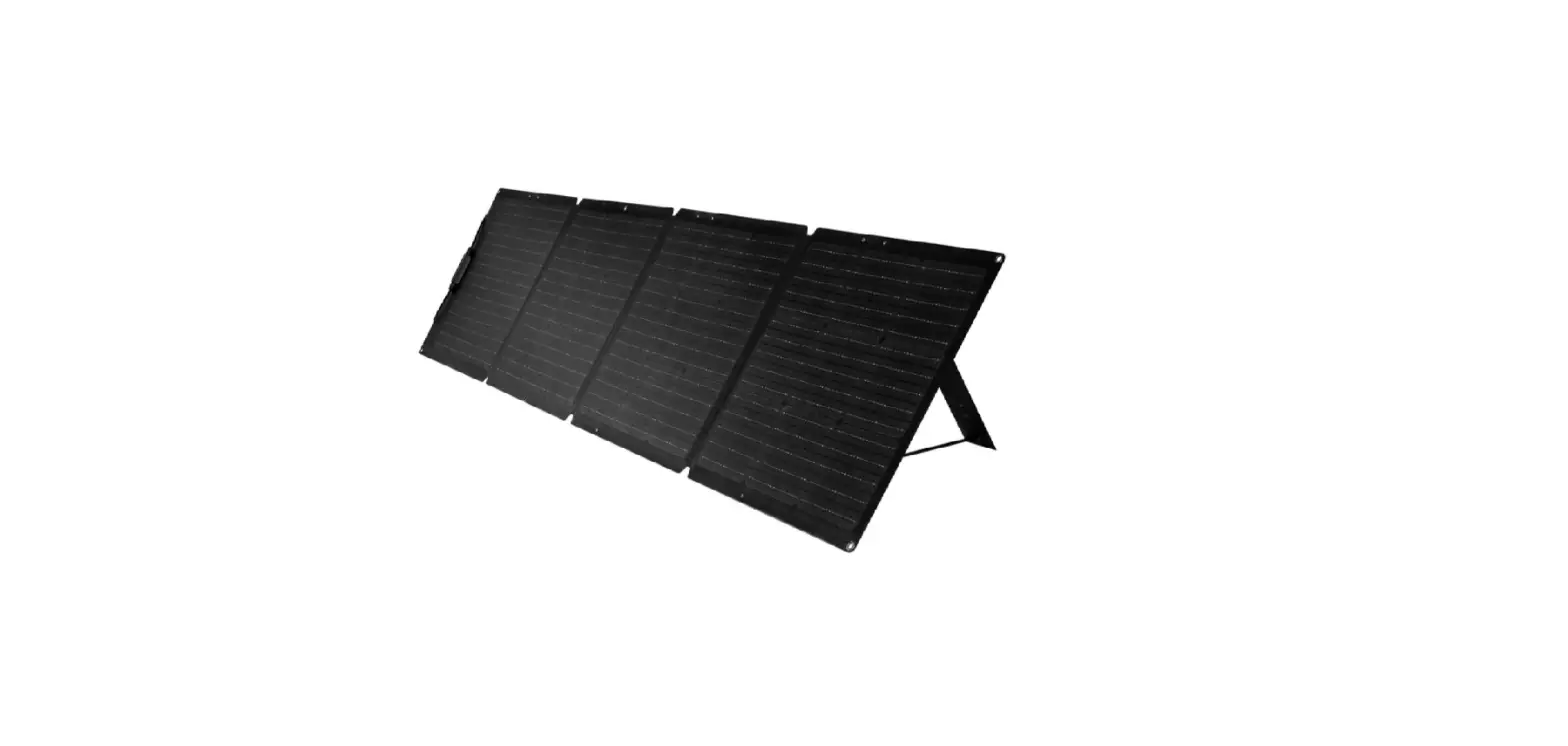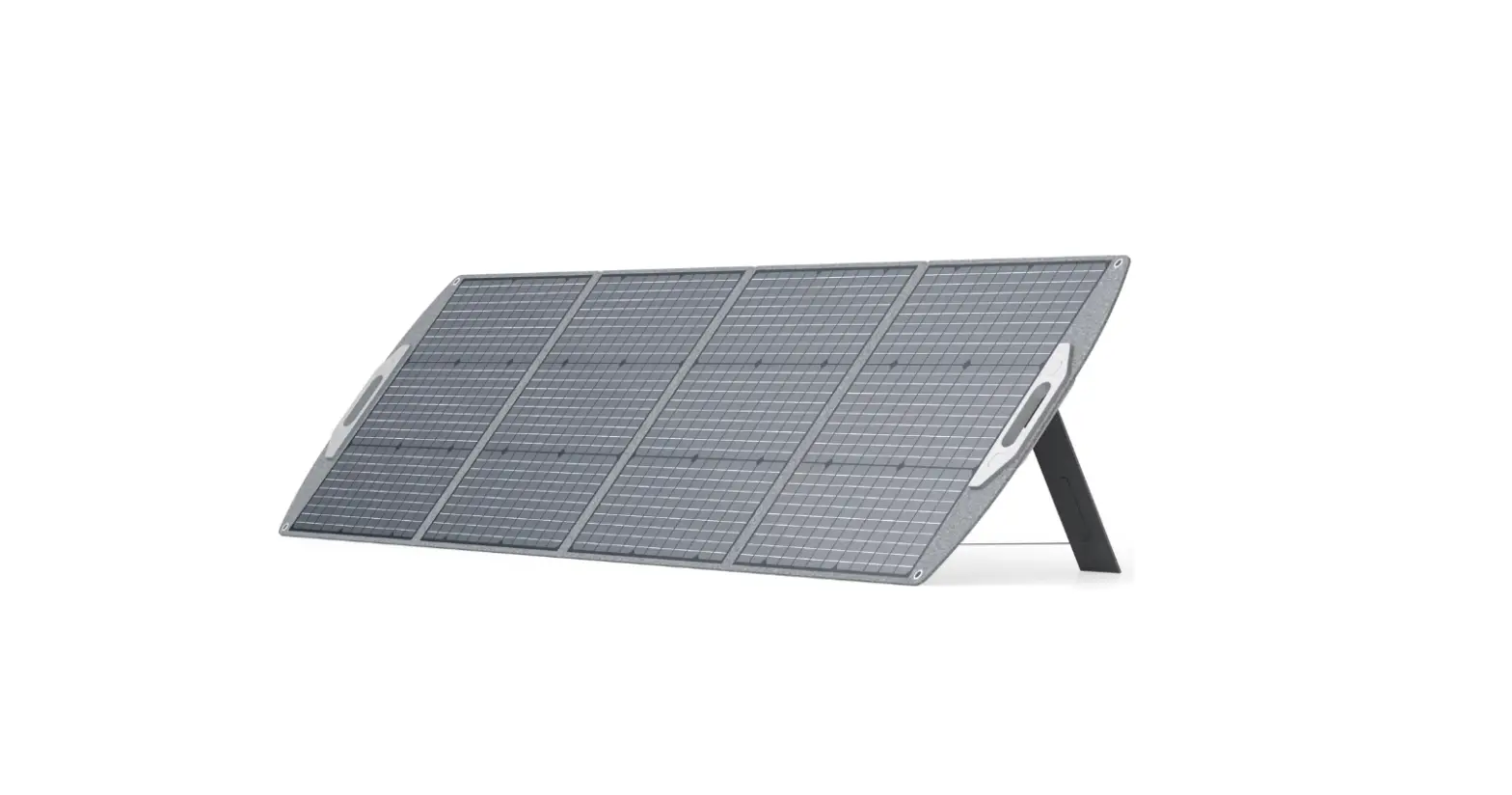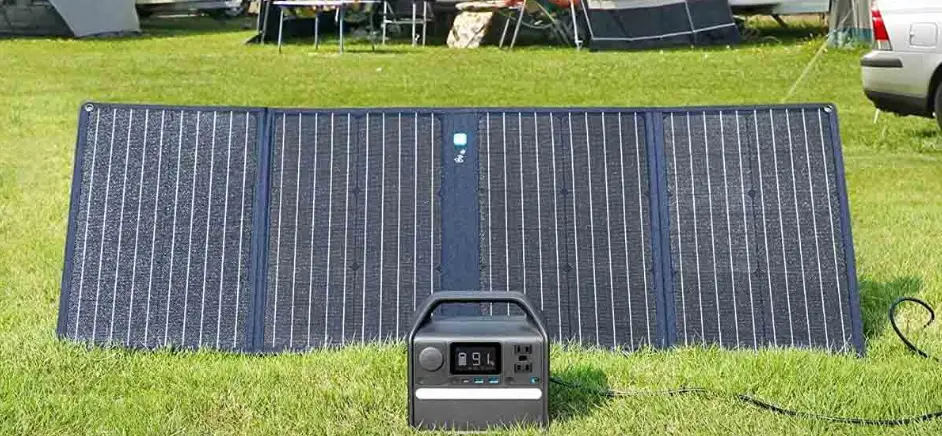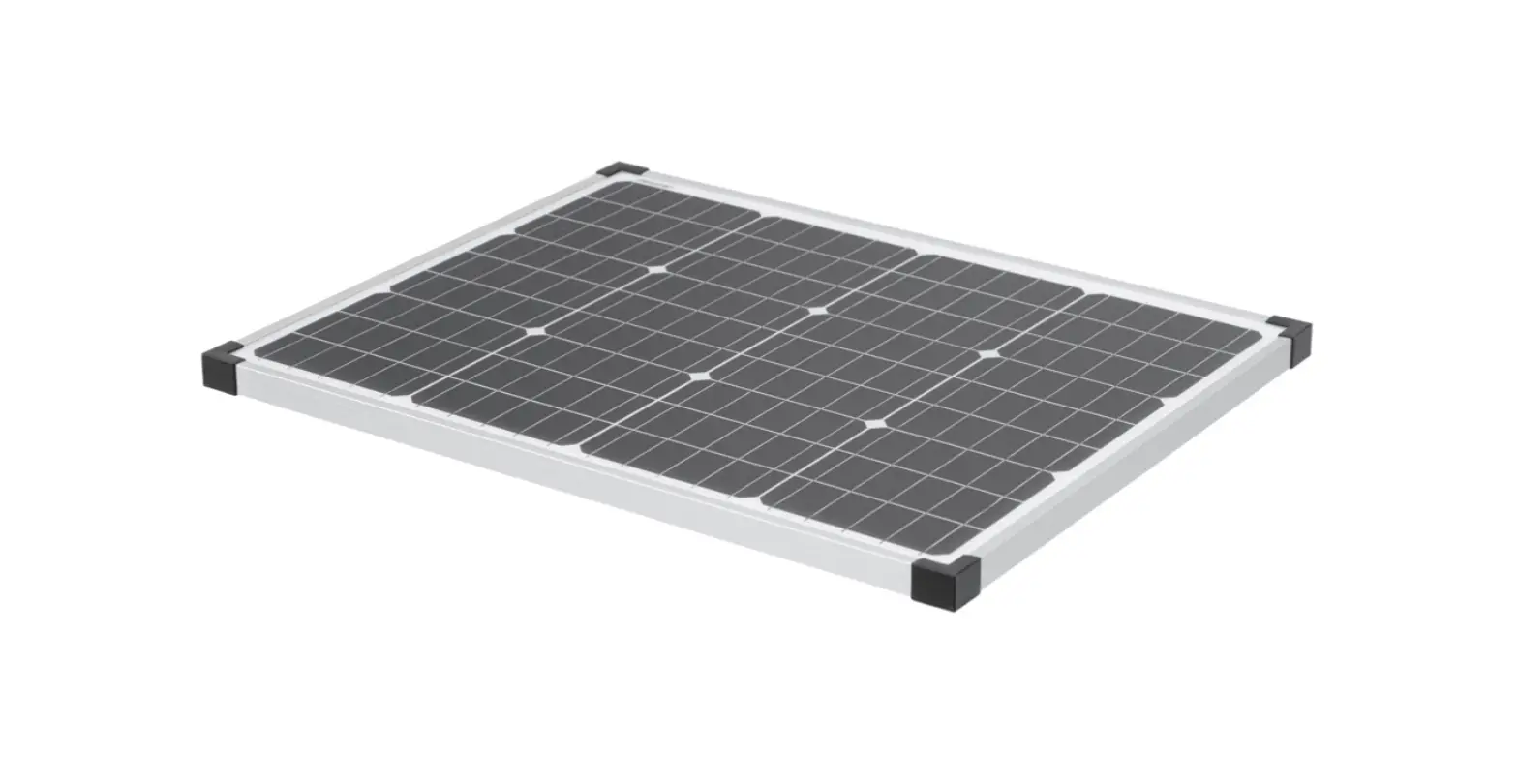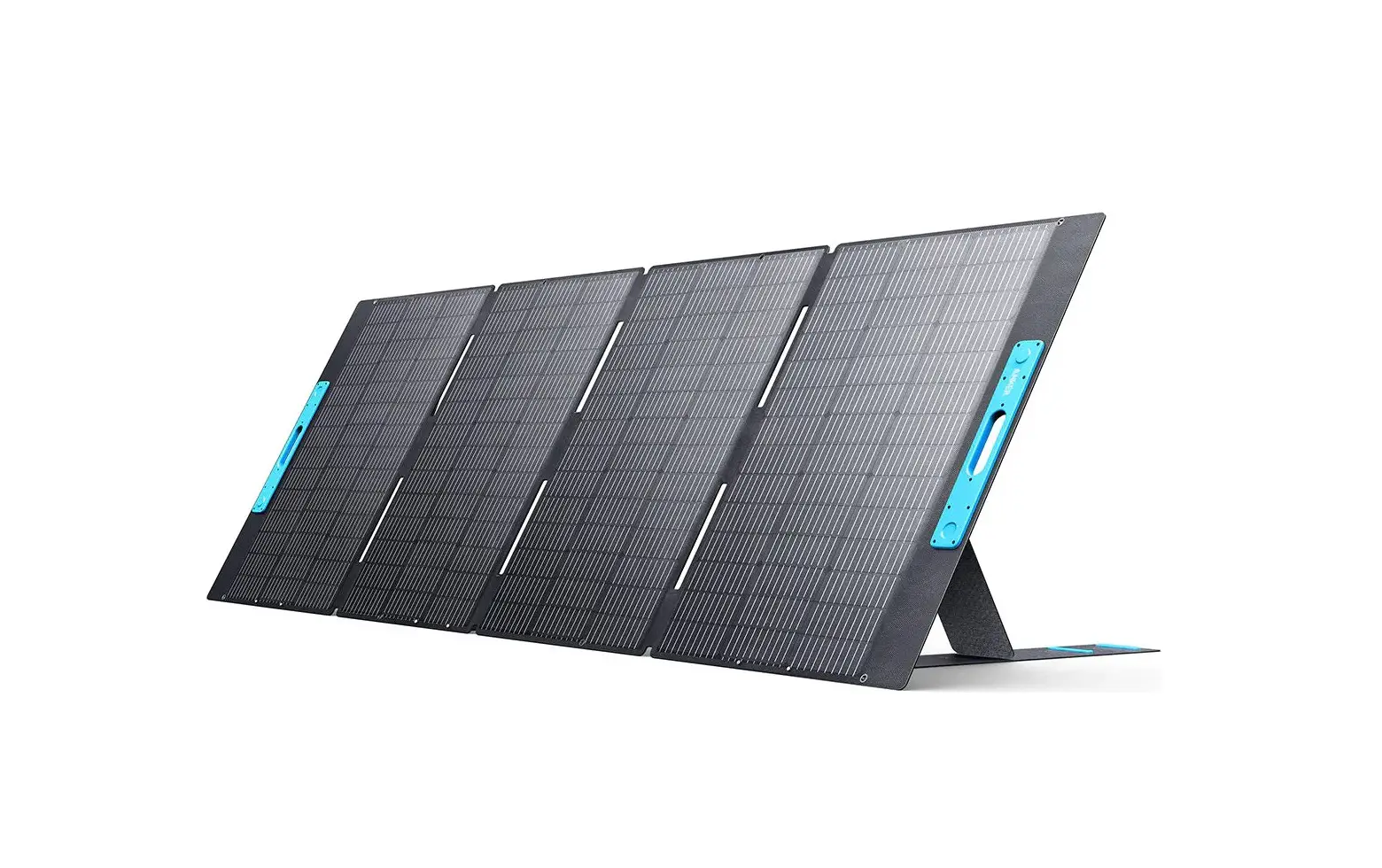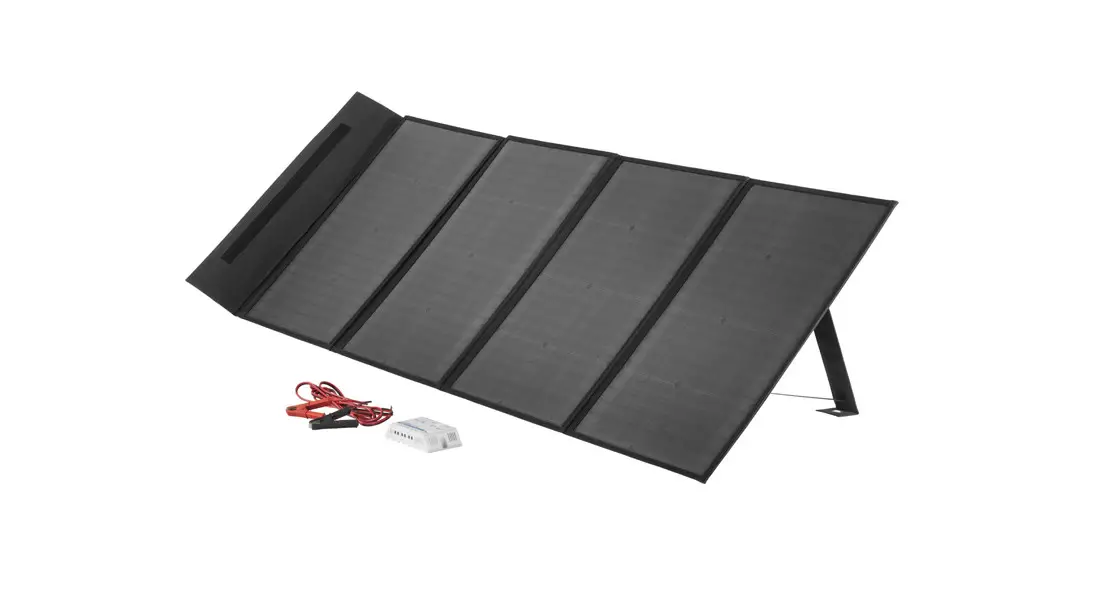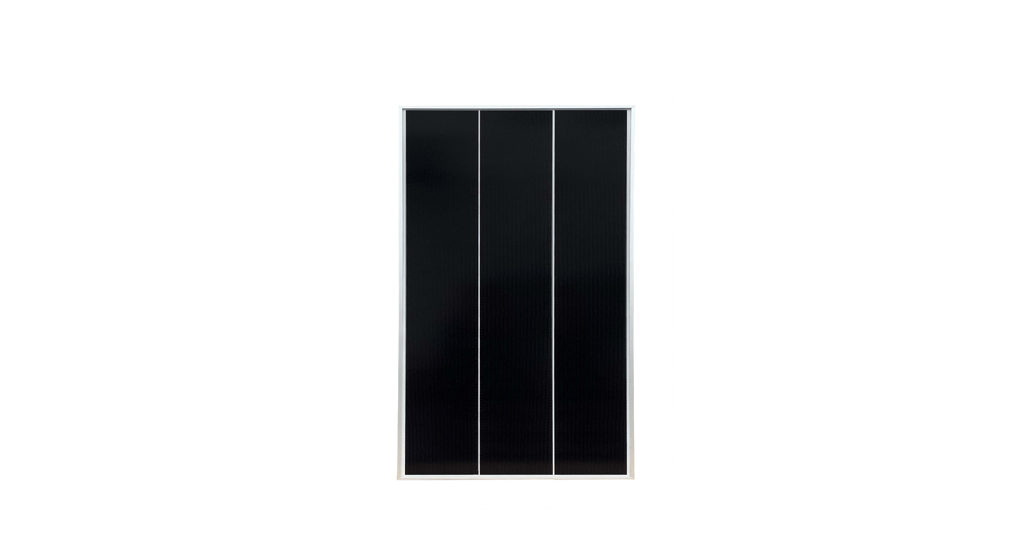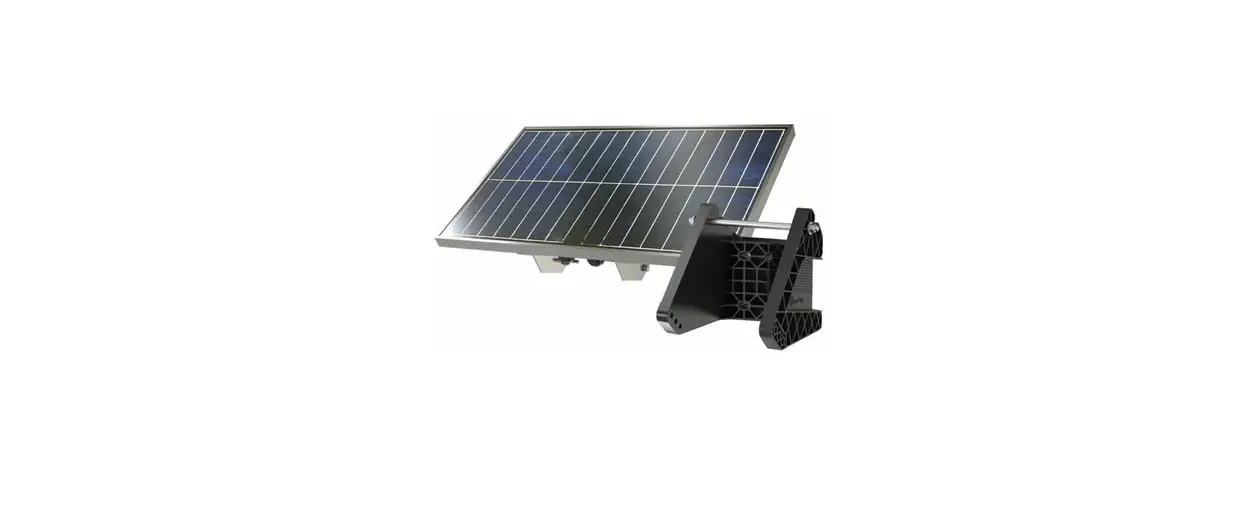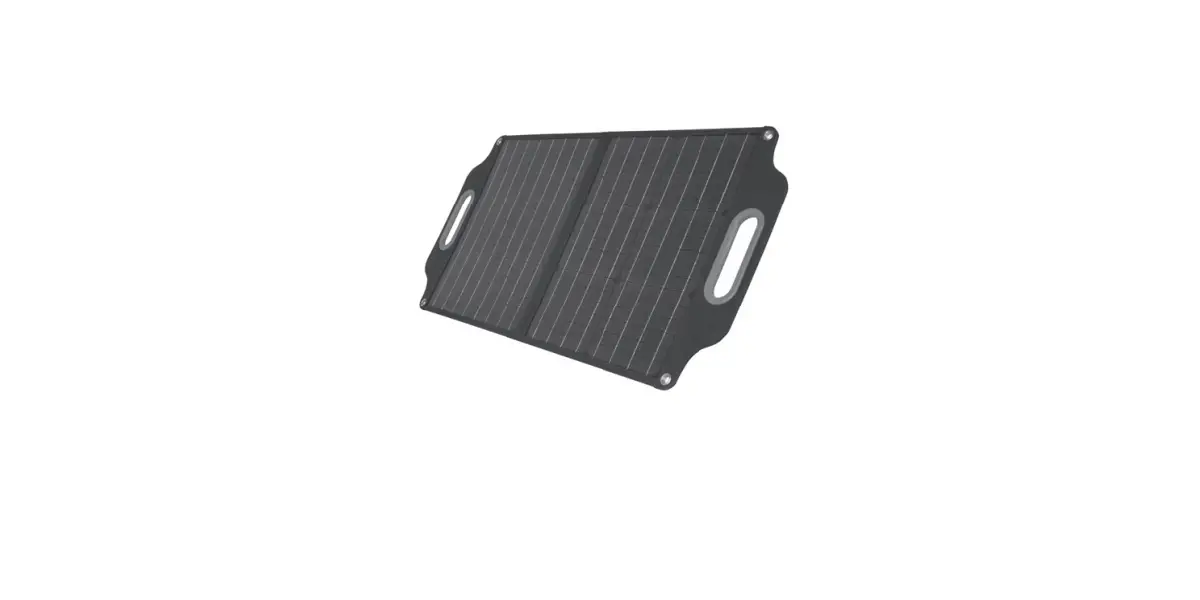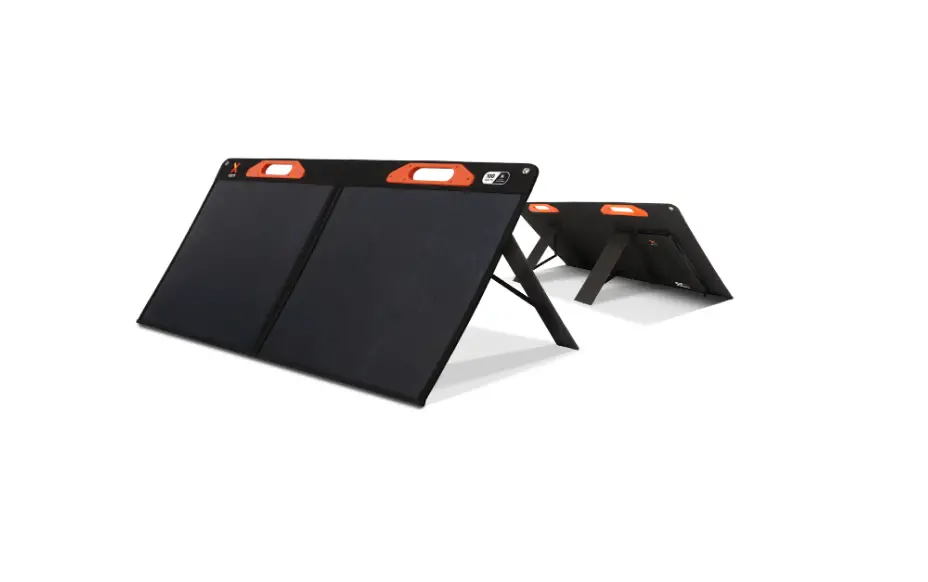

xtorm XPS200 Solar Panel
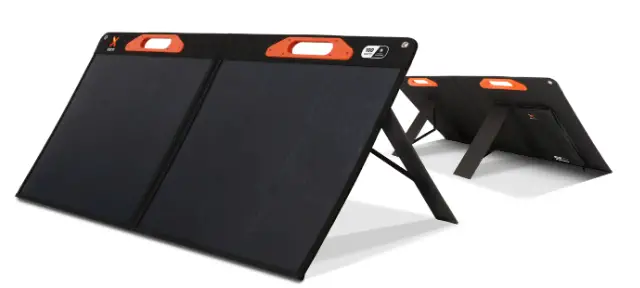
OVERVIEW
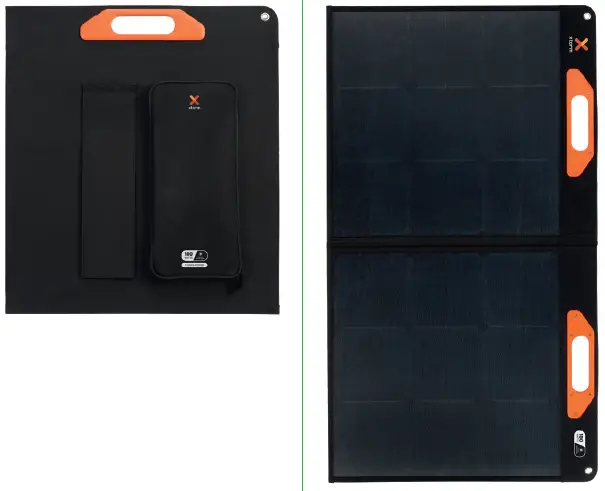
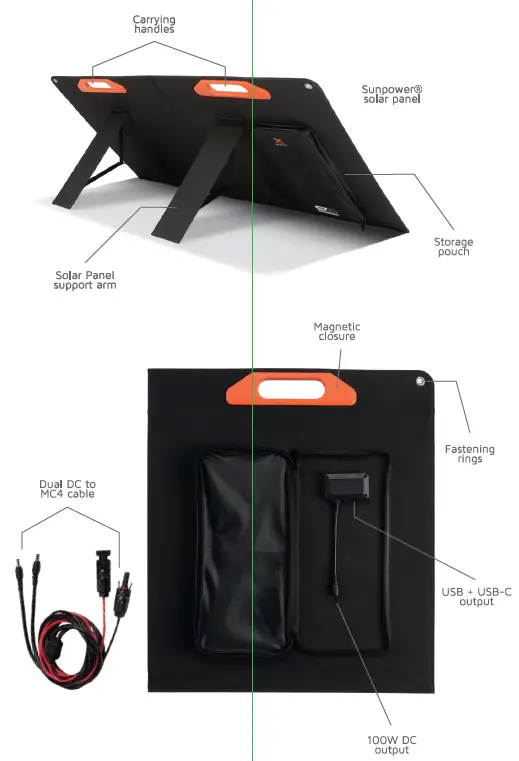
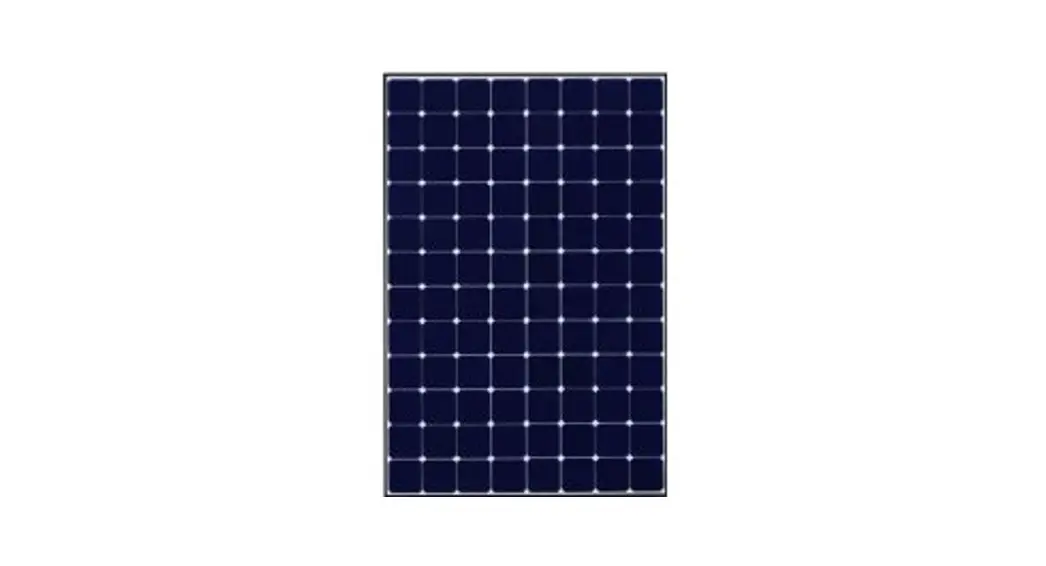
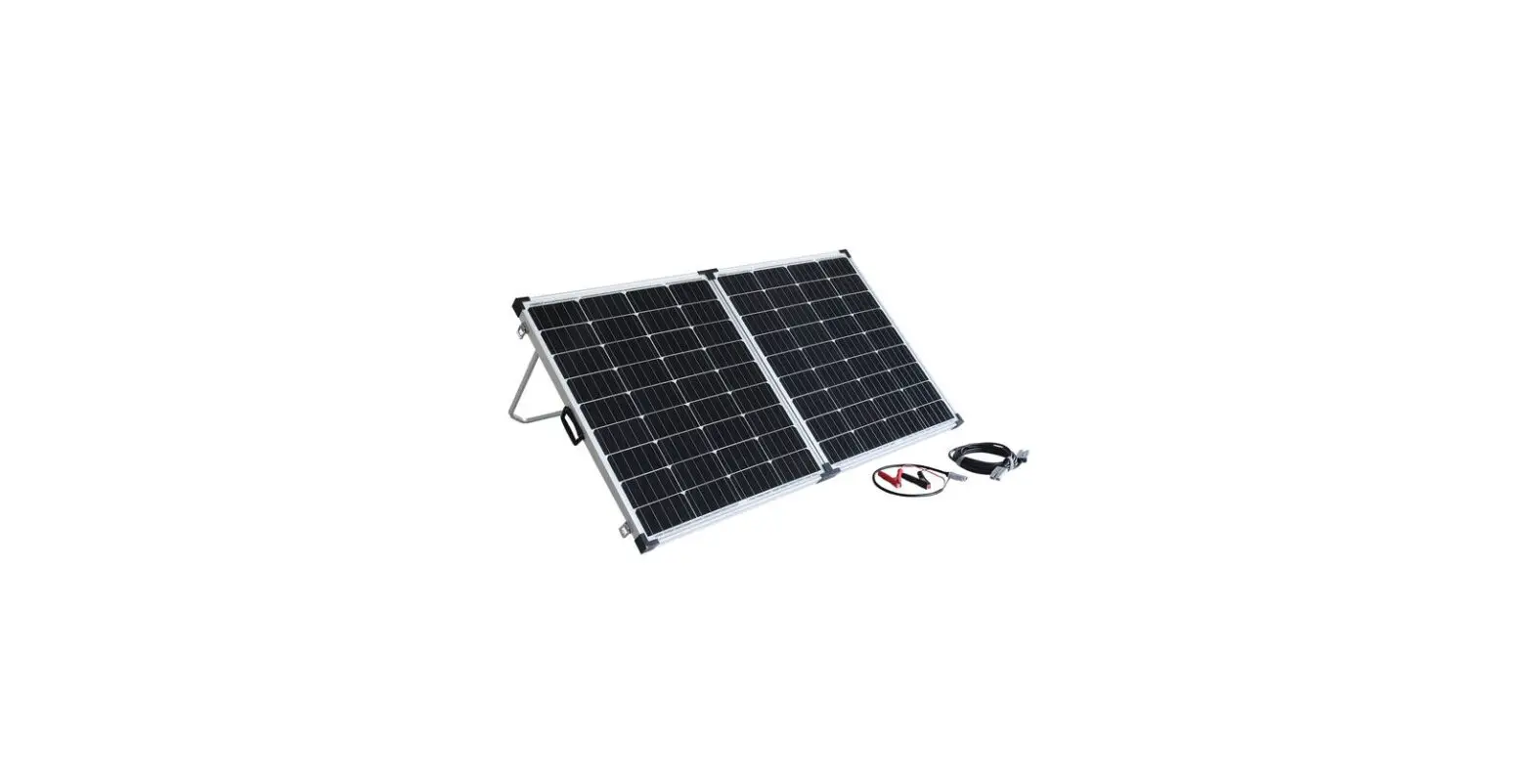
 (2x)100 Watts Sunpower® ppnel
Folded: 598x529x45mm
Unfolded: 1060x598x25mm
3800g per panel
Output: (2x)DC 10Ow (19.8V/SA)
(2x)USB-C PD 45W
(2x) USB-A QC 3.0
(Dual DC to MC4 cable (2M)
Charging 3 devices at the same time
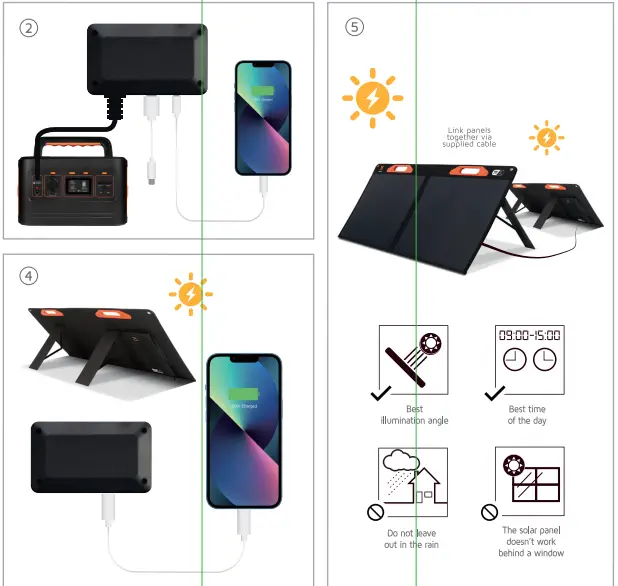
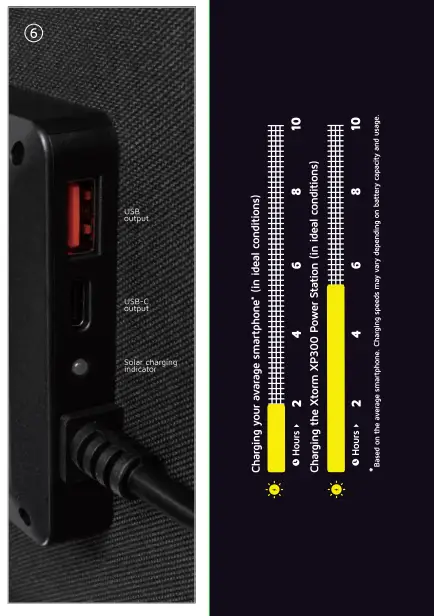
- Connect your charging cable to one of the putputs to start charging your device.
For faster charging use the USB-C Output. - Recharging your smartphone via direct sunlight
- Tips and tricks for ideal charging via the solar panel.
Charging indicator
Included in the box
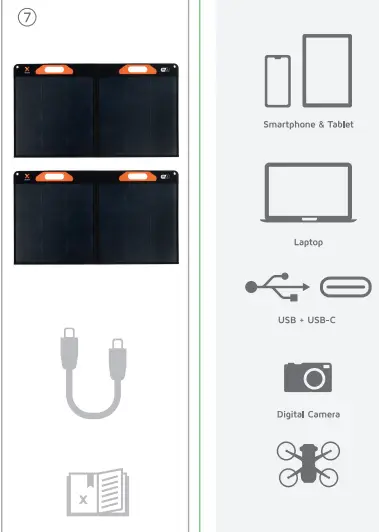
Smartphones, tablets, laptops, digital cameras,and other devices that can be charged or powered via USB and USB-C.
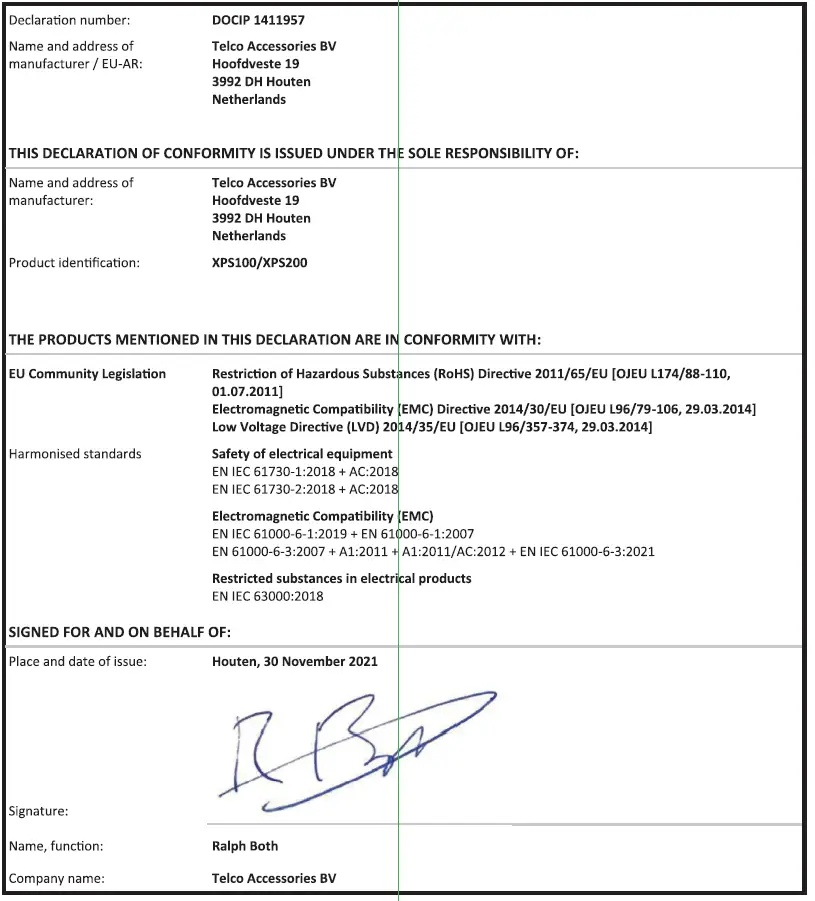
EU DECLARATION OF CONFORMITY
(In accordance with EN Iso/IEC 17050-1)