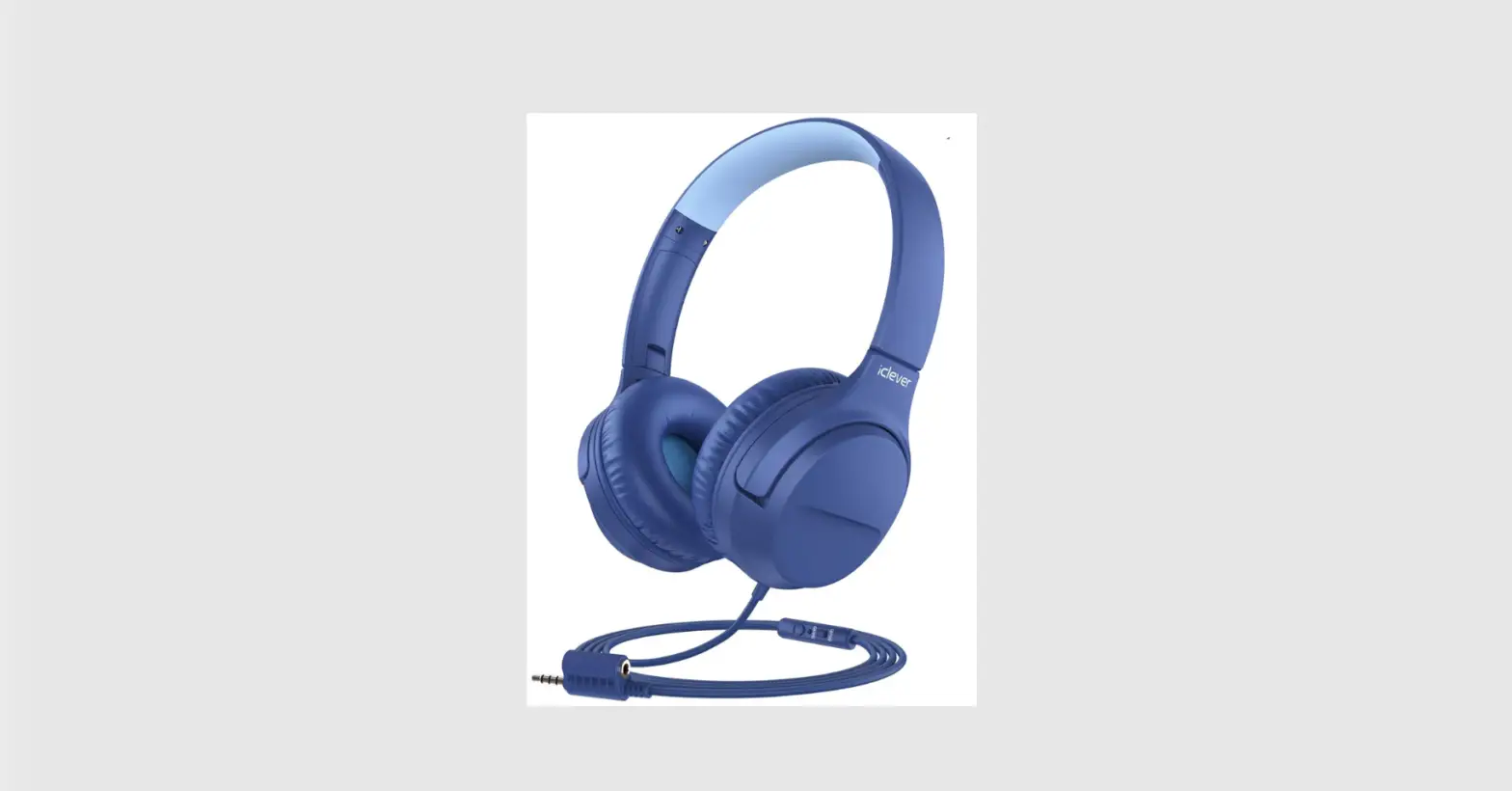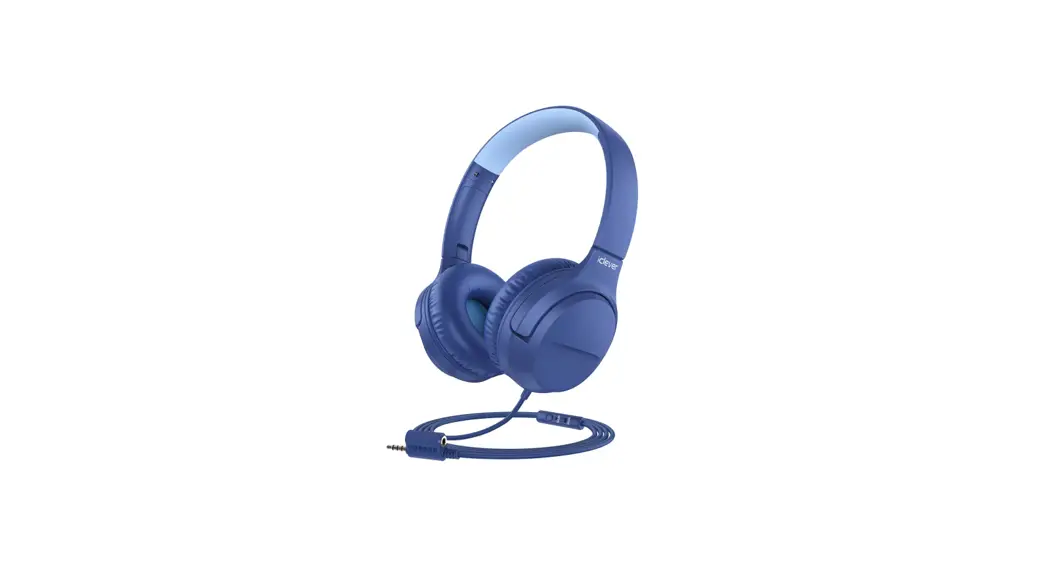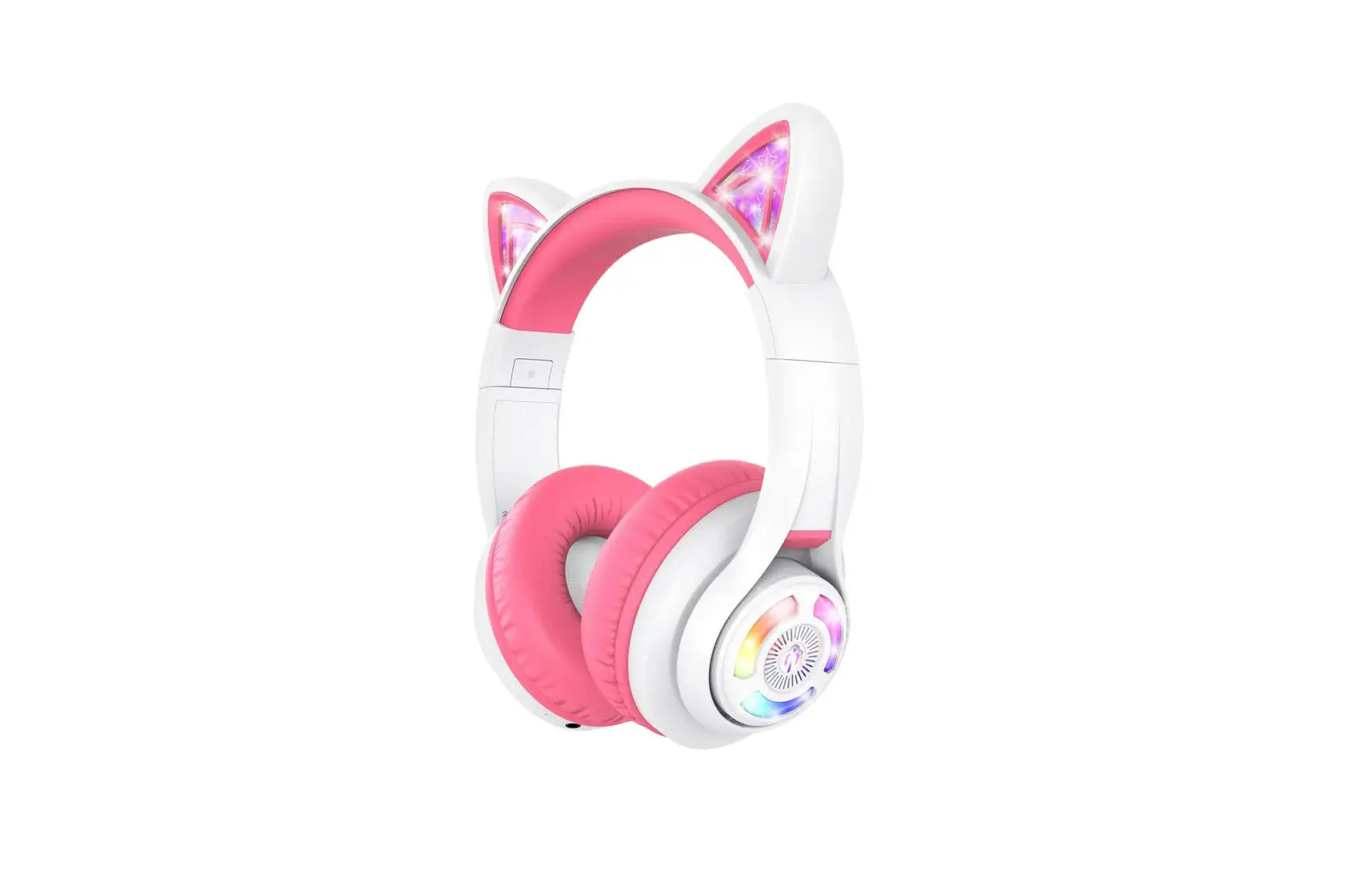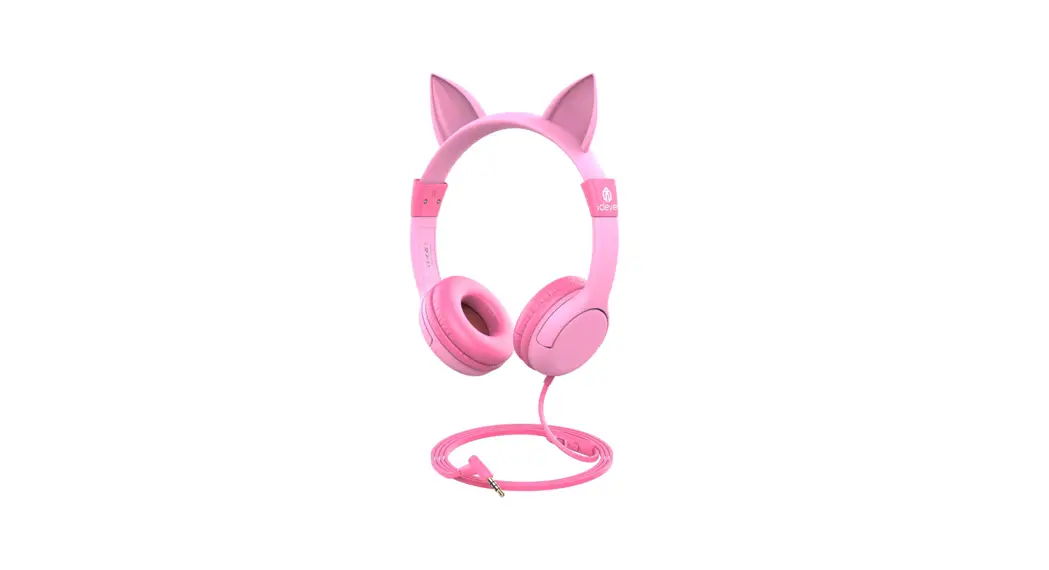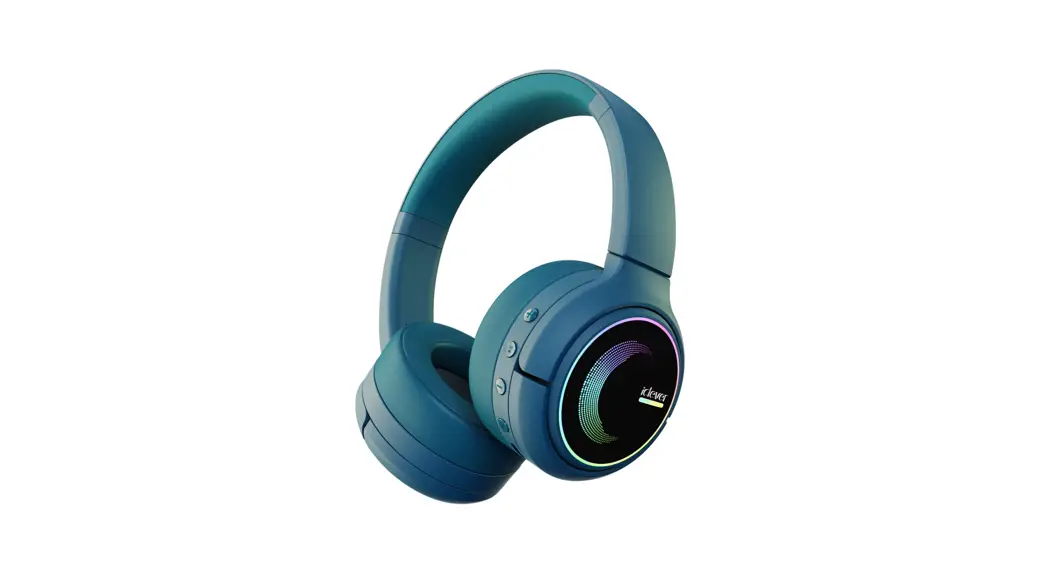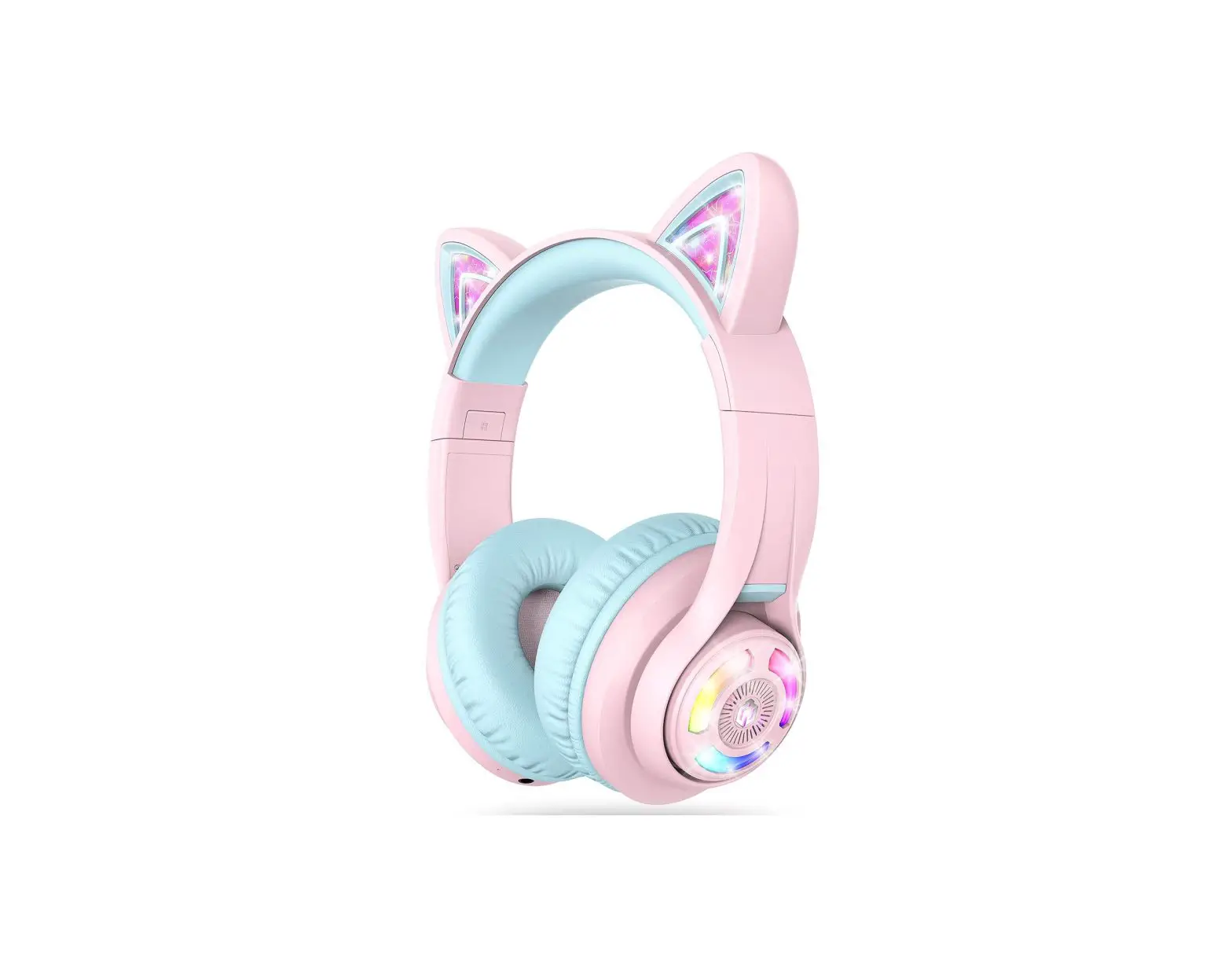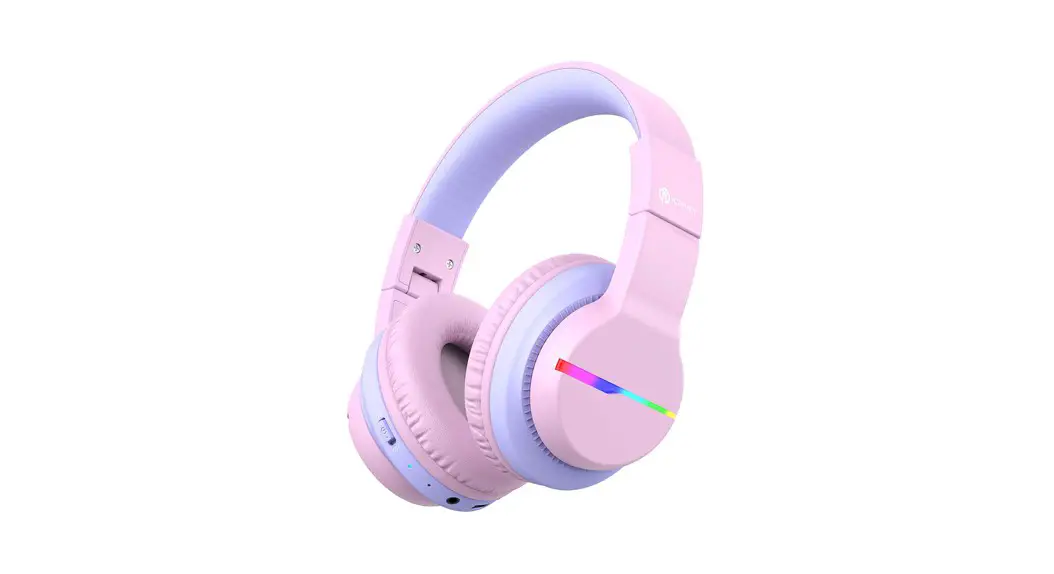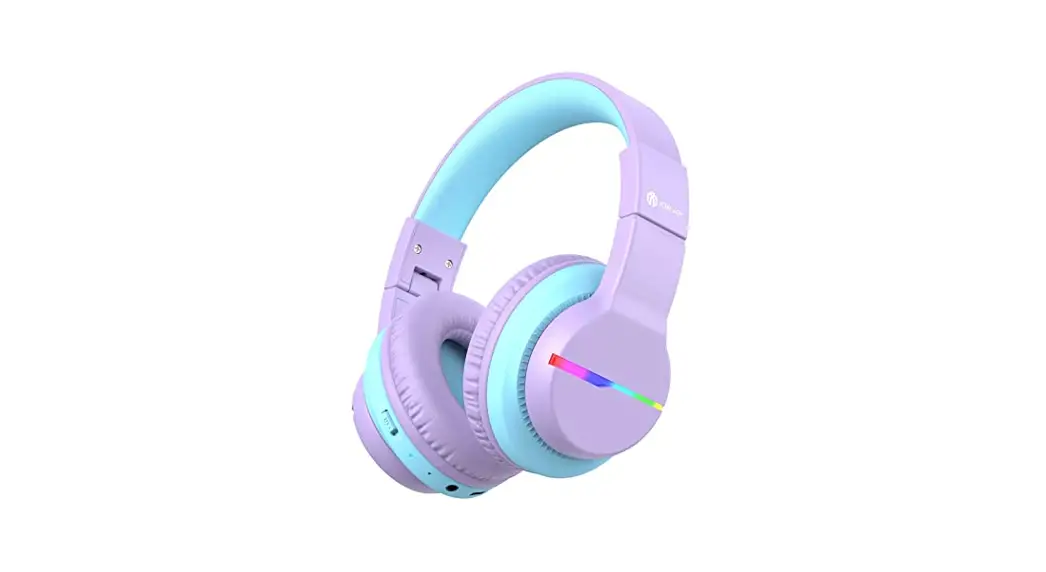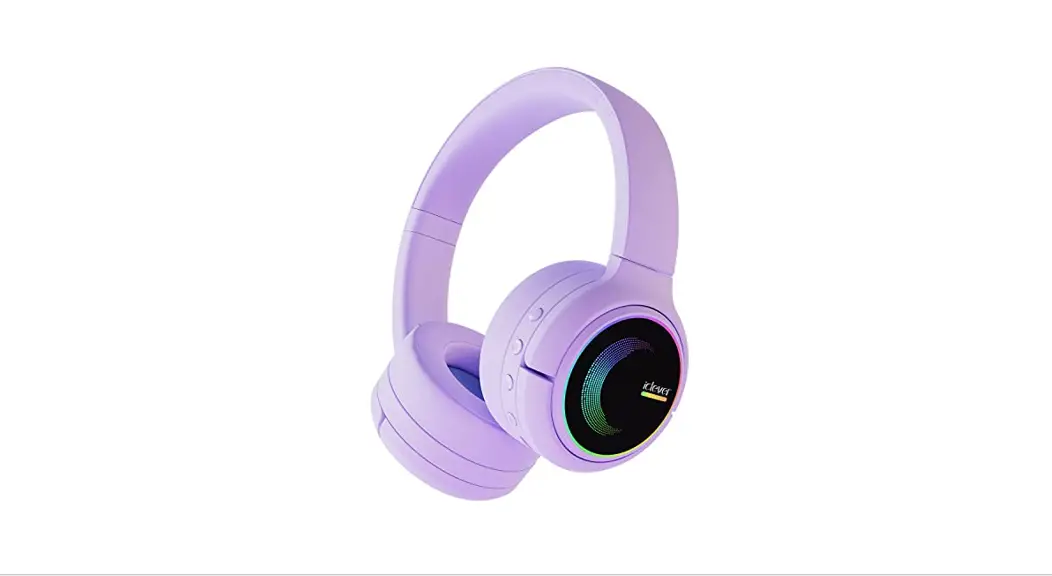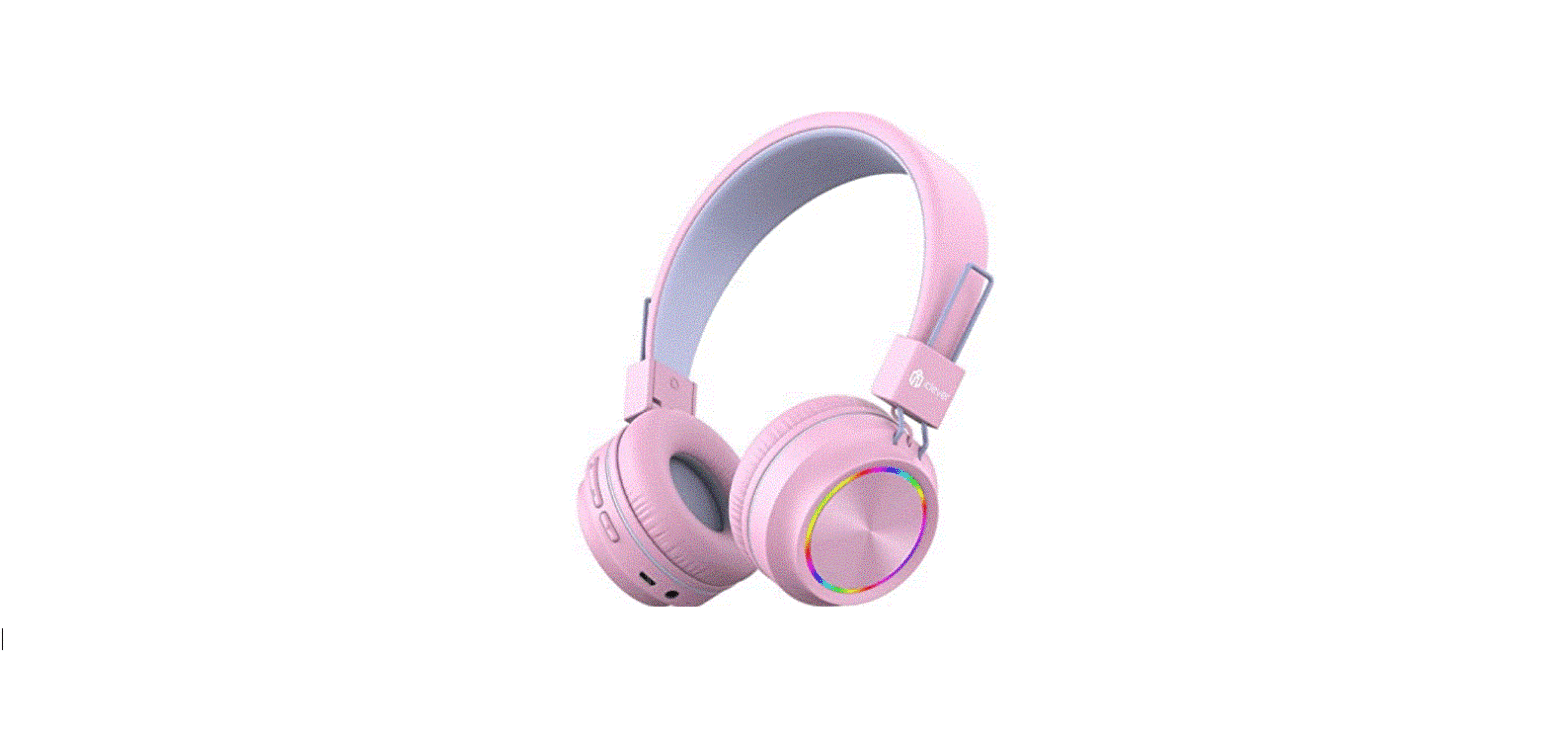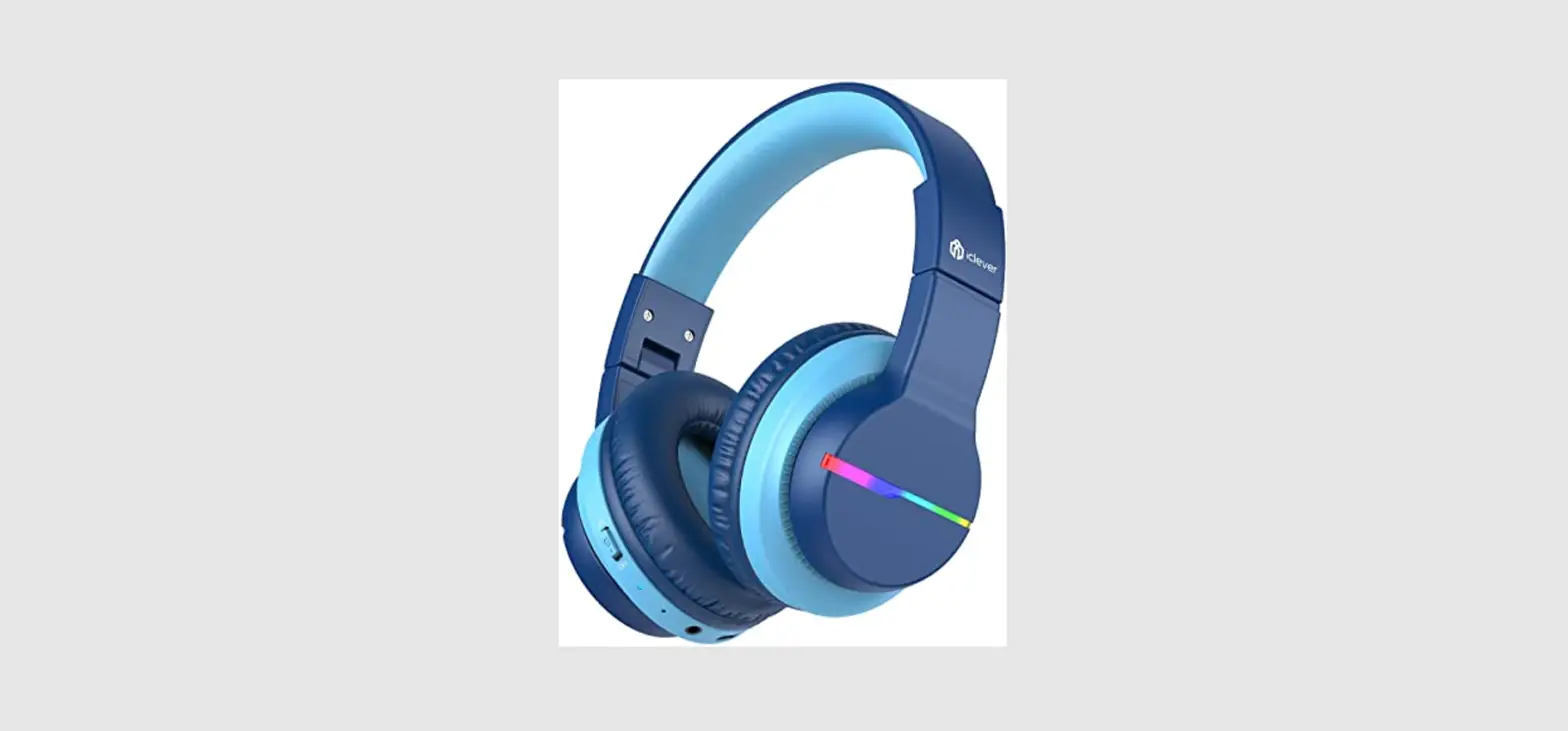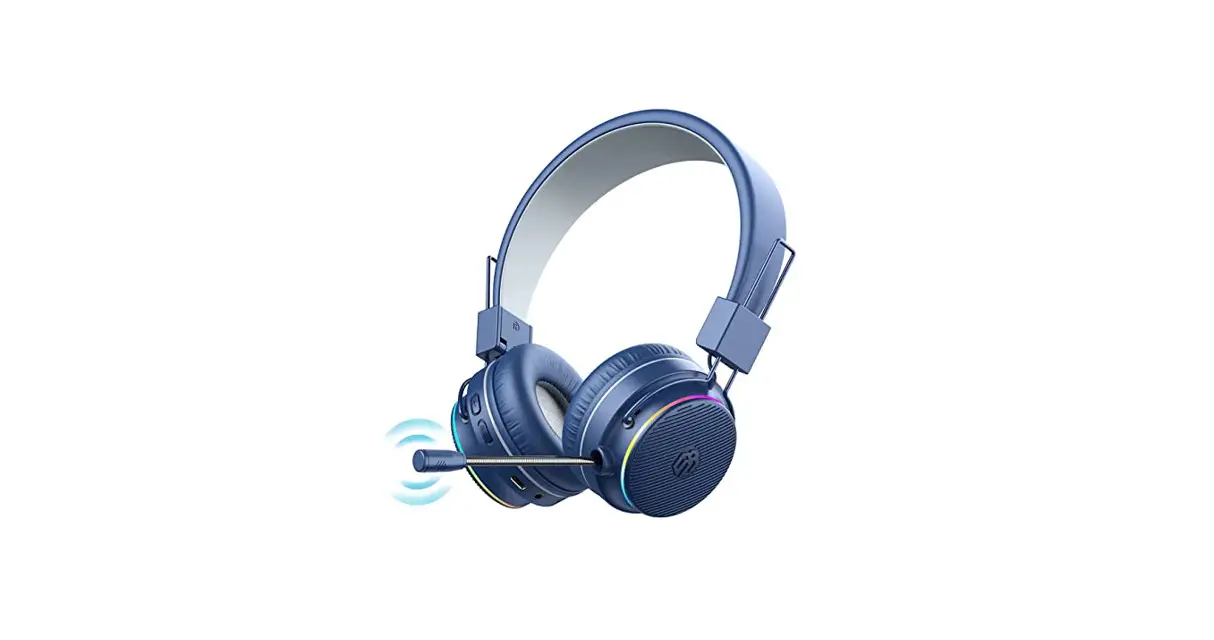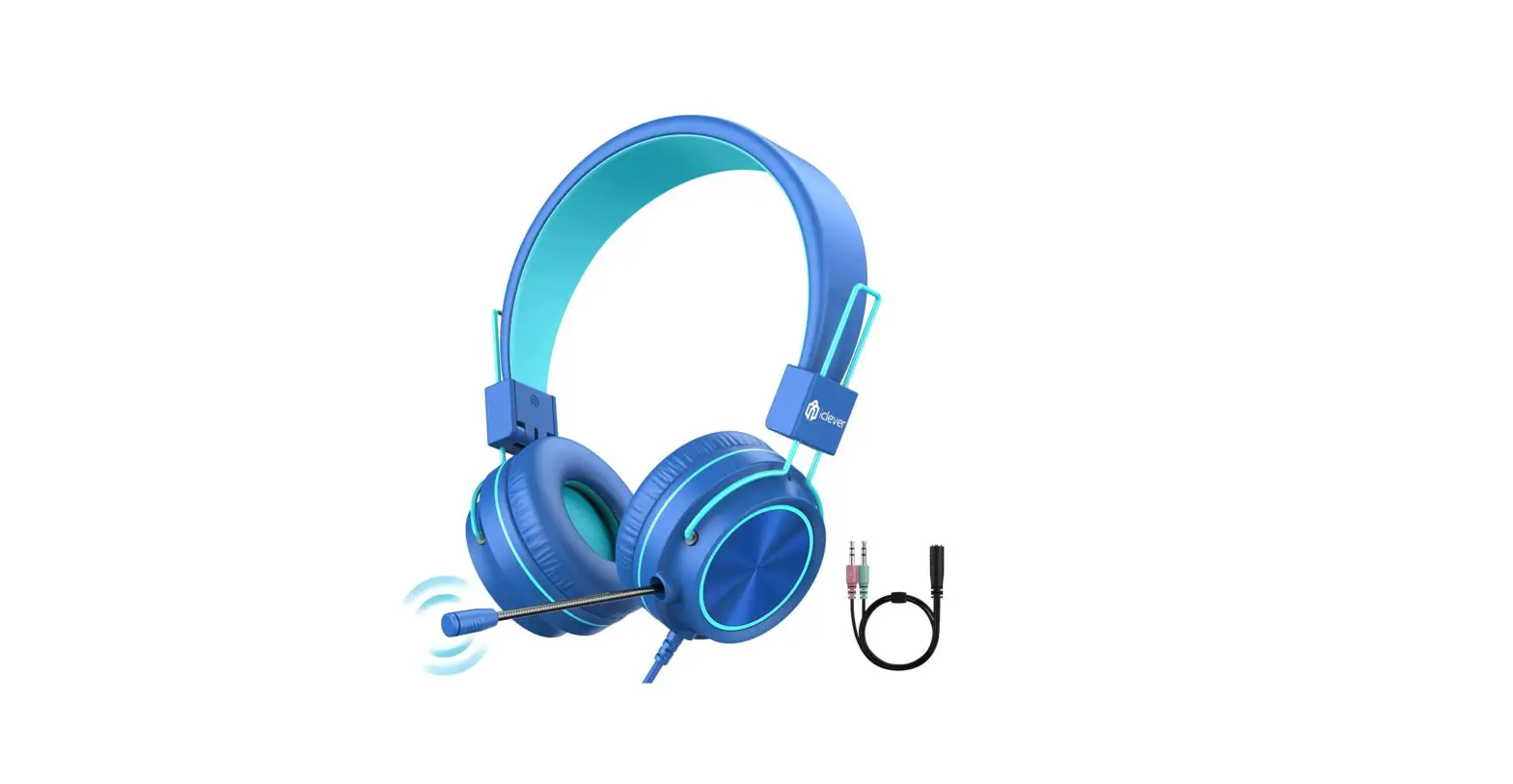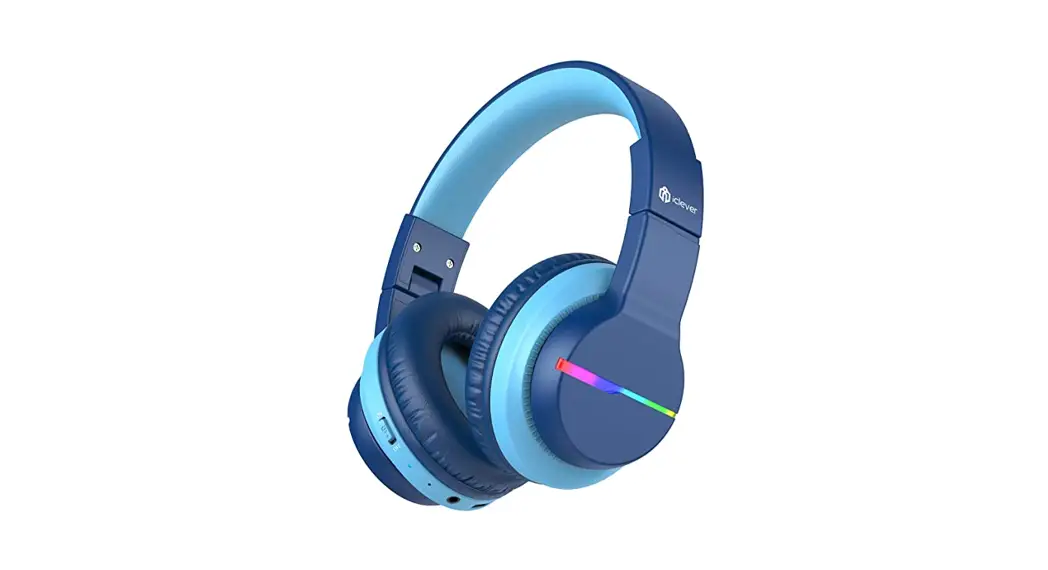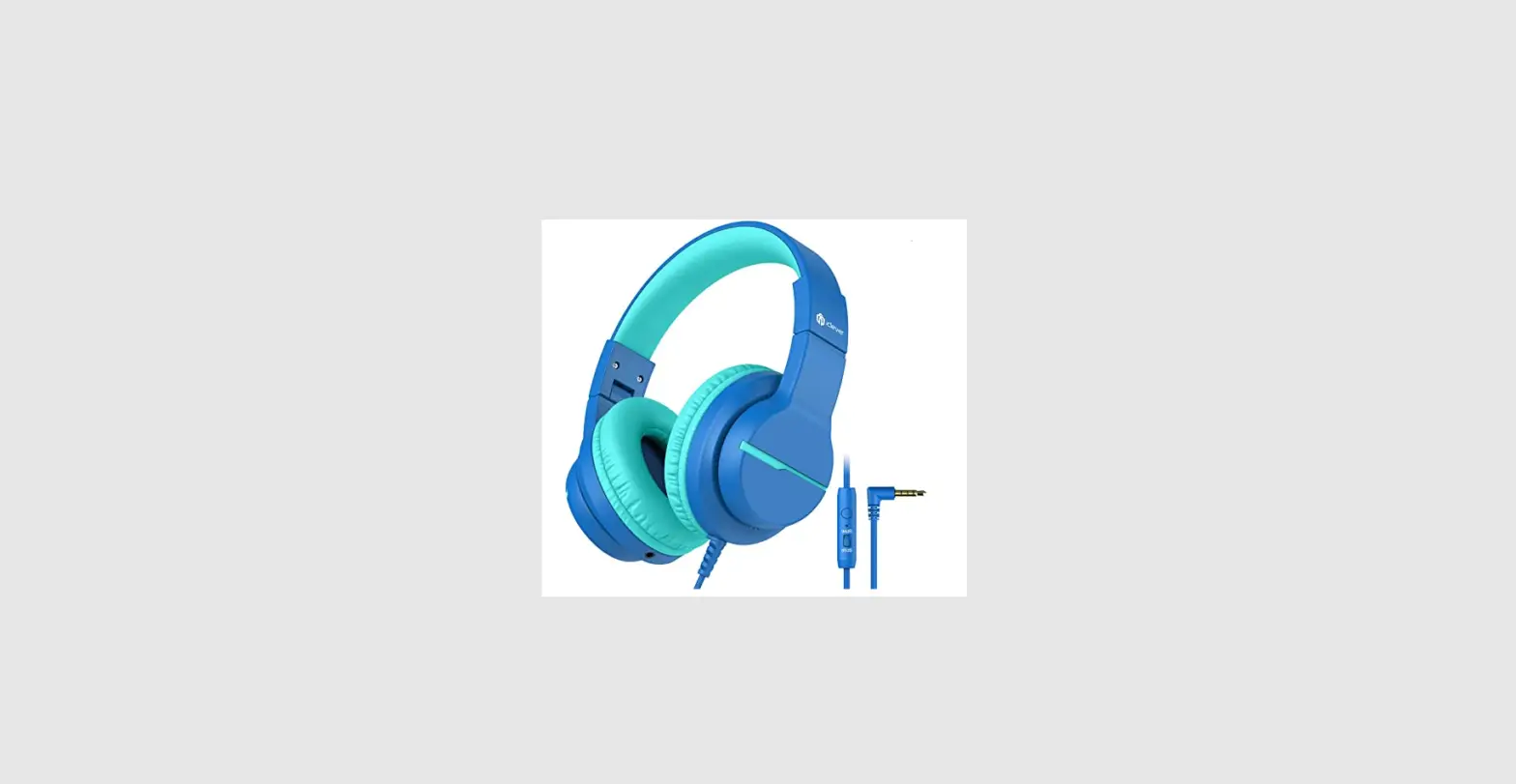

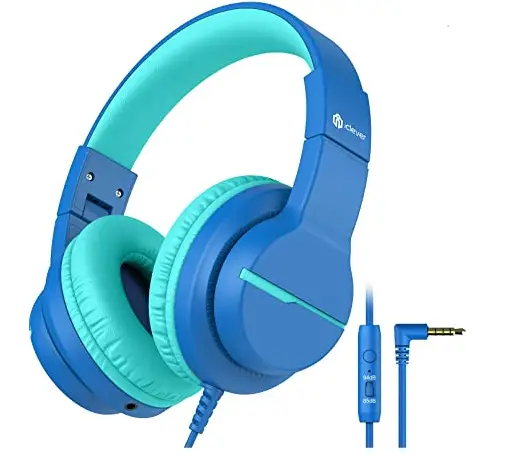
iclever IC-HS19 Wired Headphone
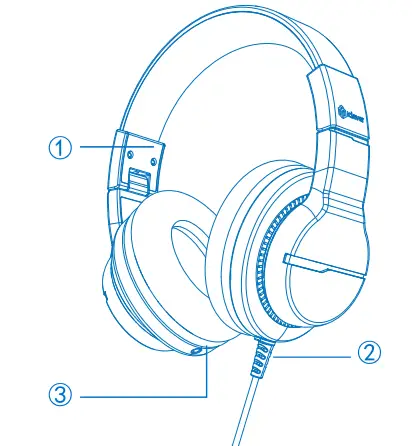
DIAGRAM
- Scalable Head Beam
- Audio Cable
- 3.5mm Audio Share Jack
DIAGRAM

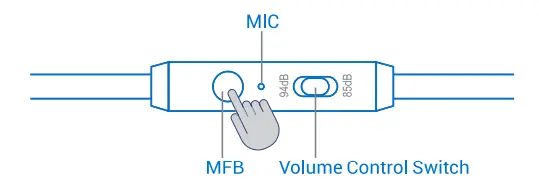
Volume Control Switch
Push the switch to”85d”to control the volume below 85dB.Push the switch to “94dB”to disable volume control and recover normal volume under noisy environment.
Gently press: Answer / Hang Up / Play / Pause
FCC Statement
This device complies with Part 15 of the FCC Rules. Operation is subject to the following two conditions: (1) this device may not cause harmful interference, and (2) this device must accept any interference received, including interference that may cause undesired operation.
DOCUMENT
To find more about Declaration of Conformity, please click the below link to download:Http://files.iclever.com/lC-HS19-DOC-EN.pdf