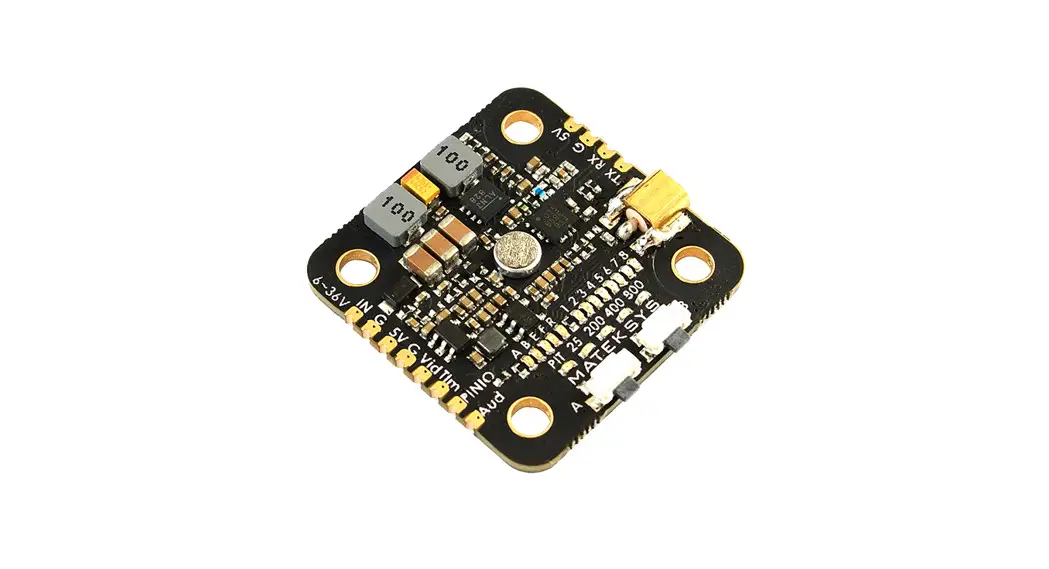
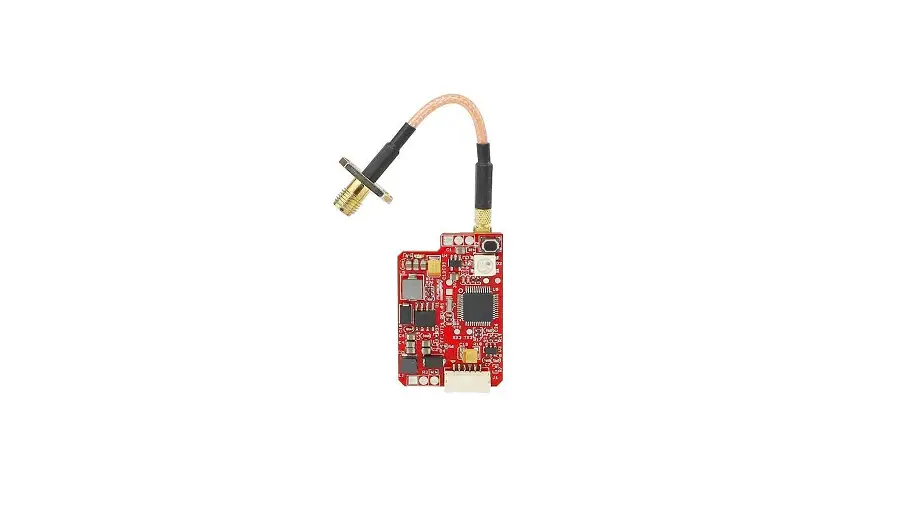
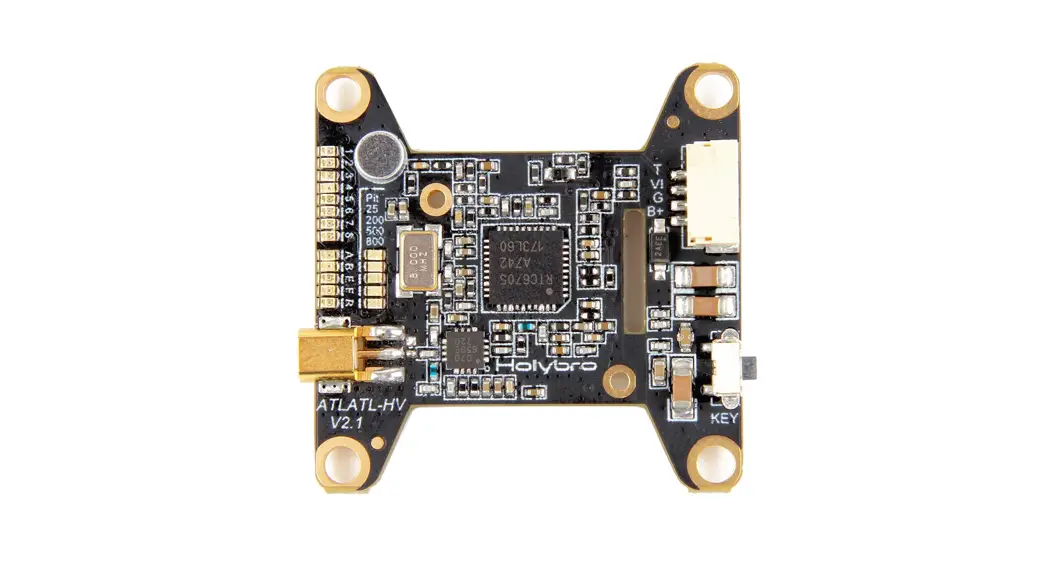
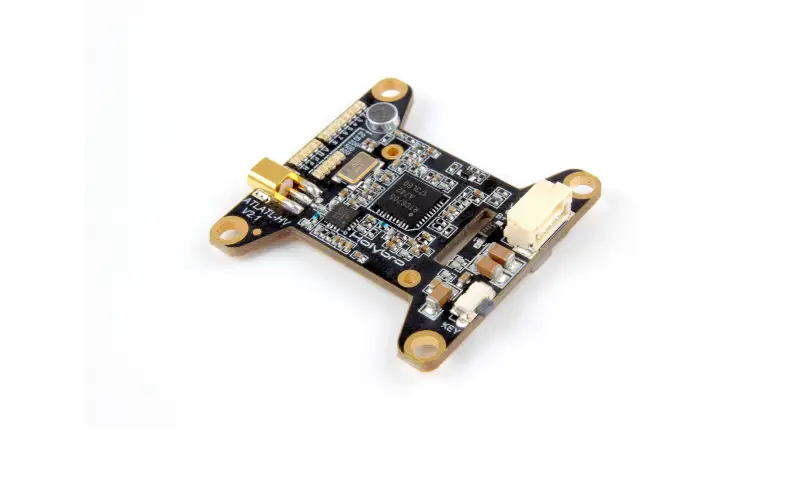
BLITZ WHOOP 1.6W VTX Whoop Adjustable Video Transmitter
Product Information
Product Name: B013728-BLITZ WHOOP 1.6W VTX
Specifications:
- Camera in: Camera video Input GND
- Negative 5v out: 5v Voltage Output
- Camera out: Camera video output
- Video in: Video Signal Input
- IRCIRC Tramp Signal Input
- GND: Negative
- Vbat: VBAT2-8S 7-34V DC Positive Input
Product Usage Instructions
- Please read the instructions for proper wiring before use.
- Before switching on the power, make sure that the antenna has
been installed to extend the life of the module. - Ensure the correct voltage range and positive/negative polarity
before switching on the power to avoid component damage. - When installing the VTX, provide enough space for air
convection around the module to ensure heat dissipation.
Insufficient space may activate overheat protection and reduce or
switch off power transmission. - To connect VTX to FC (Camera to VTX), follow the wiring diagram
provided:

To enable the corresponding VTX IRC Tramp on UART port, refer to
the frequency table below:
| BAND | CH1 | CH2 | CH3 | CH4 | CH5 | CH6 | CH7 | CH8 |
|---|---|---|---|---|---|---|---|---|
| A | 5865MHz | 5845MHz | 5825MHz | 5805MHz | 5785MHz | 5765MHz | 5745MHz | 5725MHz |
| B | 5733MHz | 5752MHz | 5771MHz | 5790MHz | 5809MHz | 5828MHz | 5847MHz | 5866MHz |
| E | 5705MHz | 5685MHz | 5665MHz | 5645MHz | 5885MHz | 5905MHz | 5925MHz | 5945MHz |
| F | 5740MHz | 5760MHz | 5780MHz | 5800MHz | 5820MHz | 5840MHz | 5860MHz | 5880MHz |
| R | 5658MHz | 5695MHz | 5732MHz | 5769MHz | 5806MHz | 5843MHz | 5880MHz | 5917MHz |
Note: Antennas must be installed before powering on the VTX to
avoid damage. Proper cooling is also necessary.
To connect the camera to VTX without FC, follow the wiring
diagram provided:

If you have any further questions or issues, please refer to the
complete user manual or contact customer support.
B013728 -BLITZ WHOOP 1.6W VTX Instructions 1.Specs
2.Ports
Power Levels25mW/400mW/800mW/1600mW Mounting Pattern25*25mm/2mm Antenna InterfaceIPEX Input InterfaceSH1.0 8P With Lock Catch VTX TelemetryIRC Tramp Weight16.5g (±1g)
Camera in:Camera video Input GNDNegative 5v out:5v Voltage Output Camera out:Camera video output Video in:Video Signal Input
IRCIRC Tramp Signal Input
IFLIGHT BLITZ WHOOP 1.6W
GNDNegative
Camera in GND
5V out Camera out
Video in IRC
GND
Vbat
MIC PWPRWRBANBADNCDH CH
3.Attention
VBAT2-8S7-34V DC Positive Input
1Please read the instructions for proper wiring before use.
2It is recommended that before switching on the power, make sure that the antenna has been installed, it can extend the life of the module.
3It is recommended to ensure the correct voltage range and the correct positive
and negative polarity before switching on the power to avoid burning the components.
4Please keep enough space when you install the VTX to ensure air convection
Power Button
around the module for heat dissipation. Otherwise, the module will enable overheat protection and the power transmission will be reduced or even switched off.
Band and Channal Button
Connect VTX to FC(Camera to VTX)
LED Indicator and Function Button
Power Button
Press and Enter or exit PIT mode, solid green light indicates hole for 2s entering PIT mode
Green light (output power):The number of LED flashing Short press indicate the VTX output power. 1 flash=25mW,
2 flashes=100mW,3 flashes=200mW. Short press to change output power.
Band and Channel Button
Press and hole for 2s
Blue(BAND):The number of LED flashing indicate the BAND A-R. Press and hold for 2s to switch Band.
Short press Red(CH):The number of LED flashing indicate the channel 1 to 8. Short press to switch Channel.
FC
VIDEO GND
5V
Video in Video out
IRC GND Vbat
Camera in GND
5V out Camera out
Video in
IRC GND Vbat
Camera in GND
5V out Camera out
Video in IRC
GND
Vbat
Connect VTX to FC(Camera to FC)
IFLIGHT BLITZ WHOOP 1.6W
MIC PWPRWRBANBADNCDH CH
VIDEO
GND 5V
Video in
GND 5V
FC
Video out IRC GND Vbat
Camera in GND
5V out Camera out
Video in
IRC GND Vbat
Camera in GND
5V out Camera out
Video in IRC
GND
Vbat
IFLIGHT BLITZ WHOOP 1.6W
MIC PWPRWRBANBADNCDH CH
Enable the corresponding VTX IRC Tramp on UART port
Frequency Table Note:Antennas must be installed BEFORE powering on. The VTX can be damaged when using without proper cooling.
BAND CH1
CH2 CH3
CH
CH4 CH5
CH6
CH7
CH8
A
5865MHz 5845MHz 5825MHz 5805MHz 5785MHz 5765MHz 5745MHz 5725MHz
B
5733MHz 5752MHz 5771MHz 5790MHz 5809MHz 5828MHz 5847MHz 5866MHz
E
5705MHz 5685MHz 5665MHz 5645MHz 5885MHz 5905MHz 5925MHz 5945MHz
F
5740MHz 5760MHz 5780MHz 5800MHz 5820MHz 5840MHz 5860MHz 5880MHz
R
5658MHz 5695MHz 5732MHz 5769MHz 5806MHz 5843MHz 5880MHz 5917MHz
Camera to VTX without FC
VIDEO
GND 5V
BAT
GND 7-34V
Camera in GND
5V out Camera out
Video in
IRC GND Vbat
Camera in GND
5V out Camera out
Video in IRC
GND
Vbat
IFLIGHT BLITZ WHOOP 1.6W
MIC PWPRWRBANBADNCDH CH