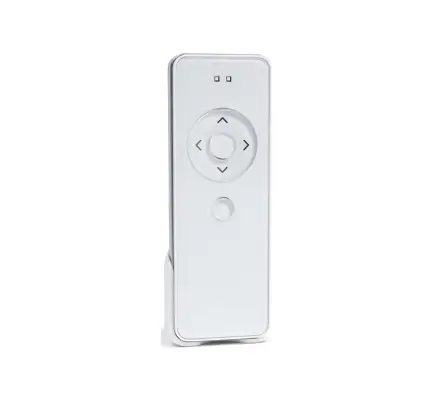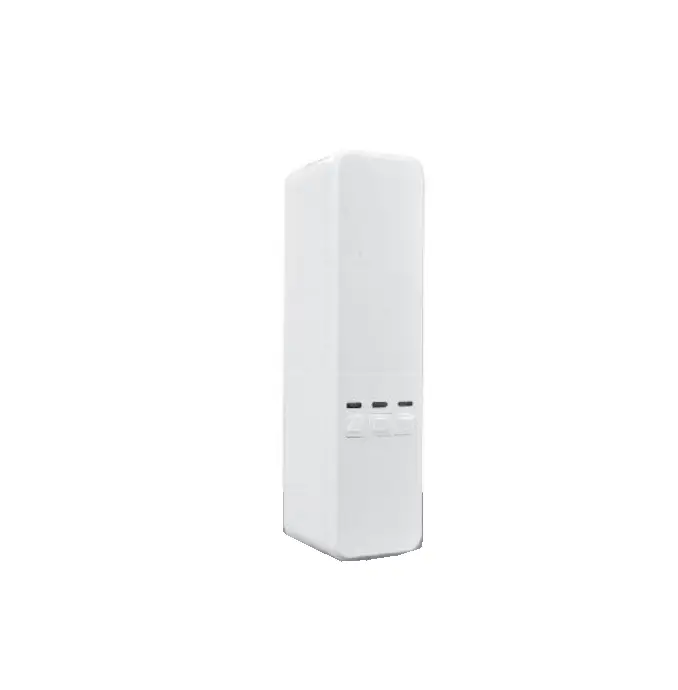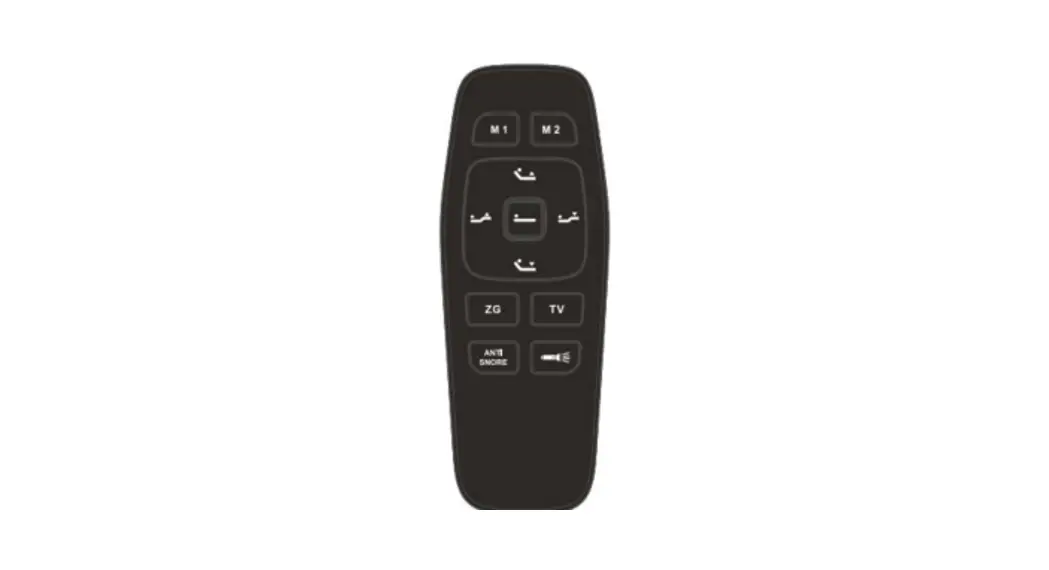
PIXIE DD1149H No Bull Blinds Wireless
Emitter Instructions
Product Features
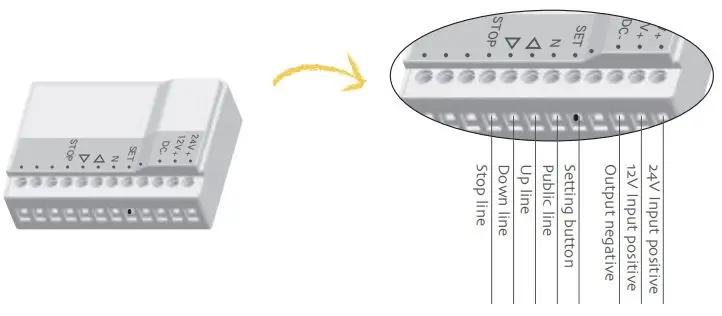
Technical specification

Warning
- Emitter couldn’t expose to moisture or be stroked heavily, or else the emitter life will be affected;
- Under uni-directional mode, if you press any button more than 20S, while under bi-directional mode, you press any button 5S, the emitter will stop sending radio signals.
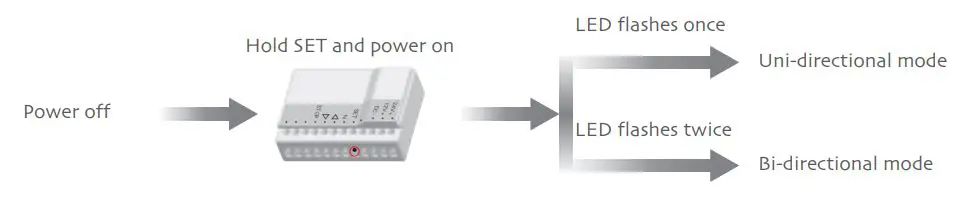
Uni-directional / Bi-directional Mode Switch
Note: The factory default mode is Bi-directional mode, repeat the same operation to switch the mode circular.
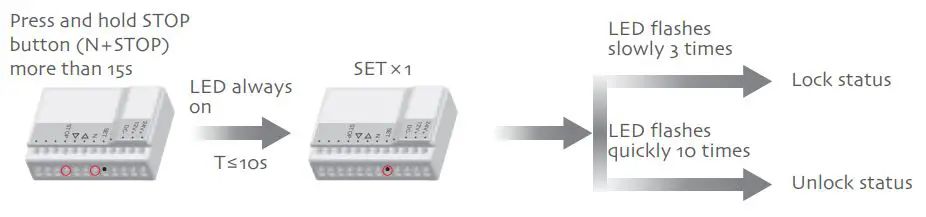
Note: 1,The factory default is unlock status, repeat same operation to switch status circularly. 2,When the combination buttons are locked, if you press the combination buttons, the emitter won’t send any signal and LED won’t flash. 3,Only the transmitting code will be affected if the combination buttons are locked.
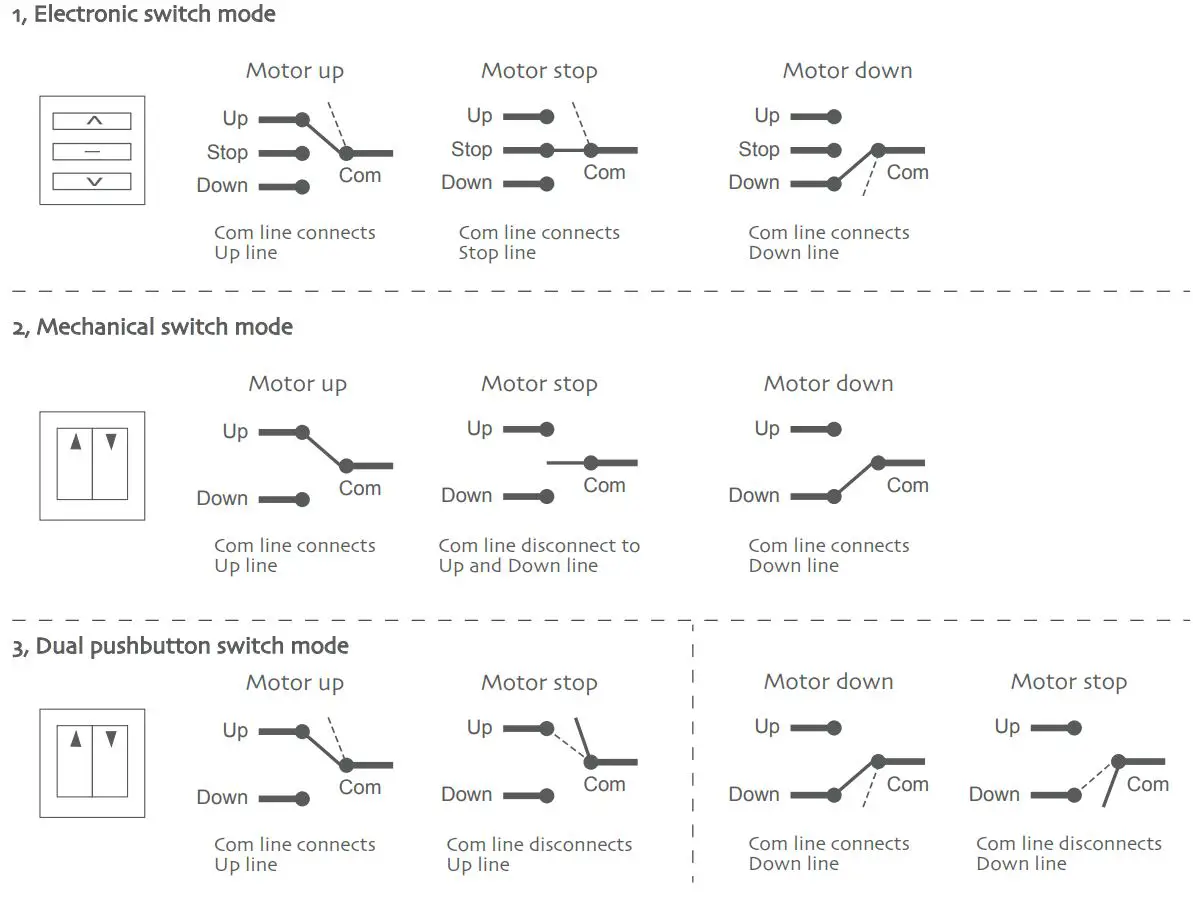
External Switch Mode
Note: The operation can be under any mode. If under rocker switch mode or dual pushbutton switch mode, only pairing emitter works. 1, Electronic switch mode
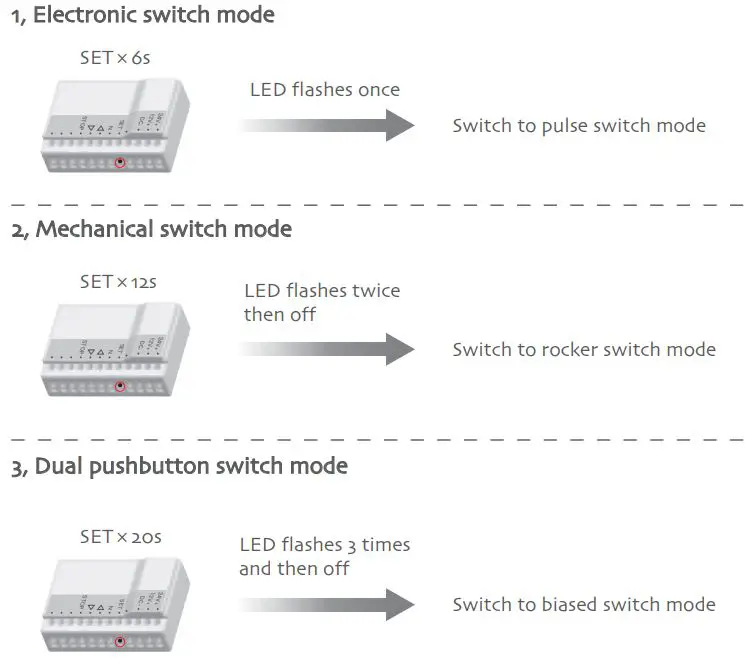
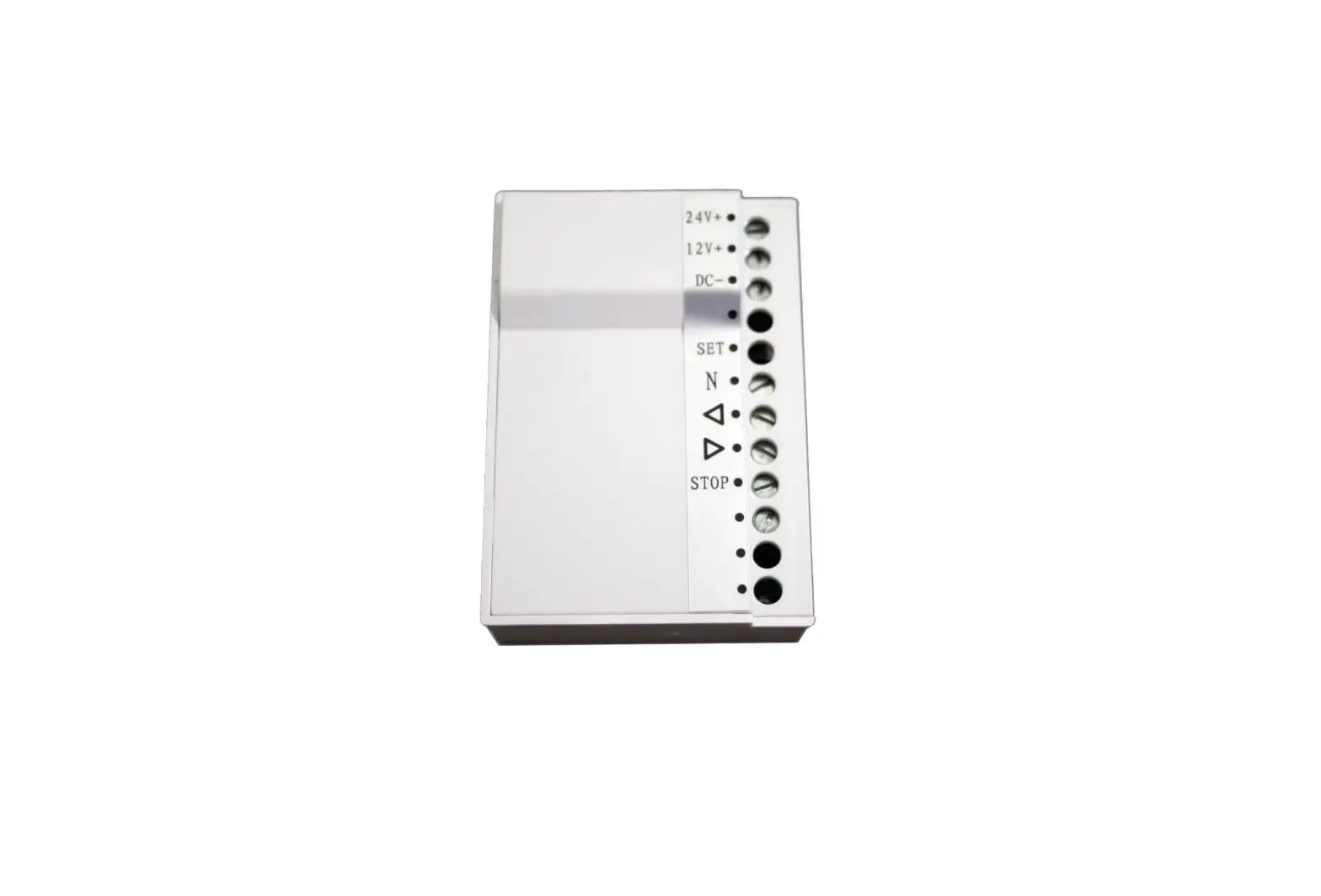
External Switch Schematic Program