ANKER B08595KXQS PowerConf Conference Bundle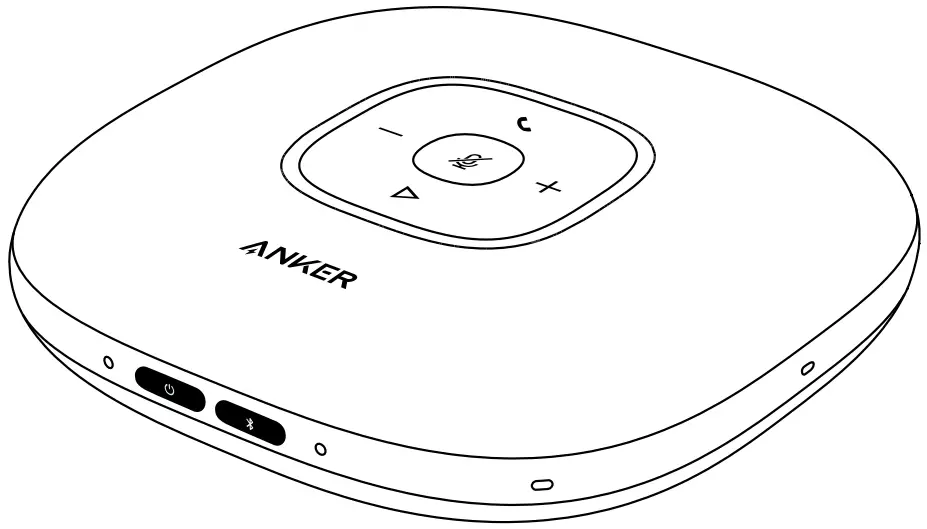
At a Glance
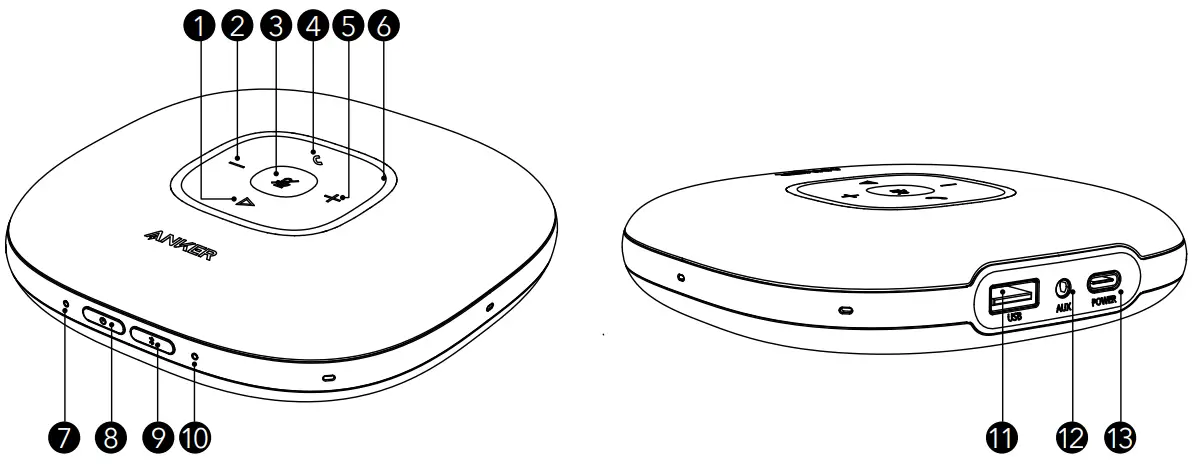
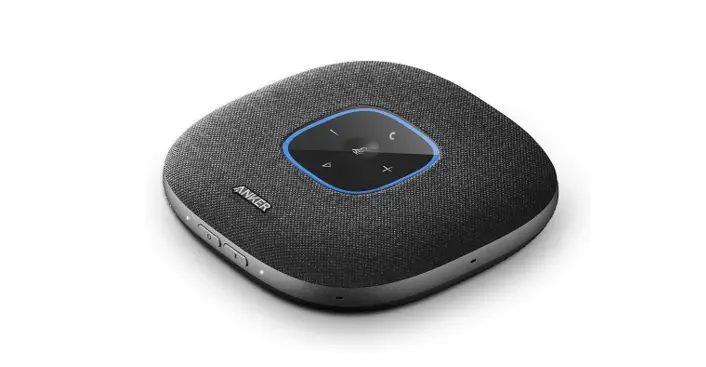
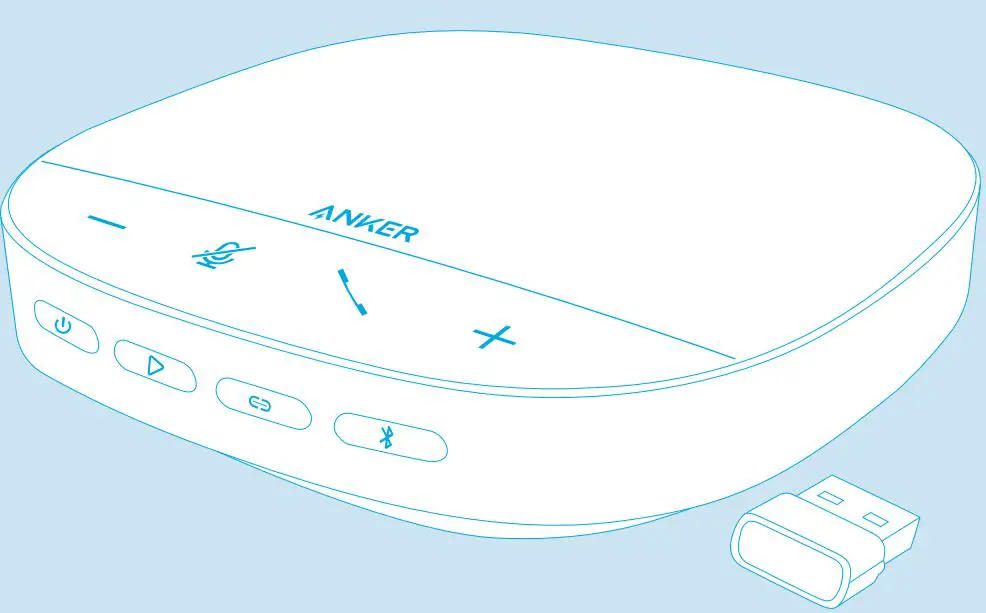
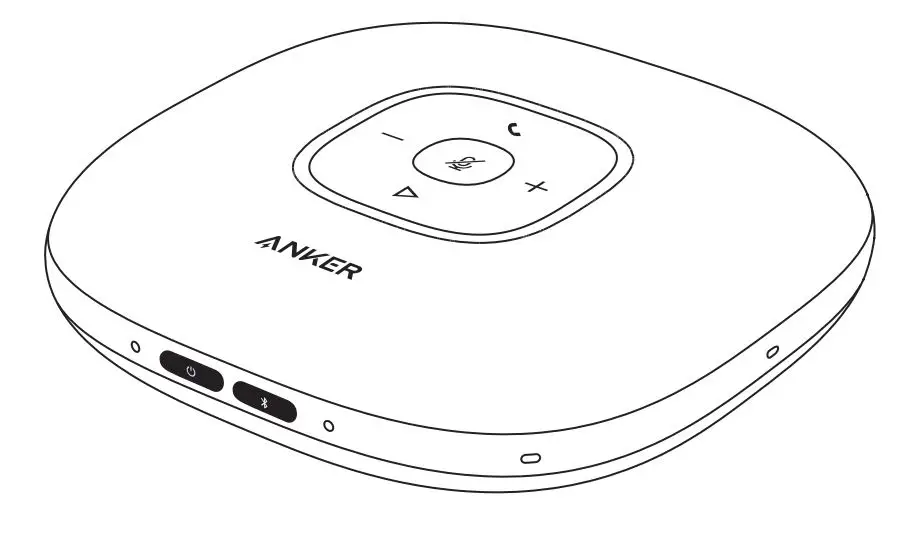
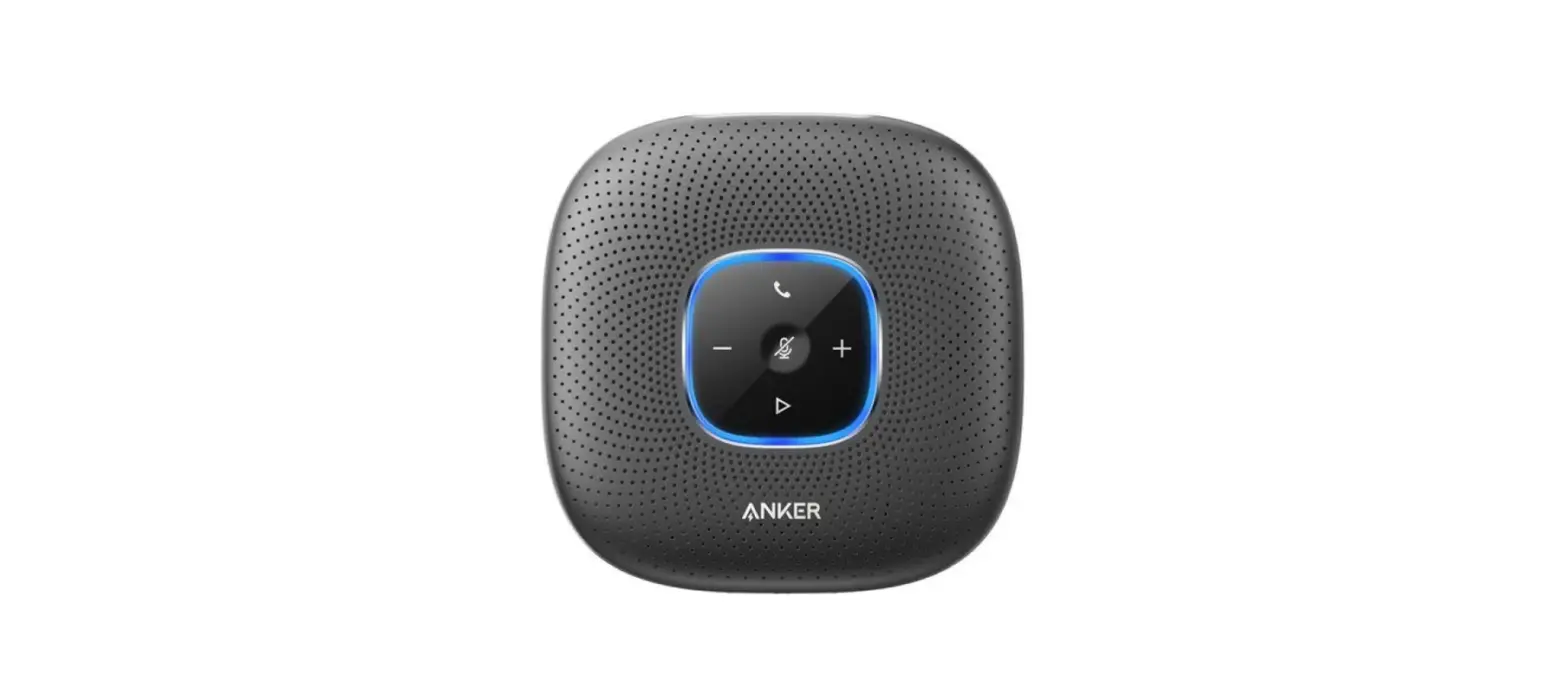
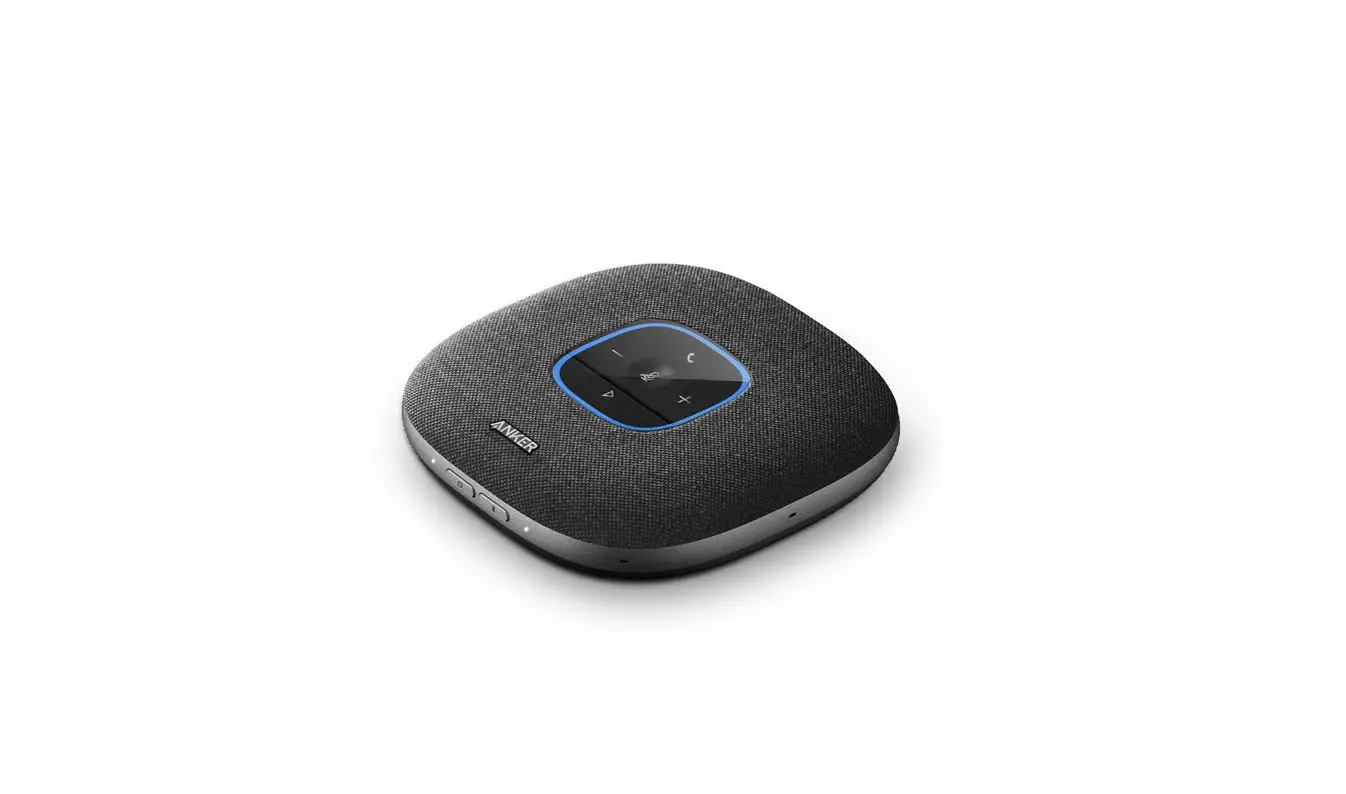
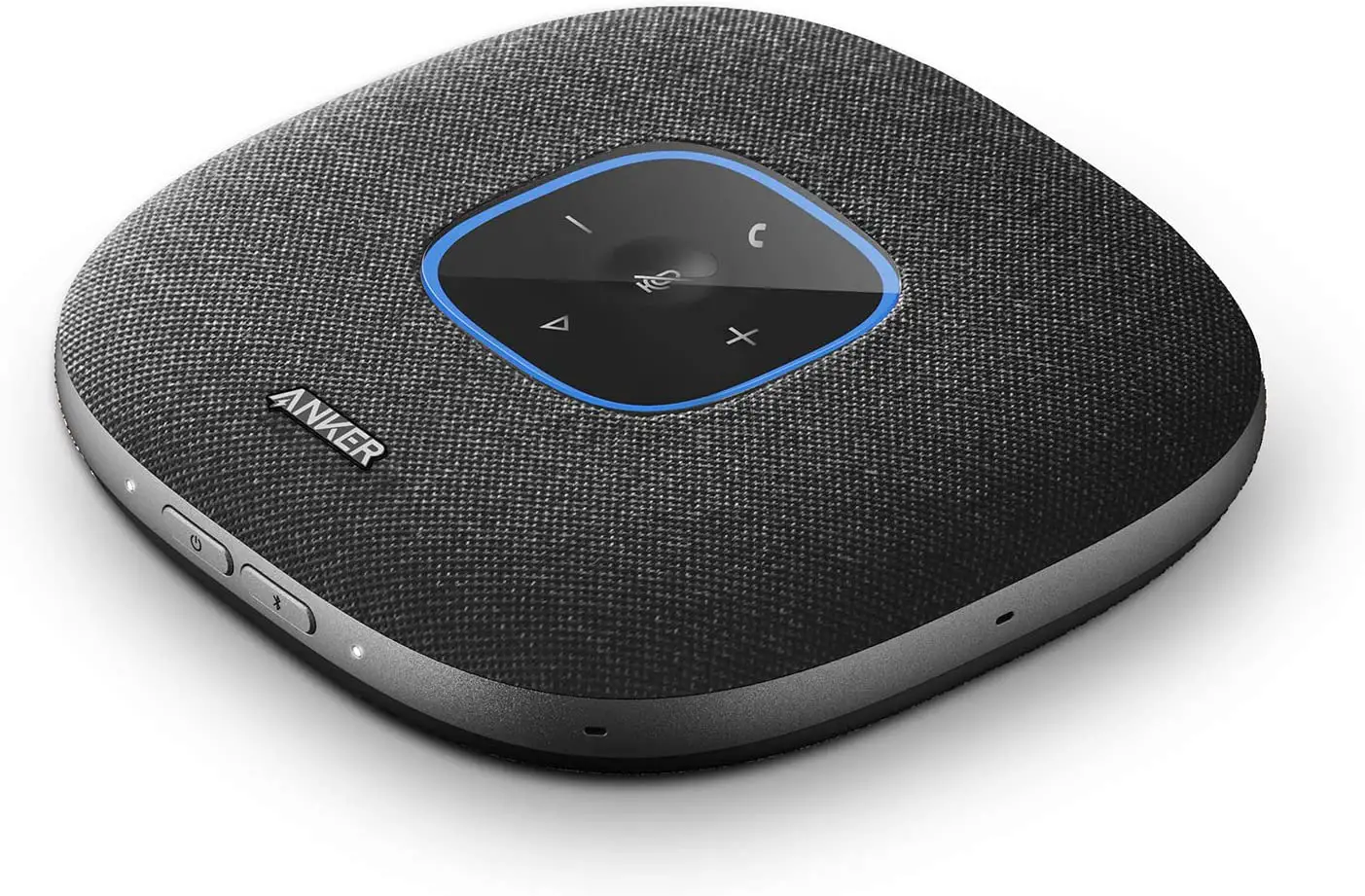
❶ Multi-function button
❷ Volume down button
❸ Mute button
❹ Phone call button
❺ Volume up button
❻ Status LED
❼ Power LED
❽ Power button
❾ Bluetooth button
❿ Bluetooth LED
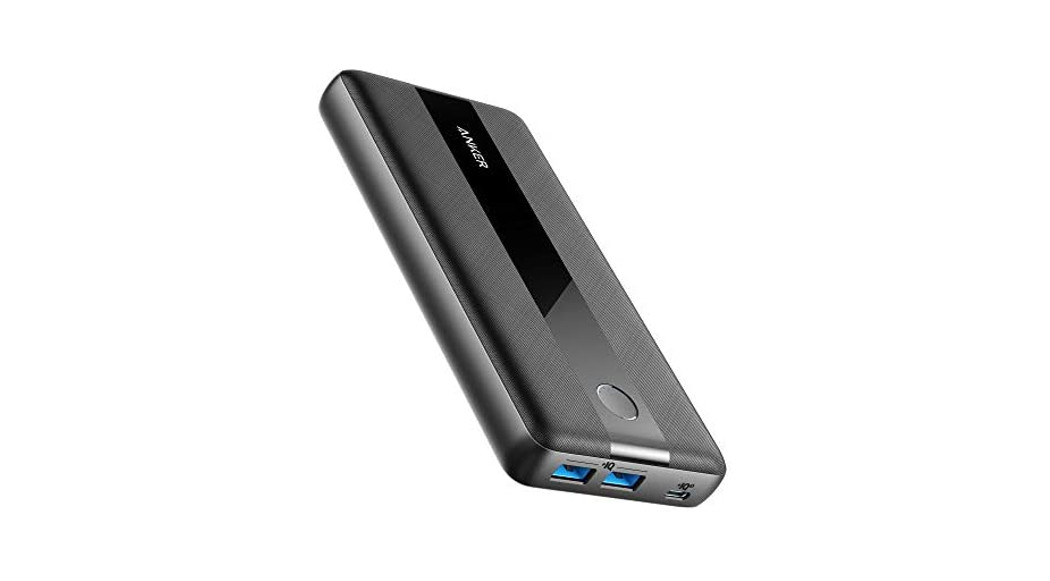
⓫ USB-A port for charge-out
⓬ Audio output port
⓭ USB-C port for charge-in
Connecting
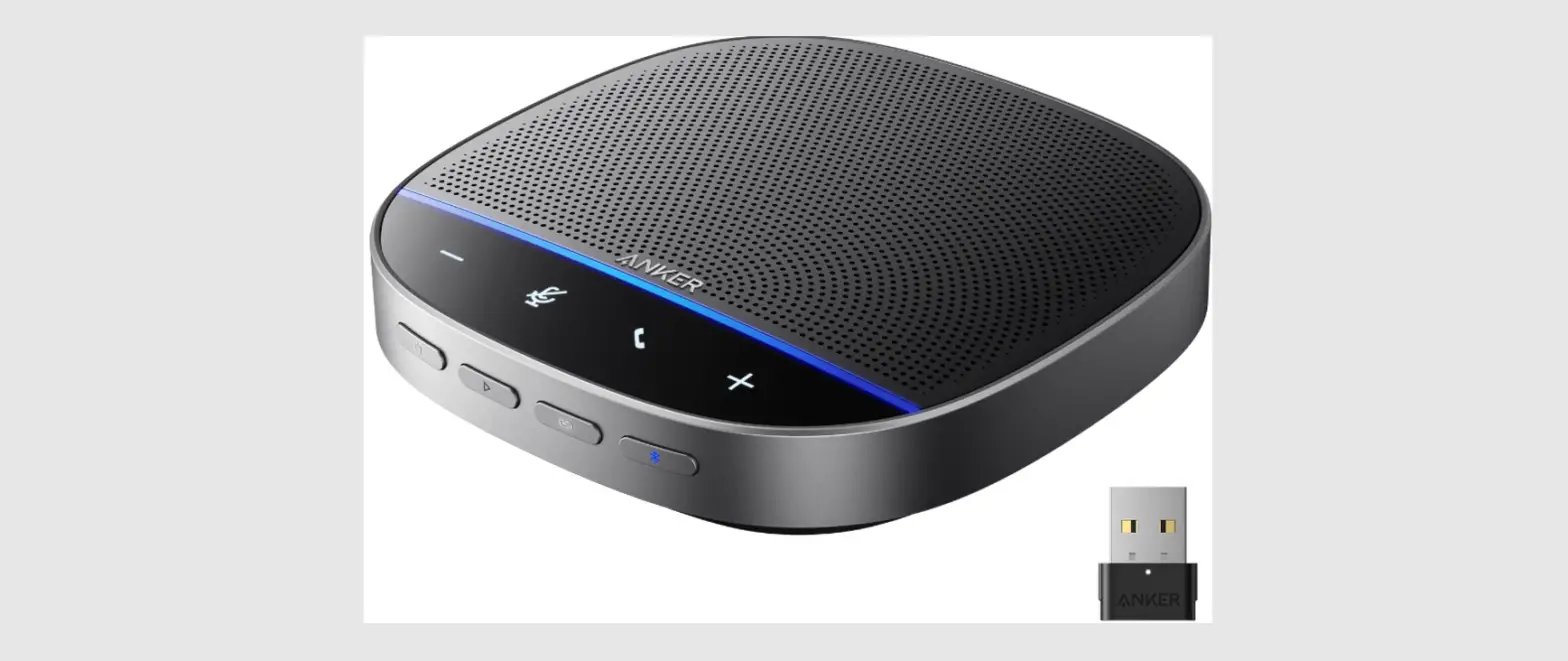
a) Connect to your computer by using a USB cable.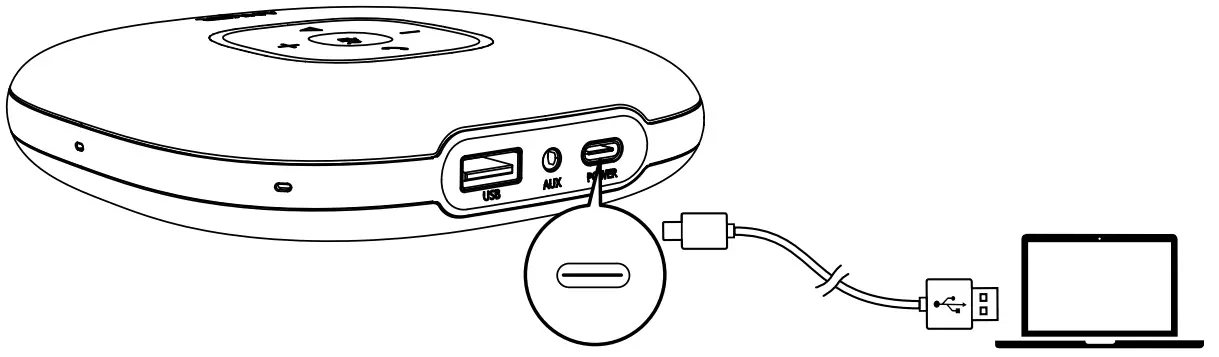
b) Connect to your computer or mobile device via Bluetooth pairing.
Power on the product for the first time. It will automatically enter Bluetooth pairing mode.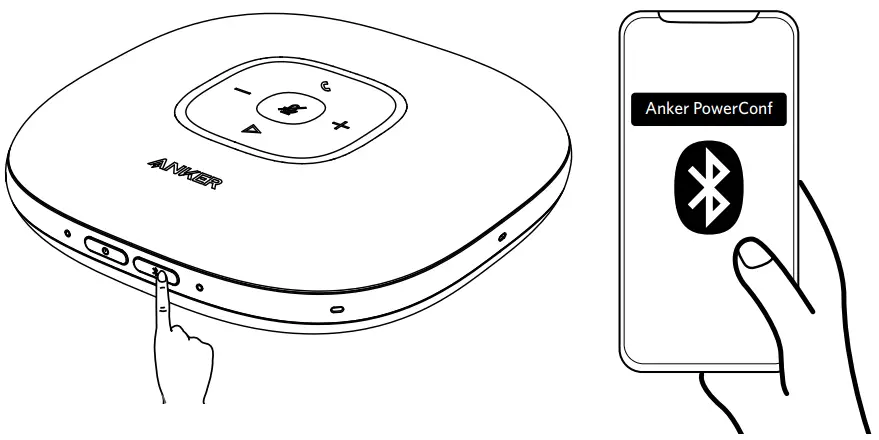
 | Press | Enter Bluetooth pairing mode |
 | Flashes blue | Bluetooth pairing |
 | Steady blue | Bluetooth connected |

- Each time you power on the product, it will automatically connect with the last successfully connected device if available.
- When the speakerphone is connected to two devices via USB and Bluetooth at the same time, press and hold the multi-function button for two seconds to switch between Bluetooth and USB modes.
- To disconnect Bluetooth, press the Bluetooth button again.
Powering On / Off
Press and hold the power button for two seconds to power on. The LED light will turn on, run clockwise, and then fade out. To power off, press and hold the power button for two seconds.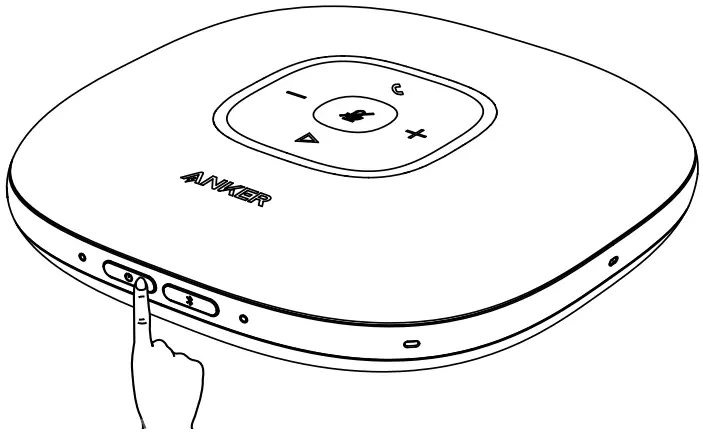
Power LED
 | Steady white | Power on |
 | Light off | Power off |
- Once connected to your computer, the product will automatically power on.
- The product will automatically power off after 30 minutes of inactivity or if it’s not connected to a source.
 | Press or press and hold | Volume up / down |
 | Press | Answer / End a call |
| Press and hold for 2 seconds | Reject a call | |
 | Press | Mute or restore the microphone |
 | Press | Play / Pause music |
Status LED
| Lights up white for 2 seconds | USB connected to computer |
| Breathes green | Incoming call |
| Lights up blue partially | Sound direction detected |
| Lights up blue clockwise or counterclockwise | Increase or decrease volume |
| Turns red | Muted |
| Lights up green | Press Power button to check the battery level |
Charging
a) Charging this product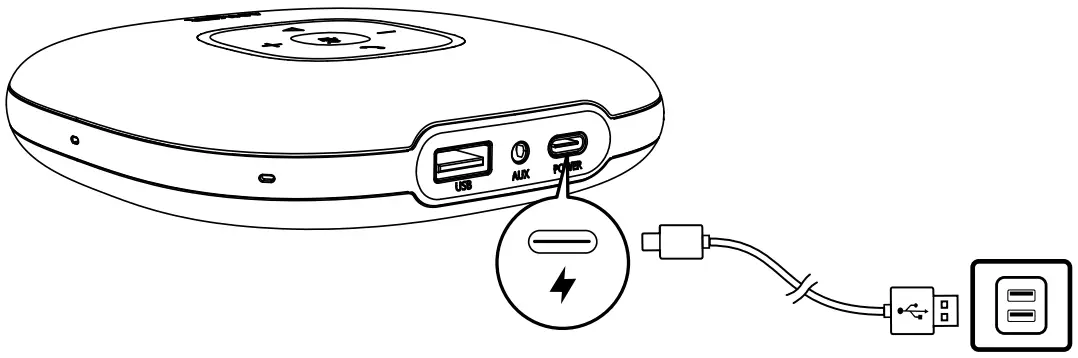
Power LED
| Steady red | Being charged |
| Light off | Fully charged |
| Flashes red | Low battery |
b) Charging an external device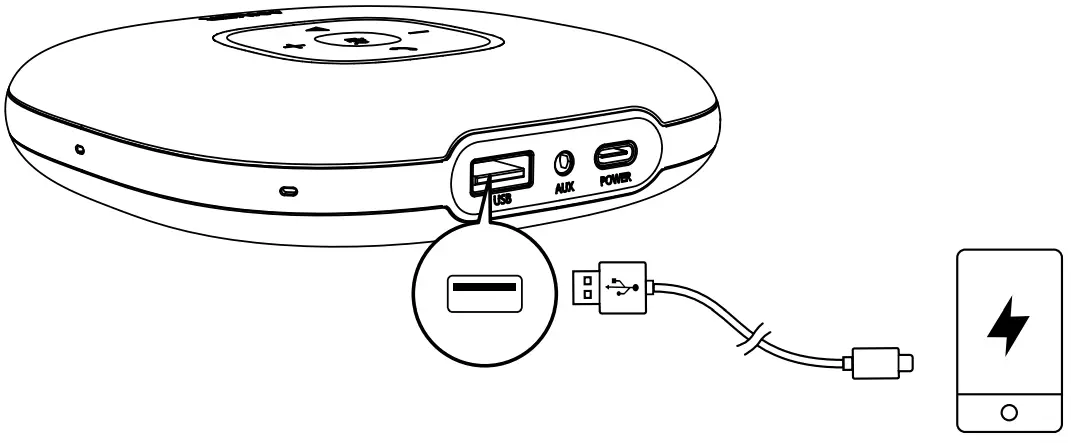
- When powered off or being charged, PowerConf won’t have an output charge.
- When the remaining battery is less than 30%, the charge out current will be 5V
 1A; if less than 10%, it won’t have an output charge.
Audio Output
Connect an external speaker to the AUX jack of this product by using an AUX cable (not provided). The audio will be played through the speaker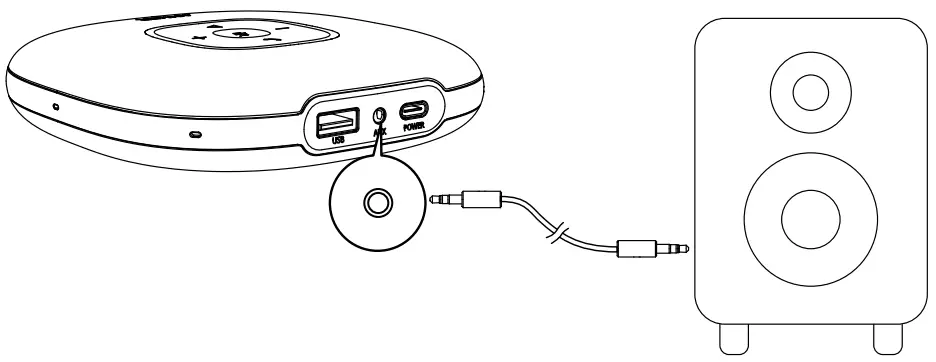
AnkerWork App
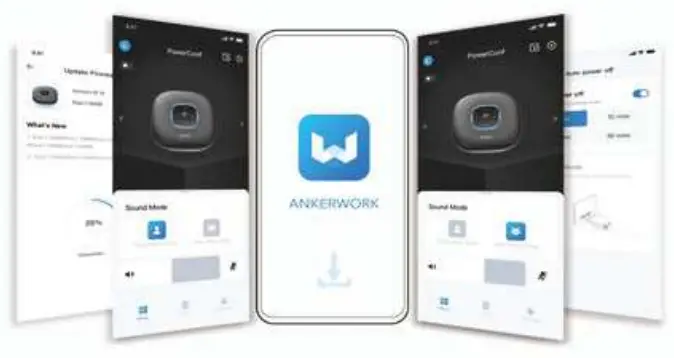
Download the AnkerWork app to enhance your experience.
 | |
 Google Piay and the Google Play logo are trademarks of Google Inc |  Apple and the Apple logo are trademarks of Apple Inc. |
Specifications
Specifications are subject to change without notice.
| Charge input | 5V 2A |
| Charge out | 5V 2.1A |
| Rated output power | 3W RMS |
| Battery capacity | 6700 mAh |
| Charging time | 4 hours |
| Talktime | 24 hours |
| Driver size | 1 x 1.75” (full range) |
| Frequency response | 20 Hz – 20 kHz |
| Bluetooth version | V 5.0 |
| Bluetooth range | 10 m / 33 ft |