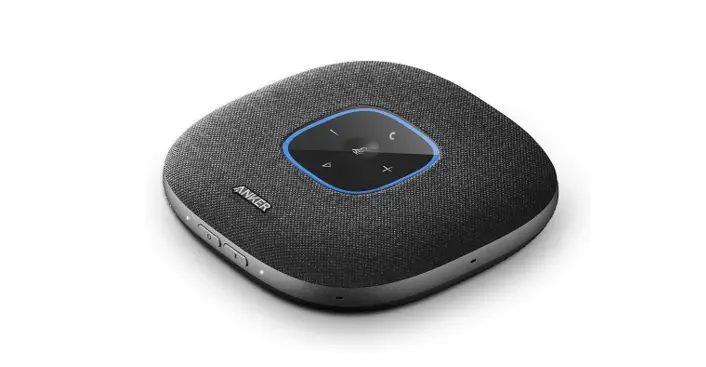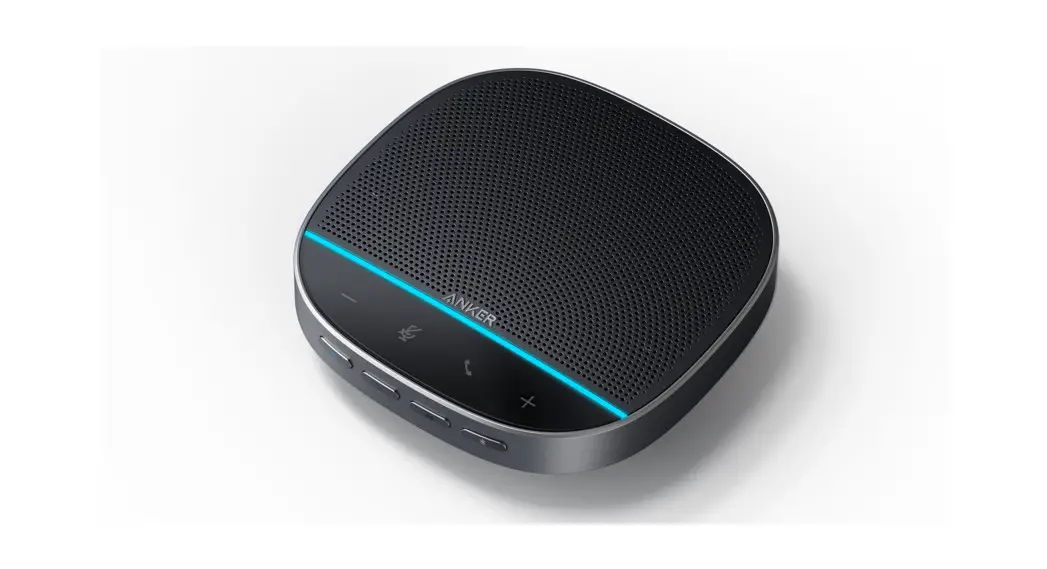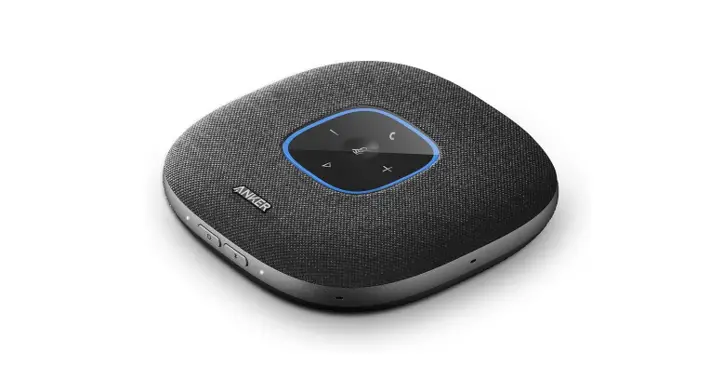

ANKER Power Conf S3 User Manual
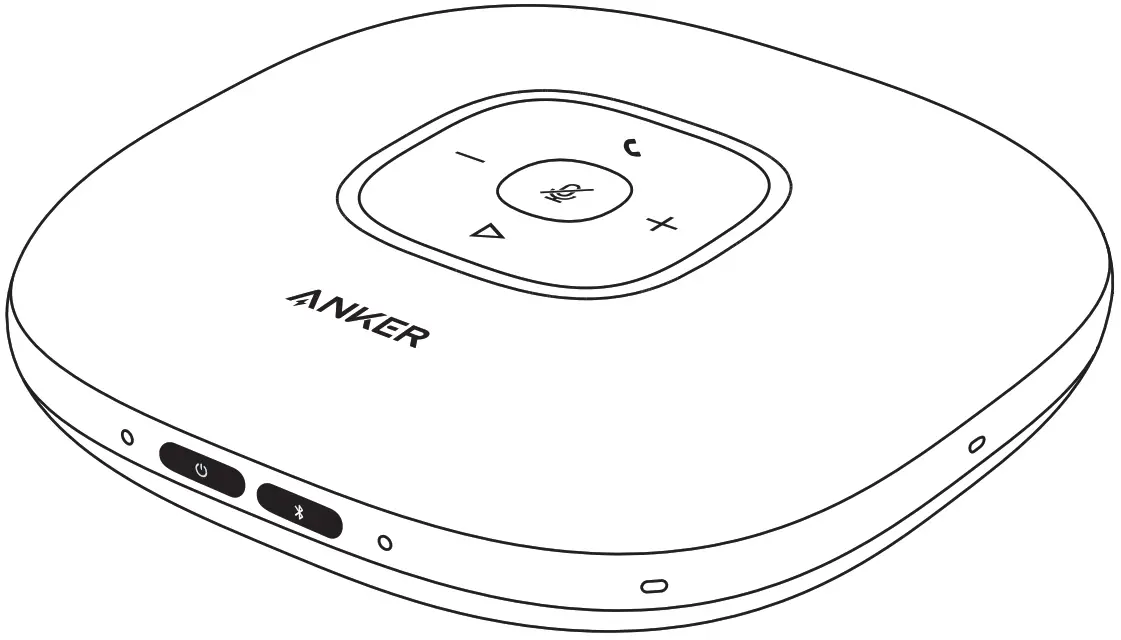
Anker Power Conf S3 User Manual
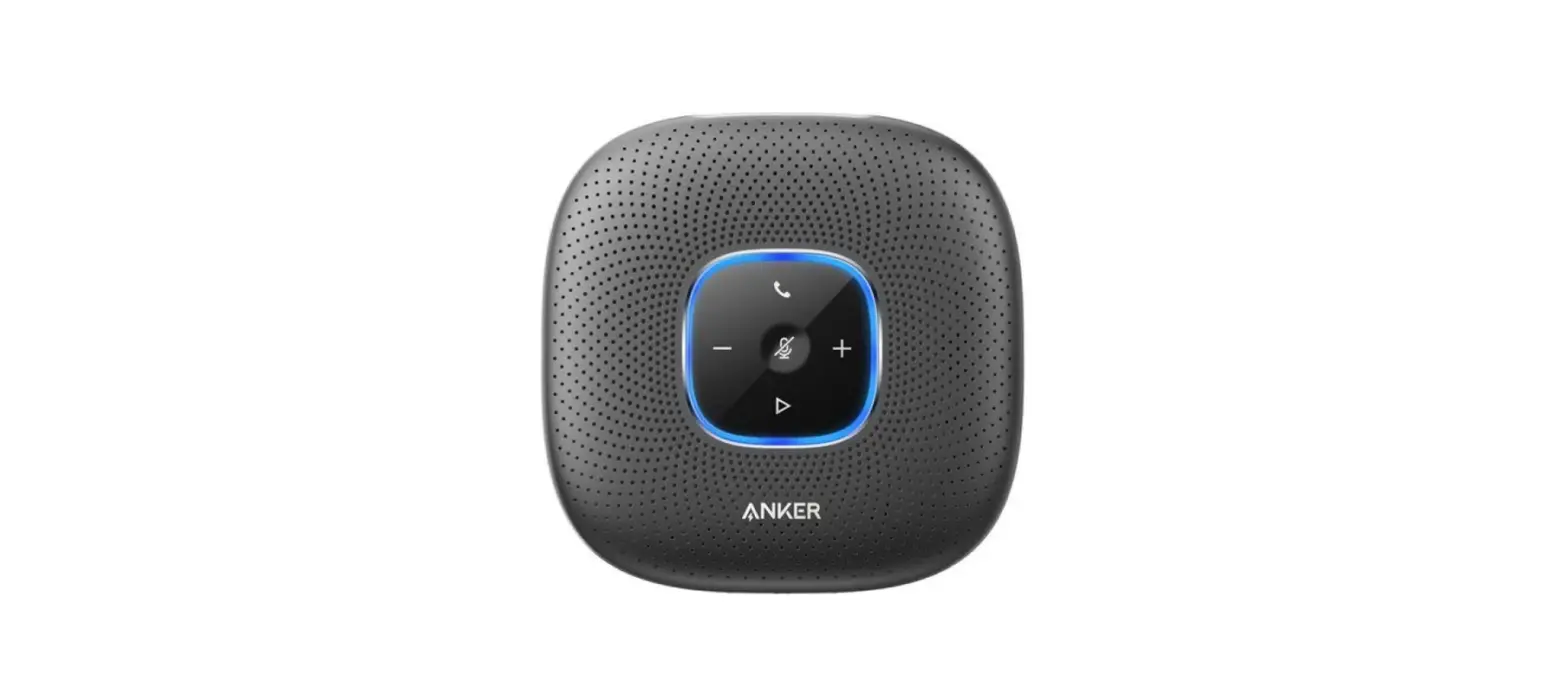
At a Glance
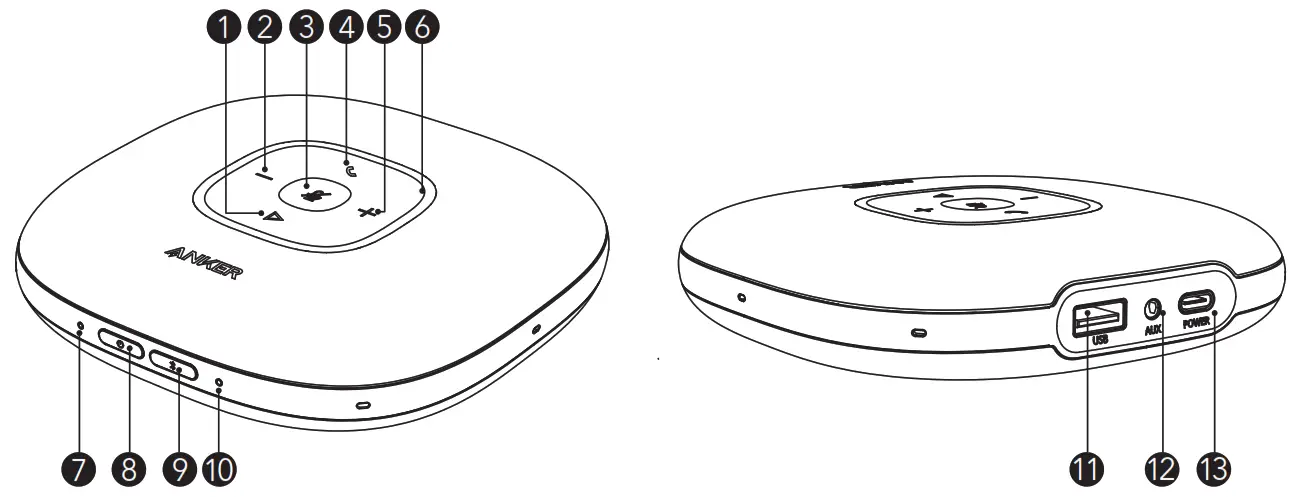
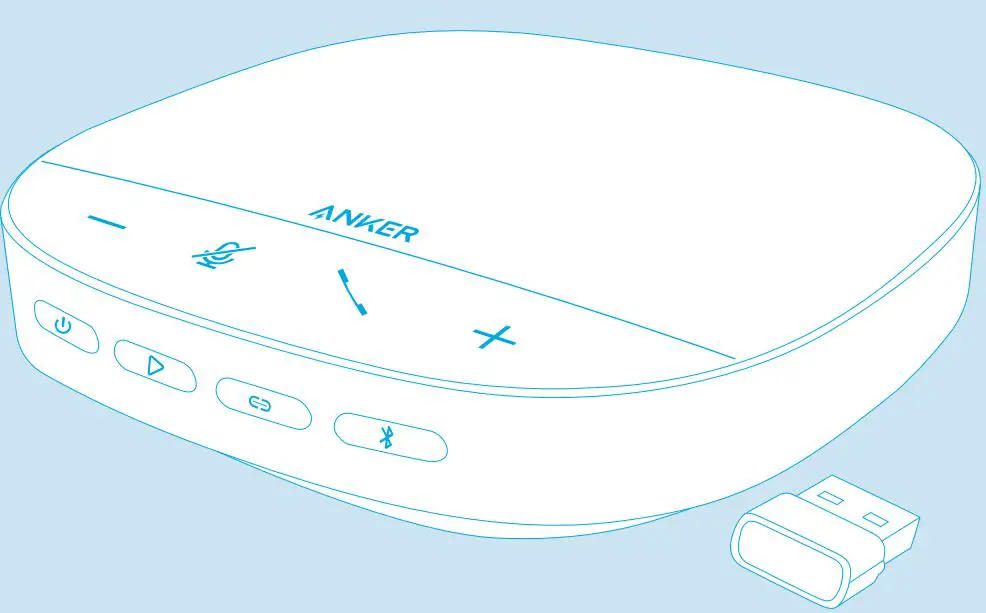
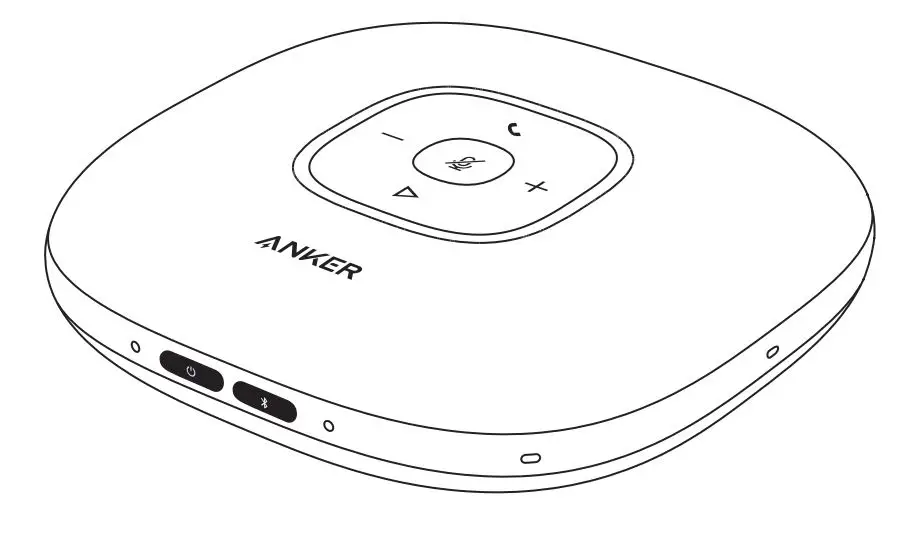
| 1 | Multi-function button | 8 | Power button |
| 2 | Volume down button | 9 | Bluetooth button |
| 3 | Mute button | 10 | Bluetooth LED |
| 4 | Phone call button | 11 | USB port (Type-A) for charge-out |
| 5 | Volume up button | 12 | Audio output port |
| 6 | Status LED | 13 | USB port (Type-C) for charge-in |
| 7 | Power LED |
Connecting
a) Connect to your PC by using a USB-C cable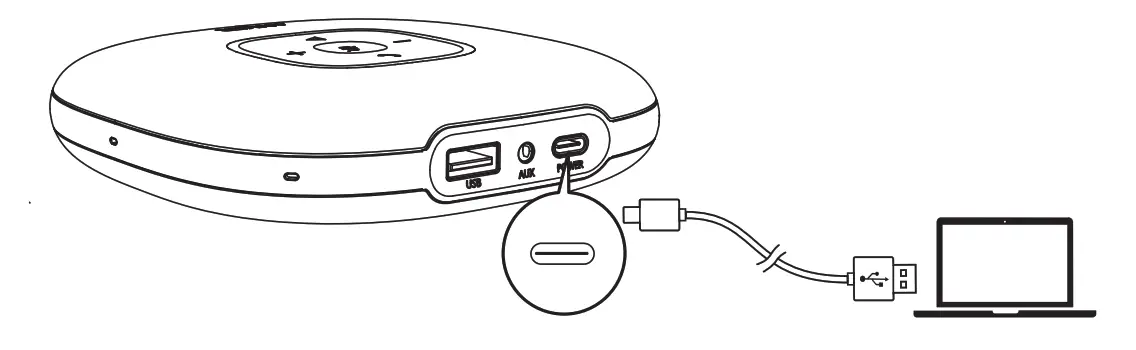
b) Connect to your PC or mobile device via Bluetooth pairing
When powered on for the first time, PowerConf S3 will automatically enter the Bluetooth pairing mode.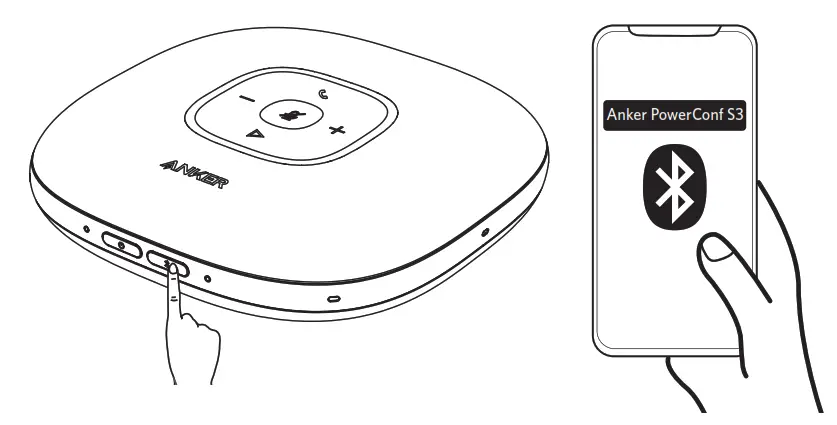
 | Press | Enter pairing mode |
 | Flashes blue | Bluetooth pairing |
 | Steady blue | Bluetooth connected |
- Each time you power on PowerConf S3, it will automatically connect with the last successfully connected device if available.
- To disconnect Bluetooth, press the Bluetooth button again.
Powering On/Off
Press and hold the power button for 2 seconds to power on. The status LED will light on clockwise and then fade out.
To power off, press and hold the power button for 2 seconds.
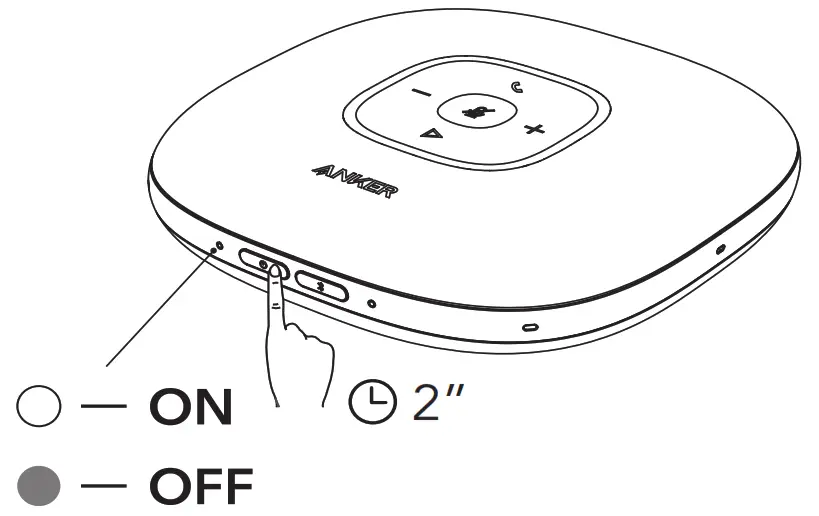
- PowerConf S3 will automatically power on once connected to your PC.
- PowerConf S3 will automatically power off after 30 minutes of inactivity or no source.
 | Press or press and hold | Volume up/down |
 | Press | Answer/End a call |
| Press and hold for 2 seconds | Reject a call | |
 | Press | Mute or restore the microphone |
 | Press | Play/Pause music |
Status LED
| Lights up white for 2 seconds | Connected to power or PC |
| Breathes green | Coming call |
| Partially lights up blue | Sound direction detected |
| Lights up blue clockwise or counterclockwise | Increase/Decrease volume |
| Turns red | Muted |
| Lights up green | Press Power button to check the battery level |
- Charging
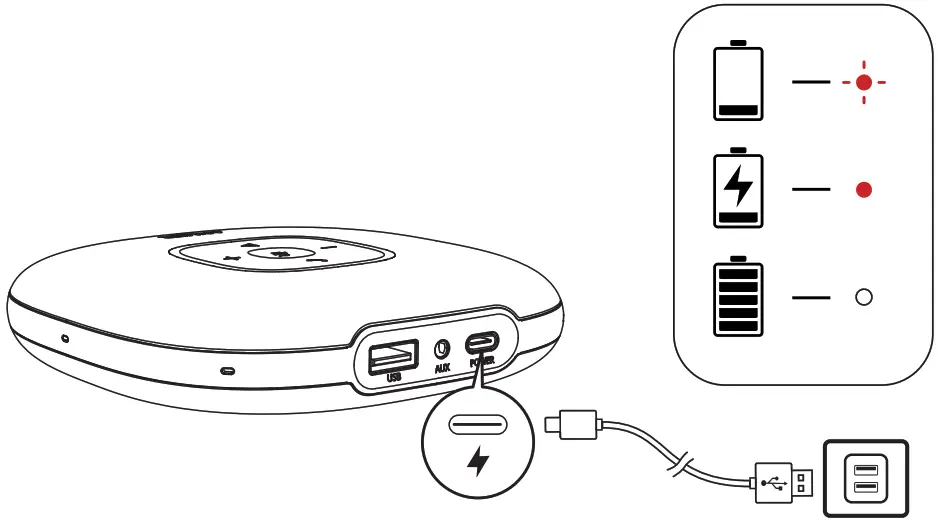
a) Charging PowerConf S3
b) Charging an external device • When powered off or being charged, PowerConf S3 won’t charge out.
• When the remaining battery is less than 30%, the charge out current will be 5V 1A; if less than 10%, PowerConf S3 won’t charge out.
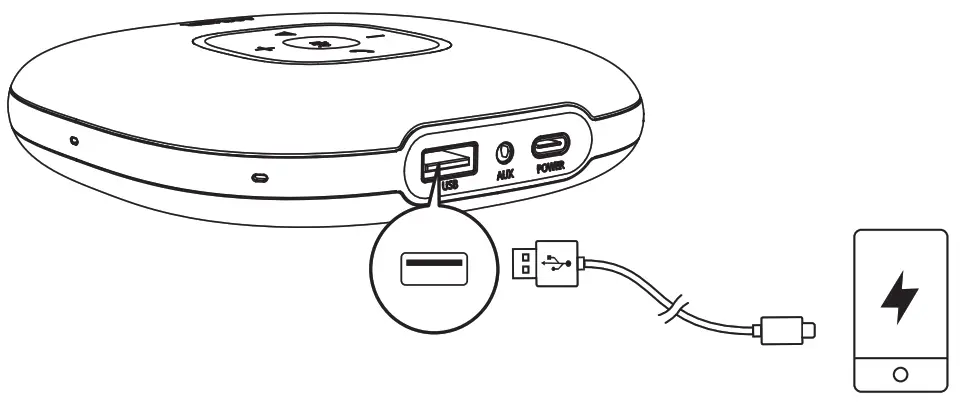 • When powered off or being charged, PowerConf S3 won’t charge out.
Audio Output
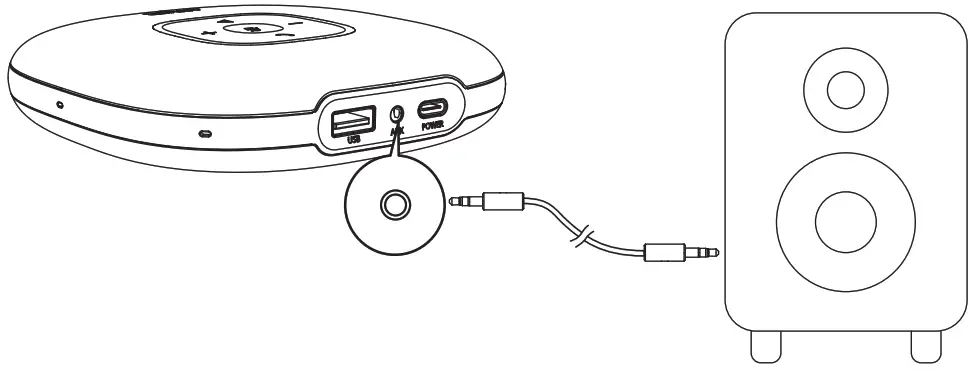
Connect an external speaker to the AUX OUT port of PowerConf S3 by using an AUX cable (not provided). The audio will be played through the speaker.
Soundcore App
Download the Soundcore App for software updates.
Specifications
Specifications are subject to change without notice.
| Charge input | 5V  2A 2A |
| Charge out | 5V 2.1A |
| Rated output power | 3W RMS |
| Battery capacity | 6700 mAh |
| Charging time | 4 hours |
| Talktime | 24 hours |
| Driver size | 1 x 1.75” (full range) |
| Frequency response | 20 Hz – 20 kHz |
| Bluetooth version | V 5.0 |
| Bluetooth range | 10 m / 33 ft |
[email protected]
[email protected] (For Middle East and Africa Only) +1 (800) 988 7973 (US) Mon-Fri 9:00 – 17:00 (PT)
FAQS
Is this a stereo speaker to also play music?
You can play music through it but it’s really geared more toward voice and vocal range so doesn’t have the bass of speakers designed for music.
If this is connected to an iPhone will an incoming call ring on the speaker or the phone itself?
It rings on both and if you pick up on the phone the speaker doesn’t activate.
What’s the difference between this (powerconf) and the anker powerconf+ (model a3306011)? is it just the bluetooth dongle that comes with the +?
Yes
Can you connect multiple devices to each other to expand microphone coverage for larger conference room?
No, Bluetooth is only capable of a single connection. However, the microphone capabilities of this device should be sufficient for a large conference room. But, it has limits, just like any other device. If you have a very large conference room, then you should get a device that is capable of adding multiple microphone inputs. You will not find those at cheap prices though.
What is the difference between anker powerconf s3 and anker powerconf? is anker powerconf s3 an upgraded version?
The PowerConf S3 is not an upgraded version. The functionalities of these two models are the same.
Does the mute button sync with mute switch on MS Teams calls?
No, it’s a local mute
Does this come with a clip to mount it on the visor of the car?
It does not come with a clip.
Does it have a travel case?
yes
What’s in the box?
The PowerConf S3 will come with a speakerphone, a USB A to USB C cable, a travel case, and a manual.
My PC does not have a free usb-c port. Will this device work with a usb-a to usb-c cable?
The usb-C is on the device itself. The other end plugs into a regular USB port and it is also Bluetooth
Will this connect and work via bluetooth with an avaya 9641gs desk phone?
Not sure, but it easily connects via Bluetooth to iPhones, Android phones and laptops
If the light by the power button is red, does that mean it’s still charging/not fully charged?
If the light by the power button is red then the battery is charging. If it’s white then it’s charged and the power is on.
Is it compatible with zoom?
Yes, it is compatible with Zoom.
Does PowerConf S3 support voice dialing?
Yes, you can use voice dialing through the Bluetooth connection.
Does PowerConf S3 support hands-free calling?
Yes, you can use hands-free calling through the Bluetooth connection.
This device has a 3.5mm aux jack on it. Does this feed the audio out of the unit so that I can record it?
It is aux out so you should be able to feed to a recorder
Where is it made?
The back of the Anker Power Conf S3 states it was made in China.
VIDEO